How we make this list: we compare pricing pages, product documentation and public user reviews. Rankite is independent; if a vendor ever pays for a featured spot, that listing is clearly labeled Partner.
Key takeaways
- Homebase is the best free starting point: scheduling and time tracking free for one location with up to 10 employees, payroll as a $49 plus $6 add-on.
- When I Work at $2.50 per user per month is the cheapest scheduling-first option for shift-heavy teams.
- Buddy Punch at $19 plus $4.99 per user per month leads on anti-time-theft features like facial recognition and geofencing.
- QuickBooks Time at $20 plus $10 per user per month is the natural pick for businesses already running QuickBooks payroll.
- Gusto and Rippling put time tracking and payroll in one system, which removes the export step entirely for small teams.
Quick comparison
| Tool | Best for | Starting price | Free plan |
|---|
 Homebase Homebase | Free scheduling plus time clock | Free; paid from $24/location/month | Yes |
 Connecteam Connecteam | Mobile-first crew app | Free; paid from $29/month | Yes |
 Jibble Jibble | Free verified clock-ins at any size | Free; paid from $4.99/user/month | Yes |
 When I Work When I Work | Shift scheduling on a budget | $2.50/user/month | Free trial (14 days) |
 Deputy Deputy | Compliance-heavy shift operations | $5/user/month | Free trial (31 days) |
 Buddy Punch Buddy Punch | Stopping buddy punching | $19 + $4.99/user/month | Free trial (14 days) |
 OnTheClock OnTheClock | GPS-verified punches, simple pricing | $5 + $4/employee/month | Free trial (30 days) |
 QuickBooks Time QuickBooks Time | QuickBooks payroll users | $20 + $10/user/month | Free trial (30 days) |
 Gusto Gusto | Time tracking inside payroll | $49 + $6/person/month | No |
 Rippling Rippling | Consolidating HR, time and payroll | From $8/user/month | No |
Is your product missing or out of date?
We review this list regularly. Vendors can request a listing, send updated pricing or ask about featured placement.
The best payroll time clock software
The myth in this category is that a time clock is just a digital punch card, so any app with a clock-in button will do. That misses where the actual work happens. The clock is the easy part. The expensive part is everything after the punch: turning raw timestamps into overtime calculations, break-rule compliance, approved timesheets and payroll-ready hours without someone retyping numbers into another system on Sunday night.
The correction is to shop for the payroll connection, not the clock. A beautiful time clock that exports a CSV you have to massage for two hours is worse than an average one that syncs hours straight into Gusto, QuickBooks or ADP. When vendors say "payroll integration," ask whether it is a native sync, a one-click export or a file you download and upload yourself. Those three are very different products wearing the same label.
The second myth is that free plans are free forever for real teams. They are not. Free tiers cap at around ten users and reserve GPS verification, geofencing and payroll sync for paid plans. That is fine for getting off paper. But budget the paid tier from the start, because the features that prevent time theft are the ones you actually need.
Starting priceFree; paid from $24/location/month
Free planYes
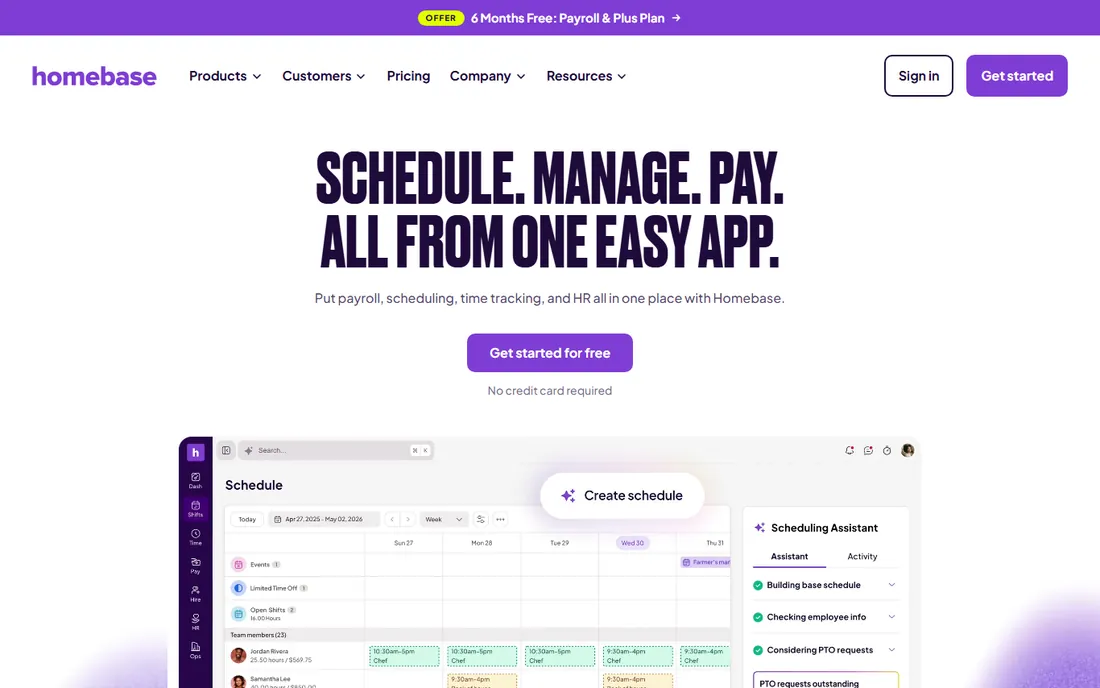
Homebase is the small business default for a reason. The free Basic plan handles scheduling, time clock, team messaging and hiring for one location with up to ten employees, which gets a restaurant or retail shop off paper at zero cost. Paid plans start at $24 per location per month on annual billing with unlimited employees, so adding staff never increases the software bill.
The payroll add-on at $49 a month plus $6 per person closes the loop: approved hours flow directly into paychecks without re-entry. The honest catch is the per-location model. Three locations triple the base cost, and the deeper verification features sit on higher tiers. For the single-location hourly team, though, the free-to-paid path here is the smoothest in the category.
What we like- Free plan covers scheduling and time tracking for one location up to 10 employees
- Per-location pricing means headcount growth does not raise the bill
- Payroll add-on flows hours straight to paychecks
Watch out for- GPS and geofencing availability depends on plan
- Payroll is a separate $49 plus $6 per person add-on
- Multi-location costs stack per site
Starting priceFree; paid from $29/month
Free planYes
Connecteam pitches itself as the operating system for deskless teams, and the time clock is one hub inside it. Crews get scheduling, GPS clock-in, task checklists and team chat in a single app, which means one login instead of four. The Small Business plan is genuinely free for up to ten users, making it a real way to digitize a small crew at no cost.
The limitations show up in the field. No offline mode means dead zones are a problem, and the advanced GPS and job-costing features that field teams eventually want sit on paid tiers. But for the small crew that needs scheduling, communication and time tracking in one free app, Connecteam is the most complete package at the price.
What we like- Free for up to 10 users with the time clock included
- All-in-one app with scheduling, chat and checklists
- Paid plans start at $29 a month for the first 30 users
Watch out for- No offline mode on the time clock
- Deeper GPS and job-costing features need higher tiers
- Per-hub pricing can stack for complex setups
Starting priceFree; paid from $4.99/user/month
Free planYes
Jibble breaks the free-tier rules of this category. Unlimited users free, with GPS, geofencing and facial recognition included, features competitors reserve for paid plans. Teams clock in from phones, computers or a shared kiosk, and timesheets build automatically with overtime calculations and break rules. For verification-heavy operations on a zero budget, nothing else comes close.
The tradeoff is the payroll handoff. Integrations with QuickBooks and Xero exist, but the ecosystem is narrower than Buddy Punch's or Homebase's, and the deeper reporting lives on paid tiers from $4.99 per user. Use Jibble when verified attendance is the priority and your payroll process can work from its exports. The free plan alone justifies the evaluation.
What we like- Free forever for unlimited users, no headcount cap
- Facial recognition, GPS and geofencing on the free plan
- Kiosk, mobile, web and desktop clock-in options
Watch out for- Payroll integrations are thinner than rivals
- Paid reporting and export tools sit behind the paywall
- Support depth trails the bigger vendors
Starting price$2.50/user/month
Free planFree trial (14 days)
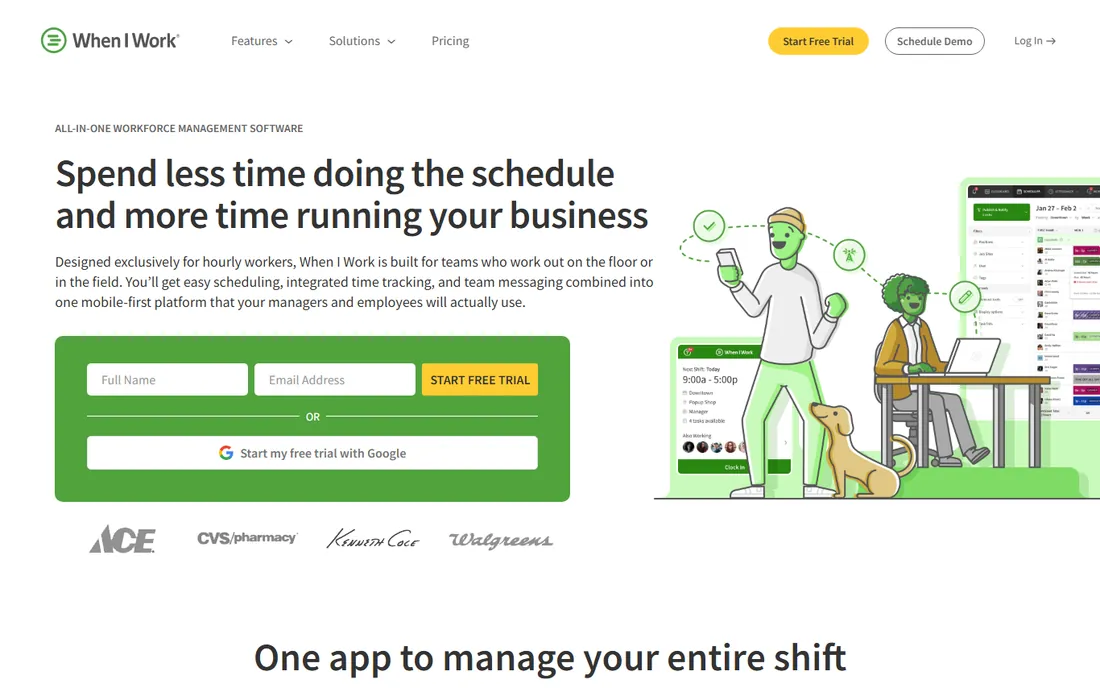
When I Work is a scheduling tool with a time clock attached, and that ordering matters. If your biggest pain is building the weekly schedule, handling shift swaps and communicating with hourly staff, it does that job better than anything near its price. The Essentials plan at $2.50 per user per month keeps costs trivial even at fifty employees.
Time tracking costs extra on top, and there is no payroll module at all, so the hours still have to travel to your payroll system through integrations with Gusto, ADP, QuickBooks or Square. For shift-heavy businesses where scheduling is the headache and payroll already works, When I Work is the budget answer. If you need the full clock-to-paycheck chain, look at Homebase or Gusto instead.
What we like- $2.50 per user per month is the lowest per-user price here
- Scheduling-first design with shift swaps and team chat
- Quick setup for hourly teams
Watch out for- Time tracking is an add-on, not included in the base
- No built-in payroll
- Compliance features are lighter than Deputy
Starting price$5/user/month
Free planFree trial (31 days)
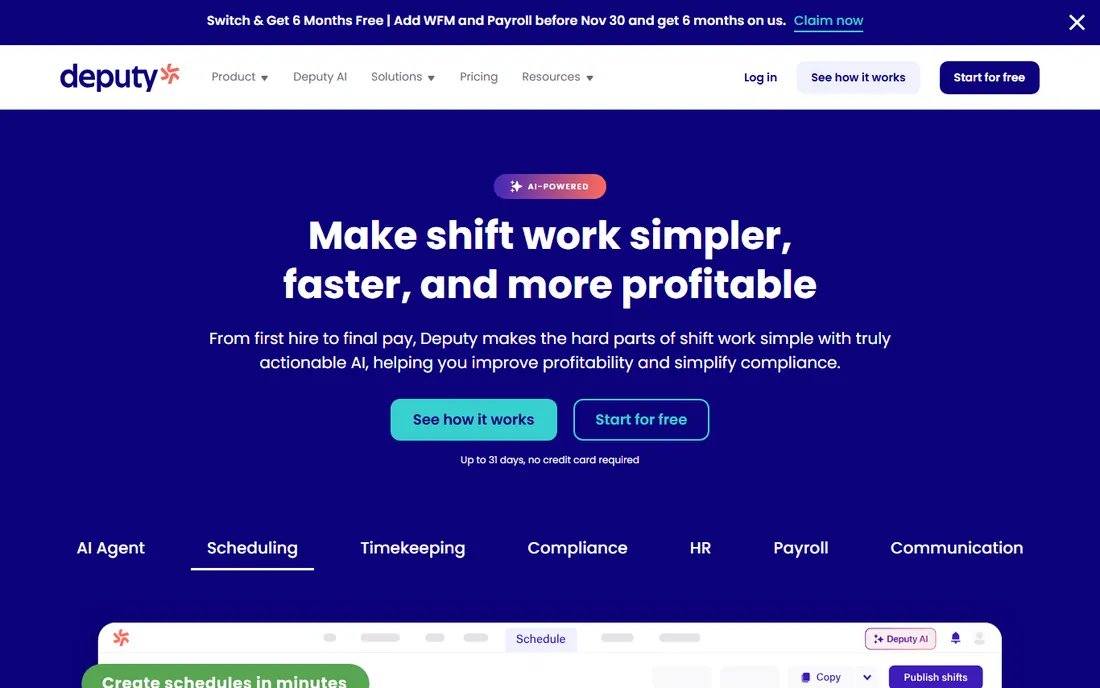
Deputy is the compliance-first choice for shift operations. Auto-scheduling respects labor laws, break rules and overtime thresholds, and the platform handles the multi-location complexity that hospitality and retail groups live with. Facial recognition kiosks and shift bidding round out a feature set aimed at operations where a scheduling mistake has legal consequences.
The per-user pricing is the honest catch. At $5 per user per month with volume, a hundred-person operation pays real money, and payroll arrives via add-on rather than natively. Deputy earns its price when compliance risk is the problem you are buying your way out of. For simpler scheduling needs, the cheaper options above do the job.
What we like- AI-assisted scheduling with labor law compliance built in
- Strong for multi-location hospitality and retail
- 31-day free trial is generous
Watch out for- $5 per user per month adds up fast at scale
- No offline mode in the main app
- Payroll is an add-on rather than native
Starting price$19 + $4.99/user/month
Free planFree trial (14 days)
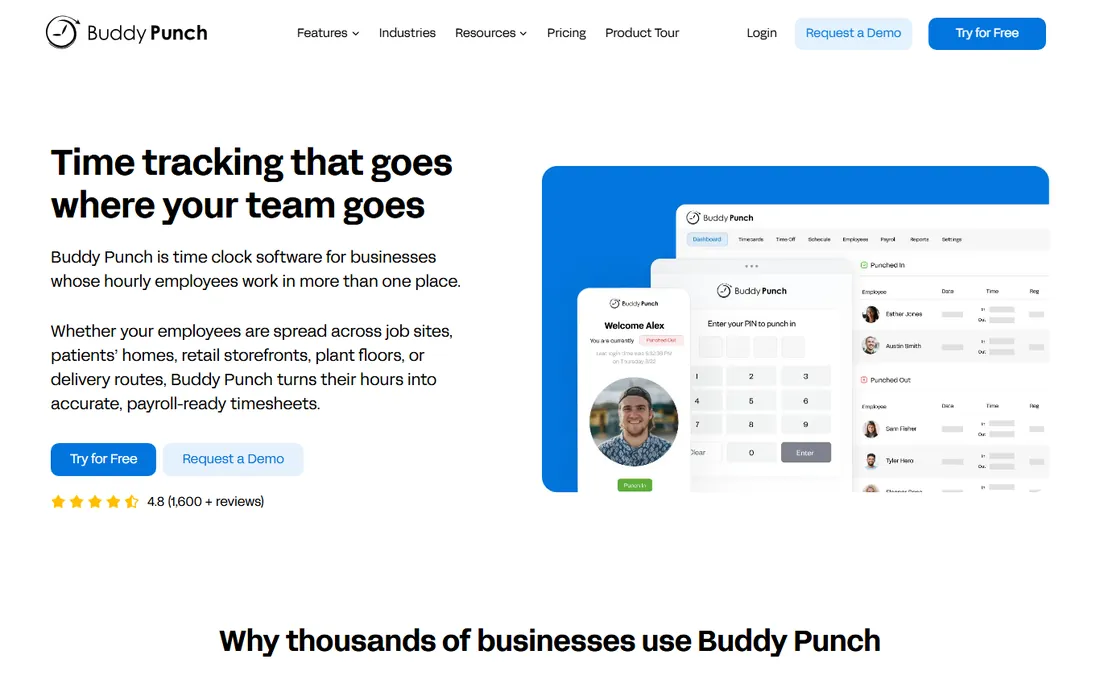
Buddy Punch is built around one problem: making sure the person clocking in is actually the employee, actually at work. Photo capture, facial recognition and GPS location attach to every punch, and geofencing blocks clock-ins from outside the job site. For businesses burned by time theft, this verification stack is the whole pitch, and it works.
The pricing structure favors teams over tiny crews. The $19 monthly base fee means a three-person team pays disproportionately, while a thirty-person team gets verification at a reasonable per-head cost. Payroll connects through broad integrations or Buddy Punch's own add-on. If buddy punching is costing you real money, this pays for itself. If it is not your problem, the cheaper clocks suffice.
What we like- Facial recognition, photo-on-punch and GPS geofencing verify every clock-in
- Broad payroll integrations plus an optional payroll add-on
- Overtime alerts catch problems early
Watch out for- $19 base fee plus per-user cost penalizes very small teams
- Geofencing sits on higher tiers
- Interface prioritizes function over beauty
Starting price$5 + $4/employee/month
Free planFree trial (30 days)
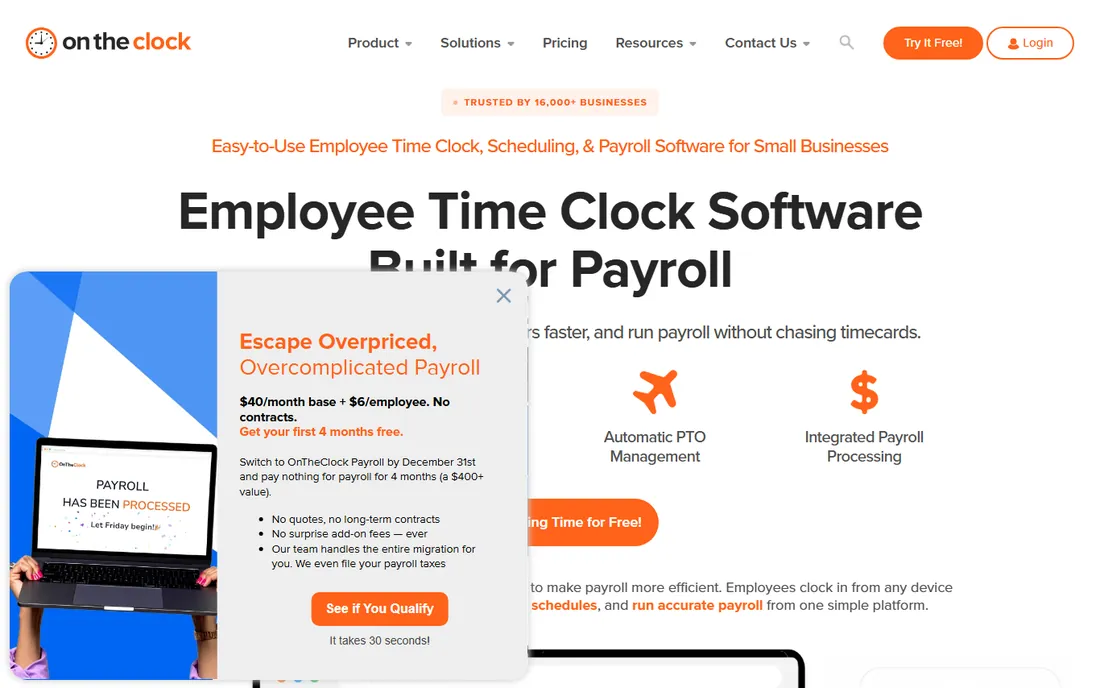
OnTheClock is the value pick for GPS-verified time tracking. One plan, one per-employee price, with GPS clock-in, geofencing, scheduling and payroll-ready exports included rather than tiered away. The 30-day trial without a credit card makes evaluation painless, and setup genuinely takes minutes.
It is not a platform play. The integration list covers the major payroll providers but lacks the breadth of Deputy or Buddy Punch, and there is no HR suite growing around it. For the small business that wants verified punches and clean payroll exports at the lowest credible price, OnTheClock is hard to beat. For complex operations, the bigger platforms offer more room.
What we like- $5 base plus $4 per employee is simple and affordable
- GPS, geofencing and scheduling in one plan
- 30-day trial needs no credit card
Watch out for- Smaller vendor with fewer integrations than the leaders
- Design is utilitarian
- Advanced HR features are absent
Starting price$20 + $10/user/month
Free planFree trial (30 days)
QuickBooks Time, formerly TSheets, is the obvious time clock for the QuickBooks shop. Hours flow natively into QuickBooks Payroll and into invoices, which removes the export step that causes most payroll errors. GPS tracking, geofencing and job costing codes serve construction and field service crews particularly well.
The price reflects the Intuit ecosystem premium: $20 base plus $10 per user per month on Premium, after a 25% increase in mid-2026. Outside QuickBooks there is no reason to choose it over cheaper rivals. Inside QuickBooks, the native sync is worth real money in saved admin hours and avoided errors. Evaluate it on the value of that sync, not the feature list.
What we like- Native sync with QuickBooks payroll and invoicing
- GPS tracking and job costing built for field teams
- 30-day free trial
Watch out for- Requires QuickBooks to make sense
- $20 base plus $10 per user is premium pricing
- Reported a 25% price increase in mid-2026
Starting price$49 + $6/person/month
Free planNo
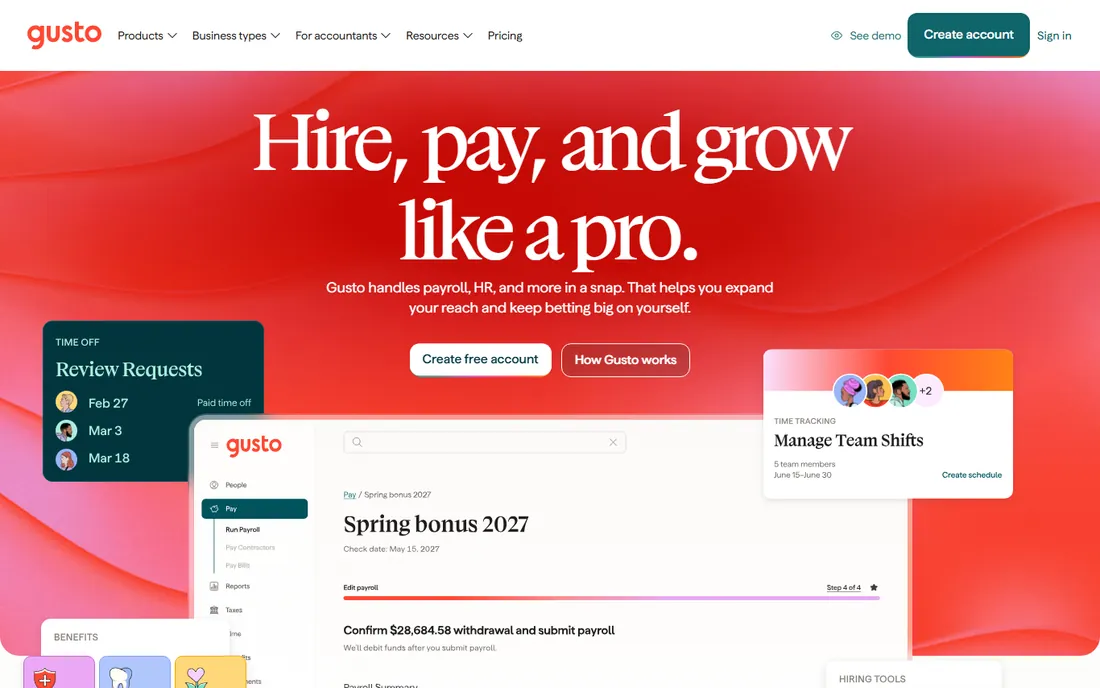
Gusto takes the opposite approach from the pure time clocks: start with payroll, add time tracking inside it. On the Plus plan at $80 a month plus $12 per person, employees clock in, managers approve timesheets, and payroll runs from the same data with no export step at all. For the small business that wants one system for people operations, this is the simplest architecture.
The catch is the price of admission. Time tracking does not exist on the $49 Simple plan, so the real starting price for clock-to-paycheck is the Plus tier. And if you already have payroll you like, bolting Gusto on for the clock makes no sense. Choose Gusto when you want payroll and time tracking unified; choose a dedicated clock when payroll is already settled.
What we like- Time tracking and payroll in one system, no integration needed
- Automated tax filing and benefits in the same login
- Highly rated ease of use
Watch out for- Time tracking requires the Plus plan at $80 plus $12 per person
- No free trial
- Overkill if you only need a clock
Starting priceFrom $8/user/month
Free planNo
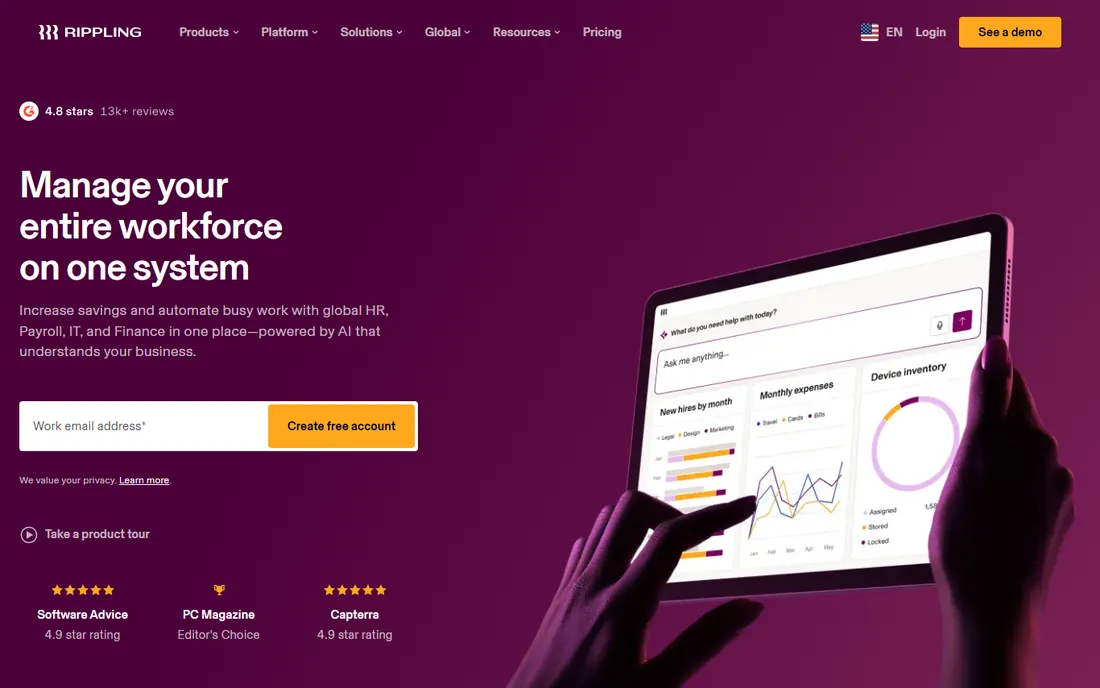
Rippling is the consolidation play for growing companies tired of stitching tools together. Time tracking feeds the same employee record as payroll, benefits, devices and app access, so a new hire's first paycheck, laptop and logins all provision from one flow. Starting from $8 per user per month plus a $35 base, with final pricing quoted, it scales from startup to mid-market without a platform switch.
Small teams will find it heavy. The demo-and-quote buying process, the module structure and the per-user economics all assume a company with an HR function, not an owner doing payroll on Sundays. For the fifty-plus-person company standardizing its stack, Rippling removes entire categories of admin work. For the ten-person shop, Homebase or Gusto fits better.
What we like- Time tracking, HR, payroll and IT in one employee record
- Strong automation from onboarding to paycheck
- Scales cleanly past a hundred employees
Watch out for- Quote-based final pricing
- $35 monthly base on top of per-user fees
- More system than small teams need
The payroll-handoff test
Before you commit, trace one pay period end to end. An employee clocks in with GPS on Monday, works overtime on Thursday, misses a punch on Friday. Walk through exactly how that becomes a paycheck: who approves the timesheet, how overtime calculates, how the missed punch gets fixed, and how the hours reach payroll. Time the whole process.
This test exposes the integration fiction. "Integrates with Gusto" can mean a native sync, a CSV export or a manual retype, and vendors are vague about which. Ask for the specific mechanism, and ask what happens to historical timesheet data if you cancel. The answers determine whether you are buying automation or buying a prettier version of the same manual work.
Also verify the compliance math for your state. Break rules, overtime thresholds and minor-work restrictions vary by state, and the platform should encode your state's rules, not just federal defaults. Ask for your state by name in the demo. A confident specific answer beats a confident general one.
How we chose these ten
We started from vendor pricing pages and documentation, then cross-checked against public reviews on G2 and Capterra and October 2026 pricing roundups. Every price above reflects published plan pricing verified in October 2026, including QuickBooks Time's mid-2026 increase to $20 plus $10 per user. Where pricing is quote-based, we say so.
We did not claim hands-on testing of any product. We weighted the payroll connection over clock features: native payroll, payroll add-ons and integration depth decided the list more than punch methods. Pure project time trackers without payroll relevance and enterprise-only workforce platforms did not make the cut.
Per-user versus per-location pricing
The pricing model matters more than the price. Per-user pricing (When I Work, Deputy, Buddy Punch) scales linearly with headcount, which is fair but punishes large hourly teams. Per-location pricing (Homebase) charges by site with unlimited employees, which rewards high headcount per location and punishes multi-site operations. Flat pricing (Connecteam's $29 for 30 users) sits between.
Model your actual team. A fifty-person restaurant on Deputy pays roughly $250 a month; on Homebase's Plus plan, $56. A five-location retail chain flips the math. And watch the base fees: Buddy Punch's $19 and QuickBooks Time's $20 look small until you realize they apply before the first employee. The cheapest sticker price at ten employees is rarely the cheapest at fifty.
Frequently asked questions
Do we need GPS tracking on our time clock?
If employees work away from a fixed location, yes. GPS verifies punches happened at the job site, and geofencing can block early clock-ins from the truck. For a single office with a front-desk kiosk, it adds little. Match the verification to the actual time-theft risk.
What is buddy punching and how do we stop it?
Buddy punching is one employee clocking in for another. Photo-on-punch, facial recognition and PIN-plus-photo verification stop it; Buddy Punch and Jibble lead here. A shared kiosk with no verification invites it.
Can a free time clock handle payroll?
Not directly. Free plans cover clock-ins and timesheets; getting hours into paychecks needs a paid tier, a payroll add-on or an integration. Budget the payroll connection from the start rather than discovering the gap at the first pay run.
How do we handle missed punches?
Every platform here has a fix workflow: managers edit timesheets with an audit trail. The discipline matters more than the tool. Require same-week corrections, because reconstructed hours from three weeks ago are where wage disputes start.
Should the time clock and payroll be the same vendor?
It simplifies life enormously: no exports, no mapping, no sync failures. Gusto and Rippling do this natively; Homebase does it via add-on. The tradeoff is flexibility. If you love your payroll provider, a dedicated clock with a good integration beats switching payroll for the clock.
What does implementation actually involve?
For small teams, an afternoon: invite employees, set pay rules, test a pay period. For multi-location operations with overtime rules and integrations, plan two to four weeks including a parallel run against the old system. Never cut over mid-pay-period.
Sources we checked (12)
- https://www.joinhomebase.com/pricing
- https://connecteam.com/pricing
- https://www.jibble.com/pricing
- https://wheniwork.com/pricing
- https://www.deputy.com/pricing
- https://buddypunch.com/pricing
- https://www.ontheclock.com/pricing
- https://quickbooks.intuit.com/time-tracking/pricing
- https://gusto.com/product/pricing
- https://www.rippling.com/pricing
- https://www.ontheclock.com/blog/best-clock-in-out-apps-for-small-businesses
- https://www.joinhomebase.com/blog/best-time-clock-software
Is your product missing or out of date?
We review this list regularly. Vendors can request a listing, send updated pricing or ask about featured placement.

Shihab Mia · Founder, Rankite
Shihab has spent more than a decade helping SaaS and e-commerce brands grow through search. He writes Rankite's software buying guides from pricing pages, documentation and public user reviews. More about Shihab.