How we make this list: we compare pricing pages, product documentation and public user reviews. Rankite is independent; if a vendor ever pays for a featured spot, that listing is clearly labeled Partner.
Key takeaways
- Gusto at $49 plus $6 per person per month is the easiest fit for small clinics that want payroll, benefits and tax filing without a learning curve.
- Rippling from $8 per person per month suits tech-forward practices with multiple locations, EINs and contractor mixes.
- Shift differentials, per-diem staff and credential tracking separate healthcare payroll from generic payroll; Paycor and Paylocity handle these natively.
- Large hospital systems should shortlist ADP Workforce Now, Paychex Flex and UKG Ready, all quote-based, and budget for implementation time.
- HR for Health is the only healthcare-specific option built for small practices, starting around $29 a month flat.
Quick comparison
| Tool | Best for | Starting price | Free plan |
|---|
 Gusto Gusto | Small clinics and independent practices | $49 + $6/person/month | No |
 Rippling Rippling | Tech-forward multi-location practices | From $8/person/month | No |
 OnPay OnPay | Simple setup, one flat feature set | $49 + $6/person/month | No |
 Patriot Payroll Patriot Payroll | Budget-conscious small practices | From $17/month | Free trial |
 Square Payroll Square Payroll | Practices already using Square POS | $35 + $6/person/month | No |
 HR for Health HR for Health | Healthcare-specific HR for small practices | From $29/month | No |
 Paycor Paycor | Shift differentials and rotating schedules | See website | No |
 Paylocity Paylocity | Mid-size practices needing self-service | See website | No |
 ADP Workforce Now ADP Workforce Now | Large systems and hospital networks | See website | No |
 Paychex Flex Paychex Flex | Multi-state operations with HR support | See website | Free trial (3 months) |
Is your product missing or out of date?
We review this list regularly. Vendors can request a listing, send updated pricing or ask about featured placement.
The best payroll software for healthcare
The persistent myth is that payroll is payroll, so any payroll software works for a clinic. A dental practice with two hygienists might get away with that thinking. A skilled nursing facility with night-shift differentials, per-diem float nurses, weekend premiums, multi-state tax withholding and PBJ staffing reports will not. Healthcare payroll has a shape that generic payroll software simply does not understand.
The differences show up in the details. Shift differentials pay different rates for nights, weekends and holidays, sometimes stacked. Credential and license expirations can legally bar someone from working, so tracking them is a payroll-adjacent compliance job. Overtime rules interact with blended rates when someone works two roles at different pay rates in one week. A platform built for 9-to-5 offices handles none of this gracefully.
The practical split is size. Under twenty employees, ease of use and price dominate, and the small-business tools win. Past fifty, compliance depth, scheduling integration and workforce management decide, and the enterprise platforms earn their quotes. Match the tool to your headcount and the right tier is usually clear.
Starting price$49 + $6/person/month
Free planNo
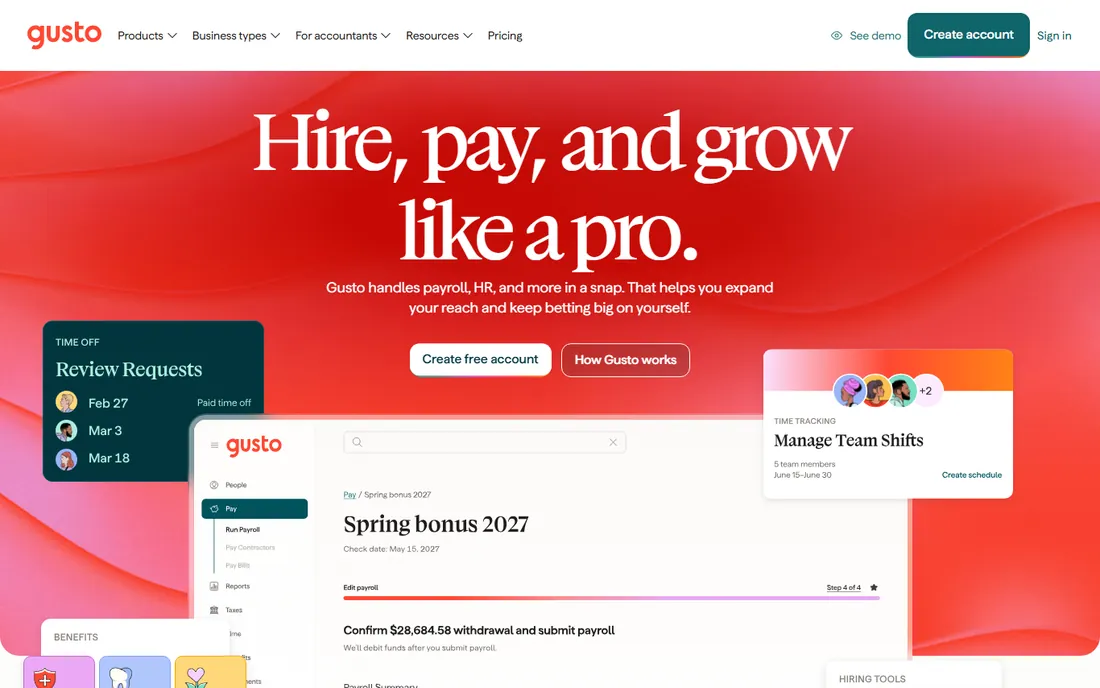
Gusto is the default recommendation for the independent practice: the dental office, the physical therapy clinic, the small medical group. The Simple plan at $49 a month plus $6 per person covers full-service payroll with automatic tax calculation, filing and payment, and the interface is the friendliest in the category. Multiple pay rates and off-cycle runs handle per-diem staff without workarounds.
The honest catch is the tier ladder. Time tracking, PTO policies and next-day direct deposit live on Plus at $80 plus $12 per person, so growing practices should budget against Plus, not Simple. Gusto also raised the Simple base fee from $40 to $49 in March 2026, so older comparisons understate the cost. For under thirty employees it remains the easiest yes in this list.
What we like- Extremely easy setup with automated tax filing in all 50 states
- Handles hourly, salaried and per-diem staff with multiple pay rates
- Benefits administration built in
Watch out for- Advanced HR and time tracking sit on higher tiers
- Support quality draws mixed reviews
- Less scalable past the mid-market
Starting priceFrom $8/person/month
Free planNo
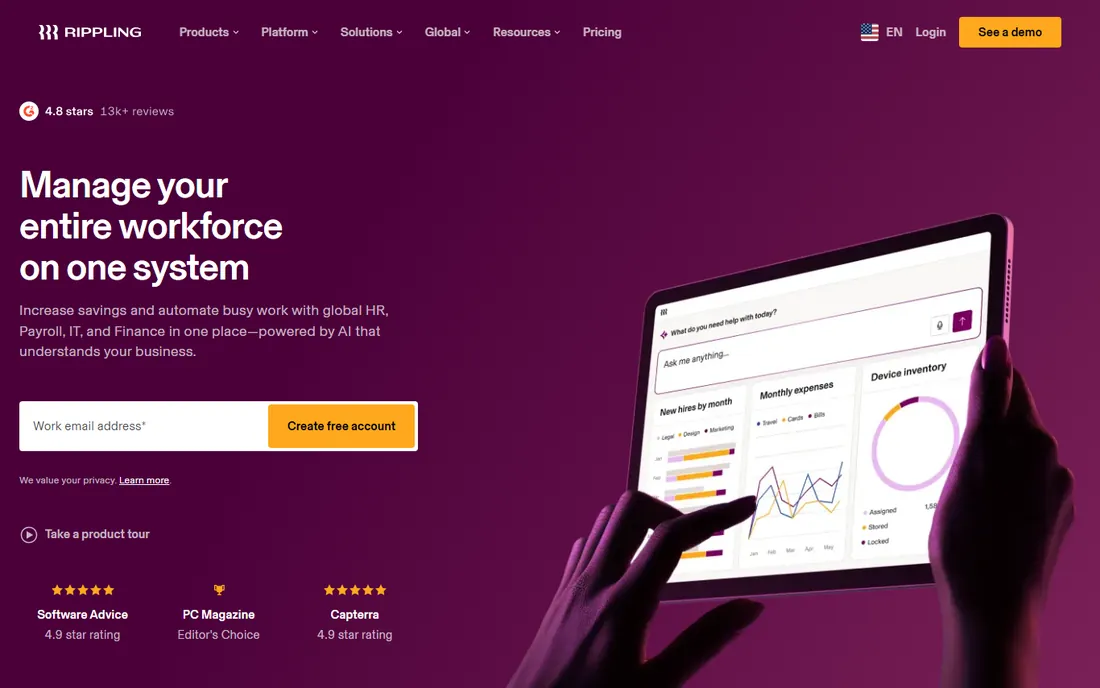
Rippling fits the healthcare group that thinks like a tech company: multiple locations, a mix of W-2 and 1099 staff, maybe hybrid admin roles. Payroll, HR, benefits, device management and app provisioning run on one employee record, so onboarding a new hire provisions payroll, laptop and software access in one flow. Multi-state compliance is handled natively rather than bolted on.
The pricing needs a conversation. The $8 per person starting figure covers the payroll module; the real number depends on which modules you add, and Rippling quotes rather than publishes the totals. Small single-location practices will find it more system than they need. Growing groups with operational complexity will find it liberating.
What we like- Starts from $8 per person per month with modular pricing
- Handles multiple EINs and state tax registrations cleanly
- Combines HR, payroll, IT and benefits in one system
Watch out for- Quote-based final pricing, so the $8 figure is a floor
- Complexity can overwhelm very small teams
- Premium positioning means costs rise with modules
Starting price$49 + $6/person/month
Free planNo
OnPay's appeal is the absence of a pricing ladder. One plan, $49 a month plus $6 per person, with every feature included: payroll, tax filings, benefits, HR tools and integrations. There is no moment six months in where you discover the feature you need lives two tiers up. For a practice manager who just wants payroll to work, that simplicity is the product.
Support is the other half of the story. OnPay consistently earns praise for human, knowledgeable help, which matters enormously when a tax notice arrives or a state registration goes sideways. The tradeoff is ceiling: past fifty employees or multiple entities, the bigger platforms offer more. For the small practice, OnPay is the calm choice.
What we like- Every feature included in the single price, no tier games
- Highly rated personalized support
- Straightforward setup that non-HR staff can run
Watch out for- Fewer advanced HR modules than Gusto or Rippling
- Reporting is solid but not deep
- Less suited to large multi-entity organizations
Starting priceFrom $17/month
Free planFree trial
Patriot is for the practice watching every dollar: the solo practitioner, the two-chair dental office, the startup clinic. Basic payroll starts at $17 a month, and the full-service tier with tax filing stays well under the bigger names. There are no contracts and no implementation fees, so the commitment is minimal.
You get what you pay for in scope. Benefits administration does not exist here, time tracking is an add-on, and HR functions are thin. Patriot handles the core job, paying people correctly and filing taxes, and leaves the rest to other tools. For a micro-practice that needs exactly that, it is the cheapest credible option.
What we like- Lowest entry price in this list at $17 a month
- Month-to-month with no contracts
- US-based support with a strong reputation
Watch out for- Basic tier is payroll-only, HR and time tracking cost extra
- No benefits administration
- Feature depth trails Gusto and OnPay
Starting price$35 + $6/person/month
Free planNo
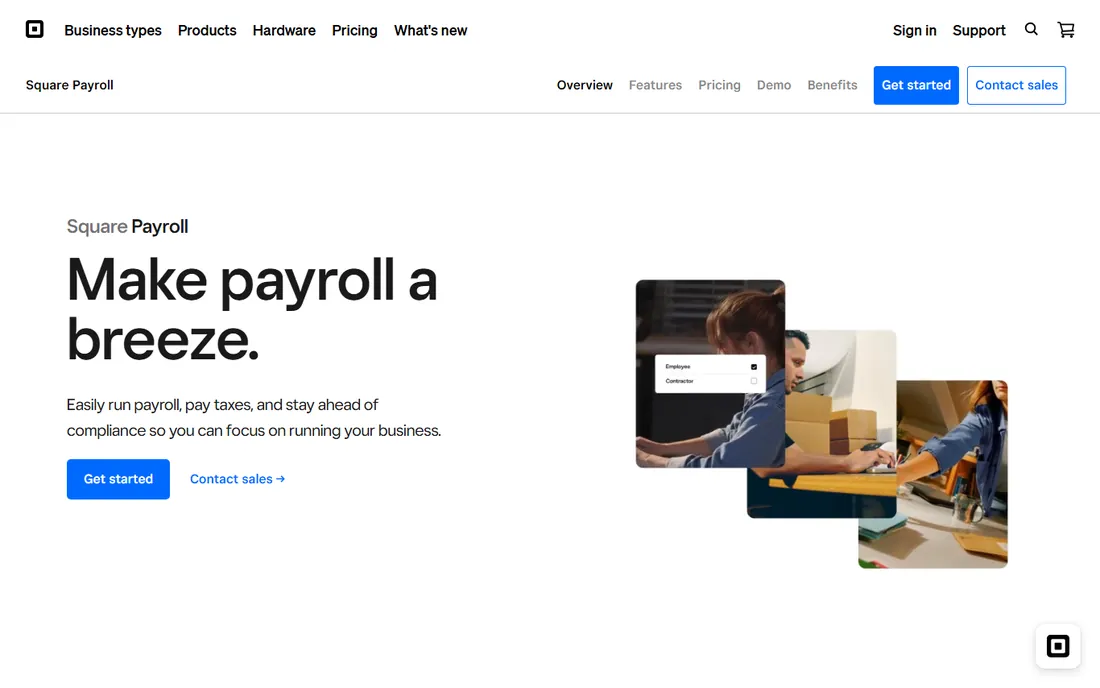
Square Payroll earns its place through the front desk. Dental practices, med spas and clinics that already run Square for payments and scheduling get payroll that reads timecards directly from the same system. The $35 base plus $6 per person pricing undercuts Gusto's base fee, and tips, commissions and hourly wages flow naturally from POS data.
Outside the Square ecosystem there is little reason to choose it. It is generic small-business payroll with no healthcare-specific depth, and practices that do not use Square should look at OnPay or Gusto instead. But for the Square-based practice, the integration removes a whole category of manual timesheet work.
What we like- Deep integration with Square POS, appointments and timecards
- $35 base plus $6 per person is competitive
- Staff can clock in on the same system they already use
Watch out for- Only makes sense inside the Square ecosystem
- Healthcare-specific features are absent
- Benefits and HR depth lag the leaders
Starting priceFrom $29/month
Free planNo
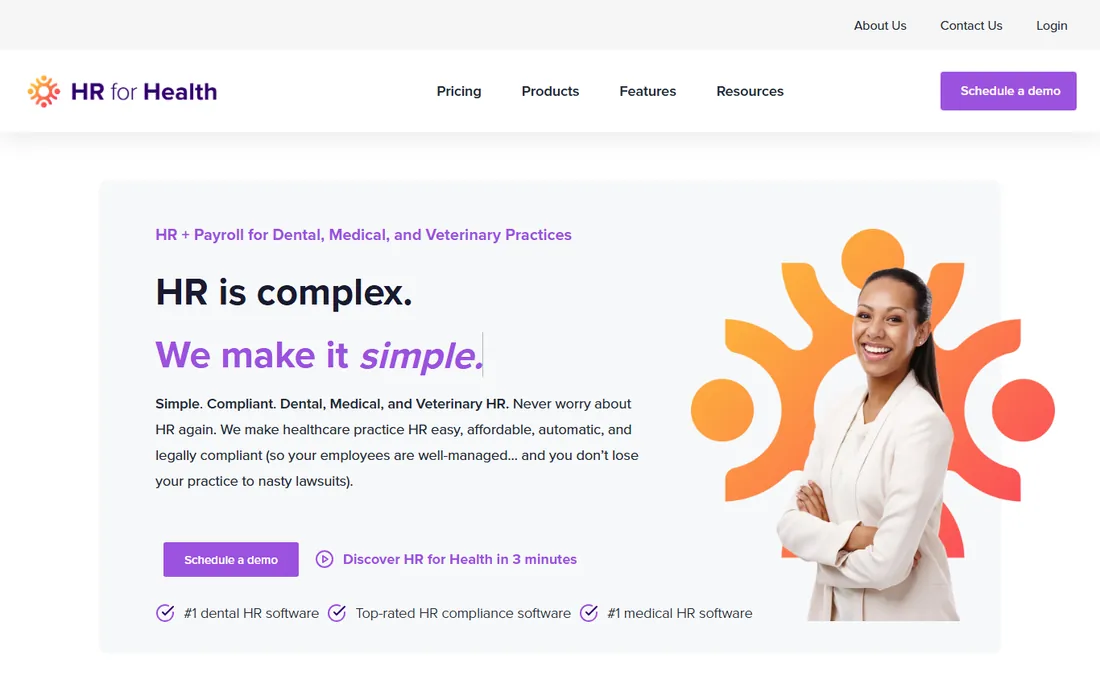
HR for Health is the only option here designed from the ground up for healthcare practices rather than adapted to them. It speaks the language of medical and dental offices: HR compliance, onboarding, time tracking and payroll workflows shaped around how practices actually operate. Flat pricing from $29 a month keeps it accessible to small offices.
The tradeoff is vendor size. The integration ecosystem is narrower than Gusto's or Rippling's, and the payroll engine is not as deep as the dedicated payroll platforms. Think of it as healthcare HR with payroll attached rather than payroll software with healthcare features. For the small practice that wants one healthcare-native system, it fills a gap nothing else in this list addresses.
What we like- Built specifically for medical and dental practices
- Flat pricing from $29 a month
- Combines HR compliance with payroll workflows
Watch out for- Smaller vendor with a thinner integration ecosystem
- Less payroll depth than pure payroll platforms
- Best under fifty employees
Starting priceSee website
Free planNo
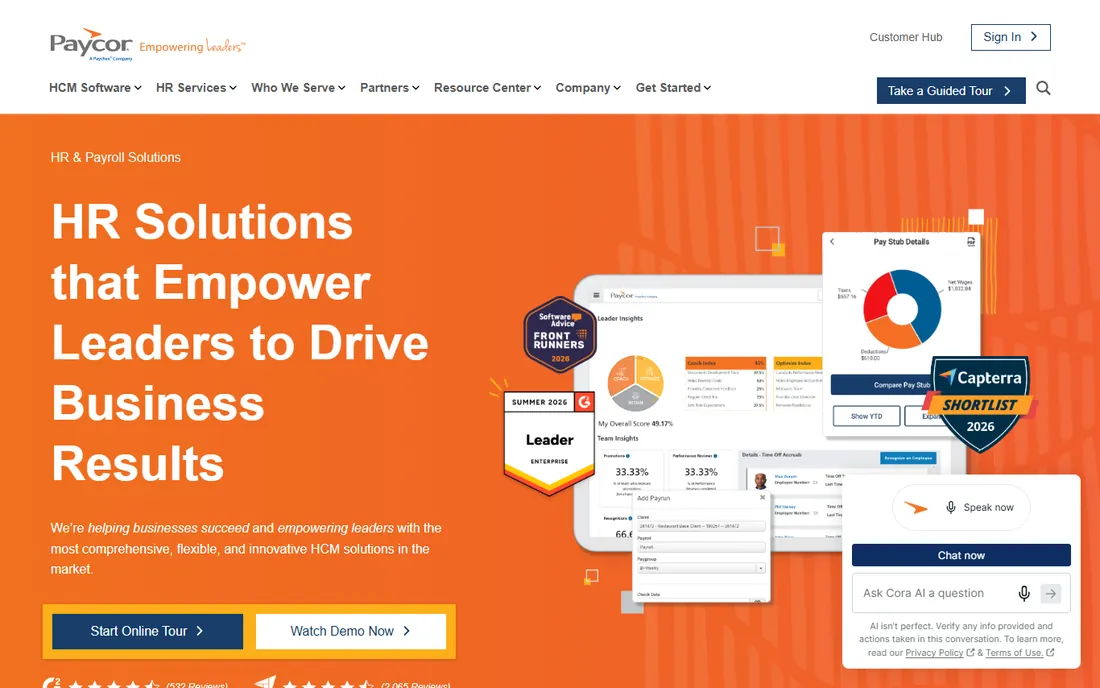
Paycor is where mid-size healthcare organizations go when shift complexity breaks simpler tools. The platform handles rotating schedules, shift differentials, weekend and holiday premiums, and hazard pay as native concepts rather than manual calculations. Timekeeping flows into payroll with the rules applied automatically, which is exactly the workflow a nursing-heavy organization needs.
Like most mid-market platforms, pricing is quote-based, so budget conversations start with a sales call. Implementation is a project, not an afternoon, and the module structure means the final price depends on what you switch on. For organizations where differential pay is a daily reality, the native handling justifies the process.
What we like- Advanced shift differential and hazard pay engine built for healthcare scheduling
- Strong timekeeping integration
- Scales well into the mid-market
Watch out for- Quote-based pricing with no published rates
- Implementation takes longer than small-business tools
- Some modules add meaningful cost
Starting priceSee website
Free planNo
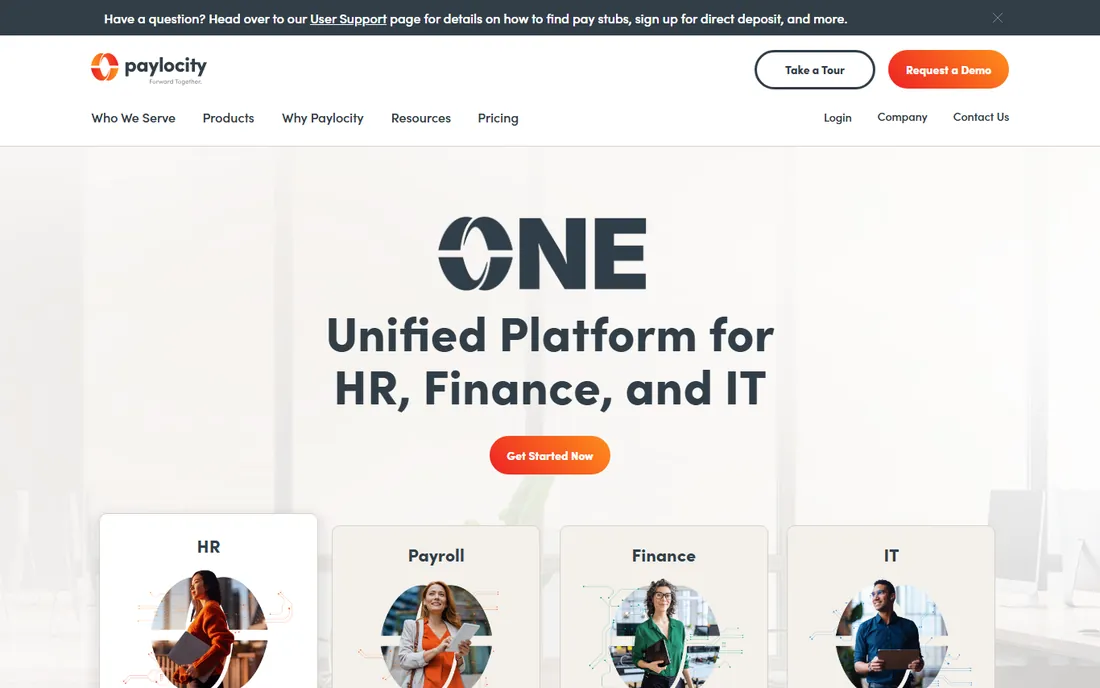
Paylocity pairs payroll with the workforce tools healthcare needs around it. The self-service portal lets staff view pay, manage PTO and update information without burdening HR, and the platform supports shift differentials natively. Training and credential tracking modules address the compliance side: knowing who is certified to do what, and when that certification lapses.
The platform is firmly mid-market. Pricing is quoted, implementations run weeks to months, and a ten-person practice will drown in features. For the fifty-to-five-hundred-employee healthcare organization that wants payroll plus talent management in one system, it is one of the strongest options.
What we like- Strong employee self-service portal with shift differential support
- Training and credential tracking tools built in
- Modern interface employees actually use
Watch out for- Quote-only pricing
- Advanced modules extend implementation timelines
- Can be more system than small practices need
#9
ADP Workforce Now
Best for: Large systems and hospital networks
Visit adp.com
Starting priceSee website
Free planNo
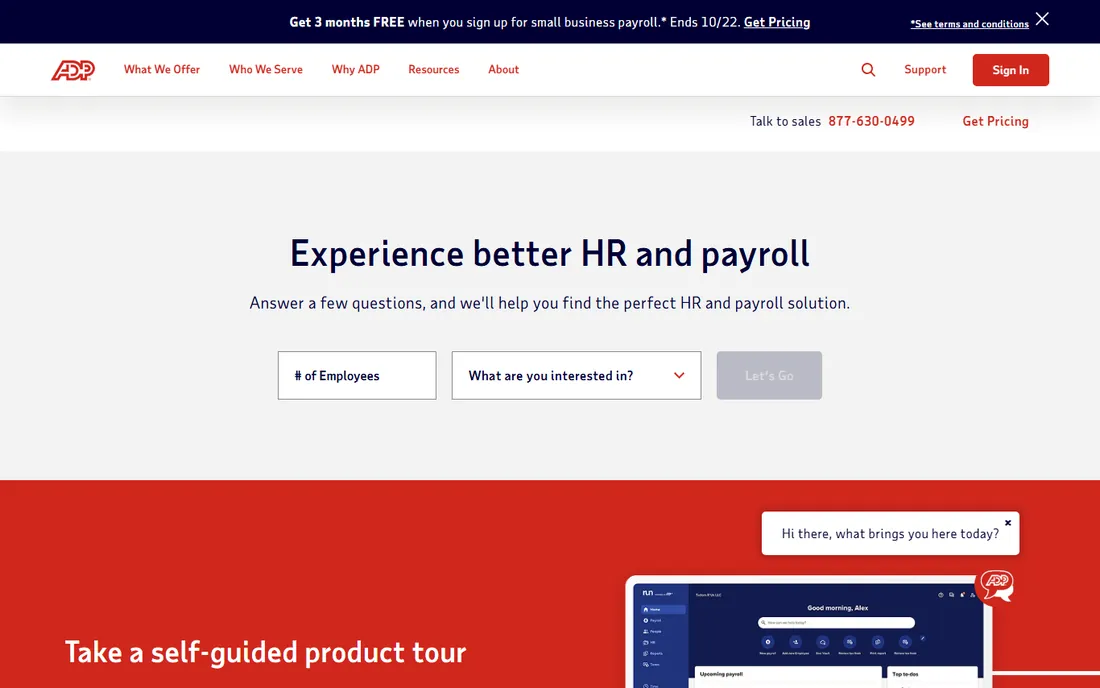
ADP Workforce Now is the enterprise standard for a reason. No vendor matches its compliance depth across fifty states, its handling of complex pay rules, or its ability to absorb a thousand-employee health system without strain. For multi-location providers with union contracts, varied pay structures and serious audit exposure, ADP's infrastructure is the safe choice.
Everything about it is enterprise-grade, including the buying process. Pricing is quoted and trends above the mid-market names, implementations involve ADP's professional services, and smaller organizations often find the experience heavy. This is the platform you buy when payroll failure is not an option and the compliance stakes justify the cost.
What we like- Deepest compliance infrastructure in the industry
- Proven at hospital-system scale with multi-location complexity
- Enormous service and support organization
Watch out for- Quote-based pricing that trends expensive
- Implementations are long and consulting-heavy
- The platform can feel bureaucratic to smaller teams
Starting priceSee website
Free planFree trial (3 months)
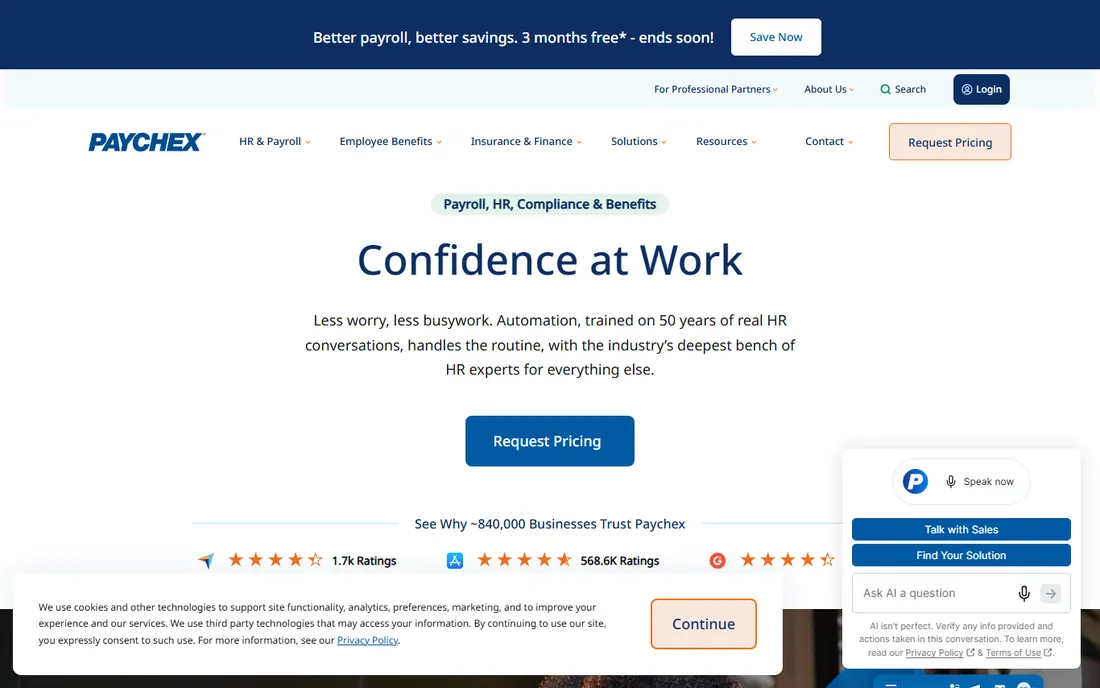
Paychex Flex competes with ADP in the same enterprise and mid-market space with a slightly more service-forward pitch. Every client gets a dedicated payroll specialist, which matters when healthcare pay rules get complicated. Multi-state operations are a particular strength, and the plan ladder from Essential Payroll through HR Pro lets organizations buy exactly the HR depth they need.
Pricing is quoted and varies enough that two similar companies can pay different amounts, so negotiate. The 3-month free payroll trial is genuinely useful for de-risking a switch. Expect persistent attention from the sales organization about add-on services. For healthcare groups that want a human in the loop on every payroll, Paychex delivers that.
What we like- Dedicated payroll specialist support on every plan
- Strong multi-state tax handling
- 3-month free payroll trial lowers the switching risk
Watch out for- Quote-based pricing varies widely by configuration
- Plan tiers (Essential to HR Pro) complicate comparisons
- Upselling of add-on services is persistent
The shift-differential test
Before you shortlist anything, write down your five most complicated pay scenarios. Night differential stacked on weekend premium. A nurse working two roles at different rates in one week. Per-diem staff with callback pay. Holiday pay for a 12-hour shift worker. Then ask each vendor to run those exact scenarios in a demo, not a slide.
This test separates the platforms faster than any feature checklist. Generic payroll tools will propose manual workarounds, which means your payroll admin does the math every cycle and errors creep in. Healthcare-capable platforms will configure the rules once and apply them automatically. The demo is also where you discover whether "supports shift differentials" means a native engine or a custom field someone has to calculate by hand.
Apply the same test to credential tracking if it matters to you. An expired license that blocks someone from working is a staffing crisis, not an HR nicety. Ask whether the system alerts managers before expiration, and whether it can actually prevent scheduling an uncredentialed worker.
How this list was put together
We started from vendor pricing pages and documentation, then cross-checked against public reviews on G2, Capterra and TrustRadius plus healthcare-specific buyer guides. Every published price above reflects 2026 plan pricing, including Gusto's March 2026 increase to $49 plus $6 per person. Where vendors keep pricing quote-only, which is standard for enterprise payroll, we say so instead of repeating estimates.
We did not claim hands-on testing of any platform. We weighted healthcare-relevant capabilities over generic payroll features: shift differentials, multi-rate pay, per-diem handling, credential tracking, multi-state compliance and PBJ-style reporting. Pure PEO platforms and international-only payroll tools did not make the cut.
The real cost beyond the per-person rate
The advertised per-person rate is the beginning of the bill, not the end. Multi-state payroll often adds per-state fees on lower tiers. Time tracking, benefits administration and HR support frequently live on higher plans or as add-ons. Implementation fees appear at the mid-market and enterprise levels, sometimes running into five figures for large systems.
Model the total at your actual headcount with the modules you need. A platform quoting $8 per person can easily land at triple that once the required modules are added, while a flat-priced tool like OnPay stays where it started. And ask about the cost of leaving: data export formats, historical payroll records and W-2 reprints matter when you switch, because you will switch eventually.
Frequently asked questions
What makes healthcare payroll different from regular payroll?
Shift differentials, per-diem and float staff, multi-rate overtime, credential tracking and multi-state tax complexity. Generic payroll software handles none of these natively, which forces manual workarounds every pay cycle. Healthcare-capable platforms encode the rules once.
How much should a small clinic budget for payroll software?
For under twenty employees, expect $50 to $200 a month all-in with Gusto, OnPay or Patriot depending on headcount and tier. The per-person rate dominates the math above twenty employees, so model your actual headcount rather than trusting the base fee.
Do we need to track licenses and credentials in payroll software?
If expired credentials can legally prevent someone from working, yes, and ideally with alerts before expiration. Paylocity and the enterprise platforms handle this natively. Smaller practices often track it separately, which works until someone forgets.
Can these tools handle 1099 contractors alongside W-2 staff?
Yes, all ten handle contractor payments, and most file 1099s. The difference is workflow depth: Rippling and Gusto manage mixed workforces most gracefully, while the enterprise platforms treat contractors as a standard part of the system.
What is PBJ reporting and do we need it?
Payroll-Based Journal reporting is a CMS requirement for long-term care facilities, reporting staffing hours by role. If you run a skilled nursing facility, your payroll system needs to produce PBJ-ready data. Standard clinics and practices do not need it.
How long does switching payroll providers take?
For small practices on Gusto or OnPay, days to two weeks. Mid-market platforms take four to twelve weeks with data migration and parallel runs. Enterprise implementations run three to six months. Time the switch for a quarter boundary and never mid-December.
Sources we checked (12)
- https://gusto.com/product/pricing
- https://www.rippling.com/pricing
- https://onpay.com/pricing
- https://www.patriotsoftware.com/pricing
- https://squareup.com/us/en/payroll/pricing
- https://www.hrforhealth.com/pricing
- https://www.paycor.com/pricing
- https://www.paylocity.com/pricing
- https://www.adp.com/pricing
- https://www.paychex.com/pricing
- https://pabau.com/blog/9-best-healthcare-payroll-software/
- https://digitalhealth.folio3.com/blog/best-payroll-software-for-healthcare/
Is your product missing or out of date?
We review this list regularly. Vendors can request a listing, send updated pricing or ask about featured placement.

Shihab Mia · Founder, Rankite
Shihab has spent more than a decade helping SaaS and e-commerce brands grow through search. He writes Rankite's software buying guides from pricing pages, documentation and public user reviews. More about Shihab.