How we make this list: we compare pricing pages, product documentation and public user reviews. Rankite is independent; if a vendor ever pays for a featured spot, that listing is clearly labeled Partner.

Key takeaways
- TimeSolv at $32 per user per month is the dedicated billing pick for firms that want time tracking and invoicing without a case management layer.
- LeanLaw at $40 per user per month is the best choice for firms running QuickBooks Online, adding legal billing and trust accounting on top.
- CosmoLex at $49 per user per month suits firms that want accounting and trust compliance built in, with no QuickBooks at all.
- Bill4Time at $29 per user per month is the cheapest credible option for straightforward time and billing.
- Clio, MyCase, and PracticePanther bundle billing inside practice management, which suits firms that want one subscription for everything.
Quick comparison
| Tool | Best for | Starting price | Free plan |
|---|
 TimeSolv TimeSolv | Dedicated legal time and billing | $32/user/month (Pro, billed annually) | Free trial |
 LeanLaw LeanLaw | QuickBooks Online-based firms | $40/user/month (Core, billed annually) | Free trial |
 CosmoLex CosmoLex | Native accounting plus billing | $49/user/month (Launch) | Free trial |
 Bill4Time Bill4Time | Budget time tracking and billing | $29/user/month | Free trial |
 Rocket Matter Rocket Matter | Mid-size firms wanting billing plus matters | $49/user/month (Essentials, billed annually) | Free trial |
 Clio Manage Clio Manage | All-in-one practice management | $39/user/month (EasyStart, billed annually) | Free trial |
 MyCase MyCase | Small firms, one predictable bill | $49/user/month | Free trial |
 PracticePanther PracticePanther | Solo and small firms | $49/user/month (Solo) | Free trial |
 Tabs3 Tabs3 | Traditional firms wanting desktop control | See website | No |
Is your product missing or out of date?
We review this list regularly. Vendors can request a listing, send updated pricing or ask about featured placement.
The best best legal billing software
What percentage of your billable hours actually makes it onto an invoice? For many law firms the answer is uncomfortably below one hundred, and the gap is lost revenue hiding in untracked time, late timesheets, and invoices that go out months after the work. Legal billing software exists to close that gap, and the good ones pay for themselves in recovered hours.
The second question is how your firm already handles accounting. Firms running QuickBooks Online need billing software that integrates with it. Firms that want accounting built in need something else entirely. And firms that want billing bundled with case management need a third thing. The tools below cover all three architectures, because buying the wrong one means either double data entry or paying for accounting twice.
Pricing in this category runs $29 to $49 per user per month at the entry level, with higher tiers reaching $129 or more. The per-user math multiplies fast across attorneys, paralegals, and billing staff, so model the whole firm before comparing headline rates.
Starting price$32/user/month (Pro, billed annually)
Free planFree trial

TimeSolv is the dedicated billing tool for firms that want time tracking and invoicing without buying a whole practice management suite. Multiple timers track concurrent matters, expenses attach to the right client, and trust accounting handles IOLTA compliance. It suits firms that already have case management covered, or that simply do not need it.
Pricing scales with firm size: TimeSolv Legal runs $50 to $53 per user per month billed annually depending on user count, while TimeSolv Pro drops to $32 to $38 for larger teams. That tiering rewards growth, which is unusual in a category where per-user pricing usually punishes it. A free trial lets firms validate the workflow.
The honest limitation is scope. TimeSolv does billing, time, expenses, and trust accounting well, and little else. Firms that later want matter management, intake, or a client portal will need a second product. For firms whose pain is purely billing, that focus is exactly right.
What we like- Built purely for legal billing workflows
- Flexible plans by firm size
- Strong QuickBooks integration
Watch out for- Pricing tiers vary by user count
- No case management layer
- Interface less modern than competitors
Starting price$40/user/month (Core, billed annually)
Free planFree trial
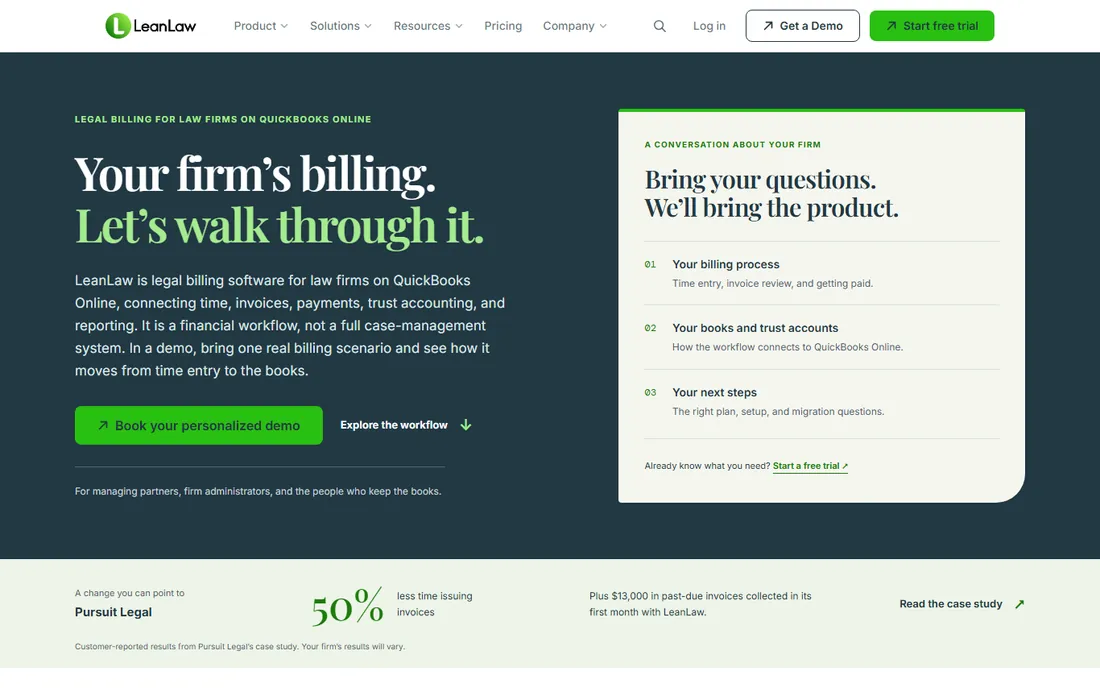
LeanLaw takes the position that law firms should keep their accounting in QuickBooks Online and add legal-specific billing on top. The Core plan at $40 per user per month billed annually adds time tracking, legal invoicing, and trust accounting with three-way reconciliation, all syncing to QuickBooks rather than replacing it.
That architecture is the appeal for firms whose CPA insists on QuickBooks access or that need accrual-basis books alongside trust accounting. LEDES billing codes support the corporate clients that require electronic invoicing formats. The Pro tier at $55 per user per month adds deeper functionality for growing firms.
The honest trade-off is the QuickBooks dependency. Firms that dislike QuickBooks or want to leave it have no reason to buy LeanLaw, and the product assumes comfort with the QuickBooks workflow. For firms already standardized on QuickBooks Online, it is the most surgical way to add legal billing.
What we like- Legal billing layered on QuickBooks Online
- Three-way trust reconciliation
- LEDES billing support
Watch out for- Requires QuickBooks Online commitment
- Pro tier costs more
- Smaller integration ecosystem
Starting price$49/user/month (Launch)
Free planFree trial
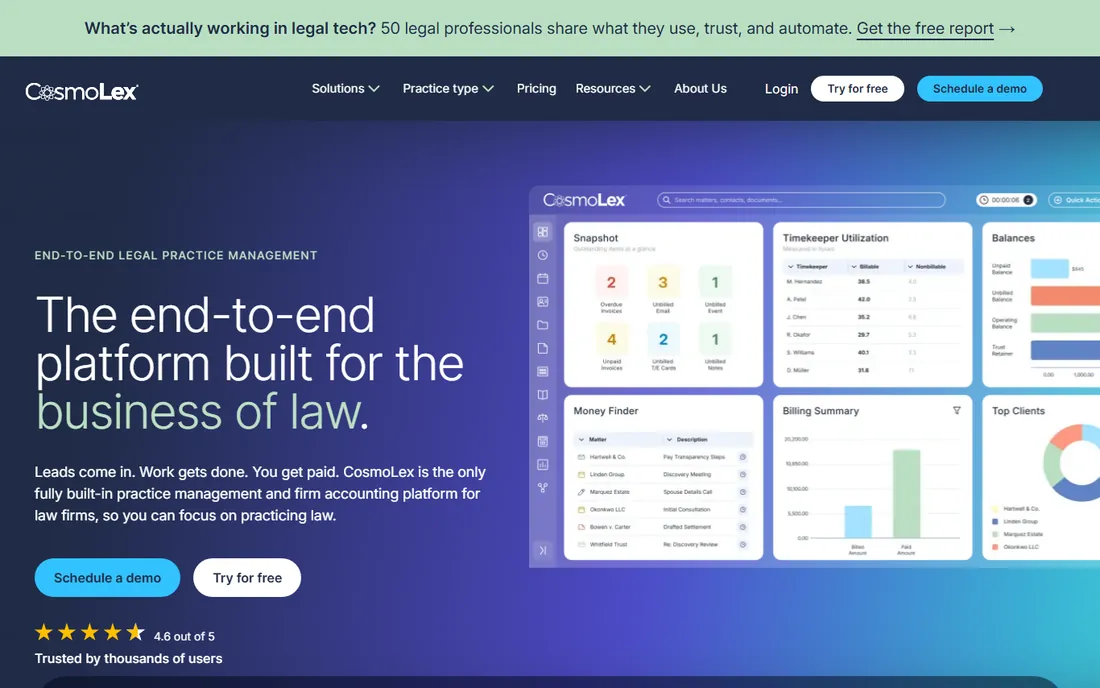
CosmoLex is the complete alternative to the QuickBooks-plus-billing stack: legal practice management with a full general ledger, trust accounting, and billing in one cloud product. The Launch plan starts at $49 per user per month, with Core at $99 and Pro at $129 adding CRM, advanced reporting, and deeper financial workflows.
The native accounting is the differentiator. Three-way trust reconciliation, operating and trust ledgers, and financial reporting all work without a separate accounting product, which eliminates the sync failures and double entry that plague two-system setups. One-click batch invoicing processes the whole firm's bills at once.
The honest cost is commitment. Adopting CosmoLex means your accounting lives in CosmoLex, so leaving later requires an accounting migration, not just a software switch. The integration ecosystem is also smaller than Clio's. Firms that want one system for everything, run by the firm rather than the accountant, get real value here.
What we like- Full legal accounting built in, no QuickBooks needed
- Trust compliance native
- One-click batch invoicing
Watch out for- Higher tiers reach $129
- Leaving means migrating accounting too
- Smaller app ecosystem
Starting price$29/user/month
Free planFree trial
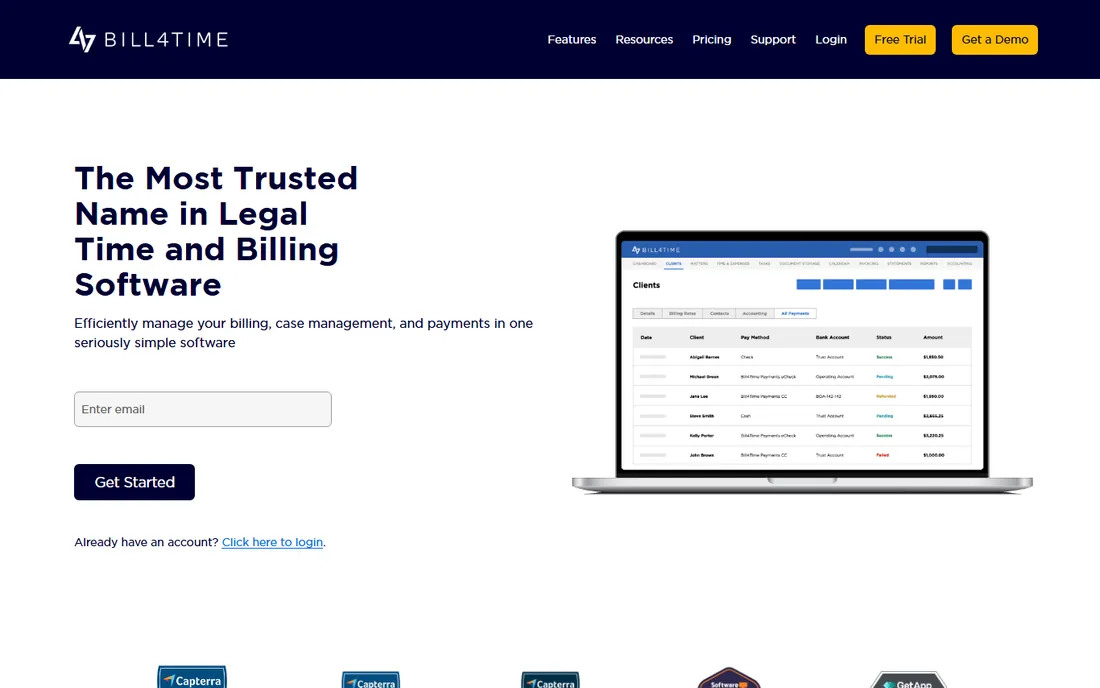
Bill4Time is the value entry in legal billing at $29 per user per month. It covers time tracking, expense tracking, invoicing, and online payments in a straightforward package that works for law firms and other professional services alike. For solo practitioners and small firms watching every dollar, it is the cheapest way to stop losing billable hours.
The product does not try to be a practice management suite. There is no matter management depth, no intake, no client portal to speak of. What it does, capturing time and turning it into invoices and payments, it does competently.
The honest limitation is legal specificity. Trust accounting features are basic compared to CosmoLex or LeanLaw, and firms with complex IOLTA requirements should verify compliance coverage carefully. It is the right tool for straightforward billable-hour practices, not for firms whose billing complexity is the problem.
What we like- Cheapest credible entry price
- Straightforward time and billing
- Works for firms and consultants
Watch out for- Fewer legal-specific features
- Trust accounting is basic
- Interface is functional rather than polished
Starting price$49/user/month (Essentials, billed annually)
Free planFree trial
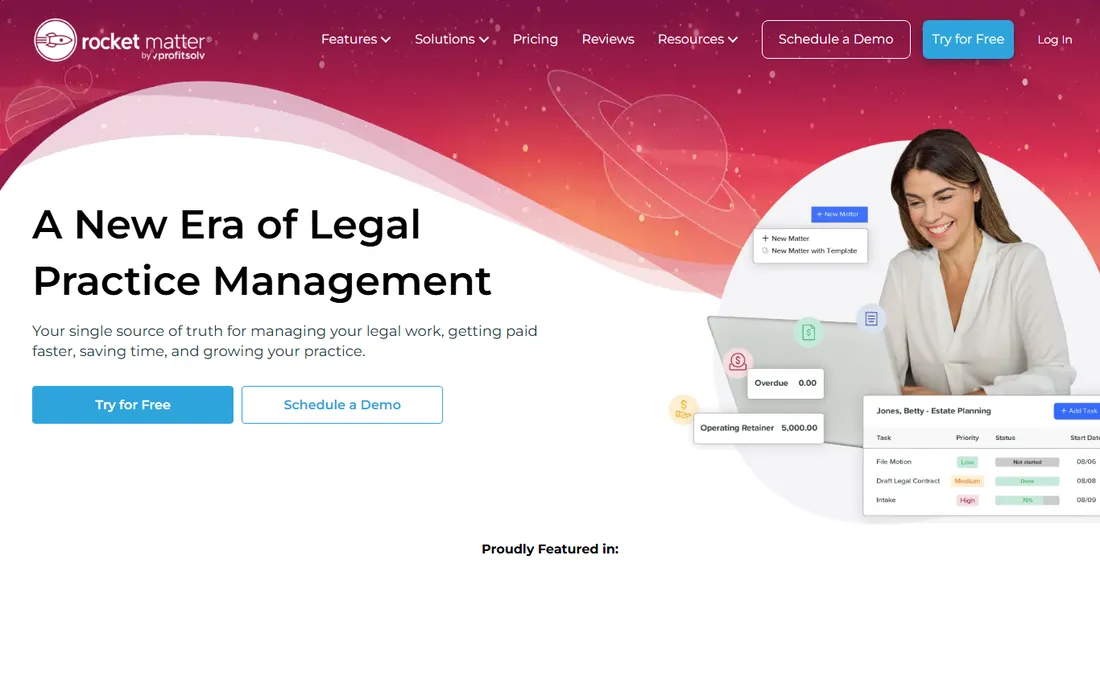
Rocket Matter sits between the pure billing tools and the full practice suites. The Essentials plan at $49 per user per month billed annually combines time tracking, billing, and matter management, with higher tiers at $79, $99, and $129 adding trust accounting depth, advanced reporting, and more automation.
The product suits mid-size firms that want billing and matters unified without the full weight of Clio's ecosystem or CosmoLex's accounting. Time capture is solid, invoicing is flexible, and the matter side keeps cases organized enough for firms that do not need a separate case management product.
The honest comparison is with PracticePanther and MyCase at similar prices. Rocket Matter's tiering means the features most firms actually want sit one or two tiers above entry, and the integration ecosystem is smaller than Clio's. Firms should price the tier they need, not the entry tier, before comparing.
What we like- Billing plus matter management in one
- Solid time tracking
- Part of the ProfitSolv family
Watch out for- Essentials tier is basic
- Higher tiers at $79 to $129 add up
- Less ecosystem than Clio
Starting price$39/user/month (EasyStart, billed annually)
Free planFree trial

Clio Manage bundles billing inside the practice management platform most firms know. Time tracking, invoicing, trust accounting, and online payments sit alongside matter management, intake, and a client portal, with the EasyStart plan at $39 per user per month billed annually. Higher tiers with the full feature set reach $129 to $149.
The ecosystem is the strategic reason firms choose Clio: over 300 integrations covering accounting, document management, and communication tools. For firms that want one platform coordinating everything, with billing as one module among many, the breadth is unmatched.
The honest caveat is cost at scale. A five-attorney firm on a mid-tier plan with add-ons can spend $13,000 to $15,000 annually, several times what a dedicated billing tool costs. The billing module is also less deep than TimeSolv or CosmoLex for firms whose primary pain is billing complexity. Buy Clio for the platform, not for the billing alone.
What we like- Largest integration ecosystem
- Scales from solo to large firms
- Billing inside full practice management
Watch out for- Higher tiers reach $129 to $149
- Add-ons multiply costs
- Billing depth less than dedicated tools
Starting price$49/user/month
Free planFree trial
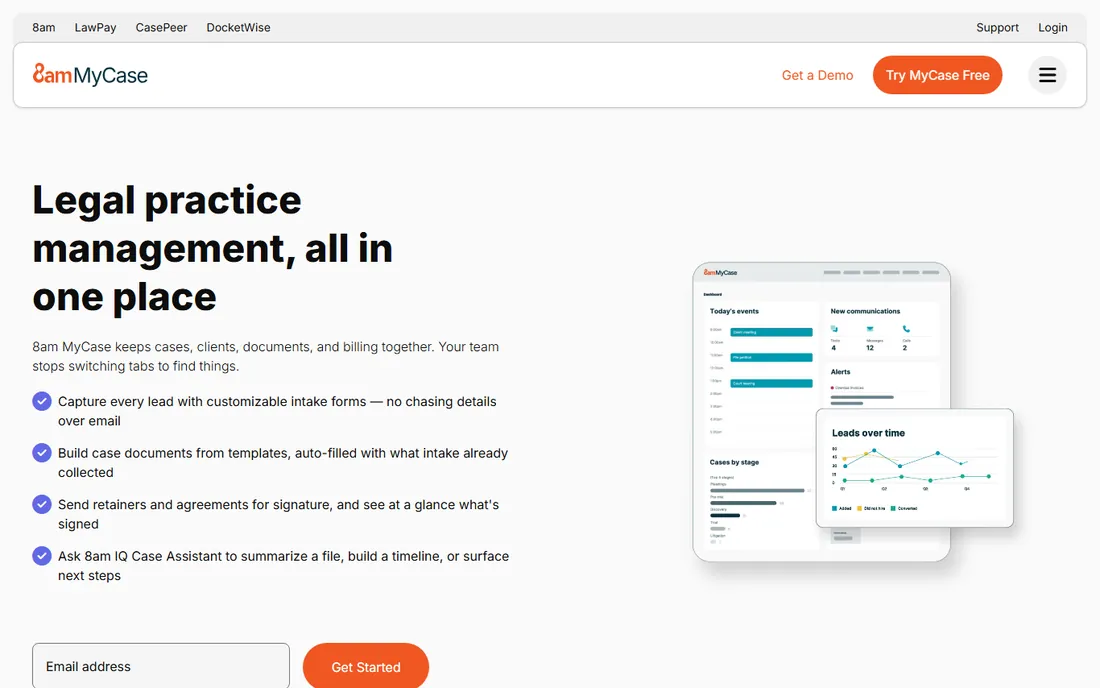
MyCase includes billing in its all-in-one platform starting at $49 per user per month, with tiers at $99 and $119 adding advanced features. Time tracking feeds directly into invoices, online payments collect through the client portal, and the whole flow from work to payment stays in one system.
The appeal for small firms is the packaged simplicity. One subscription, one login, one bill, covering billing, communication, documents, and calendaring. Firms that find Clio's tiering and add-ons exhausting often land on MyCase for the calmer buying experience.
The honest limitations are the tier jumps and customization ceiling. Needing one Pro feature means paying for the whole tier, and firms with unusual billing arrangements may find the options limiting. Within its sweet spot of solo to small firms with standard billing, it is the easiest decision in the category.
What we like- Predictable bundled pricing
- Billing plus communication in one
- Easy for small firms to adopt
Watch out for- Tier jumps are large
- Billing customization limited
- Less integration depth than Clio
Starting price$49/user/month (Solo)
Free planFree trial

PracticePanther's billing sits inside its practice management platform, with four published tiers at $49, $69, $89, and $114 per user per month. Time tracking, invoicing, trust accounting, and online payments are all present, with the Business tier adding the intake forms, two-way texting, and LEDES billing that growing firms need.
The billing automation is a genuine strength: recurring invoices, payment reminders, and batch billing reduce the administrative drag that delays cash flow. Native payments and e-signature keep clients paying without leaving the firm's workflow.
The honest math is the tiering. The Solo and Essential tiers cover basic billing, but firms that need the serious billing features land on Business at $89, and every seat pays the tier price. Price the tier the firm actually needs before comparing with dedicated billing tools that cost less per seat.
What we like- Four published pricing tiers
- Billing automation included
- Native payments and e-signature
Watch out for- Business tier needed for serious billing features
- Per-seat upgrades multiply costs
- Accounting needs top tier
#9
Tabs3
Best for: Traditional firms wanting desktop control
Visit tabs3.com
Starting priceSee website
Free planNo
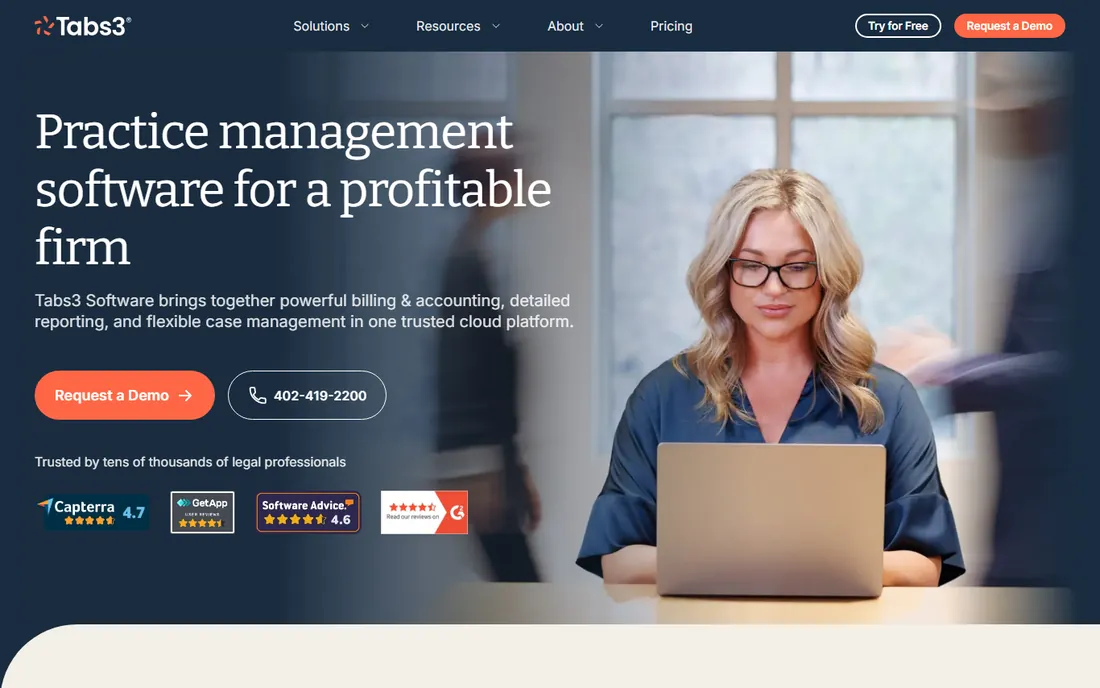
Tabs3 is the veteran billing system for firms that want their data on their own servers. Decades of refinement have produced deep billing customization: complex fee arrangements, split billing, and reporting that newer cloud tools approximate. Firms that have run Tabs3 for years tend to stay for good reason.
The on-premises model is the point for its audience. Data stays inside the firm's walls, the software works without internet dependency, and the firm controls upgrades on its own schedule. For traditional practices with those requirements, cloud migration is a cost, not a benefit.
The honest assessment is generational. Tabs3 is desktop software in a category that moved to the cloud, with an interface to match and quote-based pricing that requires a sales conversation. Younger firms and remote teams should buy cloud-native. Firms committed to on-premises operations get a proven tool.
What we like- Decades of trust with traditional firms
- Deep billing customization
- Data stays on firm hardware
Watch out for- Desktop software in a cloud category
- Quote-based pricing
- Interface shows its age
Trust accounting: the feature that actually matters
Every legal billing tool claims trust accounting, but the depth varies enormously. At minimum, the software must segregate client trust funds from operating funds, track every trust transaction per client, and produce the three-way reconciliation reports that state bars require. Confirm all three exist before buying, because some tools offer trust ledgers without the reconciliation.
Ask how trust replenishment works in the billing flow. The best tools automatically apply trust funds to invoices, flag shortfalls before billing, and transfer funds between trust accounts cleanly. Manual workarounds in this area are where compliance failures happen.
Check your state's specific rules. IOLTA requirements vary by jurisdiction, and a tool configured for one state's rules may need adjustment for another. Ask the vendor for references from firms in your state, and have your bar's requirements handy during the evaluation.
How to stop losing billable hours
The biggest billing leak is untracked time, not unpaid invoices. Attorneys who reconstruct timesheets on Friday lose hours they genuinely worked but cannot remember. Mobile timers and concurrent matter timers fix this, but only if the firm enforces same-day entry. The software enables the habit; it cannot create it.
The second leak is slow invoicing. Firms that bill monthly instead of twice monthly, or that let draft invoices sit for weeks, starve their own cash flow. Batch invoicing and automated reminders compress the cycle from work performed to cash received. Measure your current days-to-invoice before buying, then measure it again after.
The third leak is write-offs from vague invoices. Clients dispute bills they do not understand. Detailed time entries with clear descriptions get paid faster and written off less. Some tools prompt for better descriptions at entry time, which is worth more than any reporting dashboard.
How we compared these nine
We started with the tools that dominate legal billing shortlists: the dedicated billing products (TimeSolv, Bill4Time, LeanLaw), the accounting-integrated options (CosmoLex), and the practice management platforms whose billing modules firms actually use (Clio, MyCase, PracticePanther, Rocket Matter, Tabs3). We reviewed current pricing pages, product documentation, and public review summaries on G2, Capterra, and legal technology publications.
Prices come from vendor-published or consistently reported figures; vendors without clear published pricing are marked as See website. We did not run hands-on trials; this guide reflects documentation, published pricing, and aggregated user feedback. Model the full firm's seat count and tier requirements before purchasing, since per-user pricing multiplies quickly.
Frequently asked questions
What is legal billing software?
Legal billing software helps law firms track billable time, manage expenses, handle trust accounting, generate invoices, and collect payments. Unlike generic invoicing tools, it addresses legal-specific requirements like IOLTA trust compliance, LEDES electronic billing formats, and matter-based time tracking.
How much does legal billing software cost?
Entry-level plans run $29 to $49 per user per month, mid-tier plans $69 to $99, and full-featured tiers $114 to $149 or more. Dedicated billing tools like TimeSolv and Bill4Time cost less per seat than all-in-one practice platforms. Always model the entire firm's seats at the needed tier, not just the entry price.
Do I need legal billing software or will QuickBooks work?
QuickBooks handles accounting but lacks legal-specific billing: trust accounting with three-way reconciliation, LEDES formats, and matter-based time tracking. Firms on QuickBooks typically add LeanLaw or TimeSolv for the legal layer. Firms that want accounting and billing unified often choose CosmoLex instead.
What is IOLTA and why does billing software need to handle it?
IOLTA (Interest on Lawyers' Trust Accounts) programs require firms to hold client funds in segregated trust accounts with strict accounting rules. Billing software must track trust balances per client, apply trust funds to invoices correctly, and produce reconciliation reports. Mishandling trust funds can cost a lawyer their license, so this is the most critical feature to verify.
Should billing be separate from practice management software?
It depends on the firm's pain. Firms whose primary problem is billing complexity often do better with a dedicated tool like TimeSolv or CosmoLex alongside a light practice setup. Firms whose pain is operational usually prefer billing bundled inside Clio, MyCase, or PracticePanther. Many firms run both: a practice platform for matters and a dedicated tool for billing depth.
How long does it take to implement legal billing software?
Cloud tools typically go live in days to weeks for small firms, with data migration adding time for firms bringing years of history. Trust accounting setup deserves careful attention regardless of timeline. Enterprise or highly customized deployments can take months. Run parallel billing for one cycle before cutting over completely.
Sources we checked (10)
- https://www.timesolv.com/pricing/
- https://www.leanlaw.co/pricing/
- https://www.cosmolex.com/pricing/
- https://www.bill4time.com/pricing/
- https://www.rocketmatter.com/pricing/
- https://www.clio.com/pricing/
- https://www.mycase.com/pricing/
- https://www.practicepanther.com/pricing/
- https://www.tabs3.com/pricing/
- https://www.leanlaw.co/blog/best-legal-billing-software/
Is your product missing or out of date?
We review this list regularly. Vendors can request a listing, send updated pricing or ask about featured placement.

Shihab Mia · Founder, Rankite
Shihab has spent more than a decade helping SaaS and e-commerce brands grow through search. He writes Rankite's software buying guides from pricing pages, documentation and public user reviews. More about Shihab.