How we make this list: we compare pricing pages, product documentation and public user reviews. Rankite is independent; if a vendor ever pays for a featured spot, that listing is clearly labeled Partner.
Key takeaways
- LexWorkplace at $395 per month is the only true legal DMS with published pricing, built for cloud-ready firms of 2 to 75 users.
- iManage Work and NetDocuments are the enterprise standards, but both price by quote and expect firms with dedicated IT.
- Clio Manage at $39 per user per month and MyCase at $49 cover document needs for firms that want practice management plus documents in one bill.
- Smokeball and Filevine suit litigation and document-heavy practices, though both keep final pricing behind a sales conversation.
- True DMS features, version control, document profiling, email management, and full-text search, only come from dedicated platforms, not practice management add-ons.
Quick comparison
| Tool | Best for | Starting price | Free plan |
|---|
 LexWorkplace LexWorkplace | Cloud-ready firms, 2-75 users | $395/month | Free trial |
 iManage Work iManage Work | Large firms with dedicated IT | See website | No |
 NetDocuments NetDocuments | Mid-to-large firms, cloud focus | See website | No |
 Clio Manage Clio Manage | Firms wanting practice management plus docs | $39/user/month (EasyStart, billed annually) | Free trial |
 MyCase MyCase | Small firms wanting one predictable bill | $49/user/month | Free trial |
 PracticePanther PracticePanther | Solo and small firms | $49/user/month (Solo) | Free trial |
 Smokeball Smokeball | Document automation for small firms | See website | Free trial |
 Filevine Filevine | Litigation-focused firms | See website | Free trial |
 Worldox Worldox | Firms wanting on-premises control | See website | No |
Is your product missing or out of date?
We review this list regularly. Vendors can request a listing, send updated pricing or ask about featured placement.
The best best legal document management software
How long would it take your firm to find every version of a contract from three years ago, including the emails that discussed it? That question is the real test of a document management system. Most law firms store documents across shared drives, email inboxes, and individual desktops, which means the answer is measured in hours and billable frustration.
The second question is whether you need a true DMS or just better document storage. A true document management system profiles every document by matter and client, versions every change, manages email as documents, and searches the full text of everything. Practice management platforms like Clio and MyCase include document modules, but they are filing cabinets, not DMS platforms. Both have their place, and this list is honest about which is which.
Pricing in legal software is famously opaque at the top end. Where vendors publish pricing, it is noted below. The enterprise names price by quote, so budget for a proper procurement process there.
Starting price$395/month
Free planFree trial
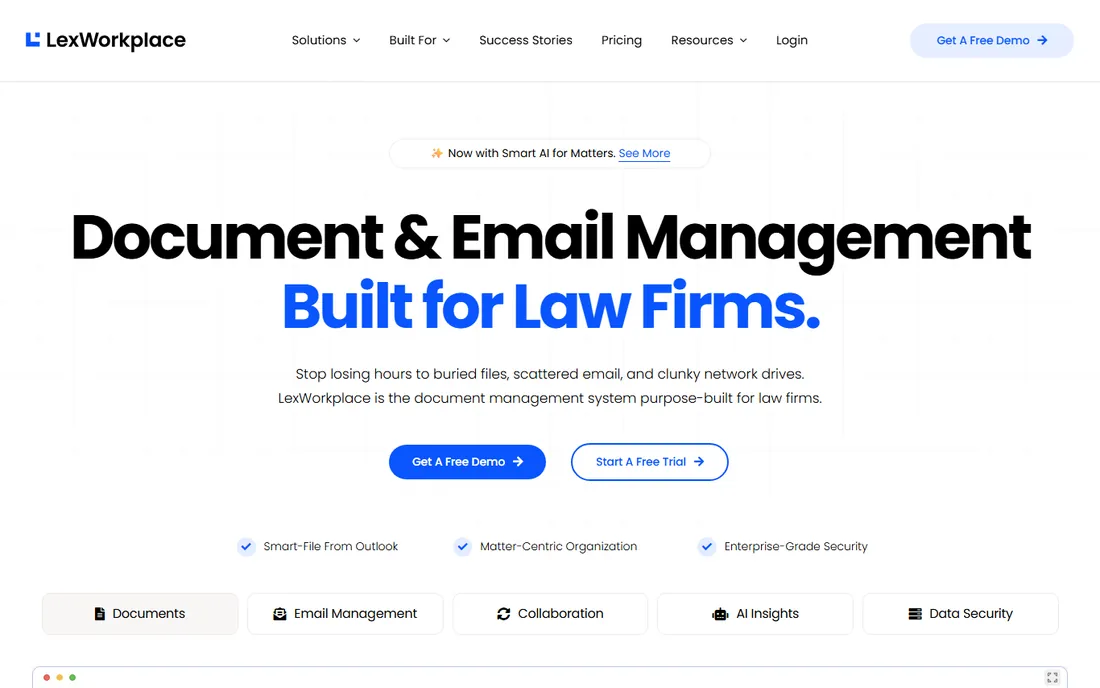
LexWorkplace is the rare legal DMS that tells you the price upfront: from $395 per month for the firm. It is a true document management system, with document profiling, version control, Outlook email management, and full-text search across document content, built cloud-native from the start with full Mac support.
The positioning is deliberate. LexWorkplace targets the firms that iManage and NetDocuments price out: cloud-ready practices of 2 to 75 users that need real DMS functionality without enterprise procurement. AI features are included rather than gated behind a premium tier, which matters as document summarization and search assistance become standard expectations.
The honest limitations are scale and ecosystem. Firms above 75 users will likely need the enterprise platforms, and the integration marketplace is smaller than iManage's. Migration from a file server or a legacy DMS still takes planning. For the firms it targets, though, published pricing plus true DMS features is a combination nobody else offers.
What we like- Only true DMS with published pricing
- Cloud-native with full Mac support
- AI features included
Watch out for- Firm-size sweet spot tops out around 75 users
- Smaller vendor
- Migration effort is real
Starting priceSee website
Free planNo
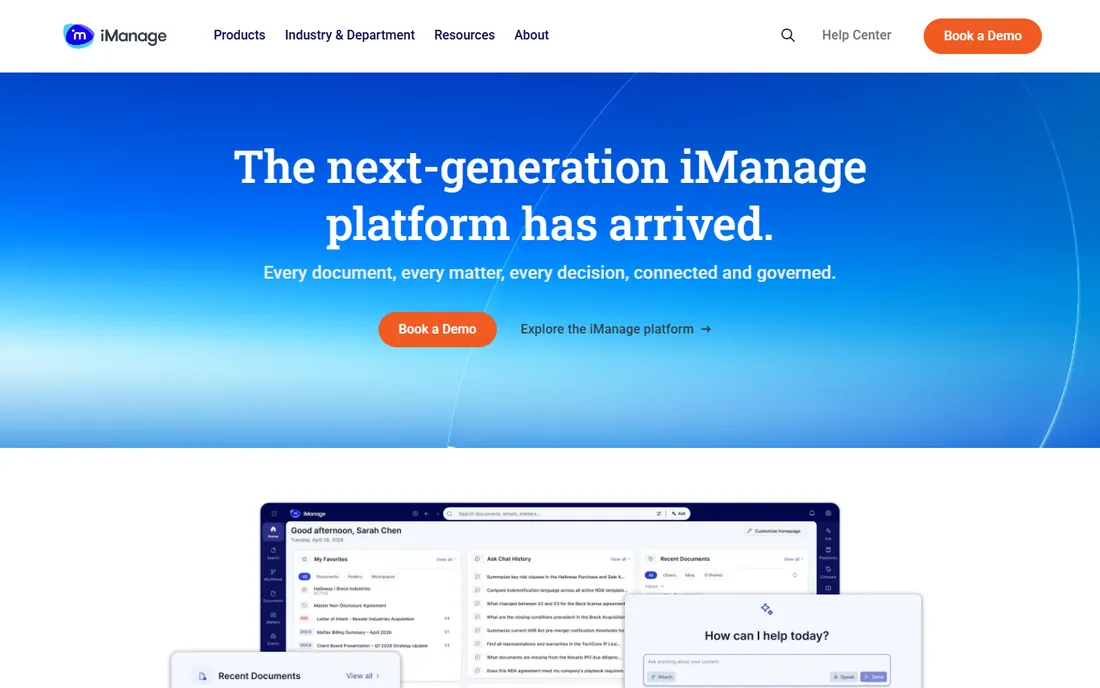
iManage Work is the document management system of large law firms and corporate legal departments. It manages documents and emails with matter-centric profiling, version control, security policies down to the document level, and workflow automation, all deeply integrated into Outlook and Microsoft Office where lawyers actually work.
The AI capabilities are a genuine differentiator at the enterprise level: intelligent search, document analysis, and knowledge management that surface relevant precedents across the firm's entire corpus. For firms with millions of documents, that institutional memory is the product.
Everything about buying iManage is enterprise. Pricing is quote-only and substantial, implementation takes months with dedicated IT involvement, and there is no free trial. It is the right choice for firms with hundreds of users and the IT staff to run it, and the wrong choice for everyone else.
What we like- Enterprise DMS standard for large firms
- Deep Outlook and Office integration
- Strong AI capabilities
Watch out for- Quote-only pricing
- Requires dedicated IT
- Implementation measured in months
Starting priceSee website
Free planNo
NetDocuments is the cloud-native alternative to iManage for mid-to-large firms. Documents live in a secure cloud repository organized by matter, with version control, email management, collaboration tools, and the compliance certifications that firm risk committees require. Third-party estimates put pricing around $50 to $65 per user per month, but the vendor does not publish rates.
The cloud architecture is the practical advantage. Firms avoid the server infrastructure that on-premises DMS platforms require, and remote and hybrid work patterns function naturally. Security and governance features satisfy the requirements of corporate clients with outside counsel guidelines.
The friction points are pricing opacity and platform support. Quotes come through the vendor or resellers, and Mac support lags the Windows experience, which matters for firms with mixed environments. It remains the default shortlist entry for cloud-committed firms above the LexWorkplace size range.
What we like- Cloud-native DMS with strong security
- Matter-centric organization
- Trusted by mid-to-large firms
Watch out for- Pricing not published
- Mac support is limited
- Reseller channel adds complexity
#4
Clio Manage
Best for: Firms wanting practice management plus docs
Visit clio.com
Starting price$39/user/month (EasyStart, billed annually)
Free planFree trial

Clio Manage is the practice management platform most law firms know, and its document features cover what most small firms need: matter-linked document storage, templates, e-signature, and a client portal for sharing. The EasyStart plan begins at $39 per user per month billed annually, with higher tiers reaching $129 to $149 for the full platform.
The ecosystem is the strategic advantage. With over 300 integrations, Clio connects to the accounting, intake, and communication tools firms already use, and the platform scales from solo practitioners to large firms. For firms whose document needs are storage, sharing, and templates rather than version control and email management, it is enough.
The honest distinction is that Clio's documents are a module, not a DMS. There is no true document profiling, no Outlook email management as documents, and no full-text search across content comparable to LexWorkplace or iManage. Firms that outgrow the module usually add a real DMS alongside Clio rather than replacing it.
What we like- All-in-one practice management with documents included
- 300+ integrations
- Approachable for any firm size
Watch out for- Document module is not a true DMS
- Higher tiers get expensive
- Add-ons multiply the bill
Starting price$49/user/month
Free planFree trial
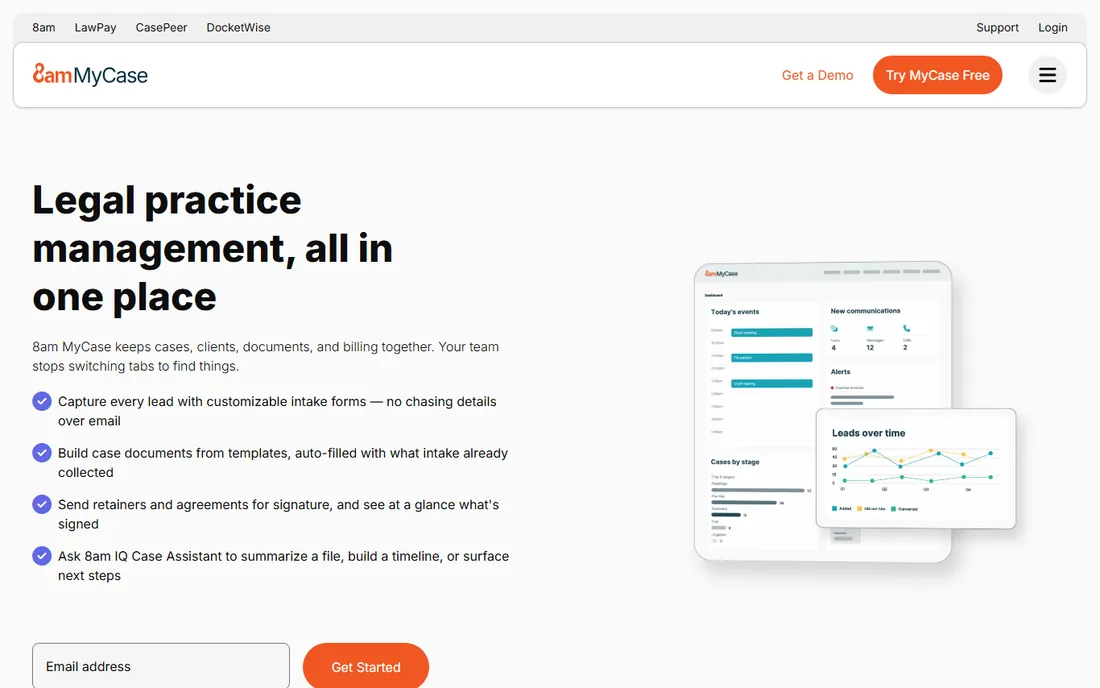
MyCase is the small-firm all-in-one: case management, billing, client communication, and document storage in one subscription starting at $49 per user per month, with higher tiers at $99 and $119. The appeal is the single predictable bill and the unified workflow from intake to invoice.
Document handling covers the essentials: matter-linked storage, sharing through the client portal, and e-signature on higher tiers. Client communication is a particular strength, with messaging and a portal that reduce phone tag. For solo and two-to-three attorney firms, the packaged simplicity beats assembling best-of-breed tools.
The limitations mirror Clio's: this is document storage inside practice management, not a DMS. Firms with heavy document automation or version control needs will feel the ceiling. The tier jumps are also large, so a firm that needs one Pro feature pays for the whole tier. Within its sweet spot, though, it is the easiest buying decision in legal software.
What we like- Predictable bundled pricing
- Strong client communication tools
- Built-in payments
Watch out for- Document features are basic
- Large tier jumps between plans
- Less customizable than Clio
Starting price$49/user/month (Solo)
Free planFree trial

PracticePanther is the budget all-in-one for firms moving off legacy desktop tools. Four published tiers run $49, $69, $89, and $114 per user per month, which makes cost modeling straightforward. The Business tier adds intake forms, two-way texting, unlimited e-signature, and LEDES billing; Business Pro adds trust and operating accounting.
For document purposes, PracticePanther stores matter-linked documents with sharing and e-signature, which satisfies firms whose needs stop at organization and execution. The workflow automation handles the repetitive administrative work that eats small-firm hours.
The honest read is the same as its peers: capable document module, not a DMS. Tier upgrades apply across every seat, so adding one power user feature raises the whole firm's bill. Firms should also note that the deeper financial workflows need the top tier. As an affordable practice platform with documents included, it delivers.
What we like- Clear published pricing across four tiers
- Good workflow automation
- Native e-signature and texting
Watch out for- Document management is a module
- Tier upgrades apply to every seat
- Accounting features need the top tier
Starting priceSee website
Free planFree trial

Smokeball differentiates on document automation. Its library of over 20,000 legal forms and precedents auto-populates from matter data, which collapses the time small firms spend drafting routine documents. The built-in AI drafting assistant extends that automation to custom documents. For family law, conveyancing, and personal injury practices, that is the core value.
Automatic time tracking captures billable activity from document work without manual entry, addressing the chronic under-billing problem in small firms. Pricing is quote-based, with third-party estimates around $139 per user per month, and implementation and migration can add thousands more.
The honest caveats are platform and price. Smokeball is Windows-first, which excludes Mac-based firms, and the per-user cost runs well above Clio or MyCase for comparable seat counts. Firms that live in documents will earn it back in drafting time; firms that do not should buy cheaper.
What we like- Excellent document automation with 20,000+ precedents
- Automatic time tracking
- AI drafting assistant
Watch out for- Quote-based pricing around $139 per user per month
- Windows-first
- Implementation costs add up
Starting priceSee website
Free planFree trial
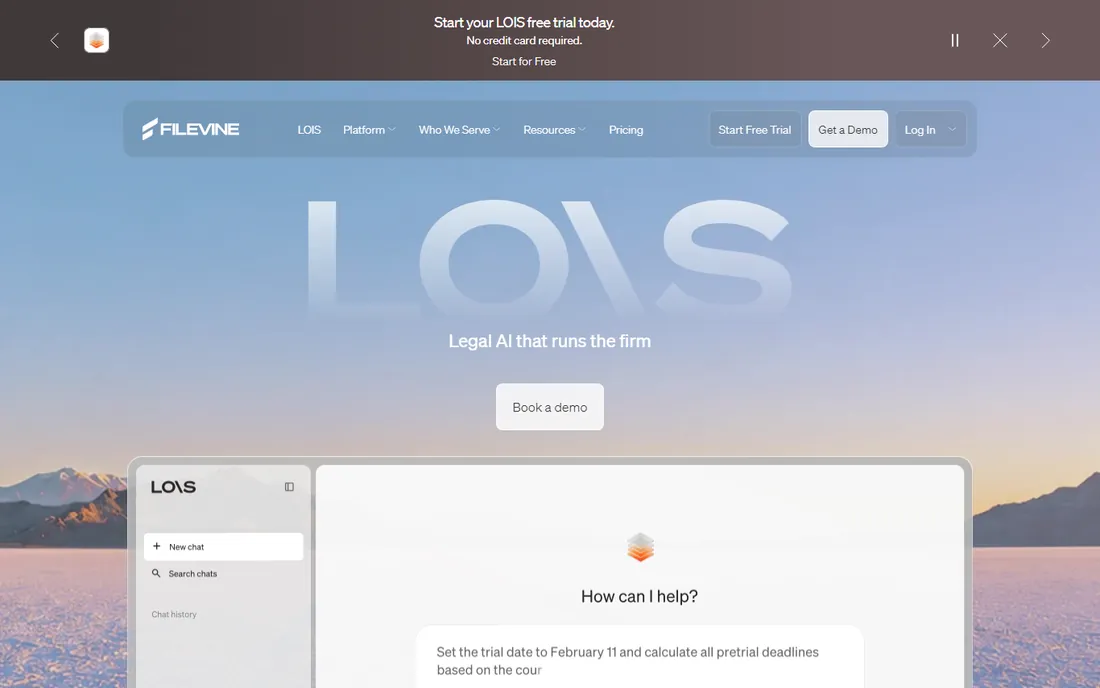
Filevine is the case management platform for litigation-heavy firms, particularly personal injury and mass tort practices. Custom workflows model the actual lifecycle of a case, from intake through settlement, with document management woven through every stage. AI features assist with document review and case analysis.
The customization depth is the selling point. Firms can build the system around their specific practice rather than adapting to generic matter management, and the platform scales to high-volume operations. A free trial lets firms validate the fit before the sales conversation.
The honest trade-offs are price opacity and implementation weight. Pricing is entirely custom-quoted, and reaching Filevine's full value requires significant setup investment. Transactional practices will find it oversized. For litigation firms with volume, it is purpose-built in a way the generalist platforms are not.
What we like- Built for litigation workflows
- Highly customizable case management
- AI features included
Watch out for- Custom quote-only pricing
- Significant setup to reach full value
- Overkill for transactional practices
Starting priceSee website
Free planNo
Worldox is the veteran DMS for firms that want their documents on their own servers. It provides true document management, profiling, versioning, and full-text search, with a deployment model that keeps data inside the firm's walls. For firms with strict data residency requirements or distrust of the cloud, that remains a legitimate choice.
The product has decades of legal-specific refinement, and firms that have run it for years tend to stay. The matter-centric organization and email integration cover the core DMS workflows competently.
The honest assessment is that Worldox shows its age. The interface feels dated next to LexWorkplace or NetDocuments, the cloud offering is less mature than cloud-native competitors, and pricing requires a quote. It suits firms committed to on-premises infrastructure; firms open to the cloud get more for less elsewhere.
What we like- True DMS with on-premises option
- Long track record
- Matter-centric organization
Watch out for- Dated interface
- Quote-based pricing
- Cloud offering lags cloud-native competitors
True DMS vs practice management documents: which do you need
A true DMS profiles every document with matter, client, author, and type metadata, versions every save automatically, manages Outlook emails as documents, and searches the full text of every file. If your firm loses time to version confusion, cannot find emails related to matters, or needs ethical walls between matters, you need a true DMS: LexWorkplace, iManage, NetDocuments, or Worldox.
A practice management document module stores files linked to matters, shares them through a client portal, and handles e-signature. If your document pain is organization and client sharing rather than version control and email management, Clio, MyCase, or PracticePanther is enough, at a fraction of the cost and implementation effort.
Many firms end up with both: a practice platform for matters, billing, and intake, plus a DMS for documents. That is a legitimate architecture, not a failure. Buy the practice platform first if the pain is operational; buy the DMS first if the pain is documents.
Migration questions to ask every vendor
Ask what the migration actually involves. Moving a decade of documents from a file server or a legacy DMS is the hidden project in every purchase. Some vendors include migration services, some charge for them, and some leave you to it. Get the scope, timeline, and cost in writing before signing.
Ask about email management specifically. The difference between a DMS that captures Outlook email automatically and one that requires manual filing is the difference between adoption and abandonment. Have the vendor demonstrate the email workflow with your actual Outlook setup during the evaluation.
Ask about ethical walls and security. Law firms need matter-level security that prevents one team from seeing another's documents. Confirm how ethical walls are configured, whether they apply to search results as well as browsing, and how the system handles conflicts checks. This is non-negotiable for firms with adversarial matters.
How we ranked these nine
We started with the platforms that dominate legal DMS shortlists: the true document management systems (LexWorkplace, iManage Work, NetDocuments, Worldox) and the practice management platforms whose document modules firms actually use (Clio, MyCase, PracticePanther, Smokeball, Filevine). We reviewed current pricing pages, product documentation, and public review summaries on G2, Capterra, and legal technology publications.
Prices come from vendor-published figures wherever available; vendors that sell by quote are marked as See website rather than estimated. We did not run hands-on trials; this guide reflects documentation, published pricing, and aggregated user feedback. Confirm pricing and migration scope directly with each vendor, since legal software quotes vary significantly by firm size.
Frequently asked questions
What is the difference between a legal DMS and practice management software?
A legal DMS is dedicated to documents: profiling, version control, email management, and full-text search across the firm's entire corpus. Practice management software handles matters, billing, calendaring, and intake, with document storage as one module. Firms with serious document workflows need a true DMS; firms whose pain is operational usually do fine with the practice platform's documents.
How much does legal document management software cost?
Published pricing ranges from $39 to $49 per user per month for practice management platforms with document modules, to $395 per month per firm for LexWorkplace's true DMS. iManage, NetDocuments, and Filevine price by quote, with enterprise DMS deployments often reaching tens of thousands per year plus implementation.
Is Clio a document management system?
Clio Manage includes document storage, templates, e-signature, and client portal sharing, but it is not a true DMS. It lacks document profiling, automatic version control, Outlook email management as documents, and full-text content search. Many firms use Clio for practice management and add a dedicated DMS for documents.
Should a small firm buy iManage or NetDocuments?
Usually not. Both are built for mid-to-large firms with dedicated IT and priced accordingly. Small firms get better value from LexWorkplace if they need a true DMS, or from Clio, MyCase, or PracticePanther if a document module suffices. Buying enterprise software hoping to grow into it wastes money and implementation effort.
Can SharePoint work as a legal DMS?
SharePoint can be configured to approximate DMS functionality, and many firms try, but it requires significant expert configuration for profiling, version control, and matter-centric organization. Firms with strong IT and Microsoft 365 commitments sometimes make it work. Most firms find a purpose-built legal DMS cheaper once the configuration labor is counted.
How hard is it to migrate to a new legal DMS?
Migration is the biggest hidden cost in legal software purchases. A decade of documents, emails, and matter structures rarely maps cleanly to a new system. Budget for professional migration services, plan for months rather than weeks on large repositories, and run a pilot migration with real data before committing to the full move.
Sources we checked (10)
- https://www.lexworkplace.com/pricing/
- https://www.imanage.com/pricing/
- https://www.netdocuments.com/pricing/
- https://www.clio.com/pricing/
- https://www.mycase.com/pricing/
- https://www.practicepanther.com/pricing/
- https://www.smokeball.com/pricing/
- https://www.filevine.com/pricing/
- https://www.worldox.com/pricing/
- https://lexworkplace.com/best-legal-document-management-software/
Is your product missing or out of date?
We review this list regularly. Vendors can request a listing, send updated pricing or ask about featured placement.

Shihab Mia · Founder, Rankite
Shihab has spent more than a decade helping SaaS and e-commerce brands grow through search. He writes Rankite's software buying guides from pricing pages, documentation and public user reviews. More about Shihab.