How we make this list: we compare pricing pages, product documentation and public user reviews. Rankite is independent; if a vendor ever pays for a featured spot, that listing is clearly labeled Partner.
Key takeaways
- Nanonets at $499 per month is the most capable self-serve option for teams that want trainable AI extraction with a strong API.
- Rossum is the enterprise pick for high-volume AP teams, but pricing typically starts around $15,000 per year and the sales process is consultative.
- DocuClipper is built specifically for accounting firms and bookkeepers, with accuracy disclosures aimed at that workflow.
- AutoEntry at $17 per month and Dext are the bookkeeping staples, with per-document pricing that suits firms processing client paperwork.
- Veryfi at about $0.16 per document is the API-first choice for developers embedding invoice scanning into their own apps.
Quick comparison
| Tool | Best for | Starting price | Free plan |
|---|
 Rossum Rossum | Enterprise AP at high volume | See website | No |
 Nanonets Nanonets | Trainable AI extraction with API | $499/month (Pro) | Yes |
 DocuClipper DocuClipper | Accounting firms and bookkeepers | See website | Free trial |
 Dext Dext | Bookkeeping document capture | See website | Free trial |
 AutoEntry AutoEntry | Per-document invoice capture | $17/month | Free trial |
 ABBYY ABBYY | Enterprise document capture depth | See website | Free trial |
 Klippa Klippa | IDP with mobile capture | See website | Free trial |
 Docsumo Docsumo | Pre-trained invoice models | See website | Free trial |
 Veryfi Veryfi | Developers embedding invoice OCR | See website | No |
Is your product missing or out of date?
We review this list regularly. Vendors can request a listing, send updated pricing or ask about featured placement.
The best best ocr software for invoices
How many hours does your team spend typing invoice data into the accounting system every month? That is the question invoice OCR software exists to eliminate. Optical character recognition reads the vendor, date, amounts, and line items from PDFs and scans, then pushes structured data into your AP workflow. The technology has matured from error-prone scanning to AI models that handle varied layouts without templates.
The second question is what happens after extraction. Some tools stop at data capture and hand off to your accounting software. Others run the full accounts payable workflow: validation, approval routing, duplicate detection, and ERP posting. The price difference between those two jobs is an order of magnitude, so knowing which one you need saves real money.
This list covers both ends, from developer APIs priced per document to enterprise platforms with six-figure contracts. Every price below comes from vendor-published pricing or is marked accordingly.
Starting priceSee website
Free planNo
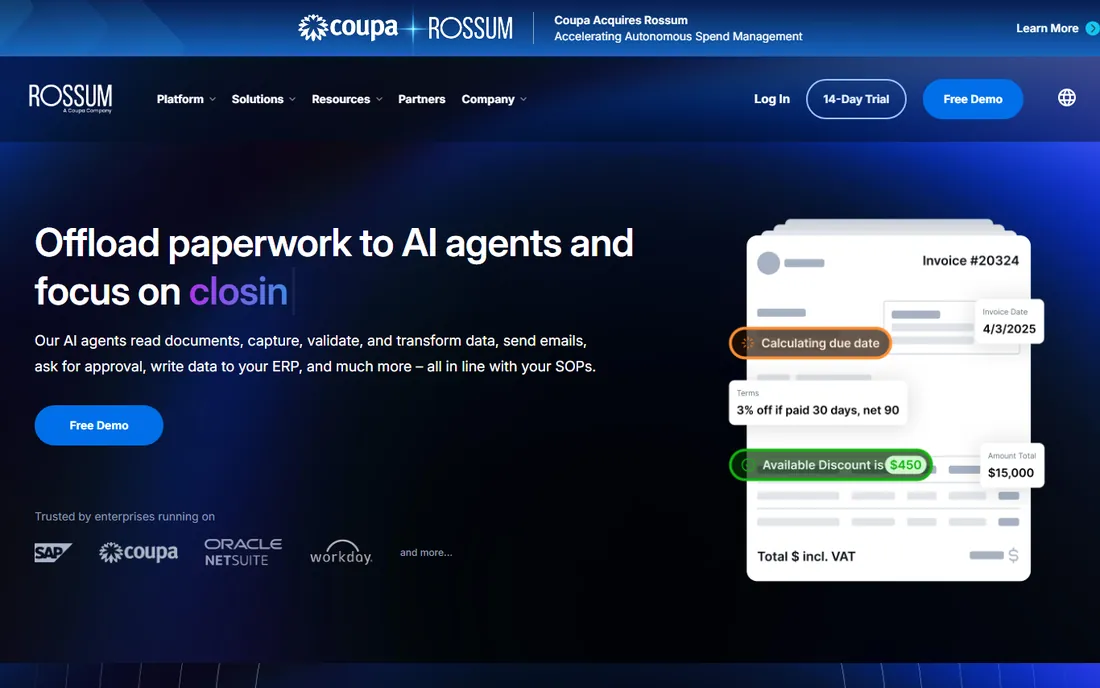
Rossum is the enterprise invoice automation platform. Its AI reads invoices with 97 to 99 percent accuracy on structured fields after training on a company's document variants, then routes them through custom validation rules and approval workflows before posting to the ERP. For AP teams processing thousands of invoices monthly across entities, that combination is the product.
The platform handles the messy reality of enterprise AP: multi-language invoices, complex tax scenarios, purchase order matching, and exception handling with human-in-the-loop review. The API integrates with major ERPs, and the workflow orchestration goes well beyond extraction.
The honest barrier is commercial. Pricing typically starts around $15,000 per year, the sales process is consultative, and implementation involves real services work. There is no free trial. Rossum is the right answer when invoice volume and complexity justify enterprise software; it is not a tool for a bookkeeping firm processing a few hundred invoices.
What we like- AI trained on enterprise document variants
- Strong validation and approval workflows
- Solid ERP API
Watch out for- Enterprise-only pricing around $15,000+ per year
- Consulting-heavy setup
- Overkill for simple extract-and-sync
Starting price$499/month (Pro)
Free planYes
Nanonets is the AI document extraction platform for teams with engineering resources. Its deep learning models capture data from invoices, purchase orders, and financial forms even when layouts vary wildly, with particularly strong table and line-item extraction. The differentiator is trainability: you can train custom models on your own document set for unusual formats.
Pricing starts with a free Starter tier covering 100 pages, then Pro at $499 per model per month including 5,000 pages, with overages at $0.10 per page. Enterprise plans are quoted. The API, webhooks, and integrations with QuickBooks, Salesforce, and cloud storage make it a genuine platform rather than a point tool.
The honest trade-offs are effort and fit. Custom models require labeled training data, which means someone has to do the labeling, and the per-page pricing gets expensive at high volume. Nanonets is also a general document AI platform, not an accounting workflow tool, so AP-specific features like approval chains are thinner than Rossum's.
What we like- Train custom models on your own documents
- Excellent table and line-item extraction
- Developer-friendly API
Watch out for- Custom models need labeled training data
- Per-page costs add up at volume
- Not tuned for accounting workflows specifically
Starting priceSee website
Free planFree trial
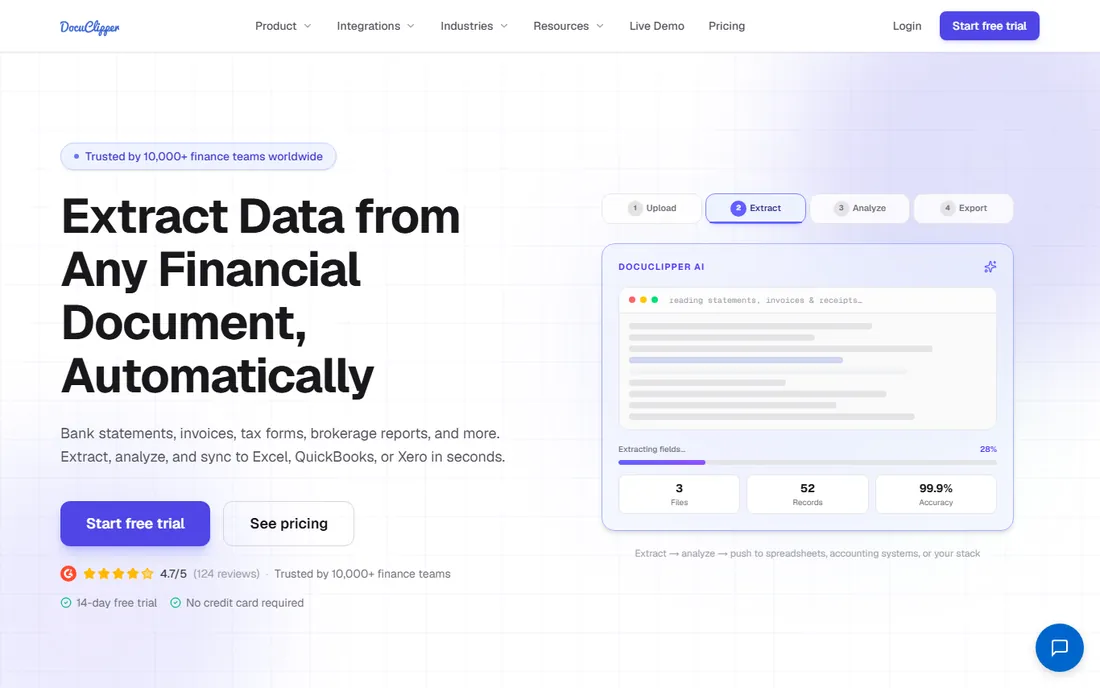
DocuClipper is invoice OCR designed by people who understand bookkeeping. Rather than general document AI, it focuses on the documents accountants actually process: invoices, receipts, and bank statements, with extraction tuned for the fields that matter in bookkeeping workflows and accuracy figures the vendor discloses openly.
That accounting focus shows in the details. The product handles the multi-document reality of month-end close, where invoices, statements, and receipts all need processing together, and the output maps to how bookkeepers work rather than how data scientists think. Independent comparisons highlight its strength for accounting-centric workflows.
The honest limitations are transparency and breadth. Pricing is not published clearly, so expect a sales conversation, and the platform does not attempt the enterprise workflow orchestration of Rossum or the custom model training of Nanonets. For firms and finance teams whose job is processing client or company paperwork accurately, that focus is a feature.
What we like- Built for accounting workflows
- Explicit accuracy disclosures
- Handles bank statements too
Watch out for- Pricing not published clearly
- Narrower than enterprise IDP platforms
- Smaller vendor
Starting priceSee website
Free planFree trial
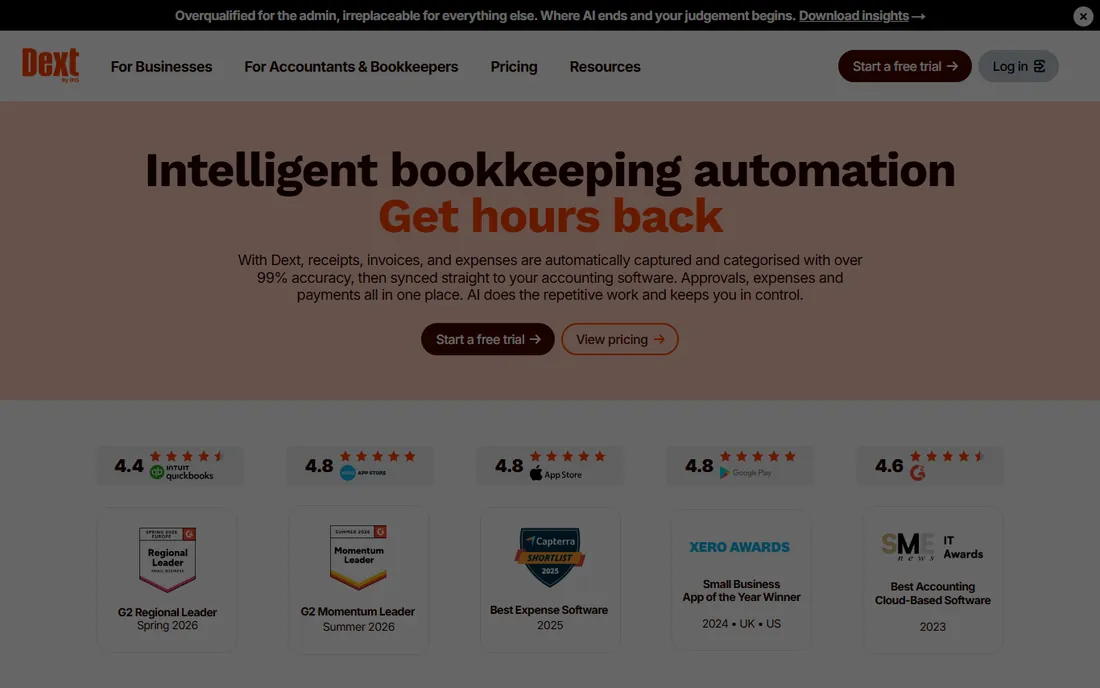
Dext, formerly Receipt Bank, is the document capture standard for bookkeeping firms. Clients photograph receipts and invoices on the mobile app, Dext extracts the data, and everything flows into QuickBooks or Xero with categorization suggestions. For firms managing dozens of clients' paperwork, that pipeline is the business.
The integrations run deep with the major accounting platforms, and features like AI-assisted categorization and tax treatment suggestions reduce the manual review burden. A 14-day free trial lets firms test the workflow with real client documents.
The honest caveats are pricing opacity and cost creep. Dext does not publish clear pricing, and the per-client or credit-based models mean the monthly bill scales with the client base in ways that surprise firms that estimated from headlines. Small businesses may also find it expensive relative to simpler alternatives. It earns its place at firms processing real volume.
What we like- Bookkeeping industry standard
- Deep QuickBooks and Xero integrations
- Mobile capture for clients
Watch out for- Pricing not published transparently
- Credit-based models can surprise
- Advanced features cost more
Starting price$17/month
Free planFree trial
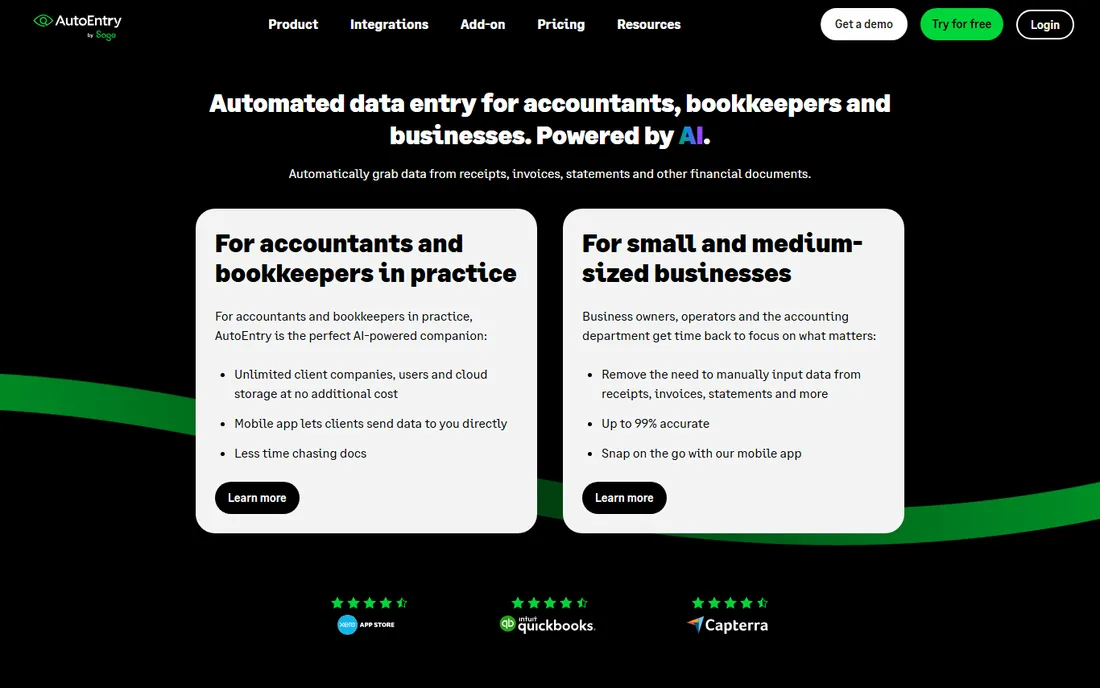
AutoEntry, now part of Sage, prices invoice capture by the document rather than the seat. Plans start around $17 per month for a credit allowance, with every plan including unlimited users and unlimited client companies. A standard invoice costs one credit, line-item extraction costs two, and bank statements cost three per page, with unused credits rolling over for 90 days.
That model suits accounting firms with variable volume: quiet months cost little, busy months cost more, and adding staff never changes the bill. The Sage ownership brings tight integration with Sage accounting products alongside the existing QuickBooks and Xero connections.
The honest friction is the credit system. The per-credit math takes a month to internalize, overage credits bill at a higher rate than plan credits, and heavy users can find the effective cost climbing. Independent reviews also note slower feature velocity since the Sage acquisition. For firms that prefer predictable per-document economics, it remains a solid choice.
What we like- Credit-based pricing suits variable volume
- Unlimited users and companies
- Line-item extraction available
Watch out for- Credit math takes learning
- Overage rates exceed plan rates
- Slower feature development since Sage acquisition
Starting priceSee website
Free planFree trial
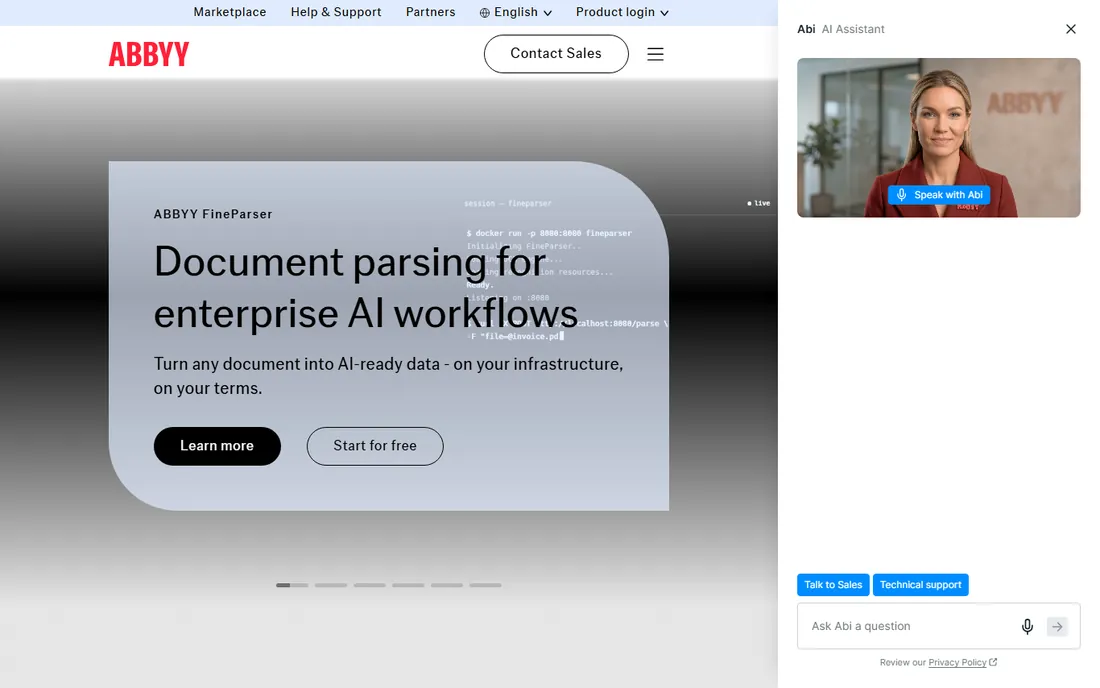
ABBYY is the veteran of intelligent document processing. Its Vantage platform and FlexiCapture product offer enterprise-grade configurability for capturing data from virtually any document type, with invoice processing as one application among many. Organizations with diverse document portfolios beyond invoices get the most from it.
The depth is unmatched. Custom extraction rules, validation logic, and classification can be tuned to extraordinary specificity, and the platform handles the document variety that defeats simpler tools. For shared service centers processing invoices alongside contracts, forms, and correspondence, that breadth matters.
The honest cost is complexity. ABBYY is configured, not just deployed, and the quote-based pricing sits at the enterprise level. A company that only needs invoice data capture will pay for capability it never uses and spend months on setup. It belongs on shortlists for enterprise document operations, not for AP automation alone.
What we like- Deepest configurability in the category
- Decades of capture expertise
- Handles any document type
Watch out for- Quote-based enterprise pricing
- Complex to configure
- Overkill for straightforward invoice capture
Starting priceSee website
Free planFree trial
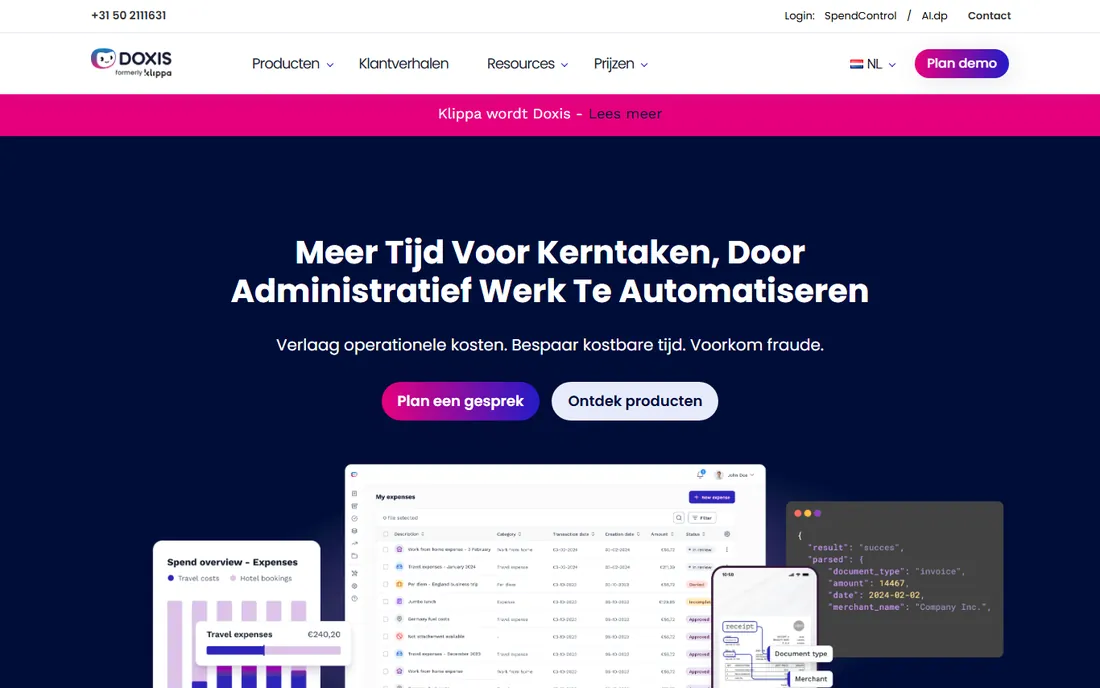
Klippa is the intelligent document processing platform with mobile capture as a strength. Employees and customers photograph invoices, receipts, and identity documents, and Klippa's AI extracts the structured data with verification workflows. The mobile-first design suits distributed teams and customer-facing capture scenarios.
The platform covers the standard IDP ground: invoice processing, receipt management, and document verification, with an API for embedding capture into other applications. A free trial lets teams validate accuracy on their own document types before committing.
The honest limitations are transparency and scale. Pricing is not published, the US reference base is smaller than the European one, and the enterprise workflow depth does not match ABBYY or Rossum. For mid-market teams that want capable invoice OCR with good mobile capture, it is worth evaluating.
What we like- Strong mobile capture experience
- Good for receipts and expense documents
- Flexible API
Watch out for- Pricing not published
- Smaller reference base in the US
- Enterprise features thinner than ABBYY
Starting priceSee website
Free planFree trial
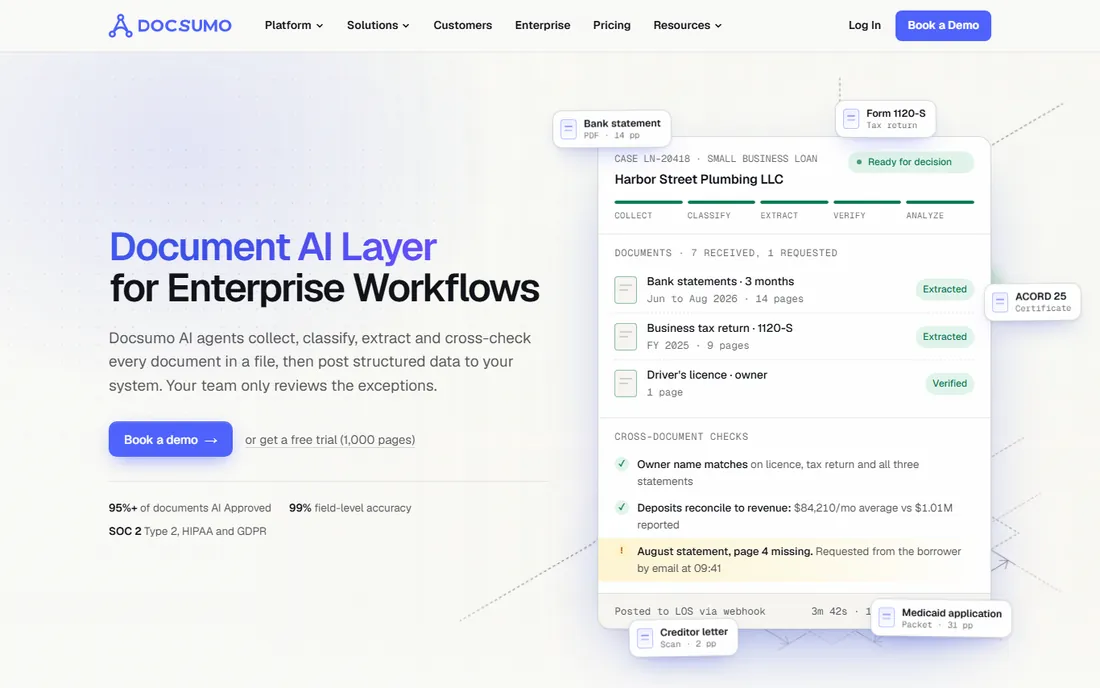
Docsumo is the intelligent document processing platform for finance teams that want control over extracted data. Pre-trained models handle invoices, receipts, and bills out of the box, with an Excel-style interface that lets non-technical reviewers validate and correct data comfortably. The platform scales to millions of pages for high-volume operations.
The review workflow is the practical differentiator. Finance staff can see exactly what the AI extracted, correct errors efficiently, and feed corrections back into the models. That human-in-the-loop design suits teams that need auditability in their AP process.
The honest caveats are pricing transparency and setup. Paid plans are not fully published, and unusual document types still need configuration work. It sits between the developer platforms and the enterprise suites: more workflow than Nanonets, less consulting than Rossum. Finance teams that want usable invoice AI without enterprise procurement should trial it.
What we like- Pre-trained models for invoices and financial docs
- Excel-style review UI
- Scales to high volumes
Watch out for- Pricing not fully transparent
- Setup needed for unusual document types
- Smaller vendor
Starting priceSee website
Free planNo
Veryfi is invoice OCR as infrastructure. Its API and mobile capture SDK let developers embed receipt and invoice scanning into their own applications, with real-time processing and strong accuracy on header fields. Pricing runs about $0.16 per document on the API model.
The product is deliberately narrow: it extracts data accurately and returns it fast, and everything else is your application's job. That focus produces a better API than platforms that bolt one onto a workflow product. The mobile SDK is particularly strong for apps that need on-device capture.
The honest limitation is that Veryfi is not an application. There is no approval workflow, no accounting integration, no dashboard for finance teams. Non-technical buyers should look elsewhere. Development teams building invoice capture into expense apps, banking products, or procurement tools will find it purpose-built for the job.
What we like- API-first with strong mobile SDK
- Real-time processing
- 97%+ header accuracy
Watch out for- No workflow UI, you build the app
- No native accounting pushes
- Not for non-technical teams
How invoice OCR pricing actually works
Invoice OCR vendors charge in three ways, and the model determines who each tool suits. Per-document or per-page pricing, from about $0.10 to $0.30 per page, suits variable volumes and developers; Nanonets and Veryfi live here. Per-seat or flat monthly pricing suits steady team usage; AutoEntry and Dext live here. Enterprise annual contracts suit high-volume AP departments; Rossum and ABBYY live here.
To compare across models, estimate your monthly document count and do the multiplication. A team processing 2,000 invoices monthly pays very different totals under per-page versus flat pricing, and the cheapest headline rate is rarely the cheapest at your volume. Include overage rates in the math, because most vendors charge more per unit beyond the plan allowance.
Watch for the accuracy-to-labor trade. A cheaper tool with 92 percent accuracy that requires manual correction of every twelfth invoice can cost more in staff time than a pricier tool at 98 percent. Measure correction time during the trial, not just the extraction accuracy, because the labor is the real cost.
What to test during the trial
Test with your worst invoices, not your cleanest. Multi-page PDFs, scanned copies of copies, handwritten notes, foreign languages, and unusual layouts are where OCR accuracy actually matters. Every vendor demos with clean documents; your AP team lives with the messy ones.
Test the full workflow, not just extraction. An accurate extraction that cannot route for approval, match to purchase orders, or post to your ERP is half a product. Run ten real invoices end to end during the trial, from inbox to accounting system, and time the exception handling.
Test line items specifically. Header fields like vendor, date, and total are easy for modern OCR; line-item tables are where accuracy diverges. If your AP process needs line-level data for matching or coding, verify it explicitly, because several tools that ace headers stumble on tables.
How we selected these nine
We started with the platforms that dominate invoice OCR shortlists: the enterprise automation suites, the AI extraction platforms, the bookkeeping staples, and the developer APIs. We reviewed current pricing pages, product documentation, accuracy disclosures, and public review summaries on G2, Capterra, and accounting technology publications.
Prices come from vendor-published figures wherever available; vendors without published pricing are marked as See website rather than estimated. We did not run accuracy benchmarks; this guide reflects documentation, published pricing, and aggregated user feedback. Test every candidate against your own invoice set during the trial, because accuracy on your documents is the only metric that matters.
Frequently asked questions
What is invoice OCR software?
Invoice OCR software uses optical character recognition and AI to read invoices from PDFs, scans, and photos, extracting vendor names, dates, amounts, and line items as structured data. Modern tools go beyond OCR with machine learning that understands invoice layouts, then feed the data into accounting or AP workflows.
How accurate is invoice OCR in 2026?
Leading tools achieve 92 to 99 percent accuracy on header fields like vendor, date, and total, with line-item tables somewhat lower. Accuracy depends heavily on document quality and layout variety. Always test with your own invoices during the trial rather than relying on vendor benchmarks.
How much does invoice OCR software cost?
Bookkeeping tools start around $17 per month, AI platforms run $499 per month and up, per-document APIs cost $0.10 to $0.30 per page, and enterprise AP suites typically start around $15,000 per year. The right model depends on your monthly document volume.
Do I need invoice OCR or full AP automation?
Invoice OCR extracts the data; AP automation adds validation, approval routing, duplicate detection, and ERP posting. If your pain is manual data entry, OCR plus your accounting software may be enough. If your pain is approval bottlenecks and control, you need the full AP workflow, which costs significantly more.
Can invoice OCR handle handwritten invoices?
Most tools struggle with handwriting, though some newer AI platforms handle it better than traditional OCR. If handwritten documents are a meaningful share of your volume, test them explicitly during the trial, because this is where vendor accuracy claims diverge most from reality.
Will invoice OCR integrate with QuickBooks, Xero, or NetSuite?
Most tools on this list integrate with QuickBooks and Xero, and the enterprise platforms connect to NetSuite and larger ERPs. Verify your exact version and whether the integration is a native sync or a file export, since the difference determines how much manual work remains.
Sources we checked (10)
- https://www.rossum.ai/pricing/
- https://www.nanonets.com/pricing/
- https://www.docuclipper.com/pricing/
- https://www.dext.com/pricing/
- https://www.autoentry.com/pricing/
- https://www.abbyy.com/pricing/
- https://www.klippa.com/pricing/
- https://www.docsumo.com/pricing/
- https://www.veryfi.com/pricing/
- https://www.docuclipper.com/comparisons/best-invoice-scanning-software/
Is your product missing or out of date?
We review this list regularly. Vendors can request a listing, send updated pricing or ask about featured placement.

Shihab Mia · Founder, Rankite
Shihab has spent more than a decade helping SaaS and e-commerce brands grow through search. He writes Rankite's software buying guides from pricing pages, documentation and public user reviews. More about Shihab.