How we make this list: we compare pricing pages, product documentation and public user reviews. Rankite is independent; if a vendor ever pays for a featured spot, that listing is clearly labeled Partner.
Key takeaways
- Most FP&A platforms hide pricing behind sales calls; Cube is the notable exception with published plans starting at $1,500 per month.
- Excel-native tools (Cube, Datarails, Vena) win with finance teams that refuse to abandon spreadsheets, while Anaplan and Workday suit enterprises planning across departments.
- Smaller companies should look at Jirav and Fathom before talking to enterprise vendors; the implementation cost gap is enormous.
- Budget at least as much for implementation and onboarding as for the first year of licenses; FP&A software is never plug-and-play.
- AI features (forecasting assistants, anomaly detection) are now standard marketing claims; ask for a live demo on your own data before believing any of them.
Quick comparison
| Tool | Best for | Starting price | Free plan |
|---|
 Cube Cube | Spreadsheet-native planning for startups | From $1,500 per month (Cube Go) | No (demo) |
 Datarails Datarails | Excel users who want automation | See website | No (demo) |
 Vena Vena | Microsoft-centric midsize finance teams | See website | No (demo) |
 Planful Planful | Mid-market close plus planning | See website | No (demo) |
 Anaplan Anaplan | Enterprise connected planning | See website | No (demo) |
 Workday Adaptive Planning Workday Adaptive Planning | Workday ERP customers | See website | No (demo) |
 Mosaic Mosaic | SaaS metrics and board reporting | See website | No (demo) |
 Jirav Jirav | Small businesses and fractional CFOs | See website | Free trial |
 Fathom Fathom | Management reporting and cash flow | See website | Free trial |
Is your product missing or out of date?
We review this list regularly. Vendors can request a listing, send updated pricing or ask about featured placement.
The best fp&a software
Month-end close should not feel like a fire drill, but for most finance teams it does. Data lives in the accounting system, the CRM, the HR platform, and a dozen spreadsheets that only one person fully understands. Consolidating it all takes days, the forecast is outdated the moment it is finished, and the board asks questions the numbers cannot answer. FP&A software exists to turn that scramble into a repeatable process.
The buying problem is transparency. Almost every serious FP&A vendor prices by quote, which means you cannot compare costs without sitting through five sales calls. Implementation ranges from weeks to many months, and the total first-year cost often doubles the license fee once onboarding and integrations are included. Picking the best fp&a software means judging fit for your company size and tech stack, not chasing the longest feature list.
This guide compares nine platforms across the spectrum, from tools built for lean startups to enterprise planning suites. Where vendors publish pricing, it is listed; where they do not, that is stated plainly rather than guessed.
#1
Cube
Best for: Spreadsheet-native planning for startups
Visit cube.dev
Starting priceFrom $1,500 per month (Cube Go)
Free planNo (demo)

Cube pitch is simple: keep your spreadsheets, lose the chaos. It connects Excel and Google Sheets to your source systems, so finance teams plan and report in the interface they already know while the data stays centralized and version-controlled. That spreadsheet-native design is why implementation is measured in weeks rather than quarters, and it is also why Cube publishes its pricing when competitors do not: Go starts at $1,500 per month for lean teams, Pro at $2,800 for companies scaling reporting and planning.
The honest limits follow from the design. Because so much logic lives in spreadsheet formulas, heavily customized models can become hard to maintain, and real-time ERP sync is not as deep as in enterprise platforms. Extra users and data sources cost more, so model the full bill. For startups and small companies that live in Google Sheets and want real FP&A without an enterprise project, Cube is the most approachable entry point in this guide.
What we like- Works inside Excel and Google Sheets, so adoption is fast
- Published pricing is rare in this category
- Quick implementation for the segment
Watch out for- Heavy customization leans on spreadsheet formulas
- Complex ad-hoc reporting needs extra setup
- Charges apply for added users and data sources
Starting priceSee website
Free planNo (demo)
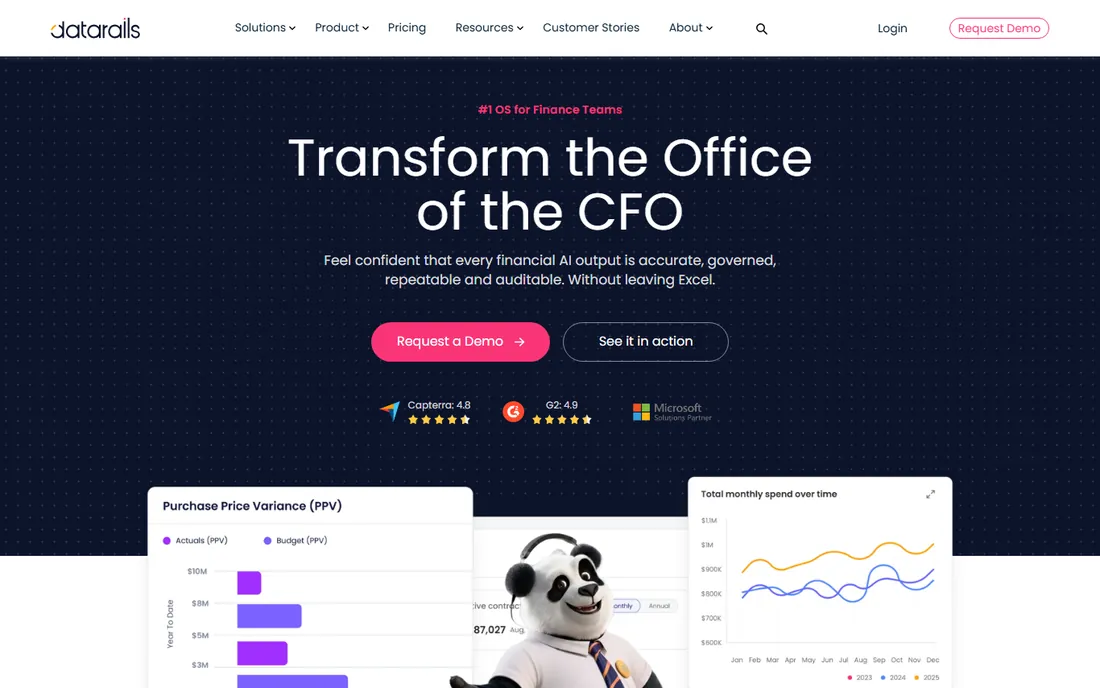
Datarails is built for finance teams that have years of Excel models they refuse to rebuild. Instead of replacing spreadsheets, it turns them into a connected system: data flows in from accounting, ERP, and CRM systems, reports update automatically, and the FP&A Genius AI answers plain-language questions against consolidated numbers. Reviewers consistently praise how little retraining is required, since day-to-day work still happens in Excel.
The cost structure is the catch. Pricing is customized, with estimates for a ten-user deployment running several thousand dollars a month plus onboarding fees in the low five figures. That puts Datarails firmly in mid-market territory; a ten-person startup will find it heavy. For established small and midsize companies drowning in manual consolidation, the time savings are real, but go in expecting a proper enterprise sales cycle.
What we like- Deep Excel integration that preserves existing models
- Strong automated reporting and storyboards
- Conversational AI for quick answers
Watch out for- Quote-based pricing with meaningful implementation fees
- Can be more than small teams need
Starting priceSee website
Free planNo (demo)
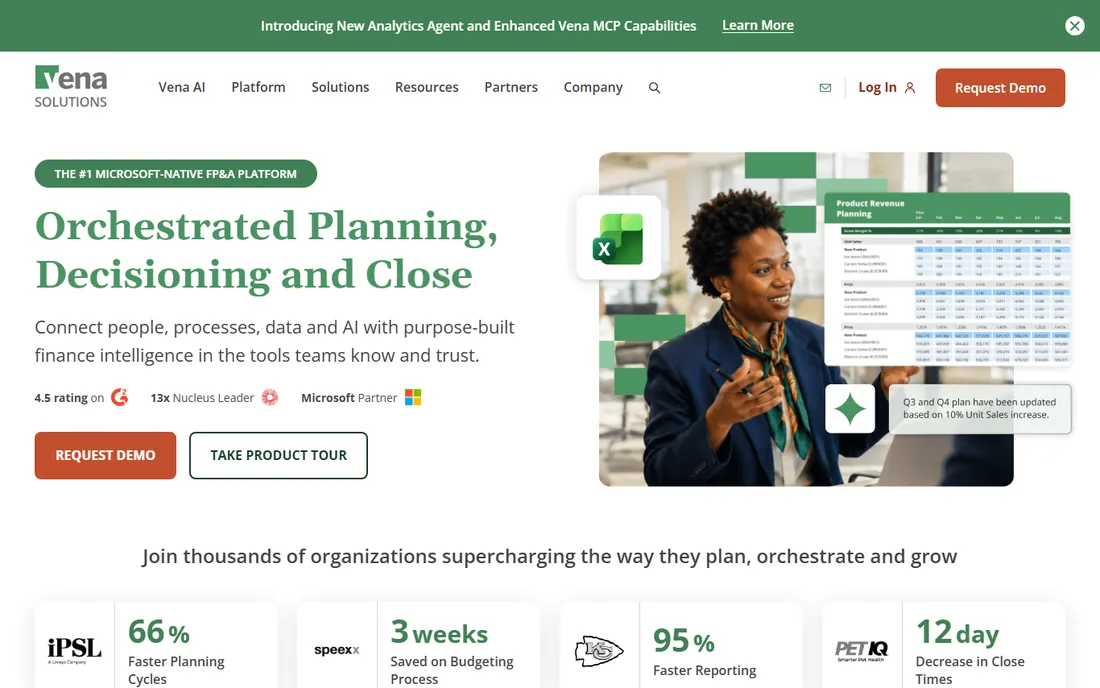
Vena takes the Excel-native idea upmarket. Finance users work in a familiar spreadsheet interface, but behind it sits a controlled database with workflows, approvals, and audit trails that satisfy auditors and CFOs at larger companies. The Microsoft 365 integration runs deep: Teams, Power BI, and Excel all connect, which matters for organizations already standardized on Microsoft.
This is mid-market to enterprise software in every sense, including the buying process. Expect a quote-based deal, an implementation measured in months, and onboarding costs that can reach five figures. Companies under roughly 100 employees will find simpler tools faster and cheaper. But for a 500-person company whose finance team lives in Excel and needs governance around it, Vena is one of the most proven options available.
What we like- Native Excel interface inside a governed platform
- Strong workflow and audit controls
- Deep Microsoft 365 integration
Watch out for- Implementation is a serious project with real consulting costs
- Overkill for companies under 100 employees
Starting priceSee website
Free planNo (demo)
Planful covers the full cycle from close to plan, which distinguishes it from pure planning tools. The platform handles consolidations, reporting, budgeting, and forecasting in one place, and its AI features flag anomalies in actuals before they become board-meeting surprises. Multi-entity mid-market companies get particular value from the consolidation engine.
Like most of its peers, Planful prices by quote, and the modular structure means the number you negotiate is only the starting point: extra modules and premium support tiers add up. Implementation is a multi-week to multi-month project depending on entity complexity. It fits mid-market companies that want close and planning unified, and that have the finance headcount to run a real system.
What we like- Combines financial close management with planning
- AI features for anomaly detection
- Strong consolidation for multi-entity companies
Watch out for- Quote-based pricing
- Additional modules and support tiers raise the total cost
Starting priceSee website
Free planNo (demo)
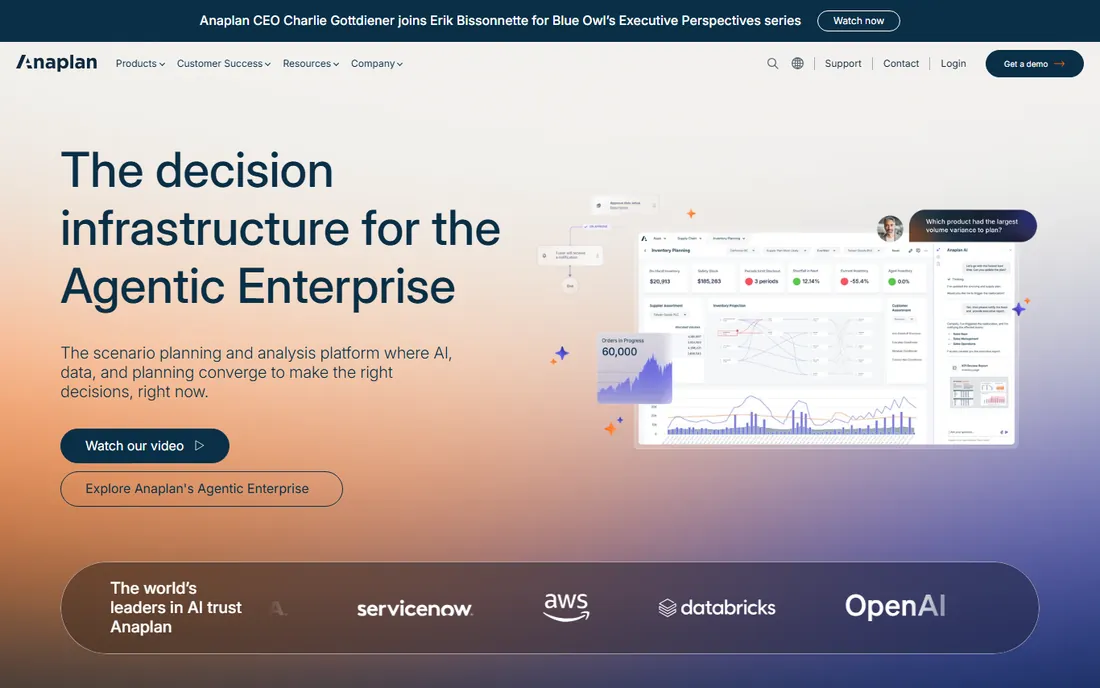
Anaplan is not really a finance tool; it is a planning platform that finance happens to use alongside sales operations, supply chain, and workforce planning. Its in-memory modeling engine handles multi-dimensional models at a scale spreadsheets cannot touch, and changes ripple across connected plans in real time. Large enterprises use it to keep every department planning from the same numbers.
Everything about Anaplan is enterprise-grade, including the cost and complexity. Deals are large, implementations run for months, and you will need trained model builders on staff or on contract. There is no sensible use case for a company under a few hundred employees. But if you are selecting a platform to unify planning across a global organization, Anaplan is the category benchmark.
What we like- Models connect finance, sales, supply chain, and HR planning
- Handles massive multi-dimensional models
- Strong enterprise customer base
Watch out for- Enterprise pricing and long implementations
- Requires dedicated administrators
- Far beyond small-company needs
Starting priceSee website
Free planNo (demo)

Workday Adaptive Planning (formerly Adaptive Insights) is the natural FP&A choice for companies already running Workday. Workforce planning is the standout: headcount, compensation, and hiring plans flow directly from Workday HCM, which eliminates the most error-prone part of most budgets. The interface is cleaner than many enterprise tools, and finance teams at Workday shops adopt it quickly.
Outside the Workday ecosystem, the value proposition weakens considerably; you would be paying enterprise prices without the integration payoff. Pricing is quote-based and implementations are consulting-heavy. If your company runs Workday Financials or HCM, shortlist Adaptive Planning first and compare everything else against it. If not, the tools above will serve you better for less money.
What we like- Tight integration with Workday HCM and Financials
- Familiar to Workday administrators
- Strong workforce planning
Watch out for- Best value only inside the Workday ecosystem
- Quote-based enterprise pricing
- Long sales and implementation cycles
Starting priceSee website
Free planNo (demo)
Mosaic was built specifically for SaaS finance teams, and it shows in every dashboard: ARR, net revenue retention, CAC payback, and burn multiple are first-class metrics rather than custom calculations. It connects to the accounting system, CRM, HRIS, and billing platform to produce board-ready reporting and rolling forecasts without the spreadsheet assembly line. Implementation is weeks, not quarters.
The specialization is also the limitation. If you run a services business, a manufacturer, or a multi-entity conglomerate, Mosaic metric set will feel constraining. Pricing is quote-based, though typically below the enterprise suites. For venture-backed SaaS companies between seed and Series C that need credible financial reporting fast, Mosaic is one of the best fits in the market.
What we like- Purpose-built for SaaS metrics like ARR, NRR, and burn
- Fast time to value for startups
- Clean dashboards for board reporting
Watch out for- Less suited to non-SaaS business models
- Quote-based pricing
- Younger company than the enterprise incumbents
Starting priceSee website
Free planFree trial
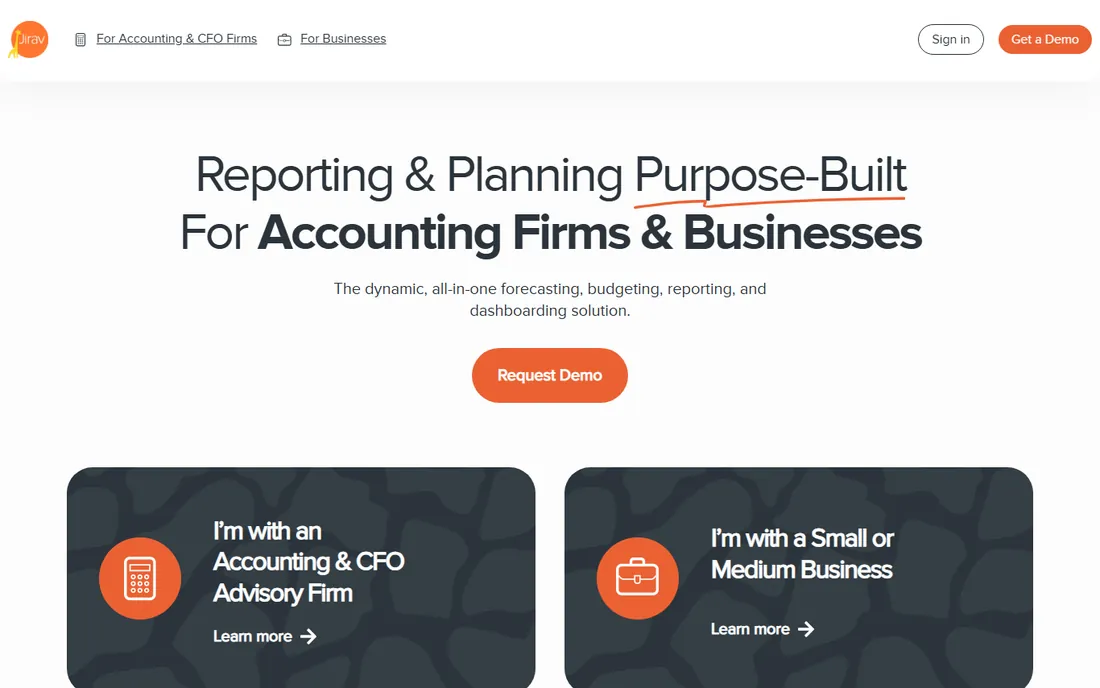
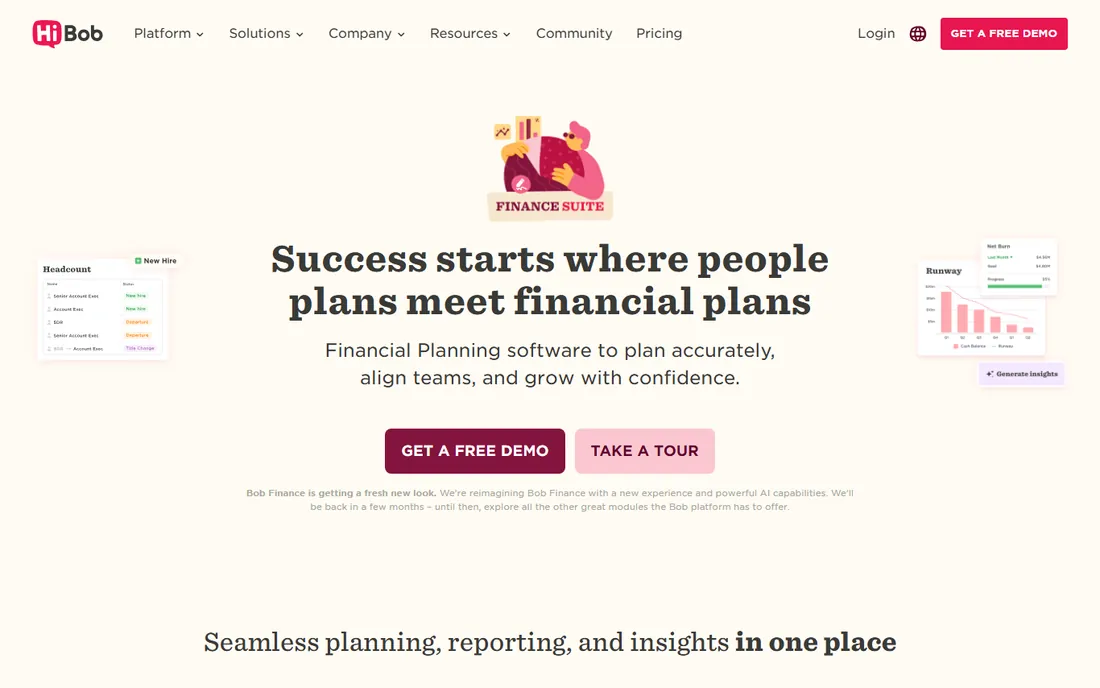
Jirav occupies the space most FP&A vendors ignore: companies too small for Datarails or Vena but too complex for pure spreadsheets. It handles budgeting, forecasting, and dashboard reporting with templates designed for small businesses, and it has become a favorite of fractional and outsourced CFO firms that manage finance for multiple clients. A free trial lets you test it on real numbers before talking to sales.
Expectations should stay modest: this is not a consolidation engine for fifty entities or a workforce planning suite. Reporting is template-driven, and power users will hit walls that enterprise tools do not have. But for a 20 to 200 person company that needs its first real planning system, Jirav offers the shortest path from spreadsheets to something better.
What we like- Built for small-company budgeting and forecasting
- Popular with outsourced CFO firms
- Faster and cheaper to implement than mid-market tools
Watch out for- Lacks the depth enterprises need
- Reporting customization is limited compared to bigger platforms
Starting priceSee website
Free planFree trial
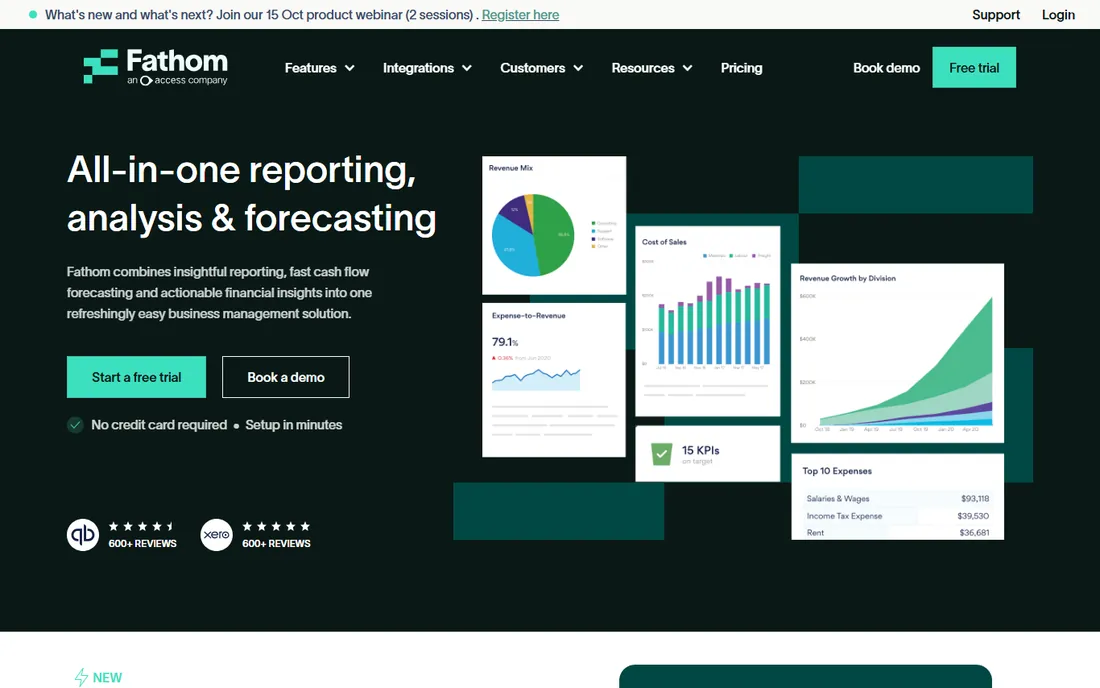
Fathom is the lightest tool on this list, and deliberately so. It connects to Xero, QuickBooks, or MYOB and turns raw accounting data into polished management reports, KPI dashboards, and cash flow forecasts with almost no setup. Accountants love it because they can produce client-ready reporting without building anything; small business owners love it because the numbers finally make sense.
Do not mistake it for a planning platform. Fathom does not do driver-based modeling, headcount planning, or multi-department budgeting at any serious depth. It answers "how are we doing" brilliantly and "what should we do" only lightly. Pair it with a planning tool if you need both, or use it standalone if reporting and cash visibility are the actual problems.
What we like- Beautiful management reports from accounting data in minutes
- Cash flow forecasting included
- Affordable for small firms
Watch out for- Not a full FP&A suite
- Limited driver-based planning and scenario modeling
How this shortlist was put together
We started with the platforms that appear most often in FP&A buyer guides and finance community discussions, then filtered for products actively sold and supported in 2026. Pricing was checked against vendor pricing pages and recent independent pricing research; because most vendors in this category price by quote, prices are listed as "See website" wherever a published figure could not be confirmed, rather than repeated from estimates.
Feature assessments were cross-checked against vendor documentation and review summaries on G2, Capterra, and SourceForge. We deliberately included tools for different company sizes, since the best fp&a software for a 30-person startup shares almost nothing with the right choice for a 5,000-person enterprise. No hands-on testing was performed; this is a research-based comparison.
What to ask on every FP&A demo
Treat the demo as an interrogation, not a presentation. Ask the vendor to build one of your actual reports live, using your chart of accounts, and time how long it takes. Ask exactly which integrations are native, which need middleware, and who builds them. Ask for the names of three customers your size in your industry, and call them.
Pin down the full first-year cost in writing: licenses, implementation, training, data migration, and ongoing support. Ask what happens to your data and models if you cancel, and in what format you can export them. Finally, ask who on your team will administer the system day to day, and how many hours a week that takes; FP&A tools that need a full-time administrator are a hidden headcount cost.
The implementation bill nobody quotes upfront
License fees are only the visible half of FP&A software cost. Implementation typically adds 50 to 100 percent on top of the first year licenses: consultants map your chart of accounts, build your models, connect your source systems, and train your team. Data cleanup alone surprises most buyers; if your accounting data is messy, the project starts with fixing that.
Ongoing costs deserve the same scrutiny. Ask about price increases at renewal (enterprise contracts often include annual uplifts), the cost of adding users and entities as you grow, and what support tier you actually need. A platform that costs $3,000 a month in licenses can easily cost $60,000 in its first year all-in. Model that number before you sign, not after.
Frequently asked questions
What does FP&A software actually do?
FP&A (financial planning and analysis) software centralizes financial data from accounting, HR, CRM, and other systems, then supports budgeting, forecasting, reporting, and scenario modeling in one place. It replaces the manual work of consolidating spreadsheets each month and gives finance teams a single set of numbers to plan from.
How much does FP&A software cost?
It varies enormously. Lightweight tools like Fathom and Jirav cost tens to low hundreds per month. Mid-market platforms like Cube start around $1,500 per month, while Datarails, Vena, and Planful typically run several thousand per month for a midsize team. Enterprise platforms like Anaplan are six-figure annual commitments. Always budget separately for implementation.
Can small businesses use FP&A software?
Yes, and they should once spreadsheets start breaking. Jirav and Fathom are built for small companies, and Cube Go targets lean finance teams. The key is matching the tool to your complexity: a 20-person company does not need multi-entity consolidation, and paying for it anyway just slows you down.
Do I need to abandon Excel to use FP&A software?
No. Several leading tools (Cube, Datarails, Vena) are designed to work inside Excel, keeping the interface finance teams know while adding centralized data, version control, and automation behind the scenes. If your team resists leaving spreadsheets, shortlist the Excel-native options first.
How long does implementation take?
Lightweight tools can be running in days to weeks. Mid-market platforms typically take one to three months including data connections and training. Enterprise suites like Anaplan or Workday Adaptive Planning often take three to nine months with consulting support. The biggest variable is usually the state of your source data, not the software.
What is the difference between FP&A software and business intelligence tools?
BI tools (like Power BI or Tableau) visualize data and answer "what happened." FP&A software adds planning: budgets, forecasts, scenarios, and driver-based models that answer "what should happen." Many companies use both, with FP&A feeding planned numbers into BI dashboards.
Sources we checked (5)
- https://www.golimelight.com/blog/datarails-alternatives-competitors
- https://www.datarails.com/best-financial-modeling-software/
- https://www.datarails.com/best-financial-statement-software/
- https://www.itqlick.com/datarails-fp-a/pricing
- https://sourceforge.net/software/financial-planning-and-analysis-fp-a/saas/
Is your product missing or out of date?
We review this list regularly. Vendors can request a listing, send updated pricing or ask about featured placement.

Shihab Mia · Founder, Rankite
Shihab has spent more than a decade helping SaaS and e-commerce brands grow through search. He writes Rankite's software buying guides from pricing pages, documentation and public user reviews. More about Shihab.