How we make this list: we compare pricing pages, product documentation and public user reviews. Rankite is independent; if a vendor ever pays for a featured spot, that listing is clearly labeled Partner.
Key takeaways
- The cheapest serious starting points are Resource Guru ($5/person/month, billed annually) and Teamdeck ($6/member/month), both with free trials and no minimum seats.
- If you book rooms, vehicles or equipment alongside people, Ganttic is free for up to 10 resources and paid plans start at $25/month flat with unlimited users.
- Float ($7/scheduled person/month) has the fastest visual scheduling interface; Runn ($7/resource seat/month) pairs scheduling with project financials for consulting firms.
- Saviom and Kantata publish no prices at all; both are enterprise-grade and sold on custom annual contracts.
The best resource management software
Ask your team who is free next Tuesday and watch the room go quiet. Everyone is busy, but nobody can say with what. That is the problem resource management software solves: turning "we feel overloaded" into a schedule you can see, a capacity number you can trust, and a hiring decision you can defend. These nine tools cover the real market, from visual schedulers for 10-person agencies to capacity planning platforms for multi-department enterprises.

#1
Float
Best for: Creative, marketing and professional services teams of 10 to 100
Visit float.com
Starting price$7/scheduled person/month (Starter, billed annually)
Free planNo (30-day free trial, no credit card)
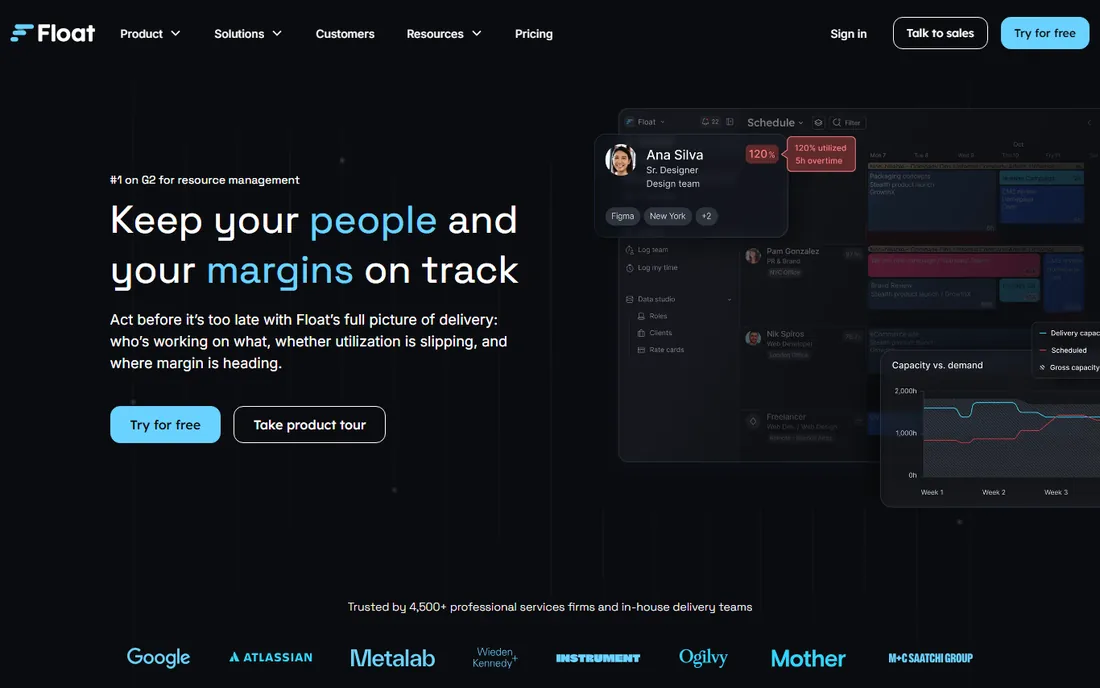
Float has the fastest scheduling interface in this group. The timeline reads at a glance, time-off management sits on every plan, and the per-scheduled-person model means people who never get booked cost you nothing. Starter runs $7 per scheduled person per month billed annually ($8.50 billed monthly), Pro is $12 ($14 monthly), and Enterprise is custom.
The honest catch is that every seat you schedule is billable, so costs rise directly with headcount, and teams that need deep project financials must step up to Pro. Jira users should know the integration pulls one way: Float changes do not write back. Setup typically takes days with no published minimum seat count. For agencies that live in the schedule daily, the speed of the interface is the whole argument.
What we like- Visual drag-and-drop scheduling timeline that is easy to read at a glance
- You pay only per scheduled person, unscheduled collaborators are free
- Built-in time tracking and project margin tracking on paid plans
Watch out for- Time tracking, rate cards and finance dashboards require the Pro plan
- Jira integration is one-way pull only

#2
Resource Guru
Best for: Small and mid-sized teams that want lightweight availability-based scheduling
Visit resourceguruapp.com
Starting price$5/person/month (Grasshopper, billed annually)
Free planNo (30-day free trial, no credit card)
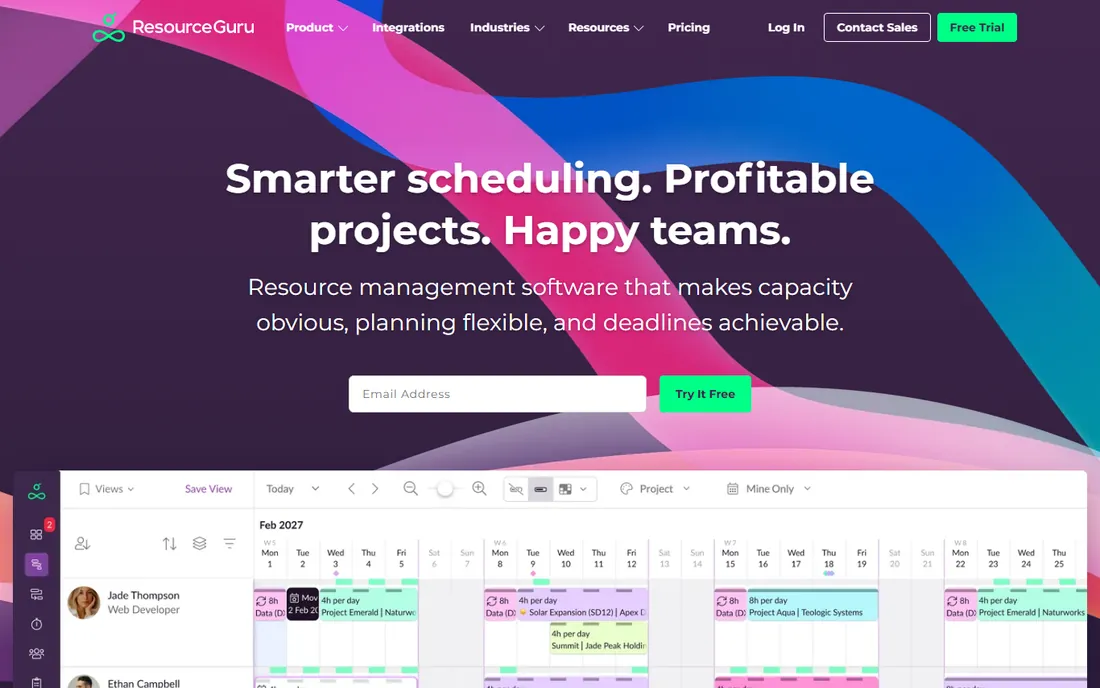
Resource Guru is a scheduling tool first and proud of it. Most teams can start booking without training: people, equipment and meeting rooms share one calendar, clash management flags double-bookings, and leave tracking is built in. Grasshopper costs $5 per person per month billed annually ($6 monthly), Blackbelt is $8 ($9.60 monthly), Master is $12 ($14.40 monthly).
The trade is simplicity against depth. Budget tracking and project profitability live elsewhere, and advanced reporting, timesheets and custom fields are gated to Blackbelt and above. Setup is very fast with no minimum seat count. If your question is "who is available when" rather than "what does this project earn", this is the cheapest serious answer.
What we like- Simple drag-and-drop scheduler that books people, equipment and meeting rooms in one place
- Built-in clash management and leave management
- Personal dashboards and daily schedule emails
Watch out for- Reports, timesheets and custom fields require the Blackbelt plan
- Not built for complex project financials or billing

#3
Saviom
Best for: Large multi-region enterprises with complex multi-department resourcing
Visit saviom.com
Starting priceSee website (custom quote only)
Free planFree trial available (60-day customized trial reported by reviewers)
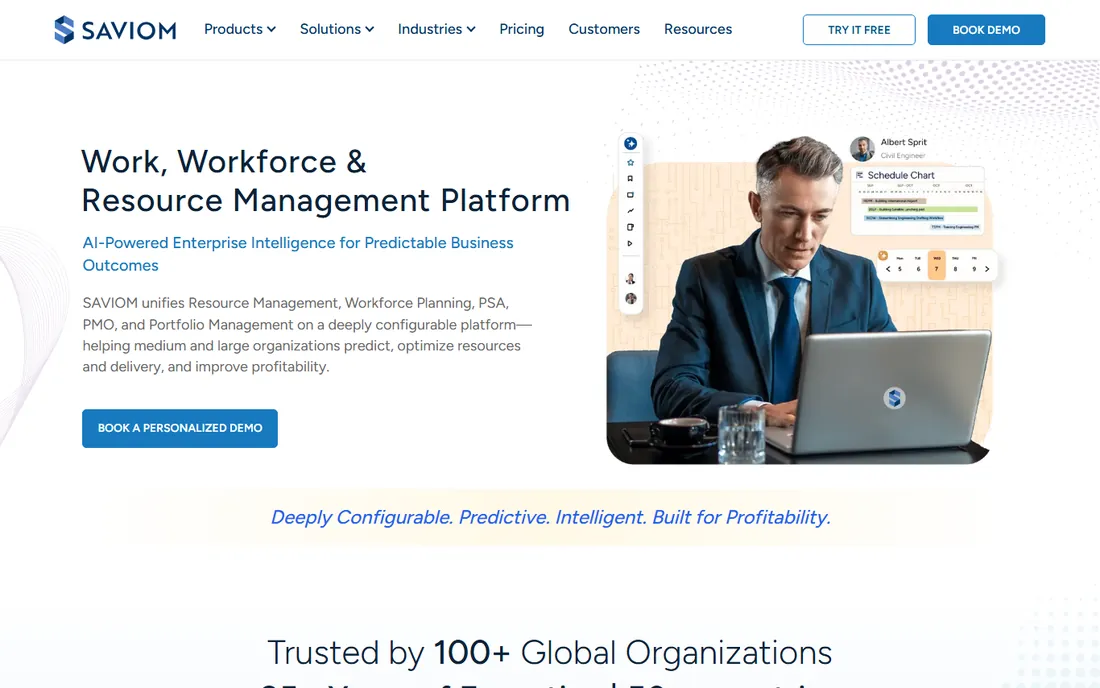
Saviom sits at the opposite end from Resource Guru. This is capacity planning for enterprises: skills-based scheduling, utilization tracking, demand forecasting and business intelligence dashboards under one roof, with integrations to Jira, Salesforce, HR and accounting systems. A 60-day customized trial is reported by reviewers.
Everything about it is enterprise-grade, including the friction. Setup is measured in weeks, it is sold on custom annual contracts, and for a 10-person agency it is plain overkill. But if you run multiple departments across regions and need to model "what happens to capacity if we win this contract", few tools go deeper. Get the trial, put your real org structure in it, and judge the forecasting against your spreadsheets before you talk price.
What we like- Advanced capacity planning and scenario modeling for multi-department workforces
- Multidimensional scheduling with skills tracking
- Real-time business intelligence dashboards and demand forecasting
Watch out for- Heavier to configure than scheduling-first tools
- No public pricing, so every quote starts with a sales process

#4
Teamdeck
Best for: Small agencies, software houses and consultancies that want scheduling plus timesheets
Visit teamdeck.io
Starting price$6/member/month (Full Member)
Free planNo (14-day free trial, no credit card)
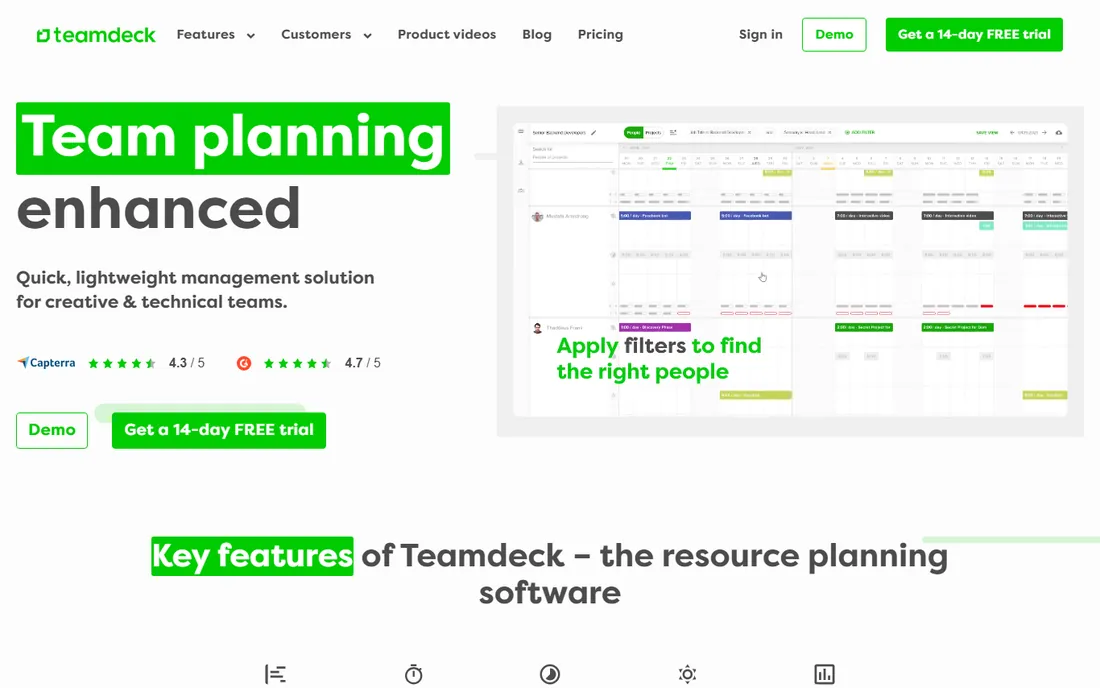
Teamdeck's pitch is transparent seat pricing with no feature gating. Every plan includes everything: scheduling, workload and capacity management, time tracking, leave management, payroll and budgeting reports. Full Members cost $6 per month ($2 for Light Members who are scheduled but never log in), annual billing saves 10 percent, and you can cancel anytime with no minimum commitment.
The honest catch is counting your seats correctly: Light Members are managed by managers and cannot log in themselves. And while the feature list is complete, the integration library is thinner than the big platforms (Zapier, Slack, Google Calendar, Podio, Sage HR, plus API). Setup is quick. For small consultancies that want one tool for scheduling plus timesheets without per-feature upsells, the math is refreshingly simple.
What we like- Every plan includes all features, so cheaper tiers never lose functionality
- Light Members let you schedule people or equipment who never log in for $2 each
- Scheduling, time tracking and leave management in one tool
Watch out for- Users report a learning curve in the calendar and reporting views
- Smaller integration library than the big platforms

#5
Ganttic
Best for: Teams that book non-human resources (rooms, vehicles, equipment) alongside people
Visit ganttic.com
Starting priceFree for up to 10 resources; paid plans from $25/month flat (Pro 20)
Free planYes (free plan for up to 10 resources)
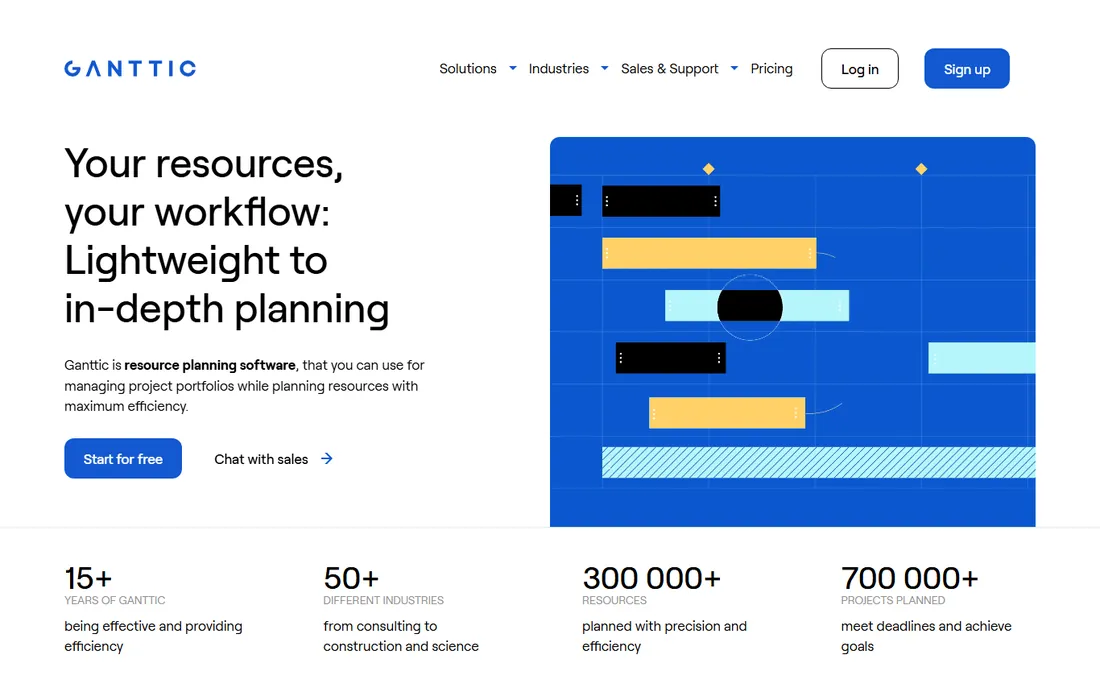
Ganttic prices by resource, not by user, which flips the usual math. A 20-resource plan costs $25 per month total no matter how many people view the schedule, and the free tier covers up to 10 resources. That makes it the cheapest way to plan when half your company needs visibility but only a few people do the scheduling. Paid tiers run $25 (Pro 20), $59 (Pro 50), $149 (Pro 150), $229 (Pro 250), $379 (Pro 500) and $599 (Pro 1000) per month.
The catch is that the resource cap determines your plan, so growing headcount forces upgrades, and the reporting is simpler than the financial-heavy tools. Custom fields for skills and certifications help match the right resource to the right task, and Google and Outlook calendar sync keep plans visible. For equipment-heavy operations, the fixed-cost model is hard to beat.
What we like- Resource-based pricing with unlimited users at a fixed monthly cost
- Visual Gantt timeline with resource and project views
- Custom data fields (skills, certifications, locations) for matching resources to tasks
Watch out for- Integrations and API depth are thinner than the big PSA suites
- Reporting is simpler than tools like Runn or Kantata

#6
Hub Planner
Best for: Mid-sized consultancies and IT services firms that need deep capacity reporting
Visit hubplanner.com
Starting price$7/resource/month (Plug & Play, billed annually)
Free planFree trial available (exact trial length unverified)
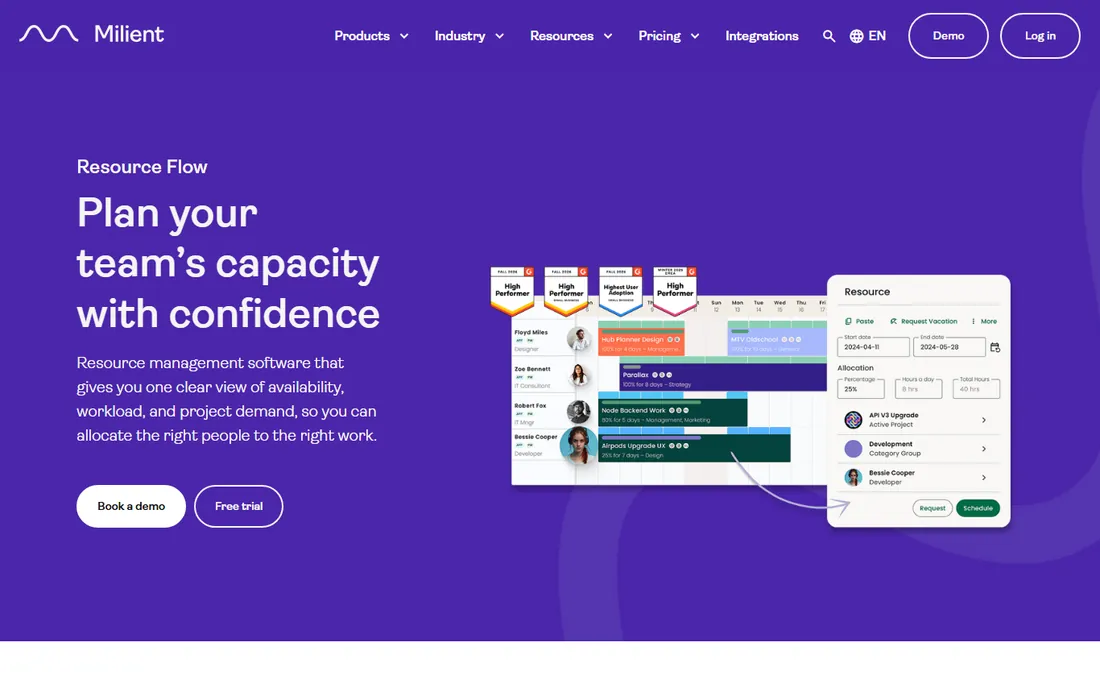
Hub Planner is a scheduling specialist with real analytical depth: capacity planning, pipeline planning, utilization analytics and request-and-approval workflows, with real-time dashboards. Plug & Play starts at $7 per resource per month billed annually ($8 monthly); Premium is $18 and adds timesheets with approvals, vacation management and financial budgets; Business Leader is custom.
The trade is specialization. Teams that need full project execution will still need a companion PM tool, and per-resource pricing means every added resource, including non-billable seats, raises the bill. Setup is moderate. For consultancies and IT services firms whose core question is capacity rather than task tracking, the reporting depth justifies the specialist price.
What we like- Dedicated resource scheduling depth with capacity, pipeline planning and utilization analytics
- Per-resource pricing keeps small teams affordable
- Premium adds timesheets with approvals, vacation management and financial budgets
Watch out for- Scheduling-first, so task and project management depth is limited
- Per-resource pricing adds up fast as you add seats

#7
Runn
Best for: IT, software and consulting firms that need budget forecasting with utilization
Visit runn.io
Starting price$7/resource seat/month (Lite plan)
Free planNo (30-day free trial on Lite and Standard, no credit card)
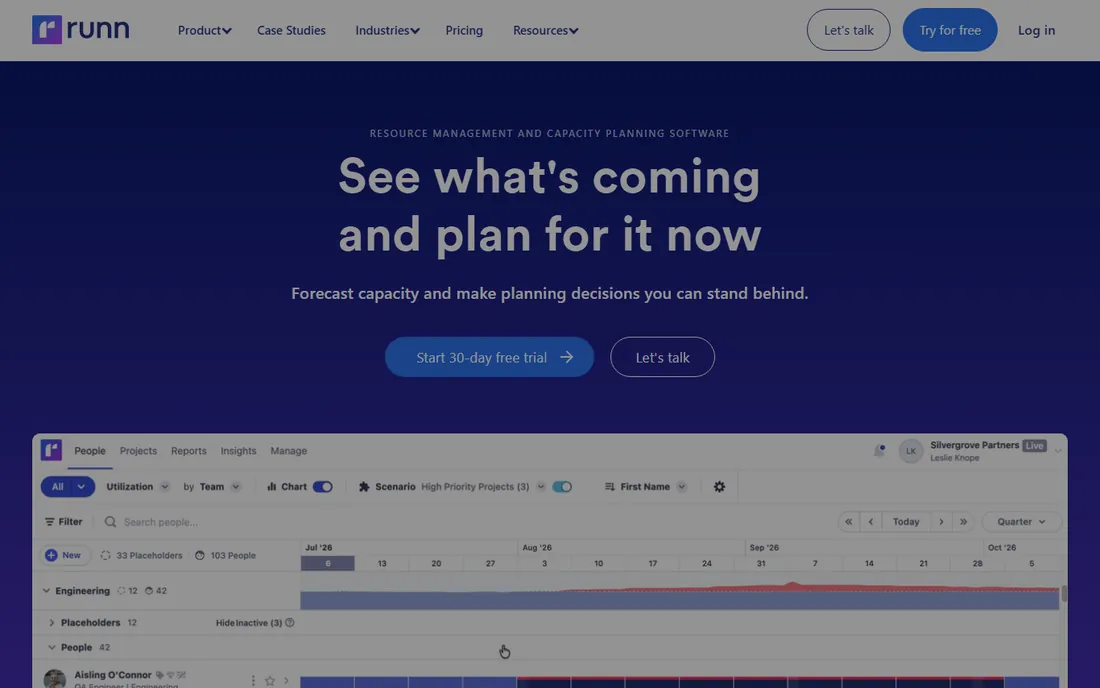
Runn ties every allocation to money. Alongside scheduling and capacity charts you get budgets, rate cards and revenue forecasting with real-time budget-versus-actual views, plus tentative project planning for pipeline work and role-based placeholders before hires are confirmed. Lite is $7 per resource seat per month, Standard $11, Advanced custom, with volume discounts from 100-plus seats.
The honest catch is the setup investment: expect a couple of weeks configuring roles, rate cards and people mapping before the forecasting earns its keep, and the interface is denser than Float's for daily contributors. Seats are per resource managed, billed in advance. For firms where the question is "what does our capacity earn" rather than just "who is free", Runn is the strongest mid-market answer.
What we like- Real-time capacity planning paired with project financials, budgets, rate cards and revenue forecasting in one view
- Tentative project and scenario planning for pipeline work
- Role-based placeholder planning before hires are confirmed
Watch out for- Needs upfront configuration of roles, rate cards and people mapping before the forecasting pays off
- No native Slack integration

#8
Wrike
Best for: SMBs that want project execution and resourcing in one platform
Visit wrike.com
Starting price$10/user/month (Team, billed annually); resource planning needs Business at $25/user/month
Free planYes (free plan for basic task management)
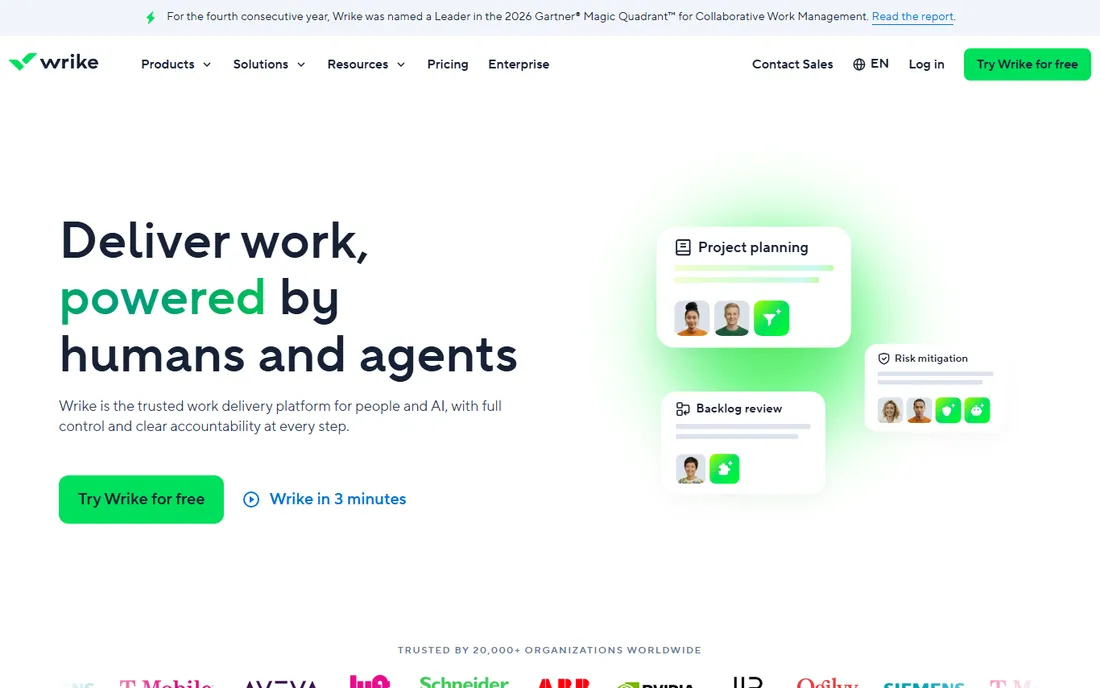
Wrike is the all-in-one alternative to standalone schedulers. Instead of bolting a scheduling tool onto your PM platform, you get workload charts, resource and capacity planning, scheduling, time tracking and reporting in the same system your team already uses for tasks. Team is $10 per user per month billed annually (2 to 15 users); Business is $25 (5 to 200 users) and is the plan that adds resource and capacity planning; Pinnacle and Apex are custom.
The price jump is the whole story. Real resource management costs $25 per user, and advanced resource management, budgeting and analytics sit in the custom-priced top tiers. Wrike can also demand real administration to run well. But if you want one platform instead of two subscriptions, and your team is already project-managing in Wrike, the Business plan is the natural upgrade.
What we like- Workload charts show assigned hours against available capacity across the portfolio
- One platform covers tasks, Gantt, dashboards, proofing and reporting
- Broad integration library and API
Watch out for- True resource and capacity planning only appears from the $25 Business plan
- Can require significant administration to run well

#9
Kantata
Best for: Mid-to-large professional services firms (50-plus) with dedicated operations staff
Visit kantata.com
Starting priceSee website (custom quote only)
Free planFree trial available (offered via sales, unverified)
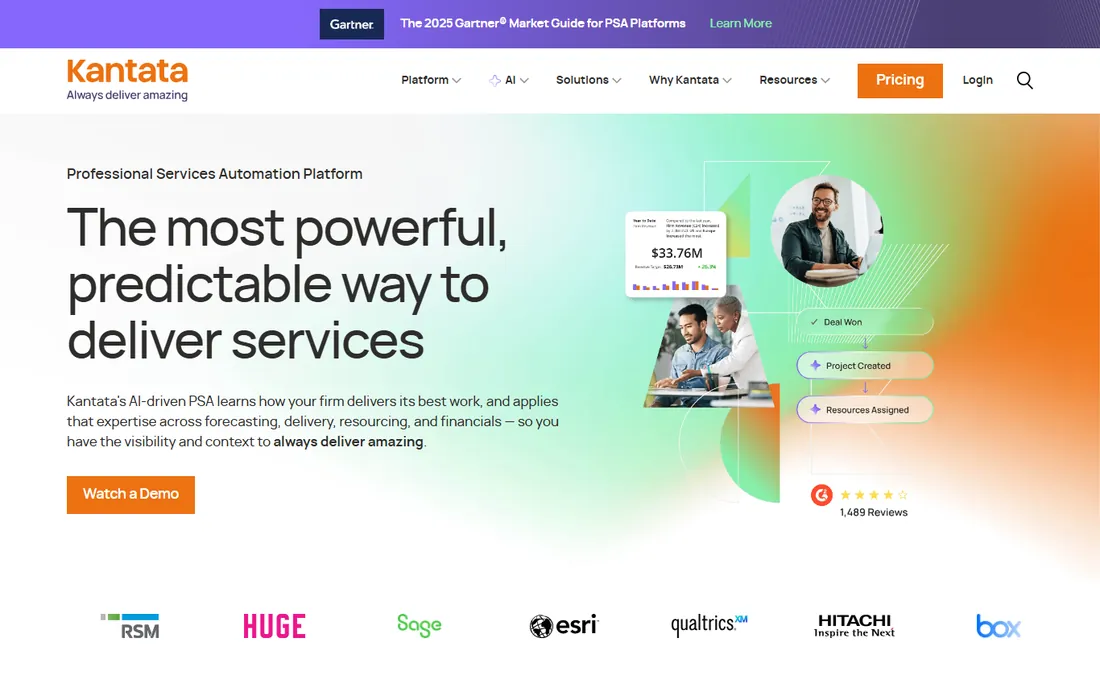
Kantata is professional services automation with resourcing at its core: capacity planning, resource scheduling, skills tracking, time and expense management, invoicing and financial analytics together, built on Salesforce. The portfolio view suits managers running five or more concurrent projects, and skills-based matching puts the right people on the right work.
Below about 50 seats, buyers typically pay for sophistication they will not fully use. Onboarding takes weeks of configuration and training, pricing is custom annual contracts, and reviewers note performance can suffer on very large projects. This is the tool for firms with dedicated operations staff who will actually run it. Everyone else should look at the schedulers above.
What we like- Skills-based resource matching connects the right people to the right projects
- Built-in project financials with real-time margin tracking
- Portfolio view suits managers running five or more concurrent projects
Watch out for- Significant onboarding investment, with weeks of configuration and training
- Performance can degrade on large or complex projects
Per-resource vs. per-user: read the pricing model before the price
The sticker prices in this category do not compare directly, because vendors count different things. Float, Runn, Hub Planner and Ganttic price per resource or scheduled person managed; Wrike and Resource Guru price per user login. Teamdeck splits the difference with Full and Light members.
The model matters more than the number. A 30-person company where 10 people schedule and 20 just need visibility pays for 30 seats on Wrike ($750/month on Business) but roughly 10 scheduled persons on Float ($70/month on Starter). Ganttic goes further: a flat $25/month plan with unlimited viewers. Before you compare prices, count who schedules, who views, and whether you book equipment too. Then the cheapest quote usually reveals itself.
First: is your problem scheduling or profitability? If the question is "who is free when", the visual schedulers (Float, Resource Guru, Teamdeck, Ganttic, Hub Planner) answer it faster and cheaper. If the question is "what does our capacity earn", you need the financial layer of Runn or Kantata, and the setup investment that comes with it.
Second: how many people actually schedule? Under 20 schedulers, per-resource pricing wins. Past 50, flat or per-user platform pricing (Wrike Business, Kantata) starts to make sense, especially if you are replacing a separate PM tool.
Third: do you book non-human resources? Rooms, vehicles, equipment and meeting rooms are first-class citizens in Resource Guru and Ganttic, and Teamdeck's $2 Light Members cover equipment. The pure people-schedulers handle them as an afterthought. Answer these three before the demo, and the shortlist writes itself.
How we chose
We started with the categories buyers search: resource management software, resource planning software, capacity planning software and team scheduling software. For each candidate we opened the vendor's own pricing page, checked plan names and prices against public reviews on G2 and Capterra and practitioner discussion on Reddit, and compared feature lists, scheduling depth, financial features and company-size fit. Where a price could not be verified on the vendor's page we wrote "See website" rather than guessing.
Frequently asked questions
What is resource management software?
It is software for planning who works on what and when: scheduling people (and often equipment) across projects, tracking capacity and utilization, and forecasting whether you have enough hands for the pipeline. It sits between project management (tasks and deadlines) and HR (people records), and the best tools connect to both.
How much does resource management software cost?
For a 10-person scheduling team, expect $50 to $120 per month: Resource Guru ($50), Teamdeck ($60), Float ($70), Runn ($70), Hub Planner ($70). Ganttic is free up to 10 resources. Wrike costs more because real resource planning starts at the $25/user Business plan. Saviom and Kantata are custom-quoted enterprise contracts.
Do I need resource management if I already have project management software?
Maybe not. If your PM tool has workload views (Wrike Business, monday.com, Smartsheet), that may be enough. A standalone resource manager earns its keep when you juggle people across many concurrent projects, need utilization and margin reporting, or book equipment alongside people. Under 10 people with simple scheduling, a shared calendar often suffices.
What is the difference between resource management and capacity planning?
Resource management is the day-to-day practice: assigning people to projects and tracking who is doing what. Capacity planning is the forward-looking part: modeling whether you have enough people, skills and hours for upcoming work. Most tools on this list do both, but the enterprise platforms (Saviom, Kantata) go deepest on forecasting.
Which resource management tool is best for agencies?
Float and Teamdeck lead for agencies: Float for the fastest visual scheduling, Teamdeck for scheduling plus timesheets with no feature gating. Resource Guru is the budget pick. If the agency also needs project profitability and revenue forecasting, Runn is the step up.
Can resource management software track equipment too?
Yes, and this is where the tools differ most. Resource Guru books people, equipment and meeting rooms in one scheduler. Ganttic treats any resource, human or not, as a schedulable item on its Gantt timeline. Teamdeck covers equipment through $2 Light Members. If equipment is core to your operation, shortlist those three.
Sources we checked (11)
- https://www.float.com/pricing
- https://resourceguruapp.com/pricing
- https://www.saviom.com
- https://teamdeck.io/pricing/
- https://www.ganttic.com/pricing
- https://hubplanner.com/pricing
- https://www.runn.io/pricing
- https://www.wrike.com/pricing/
- https://www.kantata.com
- https://www.g2.com/categories/resource-management
- https://www.capterra.com/resource-management-software/
Is your product missing or out of date?
We review this list regularly. Vendors can request a listing, send updated pricing or ask about featured placement.

Shihab Mia · Founder, Rankite
Shihab has spent more than a decade helping SaaS and e-commerce brands grow through search. He writes Rankite's software buying guides from pricing pages, documentation and public user reviews. More about Shihab.