How we make this list: we compare pricing pages, product documentation and public user reviews. Rankite is independent; if a vendor ever pays for a featured spot, that listing is clearly labeled Partner.
Key takeaways
- Enterprise PMOs choosing portfolio platforms should shortlist Planview, Adobe Workfront and Celoxis: quote-based, governance-first, built to connect projects to budgets and strategy.
- Mid-market teams that want portfolio visibility without enterprise weight get the best value from Smartsheet (from $9/user/month), monday.com and Wrike, all with free plans or trials.
- Microsoft shops have a native answer in Microsoft Project (Planner and Project plans), which sits inside the Microsoft 365 stack most IT teams already own.
- ProjectManager (from $15/user/month) is the focused alternative for teams that want Gantt-based portfolio management with real resource scheduling.
Quick comparison
| Tool | Best for | Starting price | Free plan |
|---|
 Planview Planview | Large enterprises connecting portfolio investment to strategy and outcomes | See website (custom quote) | No (demo) |
 Smartsheet Smartsheet | Teams that think in spreadsheets and want portfolio visibility without a learning curve | From $9/user/month (billed annually) | 30-day free trial, no credit card |
 monday.com monday.com | Teams that want a flexible, visual platform with portfolio dashboards on top | See website (plans start from 3 users; annual billing saves 18%) | Yes (free plan for individuals, no credit card) |
 Wrike Wrike | Organizations that want work management with serious portfolio analytics | See website | Yes (free plan) |
 Adobe Workfront Adobe Workfront | Large enterprises, especially marketing organizations, needing a system of record for work | See website (custom quote) | No (demo) |
 Celoxis Celoxis | PMOs that want enterprise PPM control without the enterprise implementation project | From $10/user/month (billed annually) | 14-day free trial |
 Microsoft Project Microsoft Project | Microsoft 365 organizations that want project and portfolio planning inside their existing stack | See website (Planner and Project plans) | Planner is included in many Microsoft 365 plans; Project plans have trials |
 ProjectManager ProjectManager | Teams that want Gantt-first project and portfolio management with real resource scheduling | From $15/user/month | 30-day free trial |
Is your product missing or out of date?
We review this list regularly. Vendors can request a listing, send updated pricing or ask about featured placement.
Project management vs. portfolio management: buy the right layer
PPM stands for project portfolio management, and the distinction matters because vendors sell across the whole spectrum. Project management runs one project: tasks, timelines, assignments. Program management runs a group of related projects. Portfolio management runs everything: which projects get funded, how people and budgets split across them, and whether the portfolio delivers the strategy. A team that needs Gantt charts and task tracking does not need PPM software. A PMO that must answer "where is our money going and what is it producing" does.
The tools below split accordingly. Planview and Adobe Workfront operate at the portfolio-and-strategy layer for large enterprises. Celoxis and Microsoft Project sit in the middle: real portfolio governance for PMOs without Fortune 100 ceremony. Smartsheet, monday.com and Wrike are work management platforms with portfolio dashboards layered on top: the right answer when the team, not the PMO office, is the buyer. ProjectManager fills the middle from the project side, with Gantt depth and resource management that reach up into portfolio views. Match the tool to the question you need answered.
The best PPM software
#1
Planview
Best for: Large enterprises connecting portfolio investment to strategy and outcomes
Visit planview.com
Starting priceSee website (custom quote)
Free planNo (demo)
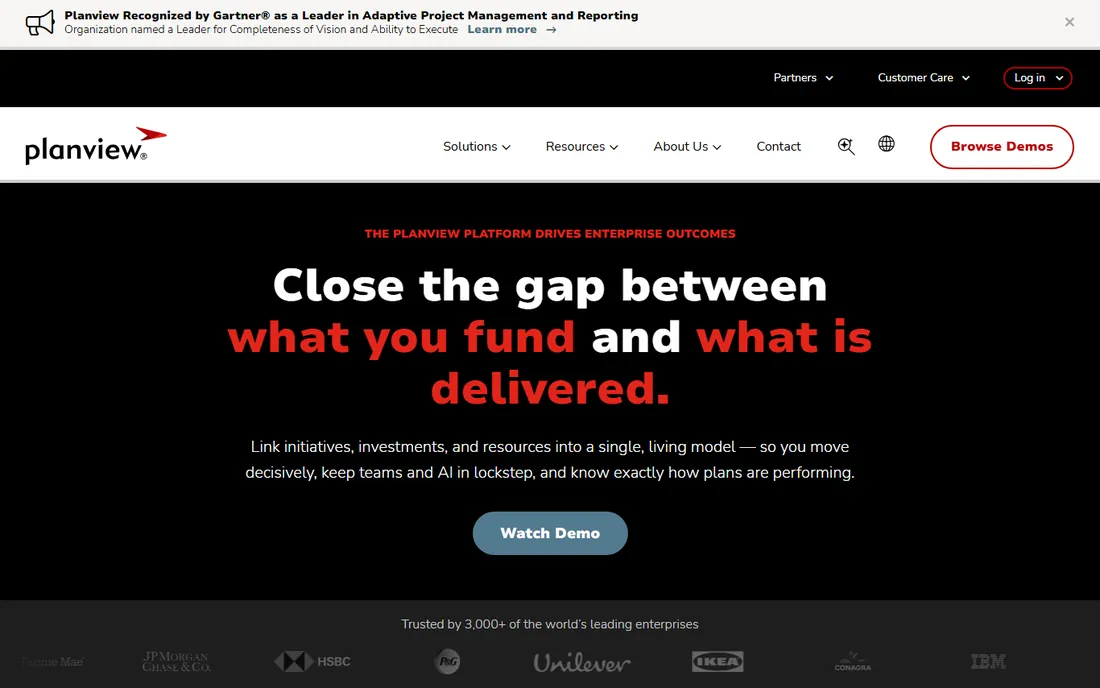
Planview is the category's defining vendor: portfolio management is the whole business, not a module. The platform links initiatives, investments and resources into what the company calls a single living model of the business, so executives can see where money is going, how capacity is allocated and what each investment produced. It covers strategic portfolio management, project portfolio management, new product development and software delivery, and it absorbs the former Sciforma product line after Planview's acquisition of the European PPM vendor.
The value shows up at scale: multi-business-unit organizations running capital allocation across agile and waterfall teams, with regulatory scrutiny and boards asking what strategy delivered. Smaller organizations will find the platform and the purchase process heavier than they need. Pricing is quote-based and negotiated.
What we like- Purpose-built for portfolio management rather than a project tool with dashboards
- 3,000+ enterprise customers and 3.1M users per the vendor
- Connects strategy, funding, capacity and outcomes in one model
Watch out for- Enterprise purchase with enterprise implementation
- Overkill for teams that just need project tracking
#2
Smartsheet
Best for: Teams that think in spreadsheets and want portfolio visibility without a learning curve
Visit smartsheet.com
Starting priceFrom $9/user/month (billed annually)
Free plan30-day free trial, no credit card
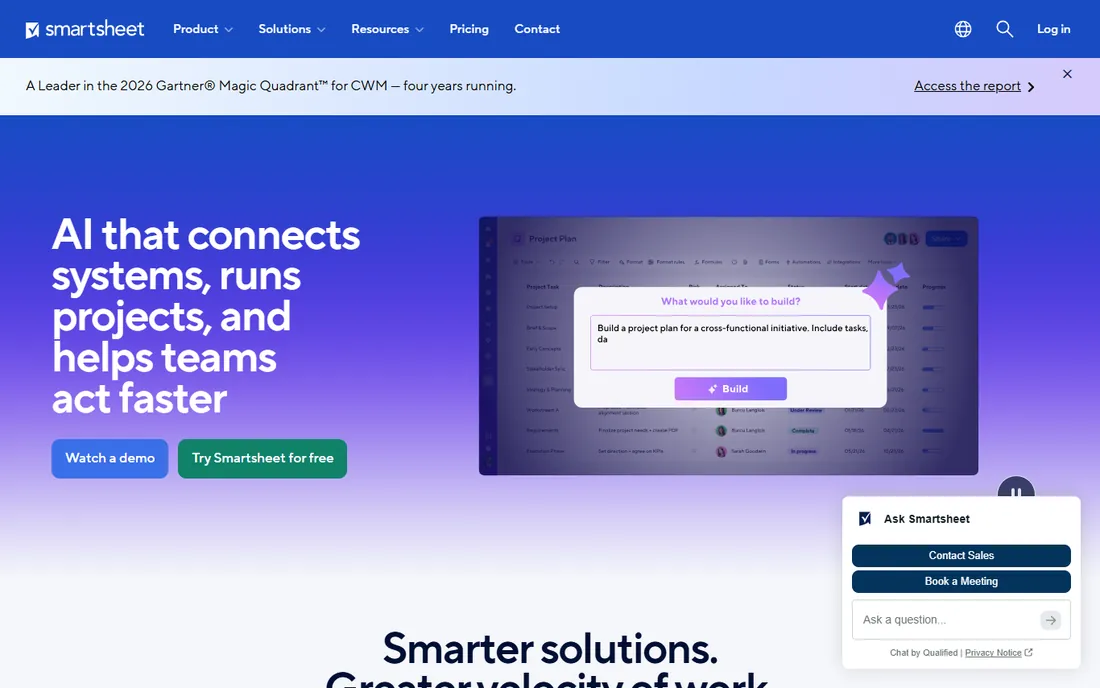
Smartsheet grew from a smarter spreadsheet into a work management platform with genuine portfolio capabilities: milestone and dependency tracking, workload balancing, capacity planning, intake workflows and portfolio dashboards in Gantt, Kanban and dashboard views. The AI layer now answers portfolio questions and enriches data at scale. For the PMO that needs adoption more than governance theory, the familiar grid is the killer feature: people actually use it.
The watch-out is governance. Smartsheet is easy to start and easy to sprawl; portfolio discipline comes from admins, not from the tool enforcing it. Pricing is published and straightforward: plans start at $9 per user per month billed annually, with a 30-day free trial that requires no credit card.
What we like- The spreadsheet-like interface means near-zero training for most users
- 85%+ of the Fortune 500 trust it per the vendor
- Published pricing with a real trial
Watch out for- Portfolio features (capacity planning, resource management) concentrate in higher tiers
- Can sprawl into ungoverned sheet collections without admin discipline
#3
monday.com
Best for: Teams that want a flexible, visual platform with portfolio dashboards on top
Visit monday.com
Starting priceSee website (plans start from 3 users; annual billing saves 18%)
Free planYes (free plan for individuals, no credit card)
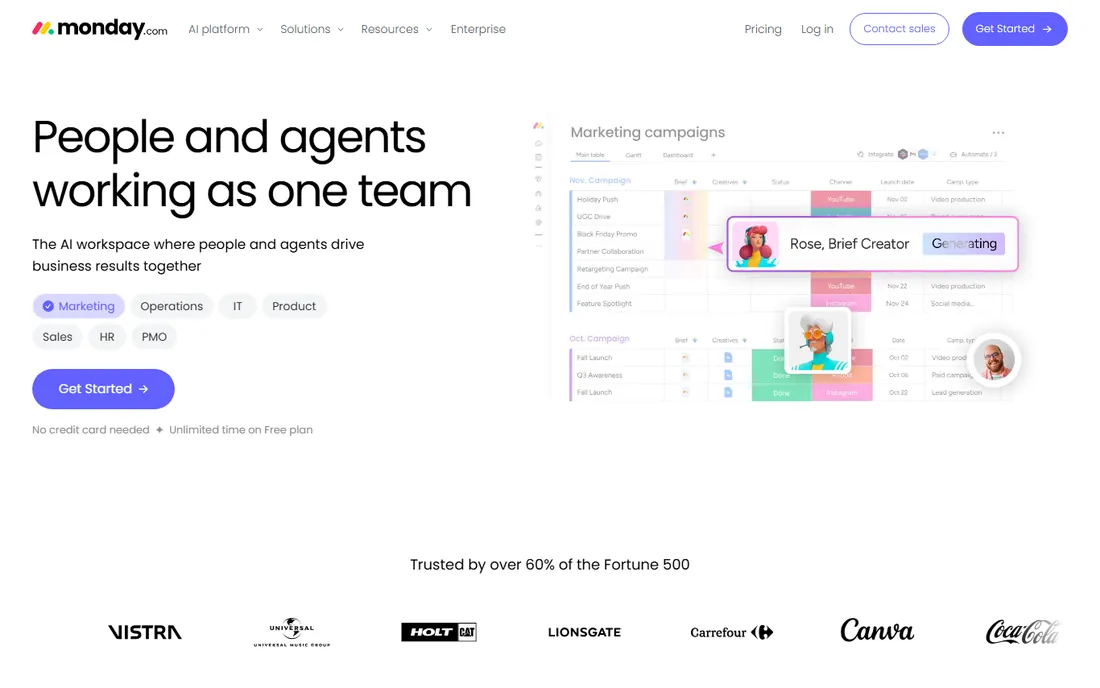
monday.com pitches itself as an AI workspace for people and agents, but under the positioning it remains the flexible work management platform millions of teams know: visual boards, portfolio dashboards, milestone tracking, resource views and hundreds of automations. The PMO use case is real: portfolio dashboards roll project boards up into leadership views, and the platform's agent layer now monitors projects, flags risks and reports status automatically.
For portfolio management specifically, the strength and the risk are the same: anyone can build anything. Teams get exactly the views they want; PMOs get inconsistent data unless standards are set. The vendor confirms a free plan for individuals, a 14-day Pro trial, and plans starting from three users with an 18% annual discount. Check the current per-seat price on the vendor's pricing page before budgeting.
What we like- Genuinely flexible: boards, dashboards and automations adapt to almost any workflow
- Free plan lets small teams start
- Trusted by over 60% of the Fortune 500 per the vendor
Watch out for- Pricing details sit behind the plans page
- The flexibility that teams love can produce inconsistent portfolio data without PMO standards
#4
Wrike
Best for: Organizations that want work management with serious portfolio analytics
Visit wrike.com
Starting priceSee website
Free planYes (free plan)
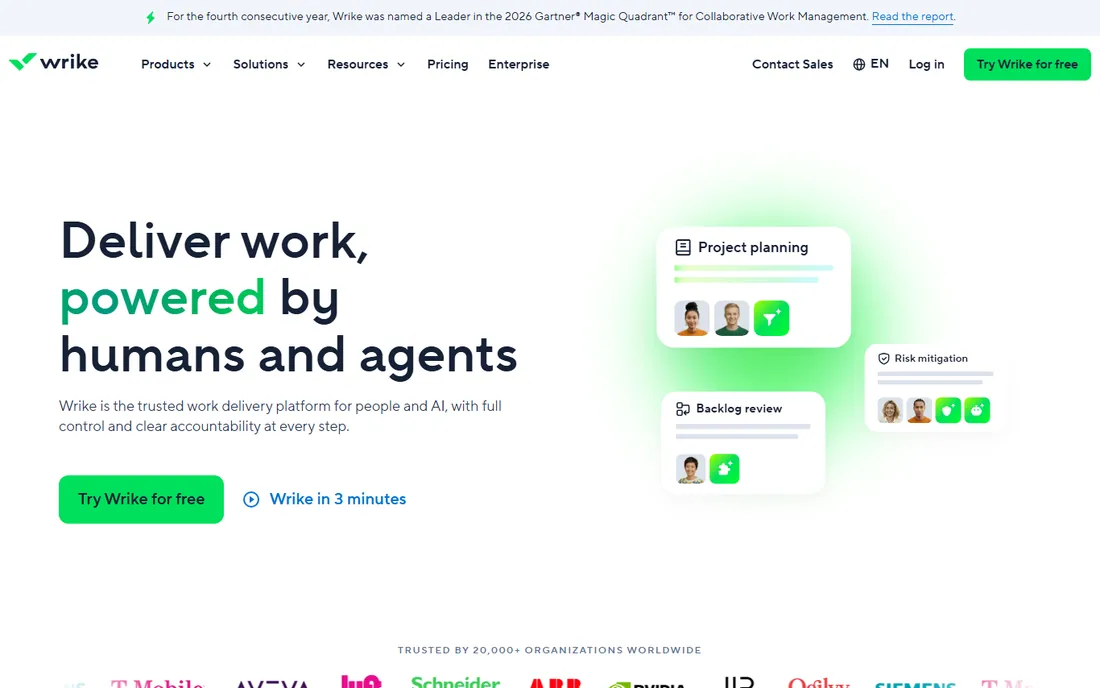
Wrike positions as the work delivery platform for humans and agents, and for PPM buyers the substance is in the reporting layer: cross-project visibility, resource allocation, real-time dashboards and AI analytics that assess past projects and predict risk on new ones. The platform covers ideation through delivery with intake, planning, resource management and reporting, and connects to 400-plus integrations.
Wrike's own pricing page is unusually coy: it discusses license types, seat bundles and annual commitments but the plan prices themselves require a sales conversation or an in-workspace purchase. There is a free plan and a 14-day trial. For buyers who want transparent per-seat numbers up front, Smartsheet and Celoxis publish theirs; for buyers who want deep portfolio analytics and can negotiate, Wrike earns its place on the shortlist.
What we like- Strong analytics and portfolio reporting with AI risk prediction
- 20,000+ organizations per the vendor
- 400+ integrations
- Free plan available
Watch out for- The pricing page does not show prices without engaging sales
- Seat minimums and user bundles complicate small-team buying
#5
Adobe Workfront
Best for: Large enterprises, especially marketing organizations, needing a system of record for work
Visit workfront.com
Starting priceSee website (custom quote)
Free planNo (demo)
Adobe Workfront is the enterprise work management application Adobe sells as a "marketing system of record": intake, planning, resource allocation, execution, review and approval, and measurement across the organization. The portfolio features include capacity planning, skill-based resource allocation, dashboards and BI exports, with AI project health assessments and automated brief generation layered in.
The Adobe integrations are the differentiator for creative and marketing organizations: work flows between Workfront, Creative Cloud apps, Experience Manager Assets and Frame.io without leaving the tools teams already use. For IT PMOs the evaluation question is whether the portfolio governance matches the marketing workflow strength. Pricing is quote-based and enterprise.
What we like- Enterprise-grade planning, resource management and review workflows
- Deep Adobe ecosystem integrations (Creative Cloud, Experience Manager, Frame.io)
- Strong in regulated environments with audit trails
Watch out for- Enterprise pricing and implementation
- The marketing-work-management heritage means pure IT PMOs should validate portfolio depth
#6
Celoxis
Best for: PMOs that want enterprise PPM control without the enterprise implementation project
Visit celoxis.com
Starting priceFrom $10/user/month (billed annually)
Free plan14-day free trial
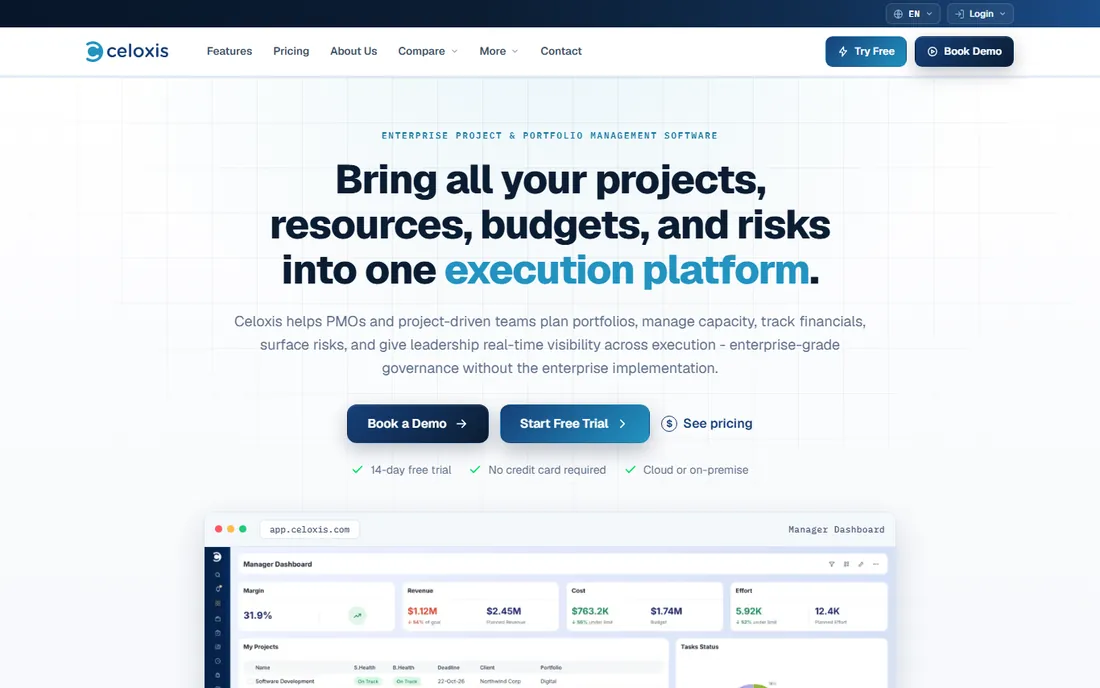
Celoxis describes itself as enterprise-grade governance without the enterprise implementation, and the product backs the claim up: real critical-path scheduling, resource capacity planning, project financials (budgets, forecasts, actuals), risk tracking, demand intake and portfolio dashboards, with an AI assistant that answers portfolio questions from live data. It deploys in the vendor's cloud or on-premise, which matters for regulated and defense-adjacent buyers.
The pricing transparency is the standout: Core at $10, Essentials at $25, Professional at $35 and Business at $45 per user per month billed annually, with cheaper team-member and timesheet user types and free read-only users. A 14-day free trial needs no credit card. For the mid-market PMO that wants real PPM and published prices, Celoxis is the most straightforward buy on this list.
What we like- Transparent published pricing (rare in this category)
- Real PPM depth: critical-path scheduling, capacity planning, financials, risk and intake
- Cloud or on-premise deployment
Watch out for- Minimum 5 full-access users
- Smaller brand than the enterprise incumbents, which matters in vendor-risk reviews
#7
Microsoft Project
Best for: Microsoft 365 organizations that want project and portfolio planning inside their existing stack
Visit microsoft.com
Starting priceSee website (Planner and Project plans)
Free planPlanner is included in many Microsoft 365 plans; Project plans have trials
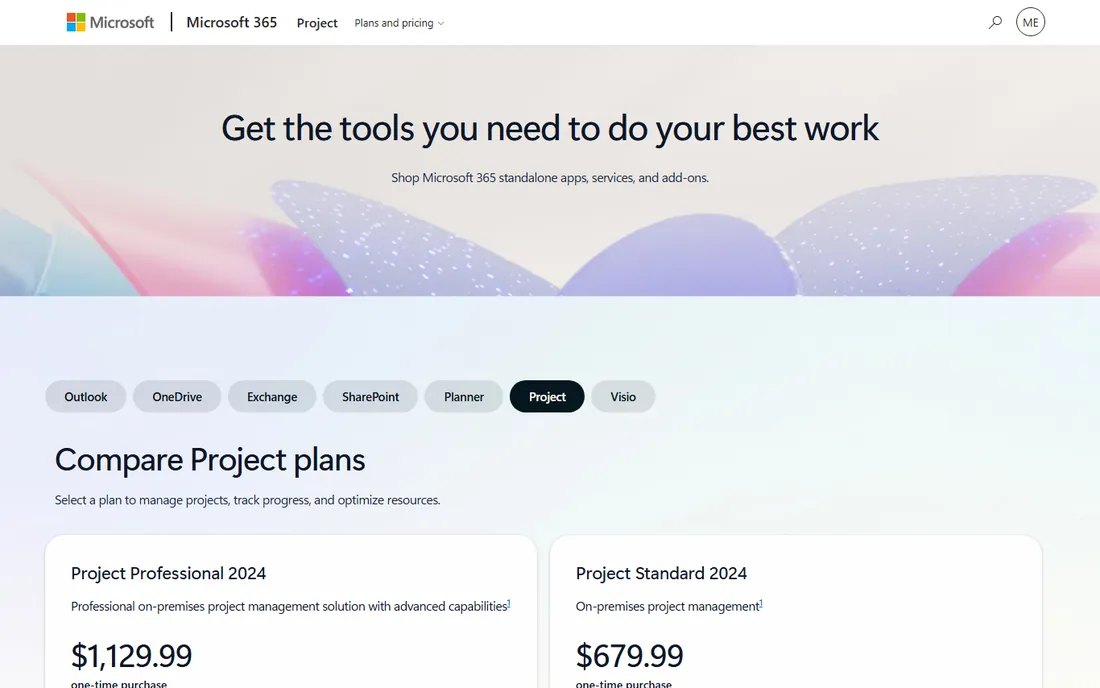
Microsoft Project is the name everyone in project management knows, and in 2026 it is really a family: Planner for team task management, Project plans for Gantt scheduling and portfolio management, the Project desktop client for power schedulers, and Project Server Subscription Edition for on-premise portfolios. For organizations already on Microsoft 365, the integration story is the pitch: plans, Teams conversations, SharePoint documents and Power BI dashboards in one stack.
The fragmentation is the honest caveat. Buyers need to map which "Project" they are buying: the lightweight Planner experience versus full portfolio management in the higher Project plans. The vendor's plans page lists Planner and Project Plan options; confirm current per-user pricing there, since Microsoft adjusts these plans regularly.
What we like- Native to the Microsoft ecosystem: Teams, SharePoint, Power BI
- The desktop client remains the scheduling gold standard
- Project Server for on-premise portfolios
Watch out for- The cloud and desktop story is fragmented (Planner, Project for the web, Project desktop, Project Server)
- Portfolio features need the higher plans
#8
ProjectManager
Best for: Teams that want Gantt-first project and portfolio management with real resource scheduling
Visit projectmanager.com
Starting priceFrom $15/user/month
Free plan30-day free trial
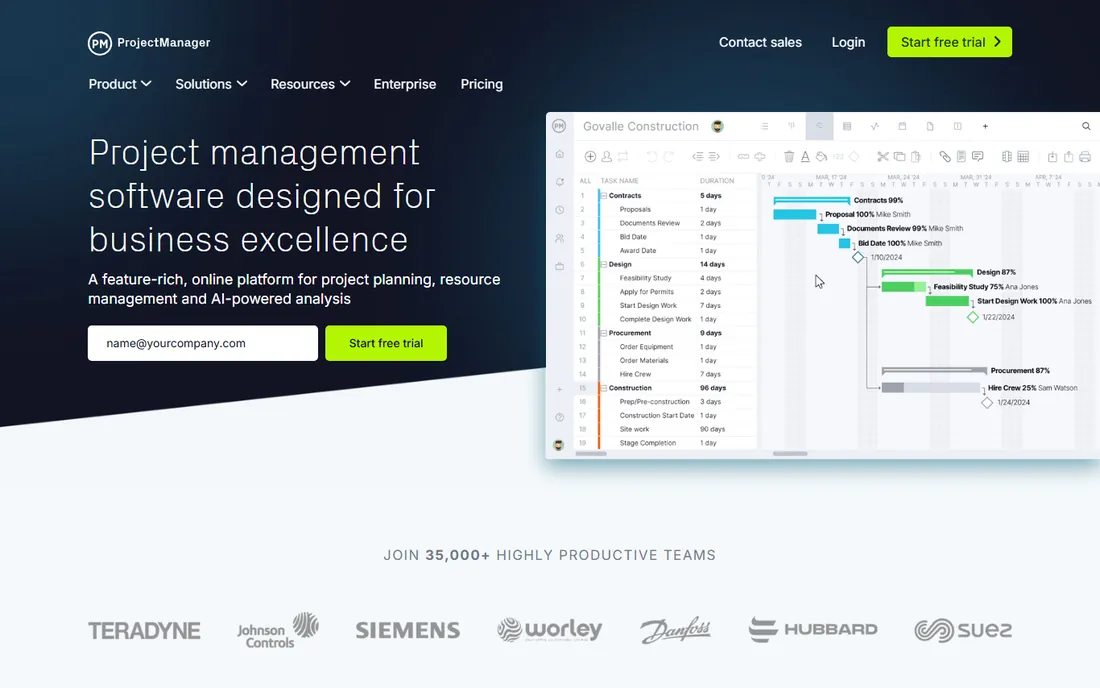
ProjectManager is the project tool that grew up into portfolio management: detailed planning with dependencies and baselines, resource scheduling with real-time availability and timesheets, and portfolio dashboards that roll projects into ROI views and stakeholder reports. It imports Microsoft Project plans directly, which makes it a natural landing spot for teams outgrowing desktop Project.
The vendor reports 35,000-plus teams and lists a starting price of $15 per user per month, with a free 30-day trial. For the team whose PMO needs are scheduling accuracy, resource reality and portfolio rollups rather than strategy modeling and capital allocation, ProjectManager delivers the essentials at a fraction of enterprise PPM cost.
What we like- Genuine scheduling depth (dependencies, baselines, critical path) with portfolio dashboards and resource management
- 35,000+ teams per the vendor
- 1,000+ integrations
- Straightforward pricing
Watch out for- Less strategic-portfolio and financial depth than Planview or Celoxis
- The marketing leans on project features over portfolio governance
How to buy PPM software
Start with the portfolio question you need answered. If it is "which initiatives should we fund and what did they deliver," you need Planview-class strategic portfolio management. If it is "are our projects staffed, scheduled and on budget," Celoxis, Microsoft Project or ProjectManager cover it. If it is "can leadership see all the work in one dashboard," the work management platforms with portfolio views (Smartsheet, monday.com, Wrike, Workfront) get you there fastest.
Then check the buying realities. Enterprise PPM is quote-based and negotiated: Planview, Workfront and the upper tiers of Wrike and monday.com all require sales conversations, so get implementation scope, timeline, training and renewal terms in writing. Mid-market PPM can be bought on a credit card: Celoxis, Smartsheet and ProjectManager publish prices and offer trials, so run a real pilot with your own portfolio data before committing.
Then plan for adoption, which is where PPM purchases die. The best portfolio platform is the one project managers actually update. Favor tools your teams will touch daily, set the portfolio standards before rollout (naming, status definitions, update cadence), and staff the PMO admin role. A perfect data model with empty fields is worth less than a simple one that is current.
Frequently asked questions
What does PPM software do?
Project portfolio management software helps organizations decide which projects to fund, allocate people and budgets across them, and track whether the portfolio delivers its goals. It sits above project management: where a project tool tracks tasks and timelines, PPM software answers which projects deserve resources and how the whole portfolio performs.
How is PPM software different from project management software?
Project management software runs individual projects. PPM software runs the collection: intake and prioritization, capacity planning across projects, portfolio dashboards, financial rollups and strategic alignment. Many tools on this list do both, but the portfolio layer (funding decisions, cross-project resources, executive dashboards) is what defines the category.
How much does PPM software cost?
It ranges from $9-$15 per user per month for mid-market tools with published pricing (Smartsheet, Celoxis, ProjectManager) to negotiated enterprise contracts for Planview, Adobe Workfront and the upper tiers of Wrike and monday.com. Enterprise implementations add services costs. Always confirm the current per-user price on the vendor's pricing page and get renewal terms in writing.
Do we need PPM software or just better project management?
If your problem is missed deadlines and chaotic tasks, you need project management. If your problem is not knowing which projects are running, who is working on what, or whether the portfolio is worth its budget, you need PPM. A common middle path is a work management platform with portfolio dashboards, which gives leadership visibility without an enterprise PPM purchase.
Can PPM software handle agile and waterfall together?
The enterprise platforms are built for it: Planview is explicitly methodology-neutral, and Celoxis and Microsoft Project handle hybrid portfolios. The work management platforms adapt to either style by configuration. Ask vendors to show a mixed portfolio in the demo rather than accepting the claim.
How we chose
We started with the categories buyers search: PPM software, project portfolio management software and portfolio management tools. For each candidate we opened the vendor's own site, checked product documentation and pricing pages, compared features against public reviews on G2, Capterra and TrustRadius and practitioner discussion on Reddit, and weighed company-size fit from mid-market PMOs to global enterprises. Where a price could not be verified on the vendor's own page we wrote "See website" rather than guessing.
Sources we checked (10)
- https://www.planview.com
- https://www.smartsheet.com
- https://monday.com
- https://wrike.com
- https://workfront.com
- https://celoxis.com
- https://www.microsoft.com/en-us/microsoft-365/project/project-management-software
- https://projectmanager.com
- https://www.g2.com/categories/project-portfolio-management
- https://www.capterra.com/project-portfolio-management-software/
Is your product missing or out of date?
We review this list regularly. Vendors can request a listing, send updated pricing or ask about featured placement.

Shihab Mia · Founder, Rankite
Shihab has spent more than a decade helping SaaS and e-commerce brands grow through search. He writes Rankite's software buying guides from pricing pages, documentation and public user reviews. More about Shihab.