How we make this list: we compare pricing pages, product documentation and public user reviews. Ratings come from G2, Capterra or Trustpilot, with the date we checked them.
Key takeaways
- Square is the default free POS: no monthly fee, unlimited products and staff on the free plan, cheap hardware.
- Toast offers a $0 Starter Kit built for restaurants, though processing rates and contract terms need a close read.
- Helcim and Stripe Terminal charge no monthly software fee and make their money purely on processing.
- "Free" never means costless: budget for card processing fees, which usually dwarf any software subscription.
Quick comparison
| Tool | Best for | Starting price | Free plan |
|---|
 Square | New businesses that want a complete POS with no monthly fee | $0 (Free plan); Plus from $29 per month | Yes |
 Toast | Restaurants that want a $0 entry point | $0 (Starter Kit); POS plans from $69 per month | Yes |
 Helcim | Businesses that want transparent interchange-plus pricing with free software | $0 (free POS) | Yes |
 Shopify POS | Retailers selling online and in person | POS Lite included with a Shopify plan; Pro $89 per location per month | Partial (Lite with paid Shopify plan) |
 Clover | Businesses that want hardware choice and flexible plans | From $0 (payments-only plans) | Partial |
 PayPal Zettle | Mobile sellers and businesses already using PayPal | $0 | Yes |
 SumUp | Solo sellers and micro-businesses wanting dead-simple payments | $0 (free plan) | Yes |
 Loyverse | Businesses that want free POS software with their own card processor | $0 (software only) | Yes |
 Stripe Terminal | Developers and platforms building custom in-person payments | $0 (no monthly fee) | Yes |
 GoDaddy POS | Small businesses wanting flat-rate in-person pricing | $0 | Yes |
Is your product missing or out of date?
We review this list regularly. Vendors can request a listing, send updated pricing or ask about featured placement.
Best free pos software: our 10 picks
#1
Square
Best for: New businesses that want a complete POS with no monthly fee
Visit squareup.com
Starting price$0 (Free plan); Plus from $29 per month
Free planYes
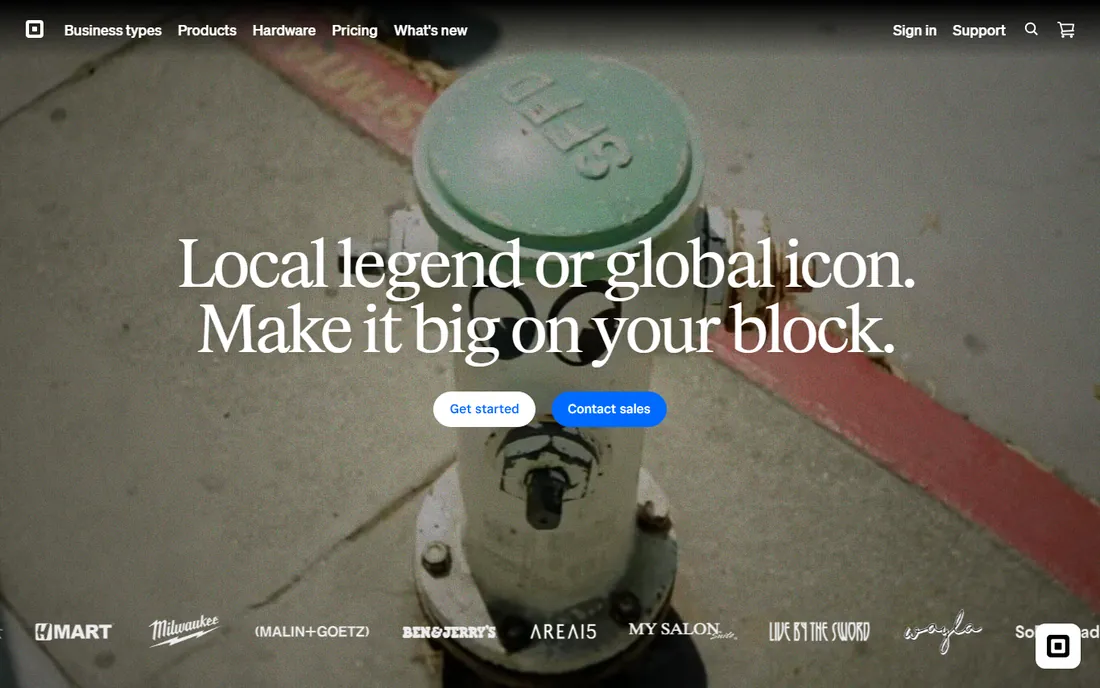
Square defined the free POS category and remains its best example. The free plan includes point of sale, inventory, reporting and unlimited staff and products, with card-present processing at 2.6% plus 15 cents. Hardware starts with an inexpensive reader, so a new shop can be ringing up sales for very little upfront.
The trade-off appears at scale. That flat 2.6% rate costs more than interchange-plus pricing once volume grows, and paid tiers at $29 per month and up add features growing businesses eventually want. But as a starting point, nothing beats free software that actually works. Most businesses on this list will compare themselves to Square first.
What we like- Genuinely free software, affordable hardware, works for retail and restaurants
Watch out for- Flat processing rate gets expensive at high volume, account holds frustrate some sellers
Starting price$0 (Starter Kit); POS plans from $69 per month
Free planYes
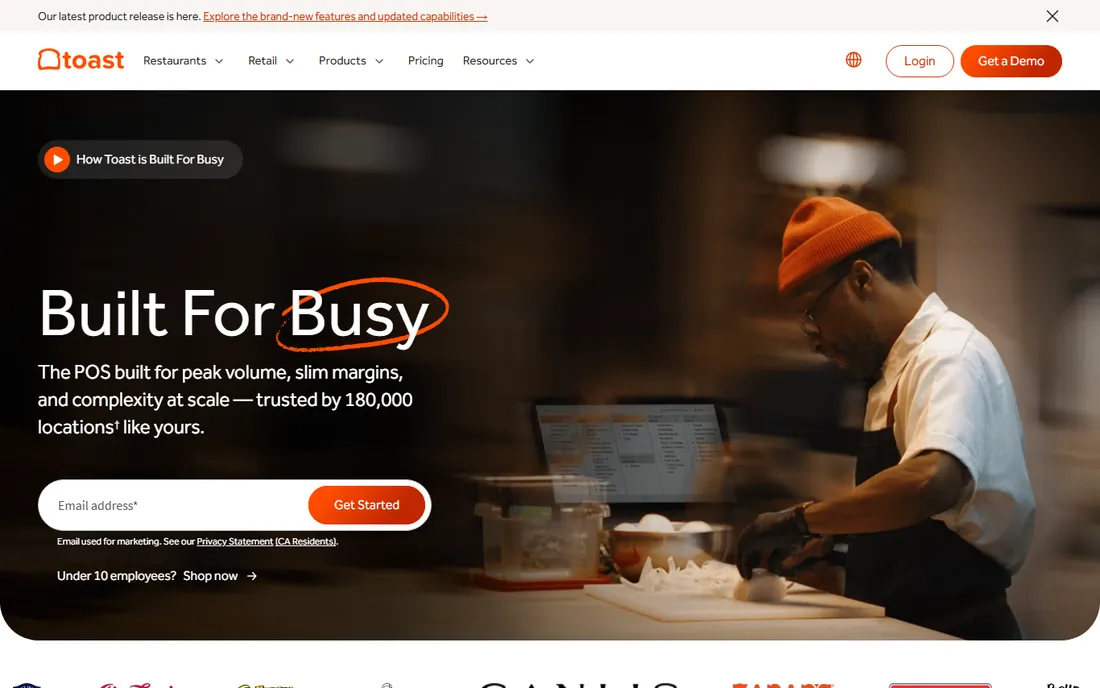
Toast is the restaurant POS leader, and its $0 Starter Kit gives new restaurants a way in without a software subscription. Card-present processing runs 2.49% plus 15 cents, and the platform covers the restaurant-specific essentials: table management, kitchen display systems and online ordering.
Read the fine print on the free tier. The Starter Kit carries limitations and higher processing costs than paid plans, and Toast hardware is a real investment. Restaurants that grow usually move to the $69 per month plans. Still, for a new restaurant testing the waters, starting at zero software cost with a purpose-built system is a strong offer.
What we like- Built for restaurants, $0 starter option, strong table and kitchen features
Watch out for- Starter Kit has limitations and higher processing fees, hardware costs add up
#3
Helcim
Best for: Businesses that want transparent interchange-plus pricing with free software
Visit helcim.com
Starting price$0 (free POS)
Free planYes
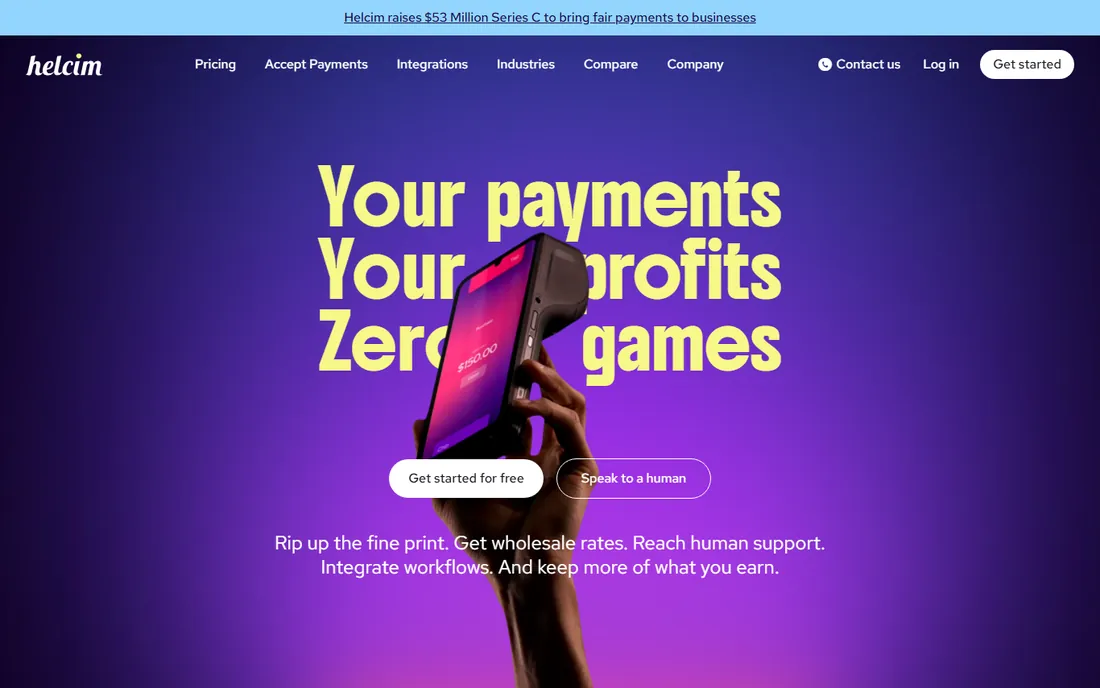
Helcim flips the usual model: the POS software is free and the company earns only on processing, quoted as interchange plus 0.5% plus 25 cents. For businesses tired of guessing what their processor actually charges, that transparency is refreshing. Volume discounts apply automatically as you grow.
The POS itself is less feature-rich than Square's or Toast's, and hardware options are narrower. Helcim suits cost-conscious owners who care more about the processing rate than about advanced POS features. If your monthly card volume is significant, the interchange-plus model usually beats flat-rate pricing.
What we like- No monthly software fee, transparent interchange-plus pricing, no long-term contracts
Watch out for- Fewer native POS features than Square or Toast, hardware selection is limited
Starting pricePOS Lite included with a Shopify plan; Pro $89 per location per month
Free planPartial (Lite with paid Shopify plan)

Shopify POS makes the most sense if you already sell, or plan to sell, through Shopify online. POS Lite comes with the Shopify subscription and handles in-person selling with synced inventory, while POS Pro at $89 per location per month adds advanced staff, inventory and omnichannel features. Card-present rates run 2.4% to 2.6% plus 10 cents.
This is not really a free standalone POS; it is a free add-on to a paid ecommerce plan. But for the boutique that does weekend markets alongside its online store, having one inventory across both channels eliminates an entire category of headaches.
What we like- Unified online and in-store inventory, huge app ecosystem, affordable card readers
Watch out for- Requires a Shopify subscription, Pro tier costs $89 per location monthly
#5
Clover
Best for: Businesses that want hardware choice and flexible plans
Visit clover.com
Starting priceFrom $0 (payments-only plans)
Free planPartial
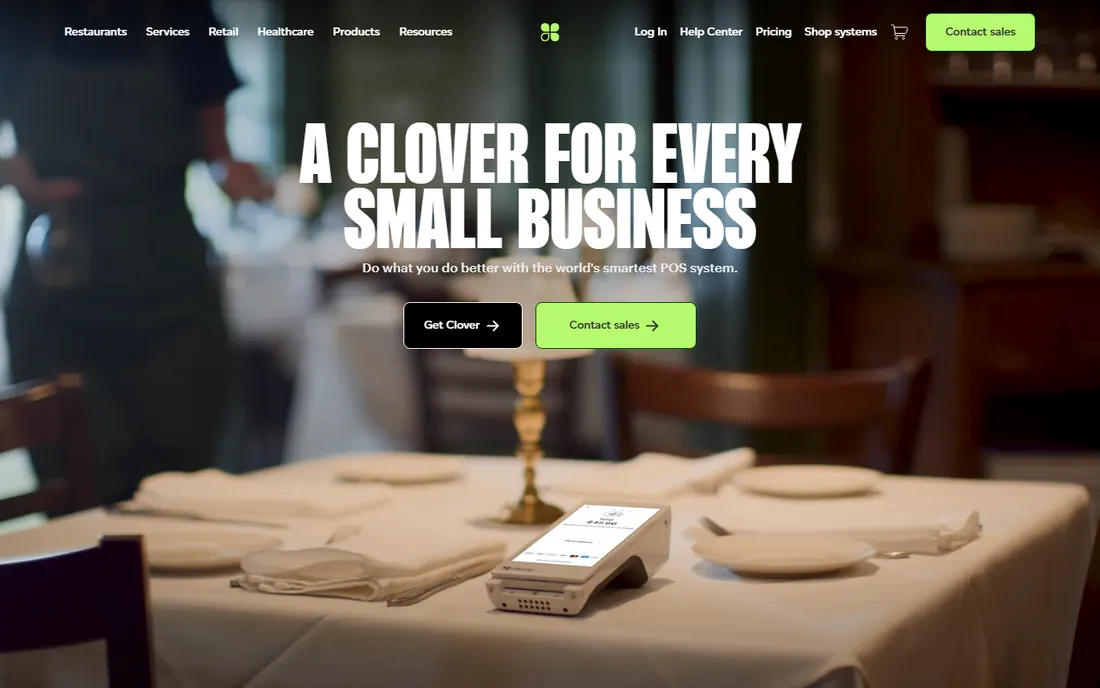
Clover's strength is flexibility: a range of hardware from mobile readers to full countertop stations, plans from $0 payments-only up to advanced industry tiers around $89.95 per month and beyond, and an app marketplace for extensions. Card-present rates run about 2.3% plus 10 cents, though reseller pricing varies.
That reseller model is the big caveat. The same Clover hardware can carry very different rates and contract terms depending on who sells it to you. Shop resellers carefully and get everything in writing. For businesses that want to choose their exact hardware setup, Clover's range is unmatched.
What we like- Wide hardware range, flexible plan options, strong app marketplace
Watch out for- Sold through resellers with varying rates, hardware can be expensive
#6
PayPal Zettle
Best for: Mobile sellers and businesses already using PayPal
Visit zettle.com
Starting price$0
Free planYes
PayPal Zettle, formerly PayPal Here, offers free POS software with processing at 2.29% plus 9 cents. Setup is minimal: a card reader, the app, and your existing PayPal account. For market stalls, pop-ups, food trucks and service businesses that invoice through PayPal anyway, the integration is convenient.
It is a simpler system than Square or Clover, with fewer inventory and employee management features. Zettle suits sellers whose needs are straightforward: take cards, track sales, get paid. If that describes your business, the zero monthly fee is exactly as good as it sounds.
What we like- No monthly fee, simple setup, money lands in your PayPal account
Watch out for- Fewer advanced retail features, limited hardware ecosystem
#7
SumUp
Best for: Solo sellers and micro-businesses wanting dead-simple payments
Visit sumup.com
Starting price$0 (free plan)
Free planYes
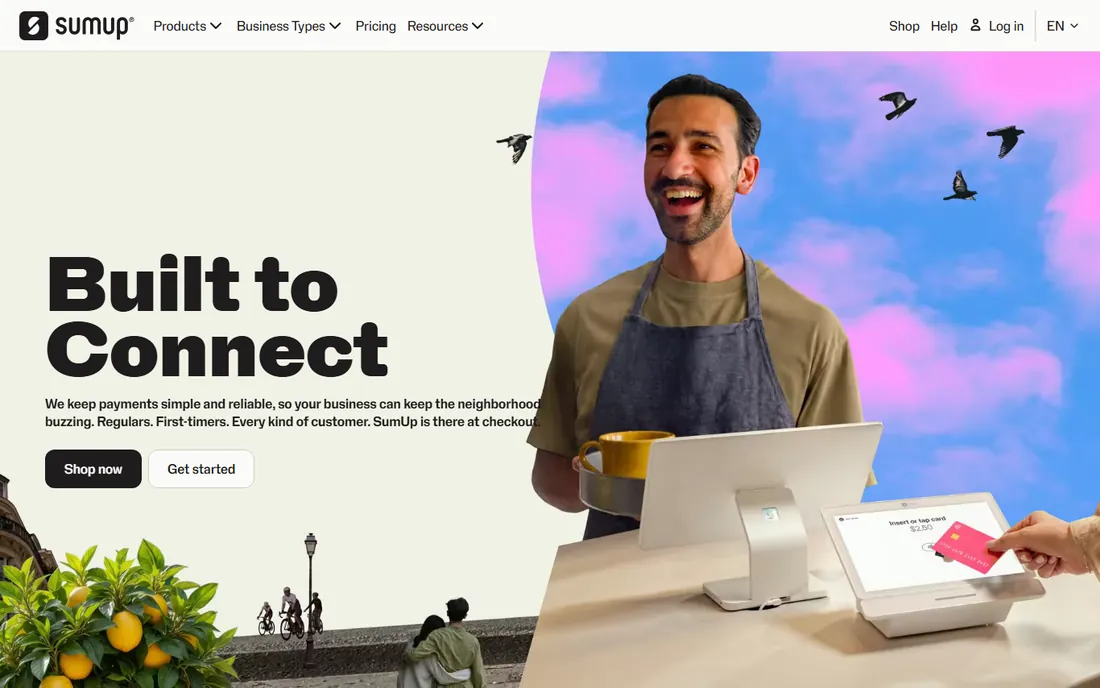
SumUp built its name on simplicity: a cheap card reader, a free app, and pay-as-you-go processing with no monthly fee. It is popular with solo operators, market vendors and mobile services across the US and Europe. There are no tiers to decode and no contracts to sign.
The POS features are basic compared with Square or Shopify, covering sales, simple inventory and receipts rather than deep retail management. For a one-person business that just needs to take cards reliably, that simplicity is a feature. Growing retailers will eventually want more.
What we like- No monthly fee, very affordable card readers, simple flat pricing
Watch out for- Basic POS features, best suited to low-complexity selling
#8
Loyverse
Best for: Businesses that want free POS software with their own card processor
Visit loyverse.com
Starting price$0 (software only)
Free planYes
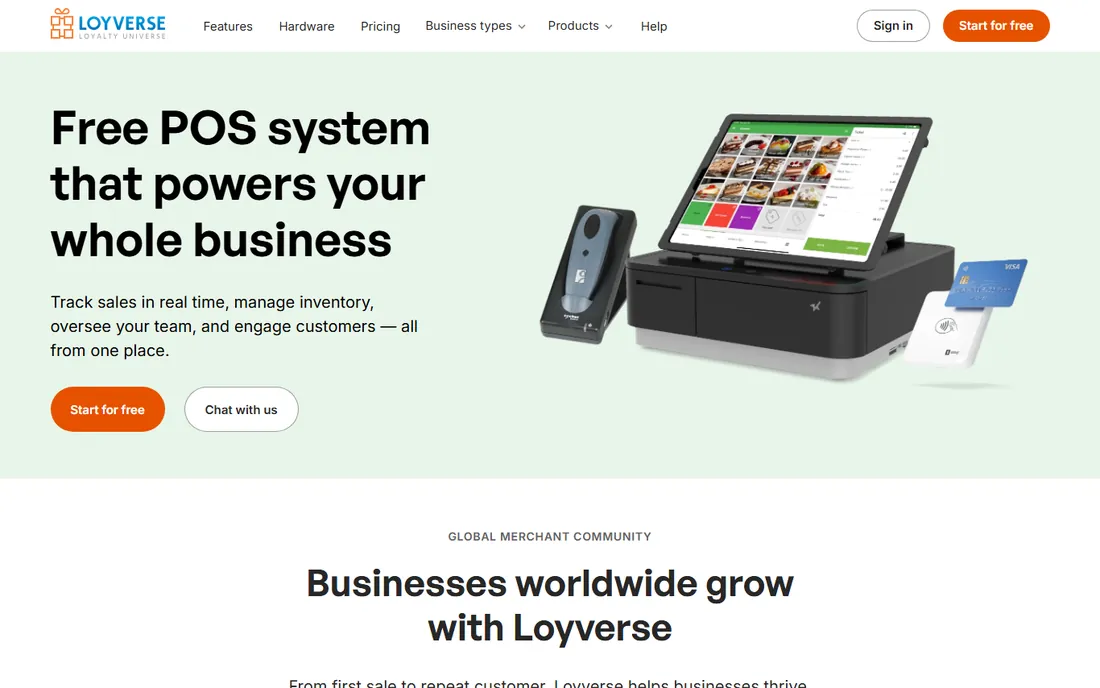
Loyverse takes a different approach: the POS software itself is free, and you connect whatever card processor you like. That separation means you can negotiate processing rates independently instead of accepting the POS vendor's bundled rate. The software includes inventory, sales analytics and customer loyalty features at no cost.
The trade-off is that you are assembling the system yourself, and support leans on community resources rather than a dedicated help desk. Technically comfortable owners who want to optimize processing costs will appreciate the freedom. Everyone else may prefer a bundled system.
What we like- Completely free software, works with your choice of processor, built-in loyalty features
Watch out for- You arrange processing separately, support is community-based
#9
Stripe Terminal
Best for: Developers and platforms building custom in-person payments
Visit stripe.com
Starting price$0 (no monthly fee)
Free planYes
Stripe Terminal is not a POS in the usual sense; it is the toolkit for building one. There is no monthly software fee, with card-present processing from 2.7% plus 5 cents, and it plugs into the same Stripe account businesses use for online payments. Developers get readers, SDKs and APIs to create custom checkout experiences.
If you have developers, Terminal lets you build exactly the in-person experience your business needs, unified with online reporting. If you do not, it is the wrong product; you want Square or Clover instead. For platforms and marketplaces embedding payments, though, it is the standard choice.
What we like- No monthly fee, developer-friendly APIs, unified with Stripe online payments
Watch out for- Requires technical resources, not a ready-made POS for non-technical owners
#10
GoDaddy POS
Best for: Small businesses wanting flat-rate in-person pricing
Visit godaddy.com
Starting price$0
Free planYes
GoDaddy POS offers free point-of-sale software with flat-rate in-person processing from 2.3%, and paid plans up to $34.99 per month for businesses wanting more. Tap-to-pay on a phone means some sellers need no hardware at all. It is a straightforward, no-drama option.
The ecosystem is smaller than Square's or Shopify's, with limited hardware and fewer integrations. GoDaddy POS suits simple selling scenarios: a salon, a repair shop, a boutique that needs to take cards without fuss. Businesses with complex inventory or multi-location needs should look at the bigger platforms.
What we like- No monthly software fee, simple flat-rate processing, tap-to-pay on phones
Watch out for- Limited hardware options, fewer advanced features than leaders
Frequently asked questions
Is there really a completely free POS system?
The software can be genuinely free, as with Square, Zettle, SumUp and Helcim. But card processing always costs something, typically 2% to 3% per transaction. "Free POS" means no monthly software fee, not no costs at all.
What is the cheapest POS for a small retail shop?
Square's free plan is the cheapest credible starting point: $0 monthly fee with solid features. If your card volume is high, Helcim's interchange-plus pricing or Loyverse paired with a negotiated processor rate can cost less overall despite similar software fees.
Do free POS plans include inventory management?
Usually basic inventory is included: product lists, stock counts and low-stock alerts. Advanced features like purchase orders, multi-location transfers and detailed reporting tend to sit on paid tiers. Check the specific plan against your actual inventory complexity.
Can I use my phone as a POS terminal?
Yes. Square, Zettle, SumUp and GoDaddy all support tap-to-pay directly on modern phones, no card reader needed. For higher volume or printed receipts, a dedicated reader or terminal is still worth the small investment.
What are the hidden costs of a free POS?
Processing fees are the big one and they are not really hidden, just underestimated. Beyond that, watch for paid add-ons like advanced reporting, loyalty programs, payroll and ecommerce integrations, plus hardware costs and, with some vendors, long-term processing contracts.
What to look for in free POS software
Start with the true cost, not the software fee. At $10,000 in monthly card sales, the difference between 2.3% and 2.9% processing is $60 a month, more than most POS subscriptions. Get the processing rate in writing and do the math at your real volume before falling for a $0 sticker.
Next, check what the free plan actually includes. Count your products, staff seats and locations against the plan limits. Test the features you will use daily: ringing up a sale, applying a discount, handling a return. A free plan that covers your whole workflow is a gift; one that gates essentials is a trial with better marketing.
Finally, think about lock-in. Some systems tie you to their processing with no easy exit, and proprietary hardware becomes a paperweight if you leave. Month-to-month terms and hardware that works elsewhere are worth real money in flexibility. The cheapest POS is the one you can leave.
When free stops being enough
Every business on this list has a paid tier waiting, and there is a predictable moment when free stops working. It usually arrives as one of three pains: the processing rate that was fine at $5,000 a month now costs more than a subscription plus interchange-plus would; the free plan's inventory or reporting cannot answer questions your accountant is asking; or you have added a second location and the free tier does not do multi-location properly.
None of these are emergencies, and none mean you chose wrong. Starting free was still the right call, because you learned what you actually need before paying for it. When the upgrade moment comes, price it the same way you priced the free plan: total monthly cost including processing, at your current volume, against the two or three competitors you shortlisted the first time around.
How we chose
We focused on POS systems with genuinely free software tiers, identified through small business review sites, 2026 POS comparisons from Fit Small Business, TechnologyAdvice and G2, and payment industry coverage. We verified plan structures against vendor-published comparisons and only listed prices confirmed by the vendors themselves, marking the rest "See website." We weighed what each free plan actually includes, card processing rates, hardware costs, contract flexibility and fit for different business types from market stalls to restaurants. We favored systems a non-technical owner can set up without help.
Sources we checked (7)
- https://squareup.com/us/en/the-bottom-line/operating-your-business/best-pos-system
- https://www.shopify.com/blog/pos-systems-small-business
- https://fitsmallbusiness.com/best-pos-system-software/
- https://technologyadvice.com/blog/sales/pos-system-for-small-business/
- https://technologyadvice.com/blog/sales/square-alternatives/
- https://learn.g2.com/best-retail-pos-systems
- https://www.businessexpert.co.uk/payment-processing/best-free-pos-systems/
Is your product missing or out of date?
We review this list regularly. Vendors can request a listing, send updated pricing or ask about featured placement.

Shihab Mia · Founder, Rankite
Shihab has 5+ years in B2B and SaaS SEO. He writes Rankite's software buying guides from pricing pages, documentation and public user reviews. More about Shihab.