How we make this list: we compare pricing pages, product documentation and public user reviews. Rankite is independent; if a vendor ever pays for a featured spot, that listing is clearly labeled Partner.
Key takeaways
- Per-user pricing is the default in this category, which means a 50-person team pays very different money than a 10-person team for the same tool. Always multiply before you compare.
- Free plans are genuinely useful here: ClickUp, Trello, Asana, monday.com, Wrike, Teamwork and Basecamp all offer a free tier. Smartsheet is the only tool on this list without one.
- Basecamp is the outlier on pricing: a flat $300/month for unlimited users instead of per-seat billing, which changes the math completely for larger teams.
- The best tool is the one that matches your workflow: kanban teams belong on Trello, timeline teams on Asana or Teamwork, spreadsheet thinkers on Smartsheet.
Quick comparison
| Tool | Best for | Starting price | Free plan |
|---|
 Asana Asana | Teams that live in timelines and portfolios | $10.99/user/month (Starter plan, billed annually; $13.49 month-to-month) | Yes (Personal plan free forever) |
 monday.com monday.com | Visual teams that want customizable workflows | See website (pricing page did not display plan prices) | Yes (free plan advertised; paid plans start at 3 users) |
 ClickUp ClickUp | Teams that want everything in one app | $9/user/month (Core plan, billed annually; $12 month-to-month) | Yes (Free Forever plan) |
 Trello Trello | Simple kanban boards for small teams | $5/user/month (Standard plan, billed annually; $6 month-to-month) | Yes (free for up to 10 collaborators) |
 Smartsheet Smartsheet | Spreadsheet-native project tracking at scale | $9/member/month (Pro plan, billed annually; $12 month-to-month) | No (30-day free trial; no free plan) |
 Wrike Wrike | Marketing and professional services teams | $10/user/month (Team plan, billed annually, per Wrike's own site) | Yes (free plan advertised) |
 Teamwork Teamwork | Client-service teams that bill by the hour | $9.99/user/month (Basics plan, billed annually) | Yes (free tier: up to 5 users and 5 projects) |
 Basecamp Basecamp | Teams that want flat pricing with no per-user fees | See website (Unlimited Edition is $300/month flat, per Basecamp's pricing page) | Yes (free 1-project plan) |
Is your product missing or out of date?
We review this list regularly. Vendors can request a listing, send updated pricing or ask about featured placement.
Cloud-based means no servers, no installs, and access from anywhere, which is why every tool here runs in the browser. The differences that matter are workflow style, pricing model and how each platform handles growth. These eight cover the full range, from free kanban boards to enterprise portfolios.
#1
Asana
Best for: Teams that live in timelines and portfolios
Visit asana.com
Starting price$10.99/user/month (Starter plan, billed annually; $13.49 month-to-month)
Free planYes (Personal plan free forever)
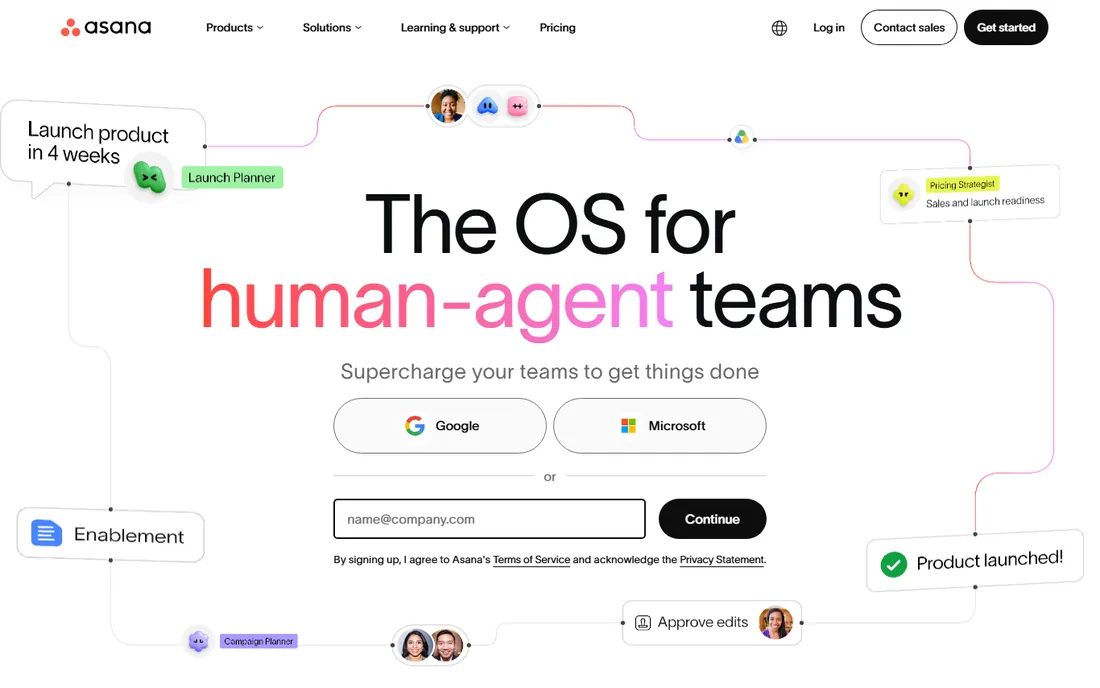
Asana is the project management tool for teams that think in timelines. Its Gantt-style timeline view, project portfolios and workload management make it a natural fit for marketing teams, product teams and agencies juggling dozens of concurrent projects. The interface stays clean even as project complexity grows, which is harder than it looks.
Pricing is published and straightforward: the Starter plan is $10.99 per user per month billed annually ($13.49 month-to-month), and the Personal plan is free forever for small teams getting started. The main watch-out is seat math. At $10.99 per user, a 40-person team pays over $5,000 a year before add-ons, so growing teams should model the cost at their target headcount, not their current one.
What we like- Excellent timeline and portfolio views for managing multiple projects
- Generous free Personal plan
- Strong automation and 200+ integrations
Watch out for- Per-user costs climb fast as teams grow
- Advanced features like portfolios require paid tiers
#2
monday.com
Best for: Visual teams that want customizable workflows
Visit monday.com
Starting priceSee website (pricing page did not display plan prices)
Free planYes (free plan advertised; paid plans start at 3 users)
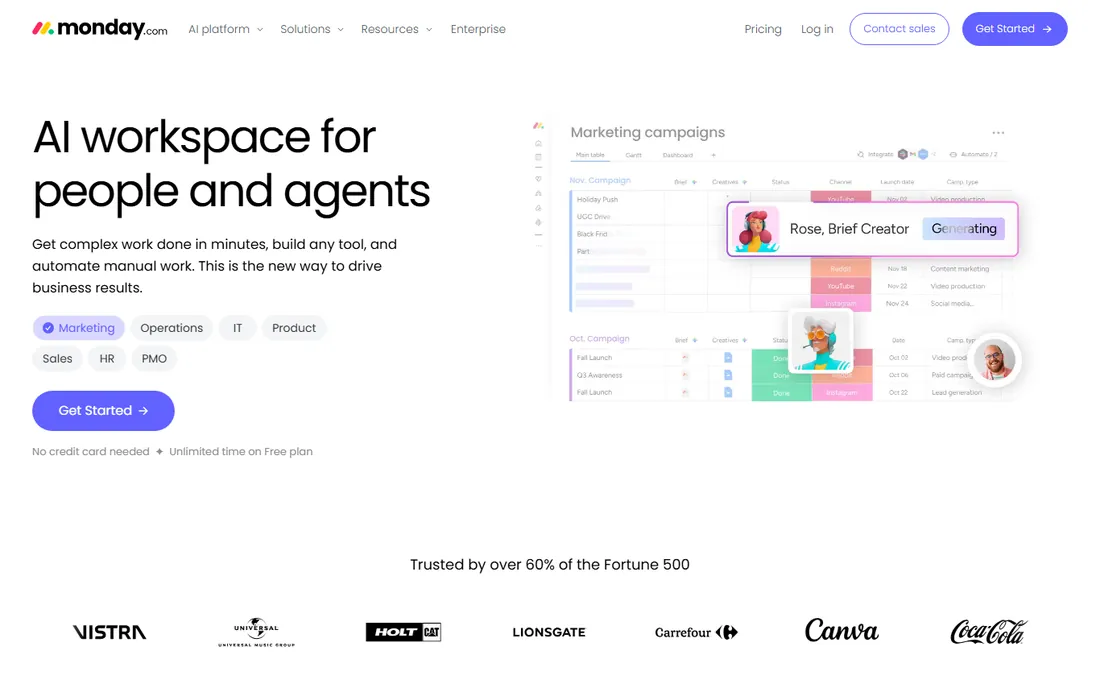
monday.com built its reputation on visual work management. Colorful boards, dashboards and automations make project status legible at a glance, which is why it appeals to teams that found traditional project tools intimidating. The platform stretches beyond projects into CRM, service and operations use cases, so one subscription can cover several workflows.
The pricing page confirmed a free plan and that paid plans start at a 3-user minimum, but displayed no plan prices during our check, so we mark it "See website" per our rules. The flexibility that makes monday.com attractive can also make it sprawling: teams should define their boards and conventions early, or the workspace turns into a colorful mess that nobody trusts.
What we like- Highly visual boards and dashboards that non-technical users grasp quickly
- Flexible enough to manage projects, CRM and operations
- Free plan available
Watch out for- No published prices on the pricing page at the time of checking
- Costs scale with seats and can surprise growing teams
Starting price$9/user/month (Core plan, billed annually; $12 month-to-month)
Free planYes (Free Forever plan)
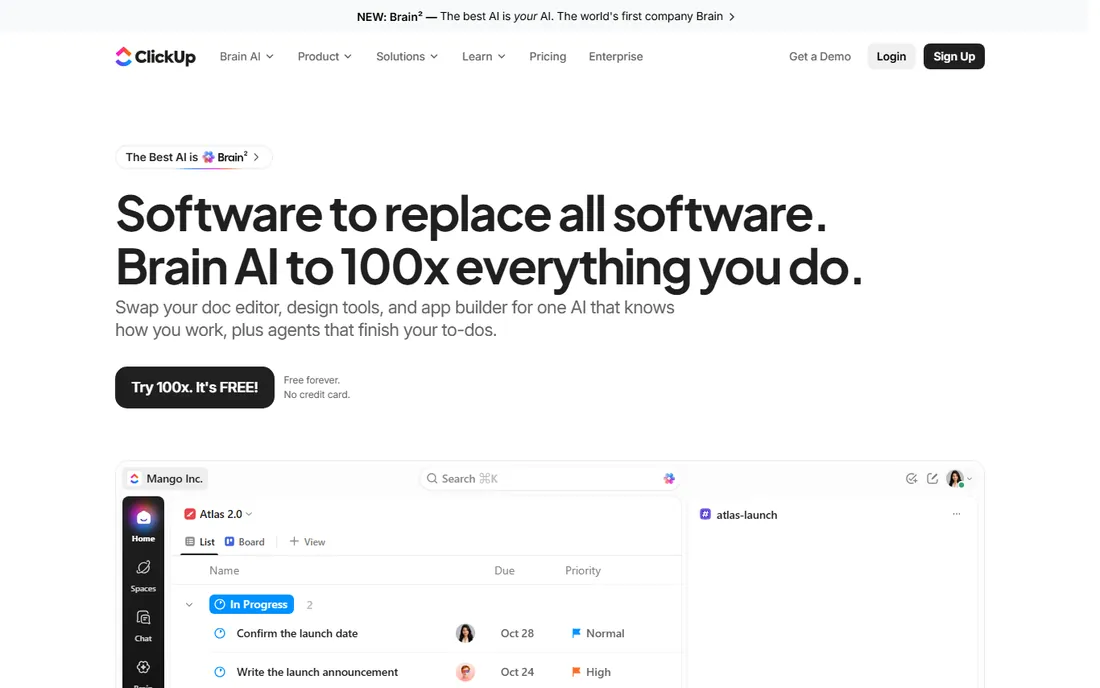
ClickUp's pitch is consolidation: tasks, documents, goals, time tracking, whiteboards and dashboards in a single app, replacing the stack of tools most teams duct-tape together. For small businesses paying for four or five subscriptions, that consolidation alone justifies a look. The Core plan is $9 per user per month billed annually ($12 month-to-month), with Business at $17, and the Free Forever plan covers a surprising amount of ground.
The tradeoff is complexity. ClickUp can do so much that new teams spend weeks configuring it, and the interface carries the weight of all those features. Teams that commit to learning it tend to stay; teams that want something simple on day one usually prefer Trello or Asana. Start with the free plan and add structure gradually.
What we like- Enormous feature set: docs, goals, time tracking, whiteboards and chat in one place
- Free Forever plan is genuinely capable
- Published pricing with a clear upgrade path
Watch out for- The sheer number of features can overwhelm new users
- Performance can lag in very large workspaces
Starting price$5/user/month (Standard plan, billed annually; $6 month-to-month)
Free planYes (free for up to 10 collaborators)
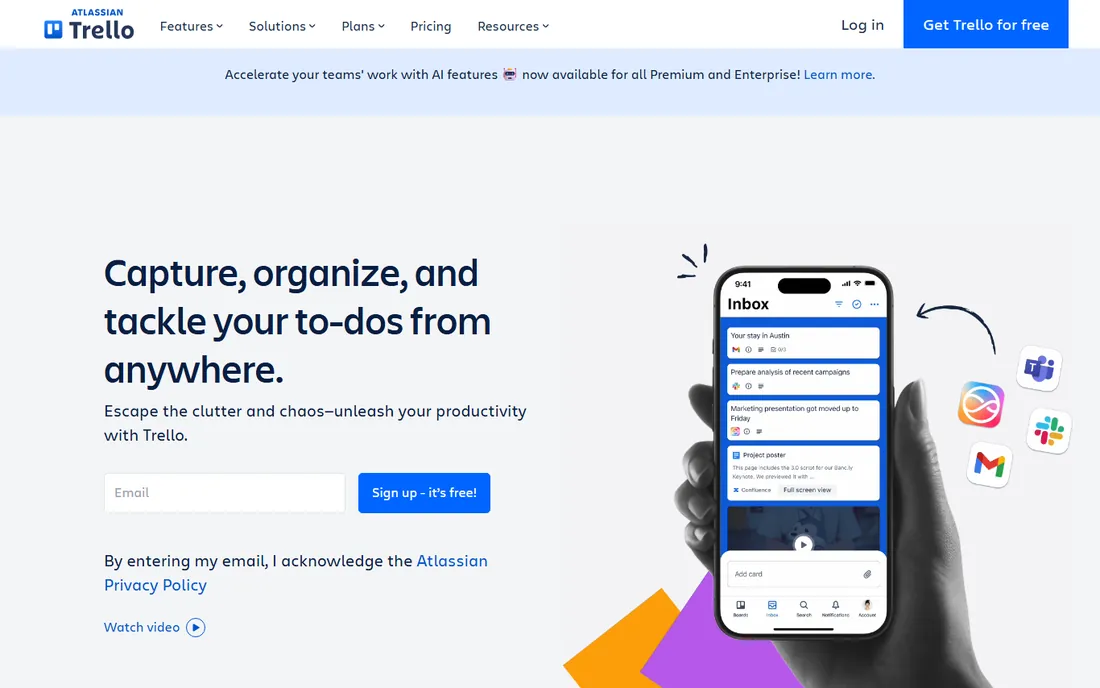
Trello is the kanban board that taught the world what a kanban board is. Cards, lists and drag-and-drop: the entire product can be learned in an afternoon, which is exactly why small teams love it. For straightforward workflows like content calendars, hiring pipelines and sprint boards, nothing is faster to set up.
Pricing is refreshingly cheap. The free plan supports up to 10 collaborators, Standard is $5 per user per month billed annually ($6 month-to-month), and Premium is $10. The limits show up when projects get complex: dependencies, advanced reporting and portfolio views are thin compared to Asana or Smartsheet. Use Trello while your work fits on boards; graduate when it stops fitting.
What we like- The simplest kanban experience in the category
- Free tier covers up to 10 collaborators
- Cheap paid plans starting at $5 per user
Watch out for- Limited for complex projects with dependencies and portfolios
- Power features live behind paid tiers and add-ons
Starting price$9/member/month (Pro plan, billed annually; $12 month-to-month)
Free planNo (30-day free trial; no free plan)
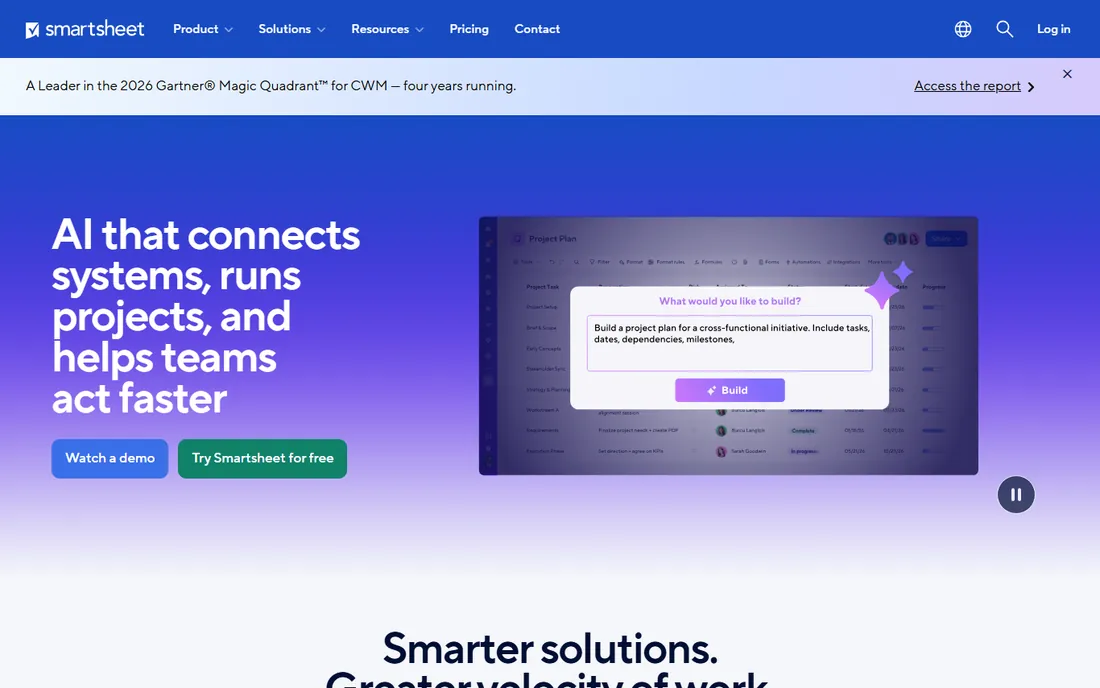
Smartsheet meets spreadsheet people where they are. If your team currently runs projects in Excel, the grid interface feels like home, except now the rows have dependencies, the columns have owners, and the whole thing rolls up into dashboards and portfolios. That familiarity drives adoption in finance, operations and construction teams that never warmed to kanban.
The Pro plan is $9 per member per month billed annually ($12 month-to-month), with Business at $19, and there is a 30-day free trial but no free plan: the only tool on this list without one. Smartsheet rewards teams that think in rows and formulas. Visual-first teams will find it dry, but for spreadsheet natives it is the most powerful option here.
What we like- Familiar spreadsheet interface with real project controls underneath
- Strong Gantt, card and calendar views
- Scales to enterprise portfolios
Watch out for- No free plan, only a 30-day trial
- Per-member pricing with minimums can price out tiny teams
#6
Wrike
Best for: Marketing and professional services teams
Visit wrike.com
Starting price$10/user/month (Team plan, billed annually, per Wrike's own site)
Free planYes (free plan advertised)
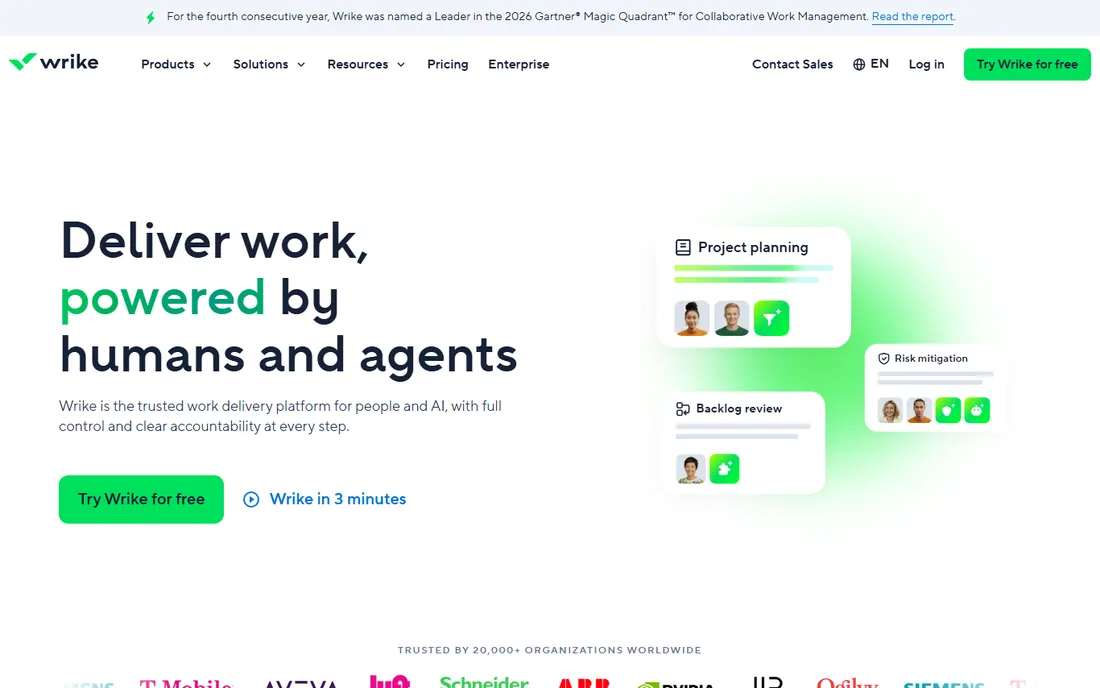
Wrike targets the messy middle of collaborative work: marketing campaigns, creative production and professional services delivery. Request forms, approval workflows and proofing tools reflect that focus, letting teams intake work, review assets and track delivery without leaving the platform. Wrike's own site puts the Team plan at $10 per user per month billed annually, with Business at $25, and advertises a free plan.
The pricing page itself rendered no plan prices during our check, so treat the $10 figure as the vendor's stated Team rate and confirm on a demo. Wrike suits teams with structured intake and review processes. Simpler teams may find its depth unnecessary; Asana or monday.com will feel lighter.
What we like- Strong request forms and approval workflows for creative teams
- Real-time collaboration with proofing
- Free plan to start
Watch out for- Pricing page displayed no plan prices during our check
- The interface packs a lot in and takes learning
Starting price$9.99/user/month (Basics plan, billed annually)
Free planYes (free tier: up to 5 users and 5 projects)
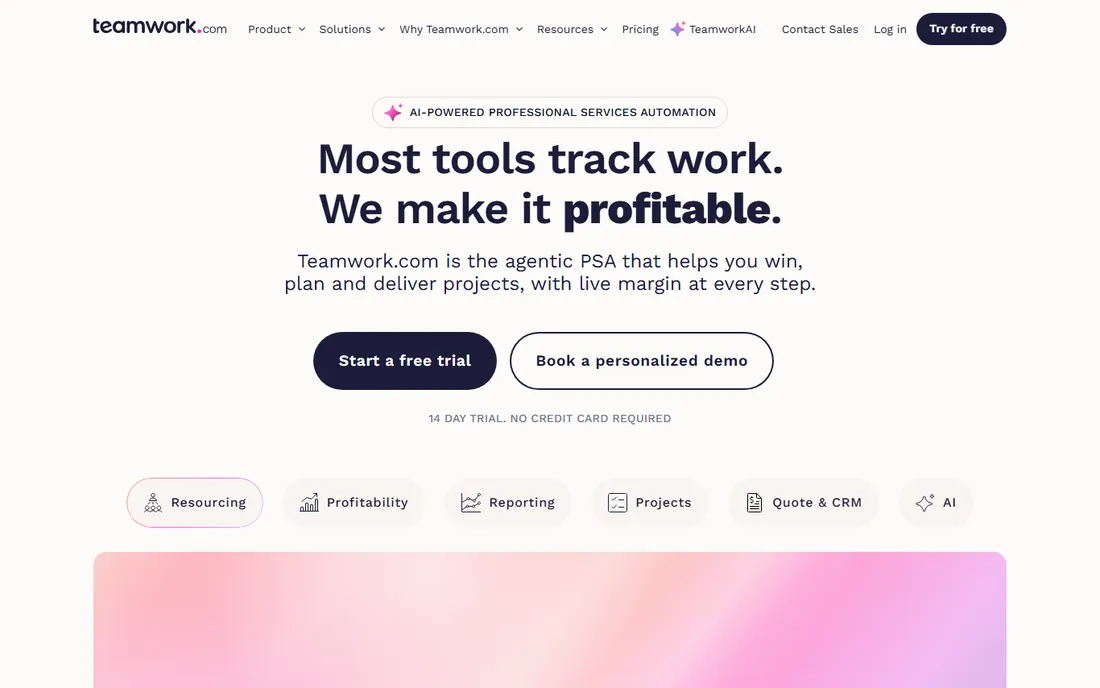
Teamwork is project management for businesses that sell hours. Time tracking, billing, retainers and project profitability are first-class features rather than add-ons, which is why agencies, consultancies and professional services firms gravitate to it. The Basics plan is $9.99 per user per month billed annually, with a higher tier at $24.99, and a 14-day free trial on paid plans.
There is also a genuine free tier: up to 5 users and 5 projects, which covers freelancers and micro-agencies. The flip side is specialization. If you do not bill clients for your time, much of what makes Teamwork special is irrelevant, and a generalist tool will fit better. For client work, though, the margin visibility is unmatched at this price.
What we like- Time tracking, invoicing and profitability built for agencies
- Published pricing from $9.99 per user
- Free tier for tiny teams
Watch out for- Less suited to internal product teams than client work
- The platform's agency focus shows in every workflow
#8
Basecamp
Best for: Teams that want flat pricing with no per-user fees
Visit basecamp.com
Starting priceSee website (Unlimited Edition is $300/month flat, per Basecamp's pricing page)
Free planYes (free 1-project plan)
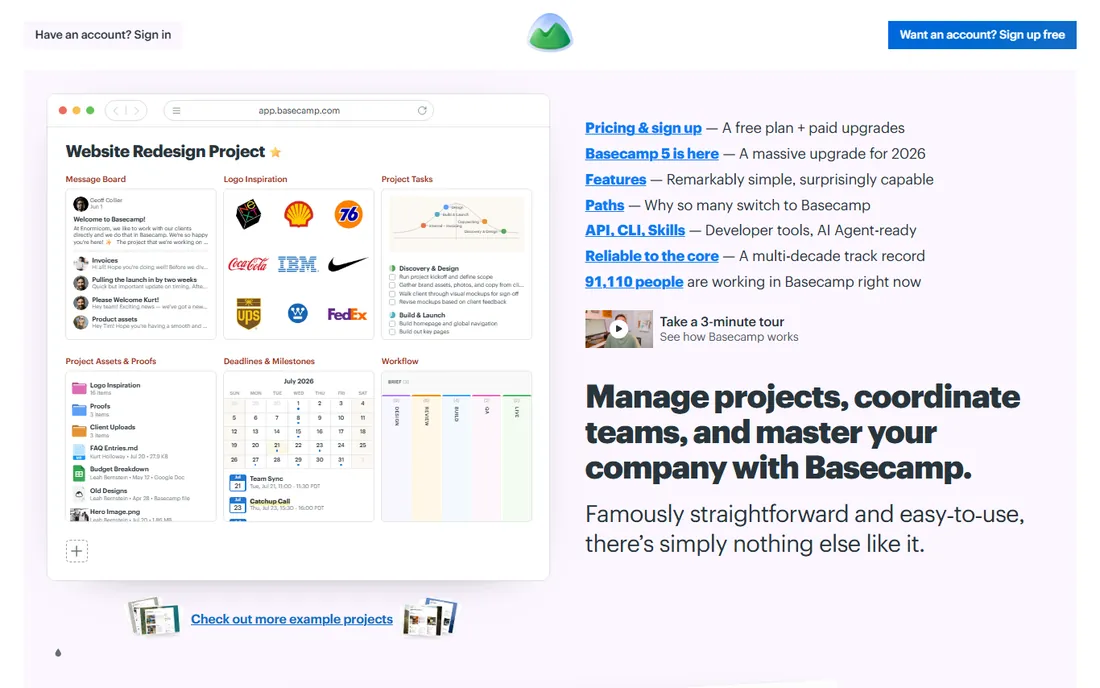
Basecamp is the contrarian of this list. Instead of per-user pricing, paid plans charge a flat rate: the pricing page confirms the Unlimited Edition at $300 per month total, with unlimited users and unlimited projects. For a 100-person company, that is $3 per user per month. For a 10-person team, the cheaper per-project tiers make more sense. Either way, the math is refreshingly simple.
The product matches the pricing philosophy. Message boards, to-dos, campfire chat, scheduling and file storage cover the essentials with none of the configuration sprawl of its rivals. There is a free plan limited to one project. Teams that want Gantt charts, custom fields and automation will outgrow it; teams drowning in tool complexity often find it a relief.
What we like- Flat-rate pricing with unlimited users on paid tiers
- Deliberately simple: message boards, to-dos, chat and scheduling
- Free plan for single projects
Watch out for- Fewer views and power features than rivals
- The simplicity that fans love can frustrate teams wanting Gantt charts and custom fields
The per-user pricing trap
Six of the eight tools here charge per user per month, and that model punishes growth. A tool that costs $90 a month for your 10-person team costs $900 for 100 people, and vendors count every seat, including the occasional contractor you invited to one project. Before committing, ask each vendor three questions: do view-only or guest users count as billable seats, what happens to your data if you downgrade, and whether annual billing locks the per-user rate or just the term.
This is also where Basecamp's flat pricing and the free tiers earn their keep. If half your "users" only check a board once a month, a per-seat tool taxes you for access they barely use. Map your actual usage patterns against the pricing model, not just the headline rate, and the cheapest sticker price often stops being the cheapest option.
Buying guide: pick by workflow, not feature list
Feature checklists make every tool look identical, because they are. Every platform here has tasks, boards, calendars and notifications. The choice that matters is workflow fit, so start there.
If your work moves through stages, like content from draft to published or deals from lead to closed, pick a kanban-native tool: Trello for simplicity, monday.com for visual customization. If your work has hard dependencies and deadlines, pick a timeline tool: Asana or Teamwork. If your work lives in spreadsheets today, Smartsheet will feel like an upgrade rather than a disruption. If you sell your team's time, Teamwork's billing features pay for themselves. And if you are tired of seat math entirely, Basecamp's flat rate ends the conversation.
Then run a real pilot. Put one actual project in your top two choices for two weeks with the people who will use it daily. Adoption, not features, decides whether the purchase works, and a pilot reveals in days what demos hide for months.
How we chose
We evaluated platforms on workflow variety (kanban, timeline, calendar, Gantt), collaboration features, automation, integrations, pricing transparency and the quality of the free tier. Every tool had to be a true cloud product with a live vendor homepage, which is why each entry links to a verified address. We excluded desktop-only project tools, pure note-taking apps and vendors whose pricing pages were unreachable.
Prices and plan details come from each vendor's own website, checked on 2026-10-14. Where a vendor's pricing page did not display plan prices, we say "See website" instead of repeating third-party figures.
Frequently asked questions
Sources we checked (8)
- https://asana.com
- https://monday.com
- https://clickup.com
- https://trello.com
- https://www.smartsheet.com
- https://www.wrike.com
- https://teamwork.com
- https://basecamp.com
Is your product missing or out of date?
We review this list regularly. Vendors can request a listing, send updated pricing or ask about featured placement.

Shihab Mia · Founder, Rankite
Shihab has spent more than a decade helping SaaS and e-commerce brands grow through search. He writes Rankite's software buying guides from pricing pages, documentation and public user reviews. More about Shihab.