How we make this list: we compare pricing pages, product documentation and public user reviews. Rankite is independent; if a vendor ever pays for a featured spot, that listing is clearly labeled Partner.
Key takeaways
- Float is the friendliest starting point for agencies that need to see who is doing what next week.
- Resource Guru and Teamdeck keep things simple and affordable for small teams.
- Runn and Forecast add financial forecasting, connecting capacity plans to revenue.
- Planview and Kantata serve larger organizations where capacity planning spans departments and portfolios.
Quick comparison
| Tool | Best for | Starting price | Free plan |
|---|
 Float Float | agencies, visual scheduling | See website | Free trial |
 Forecast Forecast | AI-assisted resource planning | See website | Free trial |
 Resource Guru Resource Guru | simple team scheduling | See website | Free trial |
 Runn Runn | capacity plus financial forecasting | See website | Free trial |
 Teamdeck Teamdeck | lightweight resource management | See website | Free trial |
 Planview Planview | enterprise portfolio planning | See website | No |
 Smartsheet Smartsheet | resource management at scale | See website | Free trial |
 Kantata Kantata | professional services automation | See website | No |
Is your product missing or out of date?
We review this list regularly. Vendors can request a listing, send updated pricing or ask about featured placement.
The best capacity planning software
Starting priceSee website
Free planFree trial
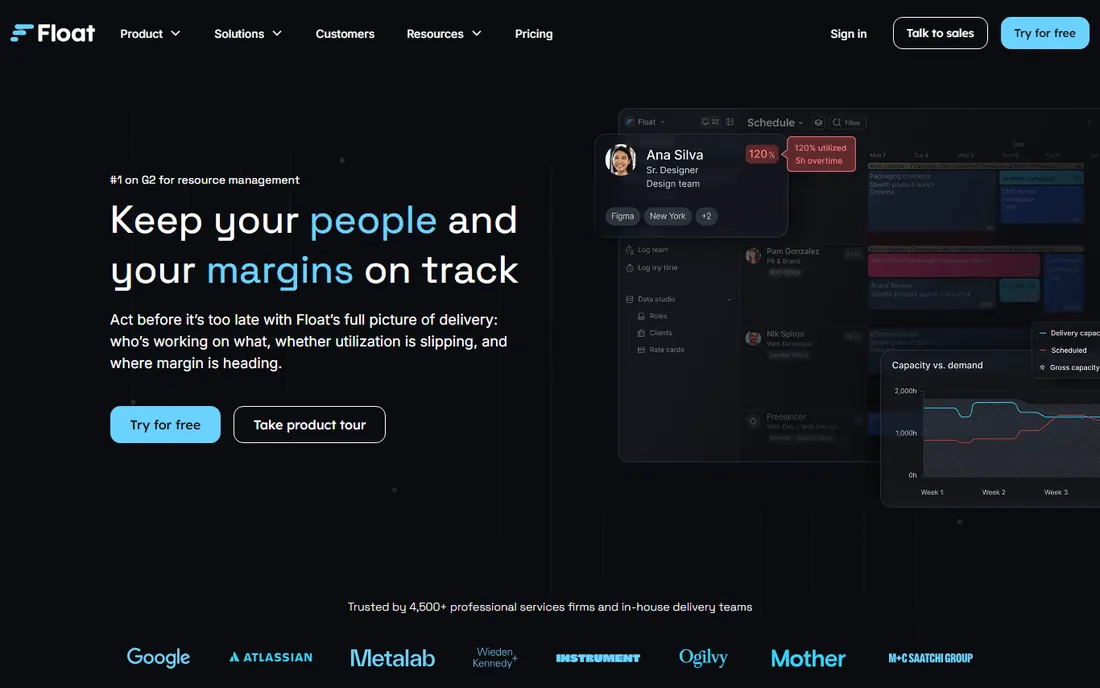
Float is the capacity planning tool agencies recommend to each other. The schedule view shows every person, project, and allocation in a drag-and-drop timeline that takes minutes to learn. Shifting work between team members is literally dragging a bar.
That visual simplicity hides useful depth. Utilization reports show who is overbooked, project views show staffing against timelines, and integrations with tools like Slack keep everyone informed. Managers get answers to "can we take this project?" without building a spreadsheet.
Float is a scheduling tool first; financial forecasting is lighter than in Runn or Kantata. And per-user pricing means large teams pay real money. But for the core job of seeing capacity and assigning work, few tools are this pleasant to use.
What we like- Beautiful drag-and-drop schedule
- Fast to learn
- Good reporting
Watch out for- Focused on scheduling, less on finance
- Costs add up for large teams
Starting priceSee website
Free planFree trial
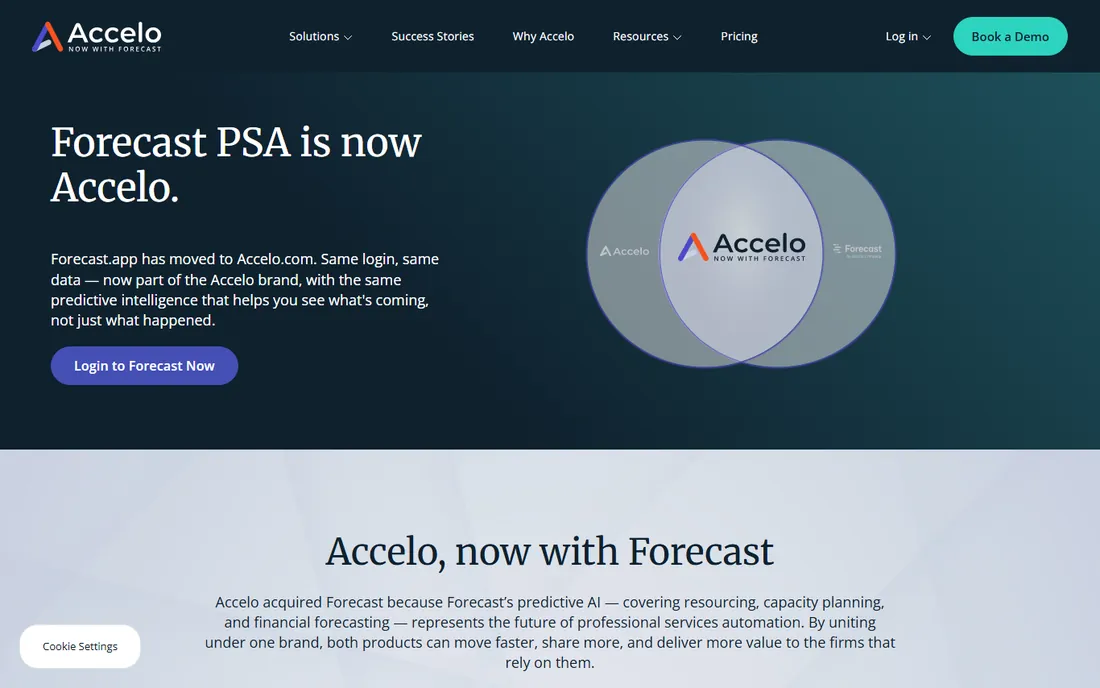
Forecast combines project management, resource planning, and financials in one platform, with AI assistance as the differentiator. The system learns from past projects to suggest estimates, flag at-risk timelines, and recommend staffing.
For agencies and consultancies, the all-in-one scope reduces tool sprawl. Projects, tasks, time tracking, resourcing, and invoicing live together, so capacity plans reflect real project data instead of a separate spreadsheet that nobody updates.
The AI is only as good as your historical data; new teams get less value until the system learns. And the breadth means more initial configuration than a pure scheduling tool. But for firms that want planning, execution, and finance connected, Forecast's integrated approach is compelling.
What we like- AI helps estimate and schedule
- Combines project management with resourcing
- Good automation
Watch out for- AI features need good data to work well
- Broader scope means more setup
Starting priceSee website
Free planFree trial
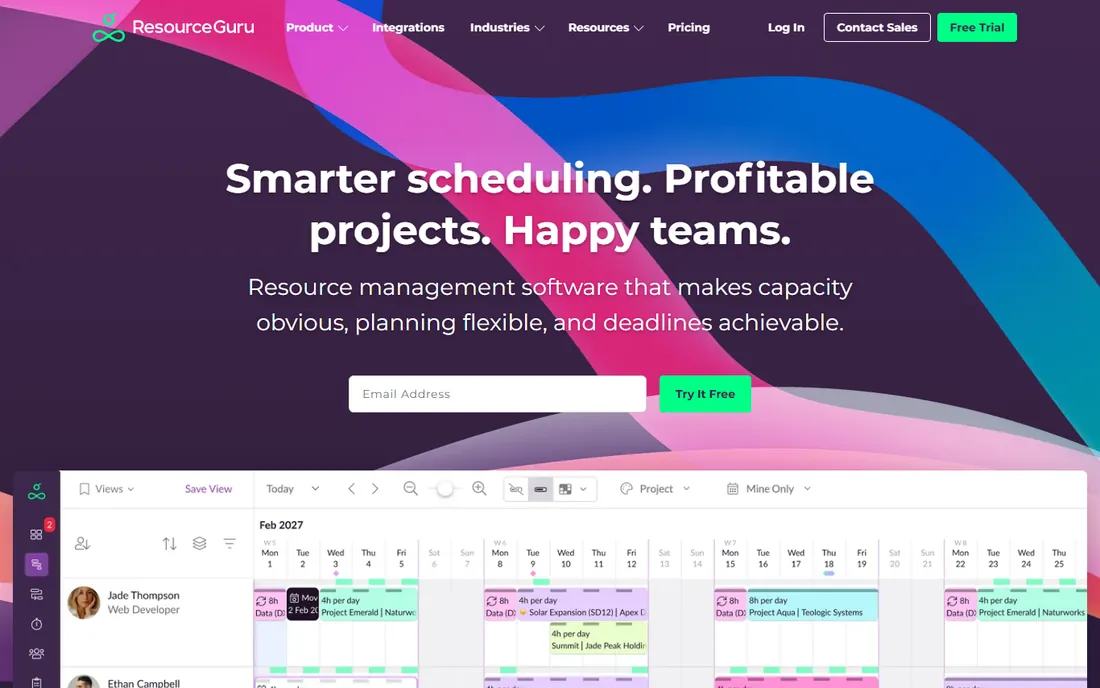
Resource Guru does one thing: show who is available and book them. The calendar interface is instantly understandable, setup takes an afternoon, and the price stays friendly for small teams. It is the tool you recommend when someone asks for "something simpler than a spreadsheet."
Leave management, clash detection, and utilization reports cover the practical needs of small agencies, studios, and IT teams. The simplicity means high adoption; the tool people actually update beats the powerful one they ignore.
Larger organizations will hit limits: no portfolio management, limited financial features, and basic integrations. But for teams under fifty people who need to stop double-booking designers, Resource Guru is refreshingly direct.
What we like- Extremely easy to use
- Fast setup
- Affordable
Watch out for- Limited advanced features
- Not built for complex portfolios
#4
Runn
Best for: capacity plus financial forecasting
Visit runn.io
Starting priceSee website
Free planFree trial
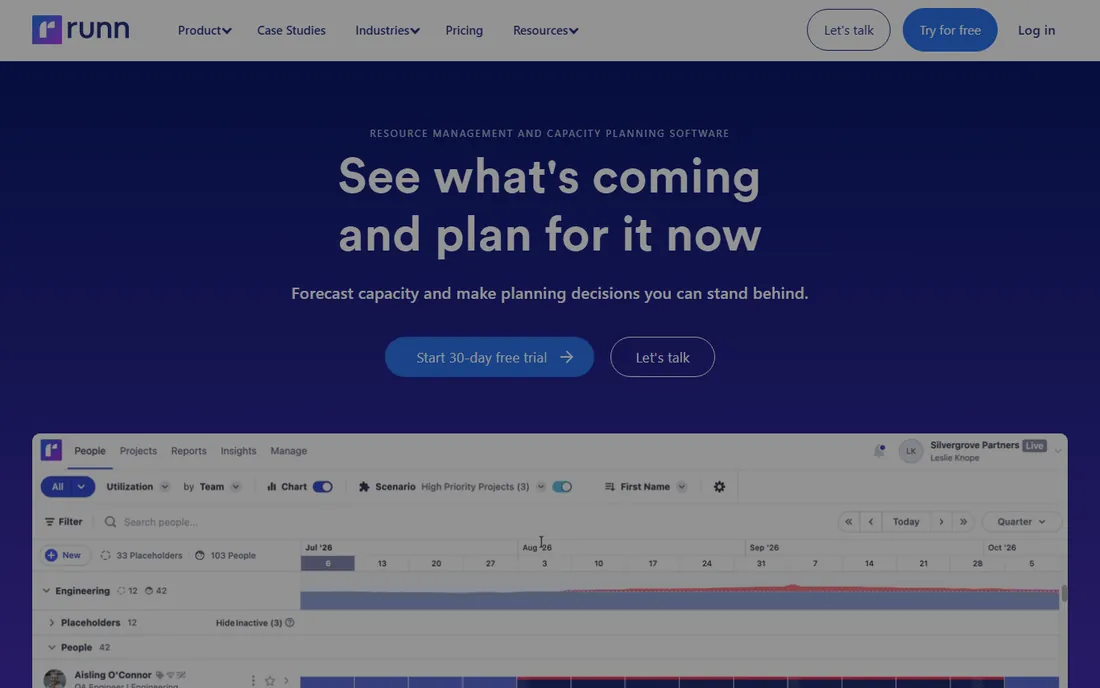
Runn answers the question every agency owner asks: if we staff projects this way, what happens to revenue? The platform ties resource allocations to financial projections, so capacity decisions show their profit impact immediately.
Scenario planning is the standout feature. Model hiring a developer, winning a big project, or losing a client, and see the capacity and financial effects side by side. That turns resource planning from an administrative chore into strategic decision-making.
The ecosystem is smaller than established rivals, with fewer integrations. Per-user pricing adds up for large teams. But for consultancies and agencies where utilization equals profitability, Runn's financial lens justifies the cost.
What we like- Connects capacity to revenue forecasts
- Great scenario planning
- Clean interface
Watch out for- Newer, smaller ecosystem
- Pricing per user adds up
Starting priceSee website
Free planFree trial
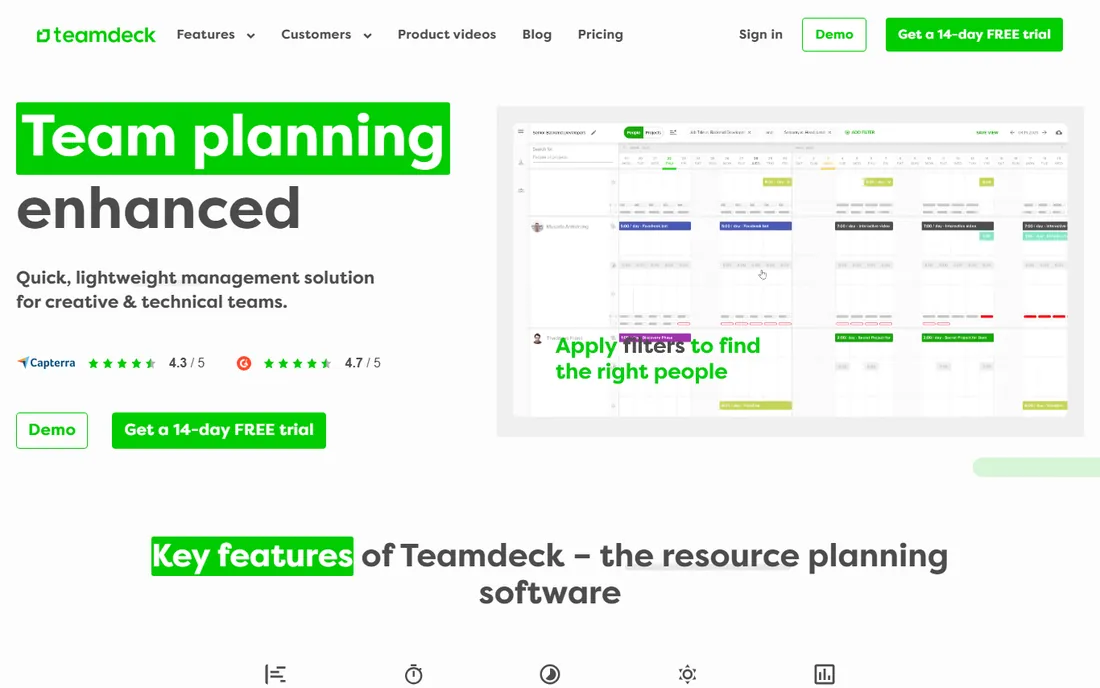
Teamdeck pairs resource scheduling with time tracking in one affordable package. Plan the week on the calendar, track actual hours against the plan, and see the variance. That plan-vs-actual loop is what turns scheduling from guesswork into management.
The price point makes it accessible to small agencies and startups that find Float or Runn expensive. Setup is quick, the learning curve is gentle, and the core features cover what most small teams need.
The interface lacks the polish of pricier competitors, and enterprise features like portfolio management are absent. But for small teams that want scheduling plus time tracking without a big subscription, Teamdeck delivers the essentials well.
What we like- Affordable
- Combines scheduling with time tracking
- Quick to deploy
Watch out for- Interface less polished
- Limited enterprise features
Starting priceSee website
Free planNo
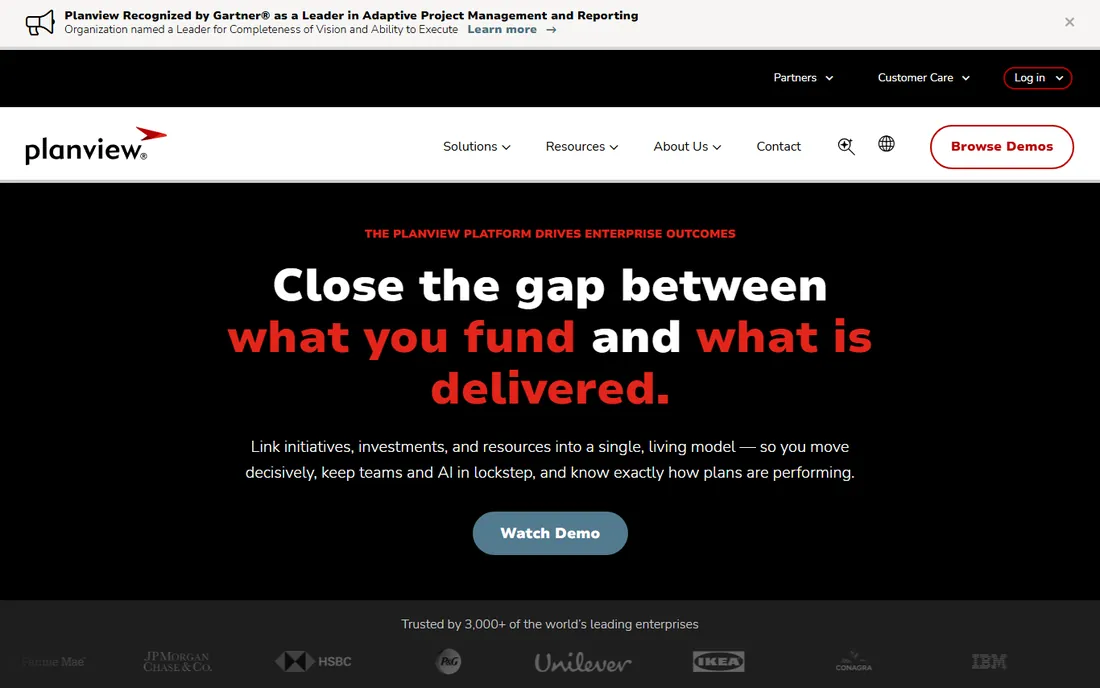
Planview operates at the enterprise end of capacity planning, where the question is not "who is free next week" but "how do we allocate ten thousand people across strategic initiatives." Portfolio management, strategic planning, and resource capacity connect in one system.
Large organizations use it to align project portfolios with business strategy, model capacity constraints across departments, and make trade-offs visible to executives. The depth of planning methodology support exceeds anything in the mid-market.
This is enterprise software in pricing, implementation, and complexity. Small and mid-size companies should not consider it. But for enterprises where resource decisions involve thousands of people and millions of dollars, Planview is built for exactly that scale.
What we like- Handles complex portfolios
- Strong strategic planning
- Proven at large scale
Watch out for- Enterprise pricing and implementation
- Overkill for small teams
Starting priceSee website
Free planFree trial
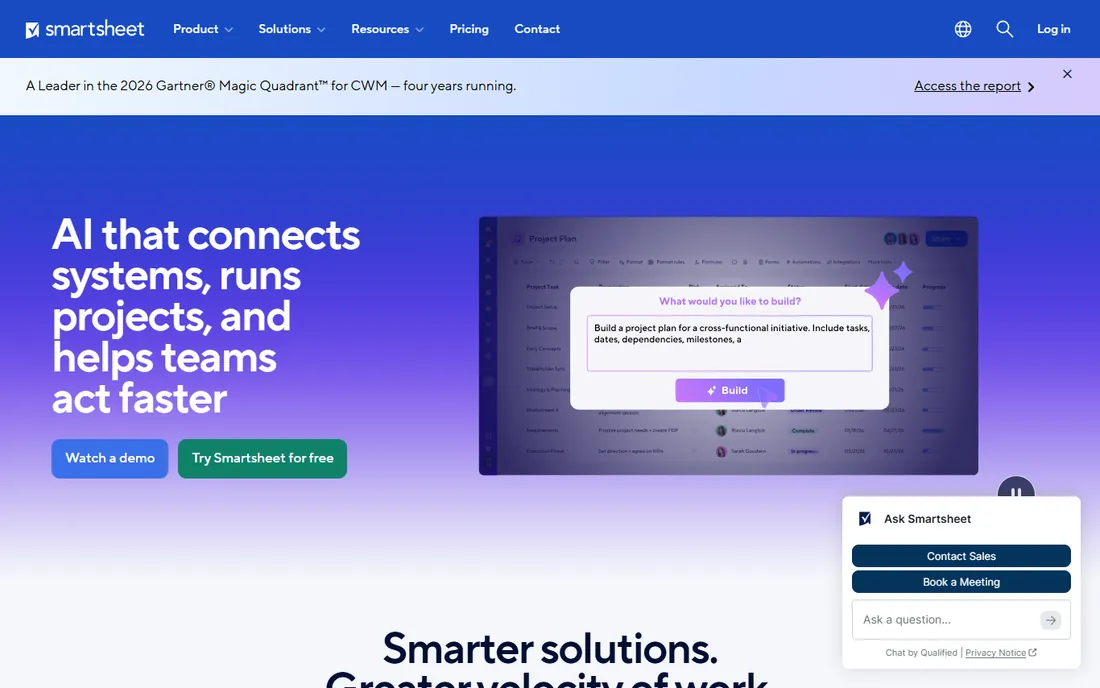
Smartsheet, which absorbed the 10,000ft resource management product, brings capacity planning to teams that think in spreadsheets. Resource views show allocations across projects, and the familiar grid interface means faster adoption than specialized tools.
The strength is flexibility. Teams build capacity views that match their actual process, automate alerts for over-allocation, and connect resource data to project sheets and dashboards. It scales from small teams to enterprises without changing tools.
That flexibility has a cost: poorly designed setups become confusing, and the resource management features that matter sit on higher tiers. But for organizations already running projects in Smartsheet, adding resource management keeps everything in one system.
What we like- Familiar spreadsheet interface
- Powerful resource management views
- Scales well
Watch out for- Can get complex
- Costs grow with advanced features
Starting priceSee website
Free planNo
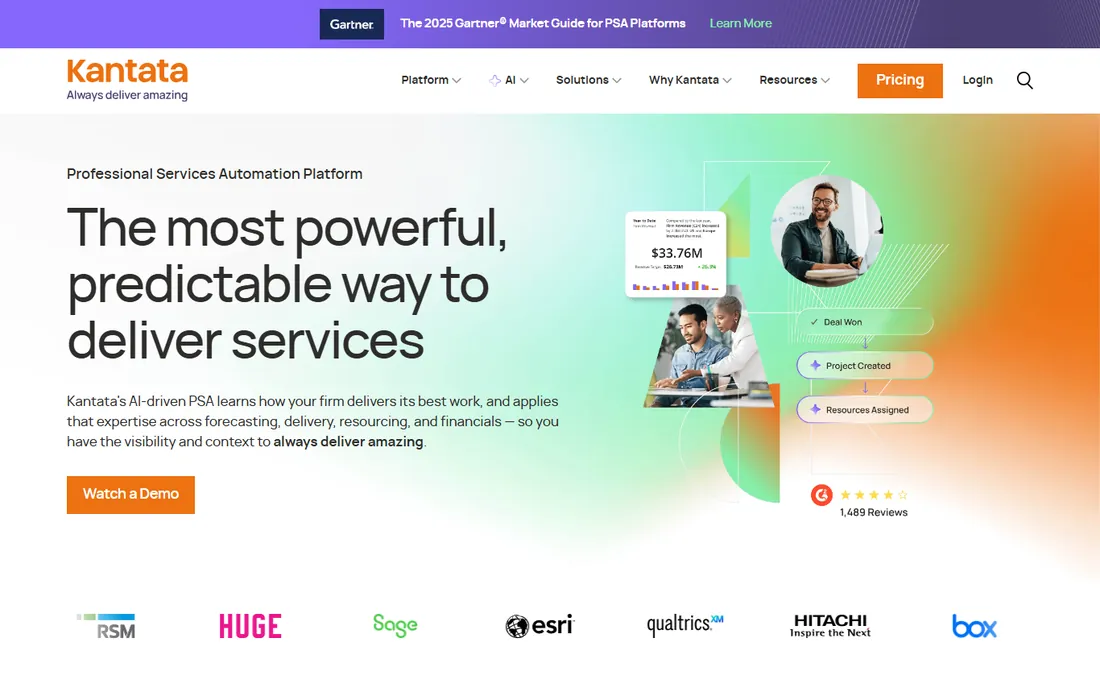
Kantata (formerly Mavenlink) is professional services automation: the system that connects the sales pipeline to project delivery to invoicing. Capacity planning sits in the middle, turning sold work into staffed projects with margin visibility.
Services firms value the continuity. A deal in the pipeline becomes a project with a staffing plan, which becomes timesheets and invoices, all in one system. Resource planning reflects real business development, not wishful thinking.
Implementation takes real effort, and pricing targets mid-market firms and up. Small agencies will find it heavy. But for professional services companies where utilization and margin are the business, Kantata's integrated approach beats stitching together separate tools.
What we like- Purpose-built for services firms
- Connects sales to delivery
- Strong financials
Watch out for- Implementation effort
- Priced for mid-market and up
Short-term scheduling and long-term capacity planning are different jobs. If your question is "who does what this week," Float, Resource Guru, or Teamdeck answer it fastest. If your question is "can we hire against next quarter's pipeline," you need Runn, Forecast, or Kantata's forecasting.
Many companies need both and buy one tool hoping it covers everything. Be honest about which horizon drives your decisions. A beautiful weekly schedule does not help if the real problem is hiring six months ahead, and a strategic portfolio tool frustrates managers who just need today's assignments covered.
The practical pattern: pick the tool for your primary horizon, and accept lighter coverage of the other. Perfect planning at both horizons usually means two tools or one expensive one.
The adoption problem nobody mentions
Capacity planning tools fail more often from neglect than from missing features. The schedule is only useful if it reflects reality, and reality changes daily. Teams that update the tool religiously get value; teams that update it monthly get fiction.
Before buying, assign ownership. Someone must own the schedule the way someone owns the books. Without a named owner and a weekly update ritual, even the best tool becomes an expensive, outdated picture.
Start small to prove the habit. Pilot with one team for a month, and check whether the schedule actually matched reality. If the pilot team will not maintain it, a bigger rollout will not fix the discipline problem.
Connecting capacity to hiring
Capacity plans should drive hiring decisions, not just weekly schedules. When the forecast shows sustained over-allocation three months out, that is a hiring signal, not a scheduling problem. The tools with forecasting (Runn, Kantata, Forecast) make this visible; pure scheduling tools require manual extrapolation.
Build a simple rule: if projected utilization exceeds your target for eight consecutive weeks, start recruiting. Hiring takes months, so the signal needs to come early. Teams that hire against capacity data avoid both burnout and bench time.
And track the hiring against the plan. New hires take time to reach full productivity; model ramp-up realistically. The capacity plan that assumes day-one productivity lies to everyone.
How we chose
We compared tools that help teams plan and allocate people across projects, based on vendor documentation, pricing pages, and reviews on G2, Capterra, and Software Advice. We covered the spectrum from simple scheduling (Resource Guru, Teamdeck) through agency favorites (Float, Runn, Forecast) to enterprise portfolio planning (Planview, Kantata, Smartsheet). We noted that 10,000ft is now part of Smartsheet's resource management offering. Pricing changes frequently, so we link to vendors for current numbers.
Frequently asked questions
What is the difference between capacity planning and project management?
Project management tracks the work: tasks, deadlines, deliverables. Capacity planning tracks the people: who is available, who is overbooked, and whether you can take on more work. The tools overlap, but the questions they answer are different.
How far ahead should we plan capacity?
Most service businesses plan in two horizons: detailed scheduling for the next 4 to 12 weeks, and rough capacity forecasting for the next 2 to 4 quarters. Tools like Runn and Kantata handle both; simpler tools focus on the near term.
What utilization rate should we target?
It depends on the business, but most professional services firms target 70 to 80 percent billable utilization, leaving room for sales, training, and the unexpected. Consistently above 85 percent usually means burnout and no capacity for new work.
Do we need time tracking for capacity planning to work?
It helps enormously. Planned hours mean little without actual hours to compare against. Tools that combine scheduling with time tracking, like Teamdeck and Forecast, close the loop. Without actuals, capacity plans stay theoretical.
Can spreadsheets handle capacity planning?
For very small teams, yes, and many start there. Spreadsheets break down around 15 to 20 people, when version control, real-time updates, and scenario modeling become painful. That is usually when teams move to a dedicated tool.
Sources we checked (8)
- https://www.float.com/
- https://www.forecast.app/
- https://resourceguruapp.com/
- https://runn.io/
- https://teamdeck.io/
- https://www.planview.com/
- https://www.smartsheet.com/
- https://www.kantata.com/
Is your product missing or out of date?
We review this list regularly. Vendors can request a listing, send updated pricing or ask about featured placement.

Shihab Mia · Founder, Rankite
Shihab has spent more than a decade helping SaaS and e-commerce brands grow through search. He writes Rankite's software buying guides from pricing pages, documentation and public user reviews. More about Shihab.