How we make this list: we compare pricing pages, product documentation and public user reviews. Rankite is independent; if a vendor ever pays for a featured spot, that listing is clearly labeled Partner.
Key takeaways
- Hotjar (now part of Contentsquare) and Microsoft Clarity cover heatmaps and session replay, with Clarity completely free and Hotjar offering the deeper feature set.
- Mixpanel and Amplitude are the product analytics leaders for teams that need funnels, cohorts and retention analysis.
- PostHog is the open-source all-rounder: product analytics, session replay, feature flags and experiments in one self-hostable platform.
- FullStory, Heap, Crazy Egg and Lucky Orange fill specific niches from enterprise session intelligence to affordable small-site optimization.
Quick comparison
| Tool | Best for | Starting price | Free plan |
|---|
 Hotjar Hotjar | Heatmaps, replays and on-site feedback | See website | Yes |
 Microsoft Clarity Microsoft Clarity | Free heatmaps and session recordings | Free | Yes |
 Mixpanel Mixpanel | Product teams that live in funnels and cohorts | See website | Yes |
 Amplitude Amplitude | Enterprises doing serious product analytics | See website | Yes |
 PostHog PostHog | Teams wanting everything in one open-source platform | See website | Yes |
 FullStory FullStory | Enterprises needing complete session intelligence | See website | Free trial |
 Heap Heap | Analytics without manual event tagging | See website | Free trial |
 Crazy Egg Crazy Egg | Simple website optimization for marketers | See website | Free trial |
 Lucky Orange Lucky Orange | Small sites wanting an affordable all-in-one | See website | Free trial |
Is your product missing or out of date?
We review this list regularly. Vendors can request a listing, send updated pricing or ask about featured placement.
Starting priceSee website
Free planYes
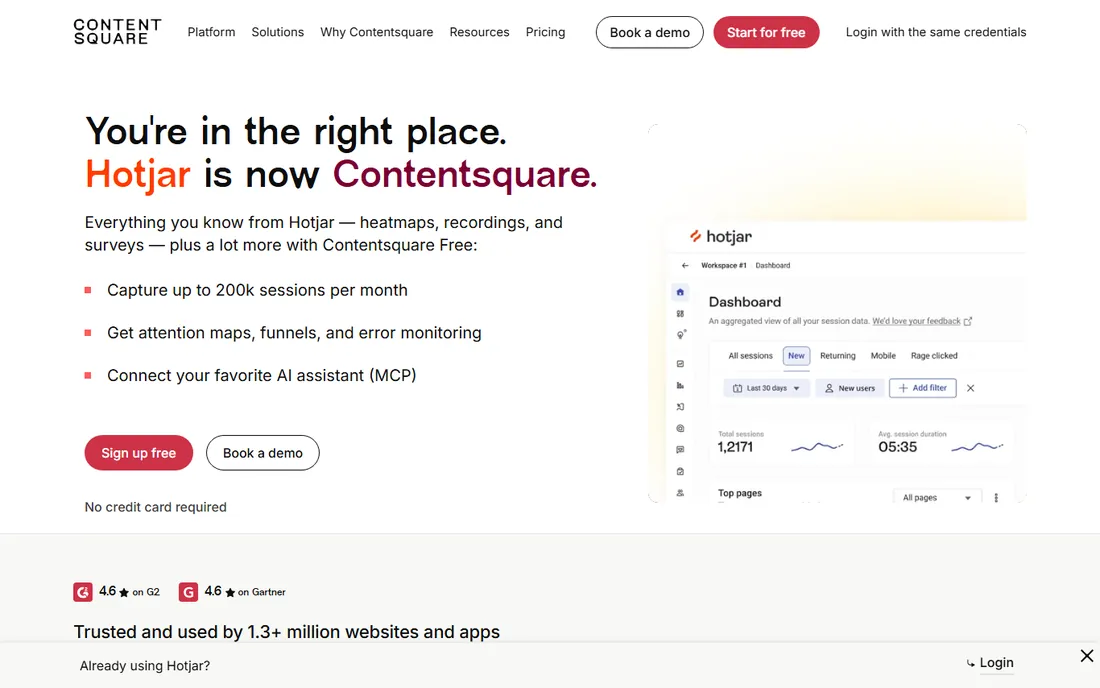
Hotjar invented the category most people picture when they hear behavior analytics: install a snippet, get heatmaps of clicks and scrolls, watch session recordings, ask visitors questions with on-page surveys. Now owned by Contentsquare, it remains the most widely used tool of its kind, and the combination of quantitative heatmaps with qualitative feedback in one tool is still its core strength.
The acquisition means the roadmap now serves Contentsquare's enterprise strategy, which is worth watching for small users. Lower plans sample traffic rather than capturing everything. The free basic plan covers small sites. For teams that want the standard heatmap-plus-replay toolkit with minimal setup, Hotjar is the default.
What we like- The classic heatmap and replay combo
- Surveys and feedback widgets included
- Huge user base
Watch out for- Now part of Contentsquare, so the product direction follows the parent
- Sampling on lower plans
Starting priceFree
Free planYes
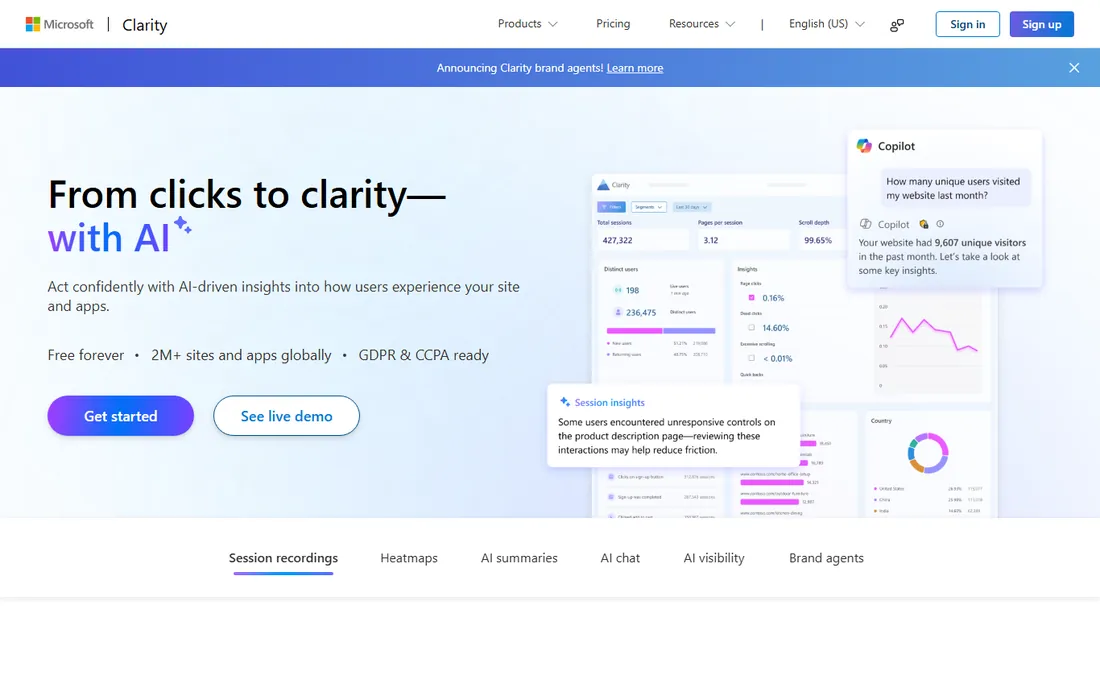
Clarity is Microsoft's free behavior analytics tool, and the price is the whole story: heatmaps, session recordings and AI-generated insights with no traffic caps and no paid tier to upsell you into. For small businesses, bloggers and anyone who just wants to see what visitors do, it removes every excuse for flying blind.
The feature set is narrower than Hotjar's or FullStory's: fewer survey options, less sophisticated segmentation, a thinner integration catalog. But the core job, watching real sessions and seeing click patterns, works well. If your budget for behavior analytics is zero, Clarity is not a compromise; it is a genuinely good free tool.
What we like- Completely free with no traffic limits
- Heatmaps, replays and insights
- Easy setup
Watch out for- Fewer advanced features than paid tools
- Limited integrations
Starting priceSee website
Free planYes
Mixpanel is the product analytics standard for teams that think in events: signup completed, feature used, subscription started. Funnels show where users drop off, cohorts show how behavior changes over time, and retention curves show whether the product is actually sticking. The free tier is generous enough for early-stage products.
The catch is instrumentation. Mixpanel is only as good as the events you send it, and designing a clean event taxonomy takes real thought. Teams that invest in that setup get one of the most powerful analytics tools available. Teams that want insights without instrumentation work should start with an autocapture tool like Heap instead.
What we like- Powerful event-based analytics
- Excellent funnel and retention analysis
- Generous free tier
Watch out for- Requires proper event instrumentation
- Learning curve for non-analysts
Starting priceSee website
Free planYes
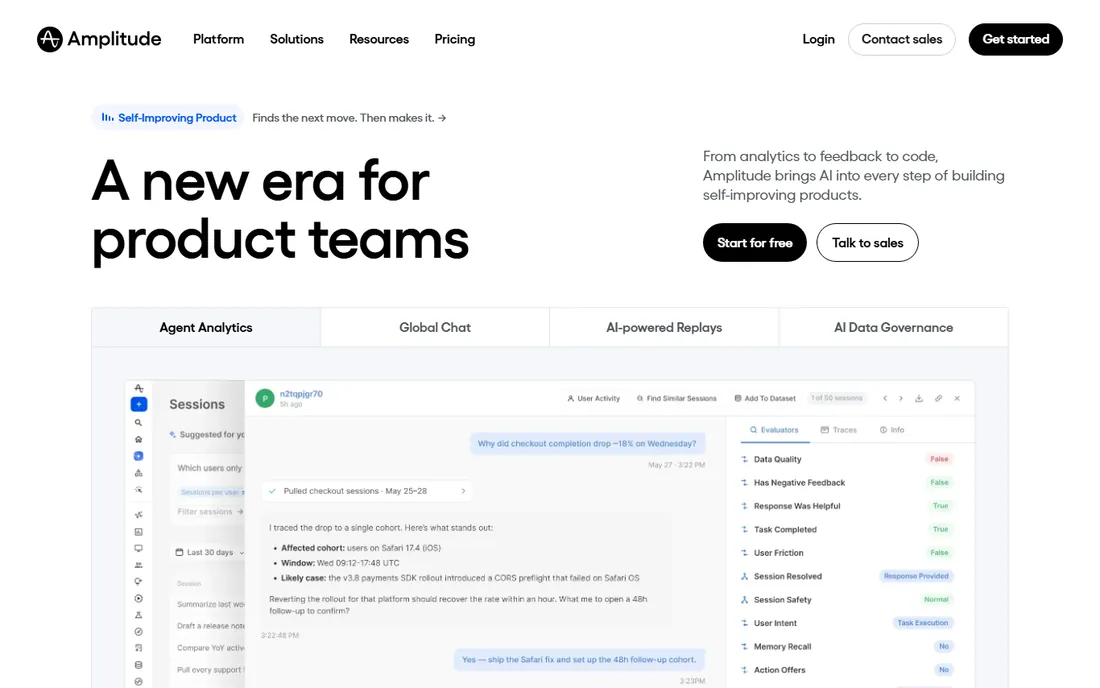
Amplitude competes with Mixpanel at the top of product analytics and wins in enterprises that need scale, governance and experimentation in one platform. Behavioral cohorts, predictive analytics and built-in A/B testing let product teams go from insight to experiment without changing tools. The data governance features matter when analytics serve hundreds of people.
Smaller teams may find it more than they need, and the advanced tiers are priced for enterprise budgets. The free plan covers getting started. For organizations where product analytics is a company-wide discipline rather than one team's tool, Amplitude is the enterprise pick.
What we like- Deep behavioral analysis at scale
- Strong experimentation features
- Enterprise-grade governance
Watch out for- Enterprise pricing for advanced tiers
- Complexity for small teams
#5
PostHog
Best for: Teams wanting everything in one open-source platform
Visit posthog.com
Starting priceSee website
Free planYes
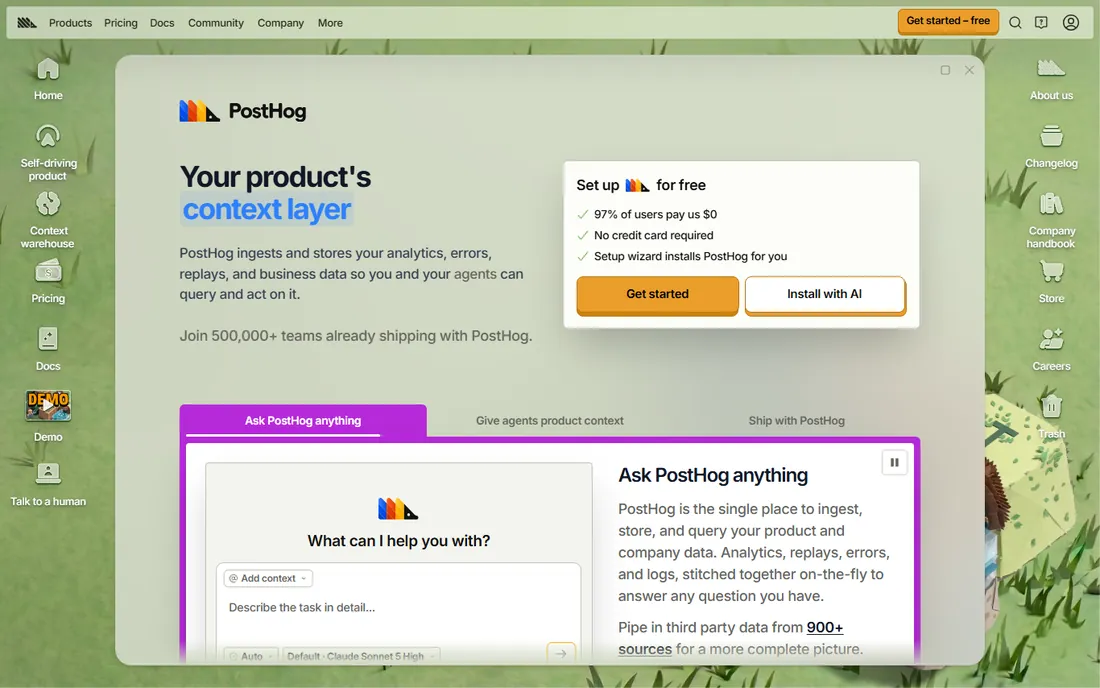
PostHog is the ambitious one: product analytics, session replay, heatmaps, feature flags, A/B testing and surveys in a single open-source platform you can self-host. For startups and engineering-led teams, replacing four or five tools with one codebase is compelling, and the free tier covers serious usage.
No single module is the deepest in its category; specialists beat it on pure analytics depth or pure replay polish. Self-hosting gives you data control but costs engineering time. For teams that value consolidation, transparency and developer control over best-in-class individual tools, PostHog is unique.
What we like- Analytics, replays, feature flags, experiments and surveys in one
- Self-hostable
- Generous free tier
Watch out for- Breadth means less depth in each area than specialists
- Self-hosting needs engineering
Starting priceSee website
Free planFree trial
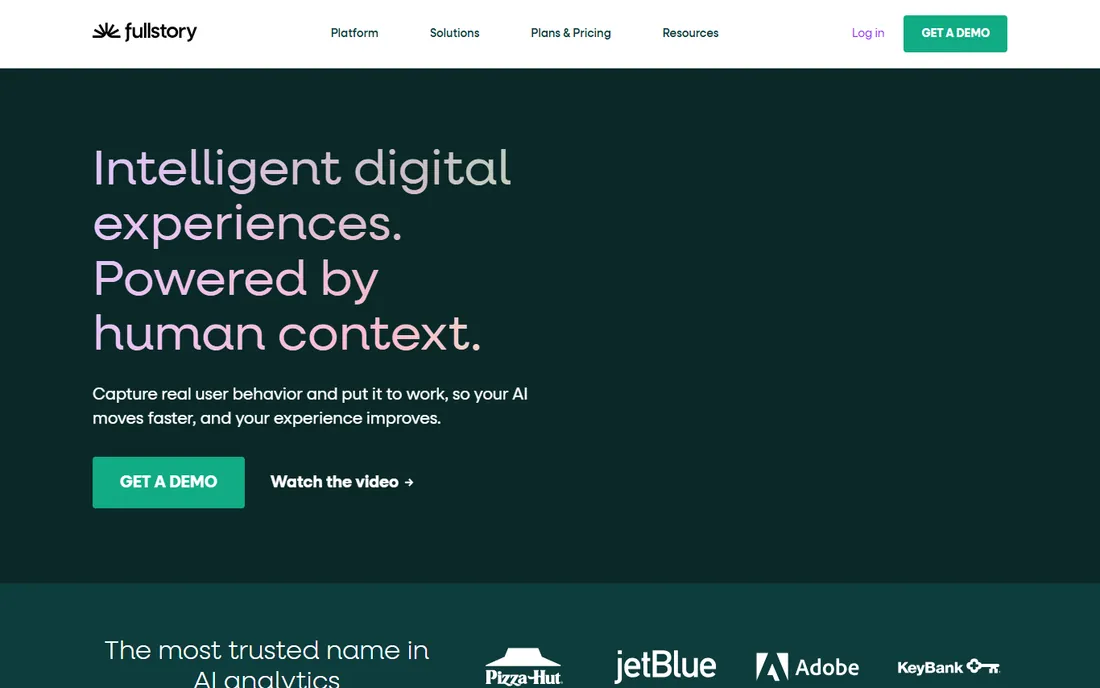
FullStory's pitch is total recall: every session captured, every interaction indexed, searchable like a database. Support teams find the exact session where a customer struggled; product teams find every instance of a broken flow; frustration signals surface automatically. The privacy controls are enterprise-grade, which matters for regulated industries.
The pricing is enterprise-grade too, and the platform's power can overwhelm teams without a defined workflow for using it. FullStory fits organizations where session data drives decisions across support, product and engineering, not teams that just want occasional replays.
What we like- Captures everything automatically
- Powerful search across sessions
- Strong privacy controls
Watch out for- Enterprise pricing
- Can be overwhelming without a clear use case
#7
Heap
Best for: Analytics without manual event tagging
Visit heap.io
Starting priceSee website
Free planFree trial
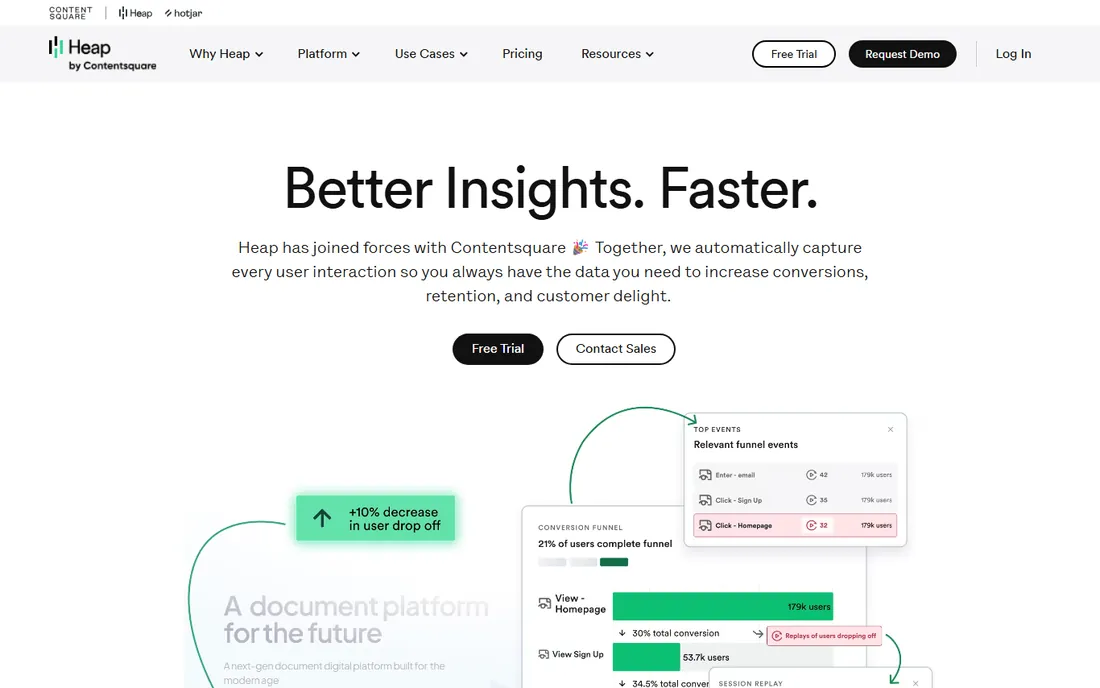
Heap's autocapture records every click, tap, swipe and pageview automatically, so you can define events retroactively instead of instrumenting upfront. For teams that never got around to a clean event taxonomy, this is liberating: the data is already there when the question arises. Funnels, retention and user journeys all work on the captured data.
The noise is the trade-off. Autocaptured data needs curation to become trustworthy, and teams can drown in events without discipline. Pricing is quote-based. Heap fits teams that want product analytics power without the instrumentation project Mixpanel demands.
What we like- Autocapture means no instrumentation planning
- Retroactive analysis
- Solid funnels
Watch out for- Data volume can get noisy
- Pricing conversations are sales-led
Starting priceSee website
Free planFree trial
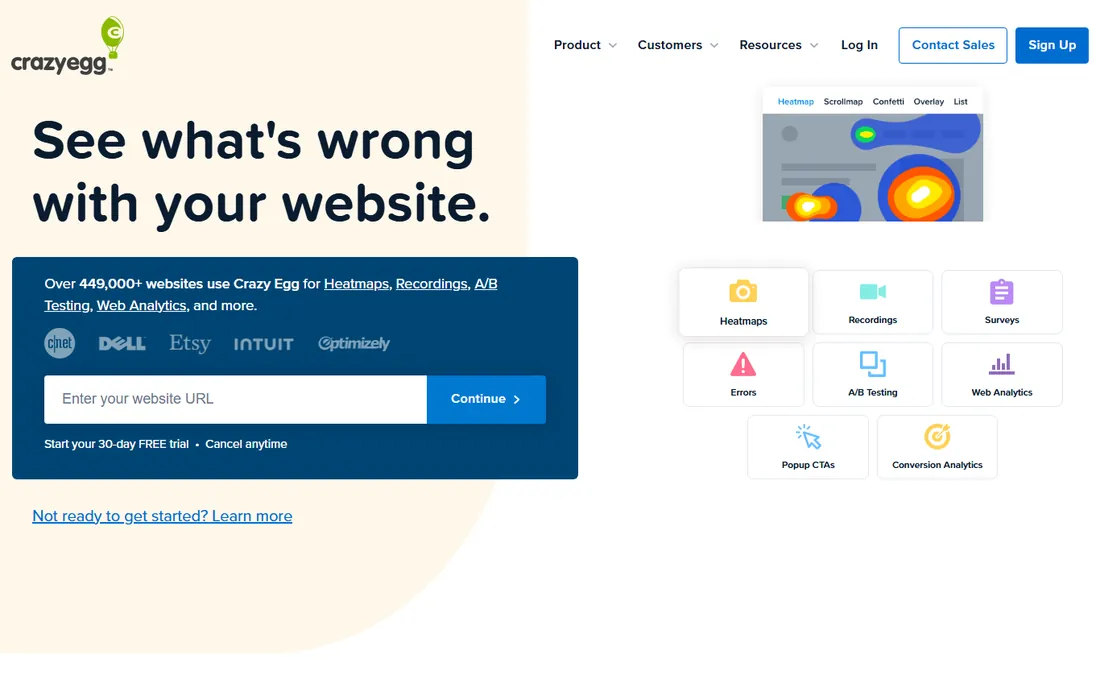
Crazy Egg is the marketer-friendly entry to behavior analytics. Heatmaps, scrollmaps, confetti reports and simple A/B tests come in a package that a marketing team can run without engineering help. It has been around long enough to be a known quantity, and the pricing tiers stay accessible.
It does not try to be a product analytics platform; there are no funnels or cohorts here. Power users will outgrow it. But for website owners who want to know where visitors click and test simple changes, Crazy Egg remains the simplest path from question to answer.
What we like- Easy heatmaps and A/B testing
- Approachable for non-technical users
- Affordable tiers
Watch out for- Less depth than Hotjar
- Product analytics is out of scope
Starting priceSee website
Free planFree trial
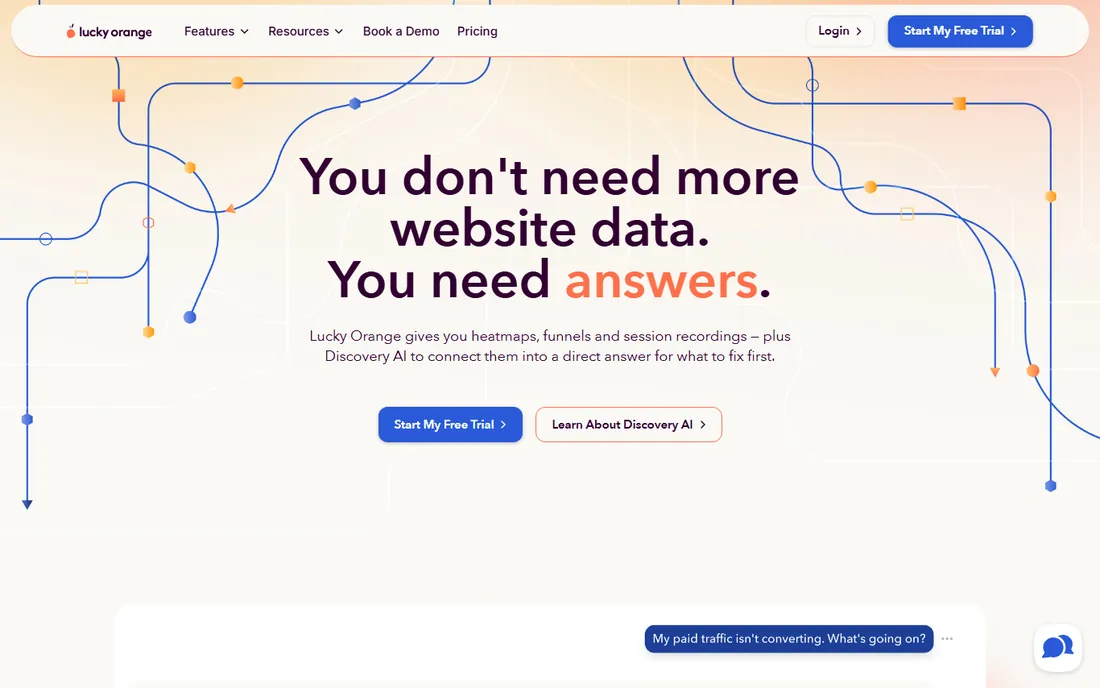
Lucky Orange bundles session recordings, heatmaps, live chat and conversion funnels at prices small businesses can afford. The real-time dashboard showing live visitors is genuinely fun and occasionally useful. For a small ecommerce store or lead-gen site, it covers the behavior analytics basics in one subscription.
Lower plans sample traffic, and the platform lacks the enterprise features of FullStory or Contentsquare. But the value equation for small sites is strong: one affordable tool instead of three separate ones. If Hotjar's pricing feels steep and Clarity feels thin, Lucky Orange sits in the middle.
What we like- Replays, heatmaps, chat and polls in one
- Affordable
- Real-time visitor view
Watch out for- Sampling on lower plans
- Less enterprise polish
How we chose
We covered the behavior analytics category as buyers use it: heatmaps and session replay on one side, product analytics on the other, with a few tools spanning both. We verified each product is actively offered in 2026, checked documentation and public reviews, and favored tools with real adoption. Pricing changes often here, so we used See website wherever current pricing could not be confirmed. Free plan status reflects currently offered free tiers.
Heatmaps versus product analytics
These are different tools for different questions. Heatmaps and session replays answer what users do on a page: where they click, how far they scroll, where they hesitate. Product analytics answers what users do across the product: which flows convert, which cohorts retain, which features drive revenue.
Most teams eventually need both. A common setup is Clarity or Hotjar for the qualitative view plus Mixpanel, Amplitude or PostHog for the quantitative view. Buying only one side leaves half the questions unanswered. Start with the side that matches your biggest unknown: page-level confusion or product-level trends.
Privacy and consent
Behavior analytics records what visitors do, which makes privacy compliance non-negotiable. Every tool on this list offers IP masking, cookieless options or consent integrations to varying degrees, but the configuration is your responsibility.
Check three things before deploying: whether the tool supports your region's consent requirements, whether session replays mask sensitive fields like passwords and payment inputs by default, and where the data is stored. Microsoft Clarity and PostHog's self-hosting option appeal to privacy-sensitive organizations for exactly these reasons. Get this right before the first snippet goes live, not after.
Frequently asked questions
What are user behavior analytics tools?
They are tools that show how people actually use your website or app: heatmaps of clicks and scrolls, recordings of individual sessions, and analytics of user flows, funnels and retention. They complement traditional analytics by showing the why behind the numbers.
Are heatmaps still useful?
Yes. They remain the fastest way to see which page elements get attention and which get ignored. Their limits are known: they show aggregates, not individuals, and they do not explain motivation. Pair them with session replays and surveys for the full picture.
How much do behavior analytics tools cost?
Microsoft Clarity is completely free. Freemium tools like Hotjar, Mixpanel, Amplitude and PostHog offer free tiers with paid plans scaling by traffic or events. Enterprise tools like FullStory are quote-based. Most small sites can start free and pay only when traffic grows.
Do these tools slow down my website?
Any third-party script adds some load. The reputable tools load asynchronously and are engineered for minimal impact, but you should still measure with your own performance tooling. If speed is critical, limit recording sample rates and audit which tools are actually providing value.
What is the difference between Hotjar and Mixpanel?
Hotjar shows what users do on individual pages through heatmaps and session recordings. Mixpanel analyzes what users do across your product through events, funnels and cohorts. They answer different questions and are often used together.
Is session recording legal?
It depends on your jurisdiction and implementation. Most regions require informing visitors and obtaining consent, masking sensitive data and honoring opt-outs. All the tools on this list provide privacy controls, but compliance is your responsibility. Consult your legal requirements before deploying.
Sources we checked (9)
- https://contentsquare.com
- https://clarity.microsoft.com
- https://mixpanel.com
- https://www.amplitude.com
- https://posthog.com
- https://www.fullstory.com
- https://www.heap.io
- https://www.crazyegg.com
- https://www.luckyorange.com
Is your product missing or out of date?
We review this list regularly. Vendors can request a listing, send updated pricing or ask about featured placement.

Shihab Mia · Founder, Rankite
Shihab has spent more than a decade helping SaaS and e-commerce brands grow through search. He writes Rankite's software buying guides from pricing pages, documentation and public user reviews. More about Shihab.