How we make this list: we compare pricing pages, product documentation and public user reviews. Ratings come from G2, Capterra or Trustpilot, with the date we checked them.
Key takeaways
- Jira is the closest like-for-like replacement for teams that want strict sprint structure, story points, and deep reporting.
- Linear and Shortcut suit product teams that want speed and a clean issue tracker without heavy configuration.
- Asana, ClickUp, and monday.com fit teams that manage engineering work alongside marketing, operations, and other non-code projects.
- Trello is the lightest option, best for small teams that only need a board and a few lists.
- Azure DevOps Boards is the natural pick for teams already building and shipping on Microsoft infrastructure.
Quick comparison
| Tool | Best for | Starting price | Free plan |
|---|
 Jira Jira | Strict agile process and reporting | See website | Yes |
 Linear Linear | Fast product teams and agent workflows | See website | See website |
 Shortcut Shortcut | Simple story, epic, and sprint tracking | Free | Yes |
 Asana Asana | Cross-team work with AI teammates | See website | Yes |
 ClickUp ClickUp | One workspace for all work types | Free | Yes |
 Trello Trello | Lightweight boards for small teams | Free | Yes |
 monday.com monday.com | Flexible boards with AI agents | Free | Yes |
 Azure DevOps Boards Azure DevOps Boards | Microsoft-centered engineering teams | See website | Yes |
Is your product missing or out of date?
We review this list regularly. Vendors can request a listing, send updated pricing or ask about featured placement.
#1Jira
Best for: Strict agile process and reporting4.3/5 on
G2 (7,984 reviews, checked Oct 2026)
Visit atlassian.com
Starting priceSee website
Free planYes
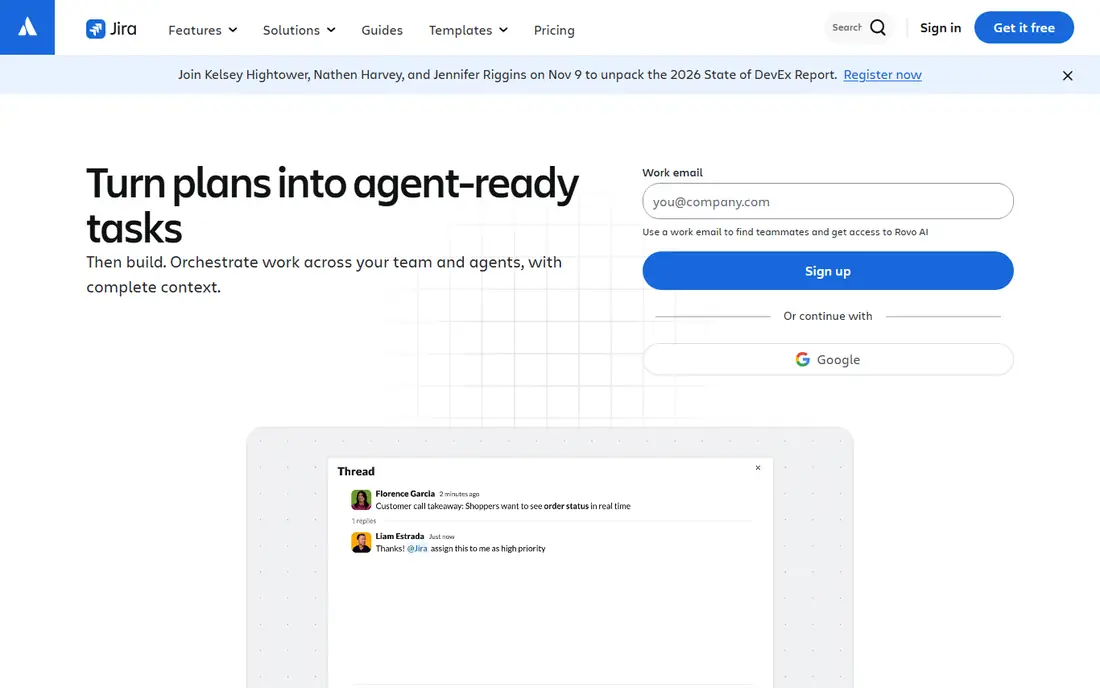
Jira is the safest direct replacement for Pivotal Tracker. It was built for agile software teams, and it covers the full workflow that Tracker users relied on: a backlog of stories, sprint planning, boards, and reports that show velocity and burndown. Its planning features now include agents that turn plans into agent-ready tasks, plus AI search across Jira, Confluence, and connected apps. Atlassian states that more than 300,000 companies use its products, and Jira starts free with no credit card required.
The trade-off is complexity. Jira can be configured to match almost any process, but that flexibility means setup takes longer than in a simpler tracker. Teams that only need a backlog and a board may find the admin screens and permission model heavier than they want. Pricing is also not shown on the homepage, so buyers must check the pricing page for the current per-user rates. One comparison source lists a free plan for up to 10 users and a Standard plan from 7.91 dollars per user per month billed monthly, but confirm those figures at checkout since they were not verified on the vendor homepage.
What we like- Mature Scrum and Kanban boards
- Story points, velocity, and burndown reporting
- Huge integration catalog
Watch out for- Paid pricing is not shown on the homepage
- Configuration can feel heavy for small teams
#2Linear
Best for: Fast product teams and agent workflows4.6/5 on
G2 (124 reviews, checked Oct 2026)
Visit linear.app
Starting priceSee website
Free planSee website
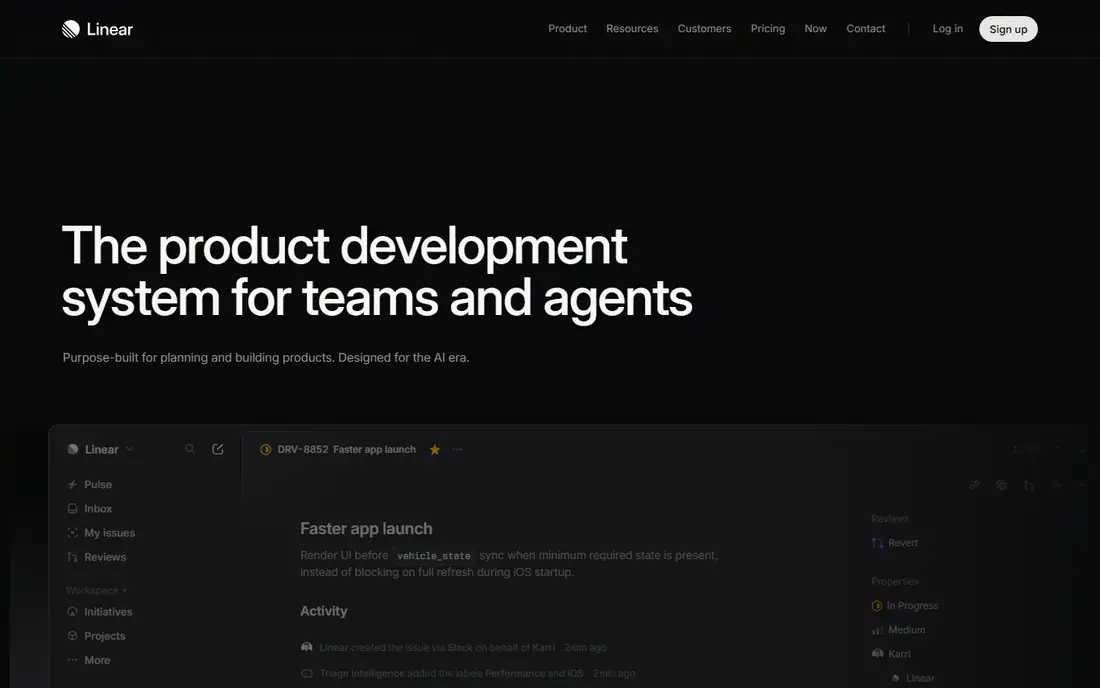
Linear describes itself as the system for product development, built for teams and agents. Its workflow centers on issues, cycles, projects, and releases, with triage features that can label and route new issues automatically. The homepage shows AI workflows that draft requirements, break work into sub-issues, and push pull requests, which matches how many modern teams now work. Speed is the main selling point: the interface is designed to stay fast even with large backlogs.
For a former Pivotal Tracker team, Linear feels closest to the original spirit of Tracker, which prized a simple, opinionated workflow over endless configuration. The downside is that pricing is not visible on the homepage extract, so free plan limits and paid rates must be confirmed on the pricing page before budgeting. Teams that need heavyweight reporting, advanced permissions, or a large plugin catalog may also find Linear thinner than Jira. It is the better pick for teams that value pace and a clean tracker over deep enterprise controls.
What we like- Very fast interface
- Cycles, projects, and releases built in
- AI workflows for triage and spec drafting
Watch out for- Pricing and free plan details are not shown on the homepage
- Fewer built-in reports than Jira
#3Shortcut
Best for: Simple story, epic, and sprint tracking4.4/5 on
G2 (177 reviews, checked Oct 2026)
Visit shortcut.com
Starting priceFree
Free planYes
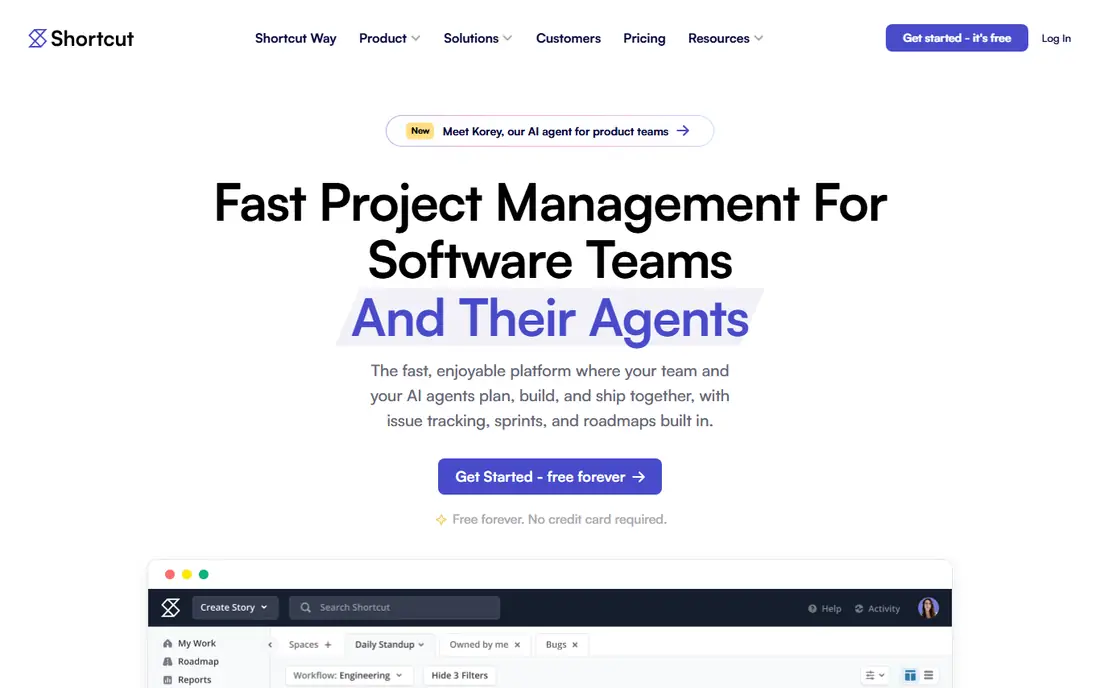
Shortcut is project management software built for software teams, and its structure maps closely onto Pivotal Tracker: stories, epics, sprints, and roadmaps, with Kanban boards for day-to-day work. It also adds objectives, so teams can connect projects to company goals, and integrations with GitHub, Slack, and Sentry. A newer AI agent, Korey, is pitched as moving work from idea to spec to pull request in minutes. The platform is GDPR and SOC 2 compliant, with single sign-on and SCIM on higher plans and HIPAA readiness.
The strongest reason to pick Shortcut is cost. The homepage states it is free forever with no credit card required, which makes it an easy trial for a team leaving a shut-down product. It holds a 4.4 out of 5 rating on G2 from 177 reviews. The limits are breadth and scale: Shortcut is aimed at software teams, so companies that want one tool for engineering, marketing, and operations will find Asana or ClickUp a better fit. It is also a smaller company than Atlassian or Microsoft, so buyers who need a long vendor track record should weigh that.
What we like- Free forever plan with no credit card
- Stories, epics, sprints, and roadmaps
- New AI agent for product teams
Watch out for- Smaller integration catalog than Jira
- Less suited to non-software departments
#4Asana
Best for: Cross-team work with AI teammates4.4/5 on
G2 (13,930 reviews, checked Oct 2026)
Visit asana.com
Starting priceSee website
Free planYes
Asana has moved from task lists to what it calls orchestrated execution across humans, agents, and systems. Its work graph connects goals, portfolios, projects, tickets, and tasks, and its AI teammates work inside real workflows with shared memory, scoped permissions, audit trails, and cost controls. The platform also includes service management for IT and HR requests, client management for agency work, and a Command issue tracker that shows active Git pull requests alongside tasks. Asana states that 85 percent of Fortune 100 companies choose Asana.
For a former Pivotal Tracker team inside a larger company, Asana makes sense when engineering work must sit next to marketing campaigns, operations plans, and client projects. The cost of that breadth is depth: Asana is not as code-centered as Jira or Linear, and its agile reporting is less strict. Pricing is not shown on the homepage, so check the pricing page for current rates, and confirm free plan limits before rolling it out to a whole department.
What we like- Work graph linking goals, portfolios, projects, and tasks
- AI teammates with shared memory and governance
- Service and client management products
Watch out for- Paid pricing is not shown on the homepage
- Less code-focused than Jira or Linear
#5ClickUp
Best for: One workspace for all work types4.6/5 on
G2 (14,878 reviews, checked Oct 2026)
Visit clickup.com
Starting priceFree
Free planYes
ClickUp pitches itself as one workspace that connects work, knowledge, and conversations to AI that can find answers, take action, and build alongside the team. It includes projects, docs, chat, and an AI layer called Brain that searches the workspace, connected apps, and the web, with frontier models such as GPT, Claude, and Gemini. Its Super Agents are designed to take delegated tasks and keep working with full context. ClickUp reports a 4.7 out of 5 rating from more than 10,000 users on G2, and states that 85 percent of Fortune 500 companies use it, with SOC 2 Type II, ISO 27001, GDPR, and HIPAA compliance.
For a team leaving Pivotal Tracker, ClickUp is the consolidation play: replace the tracker, the docs tool, and the team chat with one product. The free forever plan with no credit card makes it easy to test. The risk is sprawl in the other direction. ClickUp has more than 100 products and views, and a team that only wants a backlog and a sprint board may spend more time configuring than shipping. It suits teams that want one home for everything more than teams that want the most opinionated agile tracker.
What we like- Projects, docs, chat, and AI in one workspace
- Super Agents that work around the clock
- Free forever plan with no credit card
Watch out for- Very broad feature set can overwhelm a small team
- Agile purists may prefer a stricter tracker
#6Trello
Best for: Lightweight boards for small teams4.4/5 on
G2 (14,064 reviews, checked Oct 2026)
Visit trello.com
Starting priceFree
Free planYes
Trello is the lightest replacement on this list. The product is a board of lists and cards: sign up, create a board, and start moving work across columns. That simplicity is the point. A small team that used Pivotal Tracker mainly as a shared board, without leaning on velocity charts or strict sprint rituals, can move to Trello in an afternoon and lose nothing that matters to them.
The limits show up as a team grows. Trello has no native story points, velocity tracking, or sprint reporting, so teams that plan in points will need add-ons or a spreadsheet to keep those rituals. Large backlogs also become harder to search and prioritize on a flat board than in a structured backlog tool. Pricing and free plan details were not visible on the thin homepage extract, so confirm the current free limits and paid rates on the pricing page. Trello is the right pick for small teams and simple projects, and the wrong pick for teams that need real agile reporting.
What we like- Simplest setup of any tool here
- Boards, lists, and cards anyone can learn in minutes
- Low cost
Watch out for- No native story points, velocity, or sprint reports
- Large backlogs get hard to manage
#7monday.com
Best for: Flexible boards with AI agents4.7/5 on
G2 (17,182 reviews, checked Oct 2026)
Visit monday.com
Starting priceFree
Free planYes
monday.com is now pitched as an AI workspace for people and agents. Teams build boards for projects, then add agents that research vendors, triage tickets, update roadmaps, score deals, or flag risks, with a real-time log of agent actions, defined permissions, human-in-the-loop checks, and per-team AI spend tracking. It connects to Claude, ChatGPT, Copilot, Gemini, and other MCP-connected tools, and states that more than 60 percent of the Fortune 500 use it. The free plan runs for unlimited time with no credit card required.
For a former Pivotal Tracker team, monday.com is the flexible middle ground: boards can mimic a sprint board, a backlog, or a roadmap, and automations move work between stages without manual updates. The weakness is that its agile features are generic. It does not have the story-point and velocity discipline of Jira, nor the code integrations of Linear or Azure DevOps. It fits teams that want one visual workspace for engineering plus sales, HR, and operations, and that are willing to build their agile process on top of boards rather than buying it ready-made.
What we like- Unlimited time on the free plan with no credit card
- Boards that adapt to almost any workflow
- Agent builder with permissions and cost controls
Watch out for- Agile features are generic rather than code-specific
- Paid tiers add up for large teams
Starting priceSee website
Free planYes
Azure DevOps is a set of modern dev services from Microsoft, and Boards is its work-tracking piece. It covers planning, tracking, and discussion of work across teams, alongside pipelines for building and deploying in any language to any cloud or on-premises target, plus test plans for manual and exploratory testing. Microsoft highlights integrations between GitHub, Azure DevOps, and GitHub Copilot, and notes more than 100 compliance certifications. Boards is free for small teams per Microsoft documentation, with paid rates for larger teams confirmed on the pricing page.
For a team already building on Azure, using GitHub, or standardized on Microsoft 365, Boards is the natural landing spot. Work items link directly to code, builds, and releases, which removes the copy-and-paste between tracker and pipeline that Pivotal Tracker teams often lived with. The downside is scope: Azure DevOps is a full engineering platform, and a team that only wants a tracker may find setup and administration heavier than in Linear or Shortcut. It is also the least attractive option for teams outside the Microsoft ecosystem.
What we like- Boards plus pipelines, repos, and test plans in one suite
- Strong GitHub and Copilot integration
- Enterprise compliance depth
Watch out for- Pricing is not shown on the homepage
- The full suite can be more than a tracker-only team needs
How we chose
We started from what Pivotal Tracker actually did: story-based planning, sprints, and velocity tracking for software teams. Each tool here was checked against its vendor homepage to confirm the product still exists, what it does, and whether its domain belongs to that product. We favored tools with a real agile workflow, a working free or trial path, and a clear migration story for a team whose tracker shut down. Pricing figures that came from comparison guides rather than vendor homepages are flagged as such in the text, and readers should confirm them at checkout.
What to check before you migrate
First, export everything you can from Pivotal Tracker while access remains, including story descriptions, comments, attachments, and labels. A tracker migration usually loses comments and history first, so decide what must survive and what can stay in an archive. Second, run a one-sprint trial with real work, not sample data. Point estimates, board columns, and reporting all behave differently with a live backlog, and a trial sprint exposes that fast. Third, check the integration that matters most to your team, whether that is GitHub, Slack, or a CI pipeline, before you commit. A tracker that cannot post build status or pull request links will create manual work every day. Fourth, confirm who owns the workspace, what the guest and viewer limits are, and what happens to your data if you cancel. Finally, agree on the process before the tool: sprint length, estimation units, and definition of done. A new tool will not fix a process the team never agreed on.
Frequently asked questions
Is Pivotal Tracker still available?
No. Pivotal Tracker was shut down in 2025 after VMware, which acquired it in 2019, was itself acquired by Broadcom. Teams need to migrate to a replacement, and should export stories, comments, and attachments while any access remains.
Which alternative is closest to Pivotal Tracker?
Jira is the closest for strict agile process, with story points, velocity, and burndown reporting. Shortcut is the closest for feel, with stories, epics, and sprints in a simpler package. Linear sits between them, with a fast tracker and modern AI workflows.
Can I migrate my Pivotal Tracker stories automatically?
Some tools offer importers for common trackers, and CSV export plus import covers most stories, labels, and states. Comments, attachments, and history often need manual handling, so plan a cleanup pass and keep an archive of the old project.
Which tools have a free plan?
Shortcut, ClickUp, Trello, and monday.com all state a free plan on their homepages, and Jira and Azure DevOps Boards offer free starts for small teams. Linear pricing was not visible on its homepage, so check its pricing page for current free and paid options.
Should a small team pick Trello or Shortcut?
Pick Trello if you only need a simple board and your team is small. Pick Shortcut if you want stories, epics, sprints, and roadmaps without paying, since it keeps the agile structure that Trello lacks.
What if my team also manages non-software work?
Asana, ClickUp, and monday.com handle engineering work alongside marketing, operations, and client projects in one workspace. Jira, Linear, and Shortcut stay closer to software teams, so they fit less well when half the company needs the same tool.
Sources we checked (0)
Is your product missing or out of date?
We review this list regularly. Vendors can request a listing, send updated pricing or ask about featured placement.

Shihab Mia · Founder, Rankite
Shihab has 5+ years in B2B and SaaS SEO. He writes Rankite's software buying guides from pricing pages, documentation and public user reviews. More about Shihab.