How we make this list: we compare pricing pages, product documentation and public user reviews. Rankite is independent; if a vendor ever pays for a featured spot, that listing is clearly labeled Partner.
Key takeaways
- Todoist and TickTick are the best free starting points, with Todoist winning on natural-language entry and TickTick on built-in calendar and habits.
- Things 3 and OmniFocus are the premium Apple-only picks for people who want their task manager to feel crafted.
- Microsoft To Do is the obvious free choice inside the Microsoft ecosystem, and Notion suits people who want tasks mixed with notes.
- The best tool is the one you open daily; a simpler app you use beats a powerful one you avoid.
Quick comparison
| Tool | Best for | Starting price | Free plan |
|---|
 Todoist Todoist | Fast task capture with natural language | Free | Yes |
 TickTick TickTick | Tasks, calendar and habits in one app | Free | Yes |
 Things 3 Things 3 | Beautiful GTD on Apple devices | See website | No |
 Any.do Any.do | Simple lists with calendar and reminders | Free | Yes |
 Microsoft To Do Microsoft To Do | Free tasks inside the Microsoft ecosystem | Free | Yes |
 Notion Notion | Tasks blended with notes and wikis | Free | Yes |
 Trello Trello | Visual kanban for personal projects | Free | Yes |
 OmniFocus OmniFocus | Serious GTD for Mac and iOS power users | See website | Free trial |
 Nirvana Nirvana | Clean GTD without the clutter | Free | Yes |
 Remember The Milk Remember The Milk | The veteran list app that still works | Free | Yes |
Is your product missing or out of date?
We review this list regularly. Vendors can request a listing, send updated pricing or ask about featured placement.
Starting priceFree
Free planYes
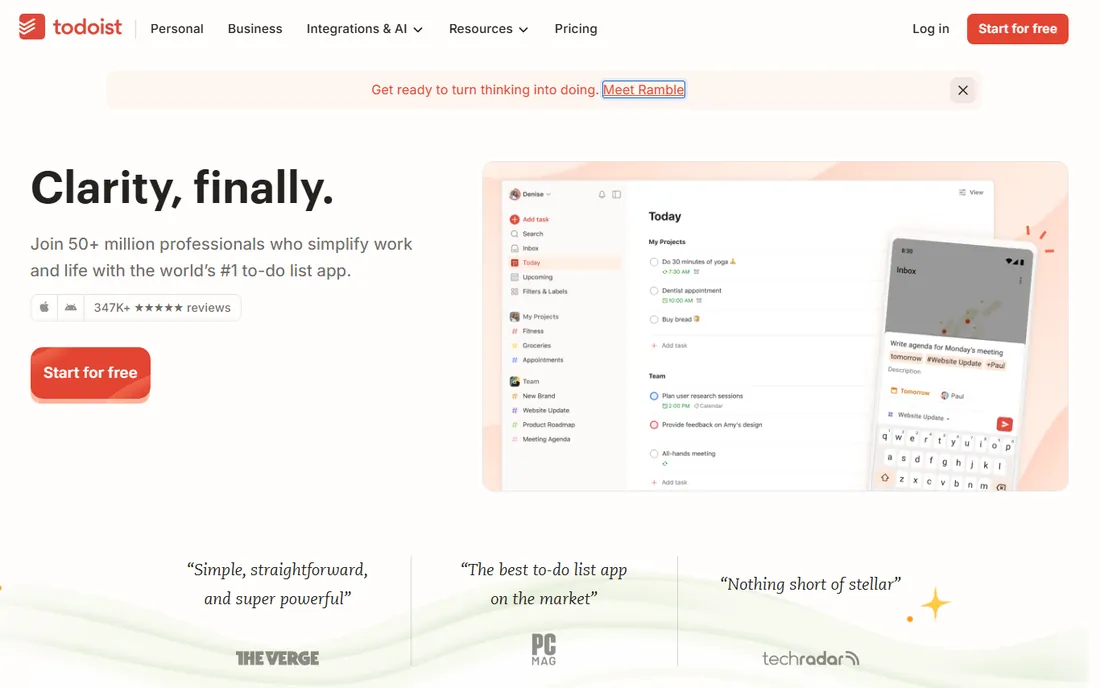
Sunday evening, tasks for the week swirling in your head. Todoist's answer is to make capture nearly instant: type "submit report every Friday at 5pm" and the recurring task appears with the right date, no dropdowns touched. That natural-language entry remains the best in the business, and it matters because the biggest failure point in any task manager is not organizing tasks but capturing them before they are forgotten.
The free tier covers projects, labels, priorities and due dates across web, desktop, mobile and even watches. Paid plans add reminders, filters and the newer voice-to-task AI features. With over 30 million registered users, Todoist is the safe mainstream pick. It is not the prettiest app here, and power users sometimes graduate to more opinionated systems. But for fast, reliable personal task management that works everywhere, Todoist is hard to beat.
What we like- Best-in-class natural language entry
- Runs on every platform including watches
- Generous free tier
Watch out for- Reminders and filters need the paid plan
- Can feel plain next to prettier apps
- AI features are still maturing
Starting priceFree
Free planYes
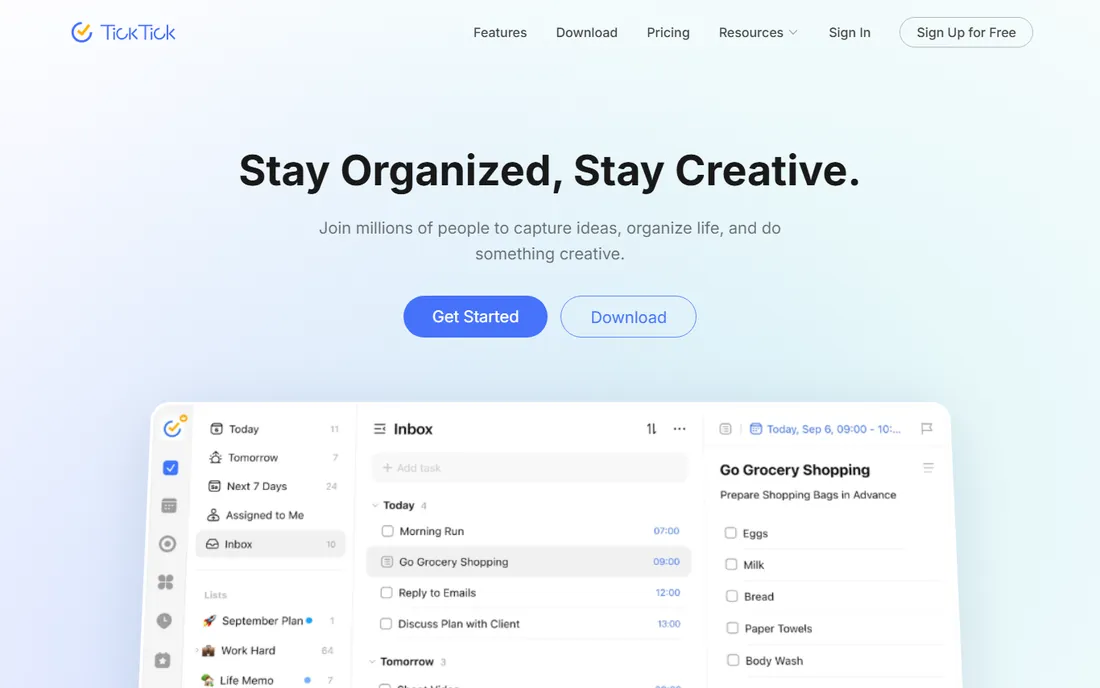
TickTick looked at the personal productivity stack and decided one app should do most of it. Tasks, calendar, habit tracking and a Pomodoro timer live together, so a morning planning session can cover the day's schedule, recurring habits and to-dos without switching apps. The free tier is generous enough that many users never pay.
The trade-off is focus. TickTick's interface is busier than Todoist's, and some features feel added rather than designed together. Users who want a pure task list may find the extras distracting. But for people who currently juggle a task app, a calendar and a habit tracker, consolidating into TickTick simplifies life meaningfully. The premium plan is inexpensive for what it bundles.
What we like- Calendar, habits and Pomodoro built in
- Generous free tier
- Works on all major platforms
Watch out for- Interface is busier than Todoist
- Some features feel bolted on
- Premium needed for full calendar
Starting priceSee website
Free planNo
Things 3 is the app people show off. Cultured Code's design makes task management feel calm and deliberate, with animations and interactions that reward daily use. Underneath the beauty is a thoughtful take on GTD: inbox, projects, areas and a daily review flow that guides without lecturing. Many users credit Things with finally making them consistent planners.
The limits are philosophical. It is Apple-only, sold as separate one-time purchases per device, with no collaboration and no web app. That is fine for personal use, which is all it claims to be. The total cost across devices exceeds a year of most subscriptions, though there are no recurring fees afterward. For Apple users who want personal task management to feel good, Things 3 is the premium answer.
What we like- Exquisite design that makes planning pleasant
- Thoughtful GTD workflow
- One-time purchase, no subscription
Watch out for- Apple only
- No collaboration features
- Price adds up across Mac, iPad and iPhone
#4
Any.do
Best for: Simple lists with calendar and reminders
Visit any.do
Starting priceFree
Free planYes
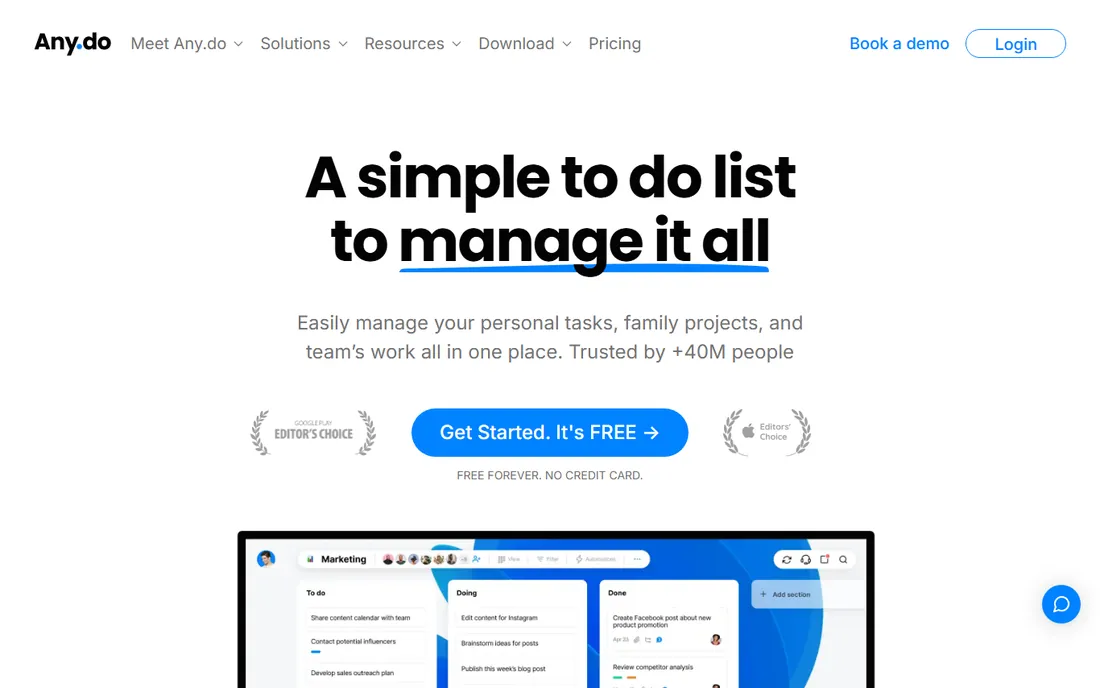
Any.do keeps things simple on purpose. Lists, reminders and a calendar view cover what most people need, and the onboarding is the easiest here. Voice entry and the daily planner feature help build a routine around the app rather than just storing tasks in it.
Power users will feel the ceiling quickly. Filters, customization and integrations are thinner than Todoist or TickTick, and the meaningful features sit behind the premium plan. Development moves at a modest pace. But simplicity is a feature for the large number of people overwhelmed by complex apps. If previous task managers felt like work, Any.do's lightness may be exactly right.
What we like- Very easy to start
- Calendar integration is smooth
- Voice entry works well
Watch out for- Less powerful than Todoist or TickTick
- Premium needed for real features
- Development pace is modest
Starting priceFree
Free planYes
Microsoft To Do is the quiet competent option hiding inside the Microsoft ecosystem. It is completely free, syncs with Outlook tasks and Planner, and the My Day view offers a simple daily planning ritual: each morning, pick what matters today. For someone living in Outlook and Teams, it removes all friction.
It is deliberately basic. There is no natural language entry, no labels system to rival Todoist, and little reason to choose it outside Microsoft 365. But basic done well beats complex done poorly for many people. If your work life runs on Microsoft and you want personal tasks in the same place without another subscription, To Do is the obvious answer.
What we like- Completely free
- Syncs with Outlook and Microsoft 365
- My Day feature encourages daily planning
Watch out for- Basic feature set
- No natural language entry
- Weak outside the Microsoft world
Starting priceFree
Free planYes
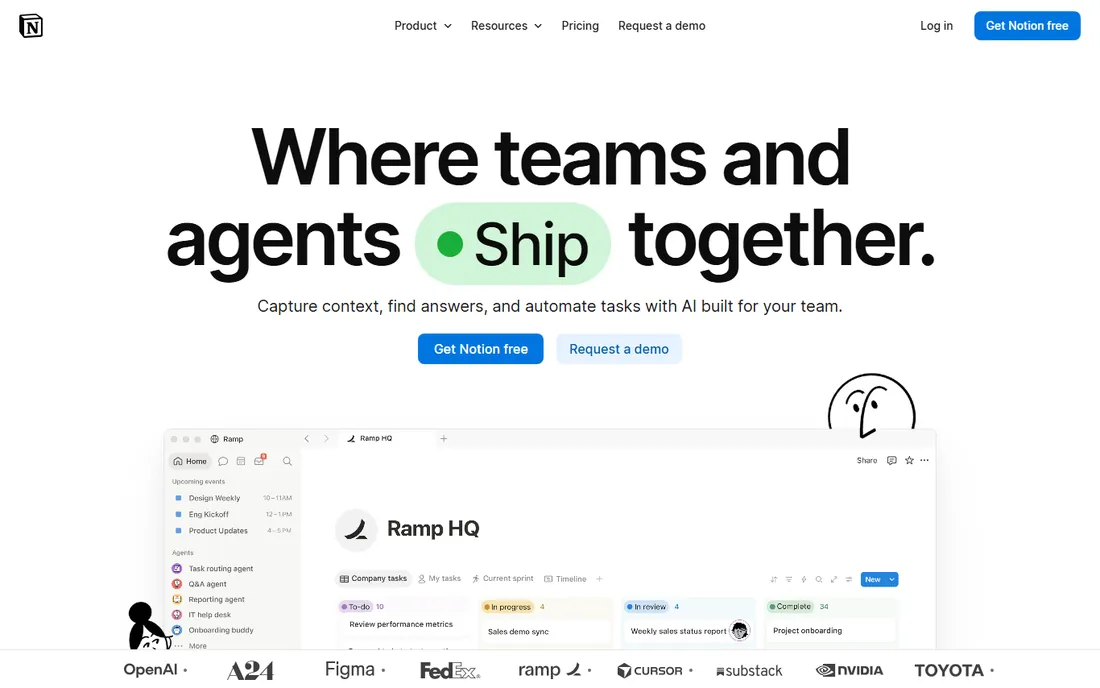
Notion is not really a task manager; it is a workspace where tasks can live next to notes, project docs and databases. That blending is the appeal. A personal project with research notes, a task board and a timeline can exist as one connected page rather than three apps. The free plan is generous for individual use.
The flexibility is also the cost. Notion requires setup and maintenance that dedicated task apps avoid, and the mobile experience can feel sluggish next to a native app. People who just want to capture "buy milk" will find it heavy. But for personal projects where tasks, notes and reference material belong together, Notion's all-in-one model is uniquely capable.
What we like- Tasks live alongside notes, docs and databases
- Extremely flexible
- Generous free plan
Watch out for- Flexibility means setup work
- Mobile app can feel slow
- Overkill for simple lists
Starting priceFree
Free planYes
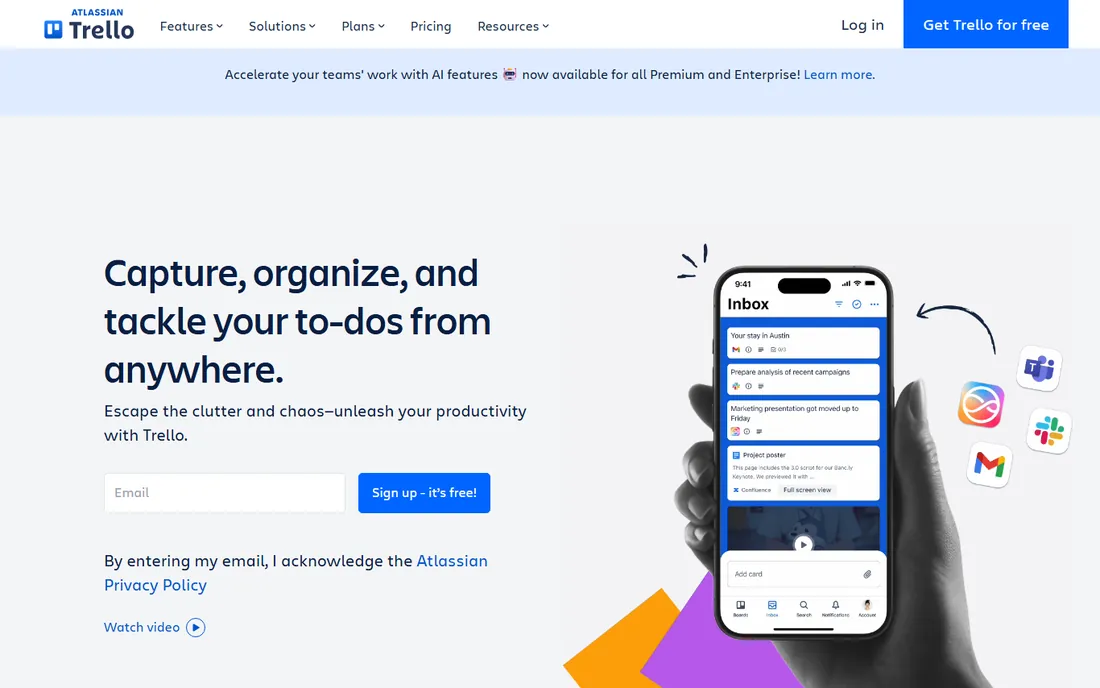
Some brains think in columns, not lists. Trello's kanban boards show personal projects as cards moving from to-do to done, which makes progress visible in a way lists do not. Planning a move, a renovation or a trip on a Trello board feels natural, and the free tier allows unlimited cards.
Trello is weaker at the daily task grind. Reminders, recurring tasks and priorities are thinner than in dedicated to-do apps, and big boards become unwieldy. It works best as a project board alongside a daily task app, or for people whose personal management is project-shaped rather than task-shaped. For visual thinkers running personal projects, it remains the simplest kanban option.
What we like- Kanban boards make progress visible
- Very easy to learn
- Generous free tier with unlimited cards
Watch out for- Weak for dated reminders and recurring tasks
- Boards get messy at scale
- Less structure than list apps
Starting priceSee website
Free planFree trial
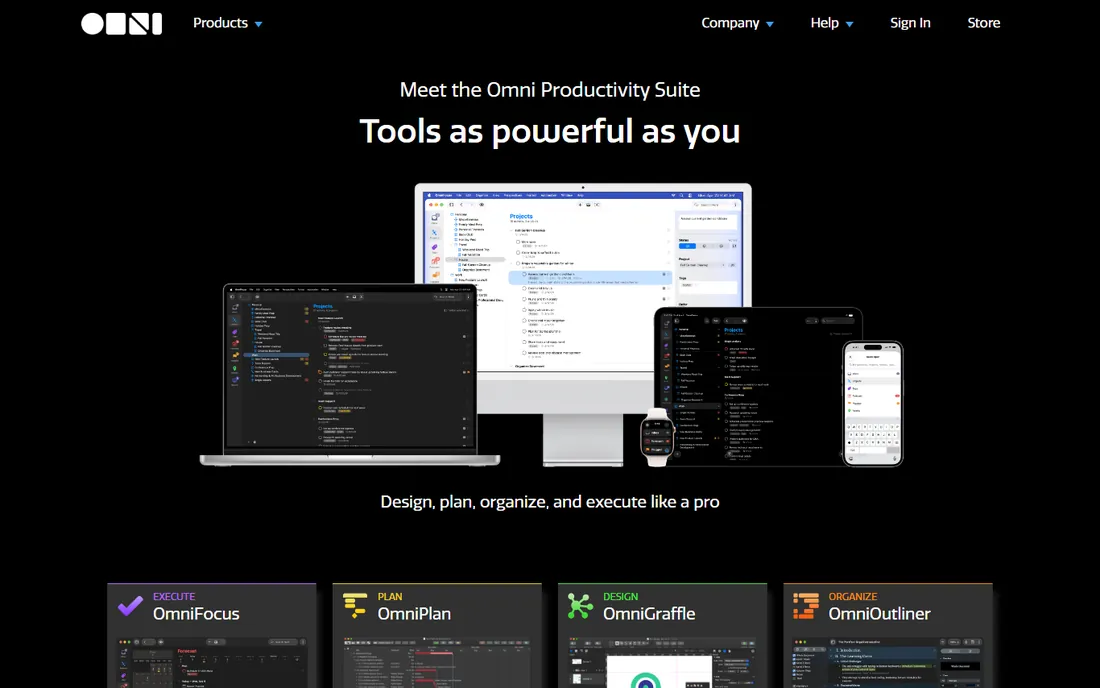
OmniFocus is the power tool of personal task management. Built strictly around the Getting Things Done methodology, it offers custom perspectives, defer dates, sequential projects and automation that no other app matches. Productivity veterans who run complex lives swear by it, and the Omni Group's long track record inspires confidence.
The learning curve is real. OmniFocus demands that users understand GTD concepts to get value, and casual users bounce off it. It is Apple-only and premium-priced. But for the specific person who practices GTD seriously and lives on Apple devices, nothing else offers this depth. It is a specialist instrument, not a general one.
What we like- The deepest GTD implementation available
- Powerful perspectives and automation
- Trusted by productivity veterans
Watch out for- Apple only
- Steep learning curve
- Premium price
Starting priceFree
Free planYes
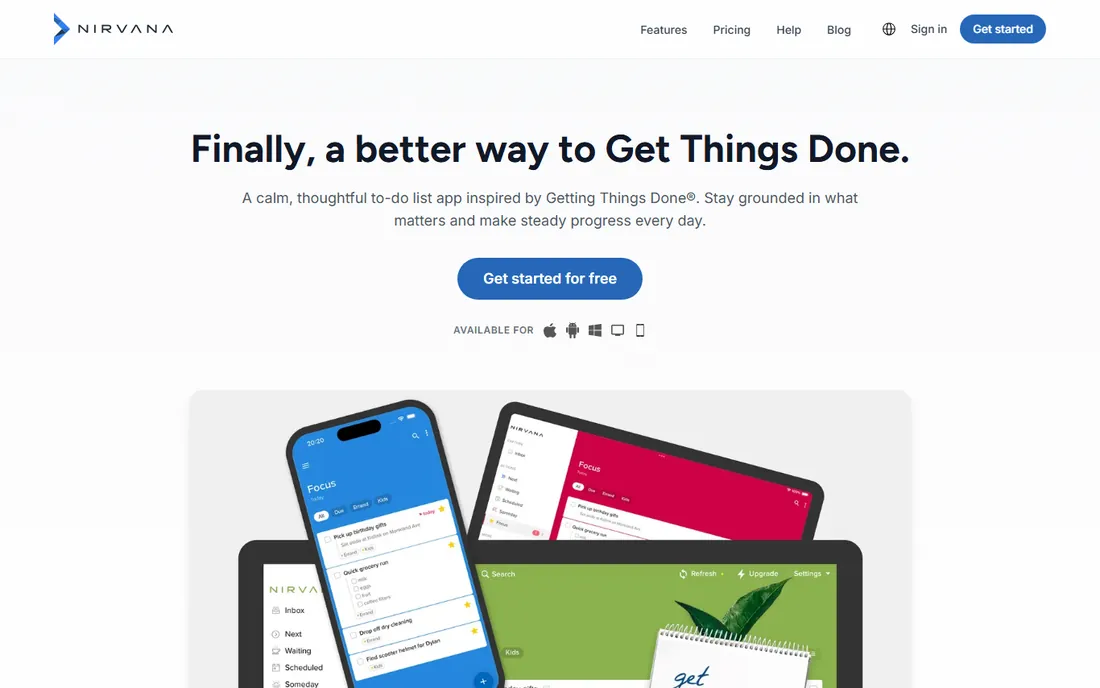
Nirvana offers GTD without OmniFocus's complexity. The workflow follows the methodology faithfully: inbox, next actions, waiting, scheduled and someday lists, all in a calm interface that stays out of the way. The free tier covers genuine use, which is rare for GTD apps.
The company is small and development moves slowly, so buyers should not expect rapid feature rollouts. Integrations are few, and platform coverage has gaps. But the core experience is polished and stable. For someone drawn to GTD who found OmniFocus intimidating, Nirvana is the gentler path to the same methodology.
What we like- Faithful GTD workflow in a clean interface
- Free tier is usable
- Much easier than OmniFocus
Watch out for- Small team and slower development
- Fewer integrations
- No native desktop apps on some platforms
Starting priceFree
Free planYes
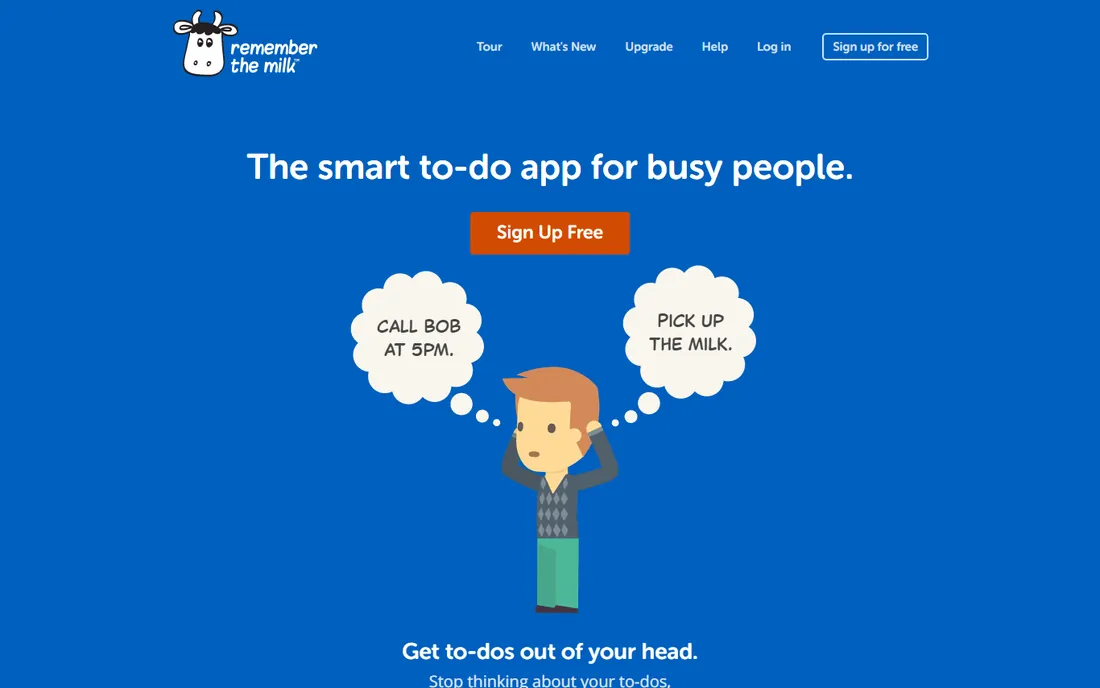
Remember The Milk has been organizing tasks since 2004, and its smart lists remain excellent. Saved searches that act as dynamic lists, like all tasks due this week tagged errands, give power without complexity. The service is reliable to a fault, with years of uptime behind it.
The interface shows its age, and development has slowed compared to hungrier competitors. The free tier covers basics with some limits. Yet there is something to be said for a tool that has worked the same way for twenty years. Users who value stability over novelty, and smart saved searches over AI features, will find Remember The Milk still does the job.
What we like- Smart lists and search are excellent
- Long-proven reliability
- Works everywhere via web and apps
Watch out for- Interface feels dated
- Innovation has slowed
- Free tier has limits on some features
How we chose
We focused on tools designed for individual use rather than team project management, which is a different category. Each product was verified as currently offered with a real homepage. We weighed capture speed, platform coverage, free tier generosity, methodology fit and long-term viability, drawing on vendor documentation and established user consensus. Pricing came from vendor pages where published and was marked honestly where it was not. No vendor paid for placement and we claimed no hands-on testing. The list mixes simple list apps, GTD systems and flexible workspaces because personal productivity is personal.
Picking by how your brain works
The honest way to choose is by matching the app to your thinking style. If tasks arrive as quick thoughts through the day, pick the fastest capture: Todoist's natural language or Any.do's simplicity. If you plan in weekly reviews with projects and contexts, pick a GTD system: Things 3 for beauty, OmniFocus for depth, Nirvana for simplicity. If your life is project-shaped, pick visual: Trello boards or Notion pages.
Ecosystem matters too. Microsoft households should default to To Do; Apple households gain the premium options. And be realistic about maintenance. A complex system you abandon in February is worse than a simple list you keep. When in doubt, start with the simplest tool that covers your needs and upgrade only when you hit a real limit.
What to check before you commit
Test capture speed first. Add ten tasks the way you normally would, on your phone, in a hurry. The app that makes this painless wins, because capture is the behavior that determines everything else. Complicated entry is where task managers go to die.
Check the free tier against your actual use. Most apps here offer free plans, but the limits differ: reminders, filters, file attachments and collaboration are common paywalls. Map the features you need daily against the free tier before assuming free is enough.
Confirm platform coverage for every device you use. A beautiful iPhone app means little if you also need Windows at work. Todoist, TickTick, Any.do and Notion cover everything; the Apple-only options do not. And check export options. Your task data represents years of your life; make sure you can get it out.
Frequently asked questions
What is the best free personal task manager?
Todoist and TickTick offer the best free tiers, with Todoist winning on capture speed and TickTick on bundled calendar and habits. Microsoft To Do is the best free option inside the Microsoft ecosystem. All three are genuinely usable without paying.
Todoist vs TickTick: which should I choose?
Choose Todoist for the fastest task entry and cleanest focus on tasks themselves. Choose TickTick if you also want calendar, habit tracking and Pomodoro in one app. Both have generous free tiers, so trying each for a week is the fastest way to decide.
Is Things 3 worth the price?
For Apple users who value design and practice GTD loosely, many say yes. The one-time purchase means no subscription, and the experience is the most pleasant here. It is not worth it if you need Windows, Android, collaboration or a web app, since it offers none of those.
What is GTD and do I need a GTD app?
Getting Things Done is a methodology built around capturing everything, clarifying next actions and reviewing regularly. You do not need a GTD app to benefit from the ideas, but apps like OmniFocus, Things 3 and Nirvana implement the workflow directly. Casual users are usually happier with simpler apps.
Can I use Notion as my only task manager?
You can, and many people do, especially when tasks connect to notes and projects. It works less well for rapid capture and daily task triage, where dedicated apps are faster. Most Notion users either accept the trade-off or pair Notion with a quick capture app.
Sources we checked (11)
- https://todoist.com
- https://ticktick.com
- https://culturedcode.com/things/
- https://www.any.do
- https://to-do.microsoft.com
- https://www.notion.so
- https://trello.com
- https://www.omnigroup.com
- https://www.nirvanahq.com
- https://www.rememberthemilk.com
- https://en.wikipedia.org/wiki/Todoist
Is your product missing or out of date?
We review this list regularly. Vendors can request a listing, send updated pricing or ask about featured placement.

Shihab Mia · Founder, Rankite
Shihab has spent more than a decade helping SaaS and e-commerce brands grow through search. He writes Rankite's software buying guides from pricing pages, documentation and public user reviews. More about Shihab.