How we make this list: we compare pricing pages, product documentation and public user reviews. Rankite is independent; if a vendor ever pays for a featured spot, that listing is clearly labeled Partner.
Key takeaways
- Jotform is the most versatile starting point: a free Starter plan, paid plans from $34 a month, and 20,000+ form templates with payments and e-signatures built in.
- Typeform wins on response quality with its conversational format, but paid plans now start at $39 a month and response limits are strict on cheaper tiers.
- KoboToolbox is free for nonprofit users with 5,000 submissions a month, making it the default for humanitarian, research, and field survey work.
- Fulcrum, GoCanvas, and FastField are built for field crews: offline-first mobile forms with GPS, photos, and signatures, priced per user from about $35 to $55 a month.
- SurveyMonkey remains the safe enterprise survey choice with a free Basic plan, but serious features sit on paid tiers from $39 a month.
- Pick by environment first: online surveys need different tools than offline field inspections.
Quick comparison
| Tool | Best for | Starting price | Free plan |
|---|
 Jotform Jotform | All-purpose online forms and surveys | $34/month (Bronze, billed annually) | Yes (Starter plan: 5 forms, 100 submissions/month) |
 Typeform Typeform | High-completion conversational surveys | $39/month (Basic; $28/month billed annually) | Yes (limited monthly responses) |
 SurveyMonkey SurveyMonkey | Enterprise-grade survey research | $39/month (Advantage, billed annually) | Yes (Basic plan, limited responses per survey) |
 KoboToolbox KoboToolbox | Nonprofit and humanitarian field surveys | See website | Yes (Community plan free for nonprofits: 5,000 submissions/month, 1GB storage) |
 Fulcrum Fulcrum | GIS-heavy field operations | $43 per user/month (Professional) | Free trial |
 GoCanvas GoCanvas | Replacing paper forms for field teams | See website | Free trial |
 FastField FastField | Quick mobile form deployment | $35 per user/month (Core) | Free trial |
Is your product missing or out of date?
We review this list regularly. Vendors can request a listing, send updated pricing or ask about featured placement.
The best data collection software
Starting price$34/month (Bronze, billed annually)
Free planYes (Starter plan: 5 forms, 100 submissions/month)
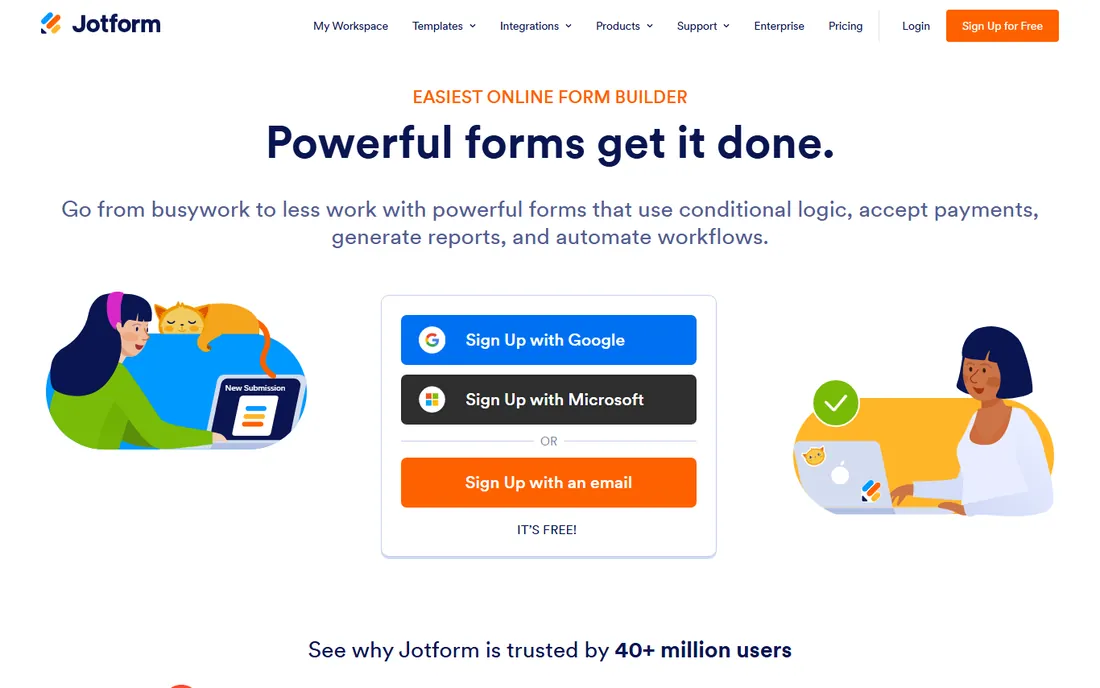
Jotform does the most things per dollar in this category. The drag-and-drop builder creates forms, surveys, payment collection, and e-signature documents, then routes submissions through workflows, tables, and 150+ integrations without third-party add-ons. Mobile forms work offline, which matters for field collection, and the template library covers nearly every industry use case.
The free Starter plan is genuinely useful for testing, but 5 forms and 100 monthly submissions run out quickly in production. Paid plans scale by submissions: Bronze at $34 a month covers 1,000, Silver at $39 covers 2,500, and Gold at $99 covers 10,000. The honest catch is that Jotform tries to be everything, so the interface can feel crowded. If you want one platform for forms, approvals, and signatures, it is the value pick.
What we like- 20,000+ templates and 150+ integrations
- Payments and e-signatures built into forms
- Full product suite (tables, workflows, apps) on one account
Watch out for- Free plan caps are tight for growing teams
- Submission limits drive upgrades fast
- Interface carries years of accumulated features
Starting price$39/month (Basic; $28/month billed annually)
Free planYes (limited monthly responses)
Typeform's bet is that beautiful, conversational forms get answered. One question appears at a time, logic adapts to responses, and the company claims the format doubles completion rates versus traditional forms. The newer AI layers build forms from a prompt, run AI-moderated research interviews, and trigger follow-up automations from submissions.
The trade-off is cost. Basic starts at $39 a month with only 100 included responses, Plus at $79 a month covers 1,000, and Business at $129 a month covers 10,000. The free plan works for trying the product, not for real volume. Typeform earns its price when survey quality directly affects revenue, such as lead qualification or customer research. For internal checklists or high-volume simple forms, cheaper tools do the job.
What we like- One-question-at-a-time format lifts completion rates
- AI form building and automation flows
- Strong analytics with drop-off and sentiment analysis
Watch out for- Pricing has risen substantially
- Response limits are strict on lower tiers
- Video and advanced features sit on expensive plans
Starting price$39/month (Advantage, billed annually)
Free planYes (Basic plan, limited responses per survey)
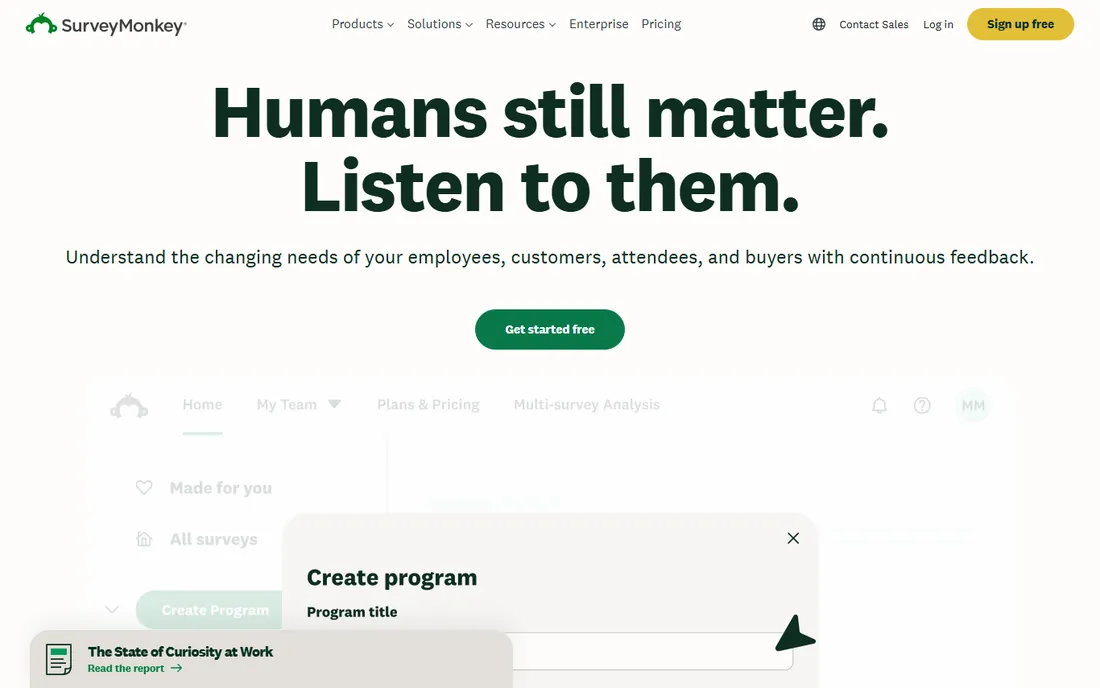
SurveyMonkey is the incumbent for a reason. More than 260,000 organizations run on it, the survey builder covers every question type you will need, and analysis tools handle real-time results, segmentation, and reporting. The 200+ integrations push responses into HubSpot, Salesforce, Slack, and the rest of your stack.
The pricing takes attention. Basic is free but limited, Advantage runs $39 a month billed annually, and team plans start at three seats with per-user pricing. Response overages can add up to $0.15 per extra response on some plans. SurveyMonkey fits organizations that run recurring research and act on it. If you survey rarely, the cost is hard to justify against free or cheaper alternatives.
What we like- 260,000+ organizations use it, so respondents trust the format
- Deep question library and analysis tools
- 200+ integrations with major business platforms
Watch out for- Free plan is very limited
- Pricing tiers and response overages get confusing
- Advanced logic and branding require paid plans
Starting priceSee website
Free planYes (Community plan free for nonprofits: 5,000 submissions/month, 1GB storage)
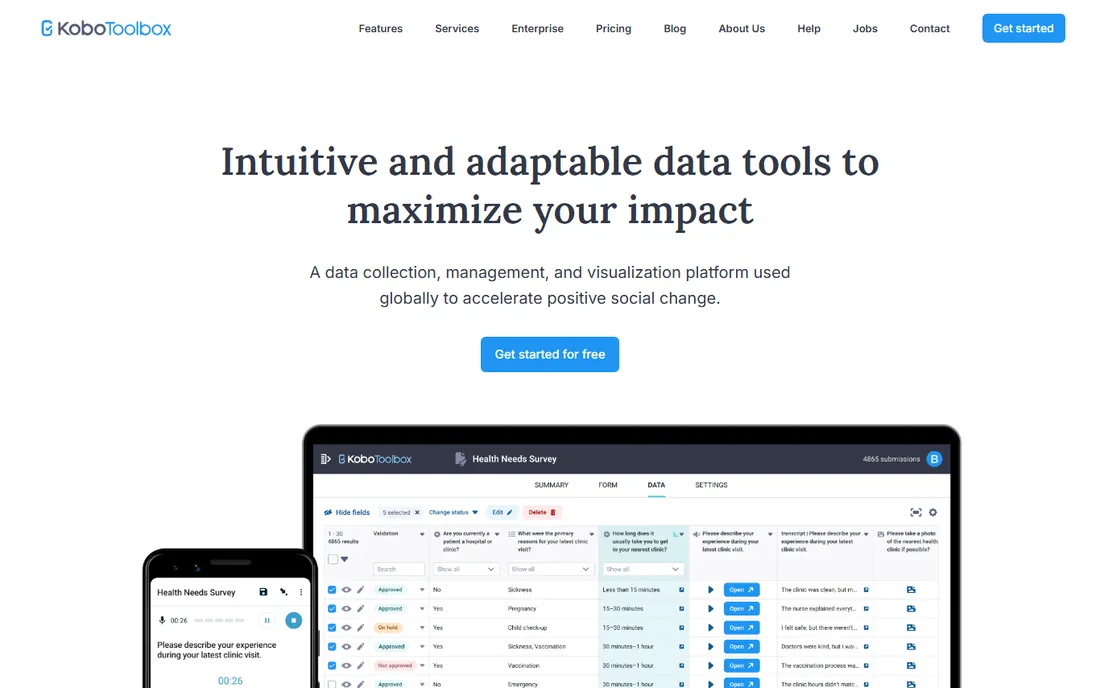
KoboToolbox was built for the hardest data collection on earth: humanitarian crises, remote field research, and low-connectivity environments. Forms work on phones, tablets, and computers, online and offline, with GPS, media attachments, and complex skip logic. The platform now transcribes and translates audio responses automatically, and 32,000+ organizations rely on it.
For nonprofits, the Community plan is free with 5,000 monthly submissions, unlimited forms, and 1GB of storage, which covers most field programs. The honest catch is analytics: reporting is functional but basic, and serious analysis usually means exporting to other tools. Paid tiers exist for higher volume but pricing details require contacting the team. For mission-driven field data collection, nothing else matches the value.
What we like- Free and open source for nonprofit users
- Built for offline data collection in hard environments
- Automatic transcription and translation of responses
Watch out for- Analytics are basic and often need external tools
- Paid plan pricing is not published clearly
- Interface reflects its humanitarian research roots
Starting price$43 per user/month (Professional)
Free planFree trial
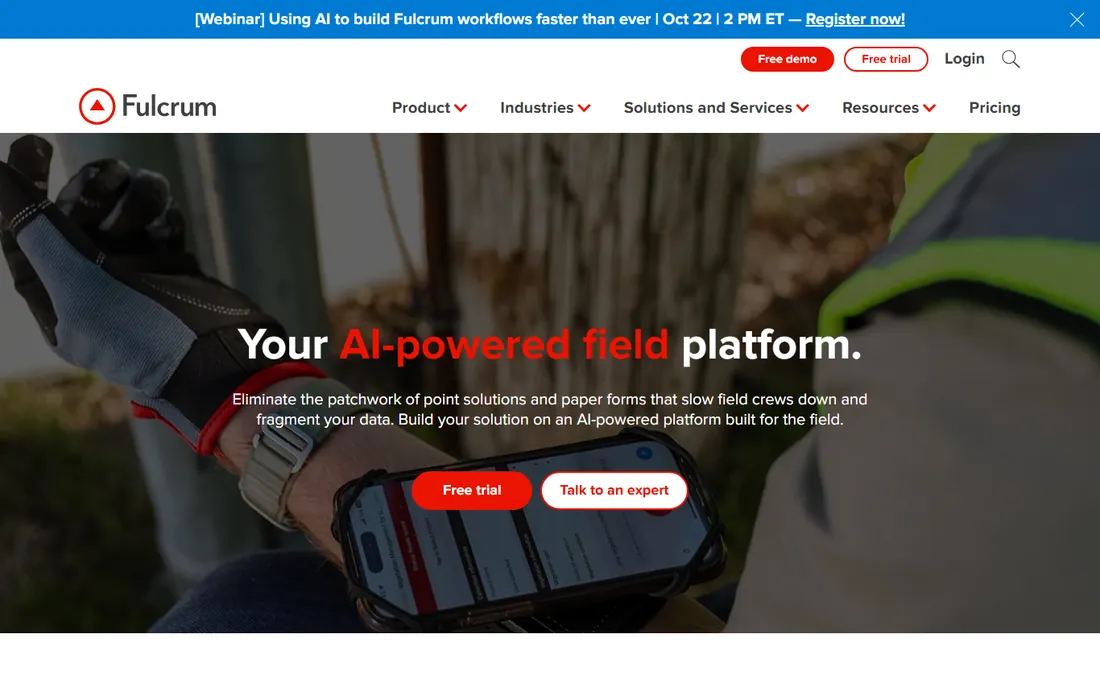
Fulcrum is the field operations platform for organizations where location is the data. Crews capture geostamped photos, GNSS readings, and map geometry offline, then sync automatically when connectivity returns. The Esri ArcGIS integration runs both directions, so field records and enterprise GIS stay aligned. AI features now guide inspections and answer plain-language questions about collected data.
Pricing starts at $43 per user per month for Professional and $55 for Elite, with Enterprise on custom quotes, and there is no permanent free plan. Nearly 3,000 companies and 50,000 users run utilities, environmental, and construction workflows on it. The honest catch is total cost: per-user licensing plus possible implementation services makes it an investment. For GIS-centered fieldwork, the depth justifies it.
What we like- Deep geospatial data capture (points, lines, polygons)
- Two-way Esri ArcGIS integration
- AI-assisted capture with voice and photo analysis
Watch out for- No free plan
- Per-user pricing adds up for large crews
- Implementation can require professional services for complex setups
Starting priceSee website
Free planFree trial
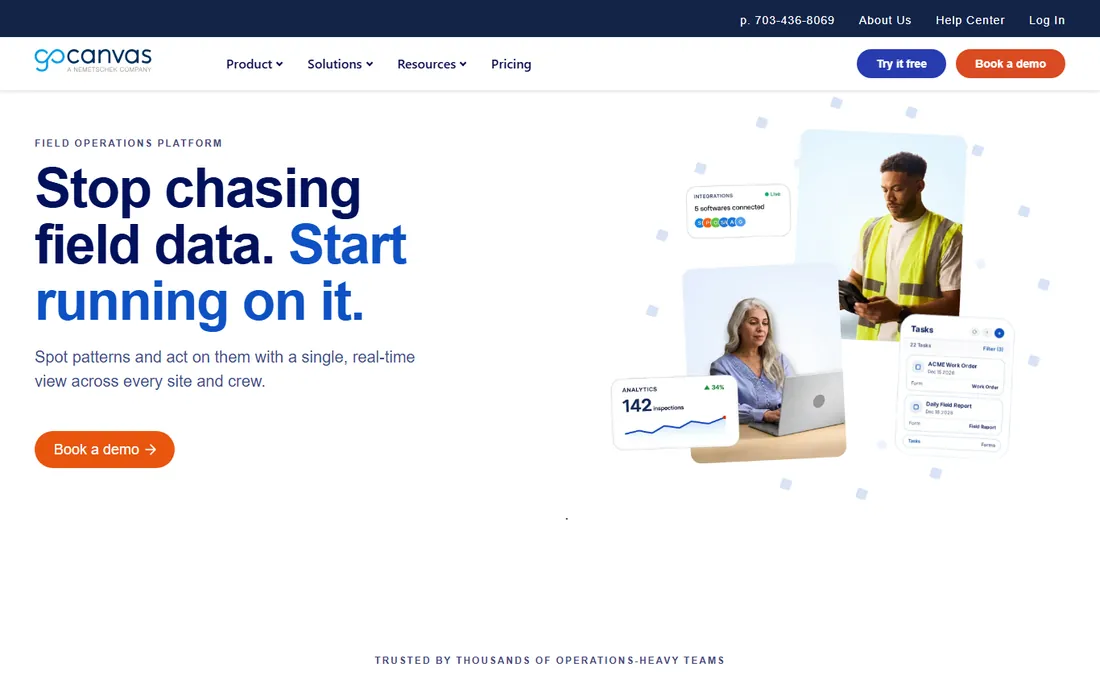
GoCanvas turns paper forms into mobile apps without code. The drag-and-drop builder, 30,000+ templates, and offline capture cover inspections, work orders, timesheets, and safety forms across construction, manufacturing, field services, and logistics. Submissions generate branded PDF reports automatically and flow into ERP, CRM, and analytics systems through 1,000+ integrations.
The frustration is pricing transparency. The site does not publish current prices, and third-party directories report figures from $29 to $55 per user per month with multi-user minimums. The platform is solid for operations-heavy teams that need dispatch and workflow routing alongside forms. Get a written quote early and confirm which features sit on which tier before you commit.
What we like- 30,000+ templates across industries
- Dispatch, scheduling, and PDF reports built in
- 1,000+ integrations with Salesforce, QuickBooks, and more
Watch out for- Pricing is not published on the site
- Per-user model with minimums
- Some inspection features need higher tiers or add-ons
Starting price$35 per user/month (Core)
Free planFree trial
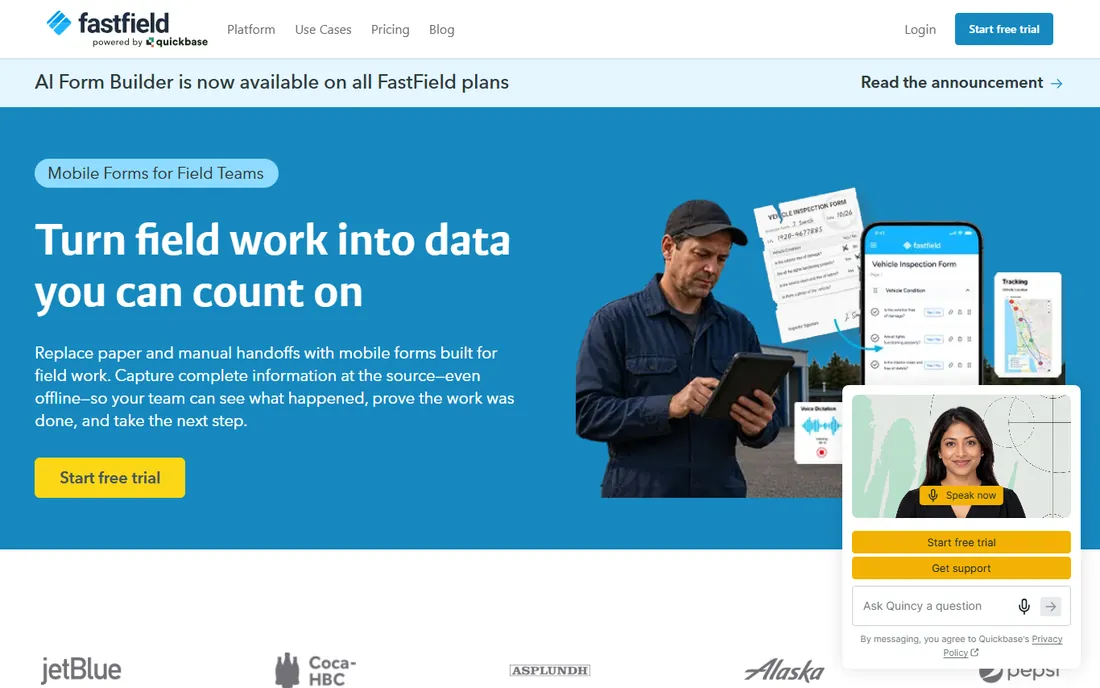
FastField, now part of Quickbase, focuses on getting field forms live fast. Describe what you need in plain language or photograph an existing paper form, and the AI builder drafts a working form with fields, calculations, and conditional logic. Offline capture includes photos, video, GPS, timestamps, and signatures, with automatic sync when service returns.
G2's vendor-supplied pricing puts Core at $35 per user per month and Pro at $45, with Enterprise on custom quotes and a free trial for evaluation. The Quickbase connection is a real advantage if your operation needs field data to flow into broader workflows. The honest catch is that advanced integrations and analytics stay basic unless you step up to the combined platform. For teams that need forms in the field this week, it is one of the fastest options.
What we like- AI form builder creates drafts from descriptions or photos of paper forms
- Offline capture with GPS, timestamps, and barcode scanning
- Connects to Quickbase for deeper workflows
Watch out for- No permanent free plan
- Integrations beyond Zapier are limited on lower tiers
- Dashboards are basic compared with dedicated analytics tools
How we chose
We reviewed vendor pricing pages, product documentation, and public customer reviews on G2, Capterra, and TrustRadius, along with practitioner discussions on Reddit and field operations communities. We required each tool to handle real data collection workflows (not just contact forms), verified every vendor homepage was live, and weighed offline capability, form-building depth, analysis features, integrations, and fit for small to mid-size US organizations. No hands-on testing was claimed or performed; pricing reflects vendor-published figures where available.
What to check before you buy
Data collection tools fail in predictable ways. Check these before you commit.
Where the data gets collected
Online surveys and offline fieldwork are different products wearing similar clothes. If collectors work without signal, offline capability with automatic sync is non-negotiable. If everyone responds from a browser, prioritize the form experience and integrations instead. Buying a field tool for desk surveys (or the reverse) wastes money.
Response and submission limits
Almost every plan in this category is capped by monthly submissions or responses, and overage fees add up quietly. Estimate your real monthly volume, add a growth buffer, and check what happens when you exceed the cap: hard stop, overage charge, or automatic upgrade.
What happens to the data after collection
Collection is half the job. Ask how data exports, whether the API supports your reporting tools, and how painful migration would be. Tools with weak export lock you in; tools with strong integrations make the data useful.
Validation and data quality
The cheapest way to improve data quality is to prevent bad entries at capture: required fields, conditional logic, GPS stamps, photo evidence, and range checks. Compare what each tool enforces on the device before you compare dashboards.
The category splits into two families. Online form builders like Jotform, Typeform, and SurveyMonkey optimize for the respondent experience in a browser: beautiful forms, high completion rates, and marketing integrations. Field data collection platforms like Fulcrum, GoCanvas, FastField, and KoboToolbox optimize for the collector in the field: offline-first mobile apps, GPS, photos, signatures, and barcode scanning.
Many organizations need both, and some tools cross the line. Jotform has a mobile app with offline forms; Fulcrum handles simple surveys. But each family is strongest at its home game. A construction firm running site inspections will fight a survey tool's limitations daily, while a marketing team running NPS surveys gains nothing from GIS features. Match the tool family to the environment where collection actually happens, and the rest of the decision gets easier.
Frequently asked questions
What is data collection software?
It is software that helps you gather information systematically, through online forms and surveys or through mobile apps used in the field. It replaces paper forms and spreadsheets with structured digital collection, validation, and reporting. The best tools handle the full cycle from form building to analysis.
Which data collection tool is best for offline fieldwork?
Fulcrum, GoCanvas, FastField, and KoboToolbox all collect data offline and sync when connectivity returns. KoboToolbox is free for nonprofits and built for challenging environments. Fulcrum adds the deepest geospatial features. For commercial field teams, compare FastField and GoCanvas on price per user.
Is there free data collection software?
Yes. Jotform, Typeform, and SurveyMonkey all offer free plans with limited submissions or responses. KoboToolbox is free for nonprofit users with a generous 5,000 monthly submissions. Free plans work for testing and light use; production volumes need paid tiers.
How much does data collection software cost?
Online form builders run $34 to $39 a month to start, with costs rising by submission volume. Field platforms charge per user, typically $35 to $55 a month. Enterprise survey and operations platforms use custom quotes. The main cost drivers are monthly submissions, user seats, and advanced features like AI and integrations.
Can data collection software replace paper forms completely?
For most workflows, yes. Modern tools capture photos, signatures, GPS coordinates, and barcodes that paper cannot, and they enforce required fields that paper leaves blank. The remaining exceptions are environments where devices are prohibited or impractical, which are increasingly rare.
What is the difference between Jotform and Typeform?
Jotform is the broader platform: forms, payments, e-signatures, workflows, and tables with 20,000+ templates at lower prices. Typeform specializes in the conversational survey experience, with higher completion rates but higher prices and stricter response limits. Choose Jotform for versatility and value, Typeform when response quality is the priority.
Sources we checked (10)
- https://jotform.com/
- https://www.typeform.com/pricing
- https://surveymonkey.com/
- https://kobotoolbox.org/
- https://kobotoolbox.org/pricing/
- https://www.fulcrumapp.com
- https://www.g2.com/products/fulcrum/pricing
- https://gocanvas.com/
- https://www.fastfieldforms.com
- https://www.g2.com/products/fastfield-forms/pricing
Is your product missing or out of date?
We review this list regularly. Vendors can request a listing, send updated pricing or ask about featured placement.

Shihab Mia · Founder, Rankite
Shihab has spent more than a decade helping SaaS and e-commerce brands grow through search. He writes Rankite's software buying guides from pricing pages, documentation and public user reviews. More about Shihab.