How we make this list: we compare pricing pages, product documentation and public user reviews. Rankite is independent; if a vendor ever pays for a featured spot, that listing is clearly labeled Partner.
Key takeaways
- Adobe Acrobat Pro sets the standard for conversion accuracy, especially with complex layouts and scanned documents.
- Nitro PDF Pro is the most credible Acrobat alternative for Windows-centered teams that want a full desktop editor.
- Smallpdf and iLovePDF handle quick online conversions well, with generous-enough free tiers for occasional use.
- Wondershare PDFelement and Foxit PDF Editor offer strong feature sets at prices that undercut Adobe.
- For sensitive documents, prefer desktop software over browser uploads: your files never leave the machine.
Quick comparison
Is your product missing or out of date?
We review this list regularly. Vendors can request a listing, send updated pricing or ask about featured placement.
The best pdf converter software
Starting priceSee website
Free planFree trial
Nobody buys Acrobat for fun. Businesses buy it because a contract converted to Word must keep its tables, footnotes and formatting intact, and Acrobat fails at that less often than anything else. Its OCR turns scanned pages into genuinely editable text rather than approximate guesses, which matters for archiving and legal work.
The subscription model is the tradeoff, and the price is firmly in professional territory. Adobe offers a trial so you can test conversion quality on your own worst documents before committing. If your conversions feed into client deliverables or compliance records, accuracy is worth paying for.
What we like- Best-in-class conversion fidelity for complex layouts
- Strong OCR for scanned documents
- Deep integration with Microsoft 365 and cloud storage
Watch out for- Subscription pricing adds up
- The interface carries years of accumulated features that can slow casual users down
Starting priceSee website
Free planFree trial (14 days)
Nitro has spent years positioning itself as the pragmatic Acrobat replacement, and for conversion work it holds up. The interface borrows from Microsoft Office, so staff who live in Word and Excel find their way around quickly. Conversion to Office formats is solid, OCR handles scanned documents, and batch conversion covers backlogs.
Nitro now sells Standard and Plus subscriptions plus a three-year Classic license, so check the pricing page for the current numbers. For teams that want desktop software without Adobe's subscription, Nitro is the first alternative to evaluate.
What we like- Familiar Office-style interface that shortens training
- Converts PDF to Word, Excel and PowerPoint reliably
- 14-day trial with no credit card
Watch out for- Exact prices sit behind the buy flow
- The Mac version historically trails the Windows feature set
Starting priceSee website
Free planYes (limited)
Smallpdf is the tool people reach for when they need a PDF turned into a Word file in the next five minutes. Upload, convert, download: the whole flow takes less time than installing desktop software. It covers the common conversions well, including PDF to Excel for table extraction and compression for oversized files.
The free tier handles occasional use, and Pro removes the limits for regular users. For confidential contracts or medical records, though, think twice before uploading: browser-based conversion means your document passes through someone else's servers. Smallpdf deletes files after processing, but regulated industries should prefer desktop tools.
What we like- Clean interface with no learning curve
- Converts PDF to and from Word, Excel, PowerPoint and images
- Works in any browser with no install
Watch out for- Free tier limits daily tasks
- Uploading sensitive documents to any cloud service carries inherent risk
Starting priceSee website
Free planFree trial
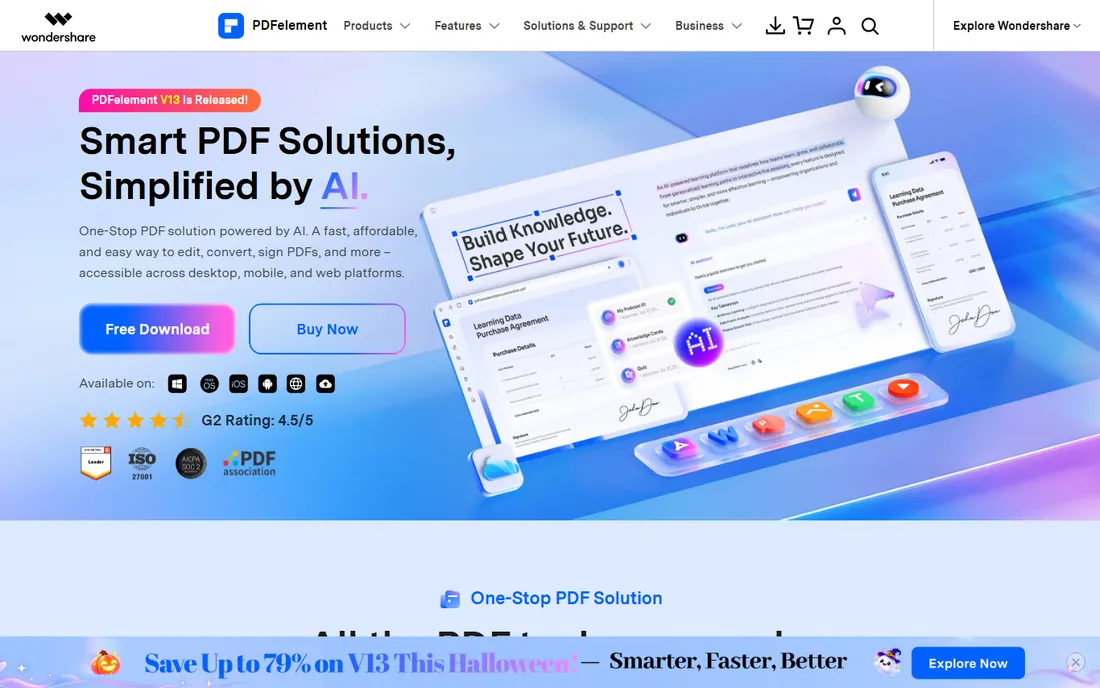
PDFelement gives small businesses most of what Acrobat does, including conversion, OCR, form creation and batch jobs, for noticeably less money. Conversion quality is good for typical business documents, and the interface is modern enough that new users do not need training.
Wondershare sells annual and perpetual plans, so compare both against how long you expect to use it. The trial lets you test conversion on your own files, though exported files carry watermarks until you pay. For budget-conscious teams that still need desktop power, it is a strong middle option.
What we like- Full editing plus conversion at a lower price than Adobe
- Capable OCR and batch processing
- Available on Windows, Mac, iOS and Android
Watch out for- Trial watermarks output
- The upsell prompts inside the app annoy some users

#5
Foxit PDF Editor
Best for: Business teams standardizing on PDF
Visit foxit.com
Starting priceSee website
Free planFree trial
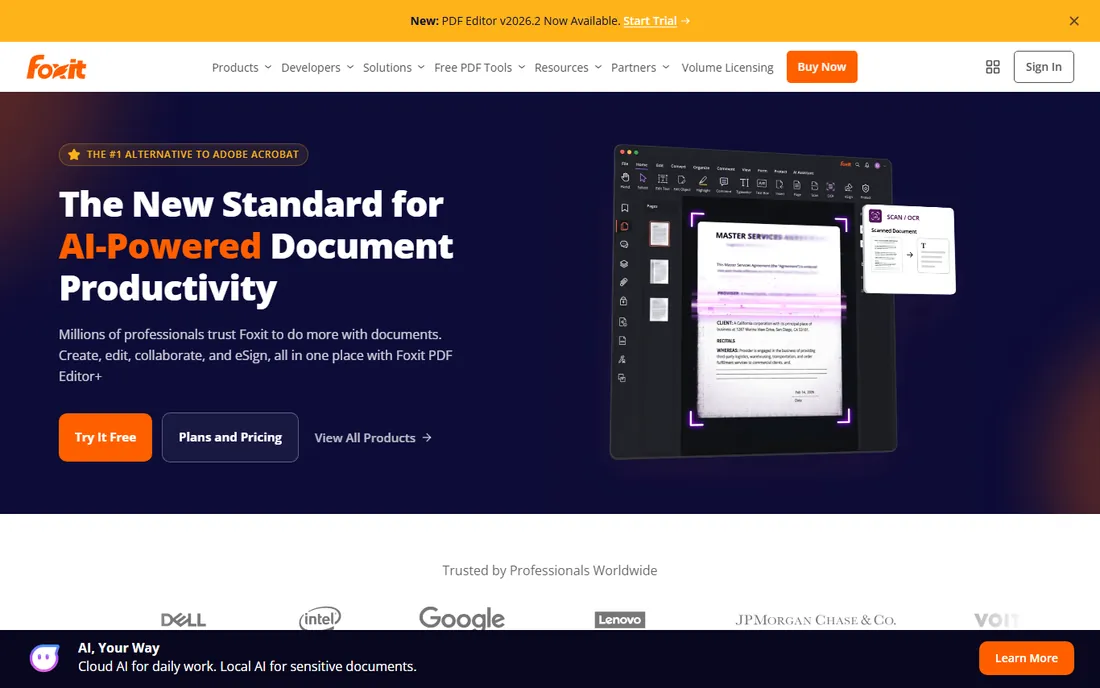
Foxit built its reputation on a PDF reader that opened files faster than Adobe's, and the full editor carries that performance-first attitude. Conversion to Office formats, OCR and document management are all present, and IT departments like the deployment and license management tools.
Foxit targets organizations more than individuals, so expect to talk to sales for team pricing. For a company standardizing PDF software across dozens of seats, Foxit deserves a place in the evaluation next to Adobe and Nitro.
What we like- Fast and lightweight compared with Acrobat
- Good conversion and OCR
- Admin tools for deploying across a team
Watch out for- Pricing is quote-driven for teams
- Some advanced features trail Acrobat
Starting priceSee website
Free planYes (with limits)
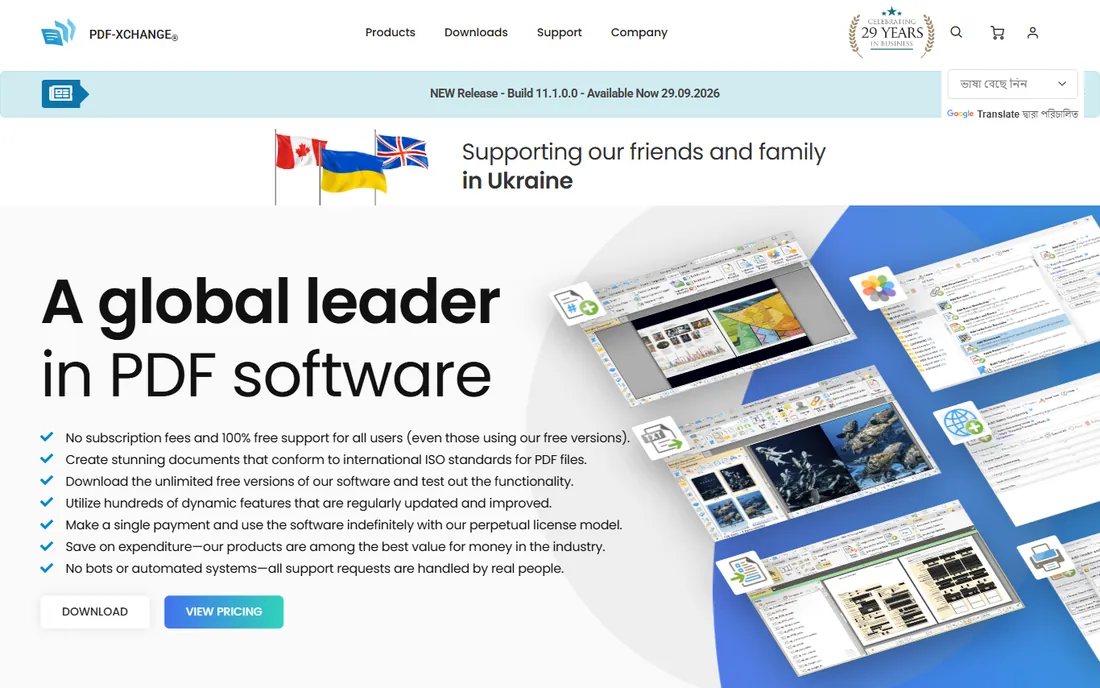
PDF-XChange Editor is the lightweight choice. It opens large PDFs quickly, runs well on older hardware, and the free version handles more than the name suggests. Paid Plus adds OCR and deeper conversion features at a price that has historically undercut every competitor on this list.
The catch is platform: Windows only, which rules out Mac-based teams. The interface prioritizes function over beauty. If you want fast desktop conversion on Windows without a subscription, start here.
What we like- Very fast with a small footprint
- The free version covers viewing, annotating and basic conversion
- OCR available in the Plus version
Watch out for- Windows only
- The interface is functional rather than polished
Starting priceSee website
Free planYes (limited)
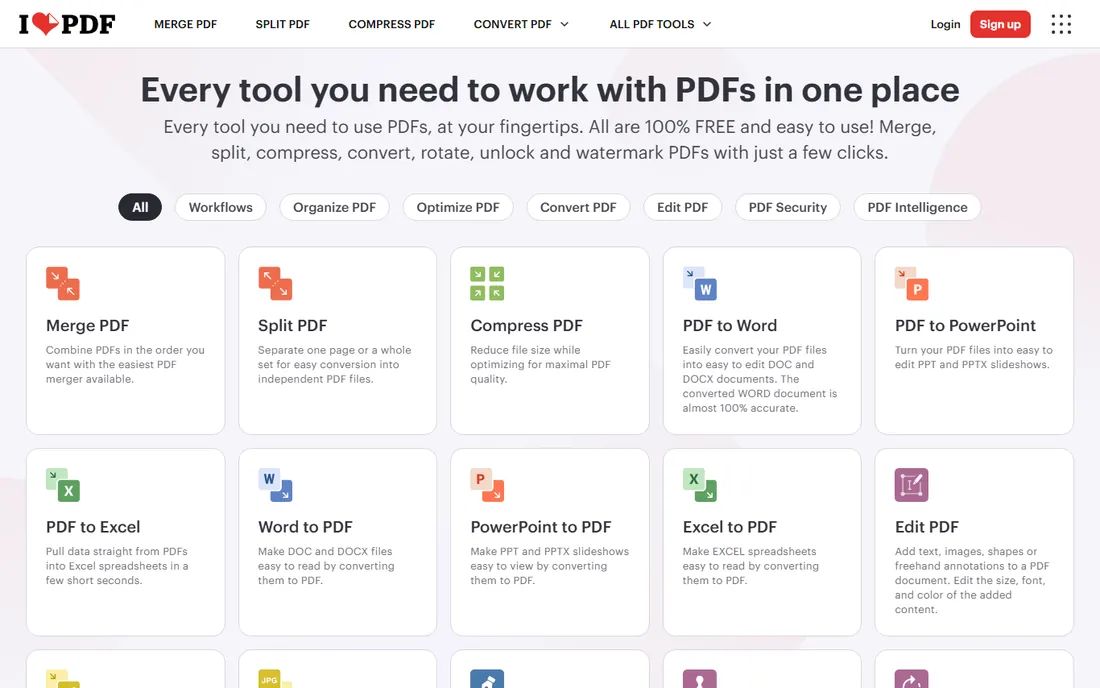
iLovePDF organizes everything as single-purpose tasks, which makes it approachable for staff who convert files occasionally and do not want to learn software. PDF to Word, Excel and PowerPoint all work from the browser, and there is a desktop version for those who prefer to keep files local.
Premium removes the limits for a modest monthly fee. Like Smallpdf, it is best for non-sensitive documents. For everyday office conversions where speed matters more than advanced options, it does the job with minimal fuss.
What we like- Straightforward task-based interface
- Covers convert, compress, merge, split and protect
- Desktop app available for offline work
Watch out for- Free tier has task limits
- Same cloud-upload caution applies as with any online converter
Starting priceFree; premium available
Free planYes (limited)
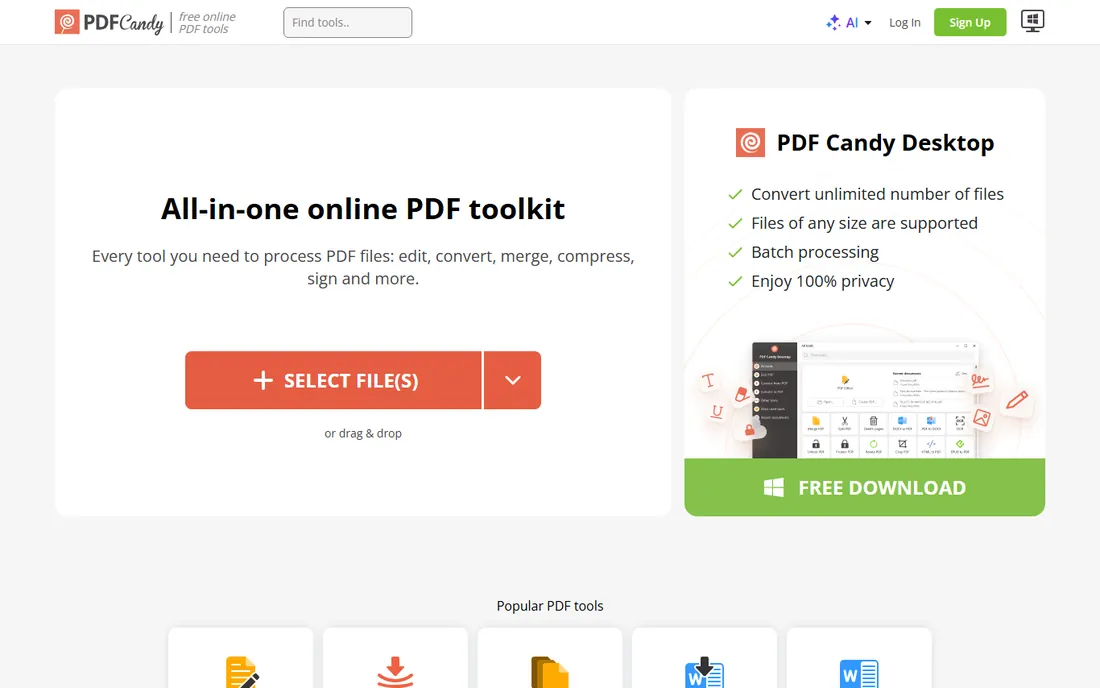
PDF Candy packs an unusually large toolkit into a free web service: PDF to Word, Excel and PowerPoint, conversions from dozens of formats into PDF, plus merging, splitting, compression and OCR. For occasional users, the breadth is unmatched at the price of zero.
The limit is pace: one free task per hour, which frustrates anyone working through a backlog. A premium plan removes the cap. PDF Candy suits individuals with sporadic conversion needs who do not want another subscription.
What we like- 47 free tools covering conversion, editing and compression
- No account needed to start
- Simple one-click conversions
Watch out for- Free version limits users to one task per hour
- Online-only for the free tier
Starting priceSee website
Free planYes (25 conversions/day)
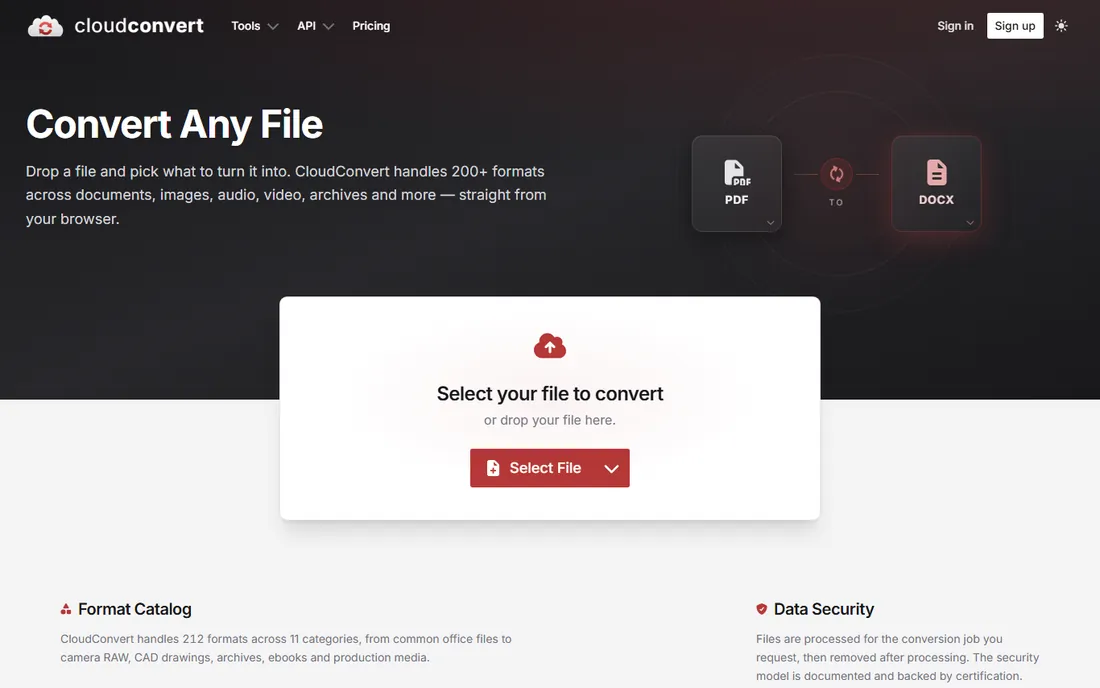
CloudConvert is the power user's converter. Beyond PDF to Office and image formats, it handles video, audio, ebooks and archives, with fine-grained quality settings for those who know what bitrate means. The API lets developers build conversion into their own products and workflows.
The free tier allows 25 conversions per day, and paid credit packages scale up from there. For teams automating document pipelines or anyone converting unusual format combinations, CloudConvert is the most flexible option here.
What we like- 200+ supported formats beyond PDF
- API for automated conversion pipelines
- Integrates with Google Drive, Dropbox and OneDrive
Watch out for- Interface is utilitarian
- Heavy users need credit packages that require cost tracking
How we chose
We examined vendor pricing pages, documentation and feature lists, then checked them against public reviews on G2, Capterra and TechRadar, plus user discussions on Reddit. Every tool listed is available today. We prioritized conversion accuracy for common business formats (Word, Excel, PowerPoint), OCR quality for scanned documents, honest free tiers, and data-handling practices, since conversion tools necessarily touch your documents.
What to check before you buy
Conversion quality varies more than marketing suggests. Test with your own worst files: a scanned contract with tables, a PDF with complex formatting, a spreadsheet-heavy report. Free trials exist precisely for this.
Accuracy on your document types
Simple text documents convert well almost everywhere. Tables, multi-column layouts, headers and footnotes separate the good tools from the average ones. Run the same file through two or three trials and compare the Word or Excel output side by side before you pay.
OCR for scanned documents
If your source material is scanned paper, OCR quality decides everything. Acrobat, Nitro, PDFelement and Able2Extract all include OCR, but accuracy on imperfect scans differs. Test with a real scan, not a clean digital PDF.
Privacy and where your files go
Online converters upload your documents to process them. Reputable services use encryption and delete files automatically, and we list those practices where vendors publish them. For legal, medical or financial documents, desktop software keeps files on your machine. Match the tool to your compliance needs, not just your budget.
Batch conversion and automation
Converting one file is easy. Converting five hundred is a workflow question. Desktop tools like Acrobat, Nitro and PDFelement offer batch processing, and CloudConvert's API automates conversion inside larger systems. If backlog conversion is the job, prioritize these features over interface polish.
Online versus desktop: which fits your work
Online converters win on speed and convenience: no install, works on any device, free tiers for occasional use. Smallpdf, iLovePDF and PDF Candy cover most quick jobs. The costs are privacy, daily limits and dependence on an internet connection.
Desktop software wins on privacy, power and volume: files stay local, OCR and batch processing are stronger, and there are no per-day caps. Acrobat, Nitro, PDFelement, Foxit, PDF-XChange and Able2Extract live here. The costs are installation, higher prices and platform limits.
Many small businesses end up with both: a free online tool for quick one-offs and a desktop license for sensitive or high-volume work. That combination costs little and covers nearly every conversion scenario.
Frequently asked questions
What is the best free PDF converter?
For occasional use, Smallpdf, iLovePDF and PDF Candy all convert PDF to Word, Excel and other formats free with limits. PDF-XChange Editor's free version covers desktop use on Windows. For sensitive documents, prefer a desktop trial over uploading to any free online service.
Can I convert a scanned PDF to Word?
Yes, with OCR. Adobe Acrobat, Nitro PDF Pro, PDFelement, Foxit and Able2Extract all include OCR that turns scanned images into editable text. Accuracy depends on scan quality: clean 300 DPI scans convert well, while skewed or low-contrast scans need cleanup first.
Is it safe to use online PDF converters?
Reputable services encrypt uploads and delete files after processing, typically within hours. For everyday documents that is reasonable. For confidential, legal, medical or financial documents, use desktop software so files never leave your computer.
PDF to Excel: which tool is most accurate?
Able2Extract Professional is built specifically for precise table extraction, letting you define custom table structures. Adobe Acrobat also handles PDF tables well. Always check merged cells and number formatting after conversion, since no tool gets complex tables perfect every time.
Do I need to pay for a PDF converter?
Not necessarily. Free tiers from Smallpdf, iLovePDF, PDF Candy and CloudConvert handle light use, and PDF-XChange Editor is free on Windows with limits. Pay when you hit daily caps, need OCR on scanned documents, process sensitive files locally, or convert in bulk.
Sources we checked (11)
- https://www.adobe.com/
- https://www.gonitro.com/pricing
- https://www.smallpdf.com/
- https://pdf.wondershare.com/
- https://www.foxit.com/
- https://www.tracker-software.com/
- https://www.ilovepdf.com/
- https://www.investintech.com/
- https://www.pdfcandy.com/
- https://www.cloudconvert.com/
- https://www.techradar.com/best/free-pdf-to-word
Is your product missing or out of date?
We review this list regularly. Vendors can request a listing, send updated pricing or ask about featured placement.

Shihab Mia · Founder, Rankite
Shihab has spent more than a decade helping SaaS and e-commerce brands grow through search. He writes Rankite's software buying guides from pricing pages, documentation and public user reviews. More about Shihab.
 Adobe Acrobat Pro
 Nitro PDF Pro
 Smallpdf
 Wondershare PDFelement
 PDF-XChange Editor
 iLovePDF
 Able2Extract Professional
 PDF Candy
 CloudConvert