How we make this list: we compare pricing pages, product documentation and public user reviews. Rankite is independent; if a vendor ever pays for a featured spot, that listing is clearly labeled Partner.
Key takeaways
- Dictation and transcription are different jobs. Dictation turns your live voice into text as you speak, while transcription converts recordings or meetings afterward.
- Wispr Flow is the strongest modern dictation app for desktop and mobile, with a free tier at 2,000 words per week.
- Otter.ai, Fireflies.ai and Notta compete on meeting transcription, and all three have free plans worth testing before you pay.
- Rev remains the pick when accuracy matters most, because it offers human transcriptionists alongside AI.
- Speechnotes is the best free browser dictation option, and Braina is the only tool here built around full Windows voice control.
Quick comparison
| Tool | Best for | Starting price | Free plan |
|---|
 Wispr Flow Wispr Flow | Dictating into any app with AI cleanup | $12 per user/month (billed annually) | Yes |
 Otter.ai Otter.ai | Live meeting transcription and summaries | $8.33 per user/month (billed annually) | Yes |
 Rev Rev | Human-accurate transcripts on demand | $25.49 per seat/month (billed annually) | Yes |
 Descript Descript | Editing audio and video through text | $16 per month (billed annually) | Yes |
 Notta Notta | Multilingual meeting notes | $8.17 per month (billed annually) | Yes |
 Braina Braina | Windows voice control plus dictation | See website | See website |
 Speechnotes Speechnotes | Free dictation in the browser | $1.90 per month (billed annually) | Yes |
 Fireflies.ai Fireflies.ai | AI meeting assistant with CRM sync | $10 per seat/month (billed annually) | Yes |
 Trint Trint | Transcript editing for journalists | $52 per seat/month (billed annually) | Free trial |
Is your product missing or out of date?
We review this list regularly. Vendors can request a listing, send updated pricing or ask about featured placement.
The best talk to text software
Starting price$12 per user/month (billed annually)
Free planYes
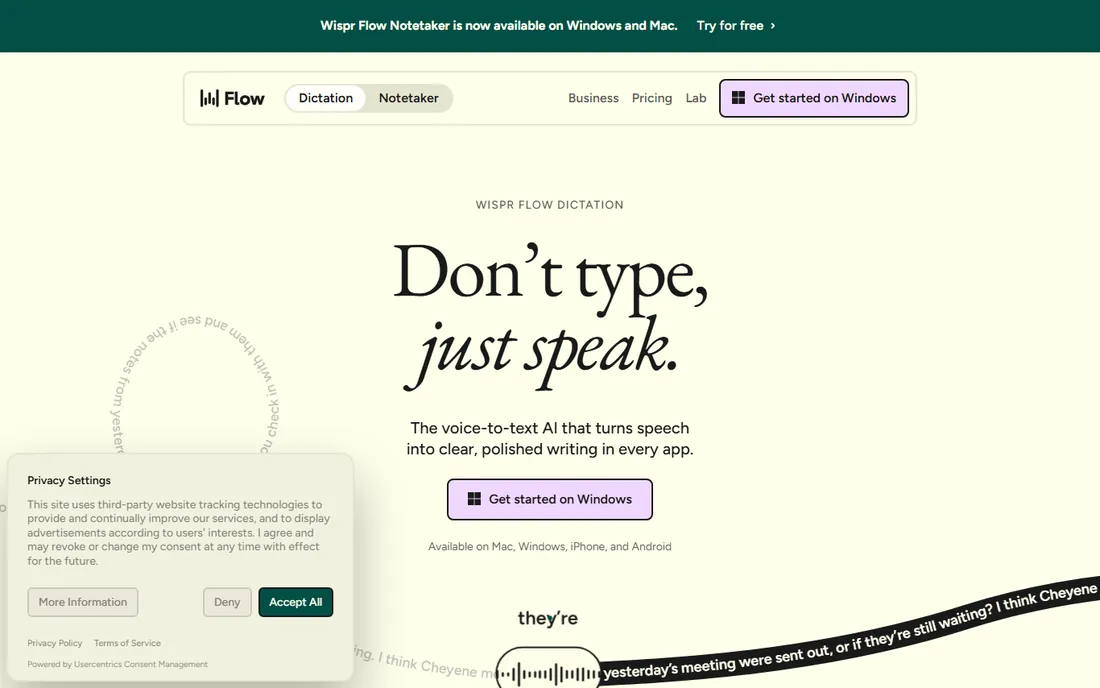
Wispr Flow is what dictation software looks like after the AI wave. You hold a hotkey, speak naturally with all your ums and restarts, and it pastes cleaned-up text into whatever app is open, adjusting the tone for Slack versus email versus your code editor. There is nothing to configure per app, which is the part older dictation tools always got wrong.
The free Basic plan gives you 2,000 words a week on desktop and 1,000 on mobile, enough to learn whether dictation fits your work. Pro costs $15 per user per month billed monthly or $12 per month billed annually ($144 a year) with unlimited dictation, and team tiers add SSO and HIPAA controls. The honest trade is privacy for convenience: transcription happens in Wispr's cloud. If your work involves sensitive material, read the security page before you commit.
What we like- Works in every app with no plugins
- Auto-removes filler words and fixes tone
- Mac, Windows, iOS and Android covered
Watch out for- Cloud-based, so audio leaves your device
- Free tier caps at 2,000 words per week on desktop
#2
Otter.ai
Best for: Live meeting transcription and summaries
Visit otter.ai
Starting price$8.33 per user/month (billed annually)
Free planYes
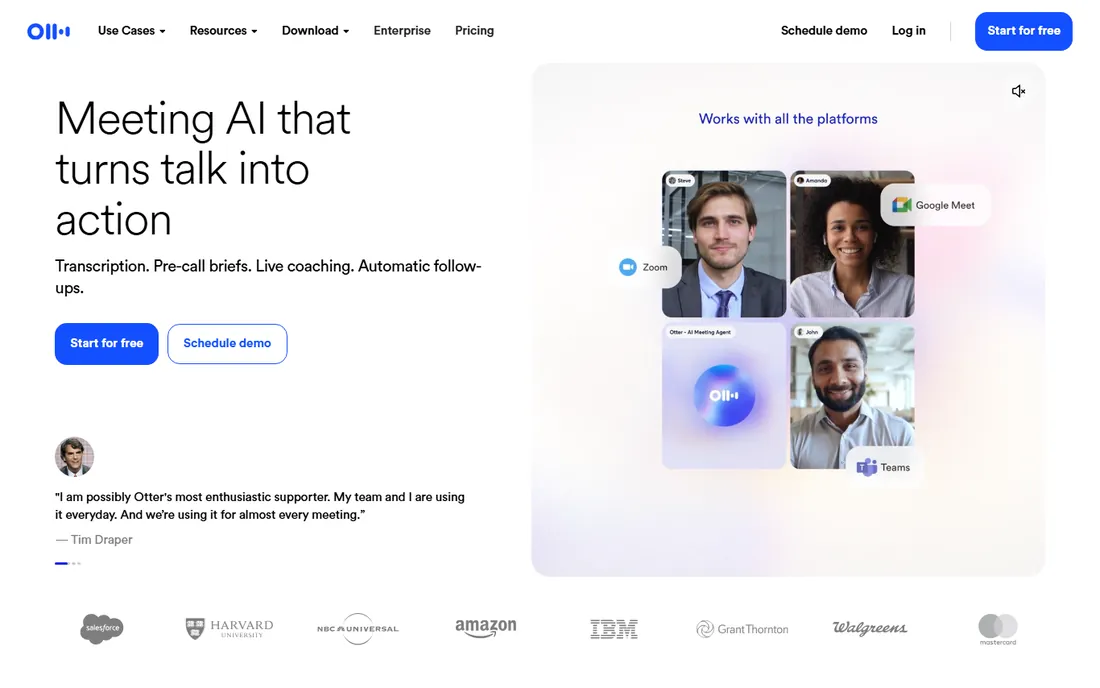
Otter.ai is the default meeting transcription app for a reason. It joins your calls, transcribes as people speak, identifies speakers, and produces a summary with action items you can search later. For managers who live in back-to-back meetings, the searchable archive becomes the real product, not just the live captions.
Pricing is straightforward. The free plan includes 300 minutes a month, Pro costs $16.99 per month billed monthly or $8.33 per month billed annually with 1,200 minutes, and Business is $30 per month or $19.99 annually. It is a transcription tool first, not a dictation tool: you would not use it to write an email by voice. If your need is meeting records rather than voice typing, start here.
What we like- Reliable real-time transcription on Zoom, Meet and Teams
- Searchable transcript library
- Solid free tier
Watch out for- Free plan caps at 300 minutes a month
- Accuracy drops with heavy accents or crosstalk
#3
Rev
Best for: Human-accurate transcripts on demand
Visit rev.com
Starting price$25.49 per seat/month (billed annually)
Free planYes
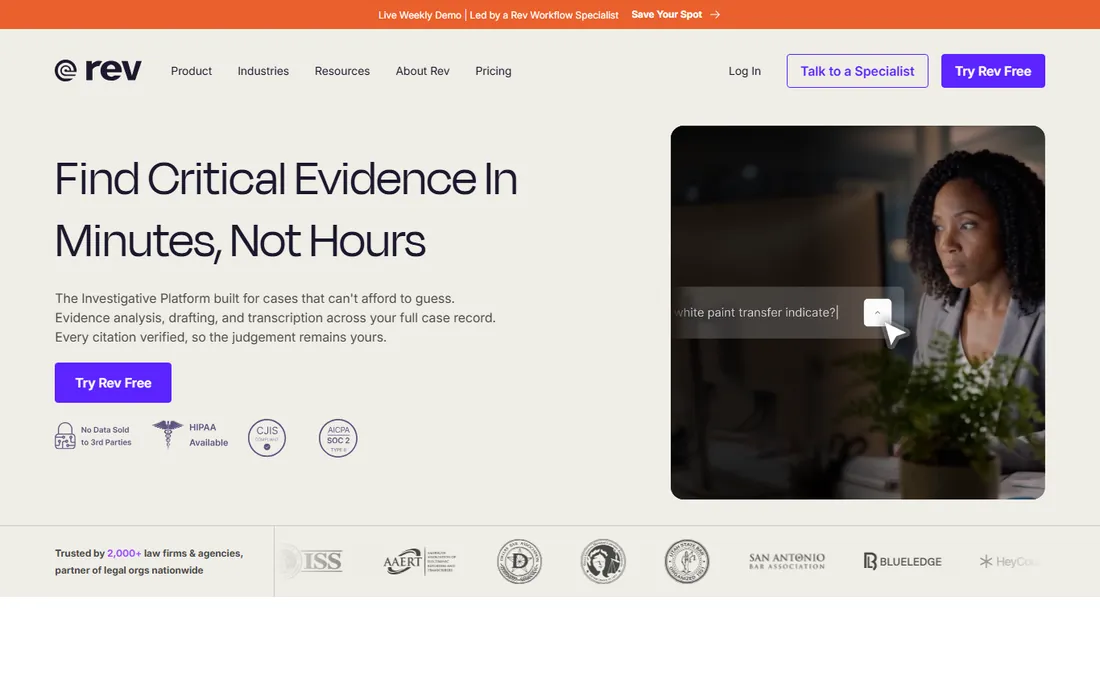
When a transcript has to be right, for legal, medical or publishing work, AI alone is not enough, and that is where Rev earns its place. You can order human transcription at $1.99 per minute, use the AI service at $0.25 per minute for quick drafts, or subscribe for a steady workflow. Few competitors offer both under one roof.
Subscriptions start with a free tier at 45 AI minutes a month. Essentials costs $29.99 per seat per month billed monthly or $25.49 per seat per month billed annually, and Pro is $59.99 or $47.99 annually. Rev is overkill for casual voice notes, and the per-seat pricing adds up for teams. For anything where an error could cost you, the human option justifies the premium.
What we like- Human transcriptionists for near-perfect accuracy
- Fast AI option for drafts
- Pay-as-you-go available
Watch out for- Human transcription costs far more than AI
- Subscription tiers are priced per seat
Starting price$16 per month (billed annually)
Free planYes
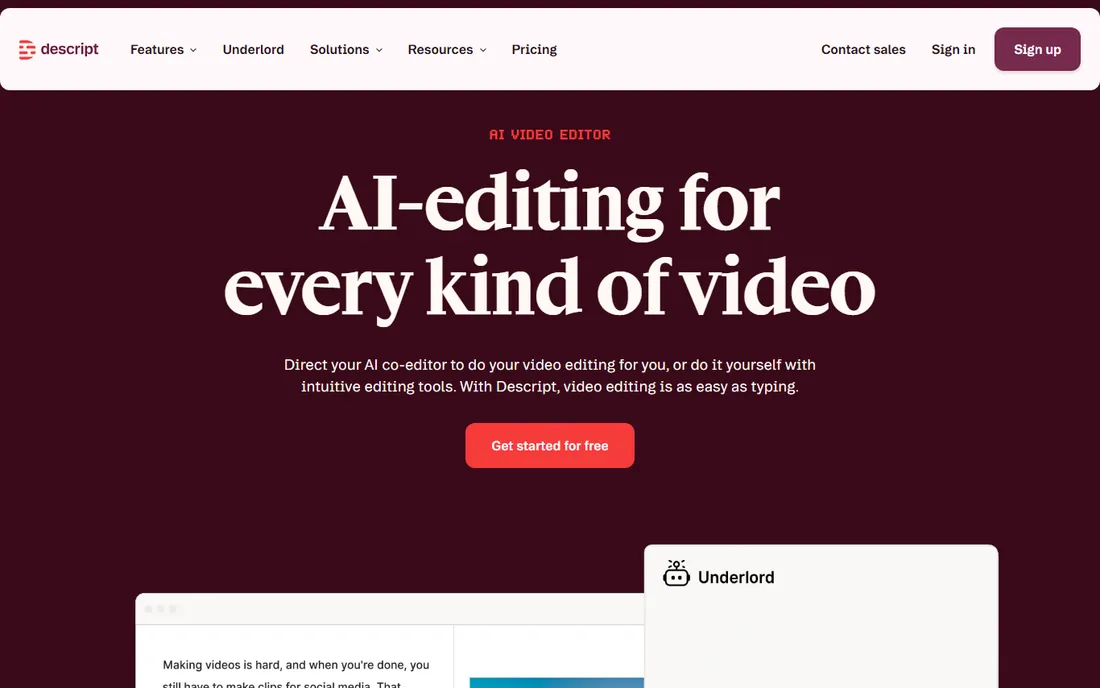
Descript approaches talk-to-text from the creator side. You record or import audio and video, it transcribes everything, and then you edit the media by deleting or rearranging words in the text. Removing an "um" from the transcript removes it from the audio. Podcasters and video teams save hours with this workflow.
The free plan covers light use. Hobbyist costs $24 per month billed monthly or $16 per month billed annually, Creator is $35 or $24 annually, and Business is $65 or $50 annually. Descript will not take live dictation into Word, and it is more editor than utility. If you produce spoken content rather than just needing notes, it belongs on your shortlist.
What we like- Edit recordings by editing the transcript
- Strong overdub and filler-word removal
- Good for podcast teams
Watch out for- Not a live dictation tool
- Learning curve for the full editor
- Costs more than pure transcription apps
Starting price$8.17 per month (billed annually)
Free planYes
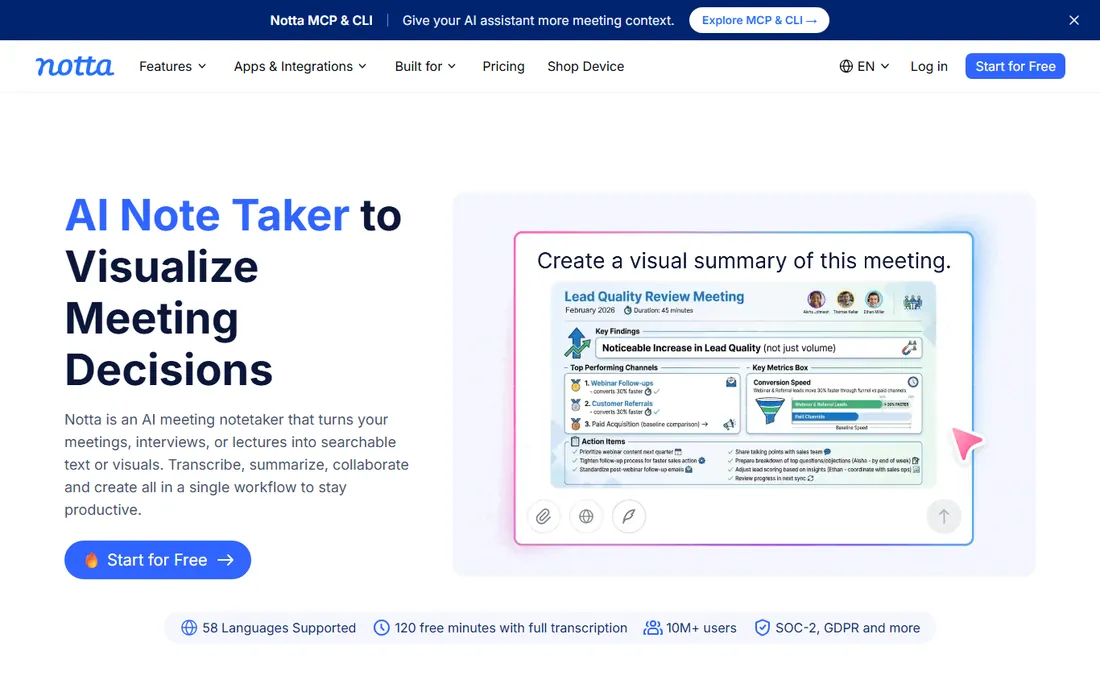
Notta does the meeting transcription job with a particular strength in languages beyond English, which matters for international teams. It records, transcribes, summarizes and syncs with your calendar, covering the same core loop as Otter and Fireflies at a lower price point.
The free plan includes 120 minutes a month. Pro costs $13.49 per month billed monthly or $8.17 per month billed annually, and Business is $27.99 or $16.67 annually. The trade-off is ecosystem: fewer native integrations and a smaller user community than the bigger names. For teams that need solid transcription in multiple languages without the premium price, it is a smart value pick.
What we like- Strong multilingual transcription
- Clean summaries and action items
- Cheaper than Otter at the paid tiers
Watch out for- Smaller integration ecosystem
- Brand recognition lags behind Otter and Fireflies
Starting priceSee website
Free planSee website
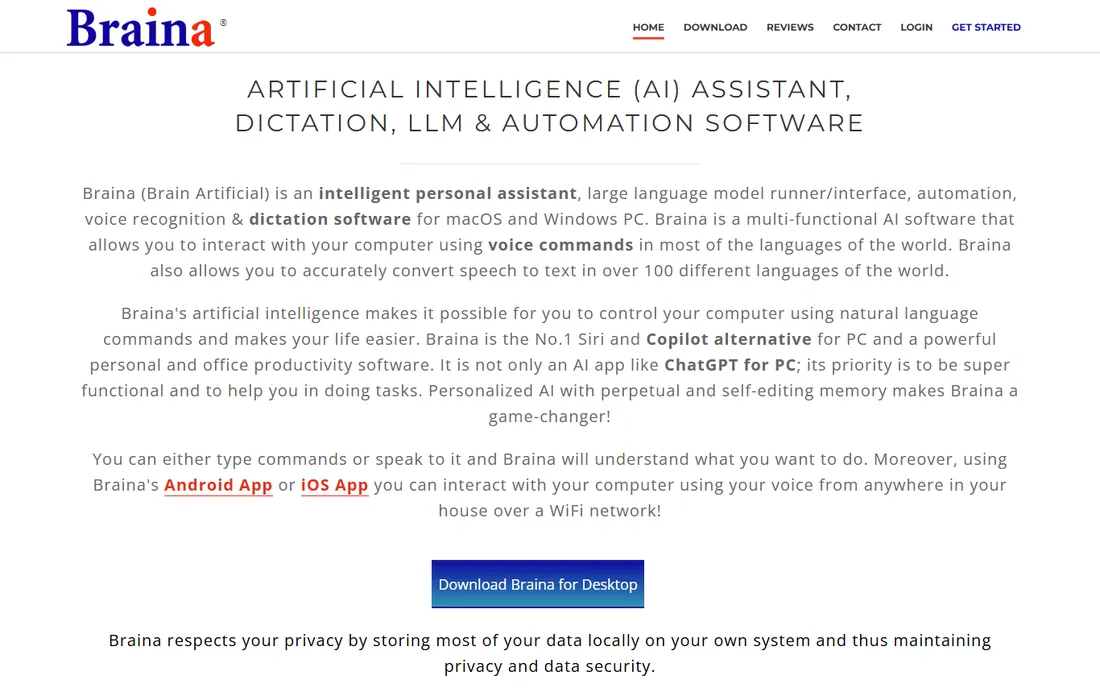
Braina is the odd one out here, and deliberately so. It is a Windows virtual assistant that takes dictation in over 100 languages and also lets you open programs, search files, set reminders and run macros by voice. If your goal is to operate the computer hands-free rather than just transcribe speech, nothing else on this list tries to do that.
The company sells Pro licenses with yearly and lifetime options rather than a simple subscription grid, so check the site for current pricing. The software is Windows-only and the interface shows its age, but the offline speech recognition is a genuine advantage for privacy-conscious users. Think of it as Dragon's spiritual successor for people who want local control.
What we like- Full computer control by voice, not just dictation
- Works offline for core speech recognition
- One-time license options
Watch out for- Windows only
- Interface feels dated
- Pricing not published on a standard pricing page
Starting price$1.90 per month (billed annually)
Free planYes
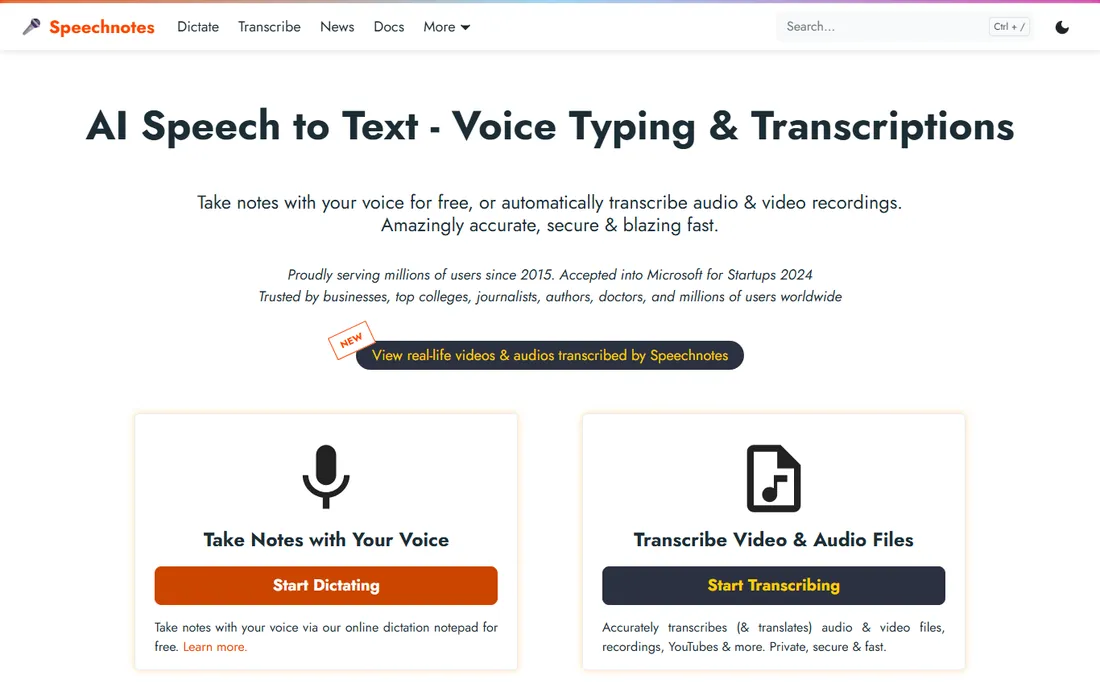
Sometimes you just need to talk and get text, without installing anything or creating an account. Speechnotes is a free online notepad with voice typing powered by speech recognition, and it has been doing this one job reliably for years. Open the page, click the microphone, and start speaking.
Dictation itself is free with ads. Dictation Premium removes ads at $1.90 per month billed yearly, and audio file transcription costs $0.10 per minute pay-as-you-go. You will not get speaker identification, summaries or integrations, and accuracy is bounded by the browser's recognition engine. As a zero-cost, zero-setup starting point, it is unmatched.
What we like- Free dictation with no account needed
- Pay-as-you-go transcription at $0.10 per minute
- Extremely simple
Watch out for- Ad-supported free tier
- Accuracy depends on Chrome's engine
- No advanced editing or integrations
Starting price$10 per seat/month (billed annually)
Free planYes
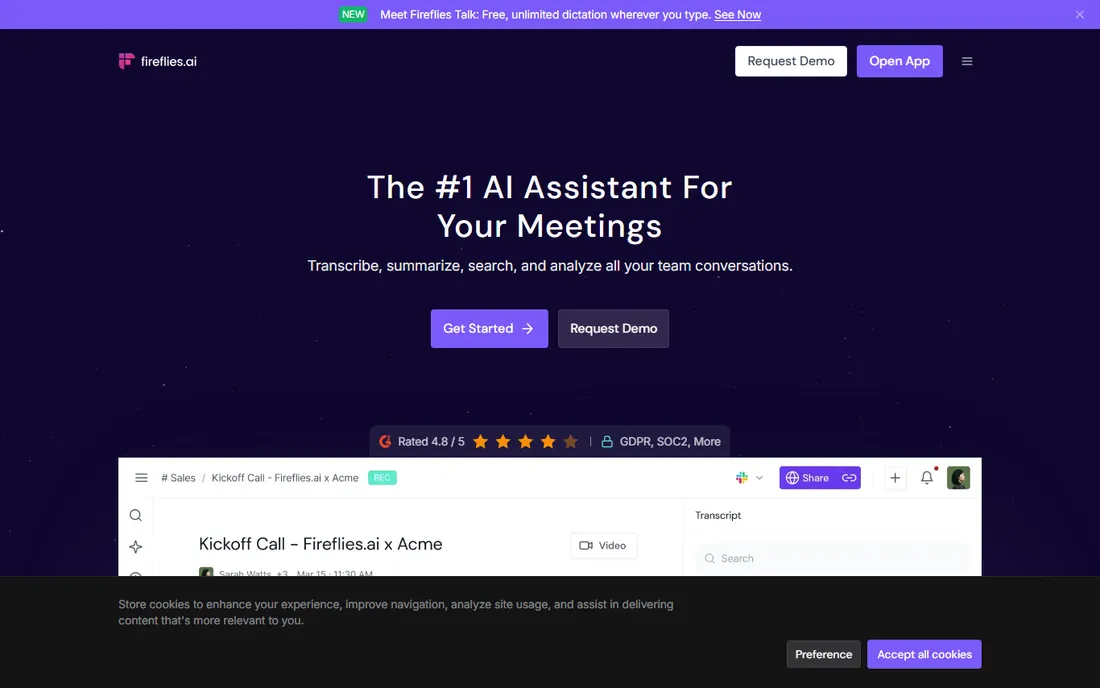
Fireflies.ai goes beyond transcription into meeting automation. Its bot joins calls across Zoom, Teams and Meet, transcribes everything, then pushes summaries, action items and CRM updates through more than 100 integrations. The AskFred feature lets you query your entire meeting history in plain language.
The free plan includes unlimited transcription with limited storage and AI summaries. Pro costs $18 per seat per month billed monthly or $10 per seat per month billed annually, Business is $29 or $19 annually, and Enterprise is $39 per seat per month billed annually. Note the credit system: AI summaries and skills consume credits, so heavy users should budget beyond the base price. For sales and recruiting teams, the automation layer is the reason to choose it over simpler transcribers.
What we like- Unlimited transcription on paid plans
- 100 plus integrations including Salesforce and HubSpot
- AskFred search across meetings
Watch out for- AI features consume credits that need budgeting
- Free plan storage caps at 800 minutes per seat
Starting price$52 per seat/month (billed annually)
Free planFree trial
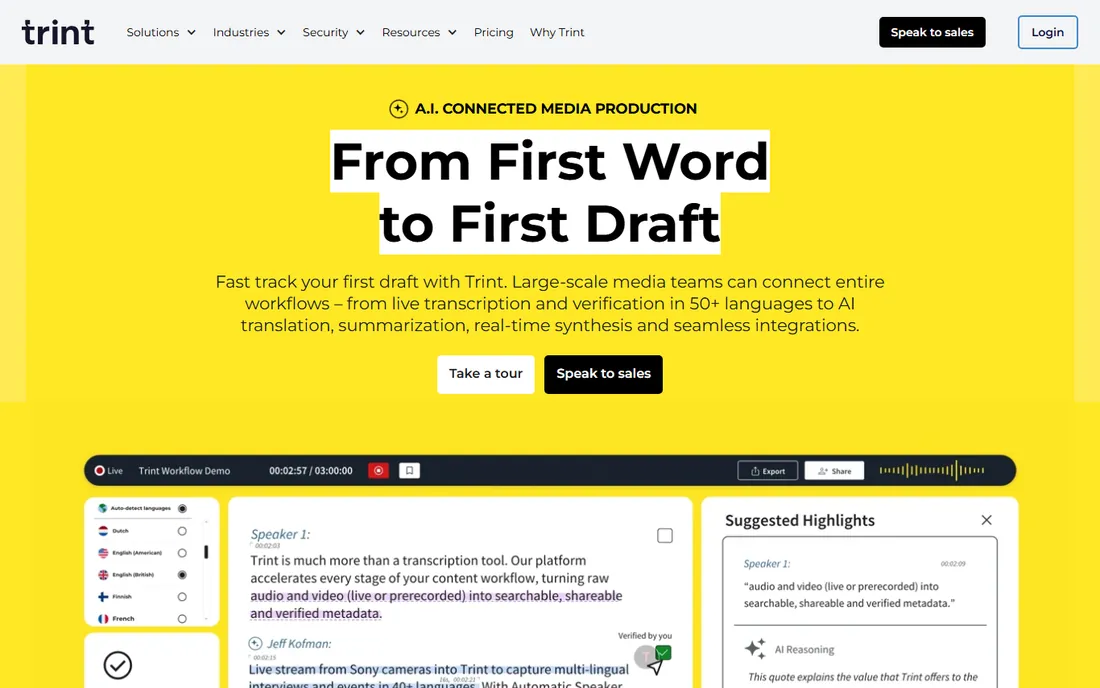
Trint was built with journalists in mind, and it shows. Upload audio or video, get a transcript in minutes, then edit, highlight and export in an interface designed for people who turn interviews into stories on deadline. Newsrooms and media teams are its core audience.
There is no free tier, just a 7-day trial. Starter runs about $52 per seat per month billed annually (around $80 month to month), Advanced about $60 annually ($100 monthly), and Enterprise is custom. That is steeper than Otter or Notta for similar minute counts. If your work is editorial and collaborative, the purpose-built workflow earns the premium; otherwise, the cheaper generalists cover you.
What we like- Editor built for newsroom workflows
- Fast turnaround on uploads
- Collaboration features for editorial teams
Watch out for- No free plan, only a 7-day trial
- Priced above general-purpose transcribers
- Overkill for casual use
Dictation or transcription: which do you actually need
Buyers mix these up, so settle it before you spend. Dictation means speaking live and watching text appear, for writing emails, documents and messages without typing. Wispr Flow, Speechnotes and Braina do this. Transcription means converting audio into text after the fact, for meeting records, interviews and media. Otter.ai, Rev, Notta, Fireflies.ai and Trint do this. Descript sits in the middle, transcribing first so you can edit media as text.
Your workflow decides. If you hate typing, you want dictation. If you hate taking notes in meetings, you want transcription. Some people need both, and pairing a dictation app with a meeting transcriber is common. Do not buy a transcription subscription expecting it to take dictation into Word; the products look similar but solve different problems.
Accuracy expectations matter too. Modern AI transcription handles clear, single-speaker audio well, often above 90 percent. Crosstalk, accents, jargon and background noise still cause errors, which is why Rev's human option exists. For dictation, a decent headset microphone improves results more than any software upgrade.
How we chose
We separated the category into dictation and transcription, then checked each vendor's pricing page in October 2026 for current plans, free tiers and limits. We read documentation for platform support, language coverage and data handling, and weighed public reviews on G2, Capterra and Reddit for reliability patterns. We preferred tools with transparent pricing and a usable free tier or trial, and we excluded products without an active vendor homepage. We did not run hands-on tests; this guide reflects published plan terms and documented features.
One deliberate omission: Nuance's Dragon line. Nuance was acquired by Microsoft, its consumer product pages are gone, and the current Dragon lineup is sold through resellers for enterprise Windows environments. Buyers looking for the classic desktop dictation experience are better served by the modern tools above.
Where your voice goes: a privacy note
Talk-to-text software handles some of your most sensitive data, your voice and your words, so check the data path before you commit. Cloud tools like Wispr Flow, Otter.ai and Fireflies.ai send audio to their servers for processing. That is how they deliver high accuracy and features like summaries, but it means your speech is stored and processed off-device.
If that bothers you, look at the alternatives. Braina offers offline speech recognition on Windows, so core dictation never leaves your machine. Speechnotes processes through your browser with no account. Enterprise tiers from several vendors add data retention controls, SSO and compliance certifications; Fireflies.ai, for example, offers HIPAA compliance on its Enterprise plan.
Practical steps apply everywhere. Read the privacy policy section on voice data retention, check whether you can delete recordings, and confirm where servers are located if you have regional requirements. For regulated industries, get the vendor's security documentation before a company-wide rollout, not after.
Frequently asked questions
What is the difference between dictation software and transcription software?
Dictation software converts your live speech into text as you speak, so you can write without typing. Transcription software converts recorded audio, such as meetings or interviews, into text after the fact. Some tools do both, but most specialize in one. Choose based on whether you need to produce text in the moment or document audio you already have.
Can I dictate directly into Microsoft Word or Google Docs?
Yes. Tools like Wispr Flow and Braina type into any application, including Word and Google Docs, with no plugins. Speechnotes runs in Chrome, so you can dictate there and copy text anywhere. Most meeting transcription tools do not do live dictation into documents; they produce transcripts of calls and recordings instead.
How accurate is AI speech-to-text in 2026?
For clear audio with one speaker, leading tools are highly accurate, often above 90 percent. Accuracy drops with multiple speakers talking over each other, strong accents, technical jargon and background noise. Human transcription services like Rev exist precisely for cases where near-perfect accuracy matters. A good microphone improves results more than switching apps.
Is my voice data private with these tools?
It depends on the tool. Cloud-based services process your audio on their servers, which enables advanced features but means your voice leaves your device. Check each vendor's privacy policy for retention periods and deletion options. Braina offers offline recognition on Windows, and enterprise plans typically add stricter data controls and compliance certifications.
What microphone should I use for dictation?
A dedicated headset microphone beats a laptop's built-in mic in almost every case, especially in noisy rooms. You do not need an expensive studio setup; a mid-range USB headset is enough for most dictation and transcription. Consistent mic placement and a quiet room matter more than the brand.
Can these tools handle accents and multiple languages?
Most leading tools support dozens of languages, with Notta and Braina particularly strong on multilingual coverage. Accuracy varies by language and accent, with English typically best. If you work in a less common language, test the free tier with your actual voice before subscribing, since marketing claims do not always match real-world performance.
Sources we checked (9)
- https://wisprflow.ai/pricing
- https://otter.ai/pricing
- https://www.rev.com/pricing
- https://www.descript.com/pricing
- https://www.notta.ai/en/pricing
- https://www.brainasoft.com/braina/
- https://speechnotes.co/upgrade/
- https://fireflies.ai/pricing
- https://www.trint.com/pricing
Is your product missing or out of date?
We review this list regularly. Vendors can request a listing, send updated pricing or ask about featured placement.

Shihab Mia · Founder, Rankite
Shihab has spent more than a decade helping SaaS and e-commerce brands grow through search. He writes Rankite's software buying guides from pricing pages, documentation and public user reviews. More about Shihab.