How we make this list: we compare pricing pages, product documentation and public user reviews. Rankite is independent; if a vendor ever pays for a featured spot, that listing is clearly labeled Partner.
Key takeaways
- Midjourney still sets the quality bar for AI image generation, but it is paid-only and works best through its web app.
- ChatGPT and Gemini put image generation inside assistants you may already use, and both have free tiers that are enough for casual use.
- StarryAI, WOMBO Dream, and Leonardo AI are the most mobile-friendly dedicated apps, with free daily credits to start.
- Adobe Firefly is the safest pick for commercial work, since it is trained on licensed content and integrates with Photoshop and Express.
- Canva and Picsart are design apps first: generate an image, then finish the poster, thumbnail, or ad in the same place.
Quick comparison
| Tool | Best for | Starting price | Free plan |
|---|
 Midjourney Midjourney | The best-looking AI images, period | See website | No |
 ChatGPT ChatGPT | Generating images while you chat | See website | Yes |
 StarryAI StarryAI | Making AI art on your phone | See website | Yes |
 WOMBO Dream WOMBO Dream | Fast, fun generations with zero learning | See website | Yes |
 Leonardo AI Leonardo AI | Creators who want control over every detail | See website | Yes |
 Adobe Firefly Adobe Firefly | Commercial work without legal worry | See website | Yes |
 Microsoft Designer Microsoft Designer | Free everyday image creation | See website | Yes |
 Picsart Picsart | AI images plus a full photo editor | See website | Yes |
 Canva Canva | AI images that go straight into designs | See website | Yes |
 Google Gemini Google Gemini | Quick images inside Google's assistant | See website | Yes |
Is your product missing or out of date?
We review this list regularly. Vendors can request a listing, send updated pricing or ask about featured placement.
The best AI picture generator apps
Starting priceSee website
Free planNo
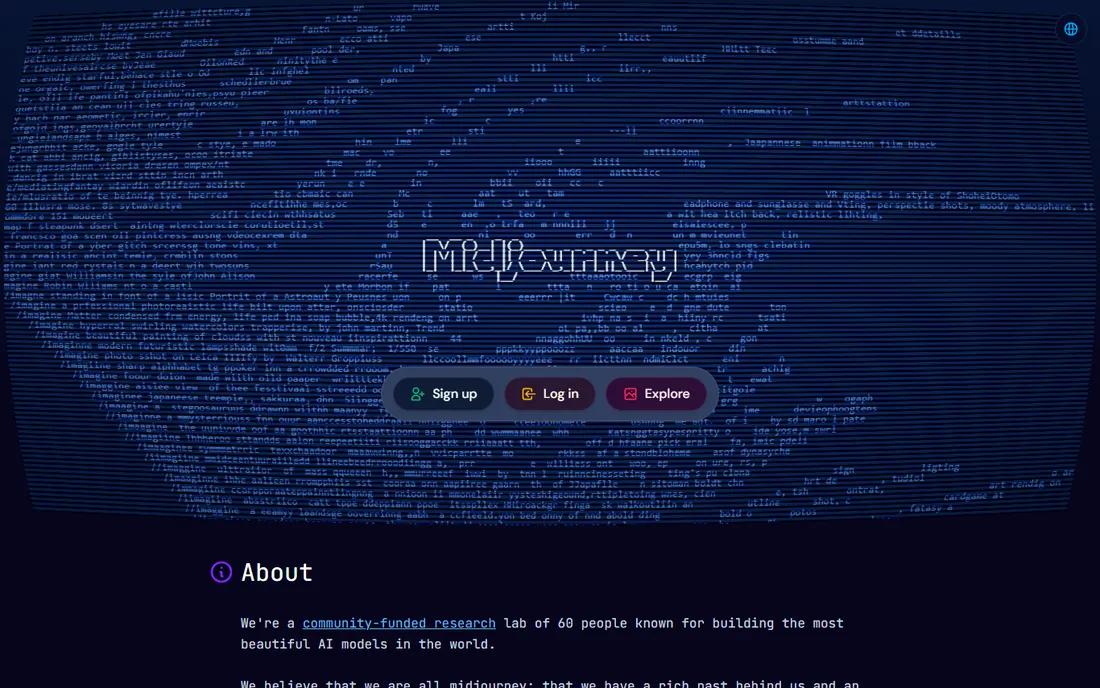
Midjourney is the app other image generators get compared to. Its images have a distinctive richness in lighting, texture, and composition that made it the default choice for artists, designers, and marketers who need visuals that look intentional rather than generic. The web app replaced the old Discord-only workflow, with an explorer feed, personalization features, and an editor for refining generations.
There is no free plan: Midjourney is subscription-only, with pricing listed on its site. The trade-off for the quality is the learning curve. Midjourney responds best to detailed prompts with style references and parameters, and casual users sometimes get better first-try results from simpler apps. If image quality is the whole point and you will generate regularly, it remains the benchmark.
What we like- Widely considered the best image quality
- Strong artistic styles
- Active community for prompt inspiration
Watch out for- Paid only, no free tier
- Prompting has a learning curve
- Commercial rights depend on your plan
Starting priceSee website
Free planYes
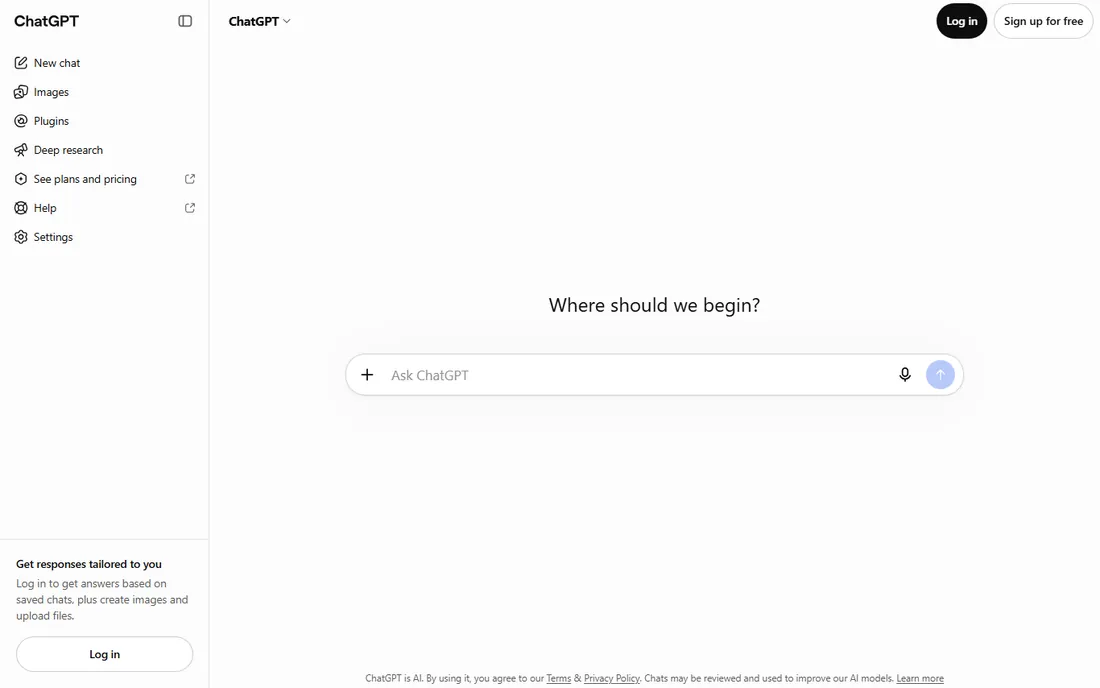
ChatGPT's image generation is the most convenient on this list for most people, because it lives inside a conversation. Describe what you want, get an image, then refine it in plain language: "make the sky darker," "add a cat in the corner." It handles text inside images better than most rivals, which matters for posters, memes, and mockups, and it follows complex instructions with multiple elements surprisingly well.
The free tier includes a limited number of image generations per day, with paid plans raising the limits and adding access to the newest models. It will not match Midjourney for fine-art aesthetics, and power users complain about a certain sameness to the output. But for thumbnails, blog headers, presentations, and social posts, the convenience of generating inside the chat you already use is hard to beat.
What we like- Image generation built into the assistant
- Understands complex multi-part prompts
- Easy edits in plain language
Watch out for- Free tier has daily generation limits
- Less artistic range than Midjourney
- Photorealism can look polished but generic
Starting priceSee website
Free planYes
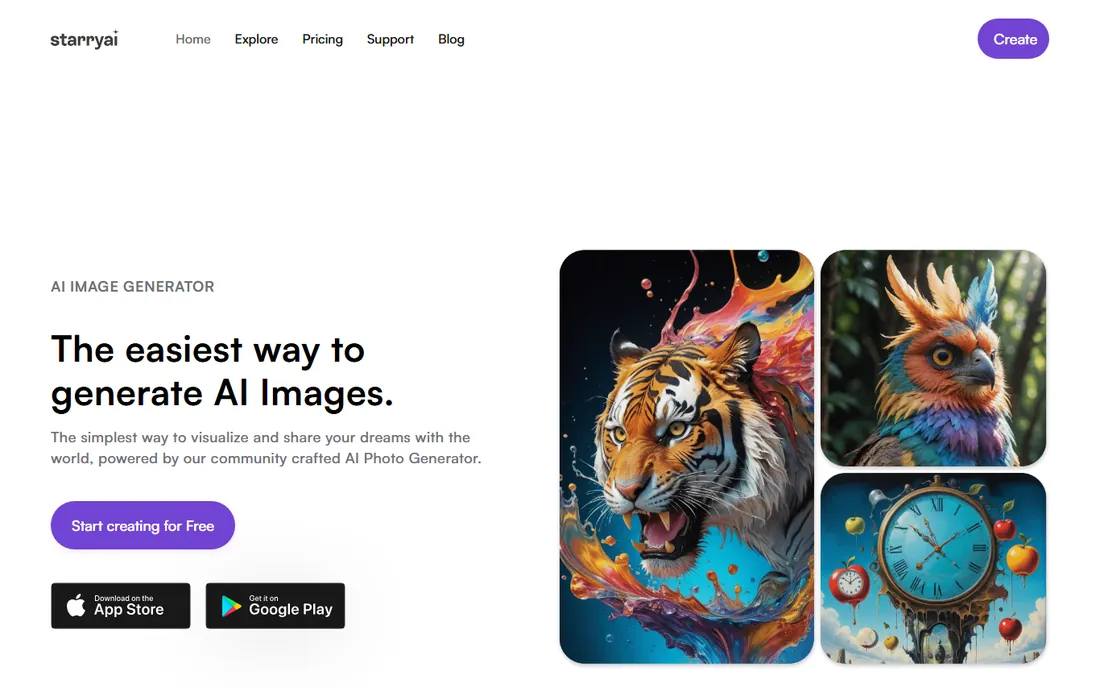
StarryAI is built for the phone-first creator. The app is simple: type a prompt, pick an art style, and get your image. Free users get daily credits that reset, which is enough for regular casual use, and paid plans add more weekly generations plus faster processing. StarryAI also grants you full ownership of the images you create, which is not a given with every AI app.
The credit economy is the honest catch: run out of credits and you wait or pay. The model and style selection is narrower than what Leonardo or Midjourney offer. But as a pocket sketchbook for AI art, it nails the basics: fast, attractive results with almost no learning curve, and a free tier that actually works day to day.
What we like- Genuine mobile app with a clean interface
- Free daily credits
- Full ownership of your creations
Watch out for- Credit system limits heavy use
- Smaller model selection than web platforms
- Advanced features need paid credits
#4
WOMBO Dream
Best for: Fast, fun generations with zero learning
Visit dream.ai
Starting priceSee website
Free planYes
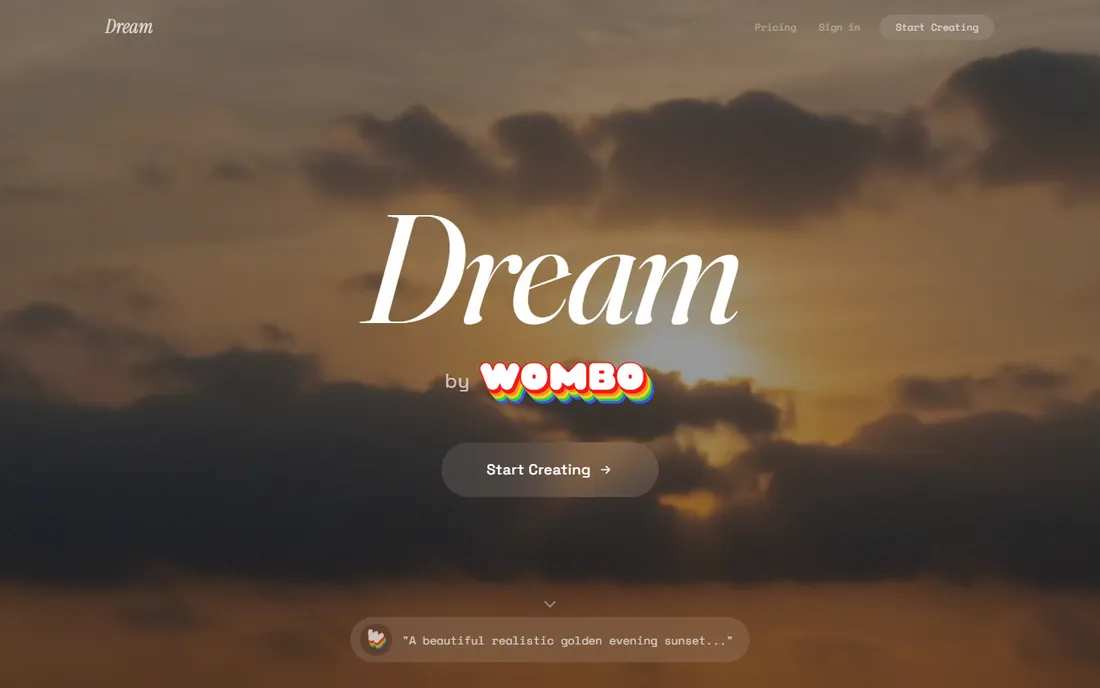
WOMBO Dream was one of the first AI art apps to go mainstream on mobile, and it is still one of the easiest. Pick a style preset, type a few words, and watch the image appear. The free tier lets you generate plenty of images, supported by ads, which makes it the best zero-commitment way to play with AI art on your phone.
Serious creators will hit the ceiling fast. Prompt control is minimal compared to Midjourney or Leonardo, the free outputs are lower priority in the generation queue, and removing ads plus getting premium styles needs the paid plan. Think of Dream as the casual game of AI art apps: delightful, free to start, and not trying to be a professional tool.
What we like- Extremely simple
- Free tier is generous for casual use
- Fun style presets
Watch out for- Ads on the free tier
- Less prompt control than serious tools
- Premium needed for the best features
#5
Leonardo AI
Best for: Creators who want control over every detail
Visit leonardo.ai
Starting priceSee website
Free planYes
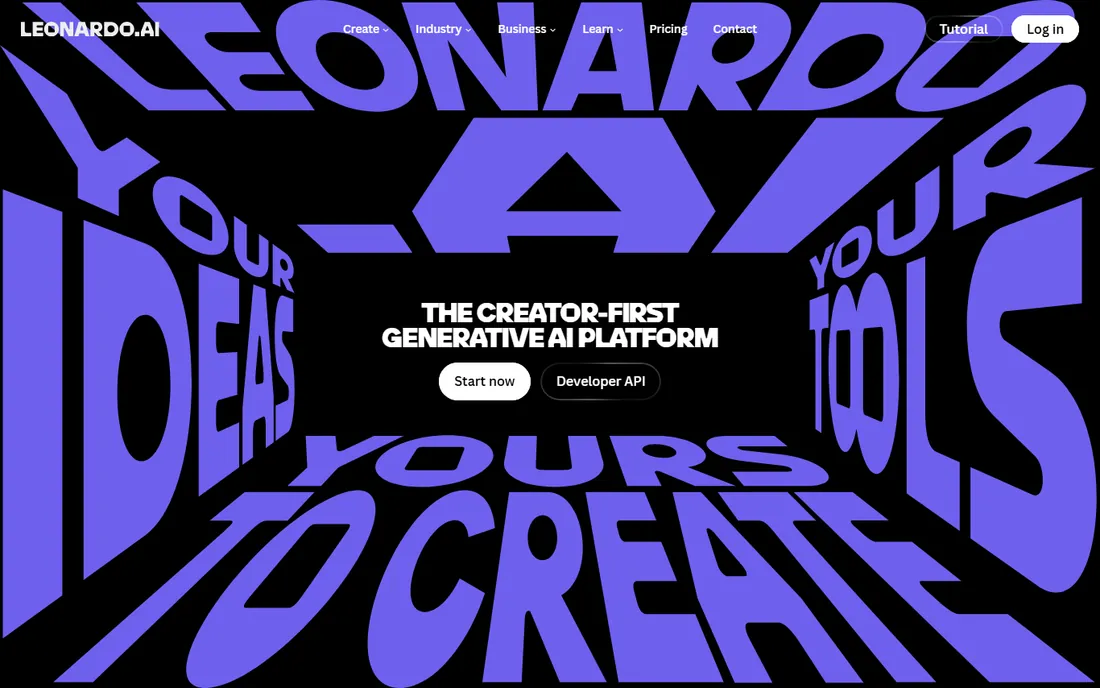
Leonardo AI sits between the casual apps and the pro tools. It offers multiple fine-tuned models, control over dimensions, style strength, and negative prompts, which gives experienced users far more say in the output than StarryAI or Dream. Game artists and concept designers adopted it early for asset-style work, and the canvas editor lets you refine generations in place.
The free plan includes daily tokens that cover regular experimentation, but long sessions burn through them. Beginners sometimes find the option panels intimidating next to a simple prompt box. If you have outgrown the one-tap apps but do not need Midjourney's subscription, Leonardo is the natural next step.
What we like- Fine-grained control over styles, models, and dimensions
- Strong for game art and product concepts
- Generous free daily tokens
Watch out for- Interface can overwhelm beginners
- Token system throttles heavy sessions
- Best features sit on paid plans
Starting priceSee website
Free planYes
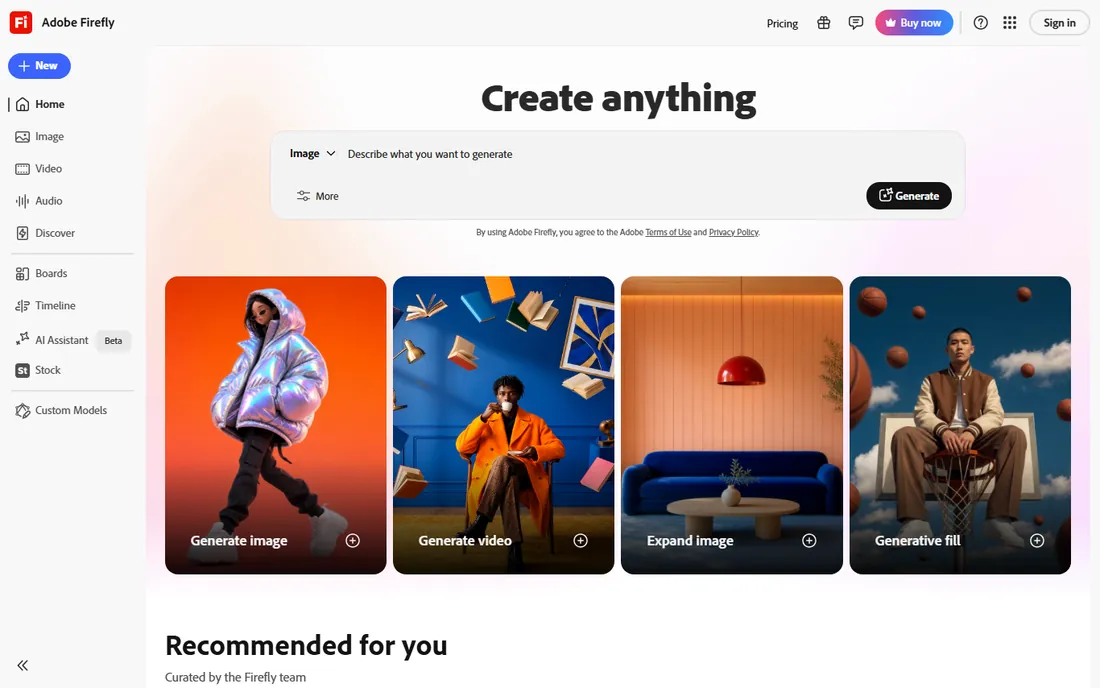
Firefly is Adobe's answer to AI image generation, and its selling point is trust. Because it is trained on licensed content, businesses worried about the legal gray areas of AI training data treat Firefly as the safe choice. It is built into Photoshop's Generative Fill, Express, and Illustrator, so designers generate and edit without leaving their workflow.
The standalone web app at firefly.adobe.com offers text-to-image, text effects, and generative recolor with a free monthly credit allowance. Paid plans add more credits, and Creative Cloud subscribers get Firefly features bundled. Pure image quality does not beat Midjourney, but for marketing teams that need defensible, editable, on-brand images, Firefly's ecosystem wins.
What we like- Trained on licensed Adobe Stock content, safer for business use
- Deep integration with Photoshop and Express
- Strong text effects
Watch out for- Free credits are limited monthly
- Image quality trails Midjourney for pure art
- Best value inside a Creative Cloud plan
Starting priceSee website
Free planYes
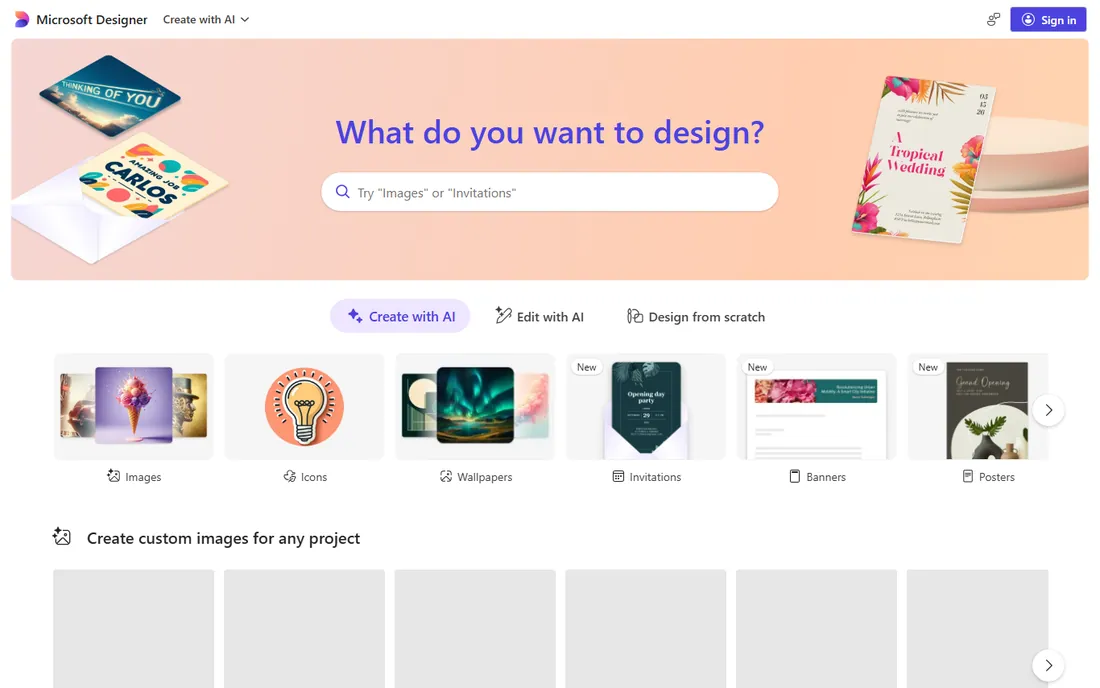
Microsoft Designer, including its Image Creator, is the quiet value pick. It is free with a Microsoft account, produces genuinely good images for everyday needs like presentations, social posts, and school projects, and it is woven into Windows, Edge, and Copilot so it is always a click away. For someone who generates a few images a week and does not want another subscription, it is hard to argue against free.
It is not a specialist tool. The style range is narrower than Midjourney or Leonardo, and fine control over the output is limited. Read the commercial-use terms before using outputs in client work. But as the default, always-available generator for normal people, Designer does the job with zero cost and zero learning curve.
What we like- Free to use with a Microsoft account
- Solid quality for everyday needs
- Built into Windows, Edge, and Copilot
Watch out for- Fewer artistic styles than dedicated apps
- Requires a Microsoft account
- Commercial terms worth reading
Starting priceSee website
Free planYes
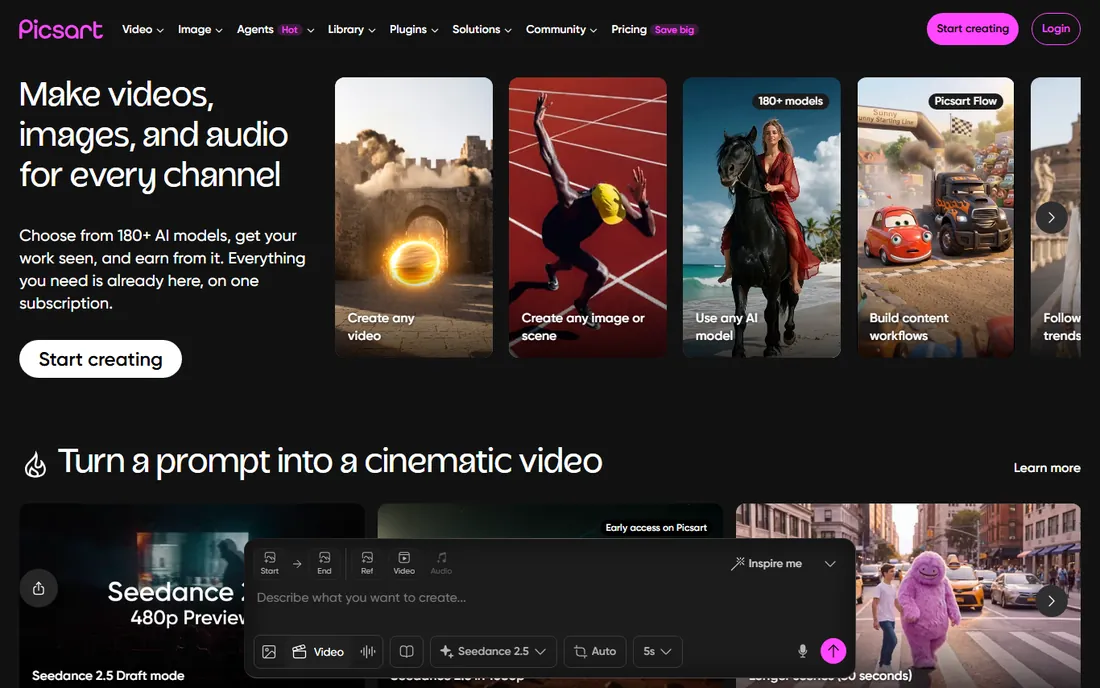
Picsart approaches AI generation sideways: it is a photo editor first, with AI image generation built in. That matters because most AI images need finishing: background cleanup, text overlays, stickers, collage layouts. In Picsart you generate and finish in one app instead of exporting between tools. The mobile app is mature, fast, and packed with templates for social content.
The free tier covers a lot but shows ads and gates premium assets, effects, and higher generation limits behind the paid plan. The generator itself is solid rather than spectacular. Buy Picsart when your workflow is "generate, then design the post," not when you need gallery-grade AI art.
What we like- Generate images then edit them in a mature photo editor
- Huge sticker, template, and effects library
- Strong mobile app
Watch out for- Free tier has ads and limits
- Premium features scattered across paywalls
- AI quality is good, not best-in-class
Starting priceSee website
Free planYes
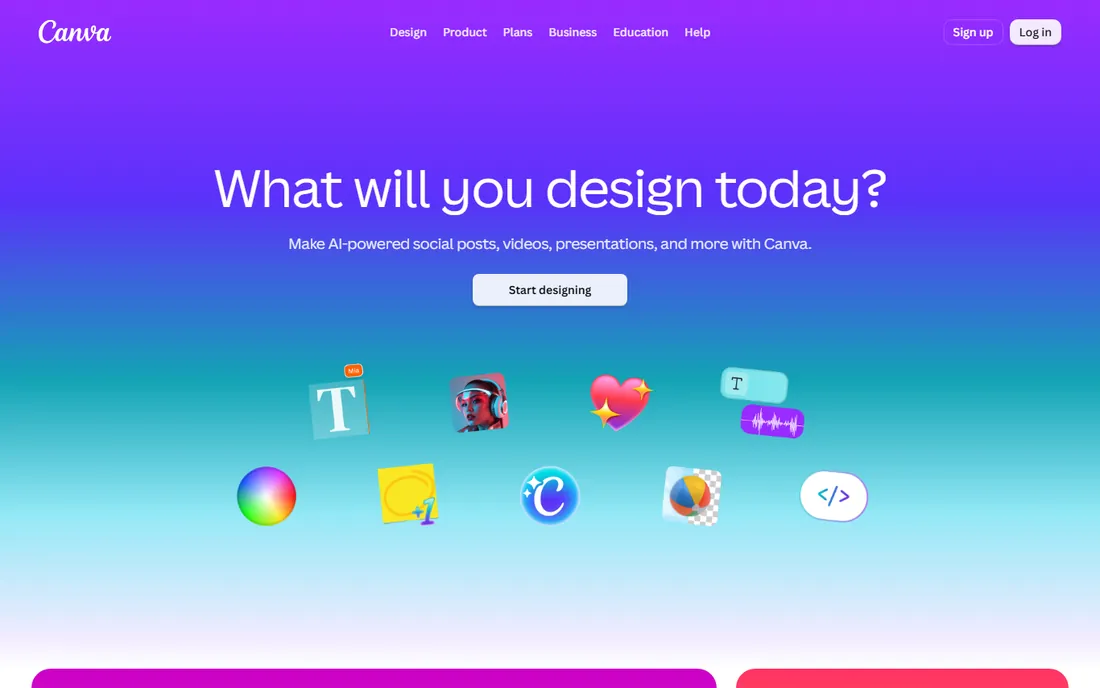
Canva's Magic Media puts text-to-image inside the design tool millions already use. The real value is the workflow: generate a hero image, drop it into a presentation, resize the design for every social platform, and export, all without leaving Canva. For small businesses, teachers, and social media managers, that end-to-end path beats a better generator with no design tools.
Generation counts are limited on both free and Pro plans, so heavy AI users will run out. Prompt control is basic, and outputs lean toward the safe and generic. Canva is not where you go for striking AI art. It is where AI images become finished designs fastest, which is what most buyers actually need.
What we like- Magic Media generation inside the world's easiest design tool
- Massive template library
- Free plan is genuinely useful
Watch out for- Generation limits on free and Pro
- Less control than dedicated generators
- AI images can feel generic
Starting priceSee website
Free planYes
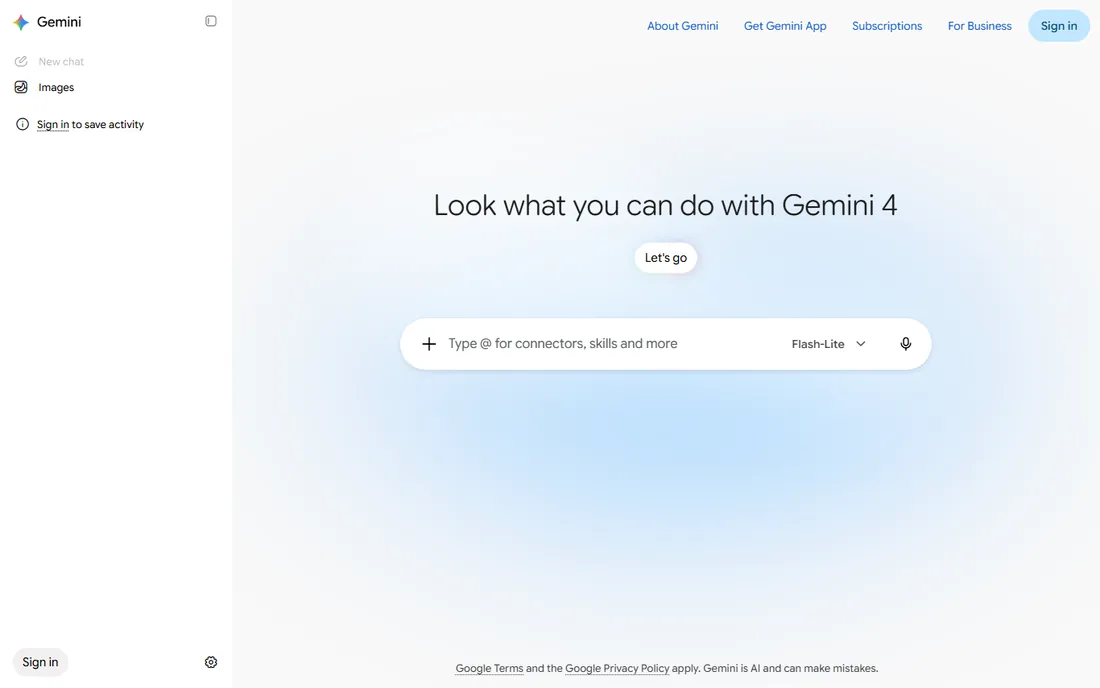
Gemini, Google's AI assistant, includes image generation powered by its Imagen models. Like ChatGPT, the appeal is conversational: ask for an image in the middle of research or planning, refine it with follow-up messages, and keep working. It is particularly good at following detailed instructions and producing clean, literal illustrations of what you described.
The free tier includes image generation with daily limits, and paid plans raise them. The artistic range is narrower than Midjourney, and photorealistic people generation has had restrictions. For Android users and anyone living in Google's ecosystem, Gemini is the path of least resistance from idea to image.
What we like- Free image generation in the Gemini app
- Good at following instructions
- Integrates with Google's ecosystem
Watch out for- Generation limits on the free tier
- Style range narrower than specialists
- Availability varies by region
Free vs. paid: what the credits actually get you
Almost every app here runs on credits, tokens, or daily limits, and understanding the economy matters more than the feature list. Free tiers fall into three patterns. Daily-reset credits (StarryAI, Leonardo) suit regular light use. Ad-supported unlimited-ish generation (WOMBO Dream) suits bursts of casual fun. Hard monthly caps (Firefly, Canva) suit occasional business use.
Paid plans generally buy three things: more generations, faster processing, and commercial rights. That last one matters most. Several free tiers restrict commercial use or grant narrower licenses, so read the terms before using AI images in client work or products. Midjourney is the outlier: no free tier at all, with commercial rights tied to the plan level.
A practical rule: if you generate fewer than 30 images a month, free tiers cover you. Between 30 and 300, a single subscription to the app you like best is enough. Above that, compare per-image costs, because credit packs and unlimited plans diverge fast at volume.
How we chose
We focused on apps, not platforms: tools with real mobile apps or app-style web experiences that a normal person can open and use. We weighted free-tier generosity, output quality, ease of use, and fit for common jobs like social posts, thumbnails, and presentations. We aimed to cover the quality leader (Midjourney), the assistants (ChatGPT, Gemini), the mobile specialists (StarryAI, Dream), the control pick (Leonardo), the commercial-safe option (Firefly), and the design-integrated apps (Canva, Picsart, Designer). We did not generate test images in each app for this roundup. The reliable test is free and instant: generate the same prompt in three apps and compare.
What to check before you buy
First, check the commercial terms. AI image rights vary: some apps grant full ownership, some restrict commercial use on free tiers, and Midjourney ties rights to your subscription level. If the images will touch client work, read the terms page, not the marketing page.
Second, test with your actual prompts. Generators have personalities: one excels at photorealism, another at illustration, another at text in images. Run the same five prompts through each finalist's free tier and judge the outputs side by side.
Third, count your real volume. Most buyers wildly overestimate how many images they need. Check the free tier limits against a normal month before paying. Credit systems punish heavy days, so if your usage spikes, look for plans with rollover or unlimited options.
Fourth, consider the workflow around the image. A slightly worse generator inside Canva or Picsart beats a better generator when you still need to design the post afterward. The app that finishes the job matters more than the app with the prettiest raw output.
Finally, watch for lock-in. Styles, saved prompts, and brand kits accumulate in one app. That is fine if the app keeps improving, but keep your original prompts and exported originals somewhere you control.
Frequently asked questions
Are AI-generated images legal to use commercially?
It depends on the app's terms. Most paid plans grant commercial rights to images you generate, and some free tiers do too. Adobe Firefly's licensed training data makes it the popular choice for risk-averse businesses. When in doubt, read the terms of service for your specific plan.
Which AI picture app is best for beginners?
WOMBO Dream for pure simplicity, StarryAI for a slightly deeper mobile experience, or ChatGPT if you already use it. All three let you type a sentence and get an image with no settings to learn. Graduate to Leonardo or Midjourney when you want more control.
Can AI generators make images with readable text?
Getting better every year. ChatGPT's image model and Adobe Firefly handle short text in images reasonably well, which helps with posters and memes. Long passages still come out garbled across most apps. For text-heavy designs, add the text in Canva or Picsart afterward.
Do I need a powerful phone or computer?
No. All the generation happens on the vendor's servers, so even a basic phone runs these apps fine. You need a decent internet connection, since images upload and download, but the hardware requirements are minimal.
How many free images can I generate?
It varies widely: daily-resetting credits on StarryAI and Leonardo, ad-supported generation on WOMBO Dream, monthly credit allowances on Firefly and Canva, and daily limits on ChatGPT and Gemini. Midjourney offers no free tier. Check each app's current free plan, since allowances change.
Will AI images look the same as everyone else's?
They can, if you use short generic prompts. Distinctive results come from detailed prompts with style references, unusual combinations, and post-editing. Apps with style controls and negative prompts, like Leonardo and Midjourney, give you more ways to stand out.
Sources we checked (10)
- https://www.midjourney.com
- https://chatgpt.com
- https://starryai.com
- https://dream.ai
- https://leonardo.ai
- https://firefly.adobe.com
- https://designer.microsoft.com
- https://picsart.com
- https://www.canva.com
- https://gemini.google.com
Is your product missing or out of date?
We review this list regularly. Vendors can request a listing, send updated pricing or ask about featured placement.

Shihab Mia · Founder, Rankite
Shihab has spent more than a decade helping SaaS and e-commerce brands grow through search. He writes Rankite's software buying guides from pricing pages, documentation and public user reviews. More about Shihab.