How we make this list: we compare pricing pages, product documentation and public user reviews. Rankite is independent; if a vendor ever pays for a featured spot, that listing is clearly labeled Partner.
Key takeaways
- PC repair tools fix things that are broken: system errors, crashes, corrupted files and damage left by malware. That is a different job from tune-up tools that mainly clean junk and speed up boot times.
- Fortect and Restoro are the best-known dedicated repair products, built around replacing damaged Windows system files.
- All-in-one utilities from IObit, Glarysoft, Piriform, iolo, Ashampoo, Outbyte and WiseCleaner bundle repair modules with maintenance features.
- No software repairs failing hardware. If crashes come with clicking drives or overheating, back up your data and see a technician.
- Free scans are common, but actual repairs almost always require a paid license, so budget accordingly.
Quick comparison
| Tool | Best for | Starting price | Free plan |
|---|
 Fortect Fortect | Repairing damaged Windows system files | See website | See website |
 Restoro Restoro | Fixing errors and malware damage | See website | See website |
 Advanced SystemCare Advanced SystemCare | All-in-one repair and maintenance | See website | See website |
 Glary Utilities Glary Utilities | Free-friendly repair toolkit | See website | See website |
 CCleaner CCleaner | Cleaning plus basic system repair | See website | See website |
 System Mechanic System Mechanic | Automated repair for non-technical users | See website | See website |
 Ashampoo WinOptimizer Ashampoo WinOptimizer | Repair with detailed system insights | See website | See website |
 Outbyte PC Repair Outbyte PC Repair | Guided fixes for common Windows issues | See website | See website |
 Wise Care 365 Wise Care 365 | Lightweight repair and maintenance suite | See website | See website |
Is your product missing or out of date?
We review this list regularly. Vendors can request a listing, send updated pricing or ask about featured placement.
The best pc repair software
Starting priceSee website
Free planSee website
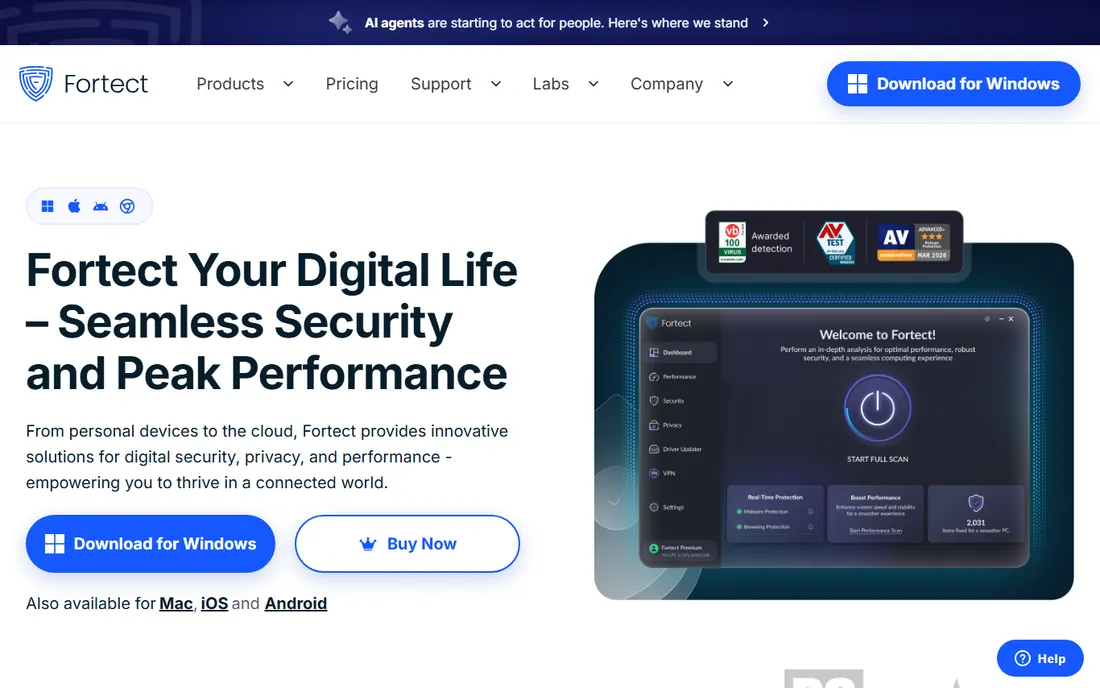
Fortect is one of the few products designed from the ground up as a repair tool rather than a cleaner with repair features bolted on. It scans Windows for corrupted or missing system files, then replaces them with fresh copies from its online repository. It also addresses damage left behind after malware removal, such as broken registry entries and altered system settings.
The free scan shows you what it finds, but fixing anything requires a paid license, which is standard in this category. Some users find the scan reports alarming by design, so read the findings calmly before buying. If your PC throws system errors or behaves strangely after a malware infection, Fortect is the most purpose-built option here.
What we like- Built specifically for system repair, not just cleanup
- Replaces damaged files with fresh copies
- Includes malware damage repair
Watch out for- Paid license required for actual repairs
- Aggressive marketing of scan results
- Windows only
Starting priceSee website
Free planSee website
Restoro works on the same principle as Fortect: scan the system, identify damaged or missing Windows files, and replace them with clean versions. Its initial diagnosis covers stability, security and hardware indicators, giving you a readable summary of what is wrong before you commit to anything.
As with Fortect, the scan is free and the repairs are paid. The product has been around for years and fills the same niche, so the choice between the two comes down to current pricing and which interface you prefer. For post-malware cleanup and persistent system errors, it is a direct alternative worth comparing.
What we like- Similar file-replacement repair approach
- Diagnoses hardware, security and stability issues
- Straightforward scan-and-fix workflow
Watch out for- Paid license needed for repairs
- Scan findings can look scarier than the reality
- Windows only
#3
Advanced SystemCare
Best for: All-in-one repair and maintenance
Visit iobit.com
Starting priceSee website
Free planSee website

Advanced SystemCare from IObit is the Swiss army knife of this list. Its scans cover registry errors, broken shortcuts, disk issues and security weaknesses alongside the usual junk cleaning. For a non-technical user who wants one program that both repairs and maintains, it is the most complete package.
The free version does real work but regularly promotes the Pro upgrade, which adds deeper repair and real-time protection. During installation, read each screen to avoid bundled extras. It is less specialized than Fortect for deep system file repair, but broader in everyday coverage.
What we like- Large toolkit covering repair, cleanup and protection
- One-click scan suits beginners
- Long track record
Watch out for- Free version nags toward the paid Pro tier
- Some bundled features duplicate Windows tools
- Installer offers need attention
Starting priceSee website
Free planSee website
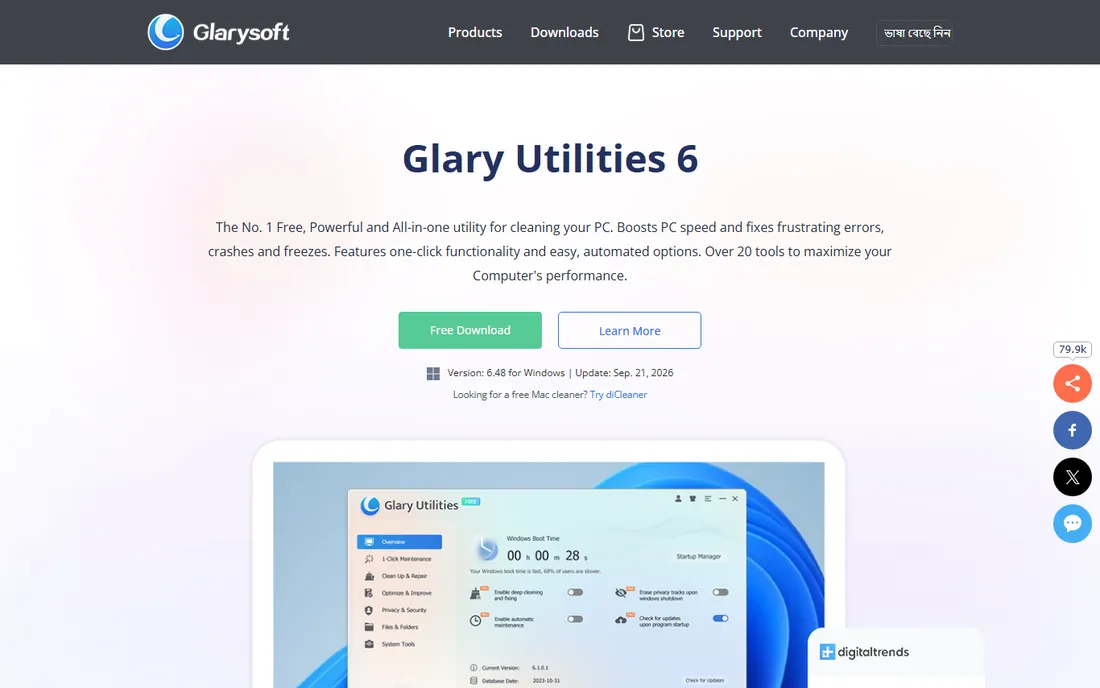
Glary Utilities takes a modular approach: instead of one big scan button, you get individual tools for registry repair, disk repair, shortcut fixing, driver backup and more. The free version is genuinely useful, which makes it a good first stop before spending money on a paid repair product.
The trade-off is polish. The interface crams a lot into little space, and some modules have not changed in years. The paid Pro version mostly adds scheduling and automation rather than new repair power. If you like picking specific tools for specific problems, Glary Utilities respects that workflow.
What we like- Generous free version
- Modular tools you run individually
- Registry repair and disk repair included
Watch out for- Interface packs many tools into small windows
- Some modules feel dated
- Paid Pro mainly adds automation
Starting priceSee website
Free planSee website
CCleaner is famous as a cleaner, but its registry scanner and software updater give it legitimate repair-adjacent value. Outdated drivers and broken registry entries cause real problems, and CCleaner addresses both in an interface anyone can follow. Its sheer popularity means tutorials and community help are everywhere.
Be clear about its limits: it will not replace damaged Windows system files the way Fortect or Restoro attempt to. The company has also faced criticism over bundled software and a past security incident, so download only from the official site. As a maintenance tool with light repair duties, it remains useful; as a deep repair solution, look elsewhere.
What we like- Extremely well known and widely used
- Registry cleaner and software updater included
- Simple interface
Watch out for- Repair features are lighter than dedicated tools
- Past bundling controversies hurt trust
- Free version is limited
#6
System Mechanic
Best for: Automated repair for non-technical users
Visit iolo.com
Starting priceSee website
Free planSee website
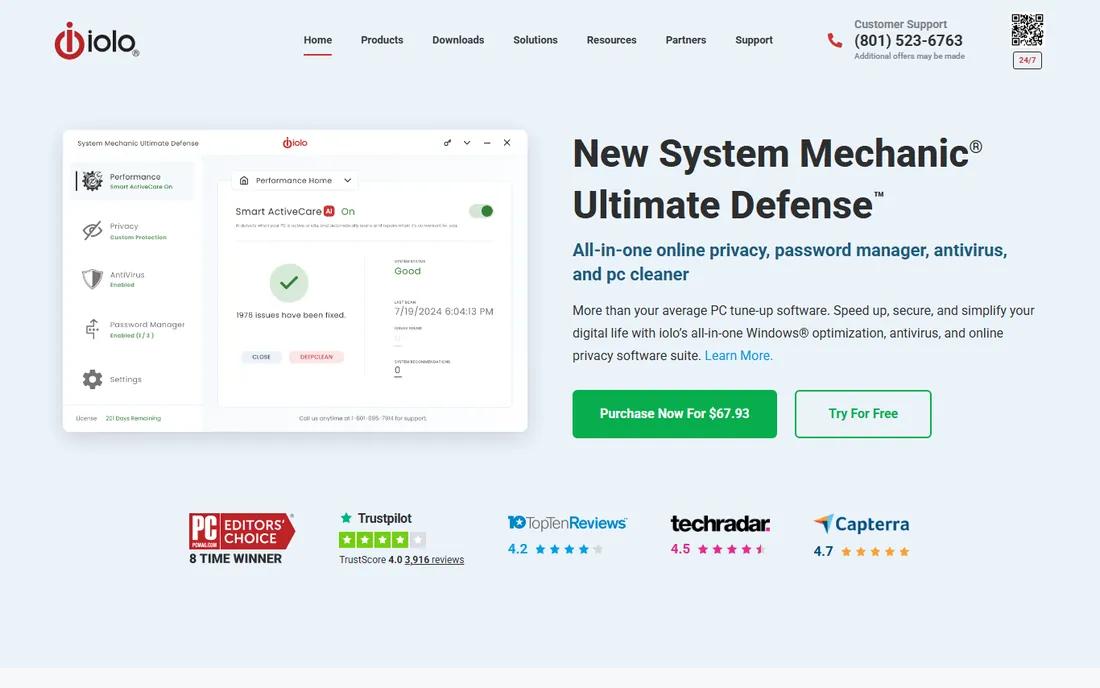
System Mechanic from iolo aims at users who want to click one button and have the software figure out the rest. It scans for the causes of crashes, freezes and error messages, applies fixes automatically, and includes malware cleanup. For someone who finds the modular tools intimidating, that hand-holding has value.
It is subscription software, and the automation that makes it easy also means you see less of what it changes. No automated tool can fix every cause of instability, so set expectations accordingly. If you want repair without learning system internals, this is the most guided option on the list.
What we like- Highly automated, minimal decisions required
- Targets crashes, freezes and slowdowns
- Includes malware removal
Watch out for- Subscription pricing
- Automation means less control
- Results vary with the cause of the problem
Starting priceSee website
Free planSee website
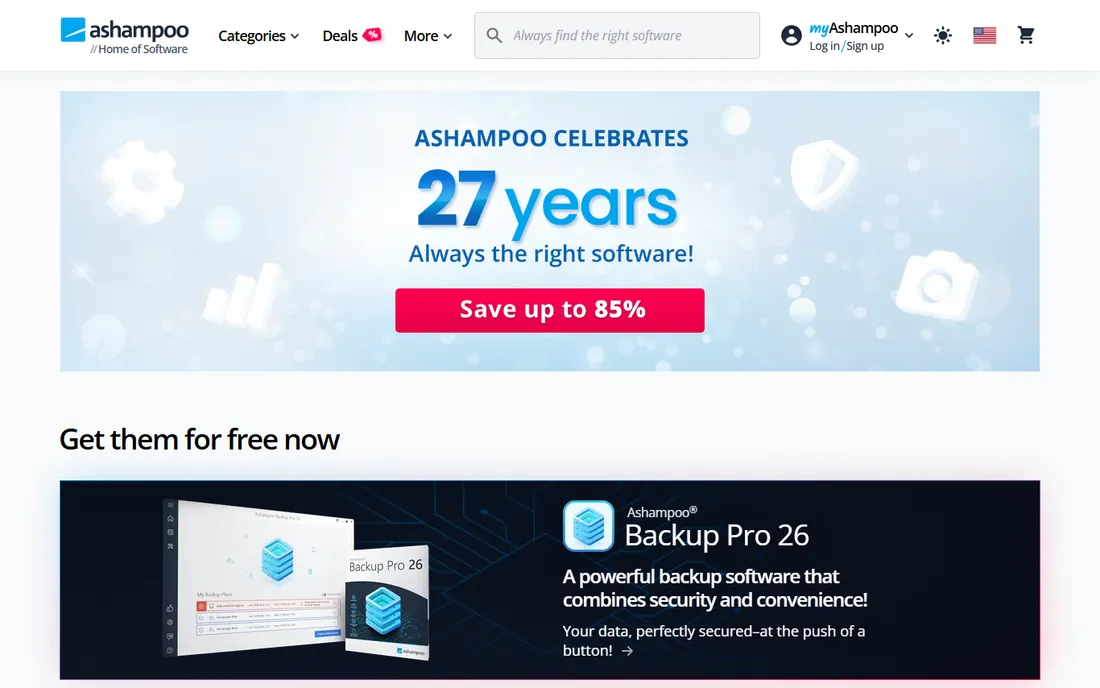
Ashampoo WinOptimizer combines repair modules with unusually detailed system information. Its scans report on disk health, registry issues and system configuration with more explanation than most competitors, which helps curious users understand what is being fixed. Drive repair, registry cleaning and file recovery tools are included.
Much of its maintenance functionality overlaps with free alternatives, so the value depends on whether you want the analysis and the polished interface. Ashampoo promotes its other products within the app, which some users find annoying. Check current licensing on the vendor's site, as the company has offered both subscriptions and one-time purchases.
What we like- Detailed system analysis and benchmarks
- Drive and registry repair modules
- One-time purchase options have existed
Watch out for- Feature set overlaps with free tools
- Upsells other Ashampoo products
- Windows only
#8
Outbyte PC Repair
Best for: Guided fixes for common Windows issues
Visit outbyte.com
Starting priceSee website
Free planSee website
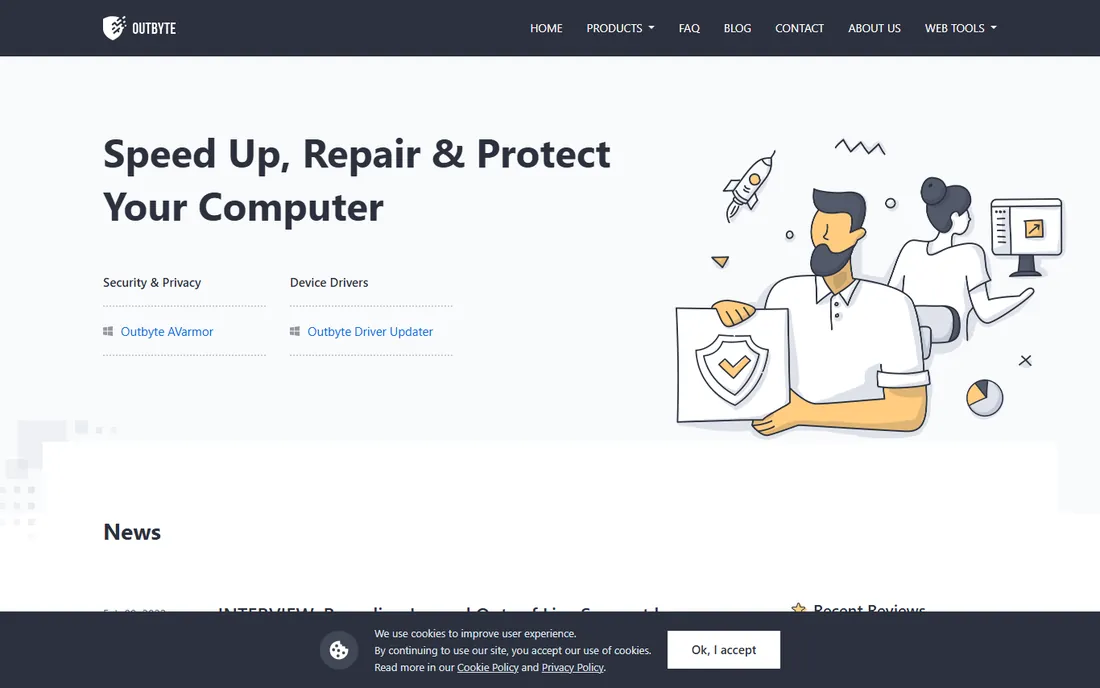
Outbyte PC Repair follows the familiar pattern: free scan that diagnoses stability, performance and security issues, then a paid license to apply the fixes. Its presentation is more guided than most, explaining common Windows problems in plain language as it finds them.
The brand is newer than the established names here, so there is less long-term reputation to go on. The scan-to-purchase model is the same as Fortect and Restoro. For users who want the diagnosis explained clearly before paying, the guided approach is a reasonable differentiator.
What we like- Walks through common fixes step by step
- Identifies performance and stability issues
- Lightweight install
Watch out for- Paid license for full repairs
- Newer brand with less track record
- Scan-to-purchase funnel like competitors
Starting priceSee website
Free planSee website
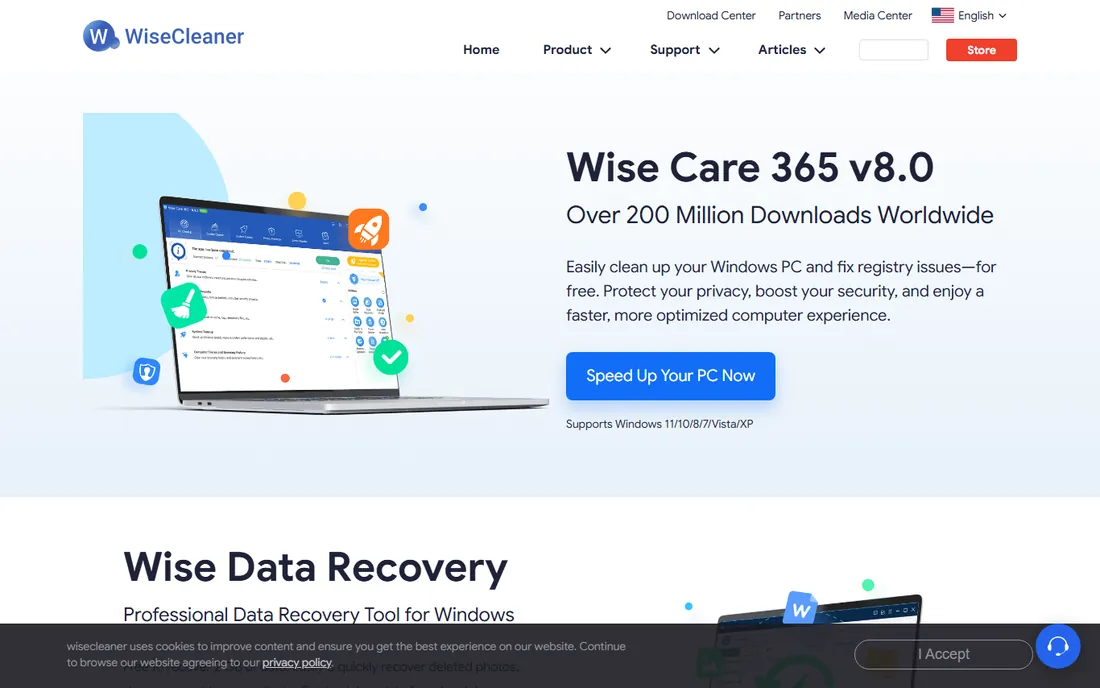
Wise Care 365 from WiseCleaner is the lightweight of the group. It installs quickly, runs fast, and covers registry cleaning, disk repair, privacy cleaning and basic optimization without bogging down the system it is trying to fix. The free version handles everyday maintenance competently.
It does not attempt the deep system-file replacement of the dedicated repair tools, so match it to appropriate problems: clutter, registry cruft and minor errors rather than serious corruption. For older or slower PCs where heavy suites themselves cause lag, its lightness is a genuine advantage.
What we like- Fast and light on system resources
- Registry and disk repair included
- Free version covers the basics
Watch out for- Repair depth is modest
- Interface is plain
- Pro version needed for the full feature set
PC repair vs. PC tune-up: the difference matters
These are different product categories that get confused because the same companies often sell both. PC repair software fixes things that are broken. It replaces corrupted system files, repairs registry damage, resolves crash-causing errors and cleans up after malware. You buy it because something is wrong.
PC tune-up software prevents or postpones problems. It deletes temporary files, manages startup programs, defragments drives and tweaks settings for speed. You buy it because the computer feels slow. Many suites bundle both, which is fine, but know which job you are hiring the tool for.
The distinction matters when something is genuinely broken. A tune-up cleaner will not replace a corrupted system DLL or fix a blue screen caused by damaged files. Conversely, buying a dedicated repair tool for a merely slow PC wastes money. Diagnose first: error messages, crashes and post-malware weirdness point to repair; gradual slowness without errors points to tune-up or hardware limits.
Start with the actual symptoms. Write down the error messages, when crashes happen and what changed before they started. A tool that replaces system files helps with corruption; it does nothing for a failing hard drive or overheating CPU. Matching the tool to the symptom avoids the most common disappointment in this category.
Then check what the scan actually promises. Reputable tools explain their repair method: file replacement, registry restoration, driver updates. Vague claims about fixing thousands of errors mean little without specifics. Be skeptical of free scans that report catastrophic findings; get a second opinion from a free tool before paying.
Consider the license terms. Most repair products are subscriptions now, so note the renewal price, not just the first-year discount. Check how many PCs the license covers if you have more than one computer. And confirm there is a refund policy, since repair software cannot guarantee results.
Finally, back up before you repair. Any tool that modifies system files or the registry can make things worse if something goes wrong. Create a system restore point or a full backup first. This single habit matters more than which product you choose.
How we chose
We defined the category narrowly: tools whose core job is fixing Windows errors, crashes, corrupted files and malware damage, not merely speeding up a healthy PC. We favored dedicated repair products alongside established suites with real repair modules, and we excluded pure junk cleaners and download-portal repacks. We did not run hands-on tests; this guide reflects documented features and the vendors' stated repair methods.
A note on prices in this guide: we could not re-confirm every vendor pricing page at the time of writing, so paid tools are marked See website. Check the vendor's current pricing page before you buy, since plans change frequently.
Frequently asked questions
Can PC repair software fix the blue screen of death?
Sometimes. If the blue screen comes from corrupted system files or driver issues, repair tools can help. If it comes from failing hardware like bad RAM or a dying drive, no software will fix it. Note the stop code on the blue screen and look it up before buying anything.
Is PC repair software safe to use?
Reputable tools from established vendors are generally safe, but any software that modifies system files carries some risk. Create a system restore point before running repairs, download only from the vendor's official site, and avoid tools that pressure you with alarming scan results.
What is the difference between PC repair and antivirus software?
Antivirus removes active malware. PC repair fixes the damage malware left behind, such as broken system files and registry entries, and addresses non-malware problems like corruption and errors. They complement each other; one does not replace the other.
Do I need PC repair software if I have Windows built-in tools?
Windows includes genuinely useful repair tools: System File Checker, DISM, Startup Repair and System Restore fix many problems for free. Try those first. Third-party repair software makes sense when built-in tools fail or when you want the process automated.
Why do free scans find thousands of problems?
Many free scans count minor items like temporary files, tracking cookies and empty registry keys as problems to make the results look serious. These rarely cause crashes. Focus on whether the tool addresses your actual symptoms, not on the size of the number it reports.
Can these tools speed up my computer?
They can help if the slowness comes from errors, corrupted files or malware damage. If the PC is simply old or the drive is nearly full, repair software will not make it fast. For general slowness without errors, tune-up steps or a hardware upgrade are the honest answers.
Sources we checked (9)
- https://www.fortect.com
- https://www.restoro.com
- https://www.iobit.com
- https://www.glarysoft.com
- https://www.ccleaner.com
- https://www.iolo.com
- https://www.ashampoo.com
- https://www.outbyte.com
- https://www.wisecleaner.com
Is your product missing or out of date?
We review this list regularly. Vendors can request a listing, send updated pricing or ask about featured placement.

Shihab Mia · Founder, Rankite
Shihab has spent more than a decade helping SaaS and e-commerce brands grow through search. He writes Rankite's software buying guides from pricing pages, documentation and public user reviews. More about Shihab.