How we make this list: we compare pricing pages, product documentation and public user reviews. Rankite is independent; if a vendor ever pays for a featured spot, that listing is clearly labeled Partner.
Key takeaways
- Windows 10 and 11 already handle routine junk cleanup through Storage Sense, so a third-party cleaner has to earn its place with privacy tools, scheduling, or deeper scans.
- CCleaner remains the best-known all-rounder, with a free tier and Professional at $44.95 per year list price, though frequent promos change what you actually pay.
- Free and open-source options are genuinely strong: BleachBit covers secure deletion, and Wise Disk Cleaner handles scheduled junk cleanup without costing anything.
- Privacy-focused buyers should look at PrivaZer, which specializes in deep trace cleanup and secure overwriting rather than general speed boosting.
- Paid plans mostly buy automation, scheduled cleaning, and extras like driver updaters; the free tiers cover the core junk removal most people need.
Quick comparison
| Tool | Best for | Starting price | Free plan |
|---|
 CCleaner CCleaner | Everyday junk and privacy cleanup on home and office PCs | Free; Professional $44.95/year (list price, often discounted) | Yes |
 Microsoft PC Manager Microsoft PC Manager | Windows users who want Microsoft's own free maintenance app | Free | Yes |
 BleachBit BleachBit | Privacy-focused users who want open-source secure deletion | Free (open source) | Yes |
 Wise Disk Cleaner Wise Disk Cleaner | Lightweight scheduled junk cleanup on older or slower PCs | Free; Wise Care 365 Pro from $29.96/year | Yes |
 Glary Utilities Glary Utilities | One-click maintenance backed by a deep toolbox | Free; Pro $39.95/year | Yes |
 IObit Advanced SystemCare IObit Advanced SystemCare | Set-and-forget all-in-one optimization for beginners | Free; Pro from $16.77/year | Yes |
 AVG TuneUp AVG TuneUp | Automatic maintenance with sleep mode for background apps | From $29.99/year | Free trial |
 PrivaZer PrivaZer | Deep privacy cleanup with secure overwriting | Free (donationware; Pro available via contribution) | Yes |
 Ashampoo WinOptimizer Ashampoo WinOptimizer | Scheduled maintenance with restore safety nets | From $50 (one-time); free trial available | Free trial |
Is your product missing or out of date?
We review this list regularly. Vendors can request a listing, send updated pricing or ask about featured placement.
The best PC cleanup software
#1
CCleaner
Best for: Everyday junk and privacy cleanup on home and office PCs
Visit ccleaner.com
Starting priceFree; Professional $44.95/year (list price, often discounted)
Free planYes
Few names in PC maintenance carry as much recognition as CCleaner. The free version handles the essentials well: junk file removal, browser history and cookie cleanup, a startup manager, and a basic health check. It scans quickly and presents results in plain language, which is why it remains the default recommendation for non-technical users who just want their PC tidied up.
The paid Professional tier adds scheduled cleaning, automatic updates for third-party apps, a driver updater, and a performance optimizer that puts idle background apps to sleep. At $44.95 per year list price it is not the cheapest option here, though CCleaner discounts it often enough that the checkout price rarely matches the sticker. The honest catch is that Windows 10 and 11 do much of the basic job themselves now, so CCleaner earns its keep mainly through the privacy cleanup, the startup controls, and the convenience of having everything in one dashboard.
What we like- Established cleaner with a huge user base
- Covers junk, privacy traces, startup items and driver updates in one app
- 60-day trial of Pro features
Watch out for- List price changes with frequent promos, so the price you see varies
- Installer needs attention to avoid bundled offers
- Windows now covers basic cleanup free
Starting priceFree
Free planYes
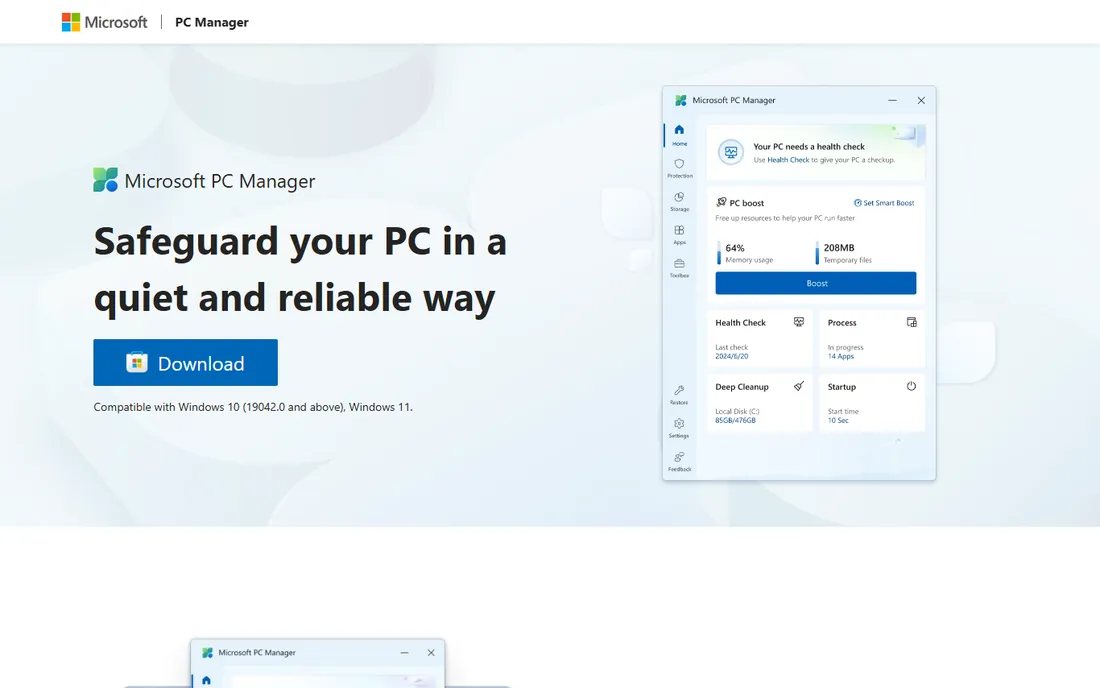
When the maker of the operating system ships its own cleanup tool, it deserves a look. Microsoft PC Manager is a free app for Windows 10 and 11 that bundles a health check, storage management, startup app controls, and a process manager into a single lightweight interface. It also surfaces Windows' own Storage Sense settings, which handle automatic temporary-file cleanup on a schedule you define.
There is nothing here you cannot get elsewhere, and power users will miss the granular controls of tools like CCleaner or PrivaZer. The appeal is simplicity and trust: no third-party vendor, no subscription, no bundled offers, and an app that is signed and supported by Microsoft itself. For a small office that wants a standard cleanup routine on every machine without managing licenses, it is hard to argue with free.
What we like- Completely free with no subscription or upsells
- Health check, storage cleanup and process management in one place
- From Microsoft, so there are no trust questions
Watch out for- Thinner feature set than paid cleaners
- Only supports Windows 10 and 11
- No deep privacy trace cleanup
#3
BleachBit
Best for: Privacy-focused users who want open-source secure deletion
Visit bleachbit.org
Starting priceFree (open source)
Free planYes
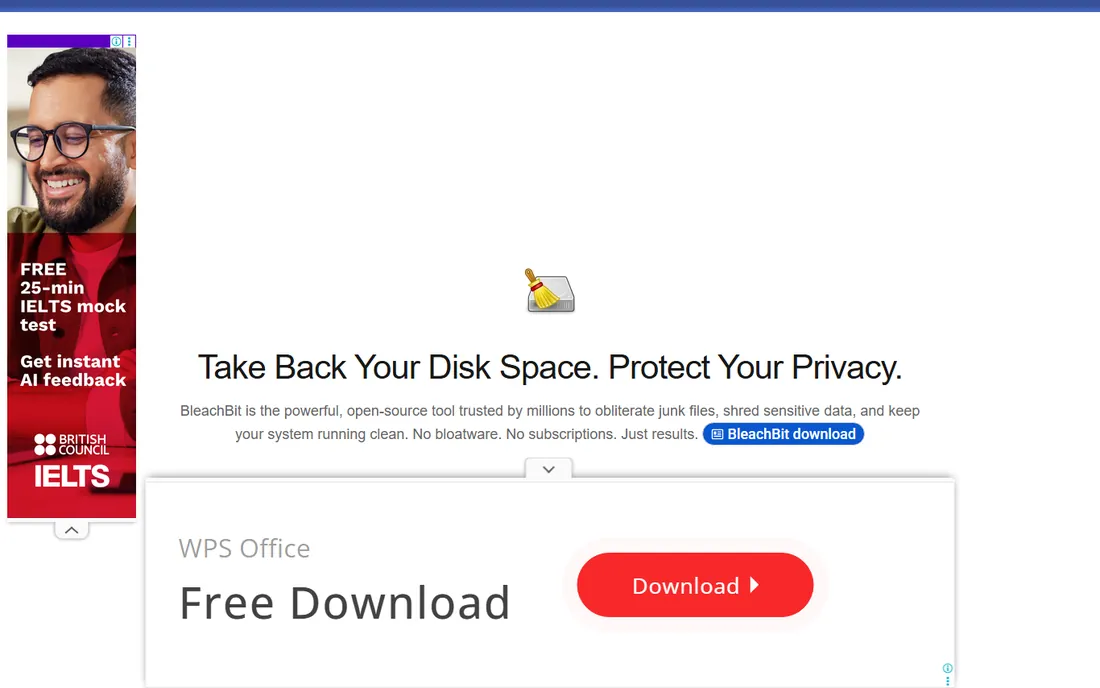
BleachBit takes a different stance from the commercial cleaners: it is open source, it costs nothing, and it never tries to sell you anything. It clears caches, cookies, temporary files, and application traces across hundreds of supported programs, and it can shred files so they cannot be recovered. The command-line version also makes it a favorite for scripted or scheduled cleanup on managed machines.
The tradeoff for that purity is polish. The interface is functional rather than friendly, and beginners get less hand-holding than with CCleaner or Glary Utilities. It also sticks to its lane: you will not find driver updaters, startup optimizers, or performance dashboards here. If your priority is trustworthy privacy cleanup without spending a dollar or installing ad-supported software, BleachBit is the strongest free pick in this list.
What we like- Completely free with no paid tier or ads
- Secure file shredding and deep application trace cleanup
- Runs on Windows and Linux
Watch out for- Plainer interface than commercial rivals
- Fewer guided features for beginners
- No driver or software updating
#4
Wise Disk Cleaner
Best for: Lightweight scheduled junk cleanup on older or slower PCs
Visit wisecleaner.com
Starting priceFree; Wise Care 365 Pro from $29.96/year
Free planYes
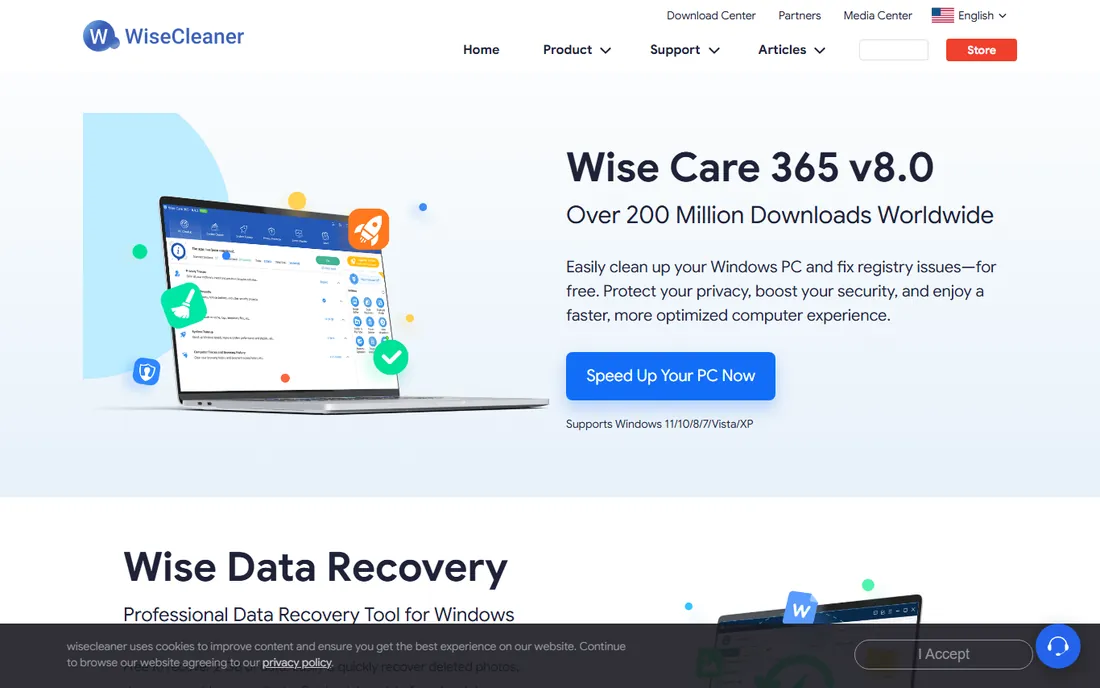
Wise Disk Cleaner is the minimalist of the group. It does one job, removing junk files, temporary files, and browser traces, and it does it with a tiny footprint that suits older machines or PCs where every megabyte of RAM matters. You can schedule cleanups to run automatically, which makes it a decent set-and-forget option for routine maintenance.
WiseCleaner also sells Wise Care 365, a broader suite that adds registry cleaning, privacy protection, and system tune-up tools, with Pro starting at $29.96 per year. The free Disk Cleaner never expires and never nags excessively, but expect to see prompts for the bigger suite. Buyers who want more than basic junk removal should compare the full suite against Glary Utilities or Advanced SystemCare before paying.
What we like- Very light on system resources
- Scheduled and automatic cleaning options
- The free version covers everyday junk cleanup well
Watch out for- The free Disk Cleaner is basic compared with the full Care 365 suite
- Regular upsell prompts for the paid bundle
- Interface looks dated next to newer rivals
Starting priceFree; Pro $39.95/year
Free planYes
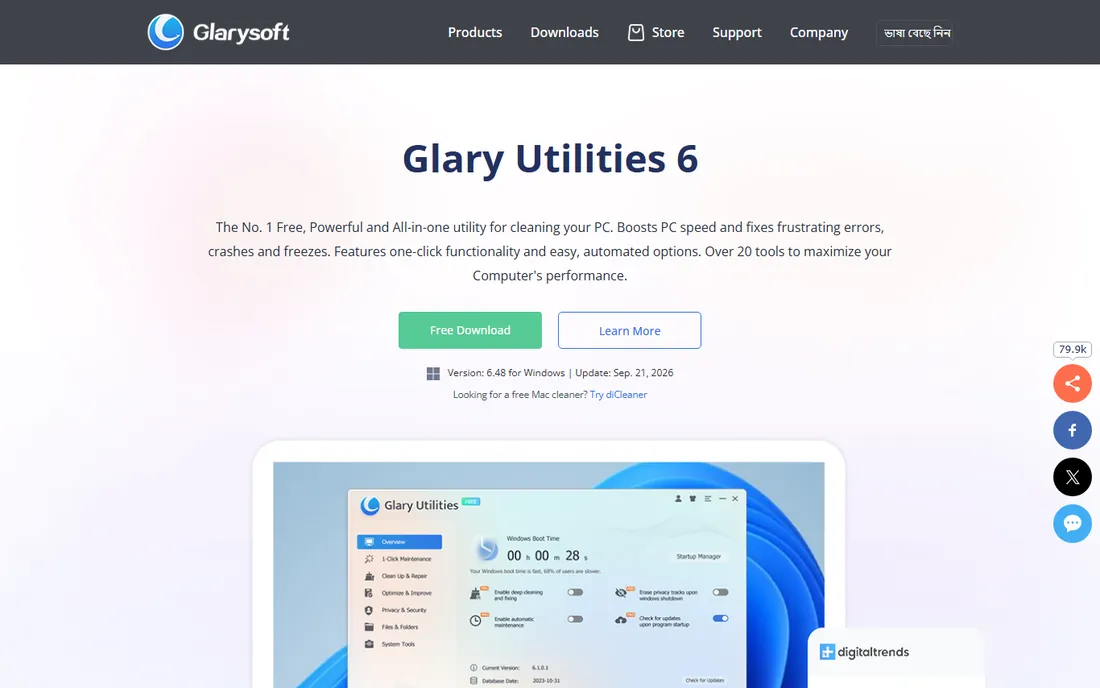
Glary Utilities is for people who like having a tool for everything. Beyond junk and registry cleanup, the suite includes a duplicate file finder, a file shredder, an uninstaller, disk analysis, and even file recovery. The one-click maintenance button runs the common jobs together, while the individual modules give tinkerers fine control over each task.
The free version is generous, and Pro at $39.95 per year adds automatic scheduled maintenance and priority support. Glary's strength is breadth, and that is also its weakness: the sheer number of modules can feel like clutter, and some duplicate Windows' built-in tools. Still, for a single install that covers cleanup, repair, and a handful of genuinely useful extras like the duplicate finder, it is one of the best value suites here.
What we like- More than 20 tools including file recovery, duplicate finder and startup manager
- One-click maintenance for routine runs
- Changes can be undone
Watch out for- Annual subscription only, no lifetime option
- The module-packed interface can overwhelm
- Several tools duplicate what Windows already does
#6
IObit Advanced SystemCare
Best for: Set-and-forget all-in-one optimization for beginners
Visit iobit.com
Starting priceFree; Pro from $16.77/year
Free planYes

Advanced SystemCare leans into simplicity. The main screen offers a single prominent scan button that sweeps junk files, invalid registry entries, privacy traces, and startup items in one pass. An AI mode adjusts the routine based on your usage patterns. For a household PC or a small office where nobody wants to learn what a registry key is, that one-button approach is the whole selling point.
Pro starts at $16.77 per year, which undercuts most paid rivals, and adds deeper cleaning, automatic RAM optimization, and real-time system monitoring. The catch is the business model: the installer and the app itself push bundled software and upgrades persistently. Careful users can decline everything and still get a capable free cleaner, but the upsells are the price of the low price.
What we like- One-click cleanup covering junk, privacy traces, and startup items
- AI-assisted mode personalizes the scan
- Pro is among the cheapest paid tiers here
Watch out for- Installer bundles extra software if you click through carelessly
- Frequent upsell prompts in the free version
- Some features overlap with Windows tools
#7
AVG TuneUp
Best for: Automatic maintenance with sleep mode for background apps
Visit avg.com
Starting priceFrom $29.99/year
Free planFree trial
AVG TuneUp positions itself as maintenance you do not have to think about. Its automatic maintenance handles junk cleanup, browser traces, and registry tidying on a schedule, while the sleep mode feature puts resource-hungry background programs into a low-power state until you need them. A disk cleaner, browser cleaner, and software updater round out the package.
Pricing starts at $29.99 per year, and there is no permanent free tier, only a trial. One wrinkle worth knowing: AVG and Avast share a parent company, and their TuneUp and Cleanup products overlap heavily, so check which one is cheaper before buying. TuneUp suits users who want the PC maintained quietly in the background and are comfortable paying an annual fee for that convenience.
What we like- Automatic maintenance runs without manual scans
- Sleep mode pauses background apps to free resources
- Undo center lets you reverse changes
Watch out for- Full features require the paid plan
- Overlaps with Avast Cleanup from the same parent company
- Subscription auto-renews annually
Starting priceFree (donationware; Pro available via contribution)
Free planYes
PrivaZer is the specialist's choice for privacy. Where most cleaners skim the surface, PrivaZer digs into residual traces in file tables and free space, cleaning them with overwriting techniques adapted to the storage medium. It visualizes what it finds, lets you control how thoroughly each category is cleaned, and includes a file shredder for deliberate deletion. A portable version runs from a USB stick without installation.
That depth comes with slower scans and an interface packed with options that can intimidate casual users. It is also honest about what it is not: a general speed booster. If your goal is making sure deleted files and activity traces are truly unrecoverable, PrivaZer is the most thorough free tool in this roundup. If you just want a faster-feeling PC, one of the all-in-one suites fits better.
What we like- Deep scan of application traces, histories, and residual file-table data
- Smart overwriting adapts to HDDs and SSDs
- Portable version runs without installation
Watch out for- Thorough scans take longer than quick cleaners
- Dense interface with many options
- Focused on privacy rather than speed boosting
#9
Ashampoo WinOptimizer
Best for: Scheduled maintenance with restore safety nets
Visit ashampoo.com
Starting priceFrom $50 (one-time); free trial available
Free planFree trial
Ashampoo WinOptimizer takes a cautious approach to cleanup: before it changes anything significant, it creates a backup so you can roll back. That safety net, combined with automatic scheduled cleaning and a live tuner that adjusts system settings, makes it appealing for users who have been burned by aggressive cleaners in the past. The dashboards present system health, privacy status, and disk usage in a clear way.
The trial lets you test the full feature set, but it expires, and the paid version starts at $50 as a one-time purchase rather than a subscription. That pricing cuts both ways: no recurring bill, but a higher upfront cost than a year of most rivals. It is a solid pick for a single well-maintained PC where restore safety matters more than saving a few dollars.
What we like- Automatic cleaning with backups created before changes
- System analysis dashboards show what is happening
- Includes privacy and service management tools
Watch out for- Trial is time-limited rather than feature-limited
- Costs more upfront than subscription rivals
- Windows only
How we chose
We started from vendor pricing pages, documentation, and feature lists, then checked each product against public reviews on G2, Capterra, and Reddit threads from PC technicians and everyday users. We favored tools that are actively maintained in 2026, offer a genuinely useful free tier or trial, and publish clear pricing. We excluded tools with unresolved malware or deceptive-advertising histories, and we treated built-in Windows utilities as the baseline every third-party tool has to beat.
What to check before you pay for a PC cleaner
Start with what Windows already does
Windows 10 and 11 include Storage Sense, Disk Cleanup, and startup management that cover routine junk removal at no cost. Before buying anything, turn on Storage Sense in Settings under System and Storage, and run Disk Cleanup as an administrator to clear Windows Update leftovers. If that solves your problem, you do not need this list.
Match the tool to the actual problem
Slow startup points to startup managers and background app controls, which CCleaner, Glary Utilities, and AVG TuneUp all include. Privacy worries point to PrivaZer or BleachBit, which specialize in trace removal and secure deletion. A full disk points to duplicate finders and disk analyzers, where Glary Utilities shines. Buying an all-in-one suite for a single specific problem usually means paying for features you will never open.
Watch the installer and the renewal
Free cleaners monetize through bundled software offers and upsell prompts. Read every installer screen, decline extras, and download only from the vendor's official site. On paid plans, note whether the price is a one-time purchase like Ashampoo's or an annual subscription like the rest, and check the renewal price rather than the first-year promo. Most vendors here offer a 30 to 60 day money-back guarantee, which is enough time to judge whether the paid features matter to you.
Free versus paid: where the money actually goes
The free tiers in this roundup cover core junk cleanup well. Paid plans mostly add three things: automation through scheduled cleaning, deeper privacy and registry tools, and extras like driver updaters and real-time monitoring. For a home PC that gets a manual cleanup once a month, free is usually enough. For an office with several machines, or for anyone who wants maintenance to happen without thinking about it, a paid plan in the $17 to $45 per year range is reasonable. Be skeptical of lifetime deals from unfamiliar vendors and of any cleaner that promises dramatic speed gains; no software makes old hardware young again.
Frequently asked questions
Do I still need a PC cleaner if I have Windows 11?
Often not. Storage Sense handles temporary files and Recycle Bin cleanup automatically, and Disk Cleanup removes system leftovers like old Windows Update files. A third-party cleaner earns its place when you want scheduled privacy cleanup, startup management, driver updates, or a single dashboard for several machines.
Are free PC cleaners safe?
The established free tools from official vendor sites are safe, but the category has a history of deceptive ads and bundled software. Download only from the vendor's own website, read each installer screen, and avoid any cleaner that arrives via a pop-up warning you about "critical errors." The tools in this list have clean reputations as of 2026.
Can a PC cleaner speed up my computer?
Modestly. Removing junk files frees disk space, and managing startup programs can shorten boot times noticeably. But no cleaner fixes the two most common causes of slowness: too little RAM and a failing or full hard drive. If cleanup does not help, those are the next things to check.
Is CCleaner still trustworthy in 2026?
The current version from the official site is legitimate software, not malware. The fair criticisms are about its business practices: in-app ads, telemetry, and aggressive upsells, plus a 2017 supply-chain incident that the company has long since addressed. If those bother you, BleachBit and Microsoft PC Manager are cleaner alternatives.
Should I use the registry cleaner in these tools?
With caution. Modern Windows rarely benefits from registry cleaning, and aggressive registry tools carry a small risk of breaking something. The suites here back up the registry before changes, which mitigates the risk. If a tool's main selling point is its registry cleaner, that is a weak reason to buy it.
What is the difference between a PC cleaner and an optimizer?
The terms overlap heavily. Cleaners focus on removing junk files and privacy traces; optimizers add startup management, background app controls, and system tweaks. Most products in this list do both, which is why vendors use the words interchangeably.
Sources we checked (12)
- https://ccleaner.com/
- https://pcmanager.microsoft.com
- https://bleachbit.org/
- https://wisecleaner.com/
- https://glarysoft.com/
- https://iobit.com/
- https://avg.com/
- https://privazer.com/
- https://ashampoo.com/
- https://www.guideflow.com/blog/disk-cleanup-software
- https://www.saasodds.com/blog/ccleaner-alternatives
- https://www.systweak.com/blogs/best-pc-cleaner-software/
Is your product missing or out of date?
We review this list regularly. Vendors can request a listing, send updated pricing or ask about featured placement.

Shihab Mia · Founder, Rankite
Shihab has spent more than a decade helping SaaS and e-commerce brands grow through search. He writes Rankite's software buying guides from pricing pages, documentation and public user reviews. More about Shihab.