How we make this list: we compare pricing pages, product documentation and public user reviews. Rankite is independent; if a vendor ever pays for a featured spot, that listing is clearly labeled Partner.
Key takeaways
- HWiNFO is the best free starting point for monitoring temperatures, voltages and fan speeds in real time.
- CrystalDiskInfo and MemTest86 answer the two most common hardware questions: is my drive dying, and is my RAM bad.
- AIDA64 Extreme is the paid all-rounder for overclockers and technicians, with stress testing and reporting no free tool matches.
- OCCT's free personal edition covers CPU, GPU and memory stress testing, though commercial use needs a paid license.
- PassMark BurnInTest and PC-Doctor Toolbox target professionals who certify machines before they ship or deploy.
CrystalDiskInfo recently passed 100 million cumulative downloads, according to its developer. That number tells you something about PC ownership: storage dies, memory fails, and thermal paste gives up long before the rest of the machine. When a workstation starts blue-screening or a laptop fan spins like a jet engine, the difference between a quick fix and a week of guessing is the right diagnostic tool. We compared the nine best PC diagnostic software options for 2026, from free utilities to professional suites.
Quick comparison
| Tool | Best for | Starting price | Free plan |
|---|
 HWiNFO HWiNFO | Real-time sensor monitoring | Free | Yes |
 AIDA64 Extreme AIDA64 Extreme | Enthusiasts who want everything in one place | See website | Free trial |
 Speccy Speccy | Quick, readable system overviews | Free | Yes |
 CrystalDiskInfo CrystalDiskInfo | Checking drive health before it fails | Free | Yes |
 OCCT OCCT | Free CPU, GPU and memory stress testing | Free | Yes |
 MemTest86 MemTest86 | Proving RAM is or is not the problem | Free | Yes |
 Belarc Advisor Belarc Advisor | Complete audits including software licenses | Free | Yes |
 PC-Doctor Toolbox PC-Doctor Toolbox | OEM-grade diagnostics for free | Free | Yes |
 PassMark BurnInTest PassMark BurnInTest | Certifying machines before deployment | $95 one-time | Free trial |
Is your product missing or out of date?
We review this list regularly. Vendors can request a listing, send updated pricing or ask about featured placement.
The best pc diagnostic software
Starting priceFree
Free planYes
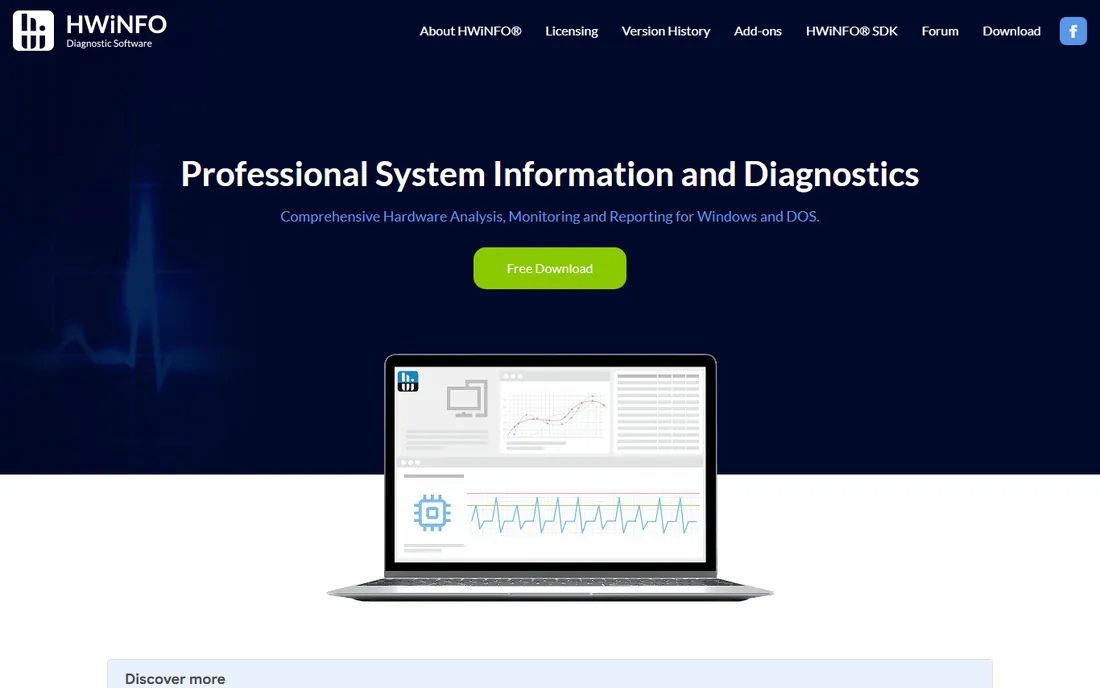
HWiNFO is the first tool any technician installs on a new build. It reports in-depth hardware information for every component, then monitors temperatures, voltages, clock speeds, fan speeds and power draw in real time, with customizable alerts and logging. The interface is dense but honest: every reading is labeled, and the developer states plainly that the app collects no personal information and transmits nothing over the network. It is trusted by large enterprises and hardware vendors, and it is free for personal and non-commercial use.
The trade-offs are platform and density. There is no macOS version, and the sheer number of sensors can confuse anyone who just wanted a CPU temperature. Pair it with a stress test tool and you have the core of a professional diagnostic workflow for zero dollars. If you run one diagnostic utility, this is the one.
What we like- Deepest free sensor data available
- Customizable alerts and logging
- No data collection or telemetry
Watch out for- Windows only
- The sensor list can overwhelm beginners
#2
AIDA64 Extreme
Best for: Enthusiasts who want everything in one place
Visit aida64.com
Starting priceSee website
Free planFree trial
AIDA64 Extreme has been the paid standard for three decades, and version 8.40 keeps it current with the newest AMD and Intel hardware. Beyond hardware detection, its signature feature is the System Stability Test, which stresses the CPU, memory, GPU and storage in any combination while graphing temperatures and voltages in real time. Overclockers live in this tool. It also generates thorough reports, supports external LCD displays and sensor panels, and compares benchmark results against a database of other systems.
The pricing is the catch: after a 30-day trial, continued use requires a license, with the Extreme edition typically sold as an annual plan for a few PCs, and promotions shifting the exact number. There is also no 3D performance test, an odd gap in an otherwise complete suite. For serious builders and technicians, the stability test alone justifies the cost. Casual users can get most of the monitoring from HWiNFO for free.
What we like- System stability test plus benchmarks
- Detailed reporting in HTML and CSV
- External LCD and sensor panels
Watch out for- Paid only after the 30-day trial
- No 3D graphics benchmark
Starting priceFree
Free planYes
Speccy, from the makers of CCleaner, answers a simpler question than HWiNFO: what is inside this PC. The summary page shows the OS, CPU, RAM, motherboard, GPU, monitors and storage with temperatures at a glance, and each category drills deeper without ever feeling overwhelming. The snapshot feature saves results as a file or publishes them online, which makes it handy when a remote support tech asks what hardware you are running.
It will not stress test anything or log sensors over time, and updates have been infrequent compared with the competition. But for office managers inventorying machines or anyone who finds HWiNFO intimidating, Speccy is the friendlier free pick. It does one job well and stays out of the way.
What we like- Clean summary page
- Real-time temperatures
- Snapshot export for support tickets
Watch out for- Less detail than HWiNFO
- No stress testing
- Development pace is slow
Starting priceFree
Free planYes
With more than 100 million downloads, CrystalDiskInfo is the most widely used drive health tool in the world, and it is freeware from an independent Japanese developer. It reads SMART data from hard drives, SSDs and NVMe drives and distills it into a single status: Good, Caution or Bad, with the full attribute table available for anyone who wants the details. A portable version runs without installation, and it can alert you by text or voice message when something looks wrong.
The limitations are worth knowing. Drives behind USB enclosures or hardware RAID controllers often report Unknown because the SMART data cannot pass through, which is not a failure, just a blind spot. And CrystalDiskInfo monitors, it does not repair. Still, running it monthly on every machine you manage is the cheapest insurance in this entire roundup.
What we like- Clear Good, Caution, Bad health ratings
- Reads SMART for HDDs, SSDs and NVMe
- Portable version available
Watch out for- Windows only
- Can misread drives behind USB enclosures or RAID controllers
Starting priceFree
Free planYes

OCCT, the OverClock Checking Tool, is the best free stress tester available. The free personal edition includes the core CPU, CPU plus RAM, GPU 3D, memory and power supply tests, with monitoring built on the HWiNFO engine for accurate temperature and voltage readings. It is a portable executable, so you can run it from a USB drive on a machine you do not want to touch. Version 17 supports both Windows and Linux.
The licensing line matters for businesses: the free edition cannot be used commercially, and companies need a Pro or Enterprise license. The interface also assumes you know what a test does before you start it. For home users validating an overclock or hunting an instability, though, nothing free comes close. Run the CPU plus RAM test for an hour, watch the graphs, and you will know more than most repair shops.
What we like- Fully featured free edition
- CPU, GPU, memory and power supply tests
- Portable, no install needed
Watch out for- Free edition is non-commercial only
- Interface assumes some technical knowledge
Starting priceFree
Free planYes
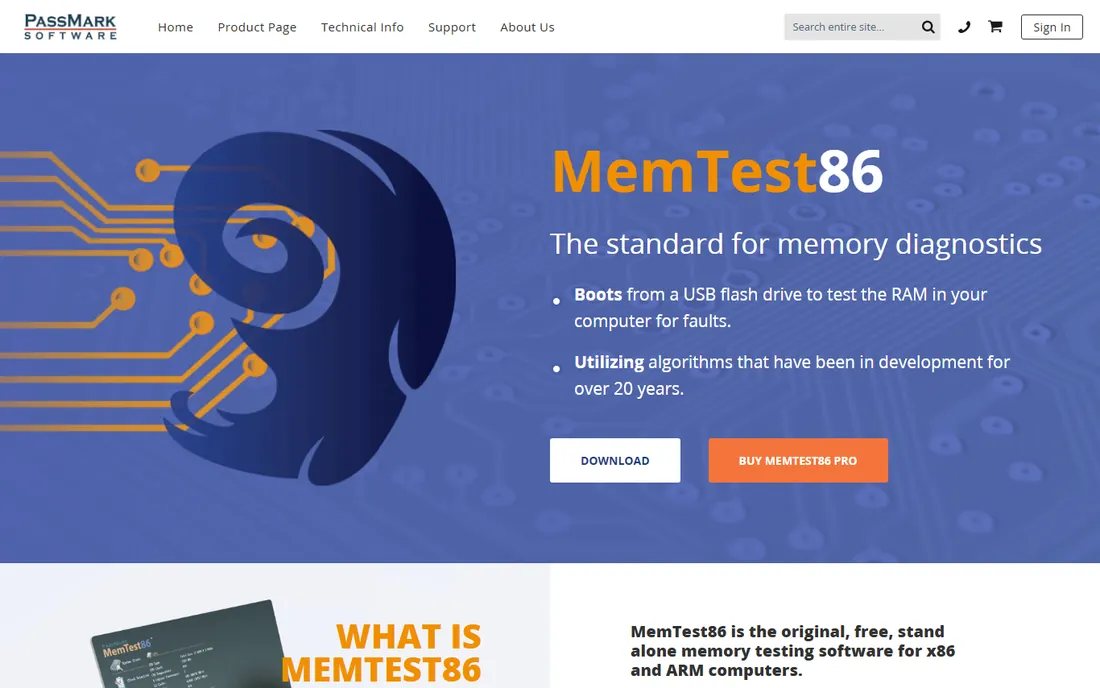
When a PC crashes randomly, corrupts data or throws MEMORY_MANAGEMENT blue screens, MemTest86 is how you rule RAM in or out. It boots from a USB drive and tests memory with 14 algorithms, including row hammer detection, outside of Windows entirely, so the operating system cannot mask the fault. PassMark, which maintains it, calls it the original free standalone memory tester, and repair shops have used it for decades. The free edition covers the core testing; Pro and Site editions add automation, reports and PXE deployment for labs.
The cost is time. A thorough test runs multiple passes and can take several hours on large memory configurations, and you have to boot from USB to run it. But a clean MemTest86 result definitively clears your RAM, which narrows every other diagnosis. No software-based memory test inside Windows is as trustworthy.
What we like- The industry standard for memory faults
- Boots from USB, no OS needed
- 14 test algorithms
Watch out for- A full pass takes hours
- Requires creating a bootable USB and changing boot order
#7
Belarc Advisor
Best for: Complete audits including software licenses
Visit belarc.com
Starting priceFree
Free planYes
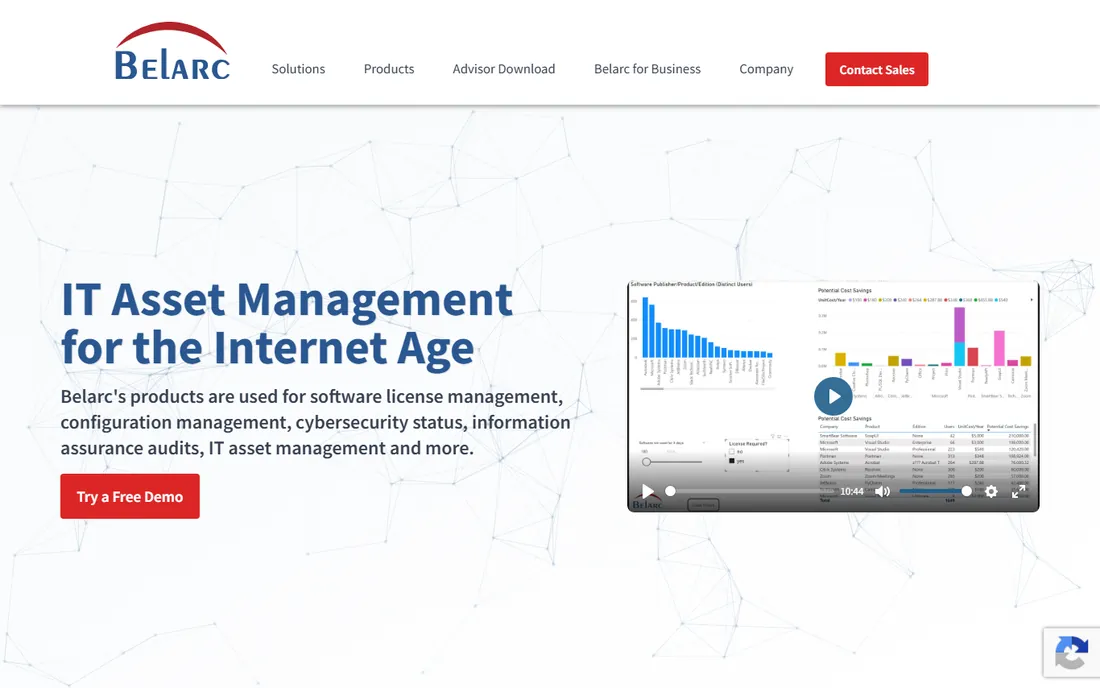
Belarc Advisor has been free for home users for over two decades, and it fills a gap the hardware tools ignore: software. One scan builds a browser-based profile of your hardware, installed software, missing Windows hotfixes, antivirus status and security benchmarks, and it recovers product keys for Windows and Office, which is a lifesaver during rebuilds. All data stays on your PC; nothing is sent to Belarc.
The Advisor is personal-use only, so businesses need Belarc's paid asset management products, and the report design shows its age. For home users and small shops documenting a machine before service, though, it remains unmatched. Run it before any major upgrade and save the report.
What we like- Hardware plus software inventory in one report
- Recovers product keys
- Nothing leaves your PC
Watch out for- Free for home users only
- Interface looks dated
Starting priceFree
Free planYes

PC-Doctor is the company whose diagnostics ship inside systems from major PC manufacturers, and Toolbox is its free consumer edition. It includes more than 300 hardware tests covering storage, audio, graphics, networking, memory, CPU, system board and peripherals, plus system history, performance monitoring and security status. The Toolbox Remote cloud dashboard lets you watch the health of several PCs from anywhere, which is genuinely useful for families or tiny offices.
The price of free here is an account and an opt-in to technical and interaction data sharing with PC-Doctor, which privacy-minded users should know about upfront. It is also Windows-only. If you are comfortable with that trade, you are getting professional-grade test coverage that normally costs hundreds of dollars.
What we like- 300+ hardware tests across all subsystems
- Cloud dashboard for multiple PCs
- From the industry leader
Watch out for- Requires a Toolbox Remote account and data sharing opt-in
- Windows only
Starting price$95 one-time
Free planFree trial
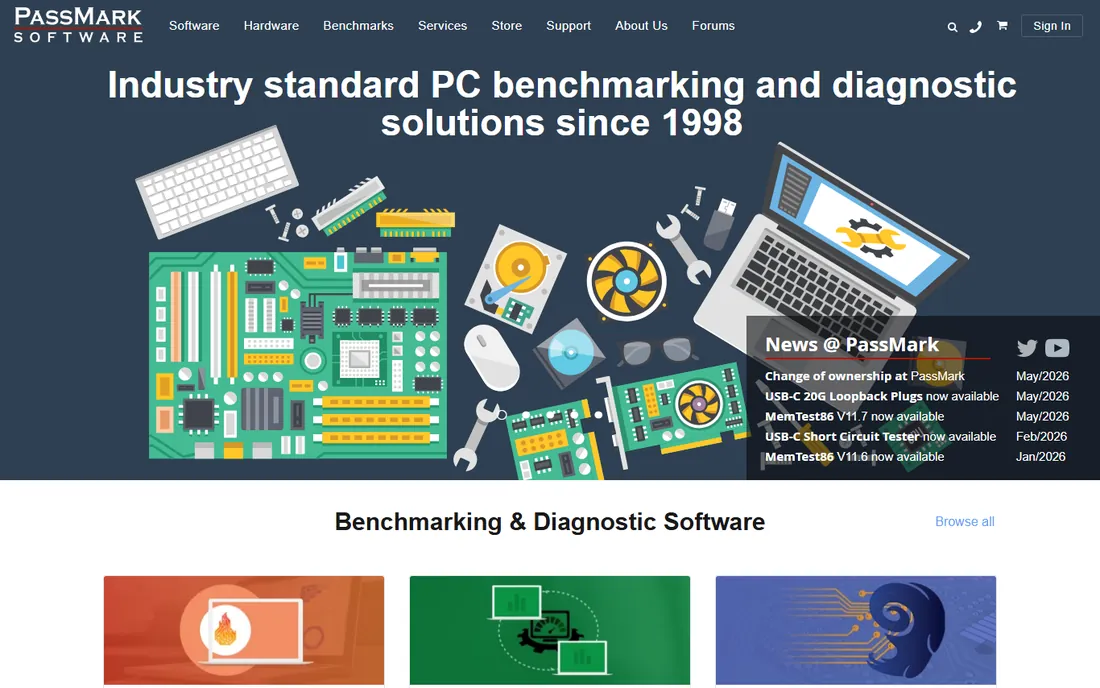
BurnInTest is the professional's burn-in tool: it hammers the CPU, RAM, disks, graphics, network, optical drives and peripherals simultaneously to expose intermittent faults before a machine ships. System builders and IT departments use it to certify new builds, and the Professional edition adds scripting and automation for production testing. A 30-day trial lets you evaluate it fully.
At $95 for a perpetual license, it is priced for people who test machines regularly, not for diagnosing one laptop. The interface is functional rather than pretty. But if your business builds, refurbishes or deploys PCs, a standardized BurnInTest pass on every unit is one of the cheapest quality measures you can buy.
What we like- Simultaneous stress on all subsystems
- One-time perpetual license
- Scriptable for production lines
Watch out for- Paid after the 30-day trial
- Dated interface
- Overkill for one home PC
How we chose
We focused on tools that working technicians actually reach for, cross-checked against repair forums, Reddit and review sites. Every price above comes from the vendor's own site or current store listing; where pricing varies by promotion, as with AIDA64, we say so. Free tools were verified as genuinely free, not trials dressed up as freeware. We favored tools with active development and clear licensing terms, because a diagnostic tool you cannot legally run in your shop is not a tool at all. No vendor paid for placement.
How to diagnose a PC problem like a technician
Start with symptoms, not software. Random crashes and blue screens point to RAM or drivers, so run MemTest86 first and update drivers second. Sluggish performance with high fan noise points to heat or a dying drive, so check temperatures in HWiNFO and drive health in CrystalDiskInfo. A machine that fails under load but idles fine needs a stress test, which is OCCT's job.
Work in layers. Monitoring tools like HWiNFO and Speccy tell you what is happening. Health tools like CrystalDiskInfo and Belarc tell you what is wrong. Stress tools like OCCT, AIDA64 and BurnInTest prove whether a fix worked. And MemTest86 sits outside all of them, because memory faults masquerade as every other problem. Run diagnostics one change at a time, and keep notes: the report exports in AIDA64, Speccy and Belarc exist so you can compare before and after.
Free versus paid: where the money actually goes
Most of this category is free, and the free tools are excellent at their specialties. HWiNFO, CrystalDiskInfo, OCCT Personal, MemTest86, Speccy, Belarc Advisor and PC-Doctor Toolbox cost nothing for personal use and cover monitoring, drive health, stress testing, memory testing, inventory and OEM-grade diagnostics between them. For a home user or a tiny office, that stack handles nearly everything.
Paid tools earn their price in three situations. AIDA64's stability test and reporting save technicians real time on every build. BurnInTest's scripting pays off when you certify dozens of machines. And commercial licenses, required for OCCT, Belarc and PC-Doctor in business use, are simply the cost of staying legal. Buy the paid tool when you can name the hours it saves; otherwise, the free stack is enough.
Frequently asked questions
What is the best free PC diagnostic software?
HWiNFO for monitoring, CrystalDiskInfo for drive health and OCCT for stress testing form the best free toolkit. MemTest86 covers RAM, and Speccy gives quick overviews. All are free for personal use and actively maintained.
How do I check if my hard drive is failing?
Install CrystalDiskInfo and read the health status: Good means fine, Caution means back up now and plan a replacement, Bad means replace immediately. Note that drives in USB enclosures may show Unknown, which usually means the enclosure blocks SMART data rather than the drive failing.
How long should I stress test a PC?
For a quick stability check, one hour of OCCT's CPU plus RAM test catches most problems. For a new build or overclock, technicians typically run 4 to 8 hours or overnight. Watch temperatures throughout: sustained CPU temperatures near the chip's thermal limit mean your cooling needs work regardless of errors.
Can I use these tools on a business computer?
It depends on the license. CrystalDiskInfo is freeware, but HWiNFO's free license covers personal and non-commercial use only, and OCCT Personal, Belarc Advisor and PC-Doctor Toolbox all require paid licenses for business use. Check each vendor's terms before deploying across an office.
Do I need to install diagnostic software, or are portable versions ok?
Portable versions are fine and often preferable. HWiNFO, CrystalDiskInfo, Speccy and OCCT all offer portable builds that run from a USB drive without installation, which is ideal for diagnosing a machine you do not want to modify.
What is the difference between monitoring and stress testing?
Monitoring tools like HWiNFO watch temperatures, voltages and speeds while the PC does its normal work. Stress testing tools like OCCT and AIDA64 deliberately push components to their limits to reveal faults that only appear under load. You need both: monitoring finds the symptom, stress testing reproduces it on demand.
Sources we checked (9)
- https://hwinfo.com
- https://aida64.com
- https://www.ccleaner.com/speccy
- https://crystalmark.info
- https://ocbase.com
- https://memtest86.com
- https://belarc.com
- https://pc-doctor.com
- https://www.passmark.com
Is your product missing or out of date?
We review this list regularly. Vendors can request a listing, send updated pricing or ask about featured placement.

Shihab Mia · Founder, Rankite
Shihab has spent more than a decade helping SaaS and e-commerce brands grow through search. He writes Rankite's software buying guides from pricing pages, documentation and public user reviews. More about Shihab.