How we make this list: we compare pricing pages, product documentation and public user reviews. Rankite is independent; if a vendor ever pays for a featured spot, that listing is clearly labeled Partner.
Key takeaways
- Every tool here is genuinely usable without paying; the differences are watermarks, photo limits and template depth.
- BeFunky and Canva export free collages with no watermark, while Fotor and PicCollage watermark free exports.
- Web-based tools (Canva, BeFunky, piZap) need no install; PhotoScape X is the best free desktop option for offline work.
- Free plans cap things like photo count per collage (Ribbet: 4) and resolution, so check the limit that matters to you before investing time.
Quick comparison
| Tool | Best for | Starting price | Free plan |
|---|
 Canva Canva | template variety with no watermark | Free (Pro $120/year) | Yes |
 BeFunky BeFunky | quick collages with no watermark | Free (Plus from $4.99/month billed annually) | Yes |
 Adobe Express Adobe Express | Adobe-quality free designs | Free (Premium $9.99/month) | Yes |
 Google Photos Google Photos | automatic collages from your library | Free (with a Google account) | Yes |
 Fotor Fotor | grid and freestyle layouts | Free (Pro from $3.33/month billed annually) | Yes (free exports carry a watermark) |
 Ribbet Ribbet | simple browser collages | Free (Premium plans available) | Yes (free collages limited to 4 photos) |
 piZap piZap | fun stickers and social collages | Free (Pro from $2.99/month) | Yes (ad-supported) |
 PicCollage PicCollage | phone-first freestyle collages | Free (VIP subscription available) | Yes (free exports carry a watermark) |
 PhotoScape X PhotoScape X | free desktop editing and collage | Free | Yes |
Is your product missing or out of date?
We review this list regularly. Vendors can request a listing, send updated pricing or ask about featured placement.
The best free collage software
The free version of Canva alone offers hundreds of collage templates (theory7.net), which says something about how far free collage tools have come. You no longer need to pay for software to arrange photos into a clean grid, a freestyle montage or a print-ready gift. The nine tools below all work without spending a dollar, with honest notes on where each free plan ends.
Starting priceFree (Pro $120/year)
Free planYes
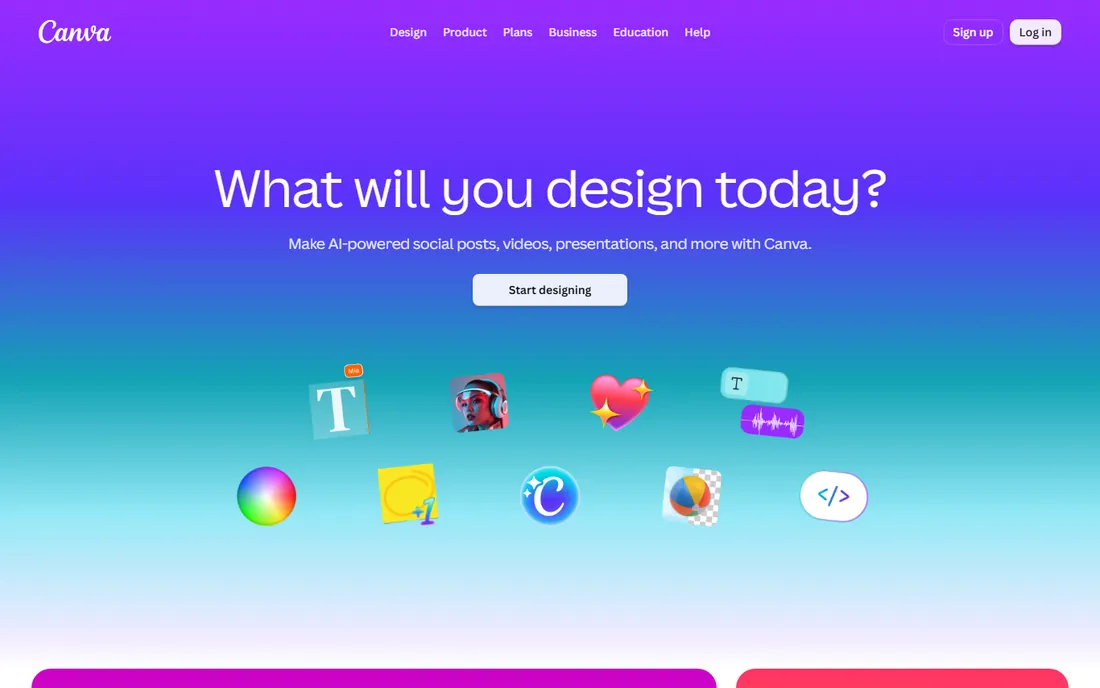
Canva is the safest default in free collage software. The free plan includes hundreds of collage templates across formats like Instagram posts, A4 prints and photo books, plus a simple Grids element for building custom layouts row by row. You upload photos, drag them into frames, adjust positioning with a double-click, and add text, filters and decorative elements from the free library.
Free exports carry no watermark, which already puts Canva ahead of several competitors. The paid Pro tier at $120 a year opens up premium templates, background removal and brand kits, but none of that is required for a good-looking collage. The honest limitation is print scale: very large, high-resolution prints sometimes need Pro features. For social sharing, gifts and home printing, the free tier is complete.
What we like- Hundreds of free collage templates
- Drag-and-drop grids plus freestyle layouts
- Free exports with no watermark
Watch out for- Some premium templates and elements need Pro
- Large print sizes may need paid features
Starting priceFree (Plus from $4.99/month billed annually)
Free planYes
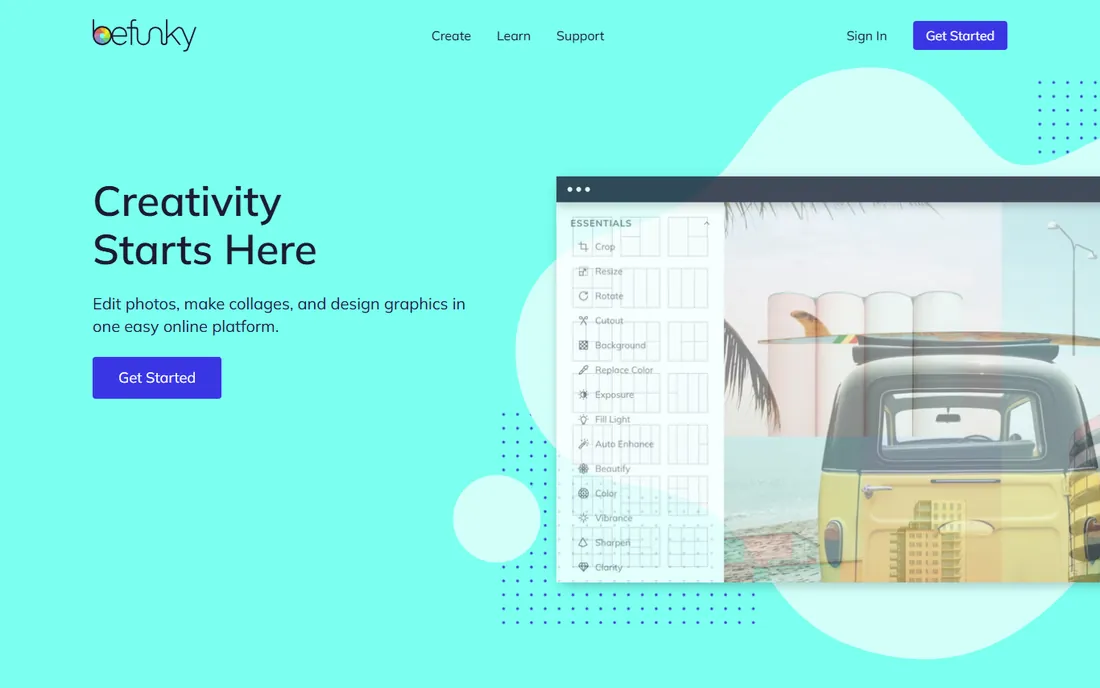
BeFunky has been free since 2007, and its collage maker remains one of the fastest ways from photos to finished image. Upload your pictures and the Collage Wizard arranges them automatically, or pick from fully customizable layouts and tune spacing, rounded corners and backgrounds yourself. It runs in the browser on Mac, Windows, Linux and ChromeOS, with free mobile apps that do not require signup.
The standout free-tier term is the absence of watermarks on exported images, a genuine edge over Fotor and PicCollage. Limits are reasonable: the collage maker handles up to nine photos, and the fancier effects, higher-resolution downloads and commercial-use rights sit behind Plus (from $4.99 a month billed annually). For personal collages shared online or printed at home, free BeFunky asks for nothing and gives a clean file.
What we like- No watermarks on free exports
- Collage wizard auto-arranges uploads
- Works in the browser on any system
Watch out for- Collage maker caps at nine photos
- Advanced effects and commercial use need Plus
Starting priceFree (Premium $9.99/month)
Free planYes
Adobe Express (the current name for what launched as Adobe Spark) distills Adobe's design tools into a simple web and mobile app. The free plan includes collage templates, layout tools, fonts and a solid set of stock assets, all without the learning curve of Photoshop. Name your project, arrange photos into a layout, refine with filters and text, and export.
You need a free Adobe account, and the premium stock library and advanced features cost $9.99 a month. But the free tier is unusually complete for a product from Adobe, and the typography controls are the best among free options, which matters for collages with captions or quotes. It is the pick when your collage needs to look designed rather than just assembled.
What we like- Generous free plan with templates and stock assets
- Simple interface without Adobe's learning curve
- Good typography tools
Watch out for- Best stock assets are Premium
- Requires an Adobe account
Starting priceFree (with a Google account)
Free planYes
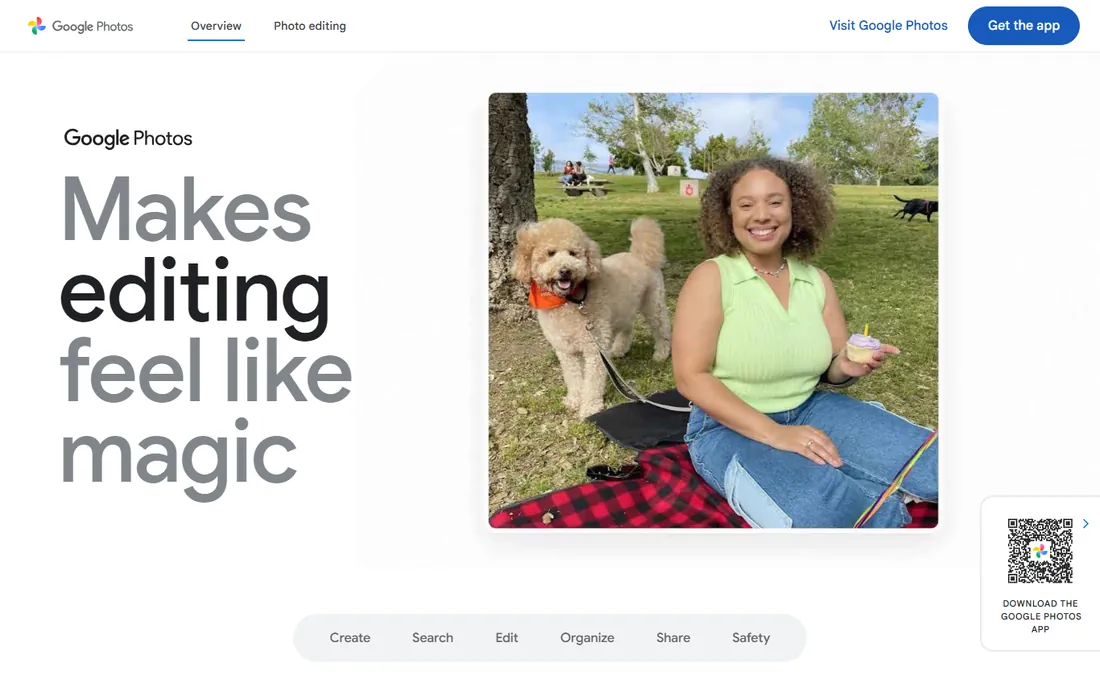
Most people overlook the collage maker sitting inside Google Photos. It is completely free with any Google account, offers six collage styles, and saves results to a dedicated Collages folder. The genuinely useful trick is automation: Google Photos periodically suggests collages assembled from your recent pictures, so event roundups and trip montages sometimes build themselves.
Control is the tradeoff. You get Google's clean layouts and little else: no freestyle arrangement, no stickers, no deep customization. What it does, it does well, and the interface needs no learning. Use Google Photos when your pictures already live there and you want a good collage in under a minute. Use a dedicated maker when the layout itself is the creative act.
What we like- Completely free
- Auto-suggests collages from your photos
- Six collage styles with a clean interface
Watch out for- Basic compared with dedicated makers
- Limited layout control
Starting priceFree (Pro from $3.33/month billed annually)
Free planYes (free exports carry a watermark)
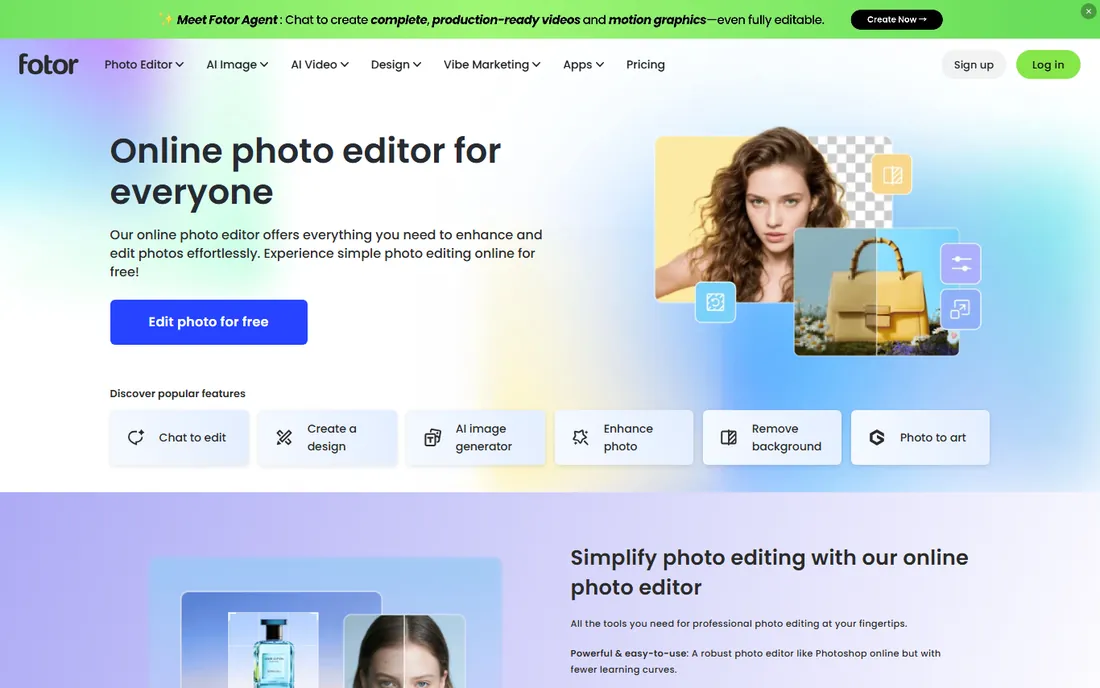
Fotor is a capable online collage maker with a straightforward approach: import images into a side panel, then place them into grid, freestyle or photo-stitch layouts. Borders can shift from solid colors to background patterns, and the built-in editor covers cropping, filters and text without leaving the page.
The catch is the one to know before you start: free-version collages carry the Fotor watermark. Removing it, along with opening up advanced features, an ad-free interface and cloud storage, requires Pro from $3.33 a month billed annually. If the watermark does not bother you, perhaps for drafts and mockups, the free tool is genuinely useful. For finished pieces you will share or print, BeFunky or Canva give you clean exports free.
What we like- Grid, freestyle and photo-stitch collage styles
- Simple enough for beginners
- Solid basic photo editing built in
Watch out for- Free exports include the Fotor watermark
- Advanced features and cloud storage need Pro
Starting priceFree (Premium plans available)
Free planYes (free collages limited to 4 photos)
Ribbet keeps collage-making simple and pleasant: pick a template, upload images, adjust sizing, round corners and tune lighting and exposure. Changing your mind is easy, since templates accept extra rows and columns as you work. The interface is widely praised for clarity, and free mobile apps extend it to phones.
The free Basic tier is generous for quick tasks but has a specific limit worth knowing: collages over four photos require the Premium upgrade, according to long-term user reports. Most of the complex templates are also paywalled. Ribbet's Premium pricing is not published as clearly as competitors', so check the current figure on their site. For simple four-photo grids and fast edits, the free tier is a joy; for bigger montages, look to Canva or BeFunky.
What we like- Smart, pleasant interface
- Quick template adjustments
- Free iOS and Android apps
Watch out for- Free version limits collages to four photos
- Most complex templates need Premium
Starting priceFree (Pro from $2.99/month)
Free planYes (ad-supported)
piZap is the playful end of free collage software: an ad-funded web tool packed with templates, stock images, fonts, stickers and text effects. It is less polished than Canva's interface, but the sheer volume of decorative material makes it fun for social posts, party invitations and Facebook banners, with dedicated banner templates for social branding.
The free tier is supported by ads that most users find unobtrusive. Pro from $2.99 a month removes ads and adds high-resolution downloads plus a much bigger selection of fonts, stock images and templates. There is a free trial of Pro if you want to test the difference. Pick piZap when personality matters more than minimalism; pick BeFunky when you want the same job done with less visual noise.
What we like- Huge sticker, font and template selection
- Facebook banner templates
- Built-in stock photos
Watch out for- Ad-funded free tier
- Interface less intuitive than Canva or BeFunky
Starting priceFree (VIP subscription available)
Free planYes (free exports carry a watermark)

PicCollage is built for the phone-first collage maker. Its freestyle mode lets you arrange photos, stickers, text and doodles anywhere on the canvas rather than locking you into grids, and the background, sticker and font libraries are deep. Combining up to 18 photos into one pic collage is supported, which beats most web tools on capacity.
The free version watermarks exported collages, and the VIP subscription removes it while opening up premium content. Pricing for VIP varies by region and billing period, so check the app store listing. PicCollage is the most fun option here for creative, scrapbook-style montages made entirely on a phone. For clean, watermark-free exports without paying, the web tools above serve better.
What we like- Excellent freestyle mode for unique layouts
- Big sticker and background library
- Fast on mobile
Watch out for- Free exports include a watermark
- Best content sits behind VIP
Starting priceFree
Free planYes
PhotoScape X is the answer for anyone who wants collage software as a real desktop program without paying or signing up. It is completely free, works fully offline, and pairs its collage maker with a genuinely useful photo editor: batch editing, filters, frames, objects and print layouts. No account, no watermark, no upload queues.
The interface looks dated next to Canva, and the Mac and Windows versions differ in small ways, but the functionality is solid. It is also the best option here for privacy-conscious users, since photos never leave the computer. For Chromebook or tablet users the web tools fit better, but on a Windows PC or Mac, PhotoScape X gives you the most capability per zero dollars.
What we like- Completely free with no account
- Works fully offline
- Combines collage with a real photo editor
Watch out for- Interface looks dated
- MacOS and Windows versions differ slightly
The watermark question
Watermarks are the real price of free collage software, so here is the honest scorecard. Canva, BeFunky, Adobe Express, Google Photos, piZap (ad-supported instead) and PhotoScape X export clean files free. Fotor and PicCollage stamp free exports with their watermark and charge to remove it. Ribbet does not watermark but caps free collages at four photos. If your collage will be printed, gifted or posted anywhere it matters, start with the no-watermark group and skip the disappointment.
Getting clean exports without paying
Match the tool to the job size
Four photos or fewer: Ribbet's free tier is delightful. Up to nine: BeFunky. Up to eighteen on a phone: PicCollage (watermarked) or Canva's grids. Big freestyle montages: Canva or piZap. Knowing the cap before you start saves rebuilding elsewhere.
Check resolution before printing
Free tiers sometimes cap export resolution. For social posts it rarely matters; for an 8x10 print or larger, test-export one collage and zoom in before committing to a full set. PhotoScape X and Canva give you the most control here.
Keep originals outside the tool
Web tools can change free tiers, add watermarks or shut down. Keep your original photos organized locally (Google Photos counts) so no platform change can strand your work. Export finished collages at the highest free resolution and store them yourself.
How we chose
We evaluated these tools using current vendor pages and pricing, public reviews on G2, Capterra and app stores, and four detailed comparisons (Creative Bloq's collage maker roundup, Theory7's collage guide, TechCabal's BeFunky review and Wondershare's PC collage guide). Every tool had to be genuinely usable without paying: we excluded trials masquerading as free plans and noted exactly where watermarks, photo caps and resolution limits kick in. We weighted export cleanliness, template depth, ease of use and fit for US home and small-business users over raw feature counts.
Frequently asked questions
Are free collage makers really free?
Yes, with defined limits. Canva, BeFunky, Adobe Express, Google Photos and PhotoScape X cost nothing for real use. Others trade free access for watermarks (Fotor, PicCollage), ads (piZap) or photo-count caps (Ribbet). Read the limit that affects you before starting.
Will my collage have a watermark?
It depends on the tool. Canva, BeFunky, Adobe Express, Google Photos and PhotoScape X export without watermarks free. Fotor and PicCollage add watermarks to free exports. When in doubt, export one test collage before investing an hour in the design.
Can I print a collage made with a free tool?
Usually yes at common sizes like 4x6 or 8x10. Check the export resolution first: free tiers sometimes cap it, and a collage that looks fine on a phone can look soft on paper. PhotoScape X and Canva give the most reliable print-ready exports among free options.
Do I need to download software to make a collage?
No. Canva, BeFunky, Fotor, Ribbet, piZap, Adobe Express and Google Photos all run in a browser. PhotoScape X is the download option for offline desktop work, and PicCollage is mobile-first.
Can I use free collage tools for business or commercial work?
Sometimes. BeFunky reserves commercial use for its Plus tier, and free stock assets in several tools carry their own licenses. Canva's free license covers many business uses but check the terms for trademarked or resale applications. When in doubt, the paid tier is the safe route for client work.
Which free collage tool is best on a phone?
PicCollage for freestyle creativity, Canva's mobile app for templates, and Google Photos for automatic collages from your camera roll. BeFunky's mobile app is also free and needs no signup.
Sources we checked (5)
- https://www.creativebloq.com/features/collage-maker
- https://www.theory7.net/support/en-us/tips-tricks/make-photo-collage-apps-and-programs
- https://techcabal.com/2015/02/27/befunky-free-photo-editor-collage-maker/
- https://filmora.wondershare.com/video-editing-tips/photo-collage-for-pc.html
- https://filmora.wondershare.com/animation-tips/pic-collage-for-windows.html
Is your product missing or out of date?
We review this list regularly. Vendors can request a listing, send updated pricing or ask about featured placement.

Shihab Mia · Founder, Rankite
Shihab has spent more than a decade helping SaaS and e-commerce brands grow through search. He writes Rankite's software buying guides from pricing pages, documentation and public user reviews. More about Shihab.