How we make this list: we compare pricing pages, product documentation and public user reviews. Rankite is independent; if a vendor ever pays for a featured spot, that listing is clearly labeled Partner.
Key takeaways
- Canva is the best all-round collage maker, with the largest template library and free plan that covers most casual needs.
- If you want the best app to make collages on your phone, PicCollage and Google Photos are the fastest options, with PicCollage offering more creative freedom.
- Free collage exports are not all equal: Fotor watermarks free exports, Kapwing watermarks free video and some image exports, while BeFunky and FotoJet export clean.
- Adobe Express is the pick for business collages that need clean typography and brand consistency.
- Paid plans mostly buy you watermark removal, premium templates and higher resolution. For a birthday post, the free tier of a non-watermarking tool is enough.
Quick comparison
| Tool | Best for | Starting price | Free plan |
|---|
 Canva Canva | All-round collage design | See website | Yes |
 Adobe Express Adobe Express | Branded business collages | See website | Yes |
 Picsart Picsart | Creative and AI-assisted collages | See website | Yes |
 Fotor Fotor | Template-heavy quick collages | See website | Yes |
 BeFunky BeFunky | No-watermark free collages | See website | Yes |
 PicCollage PicCollage | Phone-first scrapbook collages | See website | Yes |
 FotoJet FotoJet | Browser collages without signup | See website | Yes |
 Kapwing Kapwing | Collages plus video and teams | See website | Yes |
 Google Photos Google Photos | Fastest free photo grids | Free | Yes |
Is your product missing or out of date?
We review this list regularly. Vendors can request a listing, send updated pricing or ask about featured placement.
The best photo collage software
Starting priceSee website
Free planYes
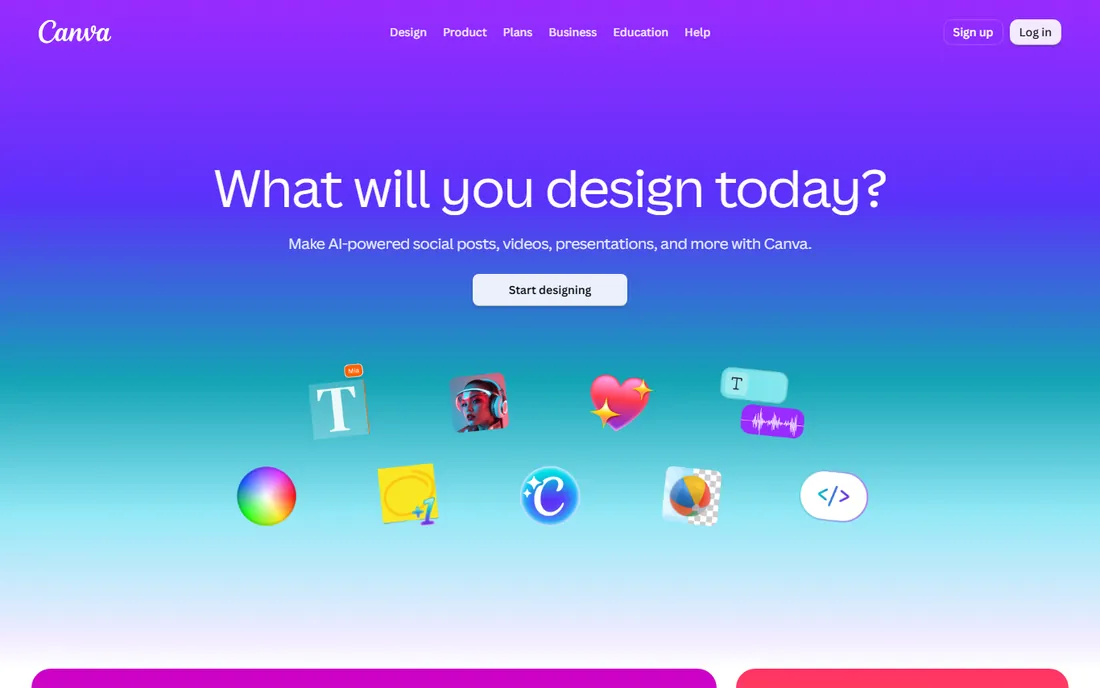
Canva is the default answer for a reason. Its collage templates cover every format you will ever need, from Instagram grids to Facebook covers to print layouts, and the editor is genuinely easy: drag photos in, swap layouts, add text, done. The free plan includes a solid selection of templates and exports without a watermark, which covers most personal use.
The business model is the catch. Premium templates, stock photos and AI features require Pro, and it is easy to build a collage around elements you cannot export for free. Check which assets are free before you fall in love with a layout. For teams and marketers, the brand kit and collaboration features make Pro worth it; for everyone else, the free tier goes far.
What we like- Largest template library in the category
- Drag-and-drop editor anyone can learn
- Generous free plan
Watch out for- Best templates and elements sit behind Pro
- Can feel bloated if you only want a quick grid
Starting priceSee website
Free planYes
Adobe Express is the grown-up alternative to Canva. Where Canva leans playful, Express leans polished: better default typography, cleaner layouts and brand management that keeps a small business looking consistent. The free collage maker handles grids and story templates well, and the generative AI features can extend backgrounds or restyle elements.
Adobe requires a sign-in before you see the editor, which is friction Canva does not have. The free plan is capable but the template library is smaller, and premium assets need the paid plan. Pick Express when collages are marketing assets that need to look professional, not just fun.
What we like- Clean typography and professional templates
- Brand controls for teams
- Strong mobile apps
Watch out for- Requires an Adobe account before you can start
- Free template selection is narrower than Canva
Starting priceSee website
Free planYes
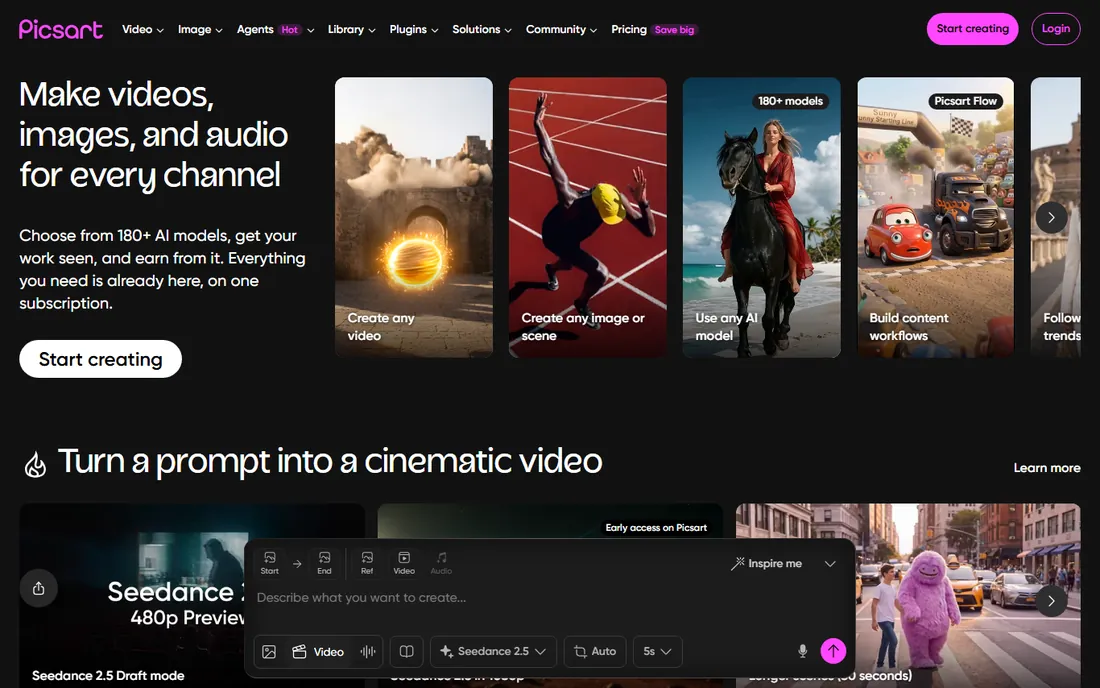
Picsart started as a photo editor and grew into an AI creative platform, and collages benefit from that depth. Beyond grids, you get background removal, AI effects, artistic filters and one of the largest sticker libraries anywhere. The mobile app is where it shines: fast, tactile and built for making things you share the same day.
The trade-off is commercial pressure. The app surfaces Plus and Ultra upgrades constantly, and some exports using premium assets carry watermarks without a subscription. If you want collages with filters, remix culture energy and AI-assisted editing, it is the most fun option here. If you want a quiet, simple grid tool, look elsewhere.
What we like- Deep creative toolkit with AI effects and background removal
- Huge sticker and filter library
- Strong mobile app
Watch out for- Interface pushes subscriptions hard
- Free exports can include watermarks on premium features
Starting priceSee website
Free planYes
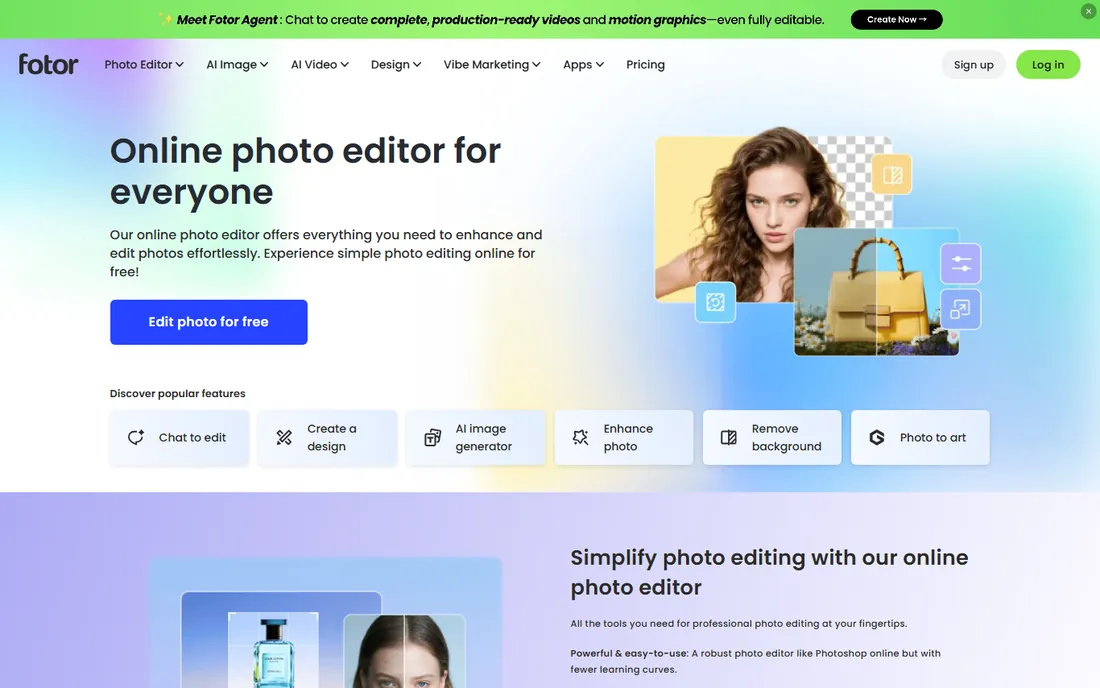
Fotor has been making collage tools for years, and the template depth shows. Grids, artistic montages, funky shapes: the layout picker is one of the most varied in this roundup, and the built-in editor means you can retouch photos without leaving the site. It runs in the browser with apps for desktop and mobile.
The free plan is where the friction lives. Fotor's own upgrade panel lists watermark removal and high-resolution export as Pro features, so free collages carry the watermark and export at standard resolution. The paid plan is inexpensive as these things go, but if you want free and clean, BeFunky or FotoJet below are better picks.
What we like- Large collage template and layout collection
- Built-in photo editor
- Batch editing available
Watch out for- Free plan watermarks exports and limits resolution
- Ads in the free experience
Starting priceSee website
Free planYes
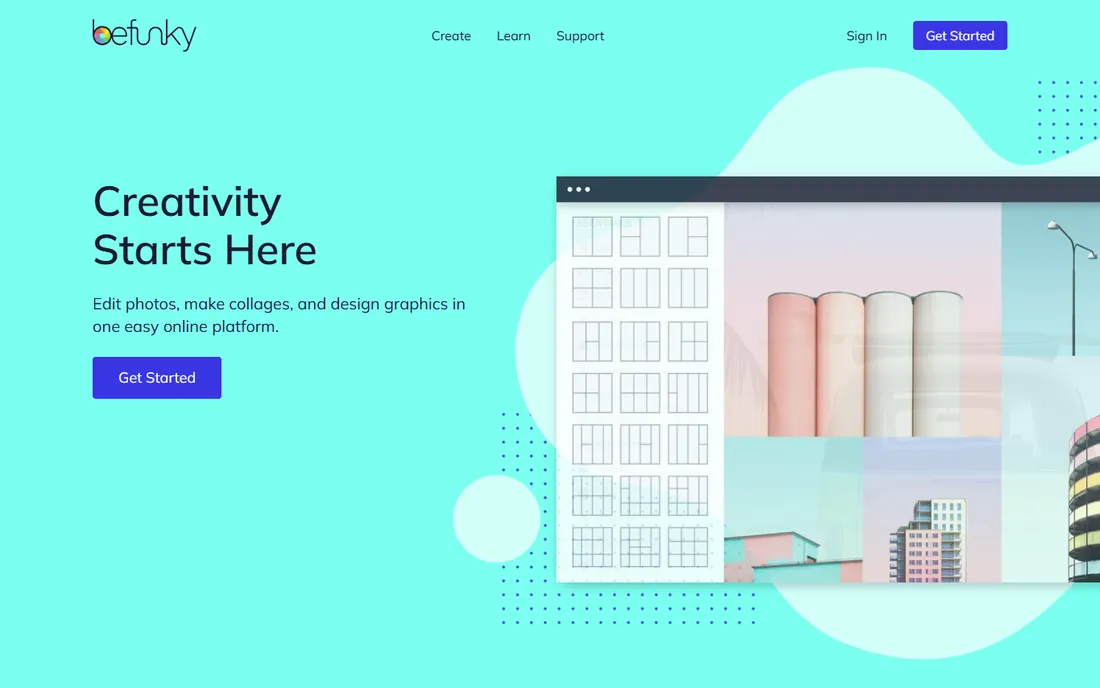
BeFunky is the answer to a specific question: which classic collage maker gives you a clean export for free? No watermark, no ads in the way, no account required to start. The collage maker itself is straightforward, with customizable grids, templates and automatic photo placement that just works.
It has been around since 2007, and the editor reflects that maturity: stable, fast and uncluttered. The Plus plan adds premium effects, AI tools and batch workflows, but the free tier is genuinely complete for collage making. For quick, clean collages in a browser, this is the most honest free option on the list.
What we like- Free collages export without watermarks or ads
- Easy editor with good layouts
- Photo editor and designer included
Watch out for- Premium effects and templates need Plus
- Smaller template library than Canva
Starting priceSee website
Free planYes

If your collages are made on a phone, start with PicCollage. With over 280 million downloads and a 4.9-star rating, it is the most loved dedicated collage app in the stores, and using it shows why. Grids are instant, freestyle mode lets you arrange photos like a scrapbook, and the sticker, background and font libraries are built for birthdays, holidays and everyday moments.
The free version watermarks exports, which is the main reason to consider the VIP plan. It is inexpensive, and it also removes ads and opens the full design library. For parents, teachers and anyone making collages weekly on a phone, the app earns its keep.
What we like- Best mobile collage experience
- Freestyle layouts plus grids
- 280M+ downloads with a 4.9 rating
Watch out for- Free exports carry a watermark
- VIP subscription needed for the full sticker and template library
Starting priceSee website
Free planYes
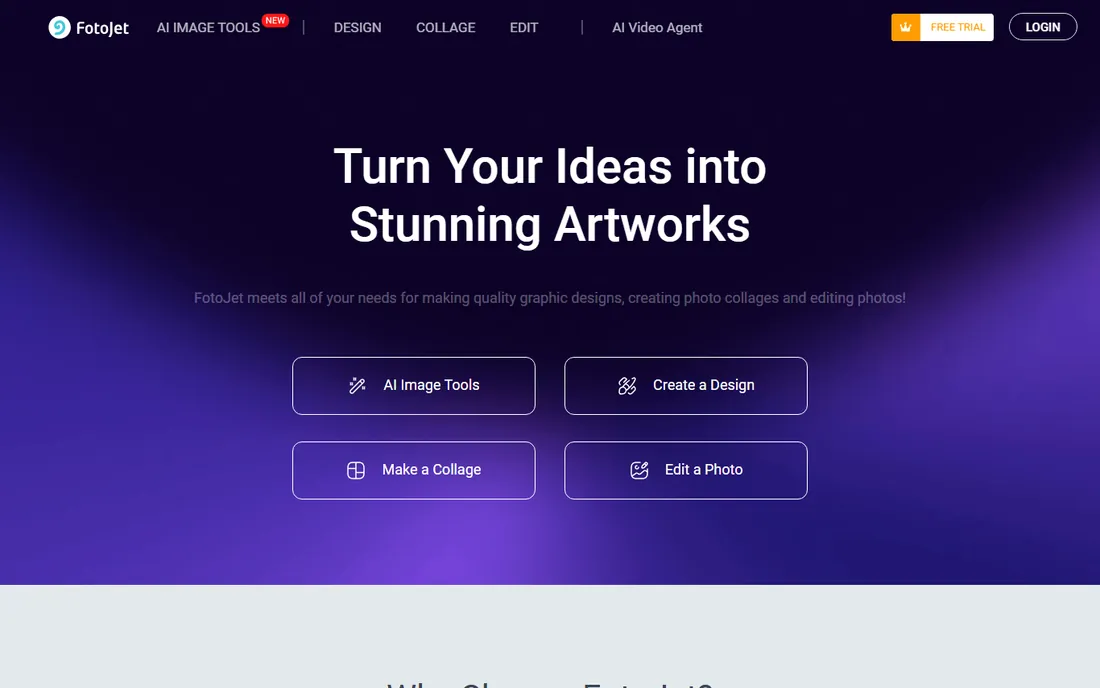
FotoJet is the quiet achiever of browser collage makers. Open the site, pick from more than 800 collage layouts, drop in photos and download, all without creating an account. Free exports do not carry a watermark, which puts it ahead of Fotor and Kapwing for no-cost use.
The editor shows ads in the free version, and the design toolkit is simpler than the big platforms: fewer fonts, fewer effects, less AI. But simplicity is the point. For a fast collage on a shared computer or a one-off project, FotoJet gets you from idea to download in minutes.
What we like- 800+ collage templates
- No registration required
- Clean exports without watermarks
Watch out for- Shows ads in the free editor
- Design tools are simpler than Canva or Express
Starting priceSee website
Free planYes
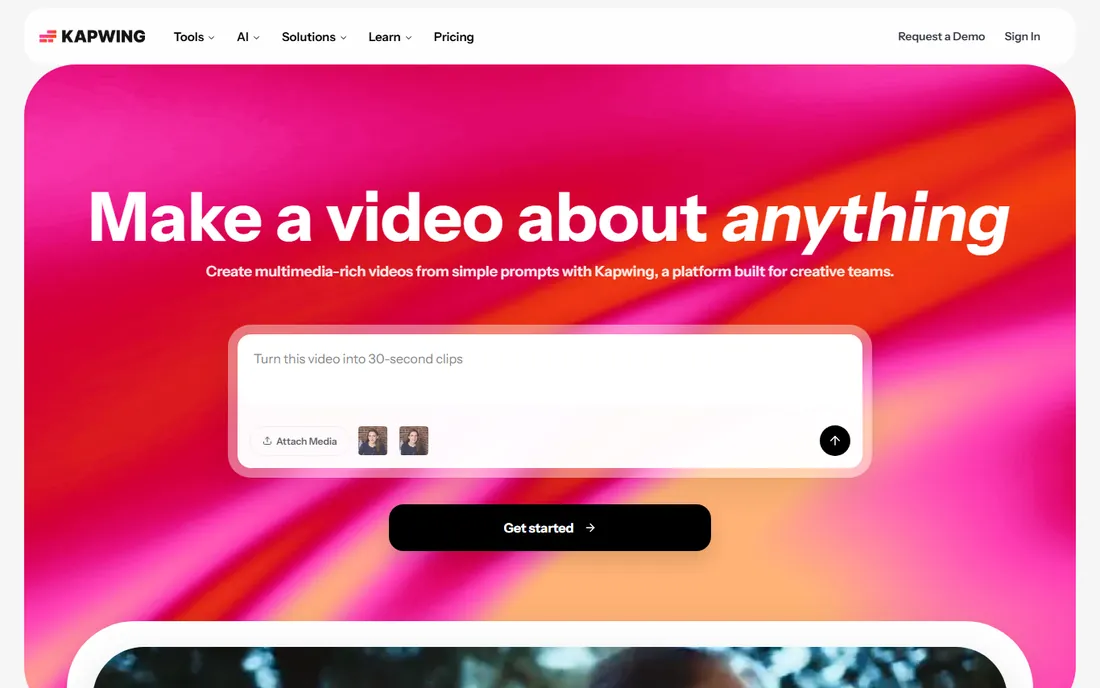
Kapwing is a video-first creative platform that happens to include a capable collage maker. That matters for a specific buyer: content teams, educators and marketers who make collages as part of a larger content workflow. Build a collage, turn it into a video, add captions and share with the team, all in one tab.
The free plan watermarks exports, and paid plans remove it while adding collaboration features and more export minutes. If your needs are purely still-image collages, the simpler tools above are faster. If collages feed into video content, Kapwing's all-in-one approach saves real time.
What we like- Collage maker inside a full content studio
- Great for teams and educators
- Video and meme tools included
Watch out for- Free exports carry a watermark
- Overkill if you only want still collages
Starting priceFree
Free planYes
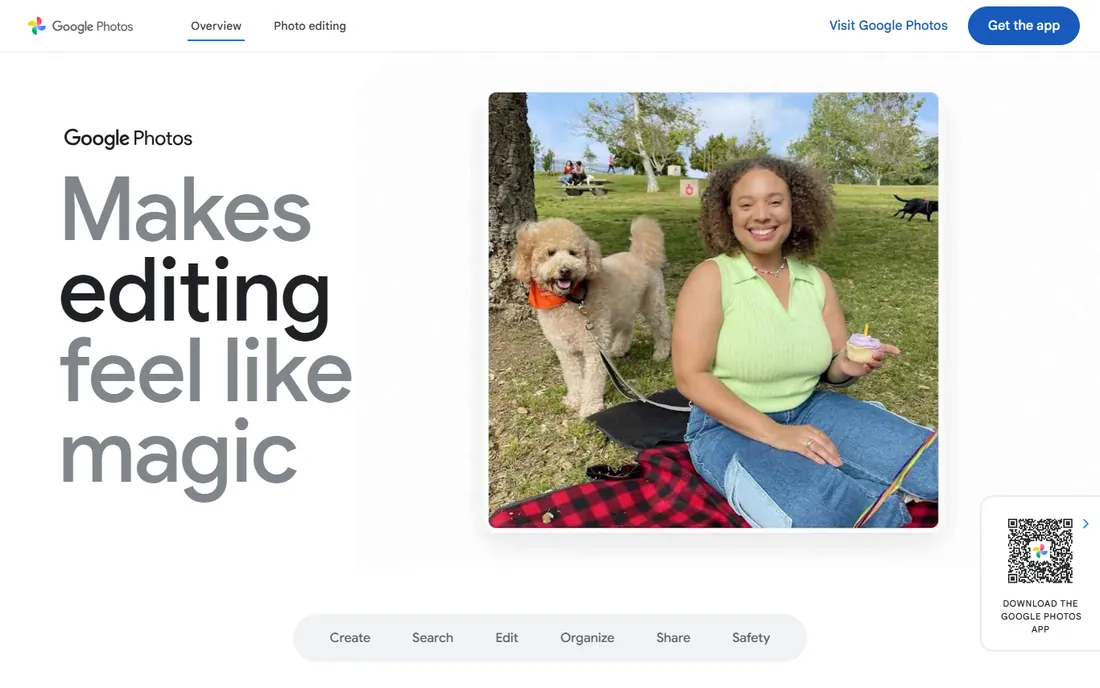
Google Photos is the fastest path from camera roll to collage. Select up to six photos on mobile or nine on the web, pick a template, save. There is no watermark, no account beyond the Google account you already have, and no learning curve at all. If your photos live in Google Photos, nothing else is this frictionless.
Customization is minimal: a handful of layouts, basic adjustments, no stickers, no text styling to speak of. This is a grid maker, not a design tool. For quick memory collages and sharing with family, it is perfect. For anything styled or branded, use one of the editors above.
What we like- Completely free with no watermark
- Collages from photos already in your library
- Dead simple
Watch out for- Very limited layouts and customization
- Mobile-first, web version caps at nine photos
Collage apps vs full design editors: which do you need
Dedicated collage apps like PicCollage, Google Photos and FotoJet do one thing: combine photos into layouts fast. They open quickly, need no design skill and get out of your way. If you make collages weekly and want your photo library at hand, an app-first tool is the right call.
Full design editors like Canva, Adobe Express and Picsart treat collages as one feature among many. They are slower to open and heavier to learn, but they add text styling, brand assets, templates for every platform and export options the simple tools lack. Marketers, small businesses and content creators should default to this group.
The middle ground, Fotor, BeFunky and Kapwing, offers browser-based collage makers with enough editing depth for styled results without a full design suite. Most buyers land here and never need more.
How we chose
We tested the free tiers where possible and reviewed pricing pages, feature lists and documentation for each tool. Public reviews on G2, Capterra and app stores informed the rankings, along with long-term reputation: several of these tools have served collage makers for over a decade. We verified watermark and signup behavior from official FAQ and pricing pages rather than marketing copy. Every tool listed is live today with a working collage feature.
A practical buying guide for collage software
Decide your export standard first. If collages go to clients, print or paid ads, you need watermark-free high-resolution exports, which means a paid plan almost everywhere. If they go to Instagram stories and family group chats, a free tier without watermarks, like BeFunky, FotoJet or Google Photos, is completely sufficient.
Then check the device. Phone-first creators should shortlist PicCollage and Picsart, whose mobile apps are far ahead of mobile browser editors. Desktop and team workflows favor Canva, Adobe Express and Kapwing, with real collaboration and brand controls.
Finally, watch the template trap. A huge template library only helps if the templates you actually use are included in your plan. Before subscribing, build one real collage on the free tier and check exactly which elements, fonts and export options are paywalled. The cheapest plan that covers your real workflow is the right one.
Frequently asked questions
What is the best free collage maker without a watermark?
BeFunky, FotoJet and Google Photos all export collages without watermarks on their free tiers. Canva's free plan also exports clean, though premium elements are paywalled. Fotor and Kapwing add watermarks to free exports.
What is the best app to make collages on iPhone or Android?
PicCollage is the most popular dedicated collage app with a 4.9-star rating and 280M+ downloads. Picsart is the better pick if you also want filters and AI editing, and Google Photos is fastest for simple grids from your existing library.
Can I make a collage without signing up?
Yes, on most browser tools. FotoJet, BeFunky, Fotor and Canva let you start building without an account, though downloading may prompt a signup. Adobe Express is the exception: it asks you to sign in before showing the editor.
Is a paid collage maker worth it?
It depends what the free tier withholds. Paid plans typically remove watermarks, add premium templates and raise export resolution. If you make collages for business or print, paying is worth it. For personal social posts, a good free tier is enough.
How many photos can I put in a collage?
It varies by tool. Google Photos allows up to six on mobile and nine on the web. PicCollage grids handle up to twelve or more, and Canva's freestyle layouts have no practical limit. Check the specific tool if you need very large grids.
Which collage software is best for businesses?
Canva and Adobe Express lead for business use, with brand kits, team collaboration and professional templates. Kapwing fits teams that also produce video. All three offer paid plans with the controls businesses need.
Sources we checked (12)
- https://canva.com/
- https://www.adobe.com/express/
- https://picsart.com/
- https://fotor.com
- https://befunky.com/
- https://piccollage.com/
- https://fotojet.com/
- https://kapwing.com/
- https://photos.google.com
- https://studiocollage.com/guides/best-free-collage-makers/
- https://www.izoate.com/blog/how-to-make-a-photo-collage-on-facebook-in-2026-best-way-to-combine-multiple-pictures/
- https://filmora.wondershare.com/mobile-editing-tips/best-photo-collage-apps-for-iphone.html
Is your product missing or out of date?
We review this list regularly. Vendors can request a listing, send updated pricing or ask about featured placement.

Shihab Mia · Founder, Rankite
Shihab has spent more than a decade helping SaaS and e-commerce brands grow through search. He writes Rankite's software buying guides from pricing pages, documentation and public user reviews. More about Shihab.