How we make this list: we compare pricing pages, product documentation and public user reviews. Rankite is independent; if a vendor ever pays for a featured spot, that listing is clearly labeled Partner.
Key takeaways
- Most tattoo-specific apps sell credits or short access passes instead of monthly subscriptions, so match the billing model to how long you plan to brainstorm.
- Only a few apps preview a design on your body. The rest hand you a flat image and leave placement to you and your artist.
- Free tiers are genuinely useful for one to four designs, then every serious planner pays something.
- General art apps like Midjourney and StarryAI produce stronger raw images but add no stencil, font or try-on workflow for tattoos.
Quick comparison
| Tool | Best for | Starting price | Free plan |
|---|
 BlackInk AI BlackInk AI | planning large or detailed pieces | $15/month (Pro Unlimited) | Yes (3 free credits) |
 Ink Studio AI Ink Studio AI | short planning bursts without a subscription | $12.99 for 7-day access (one-time) | Yes (1 free generation) |
 TattoosAI TattoosAI | unlimited generation on a tight budget | $4.99/month (billed annually) | Yes (4 free designs) |
 Perchance Perchance | free brainstorming with no signup | Free | Yes |
 StarryAI StarryAI | mobile-first design on the go | See website | Yes (daily free credits) |
 Canva Canva | flash-style and text tattoos | Free (Pro $120/year) | Yes |
 AI Ease AI Ease | free daily design volume | Free | Yes (up to 20 designs per day) |
 Midjourney Midjourney | highest raw image quality | $10/month | No |
 Overchat AI Overchat AI | casual ideas inside a chat app | See website | Yes |
Is your product missing or out of date?
We review this list regularly. Vendors can request a listing, send updated pricing or ask about featured placement.
The best AI tattoo generator apps
BlackInk AI reports that more than 1.5 million users have generated over 10 million tattoo designs on its platform (blackink.ai). That volume says something useful: AI design tools have moved from novelty to a normal first step before booking a session. The apps below cover the full range, from free brainstorming toys to planning suites built for serious pieces.
Starting price$15/month (Pro Unlimited)
Free planYes (3 free credits)
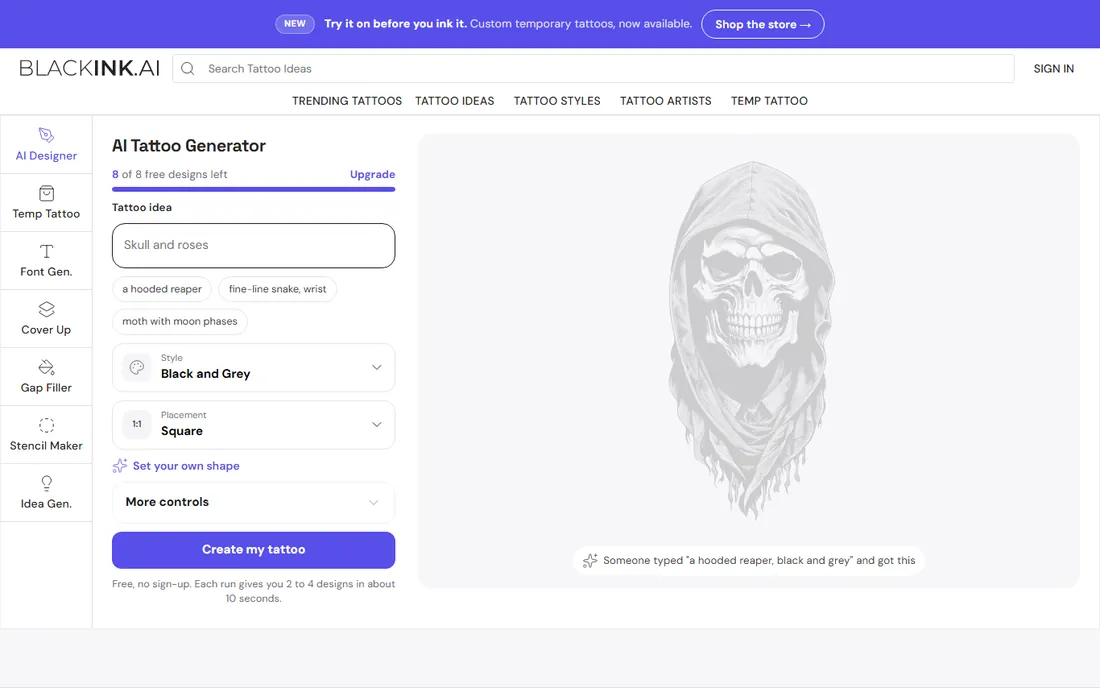
If you are planning a sleeve, back piece or anything with real detail, BlackInk AI is the most purpose-built option on this list. It was designed around tattoo workflows rather than general image generation, with tools for cover-ups, gap fillers, font-based lettering and a stencil converter that turns a design into linework an artist can actually trace. You can dial complexity, color treatment and line weight before generating, which matters because those are the variables your artist will ask about.
The body-placement visualization is the other reason to pick it. You choose a body part and see how the composition sits on a sleeve, hand or back instead of guessing from a square image. Downloads go up to 4x super resolution on paid plans, which keeps fine lines readable when you print or share the file. The honest catch is the learning curve. The interface packs in a lot, and the three free credits disappear fast once you start experimenting. Paid plans run $15 for a month, $39.99 for three months or $72 for a year, with a money-back guarantee covering your first 25 generations.
What we like- 28 tattoo-specific styles
- Image-to-stencil converter
- Body-part templates for sleeves and placements
Watch out for- Interface feels dense at first
- Free credits run out quickly
Starting price$12.99 for 7-day access (one-time)
Free planYes (1 free generation)
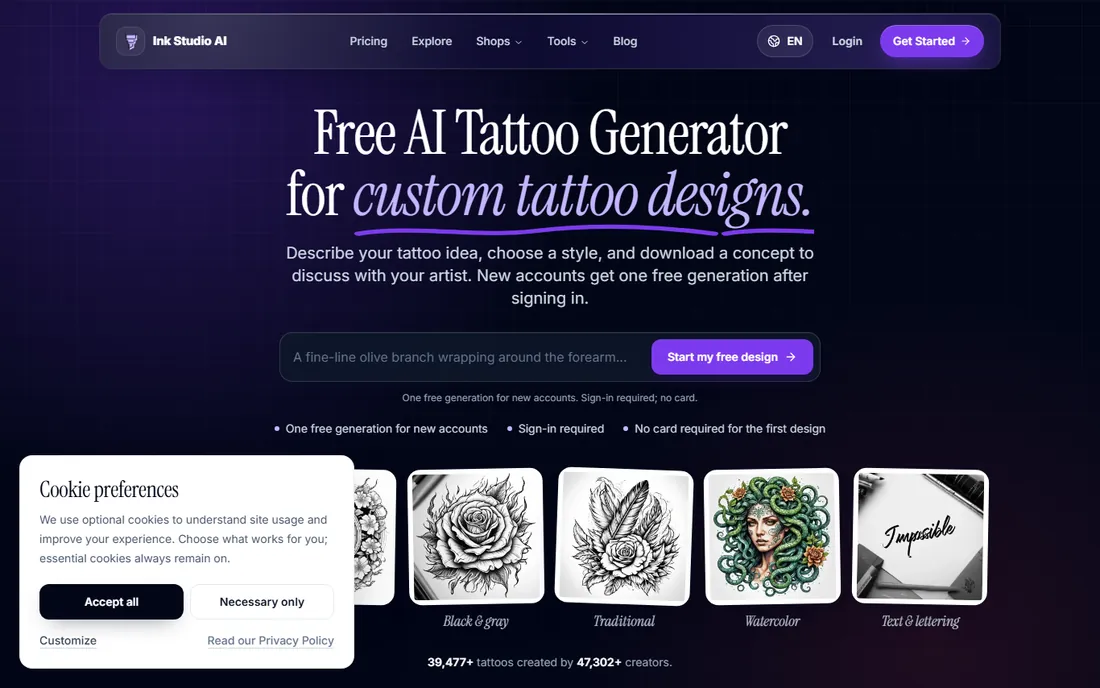
The first thing you notice about Ink Studio AI is the pricing model. Instead of a renewing subscription, you buy a one-time access pass: $12.99 for 7 days, $16.99 for 14 days or $23.99 for 30 days, each with unlimited text-to-tattoo generations during the window plus a set of premium credits for image conversion. If you are finalizing one piece over a weekend or two, that structure costs less than a month of most subscriptions and ends automatically.
The planning extras go beyond generation. A virtual try-on places the design on your own body photo, a price calculator estimates what a shop might charge by region and style, and there are size, font and removal-cost calculators for cover-up planning. Negative prompts let you exclude elements that keep showing up. The tradeoff is the thin free tier: one generation, no card required, and color output is gated. Independent testing has also noted output quality runs a notch below the top general art models, so treat it as a planning tool rather than a final-artwork machine.
What we like- One-time access passes instead of subscriptions
- Virtual try-on plus price, size and font calculators
- Negative prompt controls
Watch out for- Only one free generation
- Color output and extra styles sit behind the paywall
Starting price$4.99/month (billed annually)
Free planYes (4 free designs)
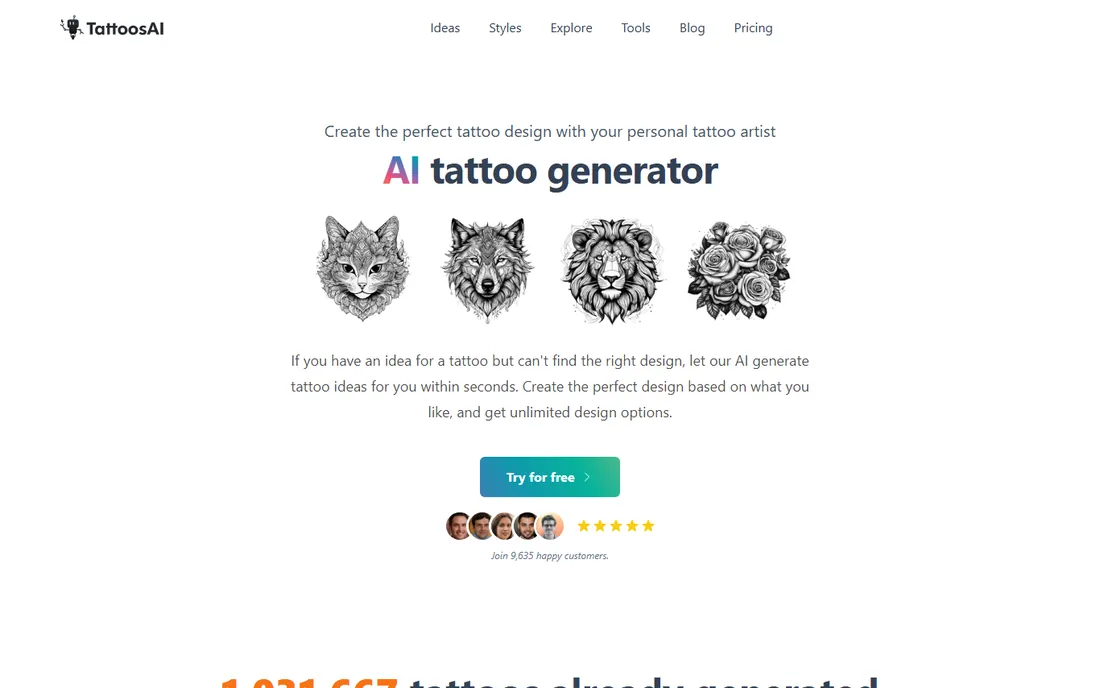
TattoosAI keeps the whole experience to three steps: type your idea, pick a style and color treatment, generate. The style menu covers the ground most first-timers care about, including dotwork, watercolor, Japanese, blackwork, minimalism, lettering and portrait work, with a surprise-me option when you want the app to pick. Every account gets four free designs with no card required, which is enough to judge whether the model understands your taste.
The paid tier is the headline: unlimited designs for $4.99 a month on the annual plan ($14.99 month to month), which undercuts every other unlimited option here by a wide margin. Designs stay saved in your account permanently, and the pro plan keeps them private instead of adding them to the public gallery. The gaps are real though. There is no virtual try-on or body preview at the time of writing, so you are judging flat images, and the tool offers little beyond generation itself. If you want volume and simplicity for very little money, it is hard to beat.
What we like- More than 18 style filters
- Unlimited designs on paid plans
- Cheapest unlimited option on this list
Watch out for- No body try-on yet
- Free-plan designs are public in the exploration gallery
Starting priceFree
Free planYes
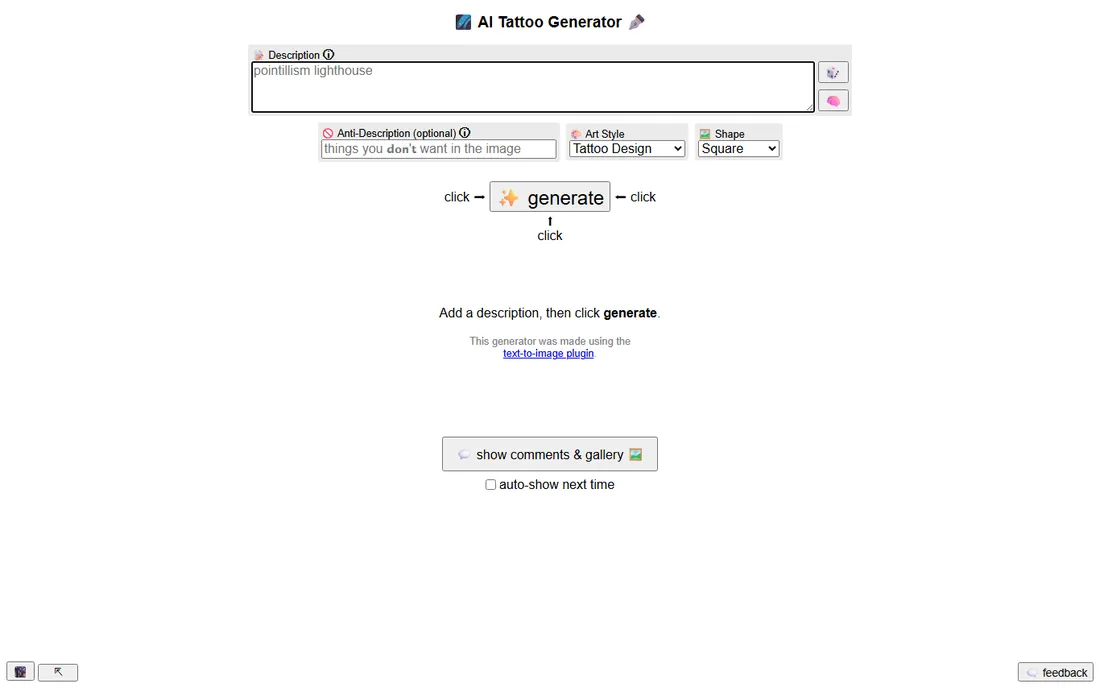
The fastest way to brainstorm fifty tattoo ideas for zero dollars is Perchance. There is no signup, no credit counter and no paywall. You type a description, pick the tattoo design style and shape, and generate several variants at once. An anti-description field lets you banish elements the model keeps adding, like skulls or clocks, which is a small feature that saves a surprising amount of regeneration.
Perchance runs in an open editor where you can see the prompt logic and even fork your own version, which appeals to tinkerers. For pure idea volume it is unmatched at this price. The output is the compromise. Images come out rough and sometimes jumbled on complex prompts, and there is nothing here for placement, sizing or artist handoff. Use it the way its fans do: as a sketchbook for directions, then take the two or three keepers to a stronger tool or straight to your artist for refinement.
What we like- Completely free with no account
- Anti-description excludes unwanted elements
- Batch generation of multiple variants
Watch out for- Rough, unpolished output
- No tattoo planning features at all
Starting priceSee website
Free planYes (daily free credits)
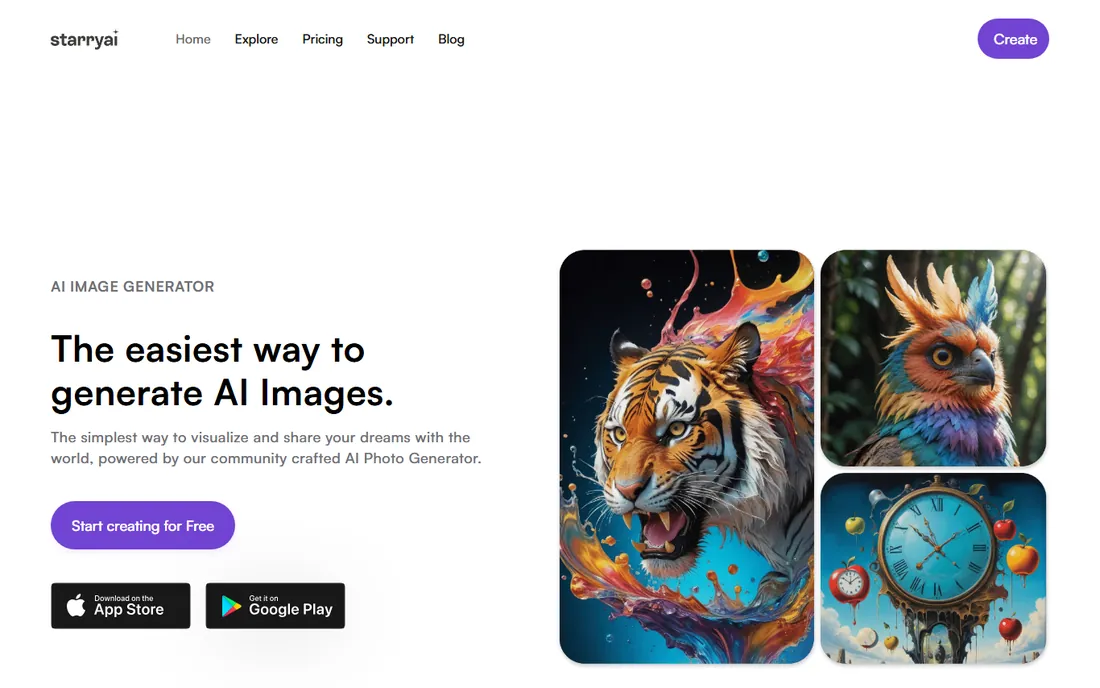
StarryAI is a general AI art app rather than a tattoo tool, but it earns its place because the mobile experience is excellent and the ownership terms are unusually generous. You keep full commercial rights to everything you generate on any plan, and nothing carries a watermark. The apps, rated 4.7 stars across tens of thousands of reviews, make it easy to generate, edit and share from your phone, with a canvas tool for in-painting and extending compositions.
For tattoo work, the workflow is manual. You write a detailed prompt, pick a style, generate, and refine the composition yourself in the canvas editor. There are no body-part templates, no try-on and no stencil conversion, so you do the tattoo-specific thinking. Daily free credits keep casual use free, and paid credit packs scale up from there. Pick StarryAI when you want the best phone-based generation experience and plan to handle placement with your artist directly.
What we like- Polished iOS and Android apps
- Full commercial rights to every image you generate
- No watermarks on any plan
Watch out for- Not tattoo-specific, so no stencil or placement tools
- Heavy use burns through credits fast
Starting priceFree (Pro $120/year)
Free planYes
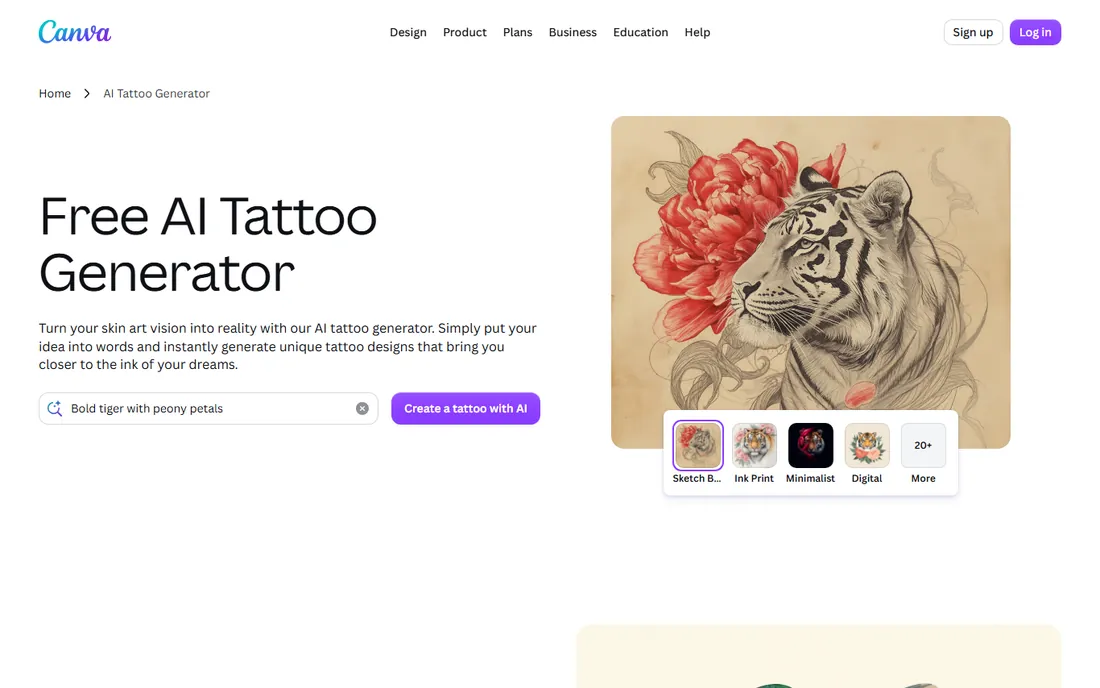
Most people already have Canva for something else, which makes its AI tattoo generator the easiest one on this list to try. You describe the design in Magic Media, get a few options, then refine inside Canva's full editor: adjust symmetry, add lettering from its font library, combine the AI output with hand-placed shapes, and lay out a full flash sheet. The linework comes out clean, which suits minimalist, geometric and fine-line directions that tattoo artists can trace easily.
The free tier covers a limited number of AI generations, and heavier use pushes you toward Pro at $120 a year. Canva also offers no body preview and nothing tattoo-specific beyond the generator itself, so realism and complex compositions are weaker than the dedicated tools. Where it wins is composition control. If your idea involves text, symmetry or a multi-element layout, building it in Canva beats regenerating blindly in a pure prompt box.
What we like- Magic Media generates from a prompt inside a full design editor
- Clean linework suits minimalist and fine-line styles
- Huge font and shape libraries
Watch out for- Limited free generations
- No try-on or tattoo-specific workflow
Starting priceFree
Free planYes (up to 20 designs per day)
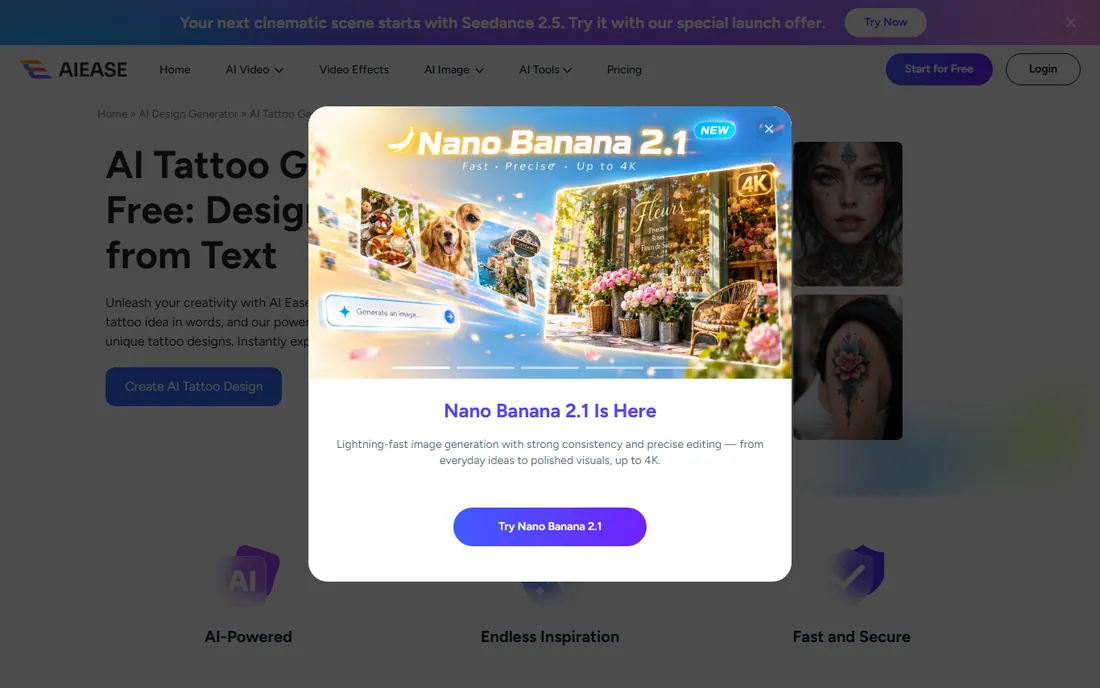
AI Ease is one of the most generous free options in this category, offering up to 20 AI tattoo designs per day without charging. The style picker stays simple with three directions, Default, Line Art and Mandala, which keeps decisions fast but limits range. Downloads come in high resolution with no watermark, so the files you save are actually usable as references.
The tradeoff for free volume is depth. There are no advanced controls, no negative prompts and no placement preview, and generation sometimes queues when the service is busy. Think of it as a free sketch pad with better output quality than you would expect. If your taste runs to line art or mandala work and you want to explore a lot of variations before committing to a paid tool, the daily allowance goes a long way.
What we like- Generous free daily allowance
- High-resolution downloads without watermarks
- Simple three-style picker
Watch out for- Only three styles to choose from
- Generation can queue at busy times
Starting price$10/month
Free planNo
For pure image quality, nothing on this list touches Midjourney. It handles fine-art styles, intricate blackwork and complex multi-element compositions better than every dedicated tattoo app here, and its prompt adherence means detailed descriptions actually show up in the result. Tattoo artists and serious planners use it to generate reference imagery with a level of polish that purpose-built tools rarely match.
Everything else about it is friction. There is no free tier, plans start at $10 a month, and generation happens through Discord, which feels clunky when you are iterating on a design. Nothing about the product knows what a tattoo is: no styles tuned for ink, no stencil export, no placement preview, no aging considerations. Use Midjourney when the design itself is the hard part and you have an artist who can translate a beautiful image into something that works on skin.
What we like- Best-in-class aesthetics for complex compositions
- Strong prompt adherence
- Active community sharing techniques
Watch out for- No free tier at all
- Discord-based workflow
- Zero tattoo-specific features
Starting priceSee website
Free planYes
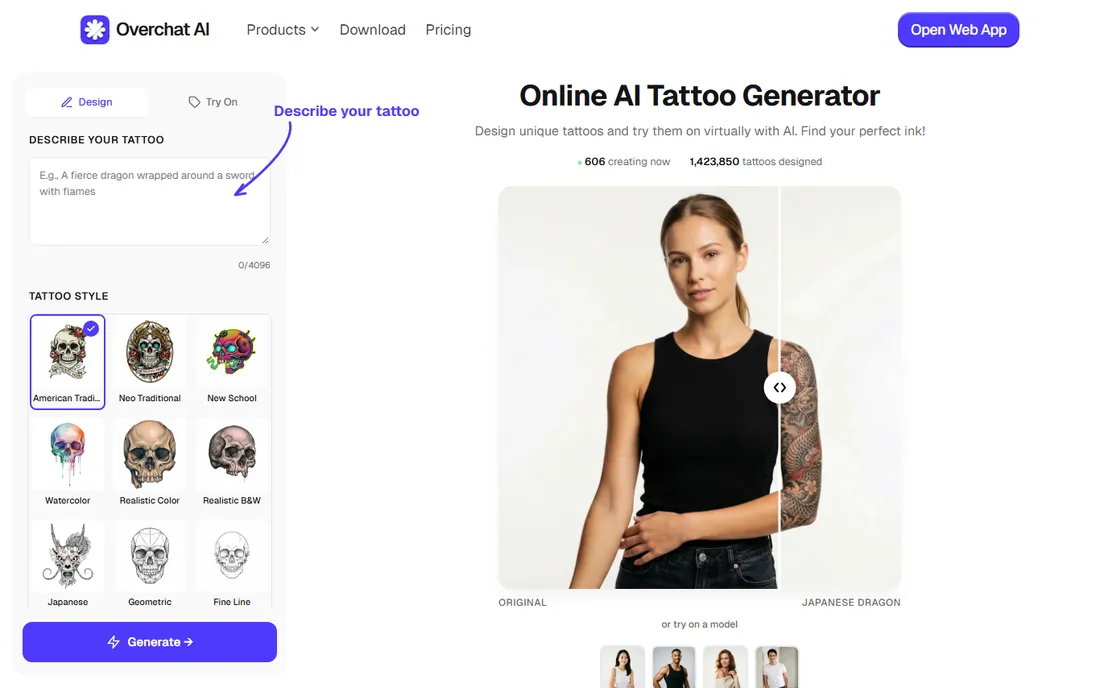
Overchat AI bundles its tattoo generator into a general AI assistant that lives on the web and as iOS and Android apps. You describe what you want in plain conversation, pick from multiple tattoo styles, and can preview the design on your body before downloading the high-resolution file to show your artist. For someone who wants to play with ideas without learning a new interface, the chat format is the lowest-friction entry point here.
The generality cuts both ways. Style controls are thinner than BlackInk AI or TattoosAI, and the product is a broad assistant first, so tattoo-specific refinement tools are limited. Pricing information is also harder to pin down than the dedicated competitors. It fits casual exploration and quick what-if experiments, especially if you already use the app for other AI tasks.
What we like- Runs on web, iOS and Android
- Conversational prompting feels natural
- Body preview is supported
Watch out for- Fewer style controls than dedicated tools
- Pricing details are unclear
How we chose
We compared these apps the way a buyer would: reading current pricing pages and documentation, checking public reviews on G2, Capterra and Reddit, and weighing two independent hands-on roundups (Jotform's tested comparison and Tryonr's April 2026 tests across identical prompts). We scored each app on free-tier generosity, style range, tattoo-specific workflow (stencils, fonts, placement preview), output quality relative to price, and fit for US buyers planning real shop visits. We did not accept vendor claims at face value; where a free tier looked thinner in testing than in marketing, we said so.
How to choose the right app for your plans
Match the billing model to your timeline
If you will brainstorm for a weekend, Ink Studio AI's one-time passes cost less than any subscription. If you collect ideas for months, TattoosAI's $4.99 monthly unlimited or BlackInk AI's annual plan make more sense. Perchance and AI Ease cost nothing at all, so there is no reason not to start there for early directions.
Decide whether you need body preview
Placement changes everything about a design. BlackInk AI visualizes on body parts, Ink Studio AI does virtual try-on from your photo, and Overchat AI offers body preview. If you already know exactly where the tattoo goes and trust your artist's eye, a flat-image generator like Midjourney or StarryAI is fine.
Plan the artist handoff
Ask your shop what file format they prefer before you fall in love with a tool. Stencil-ready linework from BlackInk AI or clean vector-friendly output from Canva shortens the consultation. Bring two or three strong directions rather than fifty variations; artists respond better to a clear brief than a folder dump.
Where AI designs still fall short
AI still does not understand skin. It cannot wrap a design around muscle and bone, predict how lines spread as a tattoo ages, or guarantee symmetrical placement on a curved surface. Text remains a weak point: lettering often comes out misspelled or warped, which is why font-specific tools and human proofreading matter. Fine detail that looks crisp on screen can blur into a gray patch at real tattoo sizes, so always discuss scale with your artist. Treat every AI output as a concept to refine, never as finished artwork ready for the needle.
Frequently asked questions
Can I take an AI-generated design straight to my tattoo artist?
You can take it as a reference, and most artists welcome that. Expect the artist to redraw or adapt it for your anatomy, line-weight aging and placement. Few shops will tattoo an AI image exactly as generated without changes.
Do I own the design the app generates?
It depends on the app's terms. StarryAI grants full commercial rights to generated images, while some tools keep free-tier designs public in a gallery. Read the terms before using a design commercially or posting it as your own flash.
Can these apps show the tattoo on my body?
Some can. BlackInk AI visualizes designs on body parts, Ink Studio AI offers virtual try-on from your photo, and Overchat AI supports body preview. The rest generate flat images only, so placement stays between you and your artist.
How much should I expect to pay for a good AI tattoo app?
For casual planning, nothing: Perchance and AI Ease are free, and several paid apps include a few free generations. Serious planners typically spend $5 to $16, either as a cheap unlimited month (TattoosAI) or a one-time access pass (Ink Studio AI, BlackInk AI monthly).
Are free AI tattoo generators good enough?
For brainstorming, yes. Perchance and AI Ease produce plenty of usable directions at no cost. For a large or detailed piece you plan to get inked, a paid tool's higher resolution, style controls and stencil export are worth the small spend.
Sources we checked (13)
- https://blackink.ai/
- https://blackink.ai/pricing
- https://inkstudioai.com
- https://inkstudioai.com/blog/best-ai-tattoo-generators
- https://www.tattoosai.com/
- https://perchance.org/ai-tattoo-generator
- https://www.canva.com/ai-tattoo-generator/
- https://www.aiease.ai/ai-design-generator/ai-tattoo/
- https://www.midjourney.com
- https://Overchat.ai/image/ai-tattoo-generator
- https://www.jotform.com/ai/best-ai-tattoo-generator/
- https://tryonr.com/blog/best-ai-tattoo-generators
- https://www.avclabs.com/hot-topic/ai-tattoo-generator-free-no-sign-up.html
Is your product missing or out of date?
We review this list regularly. Vendors can request a listing, send updated pricing or ask about featured placement.

Shihab Mia · Founder, Rankite
Shihab has spent more than a decade helping SaaS and e-commerce brands grow through search. He writes Rankite's software buying guides from pricing pages, documentation and public user reviews. More about Shihab.