How we make this list: we compare pricing pages, product documentation and public user reviews. Rankite is independent; if a vendor ever pays for a featured spot, that listing is clearly labeled Partner.
Key takeaways
- TensorFlow and PyTorch remain the default choices for teams that write code, and both cost nothing to use.
- If nobody on your team programs, Neural Designer and NeuralTools build working neural networks from spreadsheets and CSV files.
- MATLAB and IBM SPSS make sense only if your team already lives in those ecosystems, because the license cost adds up fast.
- H2O.ai and KNIME sit in the middle: visual or automated modeling with a path to production, aimed at business teams rather than researchers.
- Deeplearning4j is the only serious option on this list for companies standardized on Java.
Quick comparison
| Tool | Best for | Starting price | Free plan |
|---|
 TensorFlow TensorFlow | teams shipping models to production | Free (open source) | Yes |
 PyTorch PyTorch | researchers and teams that iterate fast | Free (open source) | Yes |
 Keras Keras | beginners and rapid prototyping | Free (open source) | Yes |
 Neural Designer Neural Designer | domain experts who do not code | See website | Yes |
 MATLAB Deep Learning Toolbox MATLAB Deep Learning Toolbox | engineering teams already standardized on MATLAB | See website | Free trial |
 H2O.ai H2O.ai | enterprises wanting automated machine learning | See website | Yes |
 KNIME KNIME | analysts who think in workflows, not code | Free (Analytics Platform) | Yes |
 Eclipse Deeplearning4j Eclipse Deeplearning4j | Java and Scala shops | Free (open source) | Yes |
 NeuralTools NeuralTools | Excel-based forecasting and prediction | See website | Free trial |
 IBM SPSS Neural Networks IBM SPSS Neural Networks | statisticians adding neural networks to their toolkit | $79 per user/month | Free trial |
Is your product missing or out of date?
We review this list regularly. Vendors can request a listing, send updated pricing or ask about featured placement.
The best neural network software
Starting priceFree (open source)
Free planYes
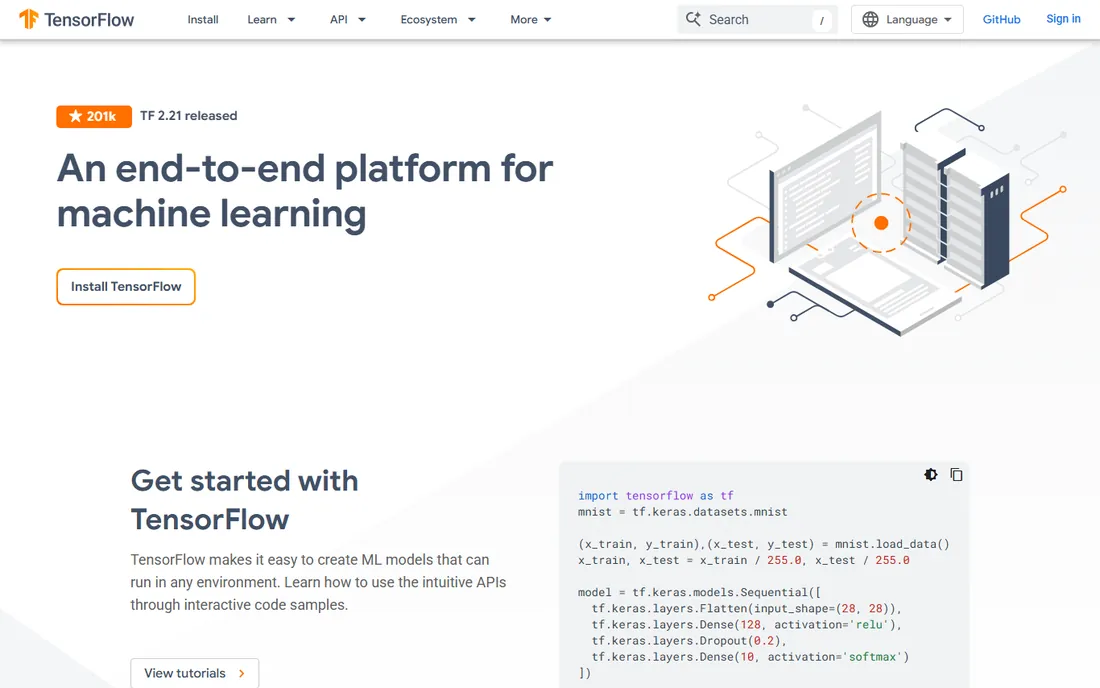
Google built TensorFlow for its own production systems, and it shows. The framework covers the full path from training to deployment, with TensorFlow Serving for server inference, TF Lite for mobile and embedded devices, and TensorFlow.js for the browser. If your end goal is a model running inside a real product, few options match this coverage.
The honest catch is complexity. TensorFlow exposes a lot of machinery, and teams new to deep learning often spend their first weeks just learning which API to use for what. Most practitioners now write models in Keras and let TensorFlow handle the backend, which removes much of the pain. Support comes from documentation and a large community rather than a vendor help desk, so factor in self-sufficiency.
What we like- Huge ecosystem of deployment tools
- Runs on servers, mobile and browsers
- Strong production tooling like TF Serving and TF Lite
Watch out for- Steeper learning curve than Keras alone
- API surface is large and changes between major versions
Starting priceFree (open source)
Free planYes

PyTorch won the research community by treating neural networks like ordinary Python programs. Debugging feels natural, custom architectures are easy to express, and when a new paper drops, the reference implementation is usually PyTorch. That research momentum matters for businesses too, because the techniques your team reads about are the ones they can actually use.
For production, TorchServe and ONNX export cover most deployment needs, though the ecosystem is less turnkey than TensorFlow's. Teams that train in PyTorch and deploy through a serving layer rarely hit walls. Like TensorFlow it is free and open source, maintained under the PyTorch Foundation, so there is no license cost at any scale.
What we like- Intuitive Python-first design
- Dominant in research so new papers ship PyTorch code first
- Strong distributed training support
Watch out for- Production deployment story is thinner than TensorFlow's
- Mobile and embedded support lags behind
Starting priceFree (open source)
Free planYes
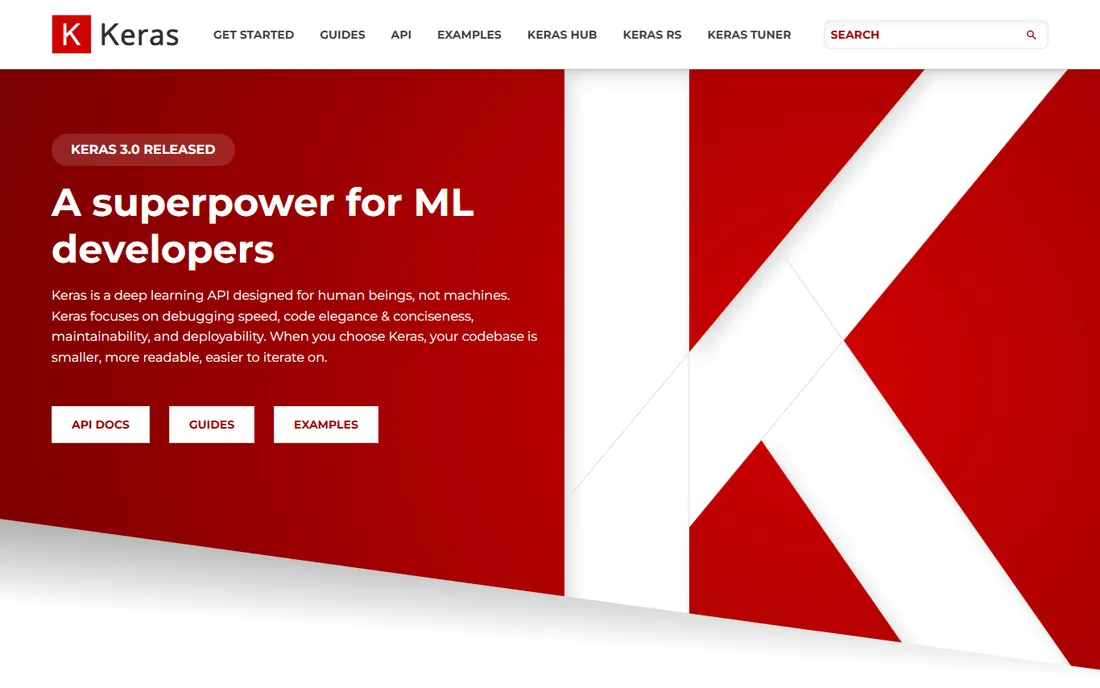
Keras 3 made an interesting move: one API that runs on top of TensorFlow, JAX, or PyTorch. For a small team that wants to build models without committing to a backend, that flexibility is genuinely useful. You write the model once and can switch backends as needs change.
The trade is control. Keras hides complexity on purpose, which is perfect until you need something the API does not expose. Most teams never hit that wall. Combined with KerasHub for pretrained models, it is the fastest route from idea to a trained network, and it costs nothing.
What we like- Cleanest API of any major framework
- Runs on TensorFlow, JAX or PyTorch backends
- Excellent documentation and examples
Watch out for- Less control for exotic architectures
- Advanced users eventually drop to the backend framework directly
Starting priceSee website
Free planYes
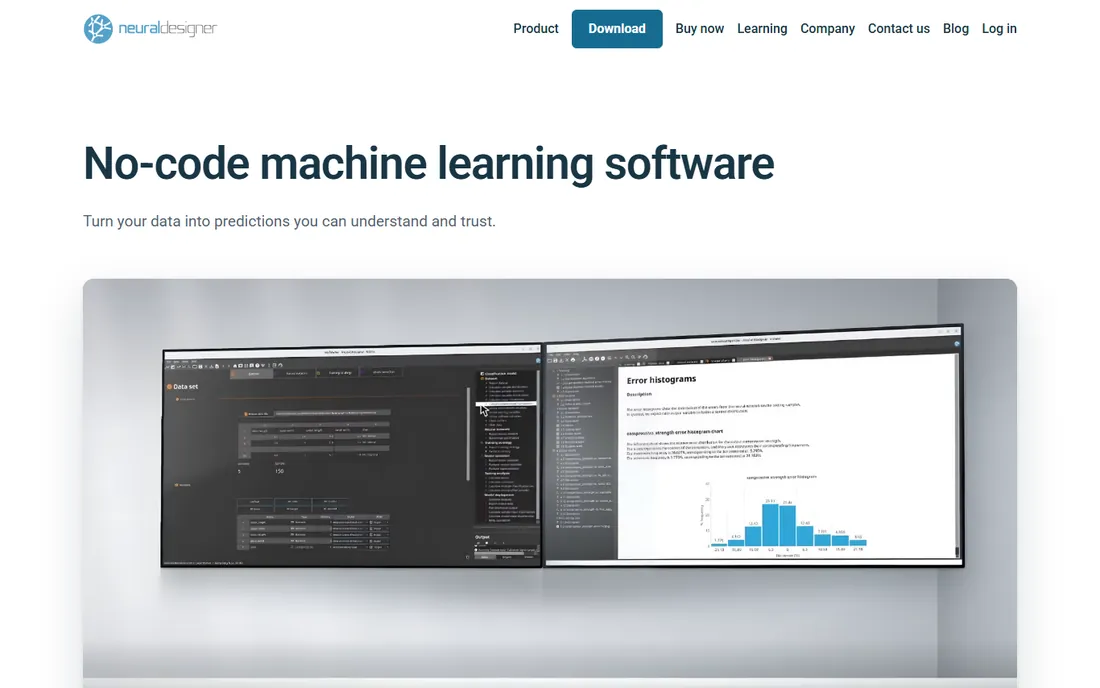
Neural Designer takes a different approach from everything above: no code at all. You load a dataset, define what to predict, and the software builds, trains and validates the neural network through a desktop interface. The free version handles up to 1,000 samples and 10 variables with no time limit, which is enough to evaluate it on a real problem.
Paid licenses are aimed at researchers and institutions, with academic pricing published from $2,495 per user per year and commercial pricing on request. Every license includes training sessions with their team, which tells you who the customer is: engineers, scientists and analysts with data but no ML engineers. Export options let you deploy models or integrate predictions elsewhere.
What we like- Genuine no-code neural network design and training
- Free version with no time limit
- Runs on Windows, macOS and Linux
Watch out for- Commercial pricing is quote-based
- Smaller community than the big frameworks
#5
MATLAB Deep Learning Toolbox
Best for: engineering teams already standardized on MATLAB
Visit mathworks.com
Starting priceSee website
Free planFree trial
If your team already holds MATLAB licenses, the Deep Learning Toolbox is the path of least resistance to neural networks. It plugs into the same environment engineers use for signal processing, control systems and simulation, with interactive apps that make experimentation approachable. Importing models from TensorFlow and PyTorch is supported, so you are not fully cut off from the wider ecosystem.
The catch is the bill. MATLAB itself plus the toolbox is a significant per-user cost, and MathWorks pricing rewards institutional commitments. This is a poor choice as a first neural network tool for a team with no MATLAB footprint, and a sensible one for engineering departments that already pay for it.
What we like- Deep integration with MATLAB's math and simulation tools
- Strong apps for labeling and experimenting
- Trusted in academia and engineering
Watch out for- Expensive once you add toolboxes
- Locks you into the MathWorks ecosystem
#6
H2O.ai
Best for: enterprises wanting automated machine learning
Visit h2o.ai
Starting priceSee website
Free planYes
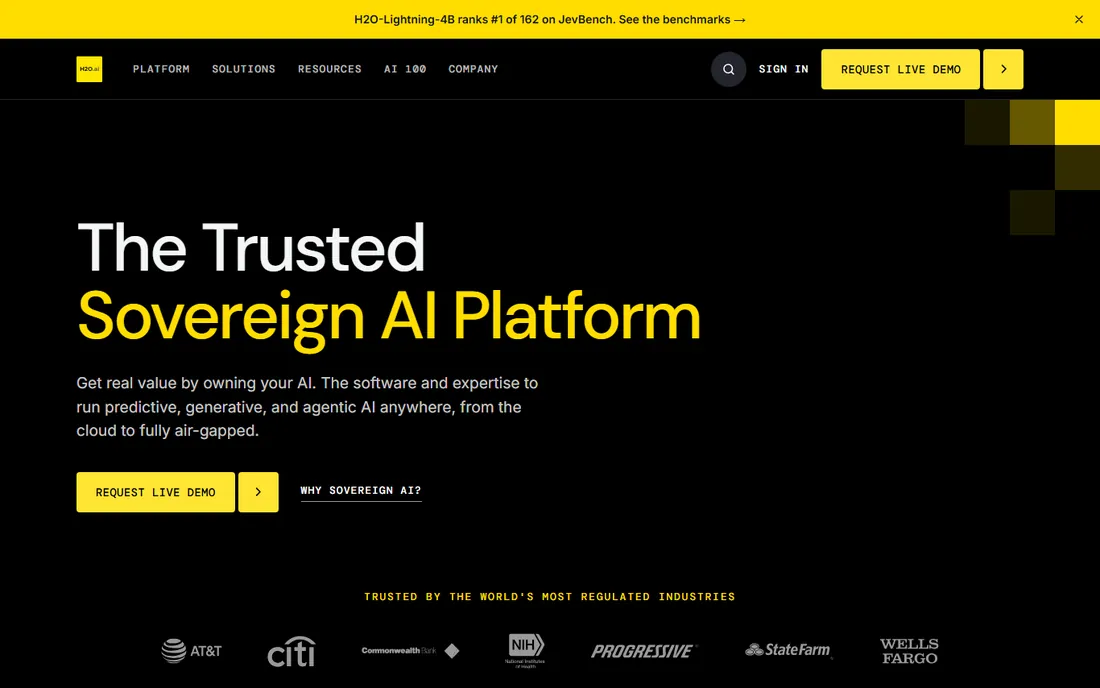
H2O.ai straddles two worlds. The open-source H2O-3 engine gives you distributed machine learning, including deep learning, for free. The commercial platform adds generative AI, agents and governance features aimed at banks, insurers and government agencies, priced as an annual license based on compute rather than per-seat or per-token.
For a mid-size company, the honest evaluation is the open-source tier plus your own infrastructure. The enterprise platform is built for organizations with compliance teams and large AI budgets. Neural network support is solid in both, but H2O's real strength is automating the whole modeling pipeline rather than hand-tuning architectures.
What we like- Open-source H2O-3 engine is free and capable
- Enterprise platform covers the full AI lifecycle
- Strong compliance story for regulated industries
Watch out for- Enterprise pricing is quote-only and aimed at large budgets
- The platform has grown complex
#7
KNIME
Best for: analysts who think in workflows, not code
Visit knime.com
Starting priceFree (Analytics Platform)
Free planYes
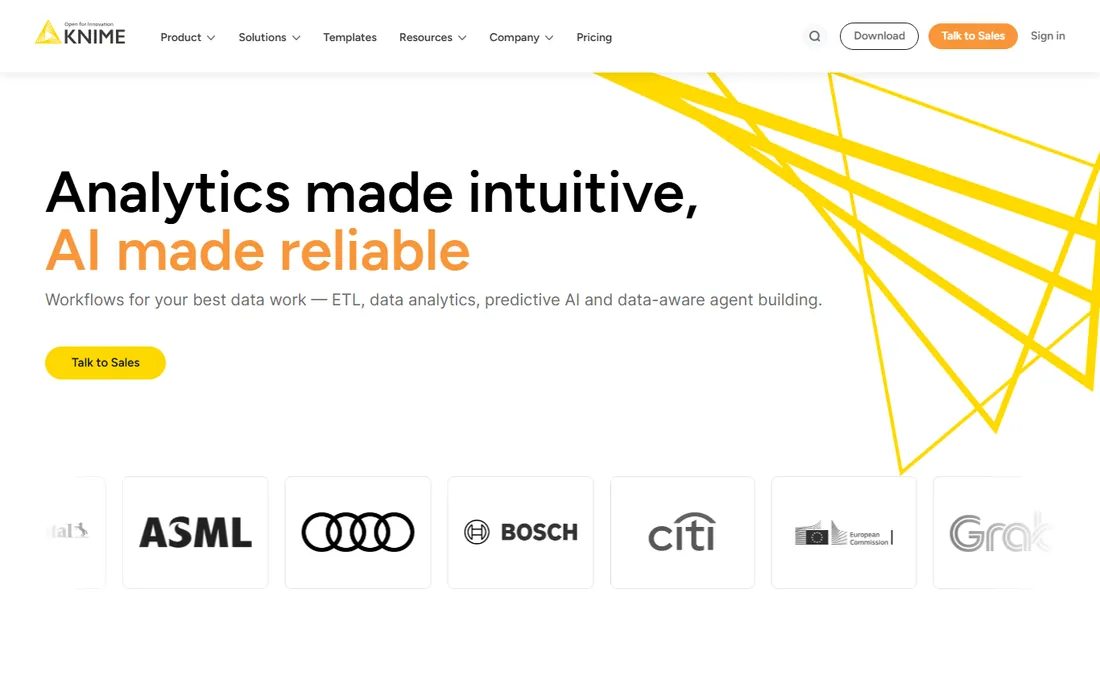
KNIME lets analysts build neural network models by connecting nodes in a visual workflow instead of writing code. It integrates with Keras, TensorFlow and other Python libraries, so the visual layer sits on top of real frameworks rather than replacing them. The free Analytics Platform has no limits on data size or functionality, which is rare.
When teams need to share, schedule and govern those workflows, the paid KNIME Business Hub enters the picture, with online plans from $19 per month and enterprise Hub pricing on request. For a small analytics team, the free platform plus a little Python covers most neural network work without spending anything.
What we like- Analytics Platform is free and open source with no data limits
- Visual drag-and-drop modeling including Keras and TensorFlow integrations
- Huge connector library
Watch out for- Visual workflows get unwieldy for very complex models
- Team deployment requires the paid Business Hub
Starting priceFree (open source)
Free planYes
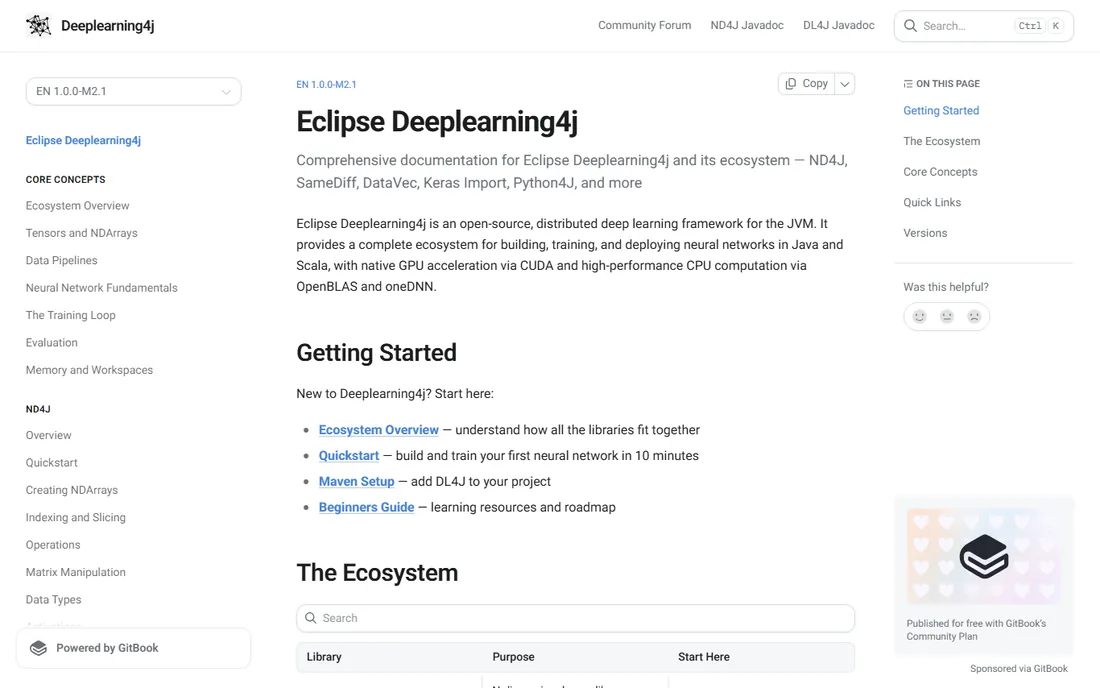
Every other framework on this list assumes Python. Deeplearning4j exists for the large number of enterprises standardized on Java, where rewriting the stack in Python is not on the table. It trains and serves neural networks on the JVM with GPU acceleration, and it can import models built in Keras or TensorFlow, which gives teams a migration path.
Expect a quieter ecosystem: fewer Stack Overflow answers, fewer pretrained models, slower release cadence. Konduit offers commercial support if you need a throat to choke. For a Java team that must do deep learning in-house, it remains the practical choice.
What we like- The only mature deep learning framework for the JVM
- Imports Keras, TensorFlow and ONNX models
- Commercial support available from Konduit
Watch out for- Smaller community and fewer tutorials than Python frameworks
- Releases move slowly
Starting priceSee website
Free planFree trial
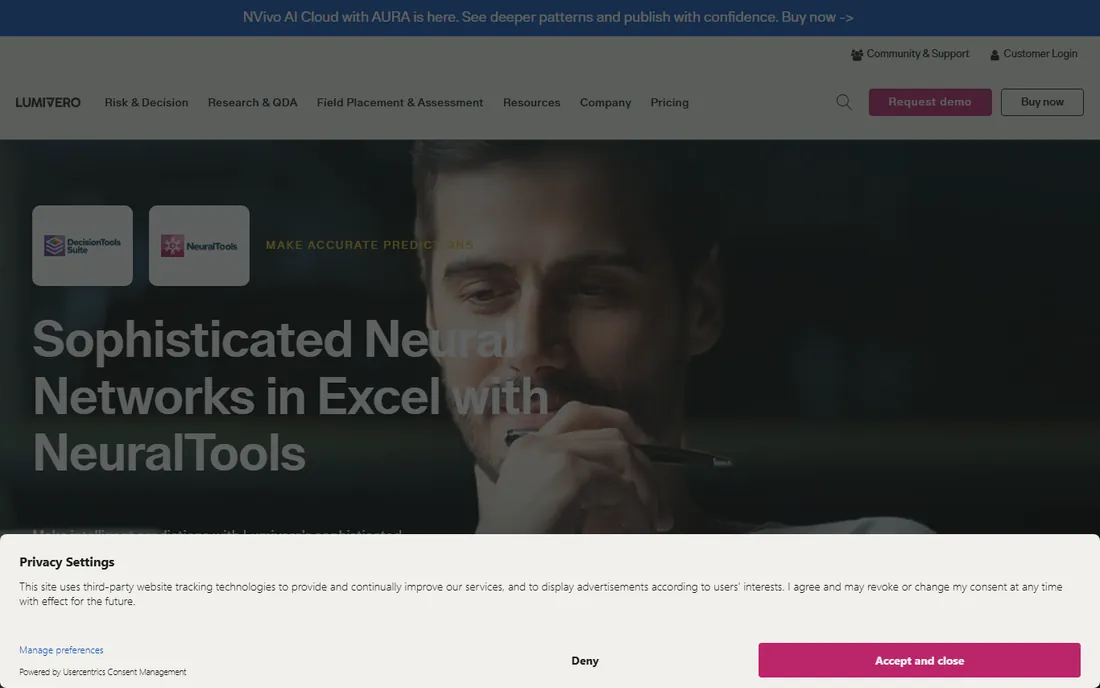
NeuralTools, now sold by Lumivero as part of the DecisionTools Suite, puts neural network analysis inside the spreadsheet your finance or operations team already uses. Training, testing and prediction happen in one step, and predictions recalculate automatically when input data changes. Use cases skew toward credit risk, demand forecasting and engineering reliability.
This is not a tool for building novel architectures. It is for analysts who need better predictions than regression gives them, without leaving Excel. Pricing runs through Lumivero's sales team, and a trial is available. If your modeling happens in spreadsheets today, the fit is immediate.
What we like- Builds neural networks directly inside Microsoft Excel
- Predictions update live when inputs change
- No programming needed
Watch out for- Tied to Excel and Windows workflows
- Pricing is quote-based through Lumivero
#10
IBM SPSS Neural Networks
Best for: statisticians adding neural networks to their toolkit
Visit ibm.com
Starting price$79 per user/month
Free planFree trial
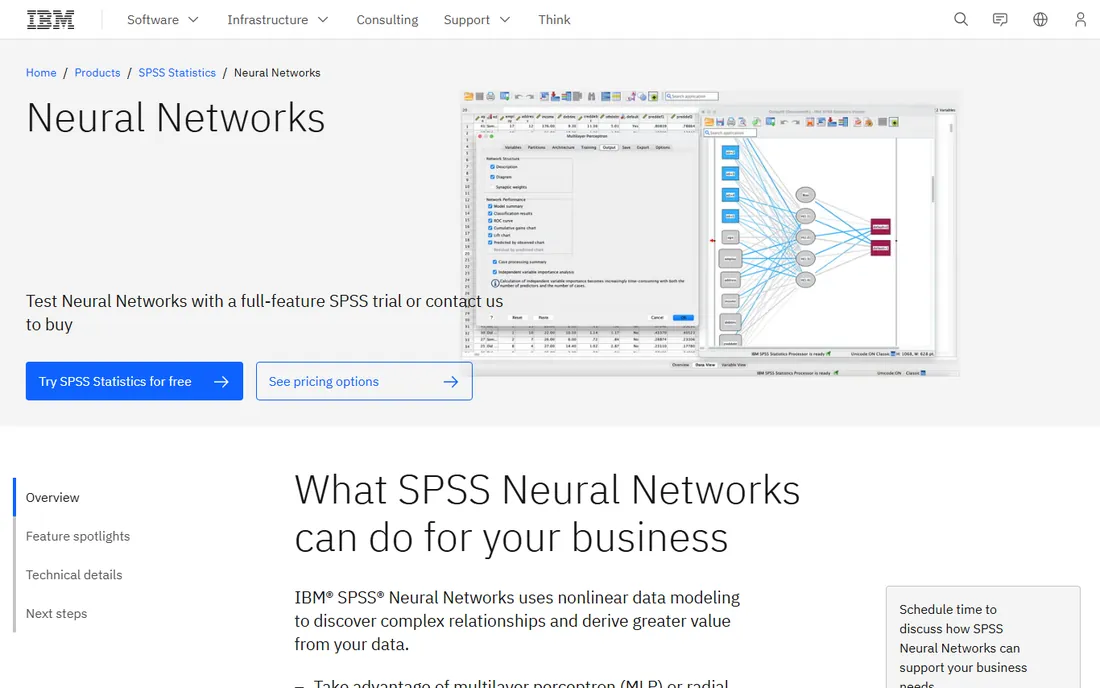
SPSS Neural Networks is a module inside IBM SPSS Statistics, aimed at analysts who already do statistics in SPSS and want nonlinear modeling without learning a new platform. It offers multilayer perceptron and radial basis function procedures with visual network diagrams, and trained models export in XML format for scoring new data.
On subscription plans it sits in the Forecasting and Decision Trees add-on, starting at $79 per authorized user per month on top of the $99 base SPSS subscription. On-premises buyers need the Premium edition. Nobody buys SPSS just for neural networks, but for teams already paying for it, the module is a low-friction upgrade.
What we like- Familiar SPSS interface for existing users
- Multilayer perceptron and radial basis function procedures
- Models export to XML for scoring
Watch out for- Limited to classic feedforward architectures
- Subscription cost stacks on top of the SPSS base license
How we chose
We started from the products buyers actually evaluate: the major open-source frameworks, the no-code neural network builders, and the established commercial analytics platforms with neural network modules. Each product's homepage was opened to confirm it is live and current, and pricing pages were checked directly for every paid tier quoted here. Where pricing was not published, we say so instead of guessing.
We weighed public documentation, feature lists, G2 and Capterra review themes, Reddit practitioner discussion, and fit for small and mid-size US companies rather than research labs. We did not run hands-on benchmarks. Rankings favor tools a buyer can adopt this quarter, with honest notes on where each one falls short.
What to check before you buy
Start with your team's skills, not the feature list. A Python-capable team should default to PyTorch or TensorFlow with Keras, because the talent pool and community support dwarf everything else. If nobody programs, the no-code options on this list will get you to a working model months faster than hiring or training.
Then check deployment. Training a network is the easy part; serving predictions inside your product or process is where projects stall. TensorFlow, H2O.ai and KNIME have the clearest deployment stories here. Ask each vendor how a trained model gets into production, how it is monitored, and what happens when data drifts.
Contract terms matter more than list prices for the commercial tools. MATLAB and SPSS sell into institutional budgets with annual commitments. Neural Designer and NeuralTools price through sales conversations, so get the quote in writing with renewal terms. For the open-source options, budget for people instead of licenses: the software is free, the expertise is not.
Data and integration fit
Neural networks are hungry for clean, labeled data. Before buying anything, confirm the tool connects to where your data lives. KNIME's 300-plus connectors and H2O's integrations cover most enterprise sources. The Excel-based tools assume your data already sits in spreadsheets. Also confirm export formats: you want models saved in an open format like ONNX or PMML so a future platform change does not strand your work.
Where the money actually goes
Pricing in this category splits three ways. Open-source frameworks cost nothing for the software and everything in engineering time. Desktop no-code tools charge per user per year, with free tiers that are genuinely useful for evaluation. Enterprise platforms price on compute, users, or annual contracts, and the numbers only appear after a sales call.
Watch for the add-on trap with SPSS and MATLAB: the base product price is only the beginning, and the neural network capability lives in a module or toolbox with its own price. With subscription tools, check whether unused capacity rolls over and what the renewal increase looks like. With open source, check whether you need paid support; community help is free but has no SLA.
Frequently asked questions
Do I need to know how to code to use neural network software?
Not necessarily. Neural Designer, NeuralTools and KNIME let you build and train neural networks without writing code. TensorFlow, PyTorch, Keras and Deeplearning4j require programming, usually in Python or Java. Pick based on who will actually operate the tool day to day.
Which neural network software is best for beginners?
Keras is the most approachable framework for someone willing to learn a little Python, thanks to its clean API and strong documentation. For a complete non-programmer, Neural Designer's free version or KNIME's visual workflows are better starting points. Both let you train a real model on your own data within a day.
Is TensorFlow or PyTorch better for business use?
PyTorch is friendlier for experimentation and dominates research, which means new techniques arrive there first. TensorFlow has the more complete production deployment ecosystem. Many companies prototype in PyTorch and deploy with TensorFlow-compatible serving, or simply serve PyTorch models directly with TorchServe.
How much does neural network software cost?
The major frameworks are free and open source. No-code desktop tools range from free tiers to a few thousand dollars per user per year. Enterprise platforms like H2O.ai and MATLAB-based setups are quote-based and aimed at larger budgets. The biggest cost is usually staff time, not licenses.
Can neural networks run in Excel?
Yes, through add-ins like NeuralTools, which trains networks and generates predictions directly in spreadsheets. This suits forecasting and scoring tasks on tabular data. It does not suit image, text or audio work, where the Python frameworks are the right choice.
What is the difference between deep learning frameworks and AutoML platforms?
Frameworks like TensorFlow and PyTorch give you full control to design any architecture, which requires expertise. AutoML platforms like H2O.ai automate model selection and tuning, trading control for speed. No-code tools go further and hide the modeling entirely. Choose the level of control your team can actually use.
Sources we checked (13)
- https://www.tensorflow.org
- https://pytorch.org/
- https://keras.io/
- https://neuraldesigner.com/
- https://www.neuraldesigner.com/buy-now/
- https://www.mathworks.com/
- https://h2o.ai/
- https://www.knime.com/
- https://knime.com/knime-hub-pricing
- https://deeplearning4j.konduit.ai/
- https://lumivero.com/products/decision-tools/neuraltools/
- https://www.ibm.com/products/spss-statistics/neural-networks
- https://www.ibm.com/products/spss-statistics
Is your product missing or out of date?
We review this list regularly. Vendors can request a listing, send updated pricing or ask about featured placement.

Shihab Mia · Founder, Rankite
Shihab has spent more than a decade helping SaaS and e-commerce brands grow through search. He writes Rankite's software buying guides from pricing pages, documentation and public user reviews. More about Shihab.