How we make this list: we compare pricing pages, product documentation and public user reviews. Rankite is independent; if a vendor ever pays for a featured spot, that listing is clearly labeled Partner.
Key takeaways
- Remini claims users have enhanced over 5 billion photos and videos, which shows how mainstream AI upscaling has become (source: remini.ai).
- Topaz Photo AI and Topaz Video AI are the professional picks, now sold as subscriptions from $39 and $59 per month.
- Let's Enhance, VanceAI and Upscale.media cover most business needs at lower prices, with free tiers worth trying first.
- Video upscaling costs far more compute than photos, so video tools price by credits or higher subscriptions.
- Free tools watermark or limit resolution; check the paid tier's export limits before committing your workflow.
Quick comparison
| Tool | Best for | Starting price | Free plan |
|---|
 Topaz Photo AI Topaz Photo AI | photographers who want maximum quality | $39/month | Free trial |
 Topaz Video AI Topaz Video AI | filmmakers upscaling and restoring footage | $59/month | Free trial |
 Magnific Magnific | creative upscaling with fine detail | See website | See website |
 Let's Enhance Let's Enhance | print shops, photographers and ecommerce teams | $9/month | Yes |
 Remini Remini | quick mobile enhancement and old photo restoration | See website | Yes |
 Upscale.media Upscale.media | free no-signup upscaling | Free | Yes |
 VanceAI VanceAI | teams wanting many enhancement tools in one place | $15/month (billed annually) | Yes |
 AVCLabs Video Enhancer AI AVCLabs Video Enhancer AI | desktop video enhancement with a lifetime option | $39.95/month | Free trial |
 Nero AI Nero AI | free everyday AI image tools | See website | Yes |
Is your product missing or out of date?
We review this list regularly. Vendors can request a listing, send updated pricing or ask about featured placement.
The best ai upscaling software
Starting price$39/month
Free planFree trial
Topaz Photo AI remains the reference point for AI photo enhancement. It combines denoise, sharpen, upscale and face recovery in one desktop app, with models that handle everything from noisy high-ISO shots to soft scans. Processing happens on your own machine with unlimited local rendering, so heavy users are not metered.
The business model changed: Topaz moved from perpetual licenses to subscriptions, with Photo at $39 per month, Gigapixel at $29, and an all-apps Studio bundle at $69 per month or $399 per year. Web-based plans start lower at $12 per month for images. Commercial use is included for organizations under $1M annual revenue. If your work depends on image quality, the cost is easy to justify; casual users should look at the cheaper options below.
What we like- Best-in-class detail recovery
- Runs locally with unlimited rendering
- Lightroom and Photoshop integration
Watch out for- Subscription replaced the old one-time license
- Demands a strong GPU for fast processing
Starting price$59/month
Free planFree trial
Video is where Topaz justifies its premium. Video AI upscales to 4K and beyond, with models for denoising, deinterlacing, frame interpolation and slow motion, plus stabilization and SDR-to-HDR conversion. For restoring archival footage or lifting old content to modern standards, nothing else in this price range competes.
It costs $59 per month as a standalone desktop app, with 25 monthly cloud credits included for renders you offload. Local rendering is unlimited, but you will want a serious GPU; CPU-only rendering is painfully slow. Occasional users may prefer credit-based tools, but professionals running batches will find the flat subscription predictable.
What we like- Strongest video enhancement models available
- Frame interpolation and stabilization included
- Local rendering unlimited
Watch out for- Very GPU-hungry
- Subscription pricing adds up for occasional users
Starting priceSee website
Free planSee website
Magnific made its name as the upscaler that adds startling detail to low-resolution images, and the brand now lives inside Magnific, the AI creative platform formerly known as Freepik. The upscale capability continues there alongside generation, editing and video tools in one workspace.
Because of the rebrand, pricing and plan structure have shifted to the platform model, so check the current site for the latest tiers. The honest caveat with Magnific-style upscaling: it invents detail that looks plausible rather than recovering what was there. That is perfect for marketing art and terrible for forensic or documentary work where accuracy matters.
What we like- Famous for hallucinating convincing fine detail
- Now part of a broader AI creative platform
- Strong for artistic and marketing imagery
Watch out for- Rebrand from standalone upscaler to platform complicates pricing
- Can over-embellish documentary images
Starting price$9/month
Free planYes
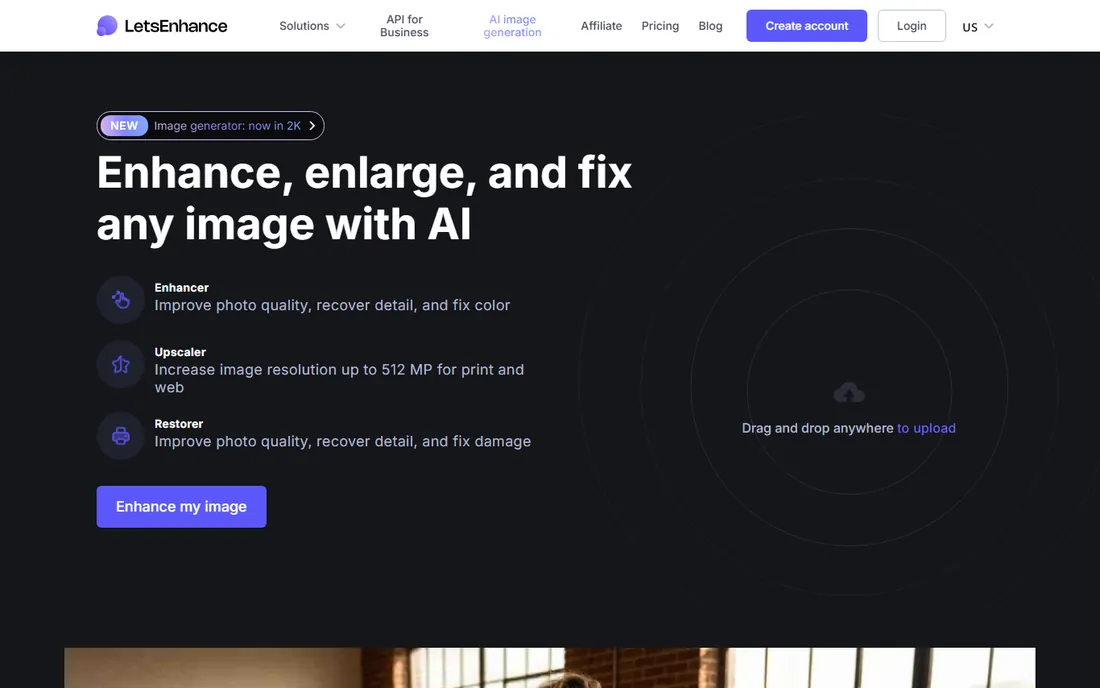
Let's Enhance is built for people who print. Upscaling to 16x with output up to 512 megapixels means a thumbnail can become a poster at 300 DPI, and the batch mode processes 20 images at once for catalog work. Modes for old photos, gentle detail preservation and AI art cleanup cover the common jobs.
Pricing is credit-based: 10 free credits to start, then $9 per month for 100 credits, $24 for 300, and $34 for 500, with unused credits rolling over while you stay subscribed. One credit equals one image. The free tier watermarks results, so treat it as a trial. For steady commercial volume, the rollover makes the math friendlier than it first looks.
What we like- Up to 16x upscaling and 512 megapixel output
- Credits roll over while subscribed
- Batch processing of 20 images
Watch out for- Credit system punishes heavy months
- Free tier watermarks output
#5
Remini
Best for: quick mobile enhancement and old photo restoration
Visit remini.ai
Starting priceSee website
Free planYes
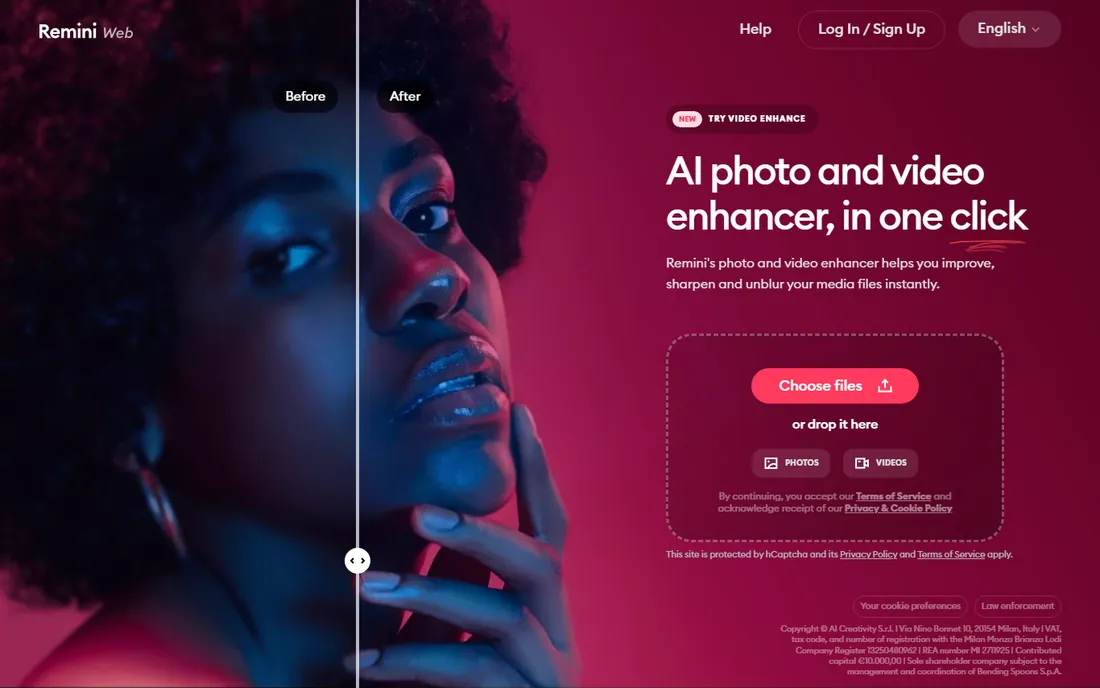
Remini is the upscaler most people have already tried: upload a blurry photo, tap once, get a dramatically cleaner result. It specializes in faces and old damaged photos, and the company reports 100 million monthly active users. The web app at remini.ai complements the mobile apps, and a video enhancer covers short clips.
The trade is control and resolution. Upscaling tops out around 2x, and the processing is automatic rather than tunable. Pricing runs through app subscriptions without a public web pricing page, so check the App Store or Play Store listing for current rates. For fast social-ready enhancement it is unmatched; for print work, look elsewhere.
What we like- One-tap enhancement anyone can use
- Excellent face and old-photo restoration
- Massive mobile user base
Watch out for- Upscale factor capped around 2x
- Pro pricing lives in app stores with weekly billing habits
Starting priceFree
Free planYes
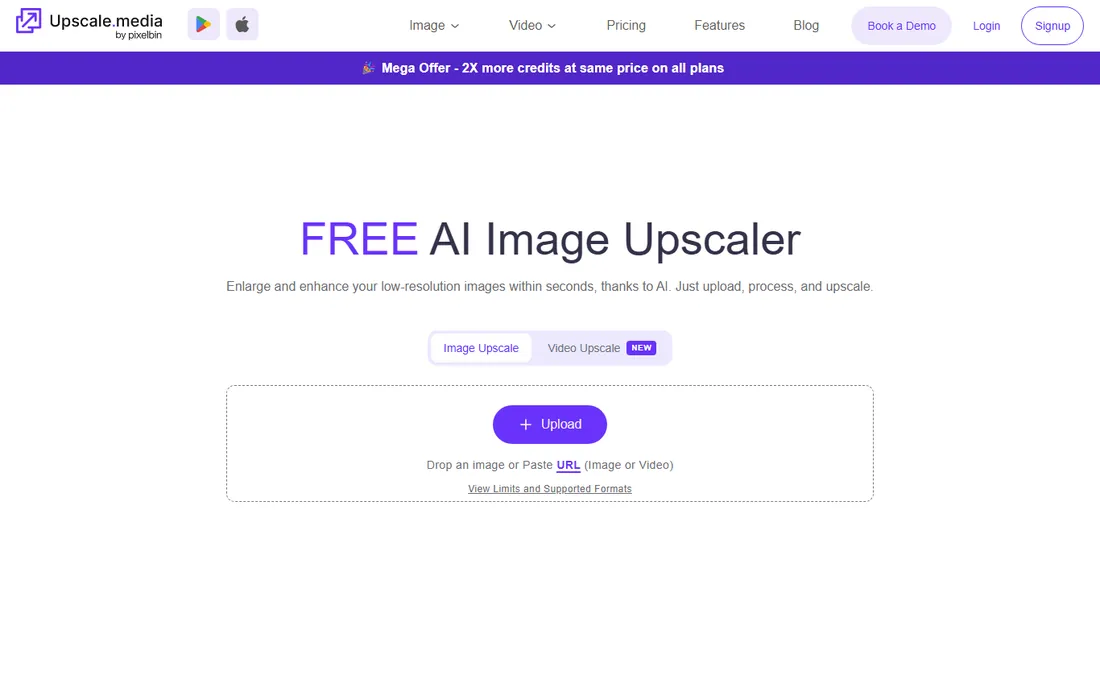
Upscale.media is the simplest tool on this list: open the site, drop in an image, get a sharper larger version back in seconds. It upscales up to 8x with no watermark and no account, which makes it the easiest recommendation for anyone who needs one image fixed right now.
The business model sits behind it: the free tool is the front door to PixelBin.io, which handles batch processing, APIs and commercial workloads on paid plans. For occasional personal use the free tier is genuinely enough. For catalogs or client work, price the PixelBin side before building a workflow on it.
What we like- Free with no watermark
- No registration required
- 2x, 4x and 8x options in the browser
Watch out for- Limited advanced controls
- Bulk and commercial use pushes you to PixelBin
#7
VanceAI
Best for: teams wanting many enhancement tools in one place
Visit vanceai.com
Starting price$15/month (billed annually)
Free planYes
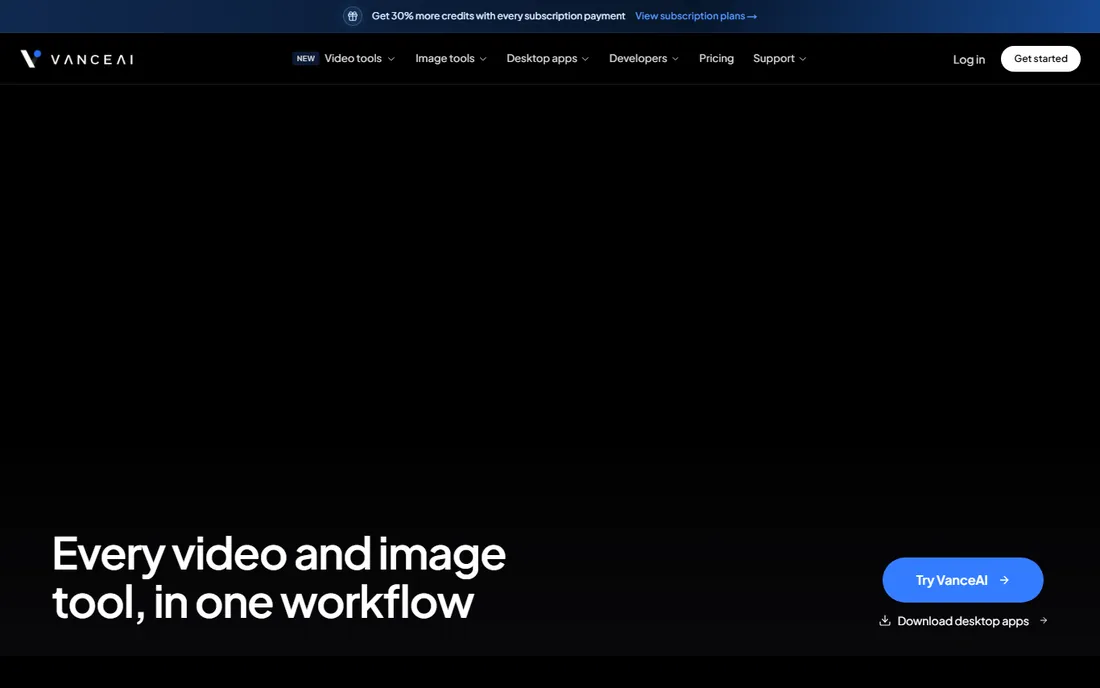
VanceAI bundles dozens of AI tools, image upscaling, sharpening, denoising, background removal, portrait retouching, plus a growing video section with upscale, denoise and colorize. Desktop apps process locally on Windows, and an API lets developers embed the tools in their own products.
Cloud plans run $15, $30, $45 or $75 per month billed annually, with per-credit costs falling as tiers rise, and a 7-day money-back guarantee. Desktop licenses are separate: $39.90 monthly, $99.90 yearly or $129.90 lifetime. A free tier exists for light use. The range is the appeal and the complication; map your actual monthly volume to credits before choosing a tier.
What we like- Wide toolkit covering upscale, denoise, sharpen, colorize and video
- Desktop apps for local processing
- API for developers
Watch out for- Credit math takes study
- Video tools are newer than the image suite
#8
AVCLabs Video Enhancer AI
Best for: desktop video enhancement with a lifetime option
Visit avclabs.com
Starting price$39.95/month
Free planFree trial
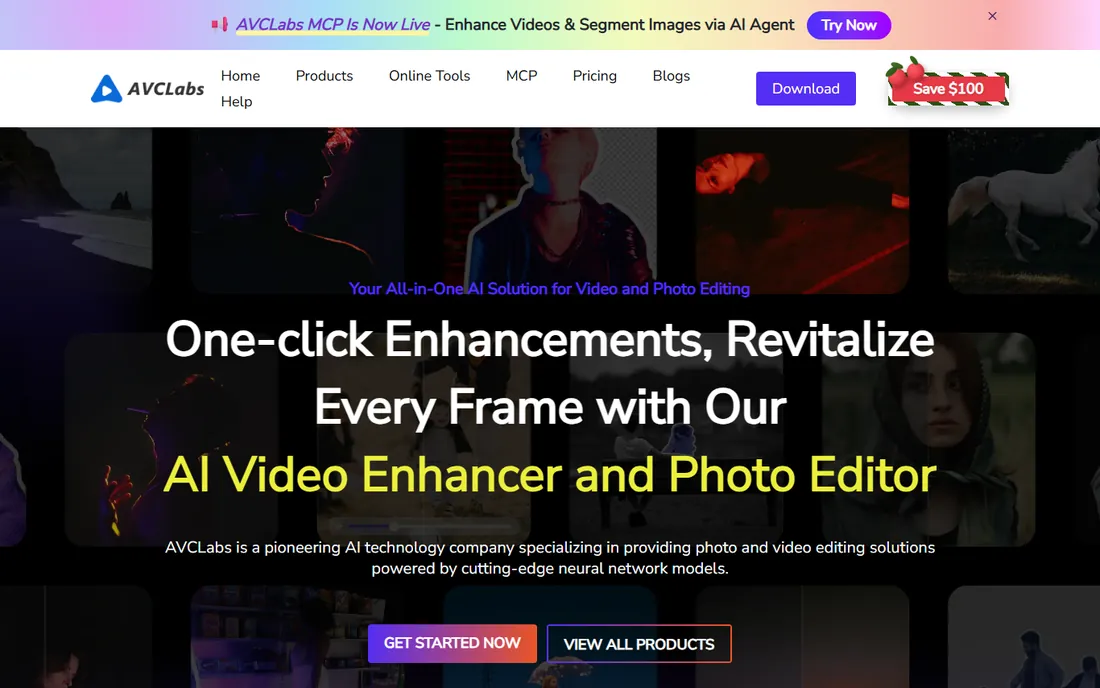
AVCLabs takes the classic software approach to video enhancement: a desktop app with a free trial, subscriptions at $39.95 per month or $119.95 per year, and a $299.99 lifetime license for buyers who hate subscriptions. It upscales to 8K with AI models for denoising, face enhancement, colorization and stabilization.
The lifetime option is the standout in a category moving to subscriptions. As desktop software it keeps your footage local, which matters for client work under NDA. Expect long render times without a capable GPU. Try the free trial on your hardest clip before paying; video enhancers vary wildly by source material.
What we like- Lifetime purchase option at $299.99
- Upscales video to 8K
- Free trial to test on your footage
Watch out for- Windows and Mac desktop only
- Processing speed depends heavily on your GPU
Starting priceSee website
Free planYes
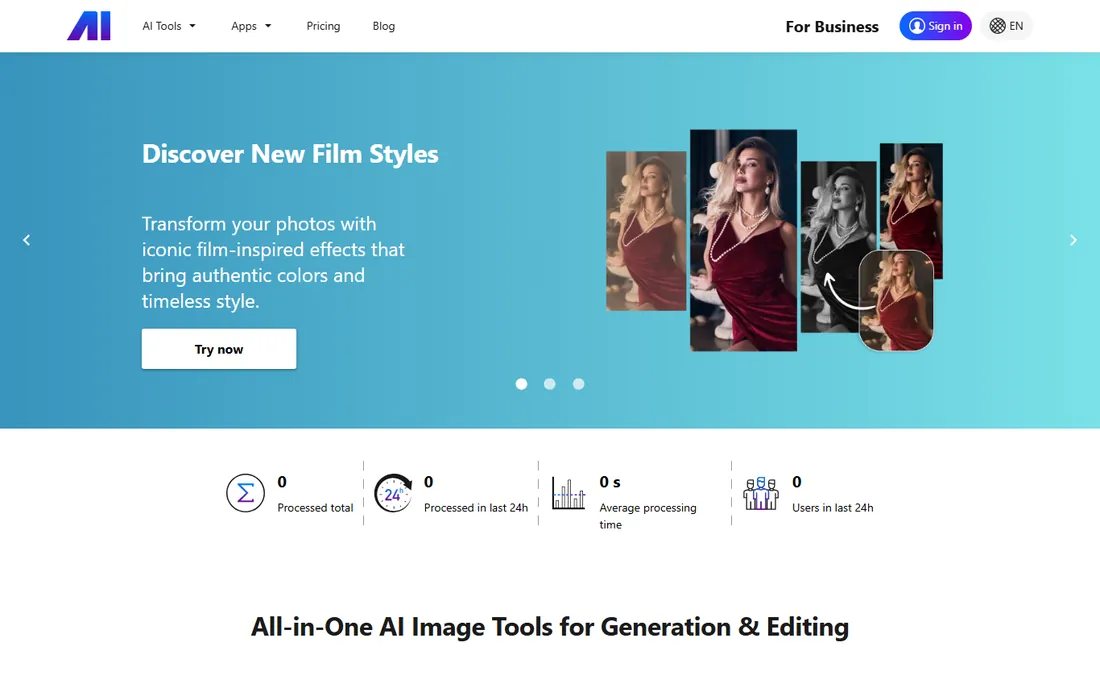
Nero AI collects free AI utilities, an image upscaler, enhancer, anime upscaler, sharpener and face tools, into one browser-based toolkit from the makers of Nero burning software. The positioning is clear from the site: free tools for everyday fixes, no software to install.
Paid tiers exist but are not prominently priced, so this is best treated as a free utility rather than a professional platform. For quick social images, old scans and casual enhancement it does the job. Professionals with print or client requirements should shortlist the paid tools above.
What we like- Free tier for core tools
- Image upscaler, enhancer and sharpener in one place
- No install needed
Watch out for- Paid plan details are thin on the site
- Geared to casual rather than professional use
What to check before you buy
Upscaling quality is not one thing. Photo enhancers differ in how they handle faces, text, noise and fine texture, and the best tool for portraits may smear small text. Test every candidate on your own worst images, not the vendor's gallery. Video adds motion artifacts to the checklist; run a clip with movement and check for flicker.
Read the export limits. Free tiers cap resolution, watermark output or limit monthly images. Paid tiers cap cloud credits, concurrent renders or commercial use. Topaz limits commercial use to organizations under $1M revenue on standard plans; enterprise needs a conversation. Match the limit to your real volume before you pay.
Then check the pricing unit. Subscriptions suit steady use. Credits suit bursty use but punish waste, so learn what one image or one minute of video costs in credits. Lifetime licenses like AVCLabs' suit buyers who will use the tool for years. There is no universally cheapest option, only the cheapest for your pattern.
Photo versus video: different budgets
Photo upscaling is cheap compute, which is why so many capable tools are free or under $15 a month. Video upscaling is brutally expensive compute, which is why video tools start around $40 to $60 a month or meter by credits. Do not judge a video tool's price by photo tool standards.
If you need both, look at bundles: Topaz Studio covers photo and video for $69 a month, and VanceAI's higher tiers include video credits. Buying separate photo and video subscriptions usually costs more than one bundle. And if video is occasional, a credit-based tool beats a subscription you pay for idle months.
Pricing models explained
This category has four pricing shapes. Subscriptions charge monthly or yearly for access, sometimes with usage caps. Credits sell you a bucket of processing you spend per image or per video minute; unused credits may or may not roll over. Lifetime licenses charge once, increasingly rare, currently offered by AVCLabs. Free tiers monetize through upsells, watermarks or resolution caps.
Watch for the details that change the math: credit rollover rules, per-credit costs at your tier, GPU requirements that push you to paid cloud rendering, and commercial-use restrictions. Annual billing typically saves 20 to 40 percent over monthly. Always trial on your own material first; enhancement quality is subjective and source-dependent.
How we chose
We opened each vendor's homepage to confirm the product is live and current, noting where brands changed: the standalone Magnific AI upscaler now sits inside the Magnific creative platform. Pricing comes from each vendor's own pricing page or published plan details; where pricing is not public we say so.
We compared output quality claims against public reviews on G2, Capterra and Reddit, feature lists, export limits, free tier terms and fit for small and mid-size US businesses. We did not run hands-on enhancement tests. The ranking favors tools a buyer can start using today, with clear notes on photo versus video strengths.
Frequently asked questions
Does AI upscaling really add detail or just enlarge the image?
Modern AI upscalers do more than enlarge: they predict plausible detail based on training data. Tools like Magnific can invent convincing texture. But invented detail is a guess, not recovery, so results can include artifacts or wrong details on close inspection.
What is the best free AI upscaler?
Upscale.media is the best truly free option: no watermark, no signup, up to 8x in the browser. Let's Enhance gives 10 free credits with watermarked output. Nero AI offers free core tools. Free tiers suit occasional use; regular commercial work needs a paid plan.
Can AI upscaling fix very blurry photos?
It can improve them dramatically, especially faces and old photos, as Remini demonstrates daily. But there are limits: extreme blur, tiny subjects and heavy compression leave the AI guessing. Results get less reliable the worse the source, so keep expectations tied to the original.
How much does AI upscaling software cost?
Photo tools range from free to about $39 per month. Video tools run $40 to $60 per month or use credit systems. Credit plans start around $9 to $15 per month for light use. Lifetime licenses exist but are rare. Annual billing usually saves 20 to 40 percent.
Is AI-upscaled content okay for commercial use?
Usually yes on paid plans, but read the terms. Topaz includes commercial use for organizations under $1M annual revenue. Some free tiers restrict commercial use or watermark output. If client work is involved, confirm the license covers it before delivering.
Do I need a powerful computer for AI upscaling?
For browser and cloud tools, no. For desktop apps like Topaz Video AI and AVCLabs, yes: a modern NVIDIA GPU makes the difference between minutes and hours per render. Check each vendor's GPU requirements against your machine before buying a desktop license.
Sources we checked (12)
- https://www.topazlabs.com/
- https://www.magnific.com/
- https://letsenhance.io/
- https://letsenhance.io/pricing/
- https://remini.ai/
- https://www.upscale.media/
- https://vanceai.com/
- https://vanceai.com/pricing/
- https://www.avclabs.com/
- https://www.avclabs.com/video-enhancer-ai.html
- https://ai.nero.com/
- https://ai.nero.com/pricing
Is your product missing or out of date?
We review this list regularly. Vendors can request a listing, send updated pricing or ask about featured placement.

Shihab Mia · Founder, Rankite
Shihab has spent more than a decade helping SaaS and e-commerce brands grow through search. He writes Rankite's software buying guides from pricing pages, documentation and public user reviews. More about Shihab.