How we make this list: we compare pricing pages, product documentation and public user reviews. Rankite is independent; if a vendor ever pays for a featured spot, that listing is clearly labeled Partner.
Key takeaways
- DeepSwap remains the most capable all-rounder for video face swaps, with support for up to six faces in one clip and 4K output on paid plans.
- Reface is the best app for face swap on a phone, with more than 300 million downloads and a huge template library for memes and social clips.
- Free face swap apps like FaceSwapper and Pica AI handle still photos well, but realistic video swaps almost always require a paid plan.
- Privacy varies widely: FaceSwapper deletes uploads after download, while open-source Faceswap keeps everything on your own machine.
- Only swap faces you have permission to use. Putting a real person's face into content without consent can violate platform rules and the law in many places.
Quick comparison
| Tool | Best for | Starting price | Free plan |
|---|
 DeepSwap DeepSwap | Realistic video face swaps | From $9.99/month (first month; $49.99/year plan available) | Yes (limited, 2 swaps per day) |
 Reface Reface | Mobile face swap fun | See website | Yes (limited) |
 Magic Hour Magic Hour | Face swaps inside video projects | See website | Yes (limited) |
 FaceSwapper FaceSwapper | Free unlimited photo swaps | See website | Yes |
 Akool Akool | Studio-quality marketing swaps | See website | Free trial |
 Vidnoz Vidnoz | Face swaps in AI avatar videos | See website | Yes |
 Pica AI Pica AI | Quick free photo face swaps | See website | Yes |
 Remaker AI Remaker AI | Batch and multi-face photo swaps | See website | Yes (limited) |
 Faceswap Faceswap | Free open-source deepfakes on your PC | Free | Yes |
Is your product missing or out of date?
We review this list regularly. Vendors can request a listing, send updated pricing or ask about featured placement.
The best face swap software
Starting priceFrom $9.99/month (first month; $49.99/year plan available)
Free planYes (limited, 2 swaps per day)
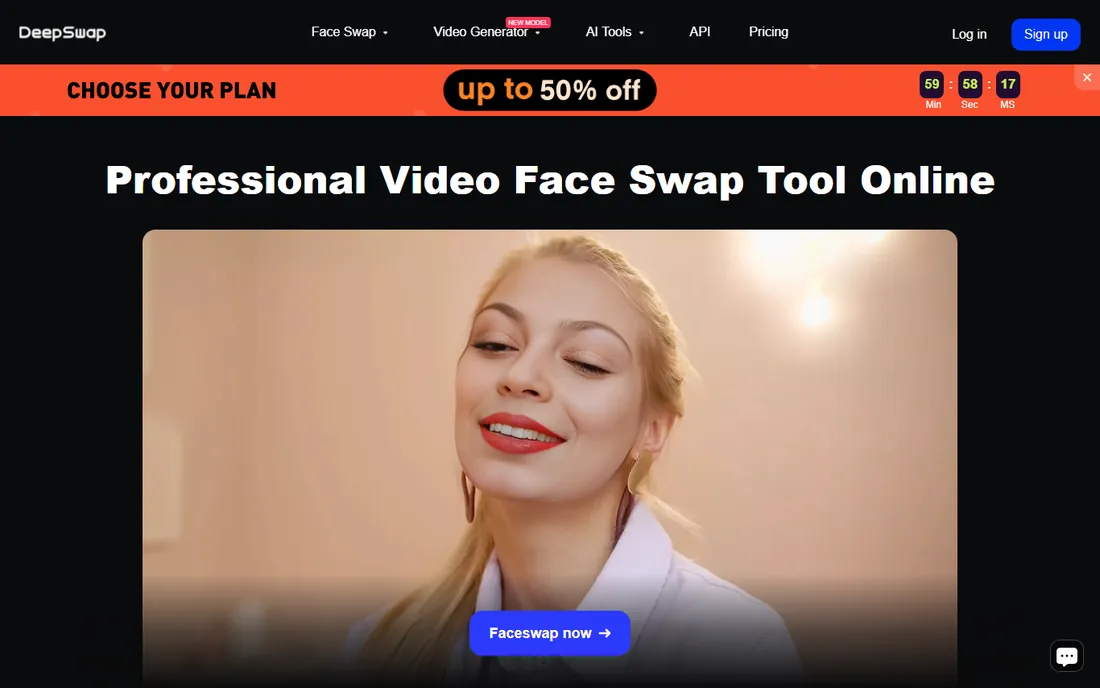
DeepSwap is the name that comes up first whenever video face swaps get serious, and the reputation is earned. Upload a clip, pick the faces, and the platform maps them across frames with strong consistency, even when heads turn or lighting shifts. It handles photos, GIFs and video in one place, and paid plans stretch to 30-minute uploads, which covers most social and marketing use cases.
The catch is the credit math. Photos cost 0.1 credits, GIFs cost 1 credit, and video costs 1 credit per 15 seconds, with partial blocks rounded up. A 20-credit monthly allowance covers roughly five minutes of video before retries, so heavy users burn through it faster than expected. Start with the two free daily swaps to judge quality on your own footage before paying.
What we like- Swaps up to six faces in one video
- 4K HD video output
- Fast GPU processing
Watch out for- Credit system takes time to understand
- No unlimited plan
Starting priceSee website
Free planYes (limited)
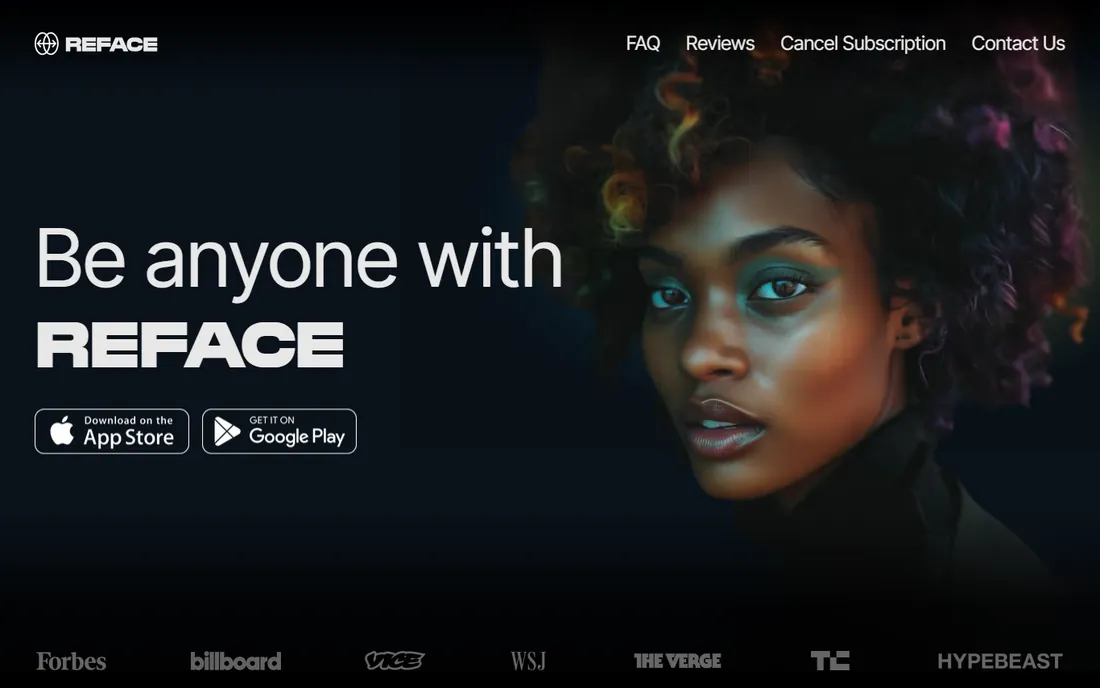
If your face swapping lives on your phone, Reface is the obvious pick and has been for years. Snap a selfie, choose a template, and seconds later your face is in a movie scene, a music clip or a meme format. The app has been downloaded more than 300 million times, so the template catalog is enormous and refreshed constantly.
What keeps it from ranking higher for serious work is control. You get speed and entertainment, not frame-level editing or multi-face mapping. The free tier is generous enough for casual play, while Pro opens the full effect library and removes limits. For marketers testing face-swap creative on social, it is the fastest way to prototype an idea.
What we like- 300M+ downloads with a massive template library
- Dead-simple mobile workflow
- AI headshots and hairstyles included
Watch out for- Geared toward fun, not precision work
- Best features sit behind the Pro subscription
Starting priceSee website
Free planYes (limited)
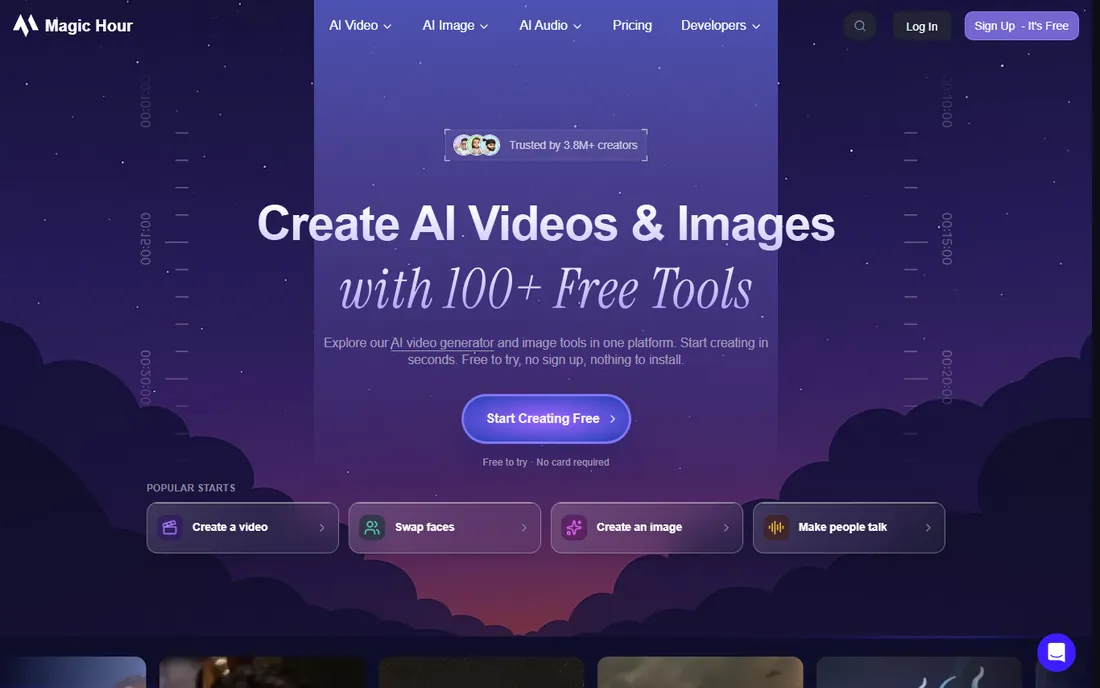
Magic Hour treats face swapping as one step in a larger video workflow rather than a standalone trick. Swap a face, then keep working in the same studio: lip sync the dialogue, restyle the footage, upscale it, or push it through the API into an automated content pipeline. For teams producing personalized video at volume, that integration matters more than any single swap feature.
The free tier lets you test core tools without creating an account, which is rare in this category. Paid plans remove watermarks, raise resolution and open faster queues. One honest caveat: because the platform does so much, casual users can feel overwhelmed, and pricing is credit-based across 100+ tools, so track what each workflow actually consumes.
What we like- Face swap plus lip sync, video generation and editing in one studio
- API for automated pipelines
- Try before signup
Watch out for- Free exports carry a watermark
- Credit costs add up across a big toolkit
Starting priceSee website
Free planYes
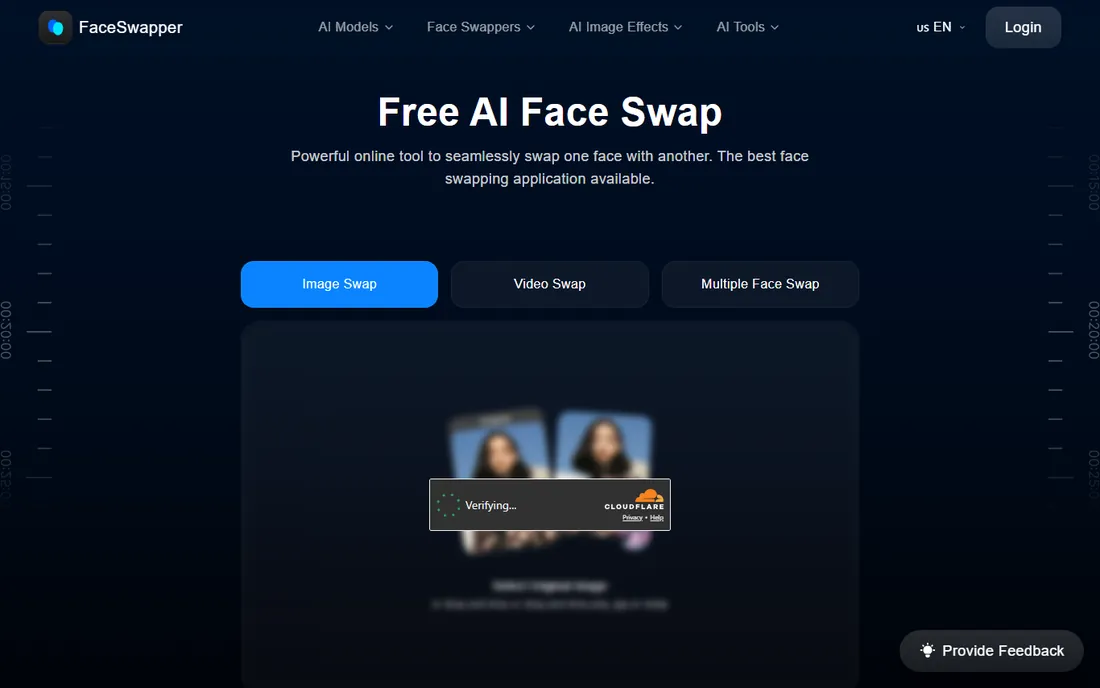
FaceSwapper earns its spot by doing the simple thing well and charging nothing for it. Upload two photos, click swap, download the result. No accounts, no credits, no daily caps on the core photo tool. It also offers video, GIF, batch and multi-face modes, plus a privacy promise that uploaded files are deleted after your download completes.
Set expectations correctly and you will be happy. Still-photo swaps look clean and natural. Video swaps work but do not match the frame stability of DeepSwap or Akool on difficult footage. For quick memes, profile pictures and one-off jokes, it is the best free face swap app experience in a browser, and the privacy stance is genuinely better than most competitors.
What we like- Completely free photo swaps with no credit system
- Handles video and GIFs too
- Deletes uploads after download
Watch out for- Photo-first tool, video quality trails dedicated video swappers
- Interface is basic
Starting priceSee website
Free planFree trial
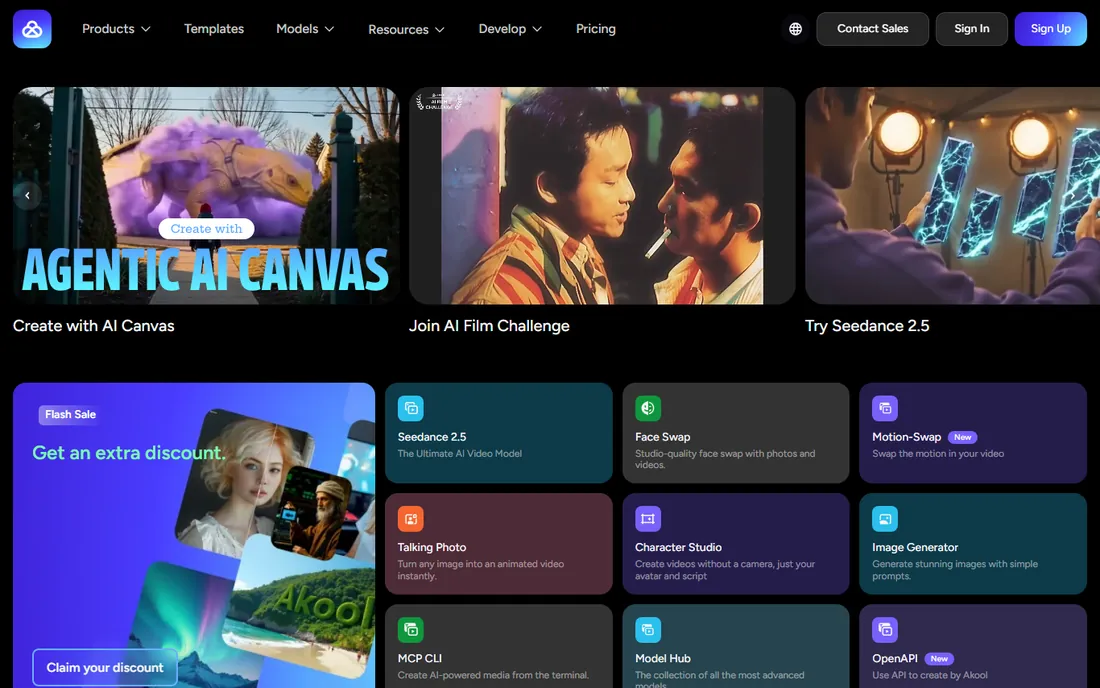
Akool sits at the professional end of this list. Its swap studio goes beyond faces into full head swaps, character swaps and motion swaps, aimed at marketing teams, advertisers and media producers who need consistent, high-resolution output. The platform is used by large companies and backs its tools with an API, so it fits into production pipelines rather than one-off projects.
That positioning shows in the price. This is not a $5 meme app; plans are credit-based and built around commercial volume. If you are a brand swapping faces into ad creative or localized video, the quality and support justify it. If you want to put your face on a movie poster for fun, start further up this list.
What we like- High-fidelity face, head and character swaps
- Built for commercial and enterprise use
- API and model hub access
Watch out for- Priced for businesses, not casual users
- Credit-based pricing needs budgeting
Starting priceSee website
Free planYes
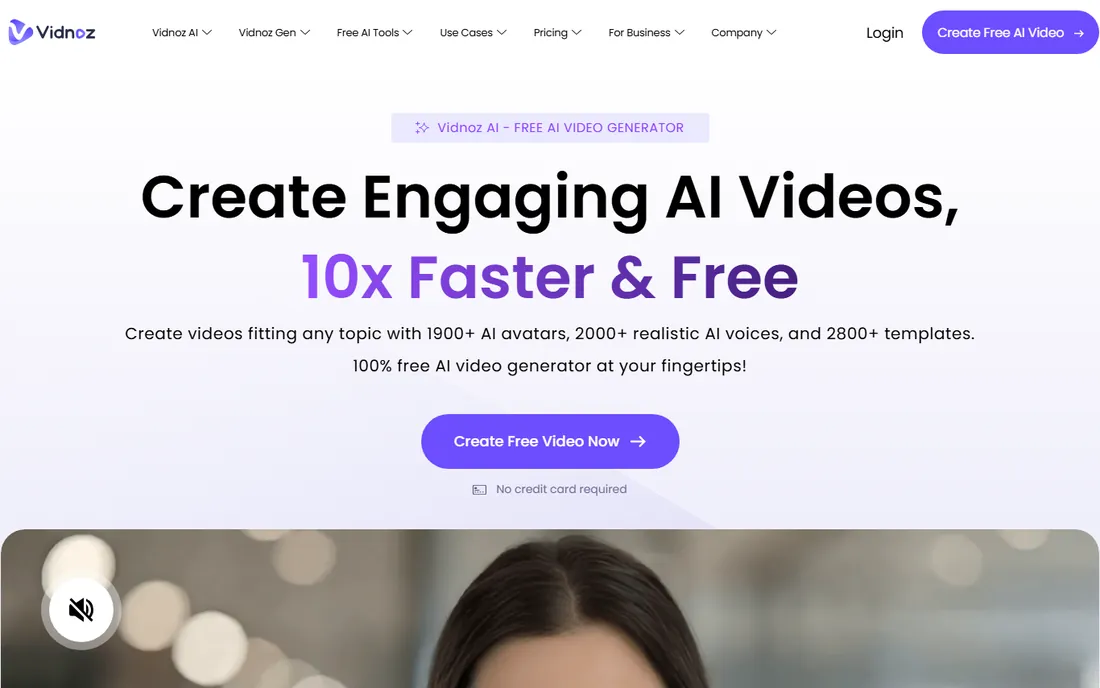
Vidnoz is primarily an AI video generator, and its face swap tool lives inside that broader suite. That is actually its strength for a specific buyer: if you are already making talking-head videos with AI avatars, swapping a real face onto the presenter is one click inside the same project. The free tier is unusually generous, with hundreds of avatars and templates available without paying.
As a pure face swap app, it is less focused than the specialists above. Controls are simpler and fine-tuning options are thinner. But for small businesses producing training videos, explainers or localized marketing clips, getting face swap bundled with avatars, voice cloning and translation in one free-to-start platform is hard to beat.
What we like- Generous free tier across AI video tools
- 1,900+ avatars and 2,000+ voices
- Face swap fits naturally into avatar workflows
Watch out for- Face swap is a side feature, not the core product
- Advanced exports need a paid plan
Starting priceSee website
Free planYes
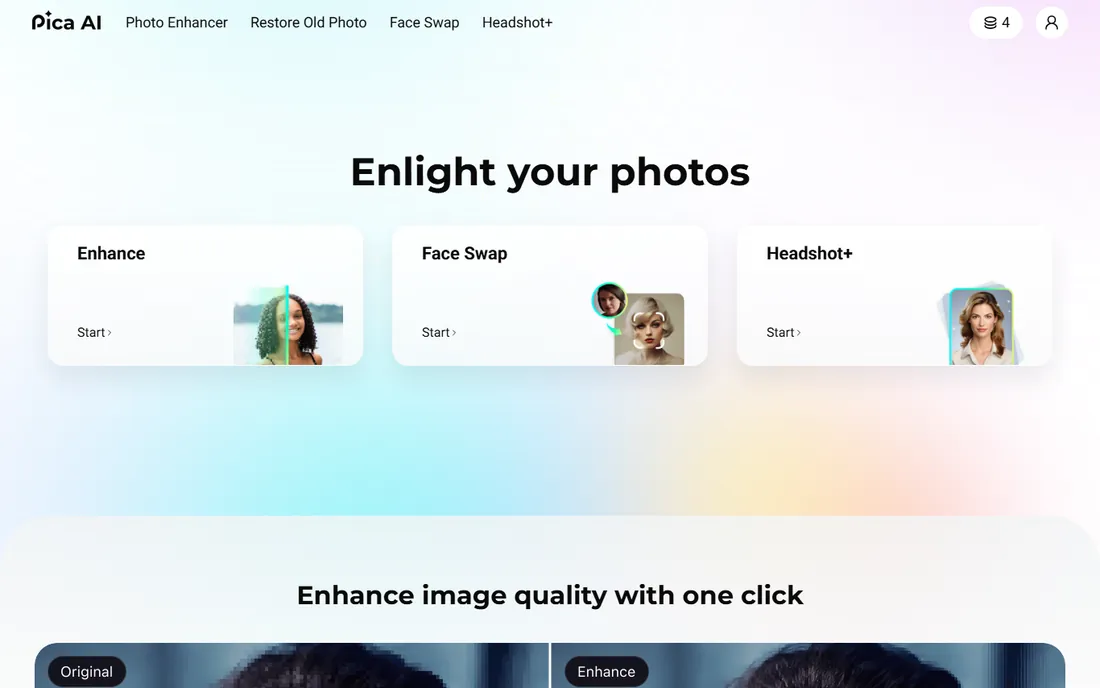
Pica AI keeps things narrow: upload a photo, swap the face, download. The tool is free, fast and does not demand an account before you see a result, which makes it one of the lowest-friction options for still images. The same site bundles a photo enhancer, old-photo restoration and an AI headshot generator, so it works as a small photo-improvement toolkit.
The limits are clear. There is no video support and no batch processing, so anyone working with clips should look elsewhere. Output quality on well-lit portraits is strong for a free tool, but challenging angles and group shots expose its limits faster than the paid options. Use it for quick one-off swaps, not production work.
What we like- Free face swap with no signup friction
- Photo enhancer and headshot tools included
- Fast results
Watch out for- Photo-only, no video support
- Fewer templates than bigger rivals
Starting priceSee website
Free planYes (limited)
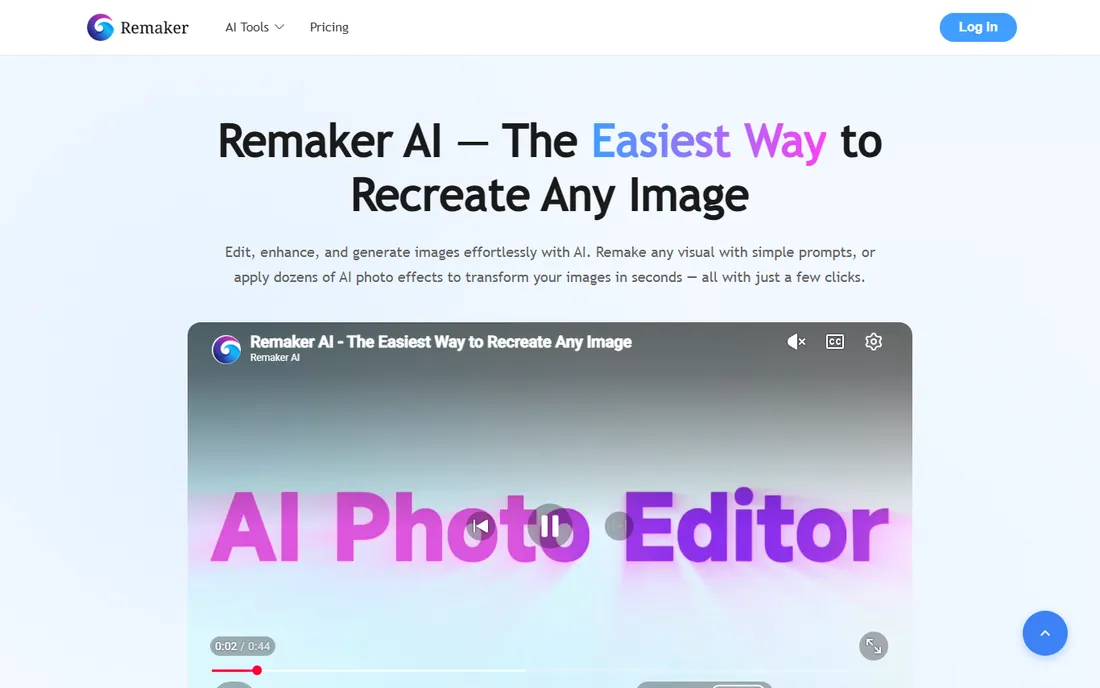
Remaker AI built its name on group photos, and that remains its best trick. Where many tools stumble on images with several faces, Remaker identifies each face and lets you assign replacements individually, which is exactly what you need for team photos, event shots and wedding pictures. Batch mode processes multiple images at once, a real time-saver for anyone handling volume.
Beyond swapping, the platform includes background removal, enhancement and other AI image tools, making it a reasonable all-in-one editor. The free tier covers casual use. Pricing and credit details are less transparent than competitors, so check the current plans before committing to a big batch job.
What we like- Strong multi-face handling in group photos
- Batch processing for volume work
- All-in-one AI image toolbox
Watch out for- Photo-focused, video features are thinner
- Credit and plan details are hard to pin down
Starting priceFree
Free planYes
Faceswap is the odd one out: free, open-source software you install and run locally, built on TensorFlow and Python. It is the tool behind countless deepfake experiments, and it gives you something no cloud app does, which is total control. Train custom models on your own image sets, tune every parameter, and keep all data on your own machine.
The price of that control is effort. You need a capable NVIDIA GPU, patience for 12 to 48 hours of model training, and comfort with technical setup. Results can surpass cloud tools once a model is well trained, but getting there is a project, not a pastime. Choose Faceswap if you want to learn how the technology actually works or need maximum privacy; everyone else should pick a cloud tool above.
What we like- Completely free and open source
- Full control over training and output
- Active community and guides
Watch out for- Steep learning curve
- Needs a powerful GPU and hours of processing
How we chose
We started from documentation and pricing pages, then cross-checked against public reviews on G2, Capterra and Reddit threads from creators who use these tools daily. Every product on this list exists today and was reachable at the time of writing. We favored tools with a clear free entry point or trial, verified multi-face and video support from official feature pages, and weighed privacy practices, since face data is sensitive. We did not claim hands-on testing; rankings reflect feature depth, pricing transparency, and fit for small and mid-size business buyers.
Match the tool to the media type first. Photo-only tools are cheaper and simpler, but if you need video, shortlist only the ones with real frame-by-frame tracking, and test with a clip that has head turns and speech. A convincing still frame proves nothing about motion stability.
Next, do the credit math against your actual volume. Credit systems look cheap until you price a month of real projects: count your clips, round video up to each tool's billing block, and add a margin for retries. Annual plans cut the monthly rate sharply at DeepSwap and several others, but only if you will use the tool all year.
Finally, read the privacy terms. Some tools retain uploads to improve models; others delete files after download or process everything locally. If you are swapping faces for client work, you need written clarity on data retention, and you need consent from every identifiable person in the content. No tool on this list exempts you from that.
Free vs paid: where the line really sits
Free face swap apps handle still photos surprisingly well in 2026. FaceSwapper, Pica AI and the free tiers of Reface and Remaker produce clean results for memes, avatars and social posts without spending a dollar. If your needs stop at photos, you may never need to pay.
Video is where the paywall appears. Stable, high-resolution face swaps across moving footage need serious GPU time, and every vendor meters it. Expect watermarks, resolution caps or tight daily limits on free video swaps. For occasional clips, a single month of DeepSwap or Magic Hour is cheaper than an annual plan you barely use. For ongoing production, the yearly plans and API access at Akool or Magic Hour bring the per-video cost down.
Frequently asked questions
Is there a completely free face swap app with no watermark?
FaceSwapper offers free photo swaps without the credit systems and hard caps common elsewhere, and Pica AI provides free photo swaps with minimal friction. Truly watermark-free video swaps are rare on free tiers; most vendors reserve clean HD video exports for paid plans.
Which face swap software is best for videos?
DeepSwap leads for video thanks to multi-face support, 4K output and long-clip handling. Magic Hour is the better pick when the swap is one step in a larger video production workflow, and Akool suits commercial teams that need studio-grade consistency.
Can I swap multiple faces in one photo or video?
Yes. DeepSwap supports up to six faces per video, Remaker AI specializes in multi-face group photos, and FaceSwapper and Magic Hour both offer multi-face modes. Assign each face individually and check the result wherever faces turn or overlap.
Are face swap apps safe to use with my photos?
It depends on the vendor. FaceSwapper states it deletes uploads after download, Faceswap processes everything locally on your machine, and most cloud tools describe retention in their privacy policies. Read the policy before uploading sensitive photos, and avoid tools that are vague about data use.
Is face swapping legal?
Creating face swaps of yourself or with consent is generally fine for entertainment. Using a real person's likeness without permission, especially in misleading or commercial content, can violate privacy and publicity laws that differ by state and country. When in doubt, get written consent.
Do I need a powerful computer for face swap software?
Only for the open-source route. Faceswap needs a strong GPU and hours of training time. Every cloud tool on this list runs in the browser or on your phone, so any modern device works.
Sources we checked (12)
- https://deepswap.ai
- https://reface.app/
- https://magichour.ai/
- https://faceswapper.ai/
- https://akool.com/
- https://vidnoz.com
- https://pica-ai.com/
- https://faceswap.dev
- https://ventureburn.com/best-ai-face-swap-tools/
- https://www.fahimai.com/deepswap-ai
- https://magichour.ai/blog/deepswap-ai-review
- https://www.photoaistudio.com/blog/8-face-swap-online-free-tools-that-actually-work-2026
Is your product missing or out of date?
We review this list regularly. Vendors can request a listing, send updated pricing or ask about featured placement.

Shihab Mia · Founder, Rankite
Shihab has spent more than a decade helping SaaS and e-commerce brands grow through search. He writes Rankite's software buying guides from pricing pages, documentation and public user reviews. More about Shihab.