How we make this list: we compare pricing pages, product documentation and public user reviews. Rankite is independent; if a vendor ever pays for a featured spot, that listing is clearly labeled Partner.
Key takeaways
- Leonardo AI offers the most generous genuinely useful free tier for serious creating, with daily tokens that reset and no credit card required.
- Microsoft Designer's Image Creator is the simplest completely free option, with 15 fast generations a day powered by DALL-E models.
- Ideogram is the pick when images contain text: logos, posters and memes with readable words are its specialty.
- Craiyon and Dream by WOMBO are the best mobile-friendly free starters, though free outputs carry watermarks or limits.
- Free does not always mean commercial: check each app's terms before using generated art in ads, products or client work.
Quick comparison
Is your product missing or out of date?
We review this list regularly. Vendors can request a listing, send updated pricing or ask about featured placement.
The best free ai art generator apps
Starting priceSee website
Free planYes
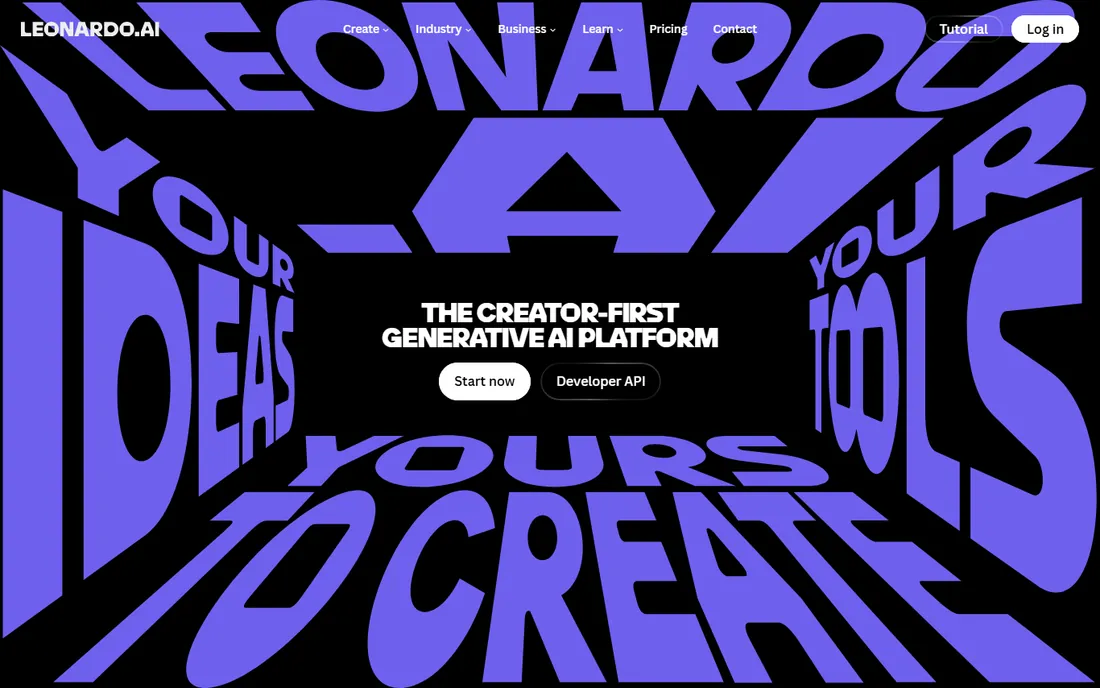
Leonardo AI gives away more usable creating power than any other app on this list. The free tier grants a daily allowance of fast tokens that resets every day, with no credit card required, and the platform includes genuinely professional tools: a canvas editor, image-to-image, upscaling and multiple named models tuned for photorealism, illustration, game art and more.
The trade-offs are fair for free. Your generations are public unless you pay, and the token allowance, while generous, runs out if you generate all day. For hobbyists, students and professionals testing ideas, Leonardo is the free tier that feels least like a demo. Paid plans start affordably when you outgrow it.
What we like- Generous daily free tokens that reset
- Multiple named models for different styles
- Canvas editor and upscaling included
Watch out for- Free generations are public by default
- Advanced features and privacy need paid plans
Starting priceSee website
Free planYes
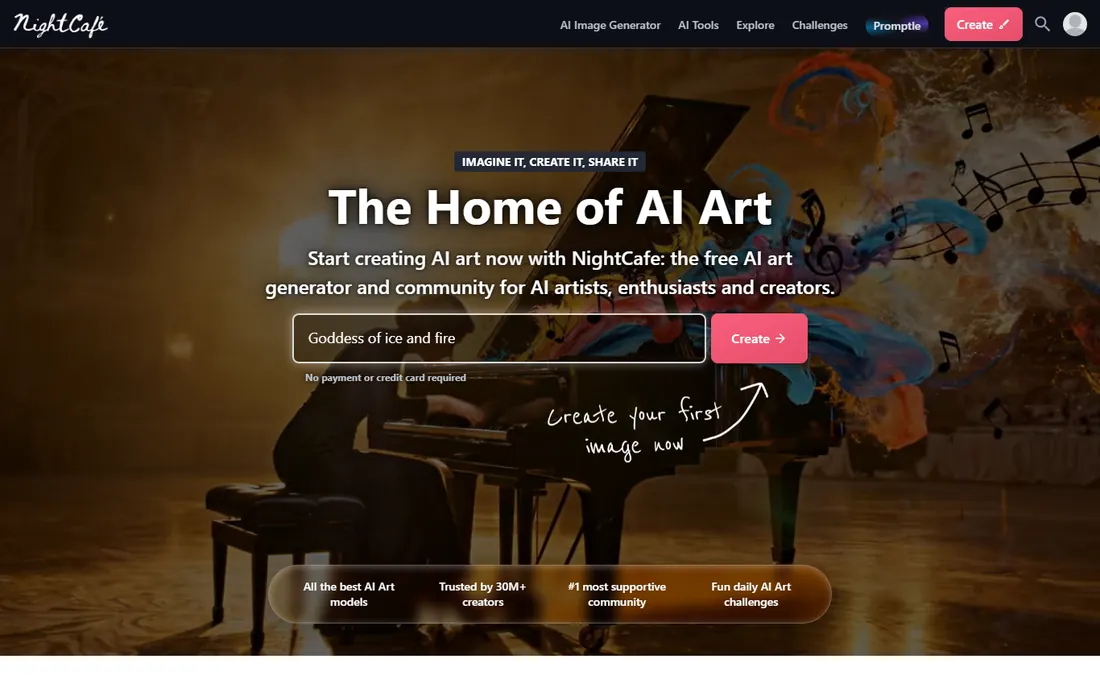
NightCafe feels like an art club that happens to run on AI. Pick from a huge menu of styles, from oil painting to anime to 3D game art, generate across multiple underlying models, then share results with a community that runs daily challenges and votes on entries. You earn credits by logging in, entering challenges and getting likes, so consistent creators rarely hit a hard wall.
Image quality will not match the top paid tools on every prompt, and free generations take longer at busy times. But for learning what different models and styles do, and for staying motivated through the community loop, NightCafe is the most enjoyable free app here.
What we like- Dozens of art styles and multiple AI models in one place
- Daily challenges and an active community
- Earn credits by participating
Watch out for- Credit system limits heavy use
- Generation speed varies on the free tier
Starting priceSee website
Free planYes
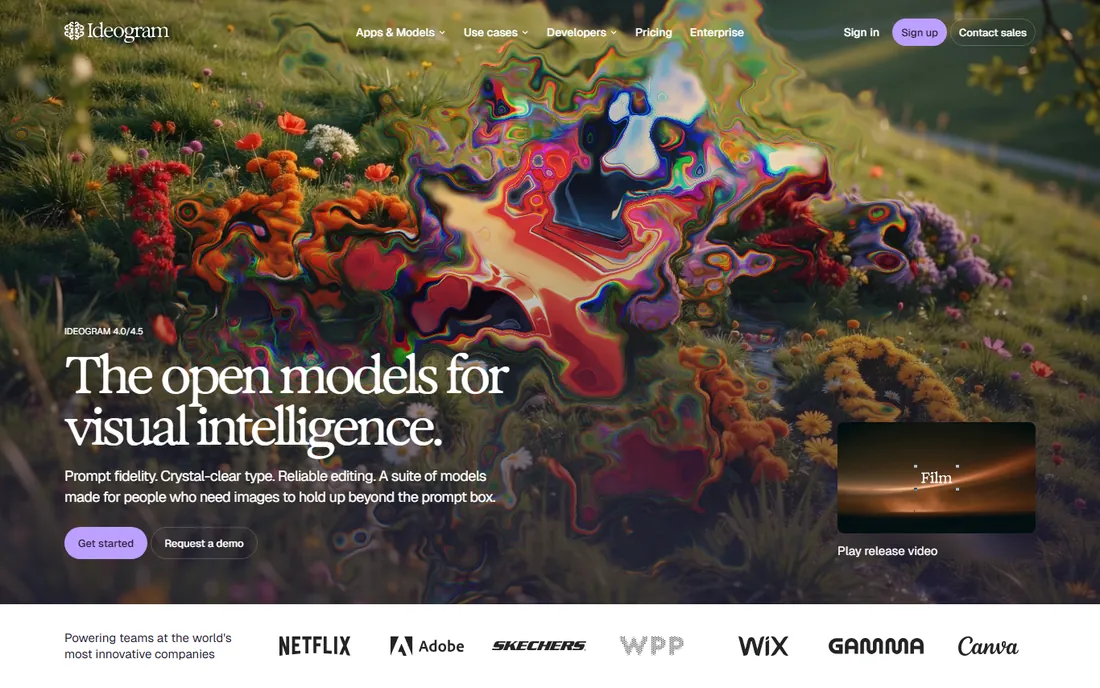
Every AI art app can draw a dragon. Almost none can spell. Ideogram built its reputation on the one hard problem the others fumble: rendering readable, correctly spelled text inside images. Posters, logos, memes, t-shirt designs, social graphics with headlines: if words must look right, start here.
The free tier gives you a taste with limited weekly generations, and the platform has grown into a broader creative workspace with editing tools and an API. For pure photographic realism, Midjourney-style tools still lead, but nothing free beats Ideogram when typography matters.
What we like- Best-in-class text rendering in generated images
- Clean interface
- API for developers
Watch out for- Free tier is limited
- Weaker than some rivals on pure photorealism
Starting priceSee website
Free planYes
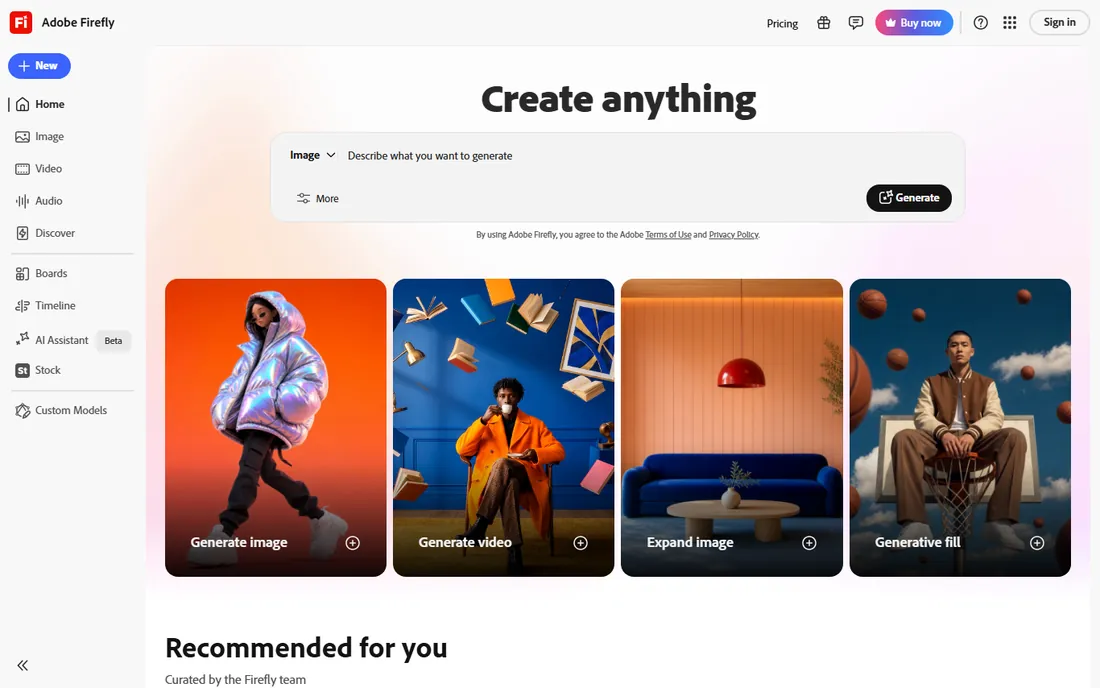
Firefly is Adobe's answer to the question every business asks about AI art: can we use this legally? Trained on Adobe Stock and public domain content, with IP indemnification on paid plans, it is the safest choice for commercial work. The free tier includes monthly generative credits, and Firefly lives inside Photoshop, Illustrator and Express, so it slots into real design workflows.
The free allowance is modest, and the experience is best if you already pay for Creative Cloud. For businesses and freelancers producing client work, the legal clarity is worth more than a bigger free quota elsewhere. For pure hobby creating, the free-first apps above give you more generations.
What we like- Trained on licensed content with IP indemnification on paid plans
- Built into Photoshop and Express
- Strong style controls
Watch out for- Free monthly credits are limited
- Best features need a Creative Cloud subscription
Starting priceFree
Free planYes
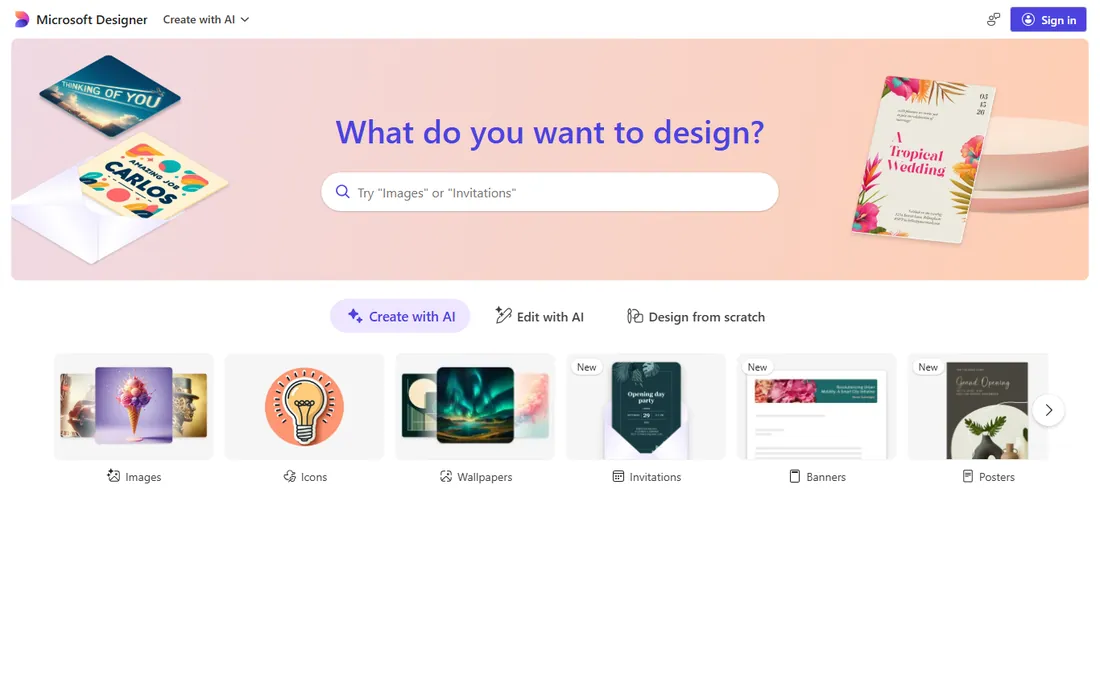
Image Creator, inside Microsoft Designer, is the easiest free AI art on the internet. Sign in with a Microsoft account, type a description, get four images in seconds, powered by DALL-E models. You get 15 fast boosts per day, and even after they run out, generation continues at standard speed. No subscriptions, no credits to buy, no catch for casual use.
The limits matter for business users: Microsoft's terms restrict these generations to personal, non-commercial projects, so client work and ads need a licensed tool. Content filters are also strict. But for students, hobbyists and anyone making art for fun, this is the best free AI art generator app for pure simplicity.
What we like- Completely free with a Microsoft account
- 15 fast generations daily
- No design skill needed
Watch out for- Outputs limited to personal use per terms
- Content filters are strict
Starting priceSee website
Free planYes
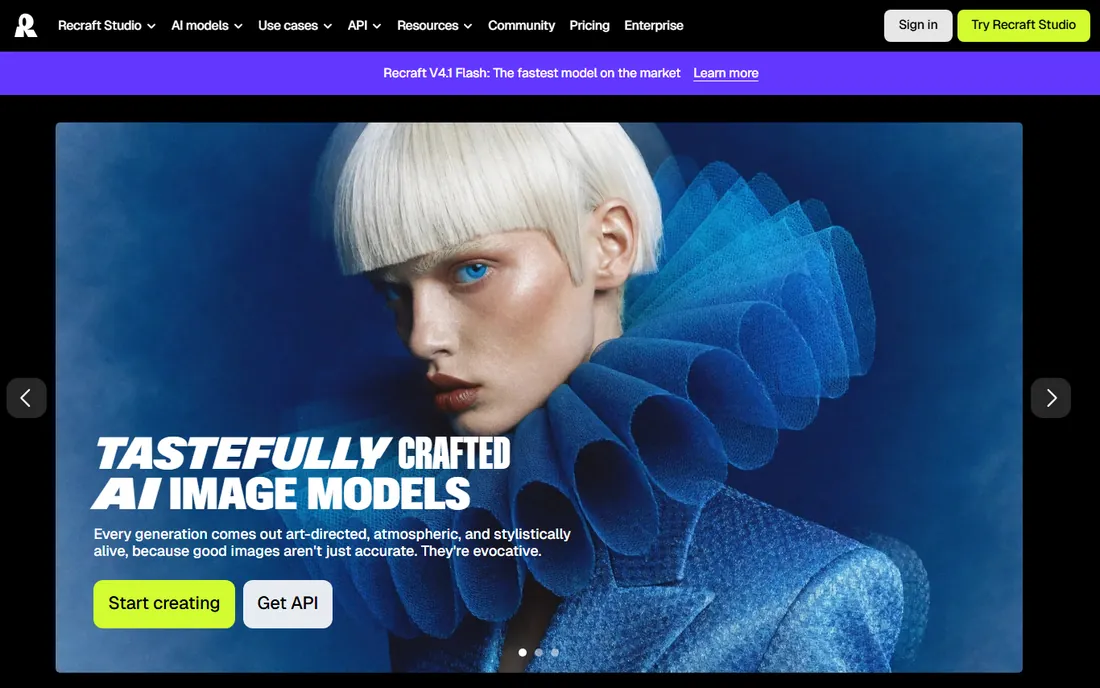
Recraft carved out a niche the big art apps ignore: design work. Where most generators produce raster images, Recraft generates true vector graphics, making it genuinely useful for logos, icons and illustrations that need to scale. Style controls are precise, and the interface feels built by people who understand designers.
The free tier is real but capped monthly, and the community is smaller than Leonardo's or NightCafe's, so finding prompt inspiration takes more digging. If your end goal is a logo, an icon set or clean vector illustration rather than a pretty picture, Recraft deserves a spot in your toolkit.
What we like- Excellent vector and logo generation
- Precise style controls
- Clean, design-focused interface
Watch out for- Smaller community and fewer tutorials
- Free tier caps monthly generations
Starting priceSee website
Free planYes
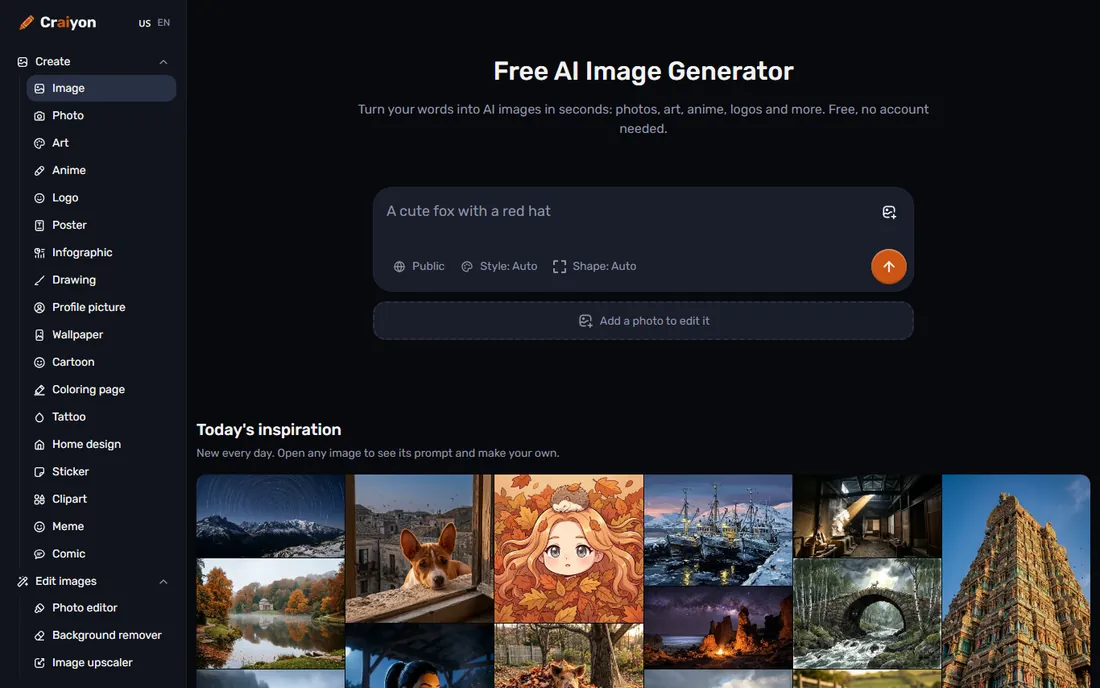
Craiyon, born as DALL-E mini, is the people's art generator. Open the site, type anything, get images in seconds, no account, no payment, no friction. It will not win quality awards against 2026's frontier models, but its charm is accessibility: anyone, anywhere, can start creating immediately.
Free images carry a watermark and you may wait in a queue at peak times; paid plans remove both and add better models. Think of Craiyon as the sketchpad of AI art: perfect for brainstorming, memes and quick ideas, with an upgrade path when an idea deserves better quality.
What we like- No account needed to start
- Unlimited-ish free generating
- Fun style options and gallery
Watch out for- Free images carry a watermark
- Quality trails modern models
- Waits at busy times
Starting priceFrom $19.99/month
Free planYes
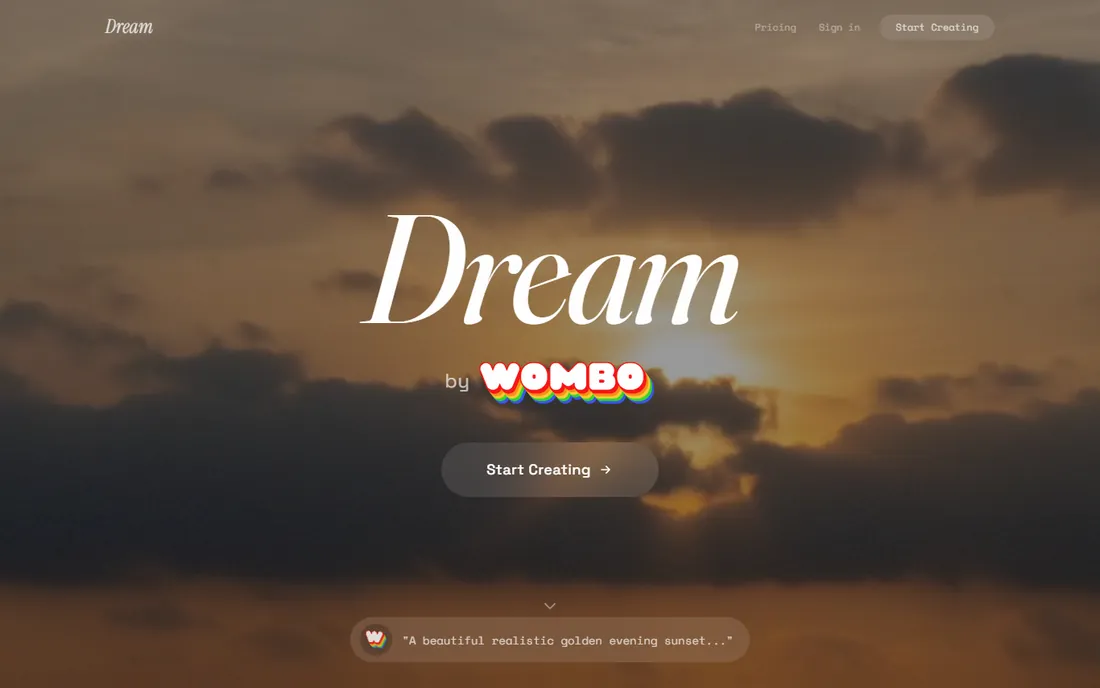
Dream by WOMBO was one of the first AI art apps to go mainstream on phones, and it remains one of the best. The mobile experience is smooth, the style library is enormous, and generating art from the couch takes seconds. The free tier gives you five generations a day, enough for daily creative play.
Power users will feel the ceiling quickly: premium styles, faster processing, HD exports and video generation sit behind Standard and Pro subscriptions. For a free mobile-first art habit, though, few apps are this refined. It is also a good pick for kids and beginners because the interface stays simple.
What we like- Polished mobile apps for iOS and Android
- 100+ curated art styles
- 5 free generations daily
Watch out for- Free tier limited to 5 images a day
- Premium styles and HD need paid plans
Starting priceSee website
Free planYes
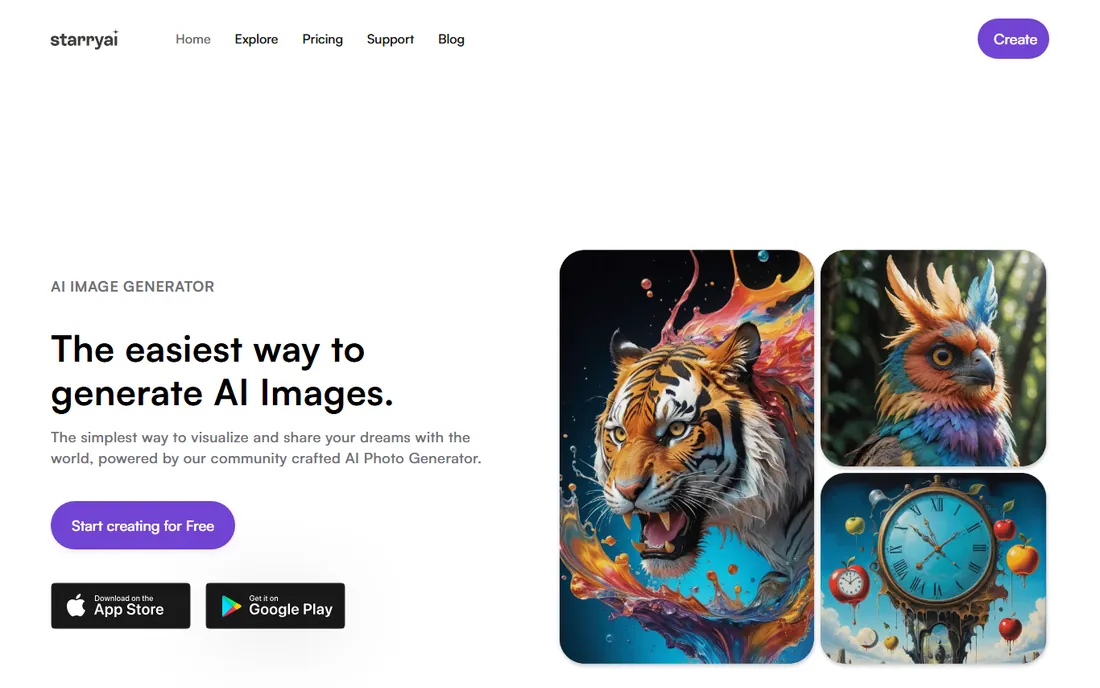
StarryAI built its following on mobile, with App Store reviews praising its stability and ease of use. It offers multiple generation models, lets you iterate with evolving and upscaling, and grants full ownership of your creations, including commercial use, which is friendlier than many free apps.
The free tier is credit-based and daily, so binge sessions end quickly. Paid plans start affordably for regular creators. If you make AI art primarily on your phone and want something more serious than a toy but simpler than Leonardo, StarryAI hits the sweet spot.
What we like- Strong mobile app with good reviews
- Multiple models including Altair and Orion
- Full ownership of creations
Watch out for- Daily free credits run out fast for heavy users
- Advanced controls are limited
Starting priceSee website
Free planYes
Playground positions itself as a free AI design studio rather than just a generator: create images, then drop them into templates for logos, t-shirts, posters and social posts. The pitch is end-to-end creation for people who want finished designs, not just raw generations, and the free tier requires no credit card.
As a newer entrant, it lacks the deep communities and tutorial libraries of the established apps, and power features sit behind paid plans. But for small business owners and creators who want art plus ready-made design layouts in one free starting point, it is a practical choice.
What we like- Free to start with no credit card
- Combines generation with design templates
- Good for social and merch
Watch out for- Newer platform with a smaller community
- Advanced features need paid plans
How to pick the right free art app
Match the app to your output. Need text in the image? Ideogram, no contest. Need vectors or logos? Recraft. Need art on your phone? Dream by WOMBO or StarryAI. Need the most free generations for experimentation? Leonardo AI or Microsoft Designer. Need art you can legally sell? Adobe Firefly or StarryAI, after reading their terms.
Then check the free limits against your habits. Daily token allowances, credit systems and queue times all shape the real experience more than feature lists do. An app with a smaller daily allowance but no watermark may beat an app with unlimited watermarked generations, depending on what you make.
Finally, read the commercial terms before you monetize anything. Free to generate is not the same as free to sell. Terms change, so check the current license on the vendor's site, not a blog post, before using AI art in products, ads or client deliverables.
What free really means: credits, watermarks and commercial rights
Free tiers in AI art come in three flavors. Token or credit systems, like Leonardo's daily tokens and NightCafe's earned credits, give you full-quality generations up to a limit. Speed-limited free, like Microsoft Designer's boosts, gives unlimited slower generations after the fast ones run out. Watermarked free, like Craiyon's, gives unlimited generations that carry branding until you pay.
Watermarks matter more than most beginners expect. A watermarked image is fine for brainstorming and sharing with friends, but unusable for portfolios, print or client work. If your goal is finished art, prioritize apps whose free tier exports clean images.
Commercial rights are the fine print that bites. Some apps grant full ownership including commercial use on free tiers; others restrict free generations to personal use. Adobe Firefly goes further with IP indemnification on paid plans. When money is involved, the terms page is the only source that counts.
How we chose
We reviewed official pricing pages, feature documentation and terms of use for each app, cross-checked against public reviews on G2, Capterra and app stores, and practitioner discussions on Reddit. Every app listed is live today with a working free tier. We weighted the real usability of the free tier over paid feature lists, since that is what this guide promises, and we verified commercial-use terms from vendor pages rather than third-party summaries. We did not claim hands-on testing.
Frequently asked questions
What is the best completely free AI art generator?
Microsoft Designer's Image Creator is the simplest truly free option, with 15 fast DALL-E generations daily and no paid tier required. Leonardo AI offers the most capable free tier for serious creating, with daily tokens and professional tools. Craiyon needs no account at all.
Can I use free AI art generators for commercial work?
Sometimes. StarryAI grants ownership including commercial use, and Adobe Firefly offers IP indemnification on paid plans. Microsoft Designer's free generations are limited to personal use. Always check the current terms on the vendor's site before selling or using AI art in ads.
Which free AI art app is best for logos and text?
Ideogram leads for readable text in images, making it the best free pick for posters, memes and social graphics with words. Recraft is the better choice for true vector logos that scale cleanly.
Do free AI art generators put watermarks on images?
Some do. Craiyon watermarks free images, while Leonardo, NightCafe, Ideogram and Microsoft Designer export clean images on their free tiers. If you need watermark-free results, check the export before committing to an app.
Are AI art generator apps available on phones?
Yes. Dream by WOMBO and StarryAI are mobile-first with polished iOS and Android apps. Leonardo, NightCafe, Microsoft Designer and most others work well in mobile browsers too.
How many free images can I generate per day?
It varies: Leonardo AI resets daily tokens, Microsoft Designer offers 15 fast boosts daily, Dream by WOMBO allows 5 free images a day, and NightCafe lets you earn credits through participation. Check each app's current limits, since free quotas change.
Sources we checked (14)
- https://leonardo.ai/
- https://nightcafe.studio
- https://ideogram.ai/
- https://firefly.adobe.com
- https://designer.microsoft.com
- https://recraft.ai
- https://craiyon.com
- https://dream.ai
- https://starryai.com/
- https://playground.com
- https://www.itechguides.com/best/ai-art-generators/
- https://beebom.com/best-ai-text-to-image-art-generators/
- https://pxz.ai/blog/ideogram-alternatives-2026
- https://artdependence.com/articles/ai-image-generator-buying-guide-for-art-students-what-features-matter-in-2026/
Is your product missing or out of date?
We review this list regularly. Vendors can request a listing, send updated pricing or ask about featured placement.

Shihab Mia · Founder, Rankite
Shihab has spent more than a decade helping SaaS and e-commerce brands grow through search. He writes Rankite's software buying guides from pricing pages, documentation and public user reviews. More about Shihab.
 Leonardo AI
 NightCafe
 Ideogram
 Adobe Firefly
 Image Creator (Microsoft Designer)
 Recraft
 Craiyon
 Dream by WOMBO
 StarryAI
 Playground