How we make this list: we compare pricing pages, product documentation and public user reviews. Rankite is independent; if a vendor ever pays for a featured spot, that listing is clearly labeled Partner.
Key takeaways
- Restream and OneStream Live cover the most destinations per dollar, while Upstream has the most generous free plan at 10 destinations with no watermark.
- Browser studios (StreamYard, Riverside) suit guest shows and podcasts; cloud relays (Restream, Castr, Switchboard Live) suit always-on or encoder-driven broadcasts.
- Free plans are real but capped: expect 1 to 2 destinations, 720p, or monthly hour limits until you pay.
- Check each destination's simulcasting rules before you commit, since Twitch and TikTok restrict what you can stream elsewhere at the same time.
Quick comparison
| Tool | Best for | Starting price | Free plan |
|---|
 Restream Restream | widest platform reach | $16/month (billed annually) | Yes (2 destinations) |
 StreamYard StreamYard | browser-based guest shows | $35.99/month (billed annually) | Yes (1 destination) |
 Castr Castr | 24/7 channels and TV playout | $16.67/month (billed annually) | 7-day trial |
 Streamlabs Streamlabs | gamers needing production tools | $15.75/month (billed annually) | Yes (Dual Output) |
 OneStream Live OneStream Live | scheduled and pre-recorded distribution | $12/month (billed annually) | Yes (2 destinations, 720p) |
 Upstream Upstream | free multistreaming with no watermark | $24/month (billed annually) | Yes (24 hours/month, 10 destinations) |
 Riverside Riverside | podcasters who also go live | $34/month (Grow plan, multistreaming) | Limited free tier |
 Vimeo Vimeo | webinars with registration and follow-up | $75/month (simulcasting) | Limited free tier |
 Switchboard Live Switchboard Live | unlimited destinations | $35/month (Indie) | Free trial |
Is your product missing or out of date?
We review this list regularly. Vendors can request a listing, send updated pricing or ask about featured placement.
Castr alone reports that more than 5,000 businesses use its platform to push one signal to 30-plus destinations at once (uscreen.tv). That reach is the whole pitch of this category: produce once, appear everywhere your audience already watches. The nine platforms below cover every approach, from free cloud relays to full browser studios.
Starting price$16/month (billed annually)
Free planYes (2 destinations)
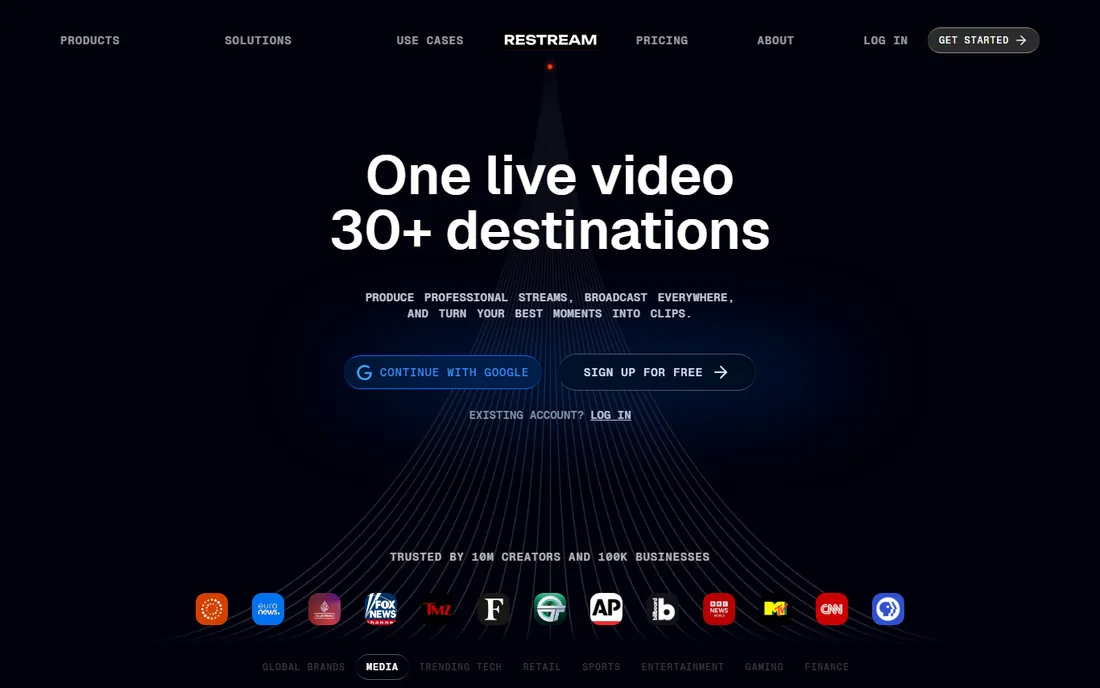
Restream is the default answer for a reason. It supports more than 30 platforms, from YouTube and Twitch to LinkedIn and custom RTMP destinations, and its combined chat pulls messages from everywhere into one window while you are live. You can produce in the browser-based Restream Studio with guests, or skip the studio entirely and send a feed from OBS or vMix through Restream's cloud relay, which offloads the bandwidth strain from your own connection.
The free plan covers two destinations, which is enough to test YouTube plus Twitch, though Studio broadcasts carry Restream branding. Paid plans start at $16 a month billed annually ($19 month to month). Standard removes the branding, Professional adds Full HD studio streaming, and Business raises the cap to eight simultaneous destinations. Per-platform stream titles and pre-recorded uploads round out a package that fits creators who already produce their show and just want maximum distribution.
What we like- 30-plus supported platforms
- Combined cross-platform chat
- Browser studio plus encoder ingest from OBS or vMix
Watch out for- Free plan caps at two destinations
- Full HD in the studio needs the Professional tier
Starting price$35.99/month (billed annually)
Free planYes (1 destination)
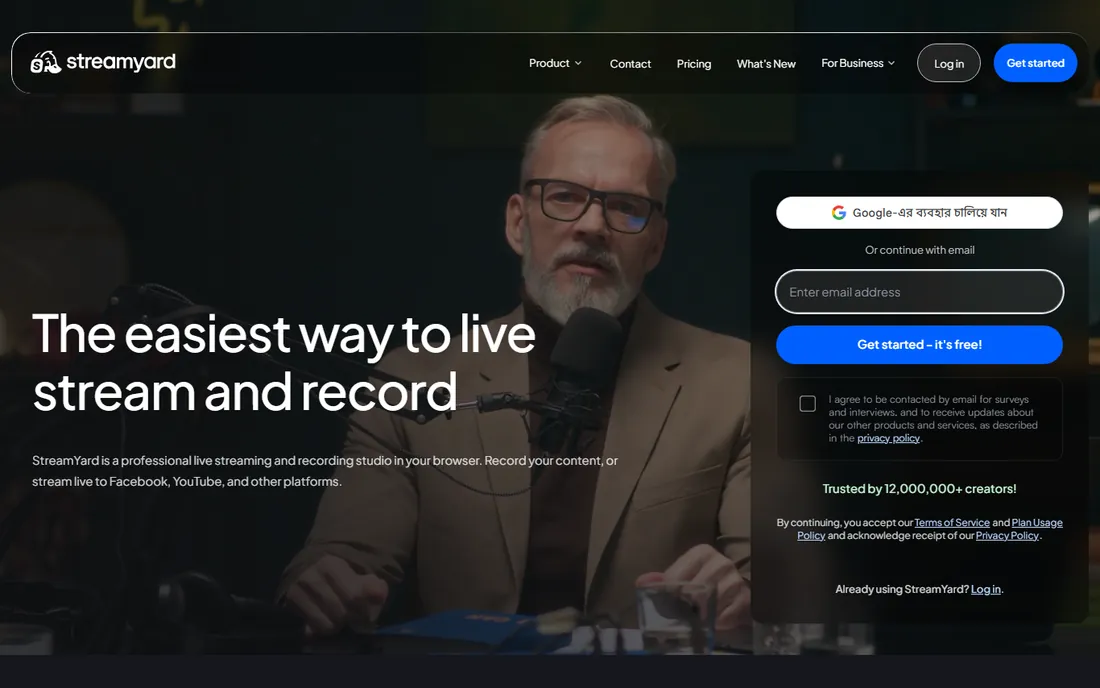
StreamYard built its reputation on removing friction for guests. You send a link, they join from a browser, and the show goes to your destinations with branded overlays, layouts and screen sharing. Each participant's device records locally, up to 4K on higher plans with separate 48 kHz WAV audio tracks, so the finished episode sounds better than the live broadcast did. AI-generated clips help turn long shows into short vertical cuts.
The catch is price relative to destination count. Plans start at $35.99 a month billed annually ($44.99 month to month), and the tiers differ mainly in how many destinations you get (three or eight) rather than piling on distribution features. The free plan allows a single destination with StreamYard branding. Pick StreamYard when the live show itself, with guests and interaction, matters as much as the recording. If all you need is a relay for an OBS feed, cheaper tools do that job.
What we like- Guests join from a link with nothing to install
- Local per-participant recording
- Branded overlays and AI clips
Watch out for- Priciest option here for pure multistreaming
- Free plan is one destination with a StreamYard logo
Starting price$16.67/month (billed annually)
Free plan7-day trial
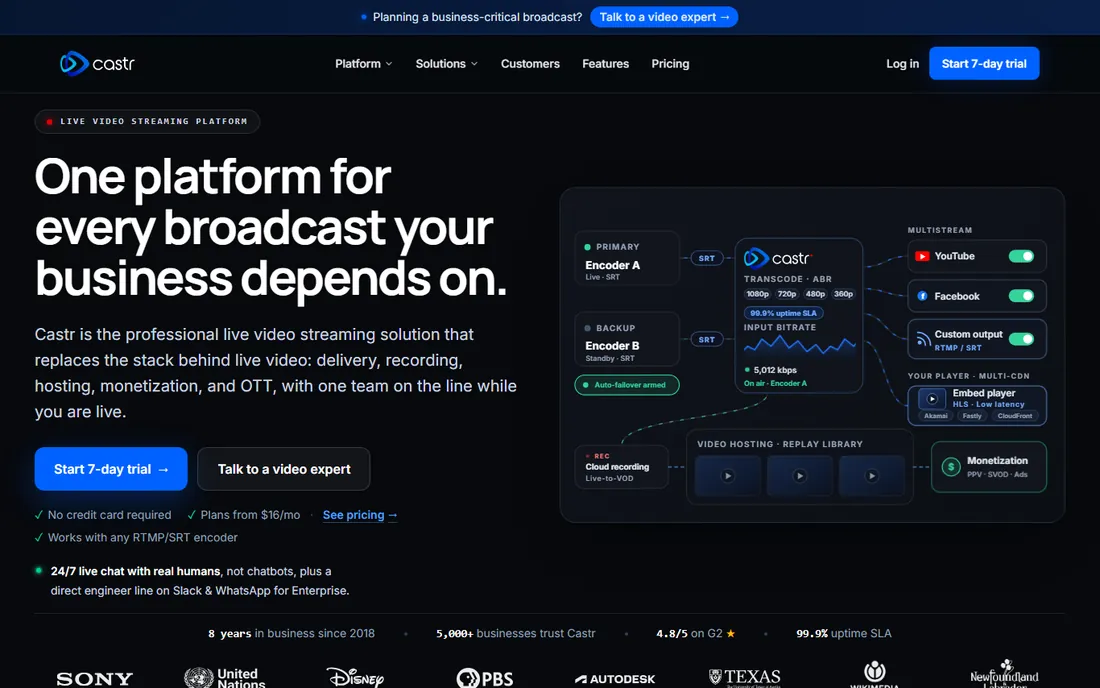
Castr thinks in channels, not streams. Its TV playout scheduler arranges recorded videos and live sources into continuous programming, delivered over its own content delivery network. That makes it a fit for sports producers, churches, schools and businesses that want an always-on channel they can embed on their site, sell behind a paywall, or publish through branded streaming apps.
Pricing is bandwidth-based rather than feature-gated: plans differ in streams, destinations (six to 30 by plan), storage and bandwidth, starting at $16.67 a month billed annually. Adaptive bitrate transcoding sits on the Premium tier, and API access is Premium-only, so check those before committing if your viewers have mixed connection speeds. There is no free plan, just a seven-day trial. Castr wins on price for serious always-on broadcasting; it loses to browser studios if you need guest interviews with zero setup.
What we like- Scheduled TV-style playout from recorded and live sources
- Own CDN with embeddable player and paywall
- White-label OTT apps
Watch out for- No free plan, only a seven-day trial
- Cloud recordings expire after three days on Starter
Starting price$15.75/month (billed annually)
Free planYes (Dual Output)
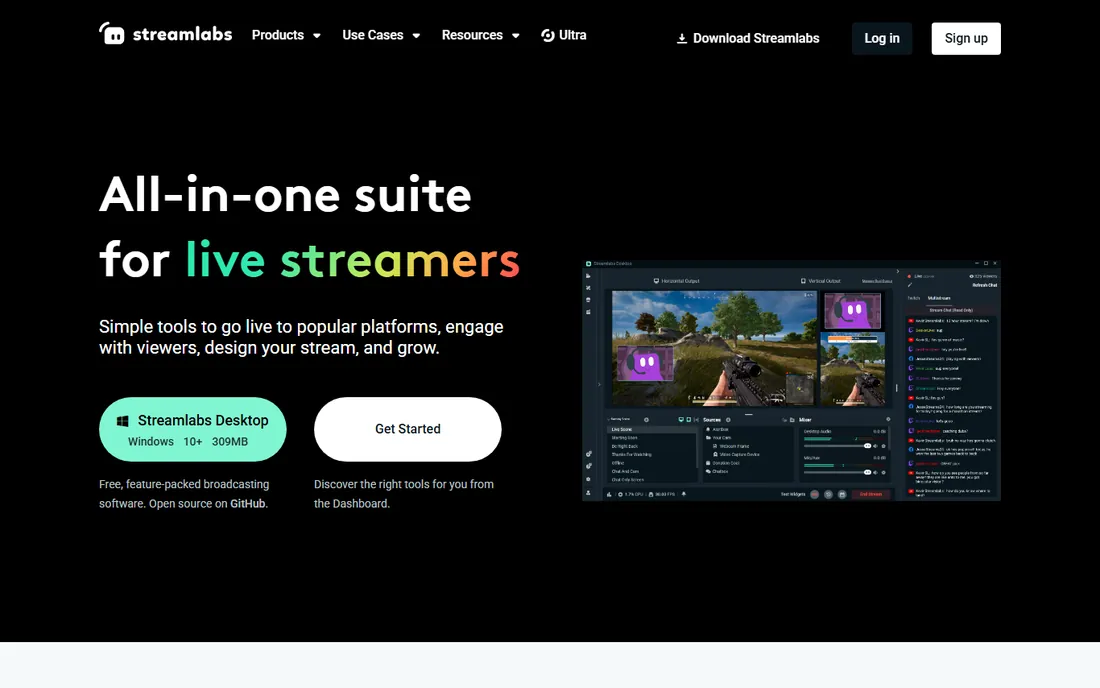
Streamlabs is a creator suite that happens to multistream, and that is exactly why gamers pick it. The desktop streaming app, alerts, overlays, tipping pages and mobile app live in one account, and Dual Output can send a horizontal stream to Twitch and a vertical one to TikTok at the same time. The Streamlabs Console even lets Xbox players broadcast without a capture card or second computer.
The free tier covers Dual Output to one horizontal and one vertical platform, which suits a Twitch-plus-TikTok workflow. Full multistreaming from the desktop app requires Streamlabs Ultra at $27 a month or $189 a year ($15.75 a month billed annually). Chat from multiple platforms lands in one window, and the overlay library is the deepest here. Choose Streamlabs when you need its production tools as well as distribution; if multistreaming is all you need, a relay-first platform gives you more destinations for less.
What we like- Dual Output sends horizontal and vertical streams simultaneously
- Huge overlay and alert library
- Console streaming from Xbox
Watch out for- Multistreaming from the desktop app needs Ultra
- Destination count is modest next to relay-first tools
Starting price$12/month (billed annually)
Free planYes (2 destinations, 720p)
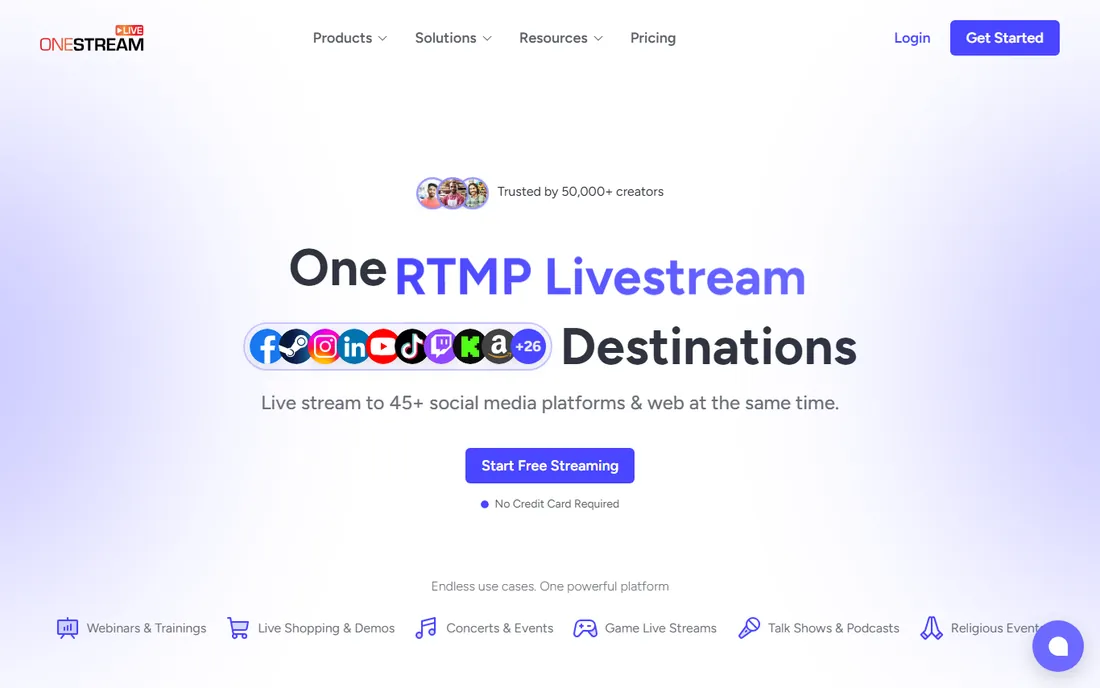
OneStream Live is built for a specific job: take a finished or scheduled video and distribute it everywhere. It supports more than 45 platforms, with simultaneous destinations ranging from two on the free plan to 50 on top tiers. You can stream from a browser, upload a recording and schedule it as a live premiere, or ingest from OBS. Custom Websites let you spin up a branded page with your logo, description and chat even if you have no site of your own.
The free plan allows two destinations at 720p, and paid plans start at $12 a month billed annually, scaling on destinations, storage and team seats. Unified chat aggregates comments across platforms, and an embeddable player covers your own site. True 24/7 streaming is an add-on rather than a core plan feature. OneStream fits webinar and content teams distributing one asset widely; it is less suited to interactive live production, where a browser studio would serve better.
What we like- 45-plus destinations, up to 50 at once
- Schedule pre-recorded video as live
- Custom branded web pages with chat
Watch out for- 24/7 streaming costs extra
- Webinar analytics are thin compared with Vimeo
Starting price$24/month (billed annually)
Free planYes (24 hours/month, 10 destinations)
Upstream's free plan is the most generous in this roundup: 24 hours of streaming every month, up to 10 destinations at once, 1080p at 30 fps, 100 GB of storage, no watermark and no credit card. Every feature is included, from cloud playout of uploaded videos to the browser-based Live Studio with guests, overlays, scheduling and a live-streaming API. Your computer can stay off while a scheduled stream runs from Upstream's servers.
Paid plans start at $30 a month or $24 billed annually, and differ only in how many streams run concurrently, adding 60 fps and 4K. An always-on 24/7 channel uses roughly 720 hours a month, so it needs a paid plan, but part-time streamers may never pay at all. The young-company caveat applies: Upstream is newer than Restream or StreamYard, so its destination list and integrations are still growing. For cost-conscious creators, though, the free tier is unmatched.
What we like- Free plan includes every feature with no watermark
- Cloud playout runs while your computer is off
- YouTube-verified encoder
Watch out for- Free plan caps at 24 hours a month and one stream at a time
- 60 fps and 4K need paid plans
Starting price$34/month (Grow plan, multistreaming)
Free planLimited free tier
Riverside is a recording studio first and a multistreaming platform second. Each participant records locally at up to 4K with separate audio and video tracks, so the edited episode sounds pristine regardless of anyone's connection during the live show. The text-based editor lets you cut video by deleting words from the transcript, and Magic Clips turns highlights into vertical shorts.
Live multistreaming starts on the Grow plan at $34 a month, which allows unlimited destinations. The free tier covers recording at 720p with a watermark but not serious simulcasting. Riverside fits podcasters whose main product is the finished episode and who treat the live broadcast as a bonus recording session with an audience. If the live show is the product and the recording is secondary, StreamYard's production-first approach usually fits better.
What we like- Local 4K recording with separate tracks per speaker
- Text-based editing and AI Magic Clips
- Unlimited destinations on Grow
Watch out for- Live output caps at 1080p
- Multistreaming is gated behind the Grow tier
Starting price$75/month (simulcasting)
Free planLimited free tier
Vimeo calls its multistreaming feature simulcasting, and it sits inside a much bigger webinar and video-hosting product. You get registration pages, attendance tracking, a branded player, a managed video library and viewer analytics without bolting on other tools. Destinations include 10 integrated platforms plus 20 custom RTMP endpoints, which covers most webinar distribution needs.
The pricing reflects that scope. Simulcasting starts at $75 a month, far above relay-only tools, and the limited free tier does not include it. Vimeo makes sense for marketing and events teams where the registration list and follow-up matter as much as the live reach. Pure creators chasing maximum destinations per dollar will find Restream or OneStream Live far cheaper for the same distribution job.
What we like- Registration, attendance data and follow-up in one place
- Branded player and video library
- 10 integrated plus 20 custom RTMP destinations
Watch out for- Simulcasting needs the $75-a-month tier
- Overkill if you only need a relay
Starting price$35/month (Indie)
Free planFree trial
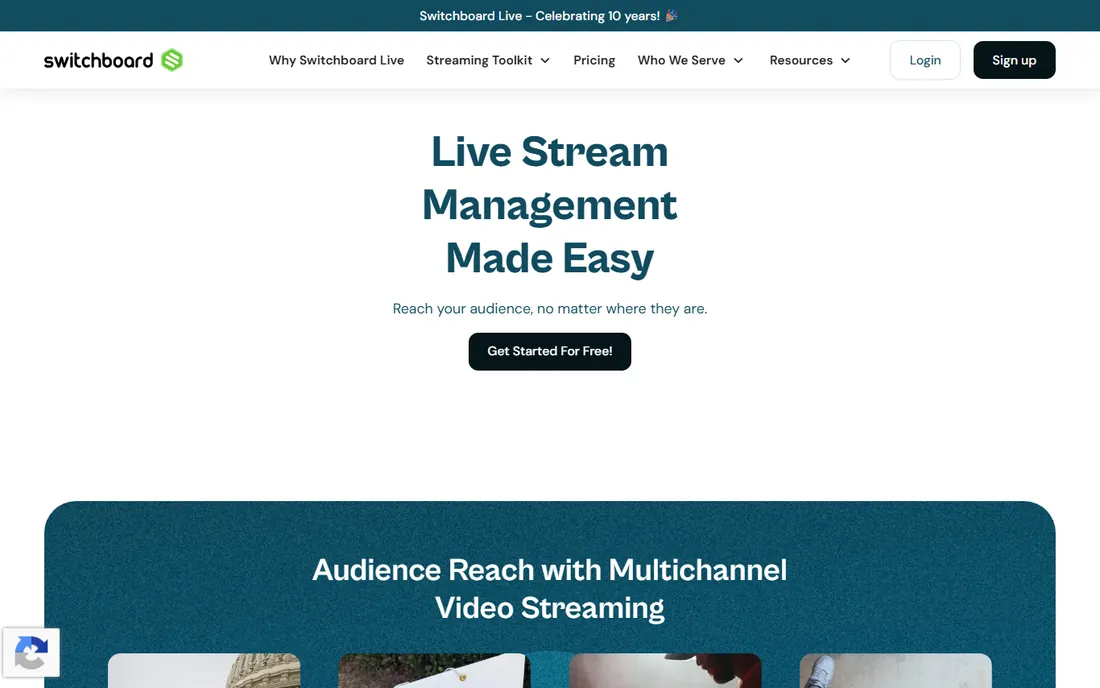
Switchboard Live's headline feature is simple: there is no cap on simultaneous destinations. Whether you stream to five platforms or eighteen, the relay handles it from a single dashboard, ingesting from OBS, vMix or any encoder over RTMP or SRT. PartnerShare lets collaborators push your stream to their own pages and channels without sharing passwords, which suits co-hosted shows and brand partnerships.
Plans start at $35 a month for Indie (3-plus destinations, one team member, 25 hours a month at 720p), rising to $99 for Pro and $350 for Business with more destinations, hours, 1080p and an embeddable player. A 99-minute free trial lets you test the relay before paying; there is no ongoing free plan. Switchboard fits teams and frequent streamers who measure value in destination count. Casual streamers get more for less from the free tiers of Upstream or Restream.
What we like- No cap on simultaneous destinations
- PartnerShare streams to collaborators without password sharing
- RTMP and SRT ingest
Watch out for- No free plan
- Entry tier caps at 720p and 25 hours a month
What to compare before you commit
Count destinations, then check which ones
A big destination number means little if your audience is not there. List the two or three platforms where your viewers actually watch, confirm each tool supports them natively, and only then compare caps. Custom RTMP covers the rest, but native integrations usually carry chat and analytics with them.
Match the product type to your show
Browser studios (StreamYard, Riverside, Upstream's Live Studio) excel at guest conversations with no installs. Cloud relays (Restream, Castr, Switchboard Live, OneStream Live) excel at taking an existing feed and spreading it wide. Buying a studio when you need a relay, or vice versa, is the most common way to overpay in this category.
Read the limits on the plan you will actually buy
Free and entry plans hide their limits in fine print: monthly hour caps, 720p ceilings, recording expiry windows, watermarking and branding. Castr's three-day recording expiry and Upstream's 24-hour monthly cap are fine if you know about them upfront and painful if you discover them mid-series.
How we chose
We compared these platforms using current pricing pages, documentation and plan-comparison screenshots, plus public reviews on G2, Capterra and Reddit and two detailed 2026 comparisons (Upstream's multistreaming guide, checked September 2026, and Uscreen's Castr alternatives breakdown). We weighted destination count and platform coverage, free-tier generosity, whether the product is a studio or a relay, recording and scheduling depth, and fit for small US teams rather than enterprises. Prices shown are the annual-billing rates vendors advertise; month-to-month billing usually costs more.
The simulcasting rules most beginners miss
The platforms you stream to have their own rules about simulcasting, and they change. Twitch's simulcast guidelines have restricted streaming the same content to certain competing platforms at the same time, with the exact terms varying by partner status. TikTok and Instagram have their own expectations around vertical-first content, which is why tools like Streamlabs built Dual Output for simultaneous horizontal and vertical feeds. Before you pay for eight destinations, open each platform's current live-streaming terms and confirm your planned combination is allowed. A multistreaming tool can send your feed anywhere; it cannot protect your account if a destination forbids it.
Frequently asked questions
Do I need multistreaming if I only stream on Twitch?
Probably not. Multistreaming earns its keep when your audience is split across platforms. If ninety percent of your viewers are on Twitch, a single-platform setup with better production quality usually beats a thin presence in five places.
Will multistreaming hurt my reach or violate platform rules?
It can if you ignore the rules. Some platforms restrict simulcasting to competitors or deprioritize streams that are clearly restreams. Check each destination's current terms, and use features like per-platform titles on Restream so each audience sees a native-feeling broadcast.
Can I multistream for free?
Yes, within limits. Upstream's free plan covers 10 destinations and 24 hours a month with no watermark, Restream's free plan covers two destinations, and Streamlabs' free Dual Output covers one horizontal and one vertical platform. Heavy or always-on streaming needs a paid plan everywhere.
Do I need OBS or other software with these tools?
Not necessarily. Browser studios from StreamYard, Riverside and Upstream produce a full show with no installs. Cloud relays like Restream, Castr and Switchboard Live can ingest from OBS or vMix but also accept browser or pre-recorded sources. OBS still gives the most production control if you want it.
How do I stream vertical video to TikTok or Shorts at the same time?
Use a tool with dual-canvas output. Streamlabs' Dual Output sends horizontal and vertical versions simultaneously, and several browser studios now offer vertical layouts. Otherwise, design your scenes for the primary orientation and accept letterboxing on the other.
Sources we checked (6)
- https://upstream.so/blog/best-multistreaming-platforms/
- https://upstream.so/free-live-streaming/
- https://www.uscreen.tv/blog/castr-alternative/
- https://www.fahimai.com/restream
- https://www.saasworthy.com/product/switchboard-live/pricing
- https://www.spotsaas.com/compare/evmux-vs-switchboard-live
Is your product missing or out of date?
We review this list regularly. Vendors can request a listing, send updated pricing or ask about featured placement.

Shihab Mia · Founder, Rankite
Shihab has spent more than a decade helping SaaS and e-commerce brands grow through search. He writes Rankite's software buying guides from pricing pages, documentation and public user reviews. More about Shihab.