How we make this list: we compare pricing pages, product documentation and public user reviews. Rankite is independent; if a vendor ever pays for a featured spot, that listing is clearly labeled Partner.
Key takeaways
- Teachers who use AI weekly save an average of 5.9 hours per week, but only when the tool fits a specific teaching task rather than acting as a generic chatbot.
- Most classroom AI is free or freemium for individual teachers; districts pay for oversight dashboards, LMS integrations and data agreements.
- MagicSchool AI covers the most classroom tasks in one place, while Diffit, Brisk Teaching and Curipod each win a narrower job.
- Privacy compliance (FERPA, COPPA, SOC 2) is the real buying criterion for schools, and it varies widely across these platforms.
Quick comparison
| Tool | Best for | Starting price | Free plan |
|---|
 MagicSchool AI MagicSchool AI | all-in-one classroom toolkit | $12.99/month ($8.33/month billed annually) | Yes (all tools, usage limits) |
 SchoolAI SchoolAI | monitored student AI chat spaces | Custom (Pro and Scale require a demo) | Yes (free for teachers) |
 Khanmigo Khanmigo | free AI tutor and teacher aide | Free for U.S. teachers ($4/month for parents and learners) | Yes (free for teachers) |
 Diffit Diffit | differentiated reading passages | $14.99/month ($149.99/year) | Yes (limited exports) |
 Brisk Teaching Brisk Teaching | AI inside Google Docs and Slides | $9.99/month Pro ($99.99/year) | Yes (core tools free) |
 Curipod Curipod | interactive live lesson slides | $7.50/month | Yes |
 Eduaide.AI Eduaide.AI | lesson planning with pedagogy built in | $9.99/month | Yes |
 Edcafe AI Edcafe AI | quizzes and feedback from any source | $7.99/month (billed annually) | Yes (100 generations per month) |
 Gradescope Gradescope | AI-assisted grading | Custom (institutional pricing) | Yes (free for individual instructors) |
Is your product missing or out of date?
We review this list regularly. Vendors can request a listing, send updated pricing or ask about featured placement.
According to the Walton Family Foundation and Gallup "Teaching for Tomorrow" study of 2,232 U.S. K-12 teachers, teachers who use AI weekly save an average of 5.9 hours per week, framed as six weeks reclaimed over a school year (via storyflow.so). Those savings come from tools built around real teaching tasks: planning, differentiating, assessing and communicating. The nine platforms below are the ones most worth a teacher's limited time.
Starting price$12.99/month ($8.33/month billed annually)
Free planYes (all tools, usage limits)
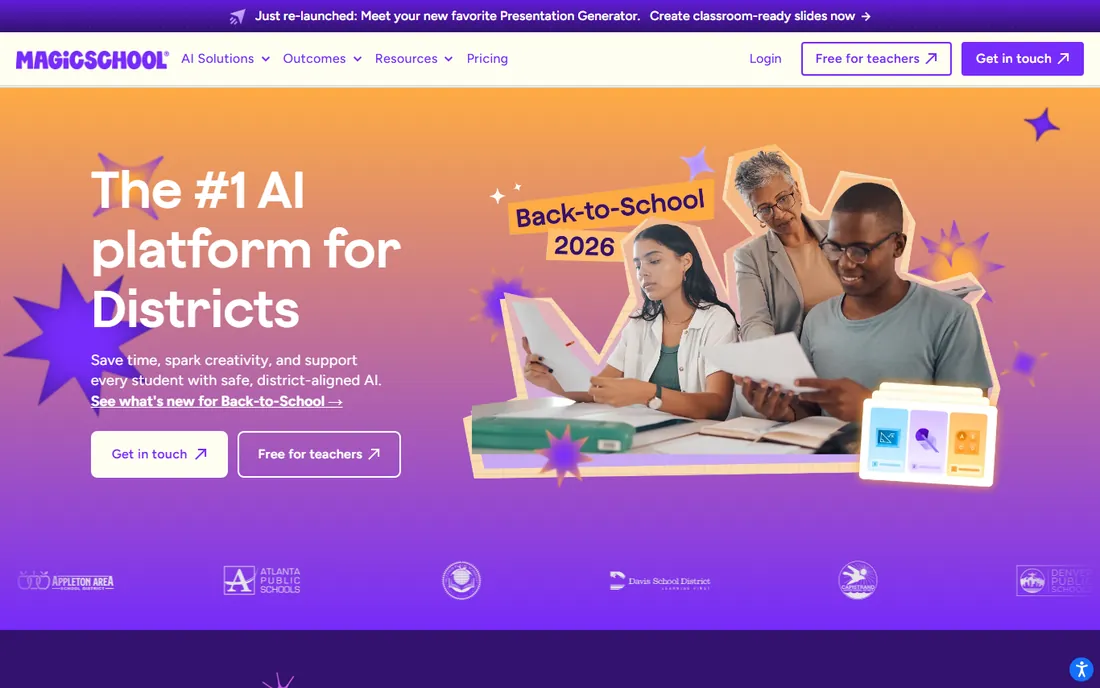
MagicSchool AI is the most complete classroom-specific AI toolkit available now. Instead of one chat box, you get dozens of purpose-built tools: lesson planners, rubric generators, quiz builders, IEP drafters, report-card comment writers and parent-email composers, each asking for grade level, subject and standards up front so the output lands close on the first try. That structure is why it beats general chatbots for classroom work.
The free plan includes all tools with usage limits, which is genuinely enough for an individual teacher to run a week on. Plus costs $12.99 a month or $8.33 billed annually and raises the caps. Privacy posture is strong for the category, with district data agreements available. The tradeoff is sheer volume: 130-plus tools take orientation, and teachers who only need one job done may prefer a narrower tool. For cutting prep time across the board, though, nothing else covers as much ground.
What we like- 80-plus teacher tools plus 50-plus student tools
- IEP generator for special education
- SOC 2 Type II, FERPA and COPPA aligned
Watch out for- Breadth can overwhelm new users
- Student-facing features are secondary to teacher tools
Starting priceCustom (Pro and Scale require a demo)
Free planYes (free for teachers)
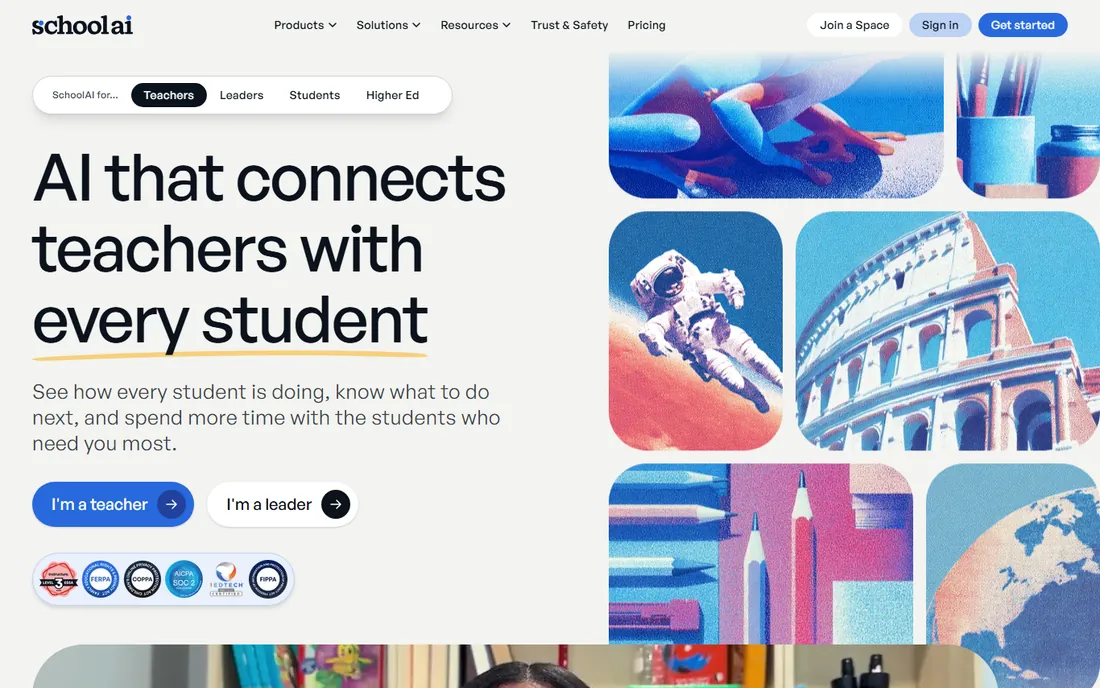
SchoolAI flips the model: instead of AI that helps the teacher plan, it gives students monitored spaces to chat with AI while the teacher watches. You set up a Space around a topic, students interact with the AI tutor inside your guardrails, and the Mission Control dashboard shows you what each student asked. For schools rolling out student-facing AI, that oversight layer is the whole point.
The teacher tier is free, which makes piloting easy. Paid Pro and Scale tiers add LMS integrations and deeper controls but require a demo call, so individual teachers cannot see the price. Privacy compliance covers FERPA, COPPA and FIPPA. The honest limitation is that SchoolAI's own teacher productivity tools are thin; most teachers pair it with MagicSchool or Brisk for planning. Choose it when your priority is giving students AI access safely, not when you need another lesson planner.
What we like- Spaces let students chat with AI under teacher supervision
- Mission Control dashboard shows student activity
- 60-plus languages
Watch out for- Paid pricing is opaque
- Teacher productivity tools are basic next to MagicSchool
Starting priceFree for U.S. teachers ($4/month for parents and learners)
Free planYes (free for teachers)
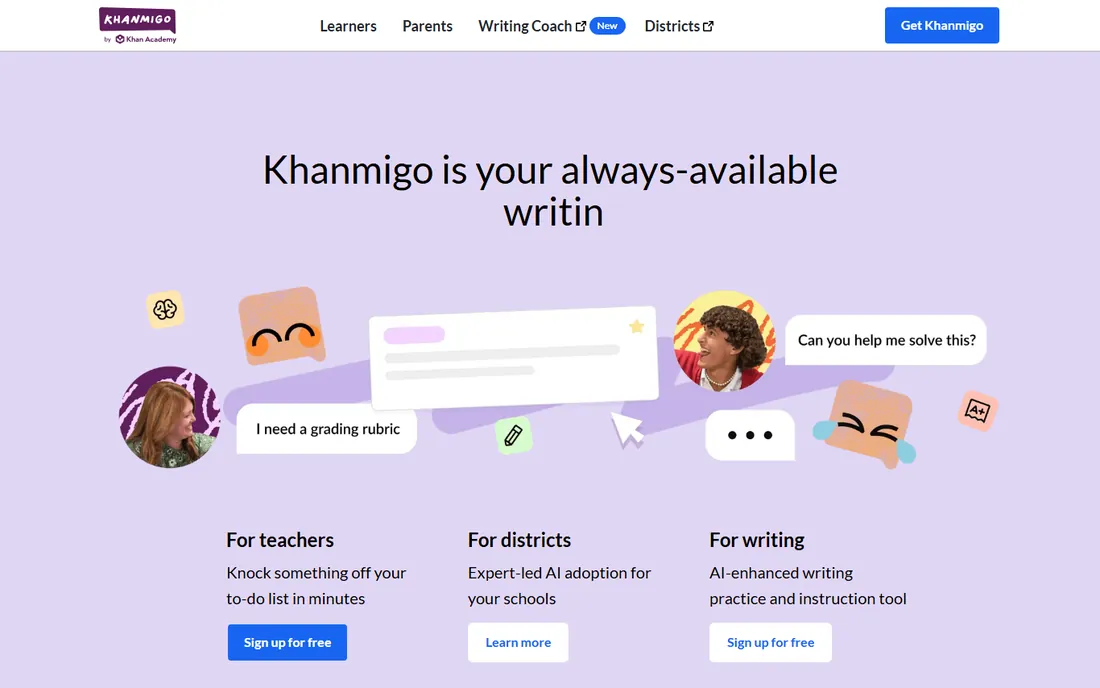
Khanmigo, from Khan Academy, is the rare classroom AI that is simply free for teachers in the U.S. It acts as both a student tutor and a teacher aide: students get Socratic-style guidance that asks questions instead of handing over answers, and teachers get help with lesson hooks, quiz generation and progress insights tied to Khan Academy content. Because it is built by a nonprofit education institution, the pedagogy feels considered rather than bolted on.
Parents and independent learners pay $4 a month, but classroom teachers pay nothing. The catch is scope. Khanmigo does tutoring and a handful of teacher tasks well, but it will not generate your rubrics, differentiate a reading passage three ways or draft IEPs. It is also strongest inside the Khan Academy content ecosystem. Use it as your free student-facing layer and pair it with a planning toolkit for everything else.
What we like- Completely free for teachers
- Socratic tutoring that guides instead of answering
- No prompting skill required
Watch out for- Narrower task coverage than toolkit platforms
- Teacher features are lighter than student features
Starting price$14.99/month ($149.99/year)
Free planYes (limited exports)
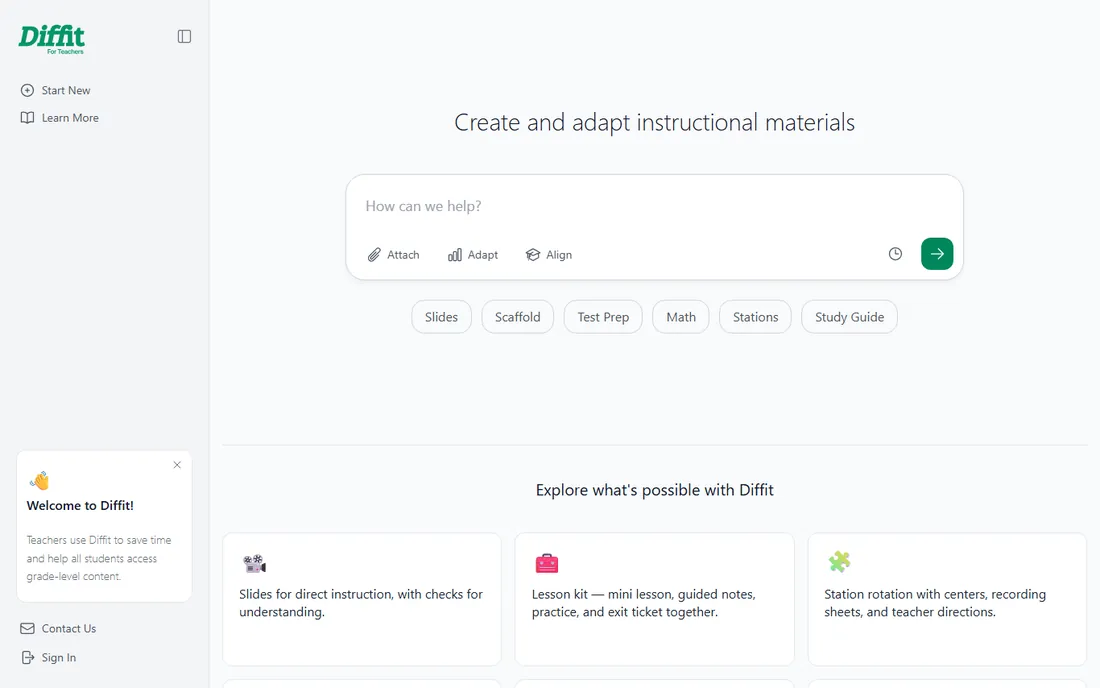
Diffit does one job better than anyone: take any article, video transcript or textbook passage and rewrite it at the reading level your students need. Paste a link or upload a file, pick a grade level, and get a leveled passage with vocabulary support and comprehension questions. For mixed-ability classrooms and English language learners, that two-minute workflow replaces an evening of manual adaptation.
The free tier lets you try the core differentiation with limited exports; the paid plan at $14.99 a month ($149.99 a year) opens up full exports to PDF and Google Docs. Privacy compliance is signed and classroom-ready. The limitation is obvious: Diffit differentiates reading material and little else. It is a complement to a broader toolkit, not a replacement. If differentiation is your biggest time sink, though, it pays for itself faster than any all-in-one.
What we like- Rewrites any text to any reading level in seconds
- Built for mixed-ability classrooms
- FERPA and COPPA compliant
Watch out for- Single-purpose compared with toolkits
- Free tier limits exports
Starting price$9.99/month Pro ($99.99/year)
Free planYes (core tools free)
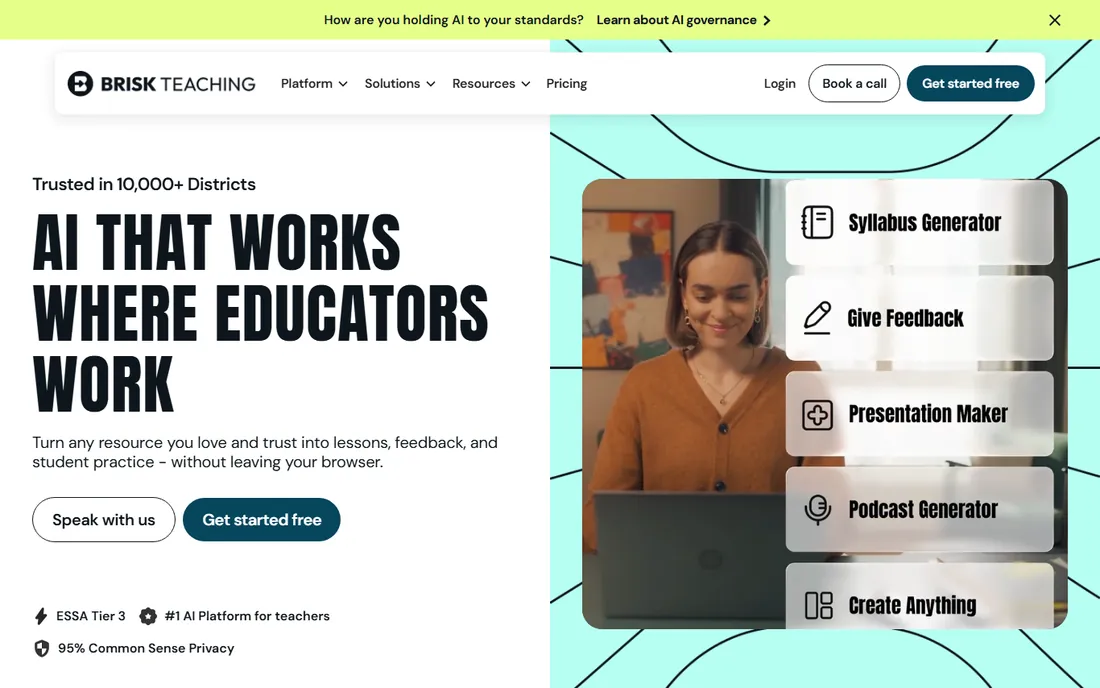
Brisk Teaching lives as a Chrome extension inside Google Docs, Slides, Forms and Microsoft tools, which removes the biggest adoption barrier in education: learning another platform. Highlight a webpage and generate a quiz from it. Open a student doc and get AI-drafted feedback inserted inline. Build a lesson plan without leaving the document where it will live.
Core tools are free for K-12 teachers, with Pro at $9.99 a month ($99.99 a year) adding advanced features and district tiers available by quote. Privacy ratings are strong, including FERPA, COPPA and SOC 2 alignment. The tradeoff is ecosystem lock-in: if your school runs on Google Workspace or Microsoft 365, Brisk feels invisible; outside those ecosystems it has little to offer. For Google-centric schools, it is the fastest path from zero to daily AI use.
What we like- Works where teachers already work, no new app to learn
- Generates quizzes from webpages and docs
- Inline feedback on student writing
Watch out for- Google and Microsoft ecosystem dependent
- Advanced features need the paid tier
Starting price$7.50/month
Free planYes
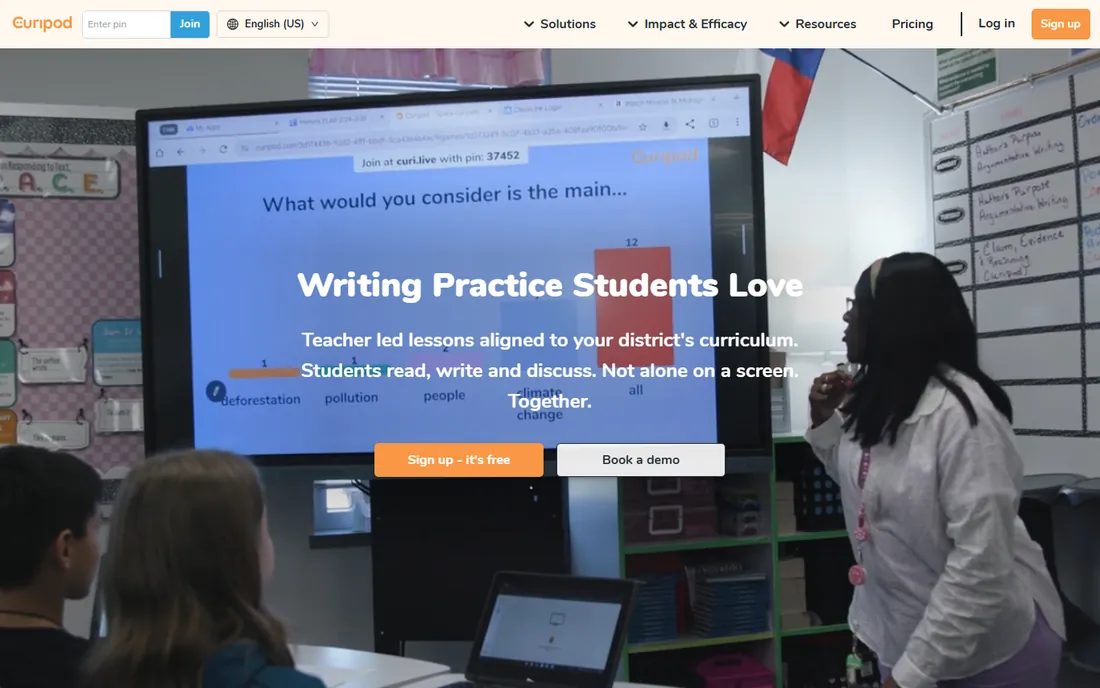
Curipod turns slide decks into live interactive lessons. Describe your topic and it generates a deck studded with polls, word clouds, open-response prompts and drawing activities that students join from their own devices. Results appear in real time, which changes the dynamic of a lecture from broadcast to conversation.
The free tier covers teachers getting started, with paid plans from about $7.50 a month adding capacity and features. Setup is quick enough to build a deck in one prep period. The honest constraints: it is a presentation and engagement tool, not a planner or grader, and the interactive magic depends on every student having a working device. For teachers fighting for attention in live lessons, few tools deliver as much energy per dollar.
What we like- AI-generated polls, word clouds and drawing activities
- Students join from any device
- Built for live classroom energy
Watch out for- Narrower than full toolkits
- Best moments need reliable student devices
Starting price$9.99/month
Free planYes
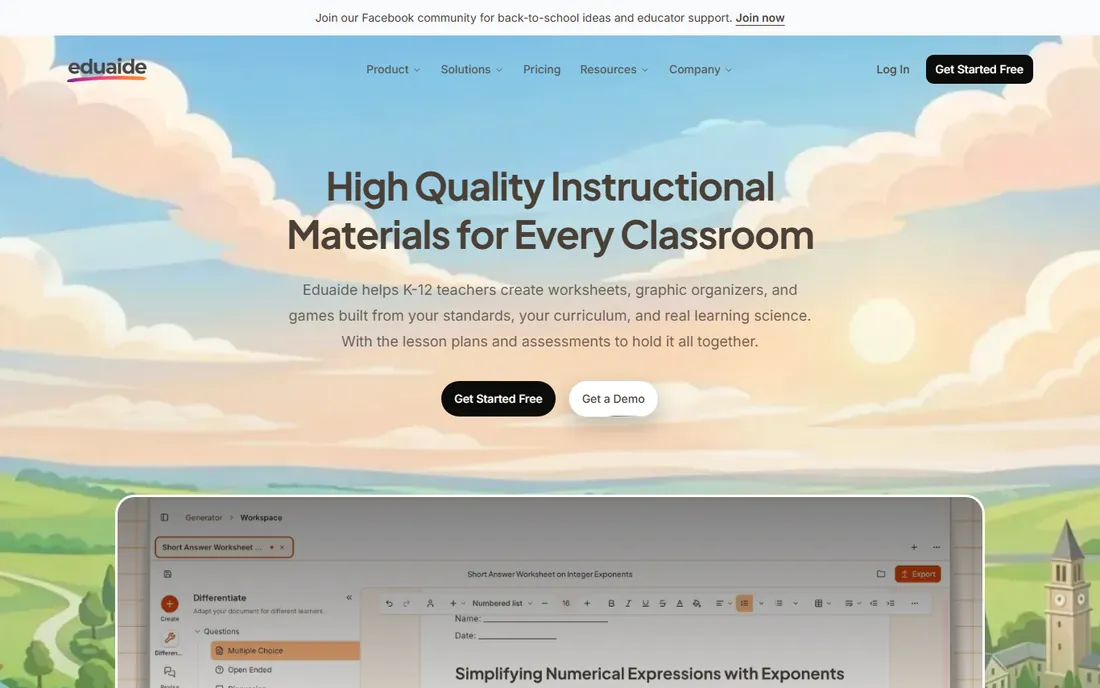
Eduaide.AI positions itself as the thoughtful alternative to the everything-toolkit: fewer tools, each designed around instructional best practice. Its feedback engine helps teachers generate substantive comments on student work, and its planning tools scaffold lessons with learning objectives, differentiation notes and assessment alignment rather than free-form text. The interface stays focused, which teachers drowning in options appreciate.
A free tier covers individual exploration, with paid plans around $9.99 a month. It has less district name recognition than MagicSchool or Khan Academy, which can matter when you need IT approval. But for teachers who care about pedagogical quality over tool count, Eduaide's restraint is a feature. It is the pick when you want AI that thinks like an instructional coach, not a content vending machine.
What we like- Feedback engine and structured planning tools
- Designed around instructional best practice
- Clean, focused interface
Watch out for- Smaller tool catalog than MagicSchool
- Less name recognition with districts
Starting price$7.99/month (billed annually)
Free planYes (100 generations per month)
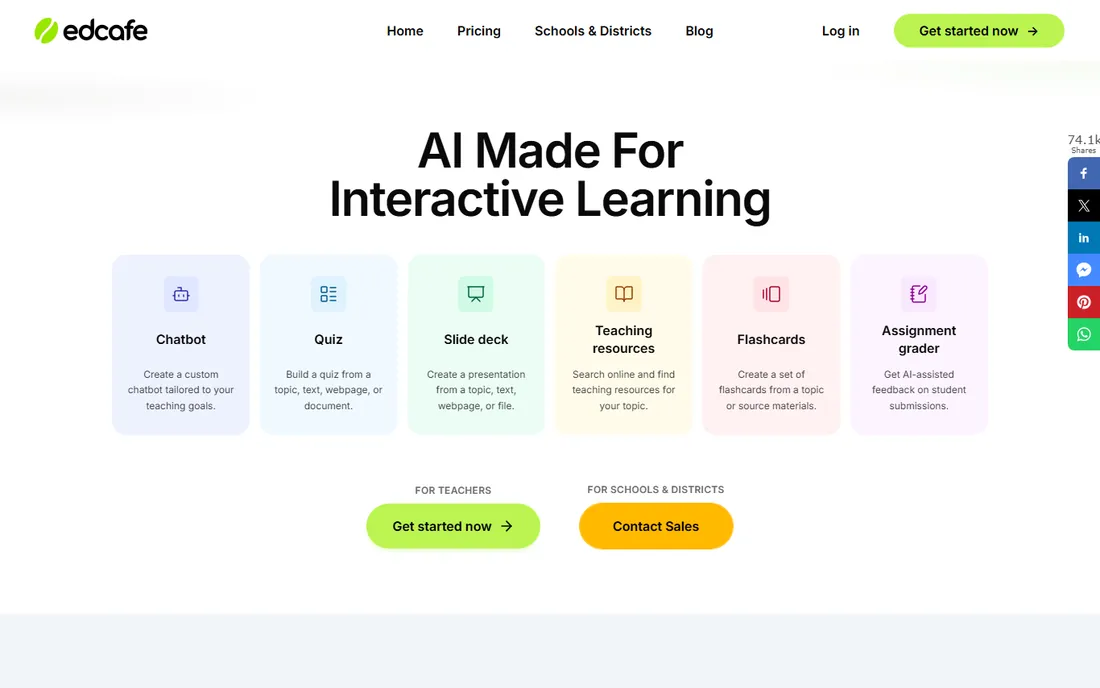
Edcafe AI starts from your source material: paste a webpage, upload a document or link a video, and it builds quizzes, flashcards, slide decks and interactive activities from that content. It also drafts feedback on submitted student work, which attacks the grading pile from a different angle than Gradescope's rubric-driven approach. The free tier includes 100 generations a month, enough for a teacher to run real classes on.
Paid plans start at $7.99 a month billed annually. As a newer platform it has less district-scale track record than the established names, and its assessment analytics are lighter than dedicated grading tools. But for the common workflow of turning this week's content into next week's quiz, it is fast, generous and classroom-built. Teachers who live in source-driven prep will feel at home immediately.
What we like- Builds quizzes and activities from any webpage, video or document
- AI-drafted feedback on submitted work
- Generous free generation allowance
Watch out for- Newer and less proven at district scale
- Assessment depth trails dedicated graders
Starting priceCustom (institutional pricing)
Free planYes (free for individual instructors)
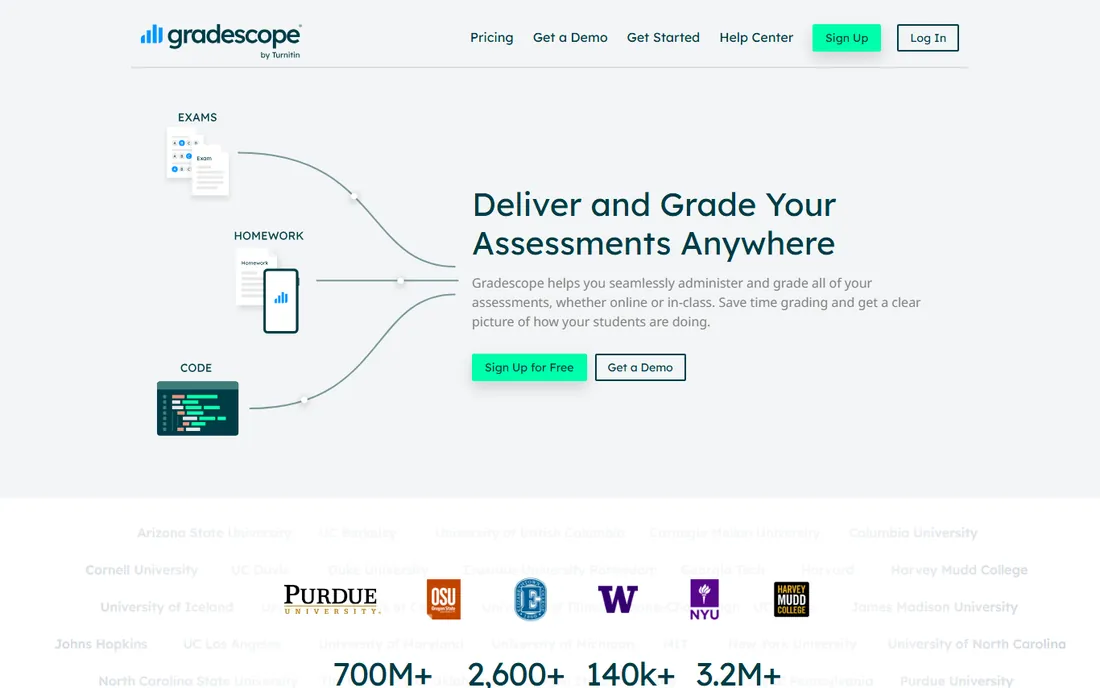
Gradescope, now part of Turnitin, attacks the least-loved teaching task: grading. Upload scanned exams or connect digital submissions, and its AI groups similar answers together so you grade each pattern once instead of reading every paper. Rubric-based scoring keeps large classes and teaching-assistant teams consistent, and regrading requests stay organized.
Individual instructors can use it free, which makes it accessible for a single course pilot. Institutional pricing is custom and quote-based, so department-wide adoption needs a budget conversation. For small seminars with ten students, the setup may exceed the payoff. But for anyone grading hundreds of problem sets or exams, the time savings are the most dramatic in this roundup, and the consistency gains matter as much as the speed.
What we like- AI groups similar answers to speed up grading
- Consistent rubrics across large classes
- Free for individual instructors
Watch out for- Institutional pricing is quote-based
- Overkill for small classes with simple assessments
What to check before your school adopts one
Start with the free teacher tier, not the district demo
Nearly every platform here offers a genuinely usable free tier for individual teachers. Run your actual workload through it for two weeks before involving administration. You will learn more from grading one real assignment in Gradescope than from any sales demo.
Verify the privacy paperwork early
FERPA, COPPA and SOC 2 compliance differ across these tools, and districts increasingly require signed data-processing agreements. MagicSchool, Diffit, Brisk and SchoolAI publish strong positions; general tools repurposed for classrooms may not. If your district has an approved-vendor list, check it before you build a workflow around a tool.
Match the tool to the phase of your week
Planning-heavy weeks call for MagicSchool or Eduaide. Differentiation-heavy weeks call for Diffit. Assessment-heavy weeks call for Gradescope or Edcafe. Live-teaching weeks call for Curipod. Most teachers end up with two or three of these, each owning one phase, rather than one platform doing everything.
Privacy is the real buying criterion
Classroom AI handles student data, which makes privacy the deciding factor for school adoption. Look for FERPA and COPPA compliance statements, SOC 2 Type II certification, and whether the vendor trains models on your inputs. Student-facing tools like SchoolAI and Khanmigo add another layer: can the teacher see what students asked, and can inappropriate use be flagged? Free consumer AI tools often fail these checks, which is why purpose-built education platforms exist. When in doubt, ask the vendor for their data-processing agreement before the pilot, not after.
How we chose
We evaluated these platforms against current pricing pages and documentation, public reviews on G2, Capterra and Reddit, and three detailed 2026 classroom comparisons (Storyflow's tested roundup, DigitalAiRole's teacher guide and Seowebster's classroom testing). We weighted classroom-task fit over raw AI capability, free-tier honesty for teachers paying out of pocket, student safety and privacy posture, setup speed, and integration with Google Workspace, Microsoft 365 and common LMS platforms. We favored tools tested in real classrooms over benchmark demos, and we treated every plan detail as subject to change.
Frequently asked questions
Are these AI tools allowed in K-12 classrooms?
It depends on your district. Most districts now maintain an approved-vendor list, and tools with FERPA and COPPA compliance plus signed data agreements clear it more easily. Always check your district's policy before having students use any AI tool.
Will AI platforms replace teachers?
No. Every tool here automates preparation, differentiation or grading tasks; none of them manages a classroom, builds relationships with students or makes judgment calls about individual learners. The teachers saving six hours a week spend those hours teaching, not less.
Can teachers see what students ask the AI?
On student-facing platforms built for schools, yes. SchoolAI's Mission Control dashboard shows student activity inside Spaces, and Khanmigo gives teachers insights into student tutoring sessions. Consumer chatbots offer no such oversight, which is why schools prefer classroom-built tools.
Do these platforms work with Google Classroom and common LMS tools?
Many do, though integrations often sit on paid or district tiers. Brisk Teaching works natively inside Google Docs and Microsoft tools, while SchoolAI and MagicSchool reserve LMS integrations for higher plans. Confirm the integration you need before committing.
What does "free for teachers" usually include?
Usually the core tools with usage limits: a set number of generations per month, capped exports, or watermarked output. MagicSchool's free tier includes all tools with limits, Edcafe allows 100 generations a month, and Khanmigo is fully free for U.S. teachers. Districts pay for the oversight, integrations and unlimited use.
Sources we checked (6)
- https://storyflow.so/blog/best-ai-tools-for-teachers-2026
- https://www.digitalairole.com/blog/best-ai-tools-for-teachers/
- https://seowebster.com/blog/ai/best-10-ai-tools-for-teachers
- https://academicaitrends.com/blog/magicschool-ai-vs-schoolai-for-teachers/
- https://learnpresslms.com/blog/best-ai-tools-for-teachers/
- https://teachkit-live.replit.app/blog/tips-for-reducing-prep-time-with-teacher-focused-ai-tools
Is your product missing or out of date?
We review this list regularly. Vendors can request a listing, send updated pricing or ask about featured placement.

Shihab Mia · Founder, Rankite
Shihab has spent more than a decade helping SaaS and e-commerce brands grow through search. He writes Rankite's software buying guides from pricing pages, documentation and public user reviews. More about Shihab.