How we make this list: we compare pricing pages, product documentation and public user reviews. Rankite is independent; if a vendor ever pays for a featured spot, that listing is clearly labeled Partner.
Key takeaways
- Most conversions do not require paid software. Free tools like Audacity, Fre:ac and MediaHuman cover the formats most people need.
- Paid converters earn their price with batch processing, faster engines and extras like CD ripping or video-to-audio extraction.
- Online converters like Zamzar work when you cannot install software, but file size limits and upload times make them a poor fit for large libraries.
- Lossless formats (FLAC, WAV, ALAC) preserve quality through conversion; every MP3 to MP3 conversion loses a little more.
- Mac users have fewer native options, which is why XLD remains popular despite its bare-bones interface.
Quick comparison
Is your product missing or out of date?
We review this list regularly. Vendors can request a listing, send updated pricing or ask about featured placement.
The best audio converter software
Starting priceFree (open source)
Free planYes
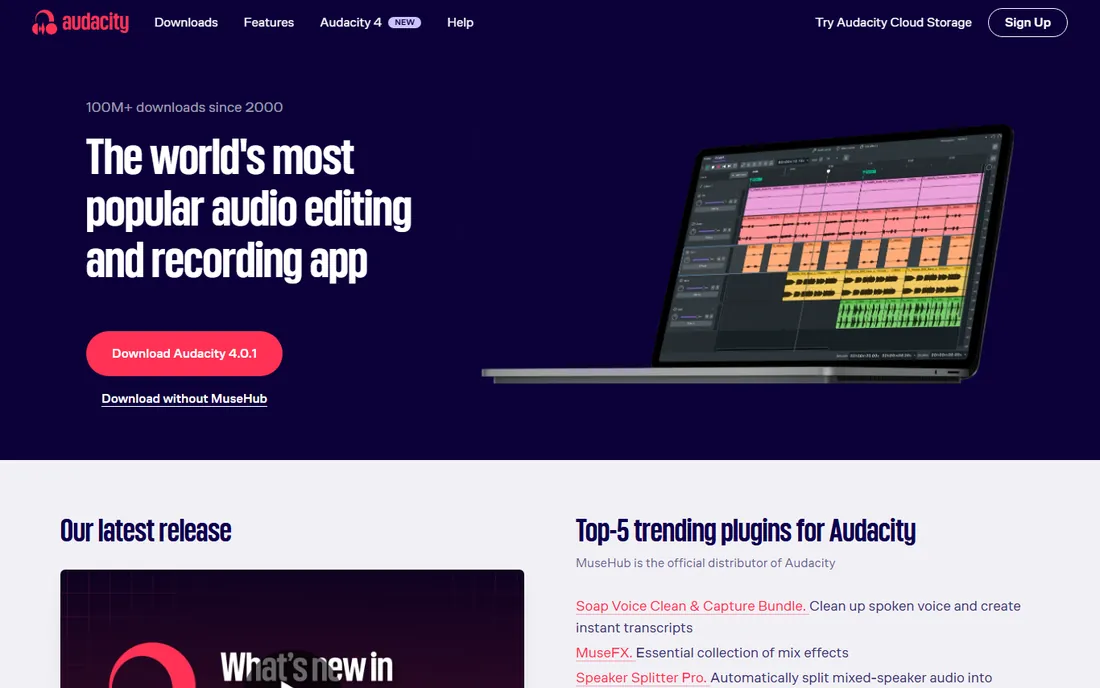
Audacity is the free audio editor most people already know, and its export menu makes it a capable converter too. Open almost any audio file, trim or clean it if you want, then export to MP3, WAV, OGG Vorbis, FLAC or several other formats. For one-off conversions where you might also want to edit, nothing free beats it.
It is not a dedicated batch converter. Converting a folder of files takes some setup through its macro system, and MP3 export needs the LAME encoder installed once before it works. The interface has not changed much in years, which some users find reassuring and others find clunky. When conversion is part of a larger editing job, Audacity is the obvious free choice.
What we like- Completely free with no limits
- Exports MP3, WAV, OGG, FLAC and more
- Doubles as a full audio editor
Watch out for- Interface looks dated
- Batch conversion needs macros
- MP3 export requires a one-time encoder setup
Starting priceFree (open source)
Free planYes
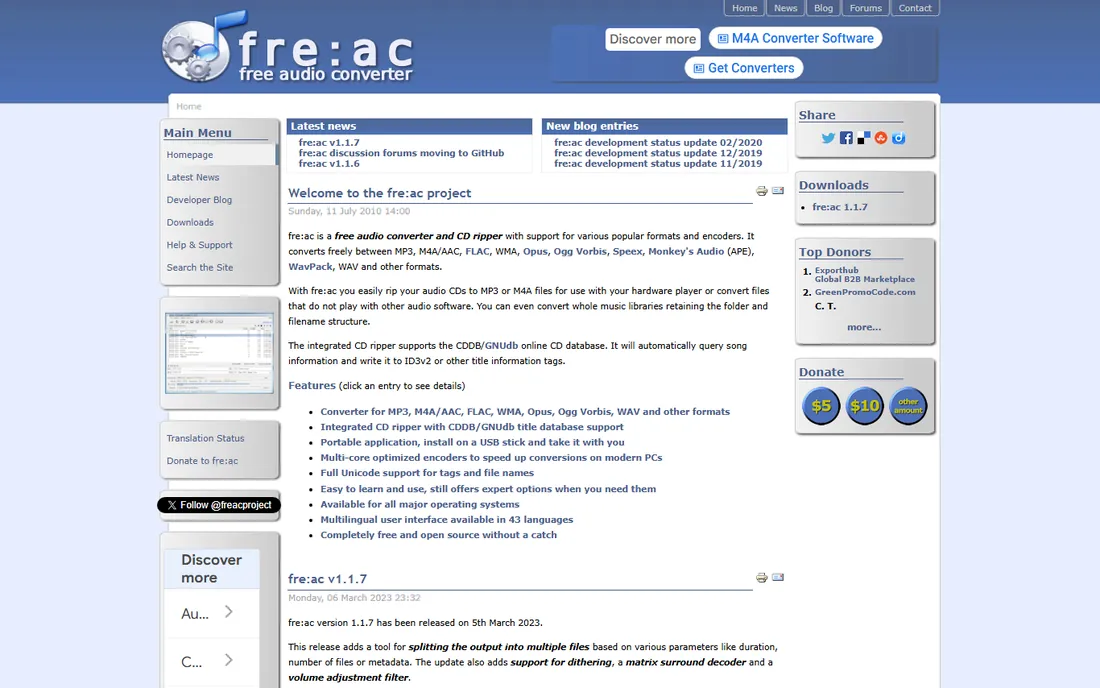
Fre:ac does one thing, converting audio files, and does it well for free. Drop in a batch of files, pick your output format and quality settings, and it converts them using all your processor cores. Format support covers the essentials: MP3, MP4/M4A, WMA, Ogg Vorbis, FLAC, APE and WAV, plus CD ripping for physical discs.
There is no editing, no effects and no polish. The interface is functional rather than friendly, and you may need to look up what some settings mean. But for the core job of converting a music library from one format to another without paying, Fre:ac is the most capable free option on Windows, Mac and Linux.
What we like- True batch conversion with multi-core support
- Wide format coverage including FLAC and APE
- Built-in CD ripper
Watch out for- Sparse interface
- Documentation is thin
- No audio editing features
Starting priceFree
Free planYes
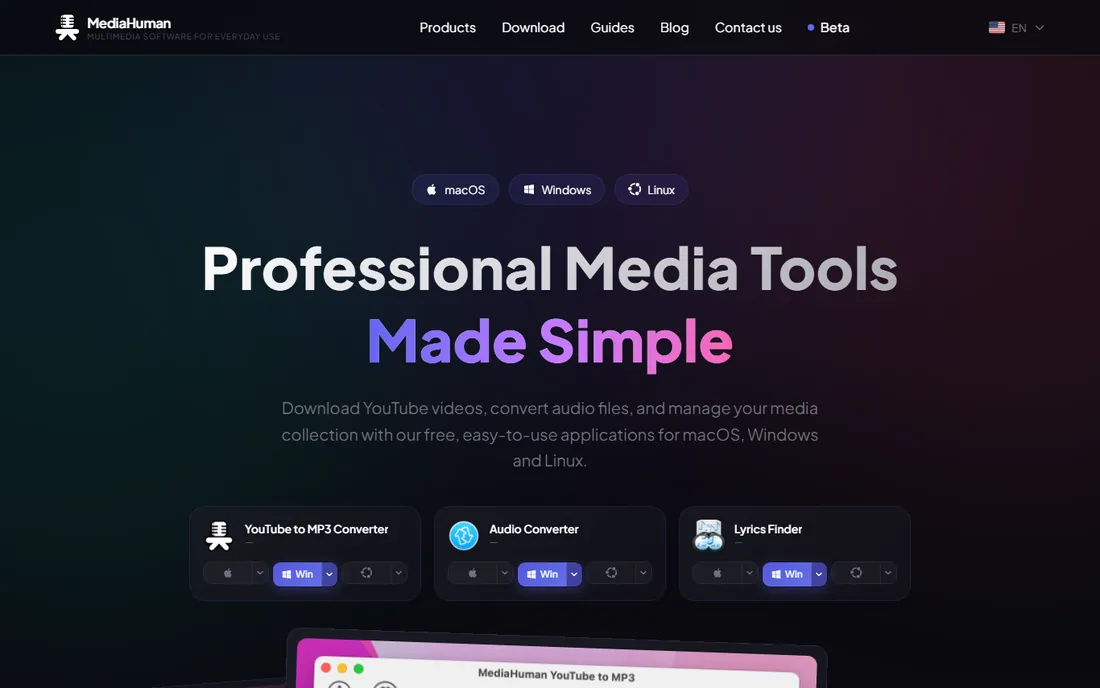
If Fre:ac feels too technical, MediaHuman Audio Converter is the friendlier free alternative. Drag files onto the window, choose a format, and convert. It handles the popular formats well and has a genuinely useful trick: splitting a single audio file with a CUE sheet into separate tracks, which matters for live recordings and disc images.
You give up some control compared with Fre:ac, since there are fewer codec tuning options, and there is no CD ripper built in. For straightforward conversions on Mac or Windows, though, most users will never miss those settings. It is the tool to recommend to someone who finds audio formats confusing.
What we like- Extremely easy to use
- Splits CUE sheets
- Converts to Apple-friendly formats
Watch out for- Fewer advanced settings than Fre:ac
- No CD ripping
- MacOS and Windows only
Starting priceSee website
Free planSee website
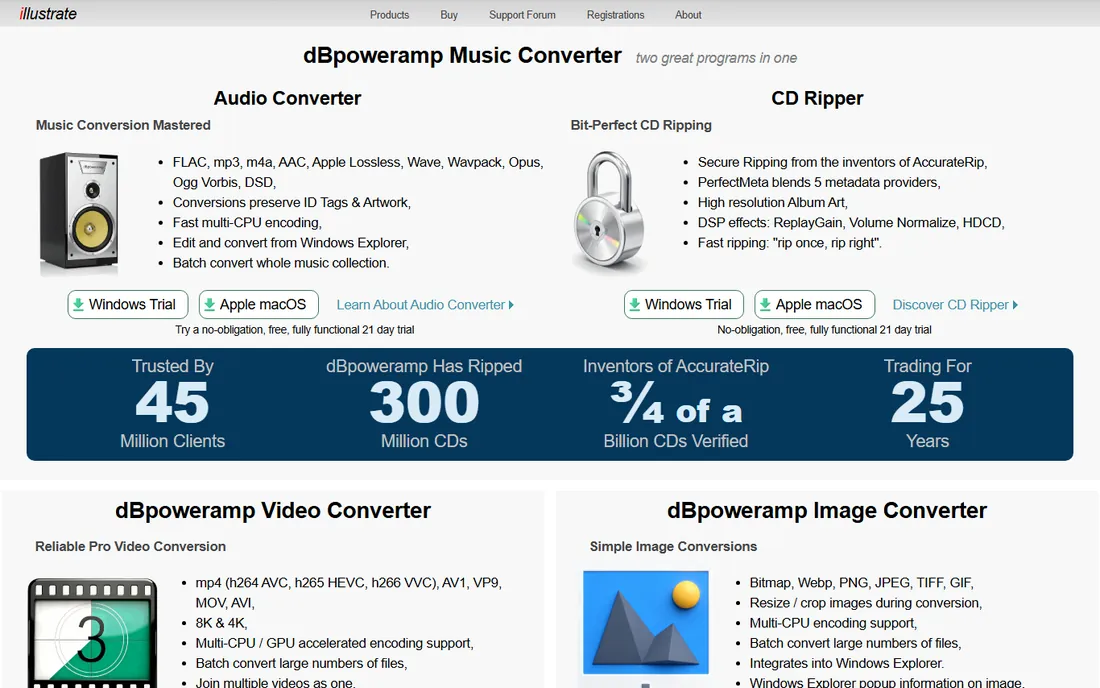
dBpoweramp has a loyal following among people who care about getting audio conversion exactly right. Its CD ripper checks discs against an online database to verify every rip is bit-perfect, and its batch converter processes large libraries quickly with detailed control over codecs and metadata. Audiophiles trust it for building lossless archives.
It is paid software, and casual users converting a few files will not need its precision. The product is also Windows centered, which limits its audience. If you are digitizing a CD collection or managing a large library where quality settings matter, dBpoweramp is the professional-grade pick.
What we like- Reference-grade CD ripping with error correction
- Fast batch converter
- Highly regarded audio quality
Watch out for- Paid license
- Windows focused
- Overkill for simple MP3 conversions
Starting priceSee website
Free planSee website
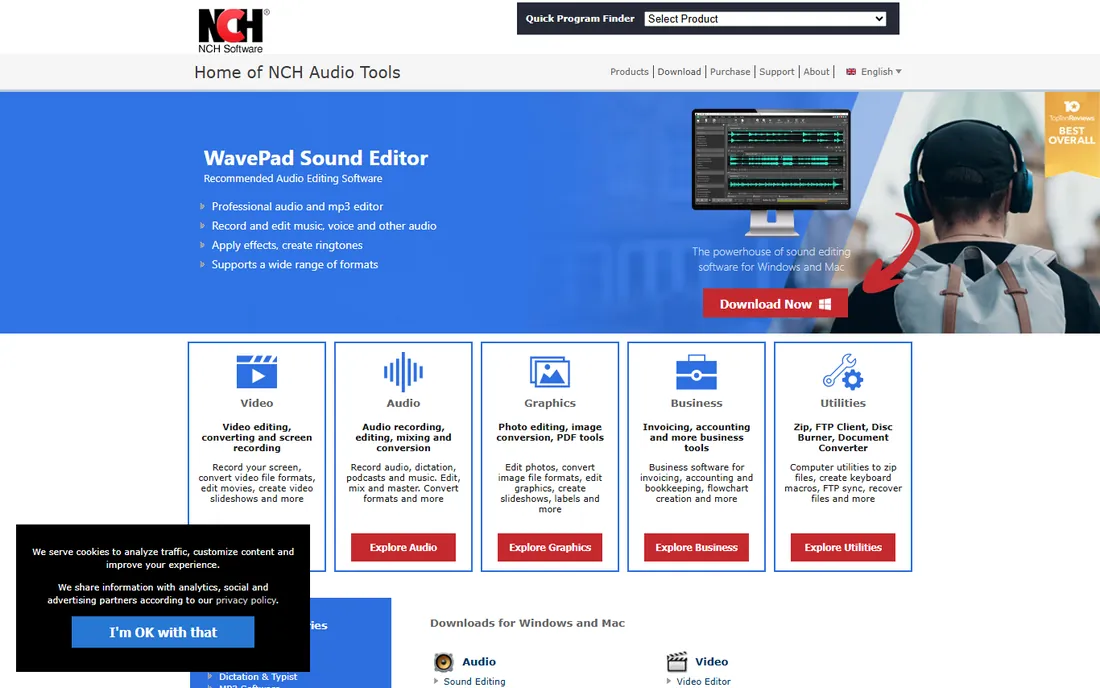
Switch comes from NCH Software, a long-running publisher of audio utilities, and its strength is breadth. It converts between a long list of formats, including some obscure ones the free tools skip, and handles batch jobs with normalization and effects options. When you have an odd file that nothing else opens, Switch is worth trying.
The trade-offs are the NCH house style: the installer and interface nudge you toward the company's other products, and the free version carries restrictions compared with the paid license. Check the current terms on the vendor's site before relying on it. For rare formats and batch workflows, it fills a gap the open-source tools leave.
What we like- Very wide format support
- Batch conversion
- From an established software publisher
Watch out for- Upsell prompts for other NCH products
- Interface feels corporate
- Free version has restrictions
Starting priceSee website
Free planSee website
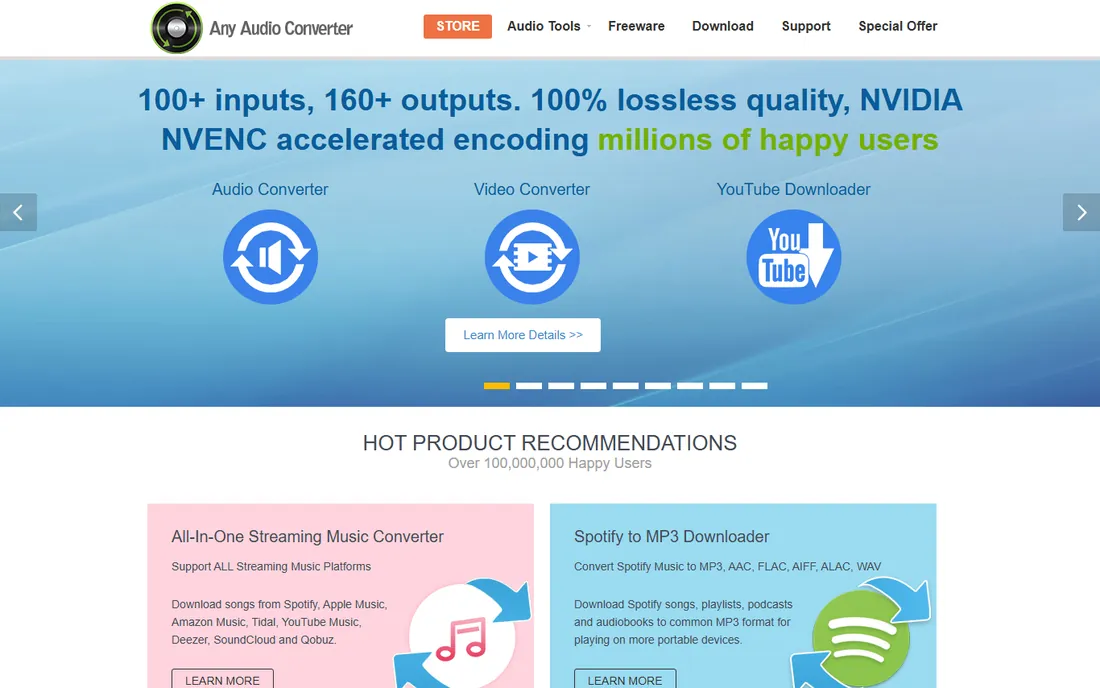
Any Audio Converter earns its place for one common job: getting the audio out of video files. Point it at an MP4, AVI or other video, choose MP3 or another audio format, and it extracts the soundtrack. It also converts between audio formats directly, making it a handy general converter for everyday use.
Be careful during installation, as the setup has historically bundled optional offers, so read each screen. Codec controls are basic compared with dBpoweramp or Fre:ac. For the specific task of video-to-audio extraction without fuss, it is a practical free starting point, with a paid tier for heavier use.
What we like- Extracts audio from video files
- Simple workflow
- Free version available
Watch out for- Installer may bundle offers, watch each step
- Fewer codec controls than specialist tools
- Windows and Mac only
Starting priceFree
Free planYes
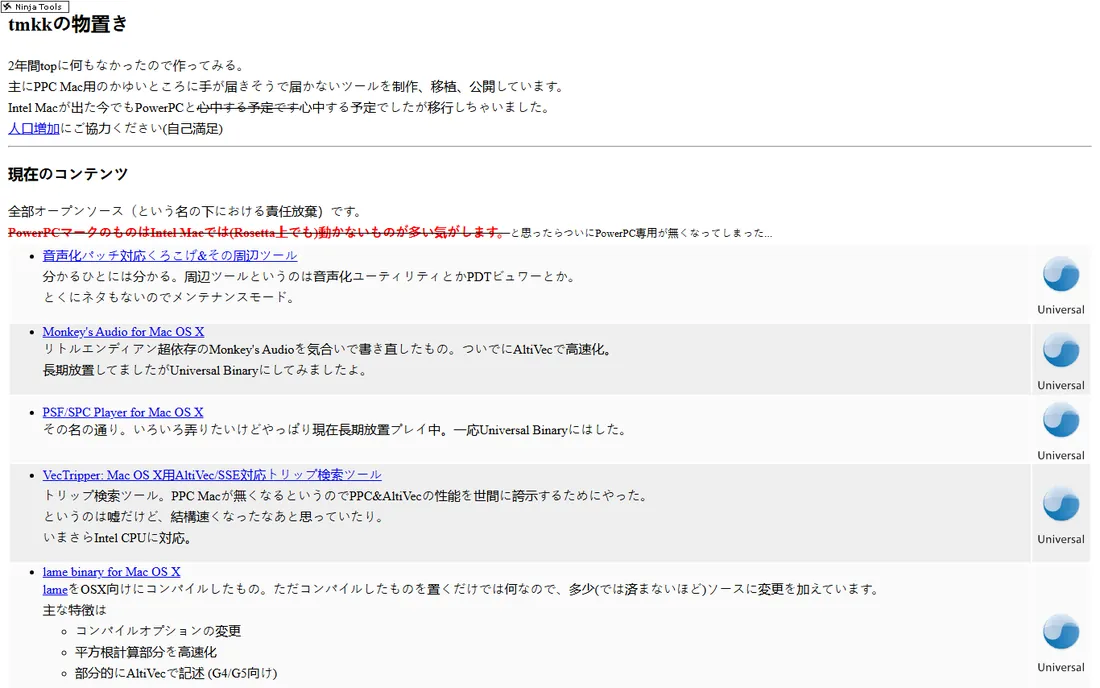
XLD is a fixture of the Mac audio world. It converts between lossless and lossy formats with a focus on accuracy, handles FLAC, Apple Lossless, WAV and more, and rips CDs with verification. Mac users who found the platform short on serious conversion tools adopted XLD years ago and never left.
It is Mac only, the interface is as plain as it gets, and updates arrive slowly. None of that matters much for a tool that does its job reliably. If you use a Mac and care about lossless audio, XLD is the free converter to install first.
What we like- Free and Mac native
- Excellent lossless format support
- Accurate CD ripping
Watch out for- Mac only
- Minimal interface
- Development pace is slow
Starting priceSee website
Free planSee website
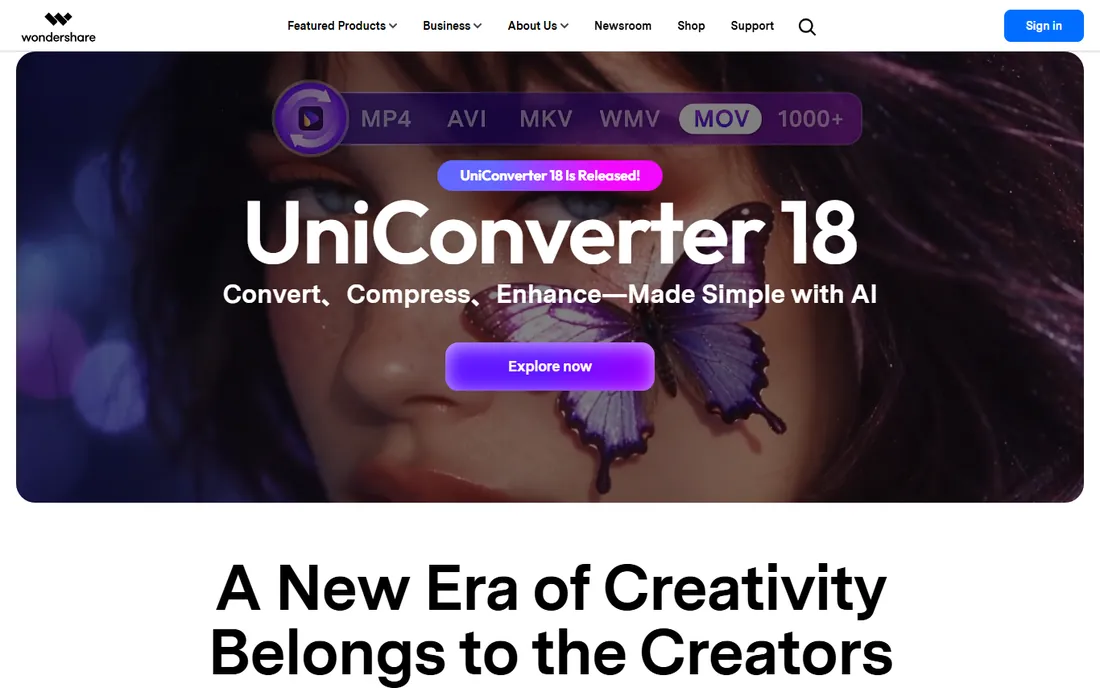
Wondershare UniConverter is the all-in-one option for people who convert media constantly. It handles video and audio formats in a single interface, converts quickly, and bundles extras like file compression, screen recording and DVD burning. If your work involves moving between formats all day, having everything in one place saves time.
It is subscription software, which is hard to justify if you only convert audio occasionally, and the installer is heavier than any single-purpose tool here. Check the current plans on the vendor's site. For busy creators who need video and audio conversion together, the breadth is the selling point.
What we like- Converts video and audio in one app
- Fast conversion engine
- Extra tools like compression and DVD burning
Watch out for- Subscription pricing
- Suite is heavy if you only need audio
- Upsells within the app

#9
Zamzar
Best for: Online conversion without installing anything
Visit zamzar.com
Starting priceSee website
Free planSee website
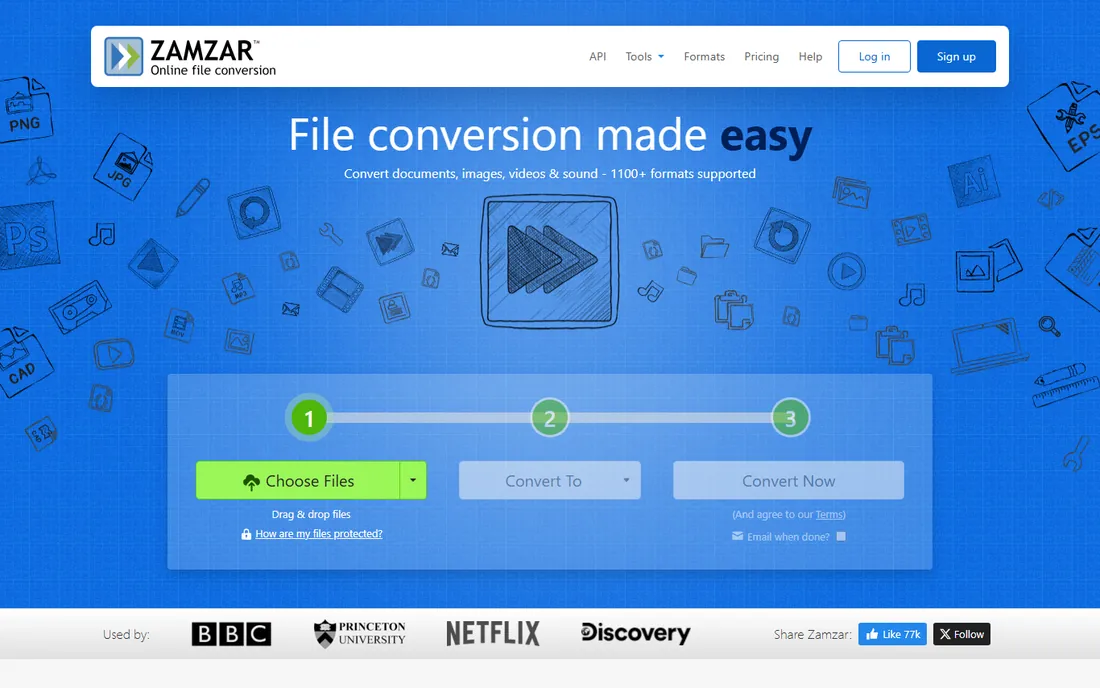
Zamzar is the answer when you cannot or will not install software. Upload a file through the browser, pick the output format, and download the result. It covers audio alongside documents, video and images, which makes it useful for the occasional odd file on a locked-down work computer or a Chromebook.
The free tier limits file sizes, and converting large files means waiting on uploads twice. It is a poor fit for batch-converting a music library. For one-off conversions where convenience beats everything, Zamzar remains the best-known online option, with paid plans raising the limits.
What we like- No installation
- Works on any device with a browser
- Supports a huge range of formats beyond audio
Watch out for- File size limits on the free tier
- Upload and download take time
- Not suited to large batches
What to check before you choose
Start with your formats. List the formats you actually convert between, then confirm the tool supports both directions. MP3, WAV and FLAC are universal, but less common formats like APE, Opus or WMA Lossless narrow the field fast. If you work with Apple devices, confirm ALAC and M4A support specifically.
Next, decide between lossy and lossless. Converting MP3 to another MP3 always loses quality, because lossy compression discards data each time. If you are archiving music, convert from the original CD or a lossless file once, and keep a lossless master. Tools like dBpoweramp and XLD exist for people who take this seriously.
Then consider volume. A handful of files a month is fine in any tool here, including the online ones. Hundreds of files demand batch conversion with multi-core support, which is where Fre:ac, dBpoweramp and Switch pull ahead. Online converters become impractical at that scale.
Finally, watch the installer. Free Windows converters sometimes bundle optional offers, so choose the custom install path and read each screen. Download from the vendor's own site, never from a third-party download portal, since repackaged installers are a classic source of unwanted software.
How we chose
We focused on the actual job, converting audio between formats, and favored tools with clear format support and a sustainable distribution model. We weighed free open-source options against paid tools with batch engines and extras like CD ripping. We avoided download-portal repacks and browser extensions with unclear ownership. We did not run hands-on tests; this guide reflects documented features and long-standing reputations in the audio community.
A note on prices in this guide: we could not re-confirm every vendor pricing page at the time of writing, so paid tools are marked See website. Check the vendor's current pricing page before you buy, since plans change frequently.
Free versus paid: when to pay
For most people, the answer is never. Audacity, Fre:ac, MediaHuman and XLD convert the common formats without charging, and they have done so for years. If your needs are MP3, WAV, FLAC and M4A conversions in modest volumes, install one free tool and stop shopping.
Pay when time or accuracy has a price. Digitizing hundreds of CDs justifies dBpoweramp's verified ripping. Converting media all day justifies a fast suite like UniConverter. Running conversions on a computer where you cannot install software justifies Zamzar's paid tiers for higher limits. In each case you are buying speed, verification or convenience, not the basic ability to convert.
Avoid paying twice. Some suites overlap heavily, so pick one primary converter and one fallback rather than collecting subscriptions. And keep your lossless masters: no converter can restore quality lost to an earlier lossy conversion.
Frequently asked questions
Will converting MP3 to WAV improve sound quality?
No. Converting a lossy file like MP3 to a lossless format like WAV does not restore the data that compression removed; it just makes a bigger file with the same sound. Convert from the original source or a lossless copy whenever quality matters.
What is the best format for archiving music?
FLAC is the most widely supported lossless format and the safest choice for archiving on most systems. Apple users may prefer ALAC for native compatibility. Keep one lossless master and convert lossy copies like MP3 from it as needed.
Can I convert Spotify or Apple Music files?
Streaming services use DRM protection, and the tools in this guide do not remove it. Converting downloaded streaming files you do not own may violate terms of service. These converters work with audio files you own or have the rights to convert.
Why does my converted file sound worse?
The most common cause is converting between lossy formats, which compounds compression losses. Another cause is a low bitrate setting on output. Convert from a lossless source and choose a high bitrate, or keep the original format when possible.
Do I need to install software, or can I convert online?
Online converters like Zamzar work for occasional small files. For regular use, larger files or batch jobs, a desktop tool is faster and has no upload limits. Desktop tools also keep your files private instead of sending them to a server.
What bitrate should I use for MP3?
For general listening, 192 kbps or higher in MP3 is transparent to most ears. For archiving, use FLAC instead of MP3. Voice recordings can go lower, around 96 to 128 kbps, without noticeable loss for speech.
Sources we checked (9)
- https://www.audacityteam.org
- https://www.freac.org
- https://www.mediahuman.com
- https://www.dbpoweramp.com
- https://www.nch.com.au
- https://www.any-audio-converter.com
- https://tmkk.undo.jp
- https://www.wondershare.com
- https://www.zamzar.com
Is your product missing or out of date?
We review this list regularly. Vendors can request a listing, send updated pricing or ask about featured placement.

Shihab Mia · Founder, Rankite
Shihab has spent more than a decade helping SaaS and e-commerce brands grow through search. He writes Rankite's software buying guides from pricing pages, documentation and public user reviews. More about Shihab.
 Audacity
 Fre:ac
 MediaHuman Audio Converter
 dBpoweramp
 Switch Audio Converter
 Any Audio Converter
 XLD
XLD Wondershare UniConverter