How we make this list: we compare pricing pages, product documentation and public user reviews. Rankite is independent; if a vendor ever pays for a featured spot, that listing is clearly labeled Partner.
Key takeaways
- LALAL.AI and PhonicMind deliver the cleanest browser-based separation for producers who want finished stems without installing anything.
- Moises is the strongest pick for practicing musicians and teachers because separation sits next to tempo, pitch, and chord tools in one app.
- Ultimate Vocal Remover is the only serious desktop option that costs nothing and runs everything on your own machine, so private or unreleased audio never leaves your drive.
- Free web tools like VocalRemover.org and BandLab Splitter handle one-off karaoke tracks well, but they cap export quality and stem counts.
- Watch the billing model: most tools sell subscriptions or minute packs, while RipX DAW sells a one-time license for editors who want note-level control.
Quick comparison
| Tool | Best for | Starting price | Free plan |
|---|
 LALAL.AI LALAL.AI | Producers who need the widest stem menu | $9.99 per month (billed monthly) | Yes |
 Moises Moises | Practicing musicians and music teachers | See website | Yes |
 Ultimate Vocal Remover Ultimate Vocal Remover | Power users comfortable with desktop software | Free | Yes |
 PhonicMind PhonicMind | Karaoke hosts and vocal practice | $9.99 per month (billed monthly) | Yes |
 VocalRemover.org VocalRemover.org | Quick, no-account karaoke tracks | Free | Yes |
 BandLab Splitter BandLab Splitter | Songwriters already recording in BandLab | Free | Yes |
 Fadr Fadr | Remixers who also want MIDI and chords | $10 per month (Plus, billed monthly) | Yes |
 RipX DAW RipX DAW | Editors who want note-level audio control | $99 one-time | Free trial (21 days) |
Is your product missing or out of date?
We review this list regularly. Vendors can request a listing, send updated pricing or ask about featured placement.
The best vocal remover software
#1
LALAL.AI
Best for: Producers who need the widest stem menu
Visit lalal.ai
Starting price$9.99 per month (billed monthly)
Free planYes
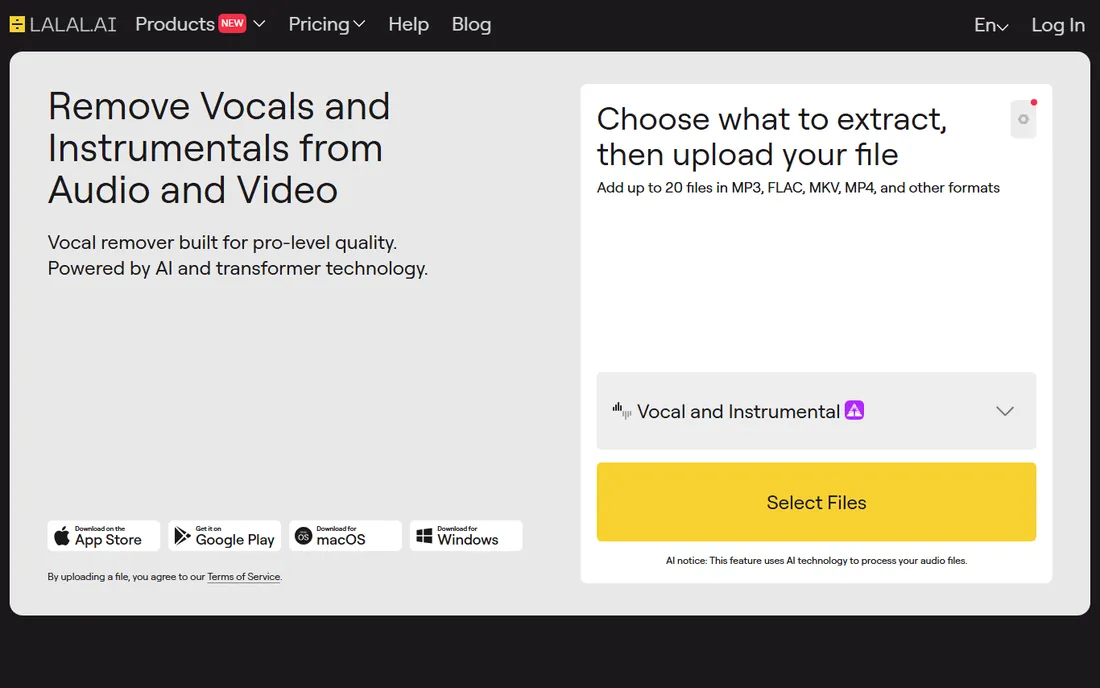
LALAL.AI started as a single-purpose vocal remover and grew into a full audio separation suite. You upload a track in the browser, pick a stem pair like vocal and instrumental or drums and drumless, and the service processes a preview before asking for payment. That preview-first flow matters, because separation quality varies by mix and you should never pay before hearing the result.
The pricing is minute-based rather than unlimited. Lite costs $9.99 per month and Pro costs $19.99 per month, with one-time top-up packs from $50 for 750 minutes for users who prefer not to subscribe. Minutes are deducted by file length times the number of stem types, so a five-minute song split three ways costs fifteen minutes. Producers working through an album should do the math first. The payoff is a broad splitter menu, lossless output options, and a voice-cleanup tool for podcast and video audio that most single-purpose removers do not offer.
What we like- 10 stem types including drums, bass, and individual guitars
- Free preview before you pay
- Desktop and mobile apps plus a developer API
Watch out for- Paid plans are minute-based, so long albums eat your balance fast
- Downloading full results requires a paid plan
Starting priceSee website
Free planYes
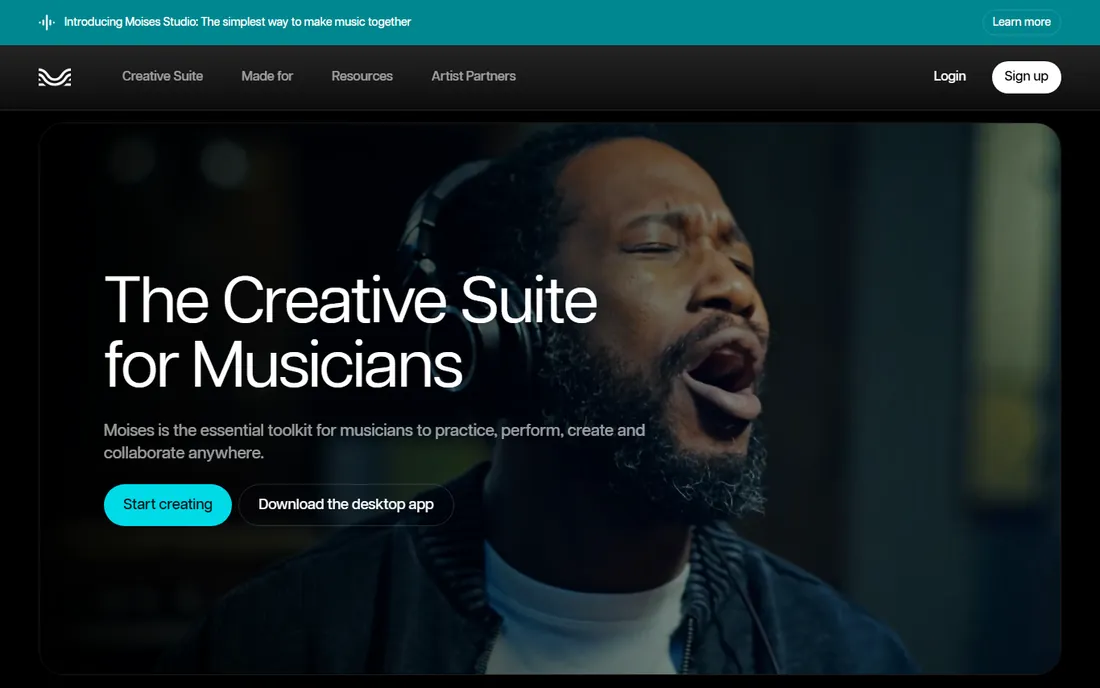
Moises approaches vocal removal as one feature inside a musician's practice room. You can strip vocals from a song, then slow the track down without changing pitch, transpose it to a comfortable key, loop a difficult section, and follow AI-detected chords, all in the same session. For singers building karaoke practice tracks or teachers preparing class material, that combination saves hours of jumping between apps.
Separation itself runs deep. Paid tiers split into 27 stem types, down to individual drum pieces and male and female vocal layers, with hi-fi models aimed at production work. The company reports over 70 million users and recognition from the Apple Design Awards, which explains the polished mobile experience. The honest catch is that the free tier is a sampler: a limited number of uploads per month at standard quality. Regular users will need a subscription, and because the pricing page requires an account to view, you cannot comparison-shop Moises against rivals without signing up first.
What we like- Practice tools built in, including tempo and pitch control
- 27 stem types on paid tiers
- Syncs across web, desktop, and mobile
Watch out for- Full pricing table sits behind a login
- The free tier caps monthly uploads
Starting priceFree
Free planYes
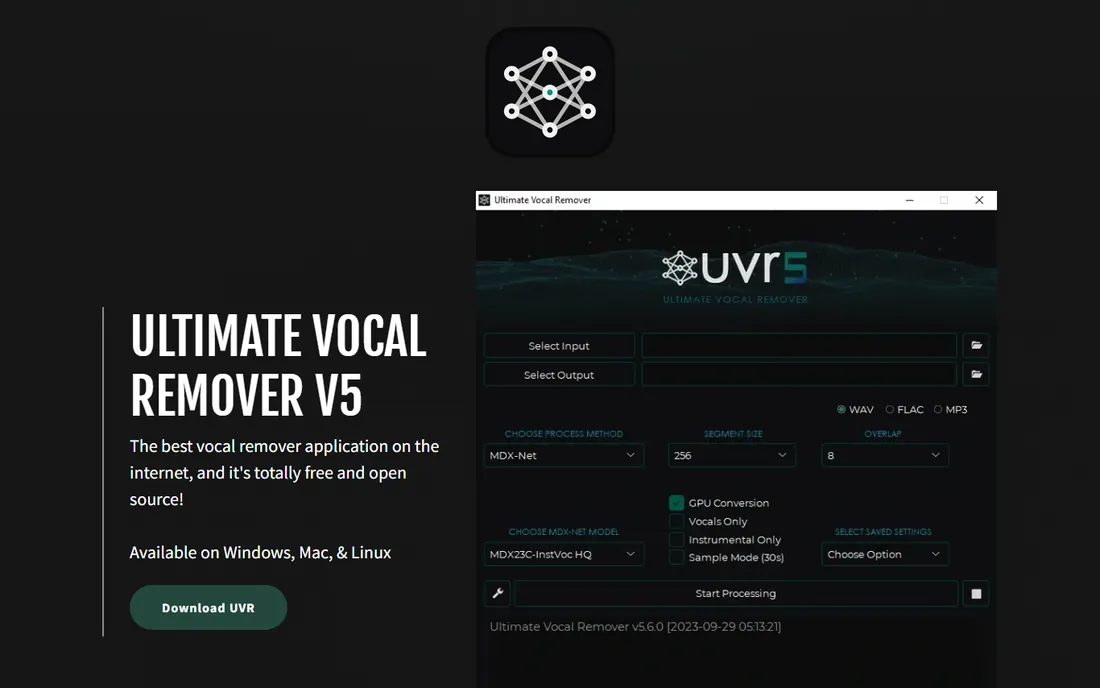
Ultimate Vocal Remover, usually called UVR, is the open-source desktop app that producers recommend when someone asks how to do this without paying. It runs on Windows, Mac, and Linux, and every separation happens on your own machine. Nothing uploads to a server, which matters for unreleased demos, client work under NDA, or anyone who simply dislikes sending audio to a cloud service.
The real strength is model choice. UVR plugs into community-trained separation models, including modern Demucs and MDX variants, and you can switch models or combine ensembles when one track resists clean separation. It also handles denoise and dereverb tasks. The trade-off is the learning curve: you will choose models, set window sizes, and manage GPU versus CPU processing yourself. There is no hand-holding wizard. But for a free tool, the output quality regularly matches or beats paid web services on difficult mixes.
What we like- Completely free and open source
- Runs locally so files stay private
- Lets you pick among many community-trained AI models
Watch out for- Desktop only, with no web version
- The interface assumes you know audio basics
Starting price$9.99 per month (billed monthly)
Free planYes
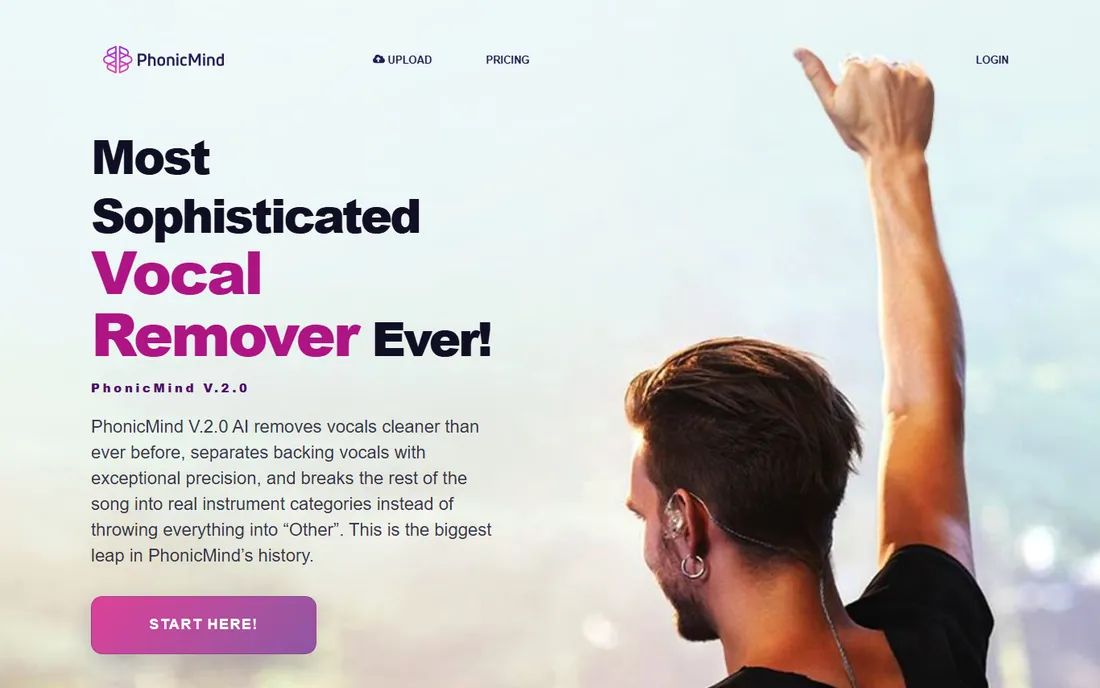
PhonicMind is one of the oldest online vocal removers, launched back in 2016, and its 2026 V.2.0 rebuild focuses on understanding the whole song in one pass instead of extracting instruments one by one. The standout is the player: after separation you get synced lyrics, chord display, tempo tracking, and a metronome inside the browser, plus mixer control over up to 8 stems. It feels built for singers and teachers rather than for file export pipelines.
Pricing starts at $9.99 per month for the Sing tier, which covers lead and backing vocals plus an instrumental inside the player without downloads. Play at $18.99 per month adds MP3 exports, and Studio at $29.99 per month adds lossless FLAC exports and the fastest queue. For people who only need one track, the $6.99 single-song conversion is a fair deal and avoids a subscription entirely. Free users can preview before committing, which is the right way to buy any separation tool.
What we like- Interactive player with synced lyrics, chords, and metronome
- Single-song purchase option for occasional use
- Free preview before paying
Watch out for- Subscription tiers gate export quality
- No desktop app
Starting priceFree
Free planYes
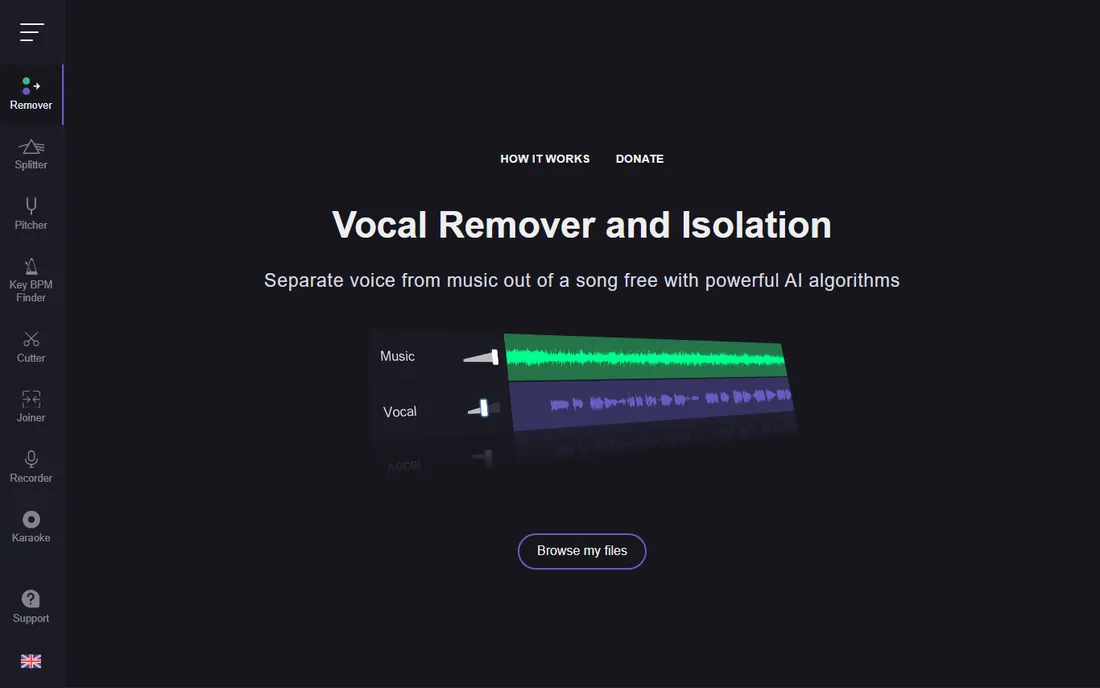
When the job is simple, complexity is a cost. VocalRemover.org does one thing: you drop in a song, the AI separates voice from music, and you download a karaoke version and an acapella version. Processing takes roughly ten seconds, and there is no account, no queue, and no payment step. For a party host who needs tonight's playlist or a teacher who needs one practice track, this is the fastest path from file to result.
The limits are obvious. You get two stems, not a full drum and bass breakdown, and you cannot tune the model or pick export formats. Quality is solid on clean pop mixes and weaker on dense, reverb-heavy productions. Treat it as a quick utility, not a production tool, and it does exactly what it promises.
What we like- No sign-up and no cost
- Results in about 10 seconds
- Simple two-track output
Watch out for- Only two stems, vocal and instrumental
- No settings or model choice
#6
BandLab Splitter
Best for: Songwriters already recording in BandLab
Visit bandlab.com
Starting priceFree
Free planYes
BandLab is a free digital audio workstation with millions of users, and its Splitter feature separates an uploaded track into vocal, drums, bass, and other stems right inside your project. The appeal is the workflow: you split a reference track, mute the original vocal, record your own take, and mix everything without leaving the app. It runs in the browser and on iOS and Android, so a songwriter can sketch ideas on a phone and finish on a laptop.
Because Splitter lives inside BandLab, it is not the right pick if you just want a fast web upload and download. You will create an account and work within projects. Export quality follows BandLab's project settings rather than a dedicated lossless pipeline. But for musicians already using the platform, a capable stem splitter at no extra cost is hard to argue with, and beginners get a gentle introduction to working with separated audio.
What we like- Built into a free full DAW
- Splits into vocals, drums, bass, and more
- Works on mobile too
Watch out for- Requires a BandLab account and project workflow
- Not a standalone splitter site
#7
Fadr
Best for: Remixers who also want MIDI and chords
Visit fadr.com
Starting price$10 per month (Plus, billed monthly)
Free planYes
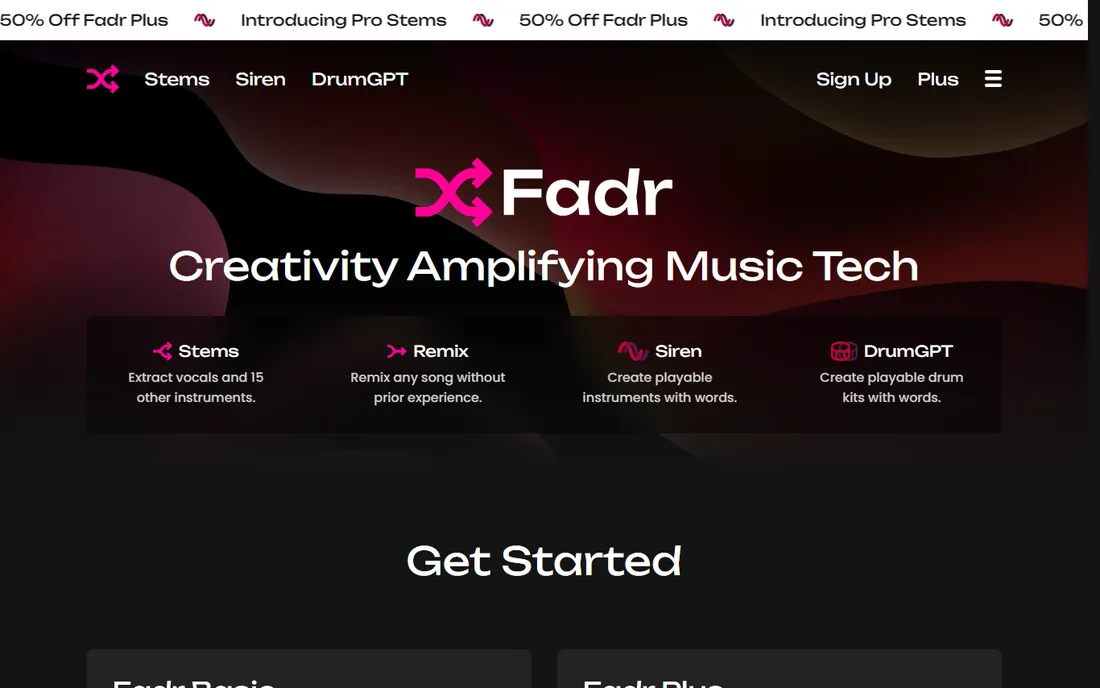
Fadr bundles stem separation with a small production toolkit. Upload a song and it splits vocals, drums, melodies, and bass, then detects key, tempo, and chords and extracts MIDI you can drop into a DAW. The remix maker keeps stems in sync while you rearrange, and a DJ mode targets live performers. Few vocal removers give you this much surrounding functionality.
The free Basic tier is genuinely usable: unlimited stems with high-quality MP3 downloads. Fadr Plus at $10 per month or $100 per year adds 16 stem types, individual drum and vocal splits, lossless 32-bit WAV exports, the Stems plugin for your DAW, and API access. The honest weakness is separation quality on tricky material: vocals can carry faint ghosts of the instrumental on dense mixes. Preview first, and if the free result works for your track, the free tier may be all you ever need.
What we like- Generous free Basic tier with unlimited stems
- 16 stem types on Plus
- MIDI extraction and remix tools included
Watch out for- Vocal quality can show artifacts on dense mixes
- Pro exports and the DAW plugin need Plus
Starting price$99 one-time
Free planFree trial (21 days)
RipX DAW, from Hit'n'Mix, takes stem separation further than any other tool here. Instead of splitting a mix into broad stems, it breaks audio down to individual notes and harmonics that you can see in a piano-roll style editor, repitch, retime, mute, and rearrange. A producer can pull a single offending note out of a piano chord or rebuild a melody from a finished master. Nothing in the browser-tool category touches this depth.
The pricing model stands out too: a one-time license starting at $99 instead of another monthly subscription, with a 21-day free trial of the Pro version. The trade-offs are real. This is desktop software with a genuine learning curve, and it is far more than a casual user needs for simple vocal removal. But for remixers, mashup artists, and restoration work, RipX occupies a category of one: an AI audio editor rather than just a splitter.
What we like- Note-level extraction lets you edit audio like MIDI
- One-time license, not a subscription
- Pitch and timing tools built in
Watch out for- Desktop only and heavier to learn
- Overkill if you only need a karaoke track
How we chose
We compared tools on five things that actually affect a purchase: separation quality on real-world mixes, the number and usefulness of stem types, export formats and quality caps, pricing structure, and whether the free tier or trial lets you test before paying. We read vendor pricing pages, feature lists, and documentation, and checked public user discussion on Reddit and review sites for recurring complaints about artifacts, billing, and export limits. No vendor paid for placement, and none of these tools were tested hands-on in a lab. The honest method for this category is the same one we recommend to readers: upload your own track, listen to the free preview, and buy the tool whose output sounds best on your material.
What to check before you pay
Start with the preview, always. Every paid tool here either offers a free preview or a free tier, and separation quality depends on the specific mix. A tool that nails a clean pop vocal can struggle with a dense rock mix, and the only reliable test is your own file.
Next, match the billing model to your volume. If you process one song a month, PhonicMind's $6.99 single conversion or LALAL.AI's top-up minutes cost far less than a subscription. If you split tracks weekly, an unlimited plan like Fadr Plus at $10 per month wins quickly. LALAL.AI's minute math deserves a calculator: file length times stem types means album-scale work adds up.
Then check the export details. Karaoke hosts playing files through a PA need to know the bitrate, and producers need WAV or FLAC, not just MP3. PhonicMind's Sing tier, for example, offers no downloads at all, which is fine for practice but useless for production. Finally, think about privacy. Cloud tools upload your audio to someone's server; Ultimate Vocal Remover and RipX DAW process everything locally. For unreleased music or client work, local processing is worth the extra setup.
Common mistakes buyers make
The biggest mistake is paying before previewing. Separation is an AI guess, not a perfect extraction, and marketing demos use friendly mixes. Upload the hardest track you actually need to process, not the easiest one.
The second mistake is buying stem count you will never use. Sixteen stem types sound impressive, but if your job is karaoke night, two clean stems beat sixteen mediocre ones. Match the tool to the task.
The third mistake is ignoring export locks. Free tiers often cap format or bitrate, and some paid tiers still charge extra for lossless. Read the export row on the pricing page before you enter card details, and check whether canceling keeps your files or locks you out.
Frequently asked questions
Can AI really remove vocals completely?
Not perfectly. AI separation is an estimate: it identifies vocal-like sounds and pulls them into their own stem. On clean mixes the result sounds near-perfect, but reverb tails, harmonies, and effects often leave faint traces. Always listen to the full result on headphones before using it in a release or a live show.
Is it legal to remove vocals from a song?
Removing vocals for personal practice or private karaoke is generally fine. Publishing the result, selling it, or using it commercially involves the song's copyright, and you need the rights holder's permission. Stem splitters do not grant you any license to the underlying music.
Which vocal remover is actually free?
Ultimate Vocal Remover is fully free and open source with no limits. VocalRemover.org and BandLab Splitter are free web tools with basic features. LALAL.AI, Moises, PhonicMind, and Fadr all offer free tiers or previews but charge for full exports and higher quality.
Do I need to install software?
No. LALAL.AI, PhonicMind, VocalRemover.org, Fadr, and Moises all run in the browser, and Moises and BandLab also offer mobile apps. Ultimate Vocal Remover and RipX DAW are desktop-only, which is the price of local processing and deeper editing.
Why do results sound different between tools?
Each tool uses different AI models trained on different music. A model trained mostly on pop will handle pop well and struggle with jazz or metal. That is why previews matter: the best tool for your library is the one whose models match your genre, not the one with the longest feature list.
What export format should I choose?
Use WAV or FLAC for anything you will mix, master, or release, since MP3 compression adds artifacts on top of separation artifacts. MP3 is fine for practice tracks and karaoke playback. Check that your plan includes the format you need before paying.
Sources we checked (10)
- https://lalal.ai/
- https://moises.ai/
- https://ultimatevocalremover.com/
- https://phonicmind.com
- https://phonicmind.com/pricing
- https://vocalremover.org/
- https://www.bandlab.com
- https://fadr.com/
- https://fadr.com/plus
- https://hitnmix.com
Is your product missing or out of date?
We review this list regularly. Vendors can request a listing, send updated pricing or ask about featured placement.

Shihab Mia · Founder, Rankite
Shihab has spent more than a decade helping SaaS and e-commerce brands grow through search. He writes Rankite's software buying guides from pricing pages, documentation and public user reviews. More about Shihab.