How we make this list: we compare pricing pages, product documentation and public user reviews. Rankite is independent; if a vendor ever pays for a featured spot, that listing is clearly labeled Partner.
Key takeaways
- Face-swap tools and AI avatar generators are different products. The first group edits existing footage, the second creates new videos from a script.
- DeepFaceLab and FaceSwap remain the free, open-source standards for face swapping, but both need a capable GPU and patience.
- For marketing avatars and training videos, HeyGen, Synthesia, D-ID, Colossyan and Vidnoz are the practical commercial picks, with free tiers that let you test realism before paying.
- DeepSwap and Reface are the simplest consumer face-swap options, priced under $10 a month.
- Consent matters everywhere in this category. Every tool here works best for your own footage, licensed material, or avatars you have rights to use.
Quick comparison
| Tool | Best for | Starting price | Free plan |
|---|
 DeepFaceLab DeepFaceLab | High-quality face swaps on your own hardware | Free (open source) | Yes |
 FaceSwap FaceSwap | Learning face swapping with community support | Free (open source) | Yes |
 DeepSwap DeepSwap | Quick online face swaps without installing software | $9.99 per month | Yes (limited) |
 Reface Reface | Casual face swaps on mobile | $7.58 per month (billed annually) | Yes |
 HeyGen HeyGen | Marketing videos with realistic AI avatars | $24 per month (billed annually) | Yes |
 Synthesia Synthesia | Corporate training videos at scale | $14 per month (billed annually) | Yes |
 D-ID D-ID | Animating a single photo into a talking head | $4.70 per month (billed annually) | Free trial |
 Colossyan Colossyan | Training courses with LMS export | $59 per month (billed annually) | Yes |
 Vidnoz Vidnoz | Budget AI avatar videos with a generous free tier | $19.99 per month (billed annually) | Yes |
Is your product missing or out of date?
We review this list regularly. Vendors can request a listing, send updated pricing or ask about featured placement.
The best deepfake software
#1
DeepFaceLab
Best for: High-quality face swaps on your own hardware
Visit github.com
Starting priceFree (open source)
Free planYes
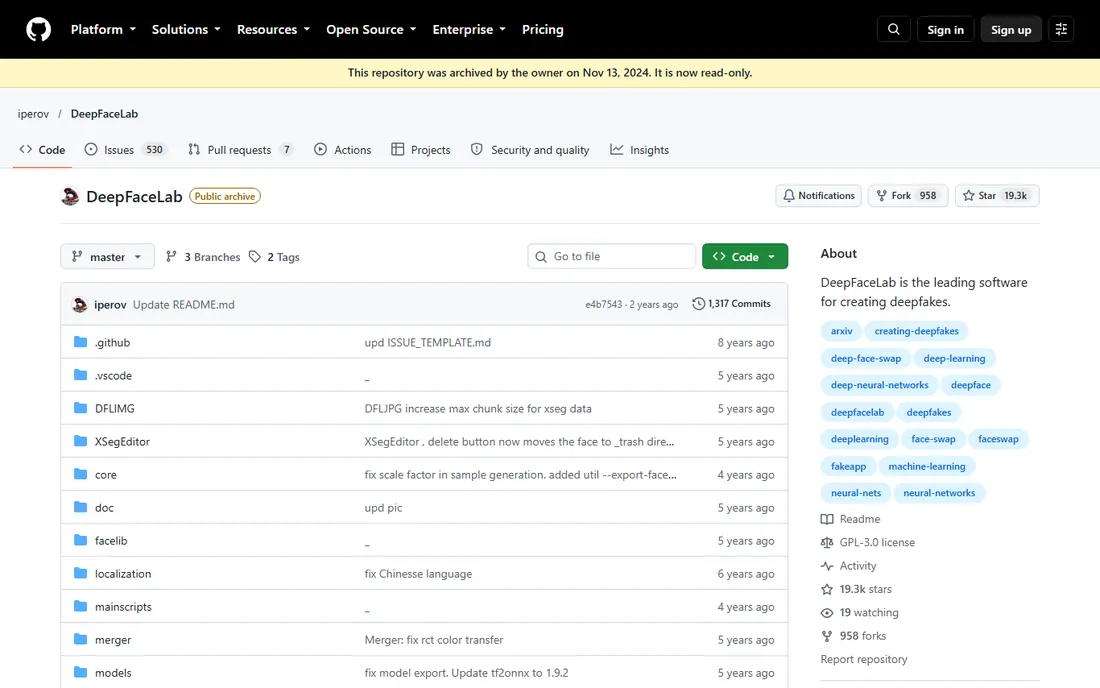
DeepFaceLab is the tool behind a large share of the face-swap videos you have seen online. It is a research-grade, open-source project that runs locally on Windows or Linux, and it gives you control over every stage of the swap, from face extraction to model training to final blending. Nobody charges you per video, which makes it the cheapest way to produce a large volume of swaps once your hardware is in place.
The catch is the learning curve and the compute. Expect to spend hours training a model for a single face pair, and you will need a modern NVIDIA GPU with plenty of VRAM to get results worth showing. The repository is archived in read-only mode, so the code is stable but no longer actively developed. For filmmakers, researchers and hobbyists who want maximum quality without a subscription, it is still the benchmark.
What we like- Best output quality among free tools
- Full control over training and models
- Large community sharing workflows and presets
Watch out for- Requires a strong NVIDIA GPU and many hours of training
- Command-line heavy setup that intimidates beginners
Starting priceFree (open source)
Free planYes
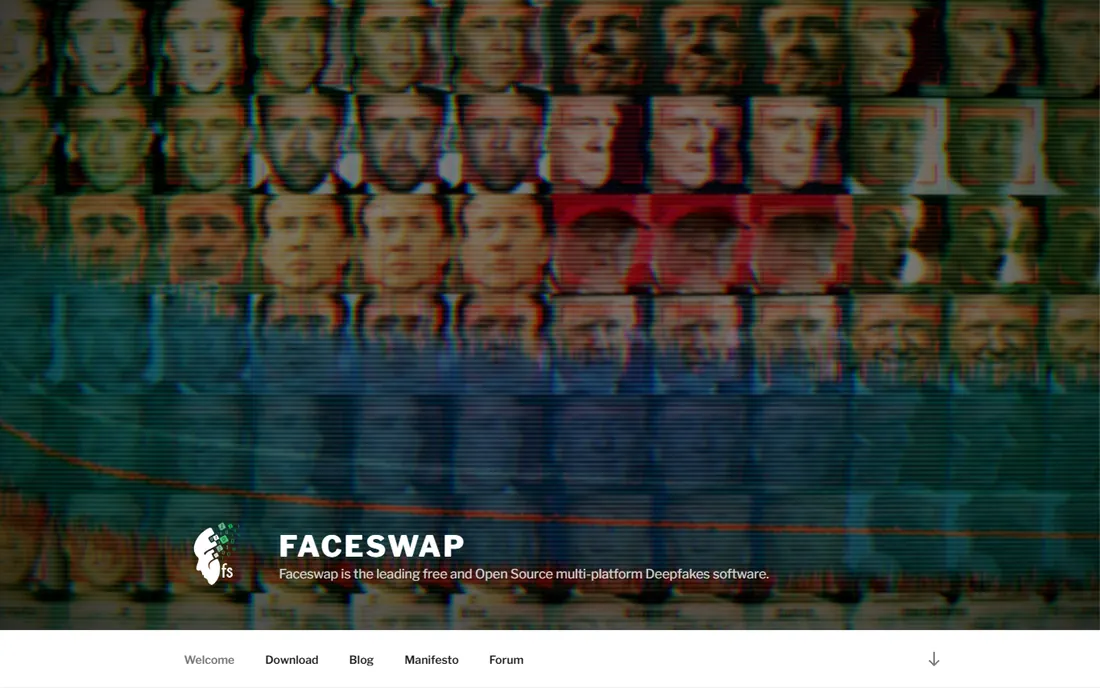
If DeepFaceLab feels like a laboratory, FaceSwap feels like a classroom. It is also free and open source, but it wraps the face-swap pipeline in a graphical interface with far better onboarding, which makes it the friendlier starting point for someone new to the technique. The project is actively maintained, with regular releases and a forum where beginners get real answers.
You trade some ceiling for that comfort. On challenging source material, such as fast head turns or harsh lighting, DeepFaceLab usually produces cleaner results. FaceSwap also benefits greatly from a discrete GPU, though it is more forgiving on mid-range hardware. For creators who want to understand face swapping rather than just press a button, this is the right first download.
What we like- Active development and documentation
- Runs on Windows, macOS and Linux
- Guided workflow that teaches the process
Watch out for- Output quality trails DeepFaceLab on difficult footage
- Still needs a decent GPU for reasonable training times
#3
DeepSwap
Best for: Quick online face swaps without installing software
Visit deepswap.ai
Starting price$9.99 per month
Free planYes (limited)
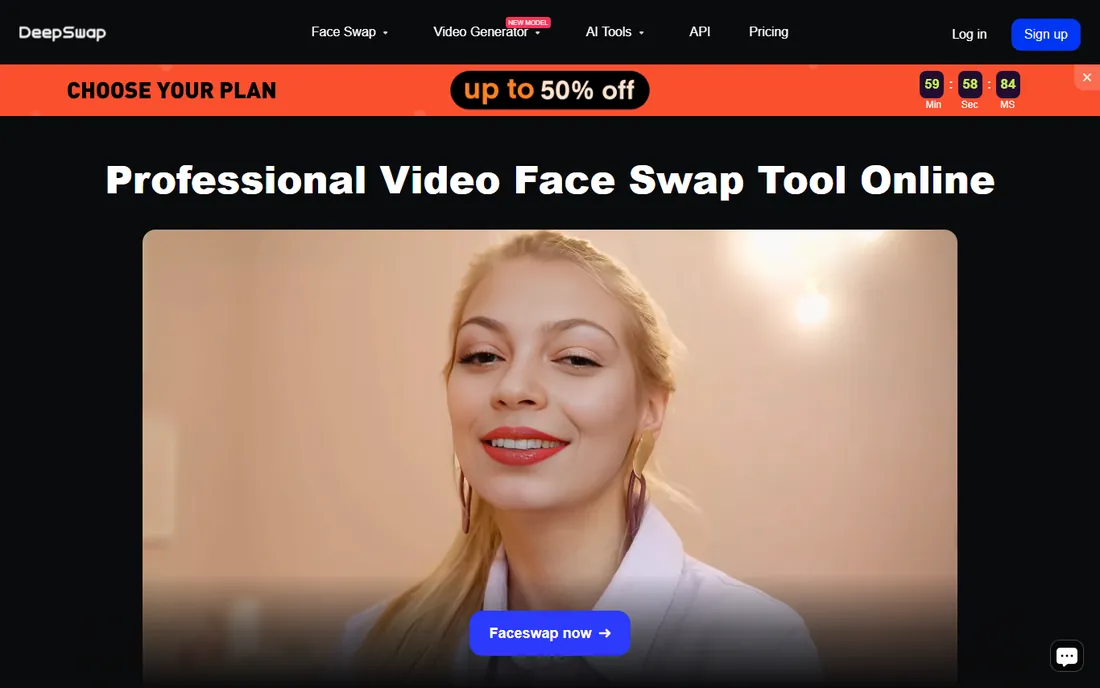
DeepSwap moves the whole face-swap process into the browser. You upload a photo or video, pick the face to insert, and the service returns the result without you touching a command line or buying a graphics card. That convenience is the entire pitch, and for one-off fun projects or quick marketing mockups it delivers.
Pricing runs on credits. The monthly plan costs $9.99 for 20 credits, while the yearly plan costs $49.99 for 240 credits, and the free tier allows two swaps per day. Heavy users will find desktop tools cheaper in the long run, and you give up the fine-tuning that makes swaps convincing on tricky footage. For casual use where speed beats perfection, it is the path of least resistance.
What we like- No installation or GPU needed
- Results in minutes
- Simple credit system
Watch out for- Limited free tier at two swaps per day
- Less control than desktop tools
- Subscription needed for regular use
Starting price$7.58 per month (billed annually)
Free planYes
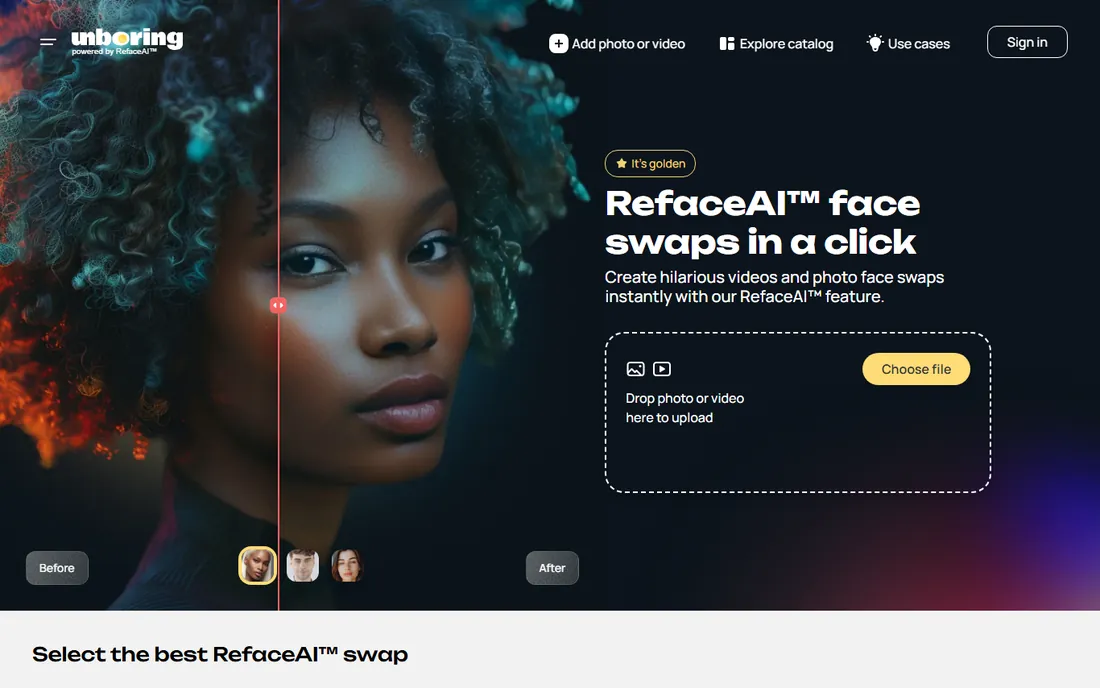
Reface built its name on viral mobile face swaps, and its web face-swap tool brings the same one-tap simplicity to the desktop. Upload a selfie, choose a template video or GIF, and the swap renders in under a minute. The company behind it now brands the product line as Unboring by Reface, but the core experience is unchanged.
Paid plans are straightforward. Basic costs $7.58 per month billed annually as $90.99, and Premium costs $9.99 per month billed annually as $119.99, with a free tier for light use. Professionals will outgrow it fast, since there is no timeline editing, no model training and no batch processing. As a low-cost way to test an idea or make social content, though, few tools are faster.
What we like- Extremely easy mobile workflow
- Fast results tuned for selfies and clips
- Affordable annual pricing
Watch out for- Geared toward fun rather than professional output
- Limited editing control
- Watermark on free outputs
Starting price$24 per month (billed annually)
Free planYes
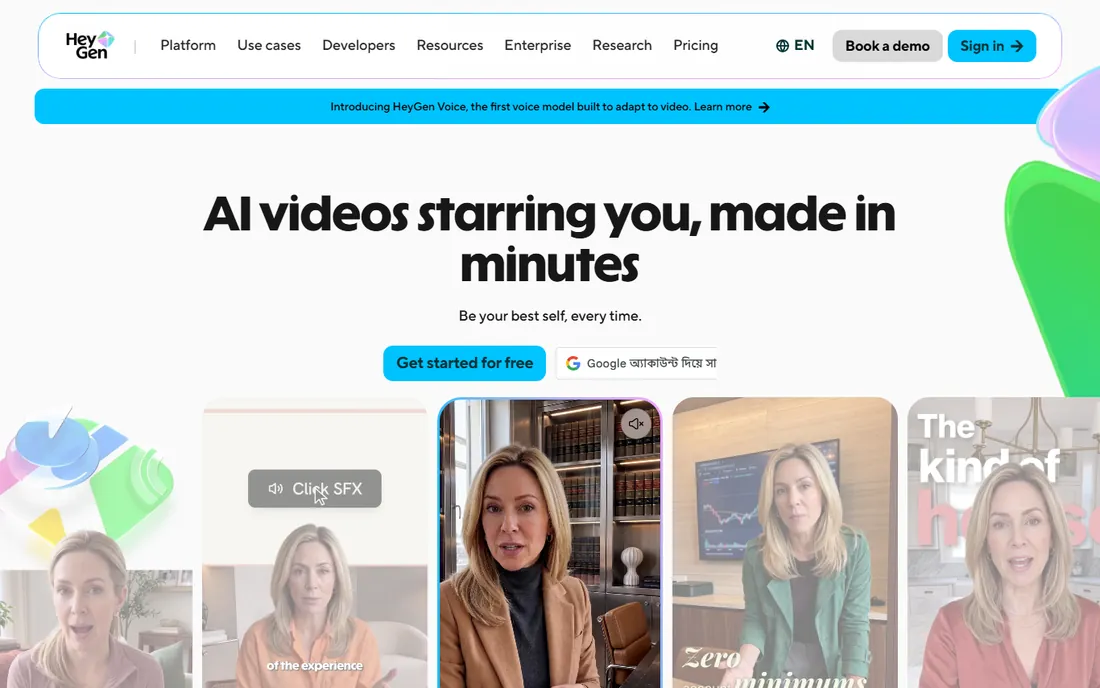
HeyGen sits at the polished end of AI avatar video. You type a script, pick an avatar, and get a presenter-led video with convincing lip sync across a huge range of languages. Marketers use it for product explainers, localized ads and personalized outreach, and the platform also handles video translation that preserves the speaker's voice.
The free plan includes three videos per month, which is enough to judge avatar quality. Creator costs $29 per month billed monthly or $24 per month billed annually with 600 credits, Pro is $49 per month with 1,000 credits, and Business is $149 per month plus $20 per seat. Watch your credits, since edits that re-render a scene consume them again. For teams that publish video regularly, the realism justifies the meter.
What we like- Very realistic avatars with strong lip sync
- 175 plus languages with voice cloning
- Generous template library
Watch out for- Credit consumption on re-renders can surprise new users
- Best avatars sit on higher tiers
Starting price$14 per month (billed annually)
Free planYes
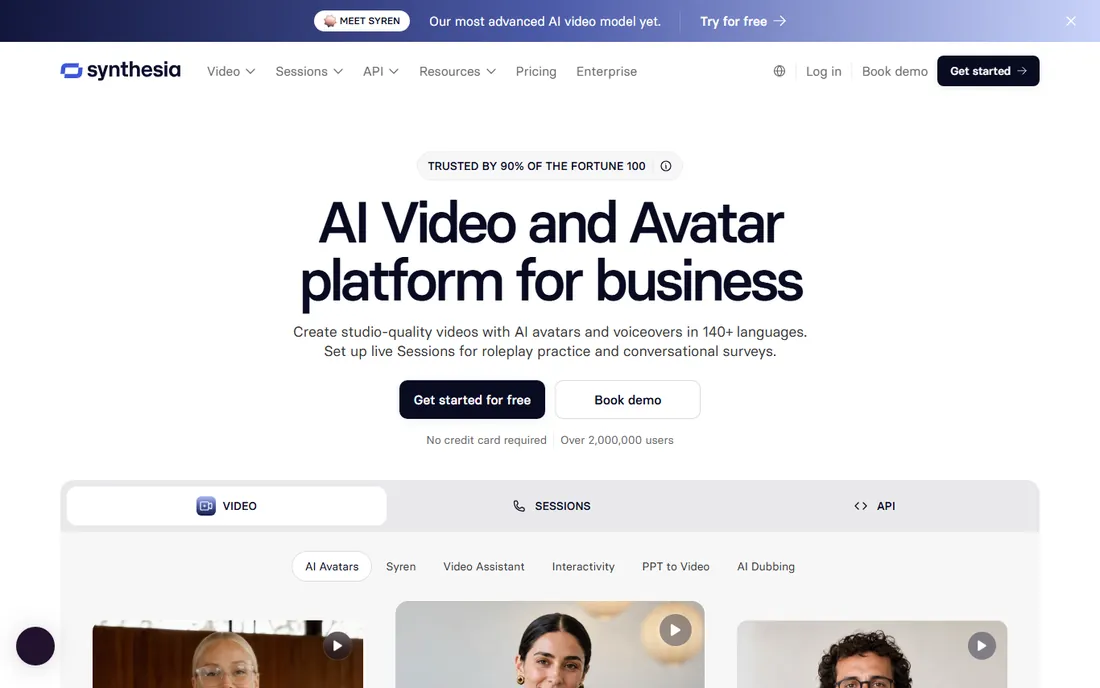
Synthesia is the enterprise pick for AI avatar video, trusted for internal training, compliance courses and company communications. Its 2026 pricing refresh added a genuine free Basic tier and moved the lineup to credits shared across video, dubbing and surveys. The platform also offers interactive avatars for roleplay practice and conversational surveys.
Basic is free with about 10 minutes of video per month and a watermark. Starter costs $19 per month billed monthly or $14 per month billed annually, Pro costs $89 per month or $59 per month billed annually, and Enterprise is custom with unlimited minutes, SSO and SCORM. Training teams that publish into an LMS will find the workflow controls and brand kits worth the premium over simpler tools.
What we like- Deep enterprise feature set with SCORM export
- Strong governance and compliance posture
- Large avatar library
Watch out for- Credit-based pricing takes effort to forecast
- Lower tiers cap video minutes tightly
#7
D-ID
Best for: Animating a single photo into a talking head
Visit d-id.com
Starting price$4.70 per month (billed annually)
Free planFree trial
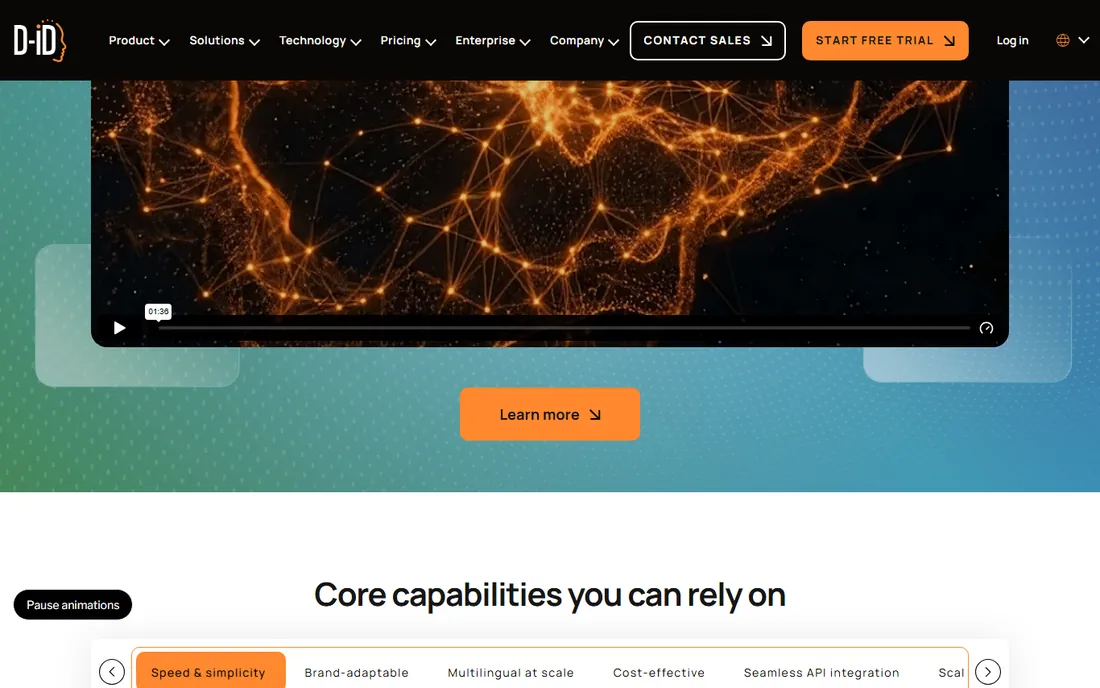
D-ID takes a different angle from the script-to-avatar tools. Its signature move is turning one still photo into a speaking, expressive talking head, which suits personalized sales videos, training intros and chatbot faces. The Creative Reality Studio runs on desktop and mobile, outputs MP4, and supports over 119 languages.
Pricing starts lower than any rival here. A 14-day trial lets you test, then Lite costs $4.70 per month billed annually ($5.90 month to month), Pro is $16 per month, Advanced is $108 per month, and Enterprise is custom. The Lite tier excludes premium presenters and caps resolution, so check whether the output quality meets your bar before committing. For developers embedding avatars into apps, the API is a real strength.
What we like- Cheapest paid entry in this roundup
- Photo-to-talking-head is genuinely simple
- Solid API for developers
Watch out for- Videos cap at five minutes
- Lite plan lacks premium presenter quality
- Watermark on trial outputs
Starting price$59 per month (billed annually)
Free planYes
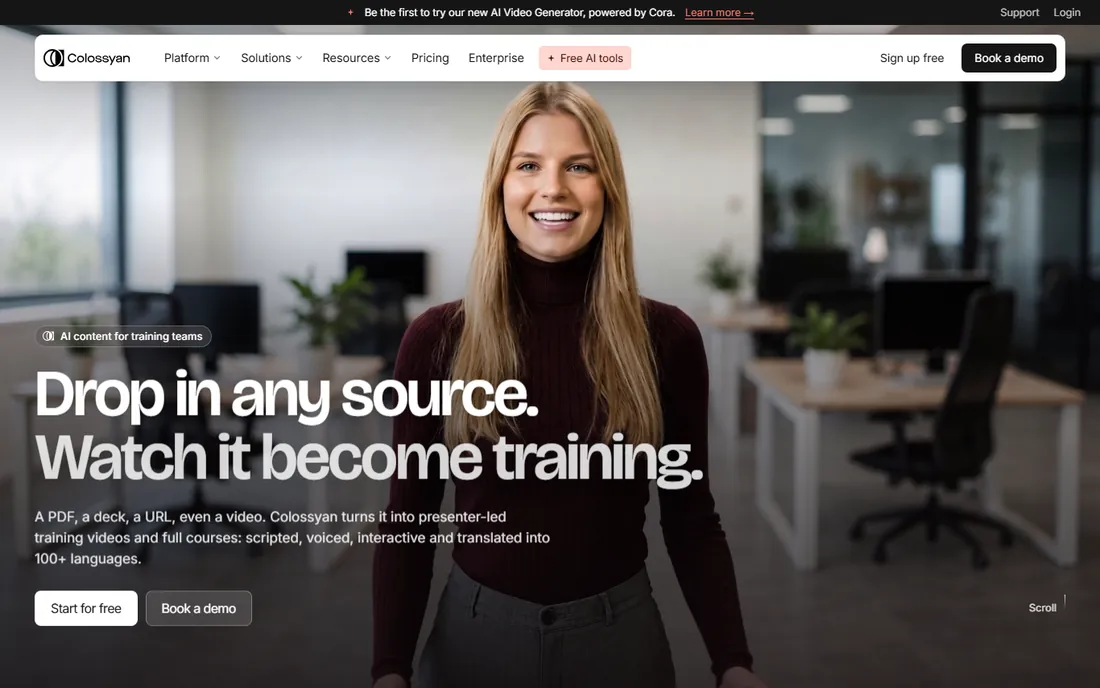
Colossyan is purpose-built for learning and development teams rather than general marketing. You drop in a PDF, a slide deck or a URL, and its Cora assistant builds a scene-by-scene training video you can edit, make interactive and translate into over 100 languages. Quizzes, branching scenarios and SCORM export come standard on paid plans.
The free Starter tier is unusually generous with 20 minutes a month and access to all 300 plus stock avatars. Professional costs $89 per month billed monthly or $59 per month billed annually, with extra editor seats at $30 to $45 per month each, and Enterprise is custom. If your videos live inside an LMS and need quizzes and analytics, Colossyan fits better than any generalist avatar tool.
What we like- Built for course creation with quizzes and branching
- SCORM export on paid plans
- Full avatar library even on free tier
Watch out for- Highest starting price here
- NEO2 premium avatar minutes are tightly limited
- Per-seat costs add up for teams
#9
Vidnoz
Best for: Budget AI avatar videos with a generous free tier
Visit vidnoz.com
Starting price$19.99 per month (billed annually)
Free planYes
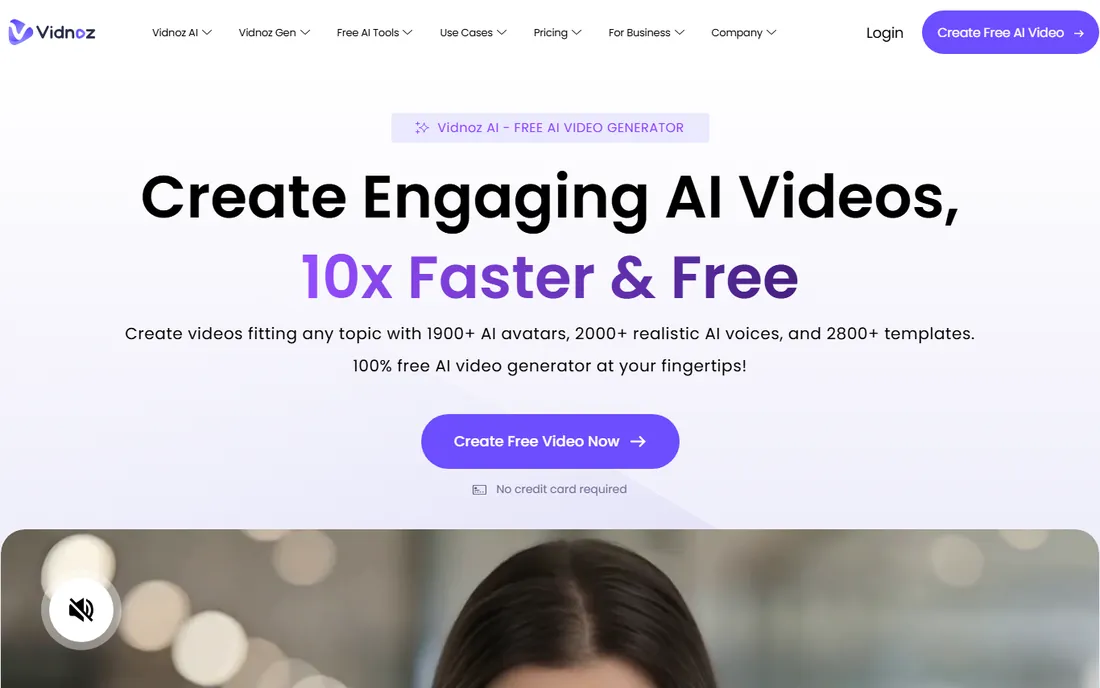
Vidnoz packs an enormous toolkit into one account. Beyond standard text-to-video avatars, you get a face swapper, a talking photo generator, voice cloning and video translation, which makes it a one-stop shop for creators who want to experiment across formats. The library numbers are big, with over 1,900 avatars and 2,800 templates claimed on the site.
The free plan gives 60 credits a day, enough for short tests, with 720p exports and a watermark. Starter costs $26.99 per month billed monthly or $19.99 per month billed annually with 450 credits, Business is $74.99 or $56.99 annually with 900 credits, and Enterprise is custom. Credits do not roll over, so map your monthly output to a tier before subscribing. For budget-conscious creators, it is the most feature-dense option per dollar.
What we like- Free plan refreshes 60 credits daily
- Huge template and avatar library
- Face swap and talking photo tools included
Watch out for- Credit math gets confusing across features
- 720p cap and watermark on free exports
- Support quality varies
How we chose
We started from the two real jobs buyers bring to this category: swapping faces in existing footage, and generating new videos with AI avatars. We checked each vendor's pricing page in October 2026, read the documentation for limits that matter (video length, resolution, watermark rules, credit expiry), and weighed public reviews on G2 and Reddit for reliability complaints. We favored tools with clear free tiers or trials, transparent pricing, and a legitimate use case in filmmaking, marketing or training. We did not run hands-on tests; this guide reflects published plan terms and documented features.
What to check before you pay
Start with consent and rights. Face-swap tools are only appropriate for footage you own, footage you are licensed to edit, or faces of people who agreed to appear. Commercial avatar platforms require similar care with likeness rights, and several vendors now verify custom avatars before rendering. Read the acceptable-use policy before you upload anything.
Next, match the tool to the job. If you need to alter existing video, you want DeepFaceLab, FaceSwap, DeepSwap or Reface. If you need a presenter who never steps in front of a camera, you want HeyGen, Synthesia, D-ID, Colossyan or Vidnoz. These groups do not substitute for each other, and buying from the wrong group is the most common waste of money in this category.
Then look at the metering. Open-source tools cost hardware and time instead of money. Credit-based tools bill every render, and re-renders after edits can double consumption, so confirm whether unused credits roll over and what a typical video costs in credits. Seat-based tools multiply with your team, so count editors before comparing headline prices.
Finally, test realism on the free tier. Avatar quality varies enormously between vendors and even between avatars on the same platform. Generate the same 30-second script in two or three tools, watch on a phone as well as a desktop, and check lip sync on plosive sounds and head turns. The free plans here are good enough for that comparison.
Face-swap and avatar technology has legitimate professional uses. Filmmakers use it for dubbing and de-aging, marketers create localized spokesperson videos without reshoots, trainers produce multilingual courses from one script, and accessibility teams give a face to text communication. Those are the buyers this guide is written for.
The same technology can deceive, and the line is consent. Do not swap someone's face into footage without their permission, do not clone a voice you have no rights to, and do not present AI-generated people as real without disclosure where the context demands it. Several tools in this list watermark free outputs, which is a feature, not a flaw. Keep records of consent for commercial work, and when in doubt, use a stock avatar instead of a real person's likeness.
Frequently asked questions
Is deepfake software legal?
The software itself is legal in most places, and face swapping or AI avatars are legitimate techniques in film, marketing and training. What matters is how you use it. Creating misleading content of real people without consent can violate fraud, defamation, harassment or likeness-rights laws depending on your jurisdiction. Use your own footage or licensed material and get consent in writing for commercial work.
What is the difference between face swapping and AI avatars?
Face swapping replaces one person's face with another's in existing video or photos. AI avatars generate entirely new video of a virtual presenter speaking your script. Face-swap tools like DeepFaceLab edit footage you supply, while avatar platforms like Synthesia create footage from text. Choose based on whether your source material already exists.
Can I use these tools for commercial client work?
Yes, on paid plans, with conditions. Check the license terms for commercial use rights, confirm you have likeness rights for any real faces or voices, and keep consent documentation. Stock avatars provided by the platform are generally cleared for commercial use, which is one reason teams prefer them for client projects.
Do I need a powerful computer for face swapping?
For DeepFaceLab and FaceSwap, yes. A modern NVIDIA GPU with at least 8GB of VRAM makes training practical; without one, training times stretch from hours to days. The browser-based tools (DeepSwap, Reface) and all the avatar platforms run in the cloud, so any recent laptop works.
Which tool is best for a beginner?
For face swaps, start with FaceSwap for the guided workflow or DeepSwap if you want zero installation. For AI avatar videos, start with Vidnoz or HeyGen, since both have free tiers that let you test output quality before paying. Pick one job first, since the two groups solve different problems.
How much does deepfake software cost?
Free open-source tools cost nothing but need your hardware and time. Consumer face-swap apps run $7 to $10 per month. Professional AI avatar platforms range from about $5 per month (D-ID Lite annually) to $89 per month (Colossyan Professional monthly), with enterprise plans quoted custom. Annual billing typically saves 20 to 40 percent.
Sources we checked (9)
- https://github.com/iperov/DeepFaceLab
- https://faceswap.dev
- https://www.deepswap.ai
- https://reface.ai/unboring/face-swap
- https://www.heygen.com/pricing
- https://www.synthesia.io/pricing
- https://www.d-id.com/pricing
- https://www.colossyan.com/pricing
- https://vidnoz.com/pricing.html
Is your product missing or out of date?
We review this list regularly. Vendors can request a listing, send updated pricing or ask about featured placement.

Shihab Mia · Founder, Rankite
Shihab has spent more than a decade helping SaaS and e-commerce brands grow through search. He writes Rankite's software buying guides from pricing pages, documentation and public user reviews. More about Shihab.