How we make this list: we compare pricing pages, product documentation and public user reviews. Rankite is independent; if a vendor ever pays for a featured spot, that listing is clearly labeled Partner.
Key takeaways
- If you already edit in Premiere Pro, DaVinci Resolve, or Final Cut Pro, their built-in stabilizers handle most handheld footage, so check those before buying anything.
- Gyroflow is the standout free option for action-cam and drone footage, using camera motion data instead of guessing from pixels.
- GoPro shooters get the best results from GoPro Player with ReelSteady, which reads the camera's own gyro data for $99.99 as a one-time in-app purchase.
- Topaz Video AI is the pick when footage is both shaky and low quality, since it stabilizes and enhances in one pass, but the $59 per month price is steep for occasional use.
- Dedicated plugins like proDAD Mercalli still make sense inside older editing setups where the built-in stabilizer falls short.
Quick comparison
| Tool | Best for | Starting price | Free plan |
|---|
 Adobe Premiere Pro Adobe Premiere Pro | Editors already paying for Creative Cloud | $22.99 per month (annual plan, billed monthly) | Free trial (7 days) |
 DaVinci Resolve DaVinci Resolve | Anyone who wants pro stabilization for free | Free | Yes |
 Final Cut Pro Final Cut Pro | Mac editors who dislike subscriptions | $299.99 one-time | Free trial |
 Gyroflow Gyroflow | Drone pilots and action-cam shooters | Free | Yes |
 Topaz Video AI Topaz Video AI | Footage that is shaky and low quality | $59 per month | No |
 Filmora Filmora | Beginners who want one-click fixes | $19.99 per month (billed monthly) | Yes |
 PowerDirector PowerDirector | Windows editors who want value | $80 per year | Free trial |
 GoPro Player + ReelSteady GoPro Player + ReelSteady | GoPro owners with shaky action footage | Free (ReelSteady in-app purchase $99.99 one-time) | Yes |
 proDAD Mercalli proDAD Mercalli | Editors using older or mid-range NLEs | $299 one-time | Free trial |
 Emulsio Emulsio | iPhone and iPad videographers | $23.99 one-time (Pro Pack 5) | Yes |
Is your product missing or out of date?
We review this list regularly. Vendors can request a listing, send updated pricing or ask about featured placement.
The best video stabilization software
#1
Adobe Premiere Pro
Best for: Editors already paying for Creative Cloud
Visit adobe.com
Starting price$22.99 per month (annual plan, billed monthly)
Free planFree trial (7 days)
Premiere Pro's Warp Stabilizer remains the default answer for working editors, mostly because it is already in the timeline. You apply the effect, it analyzes the clip in the background, and you keep editing. The subspace warp mode handles complex motion well, and the detailed analysis option trades render time for smoother results on difficult shots. For talking-head footage and light handheld wobble, it rarely needs help.
The catch is cost structure. At $22.99 per month on the annual plan, you are paying for a full professional editor to fix shaky clips. Month-to-month billing runs higher, and there is no perpetual license. If stabilization is your only need, a dedicated free tool wins on price. But if Premiere is already your editor, learning the Warp Stabilizer's advanced settings, method, borders, and auto-scale, beats buying a separate app for most footage.
What we like- Warp Stabilizer is fast and well integrated
- Detailed controls for smoothness and borders
- Huge plugin ecosystem for tougher jobs
Watch out for- Subscription only
- Stabilization quality varies with footage type
Starting priceFree
Free planYes
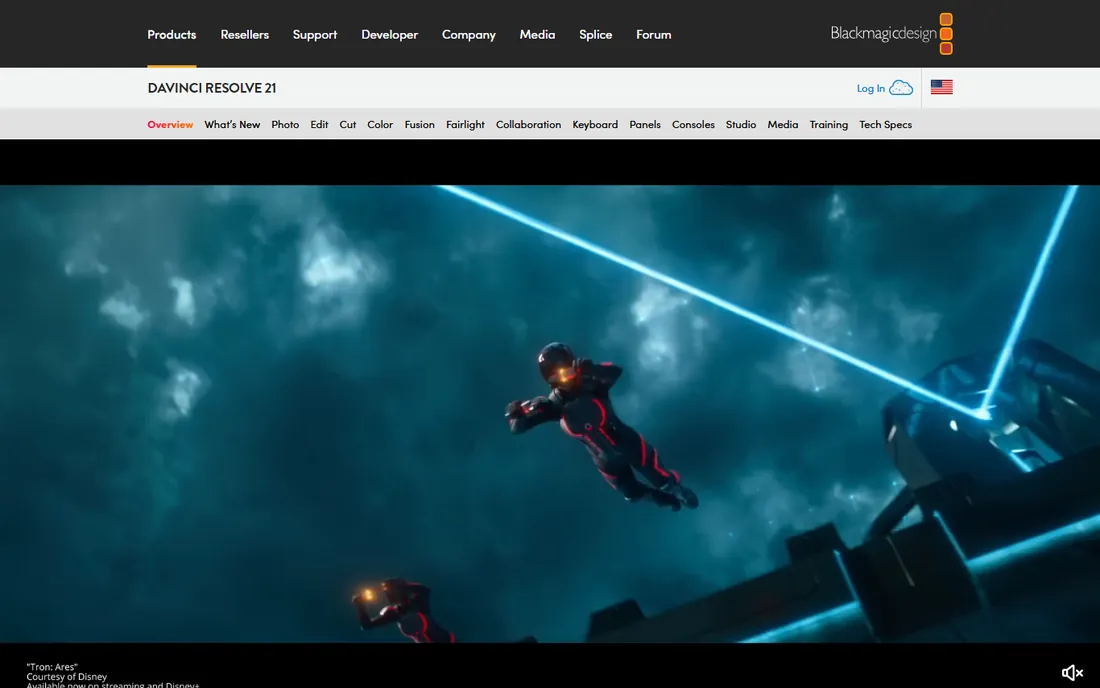
DaVinci Resolve gives away a professional stabilizer inside a professional editor, free, with no watermark and no export limits. The stabilizer lives in the Color page tracker, with modes for perspective, similarity, and translation, plus camera lock for tripod-style shots and zoom controls to hide borders. It handles 4K timelines on modest hardware thanks to proxy workflows, and the free version exports up to 4K without complaint.
The honest trade-off is the learning curve and the hardware. Resolve wants a real GPU and plenty of RAM, and the interface assumes editing knowledge. Some advanced features, like certain AI tools and noise reduction, sit behind the $295 one-time Studio license. For pure stabilization of handheld footage, though, the free version covers the job, and you get Hollywood-grade color tools as a bonus.
What we like- Full editor and color suite included at no cost
- Stabilizer with camera lock and zoom options
- No watermark or time limit
Watch out for- Heavier system requirements than simpler tools
- Studio-only features need the $295 upgrade
#3
Final Cut Pro
Best for: Mac editors who dislike subscriptions
Visit apple.com
Starting price$299.99 one-time
Free planFree trial
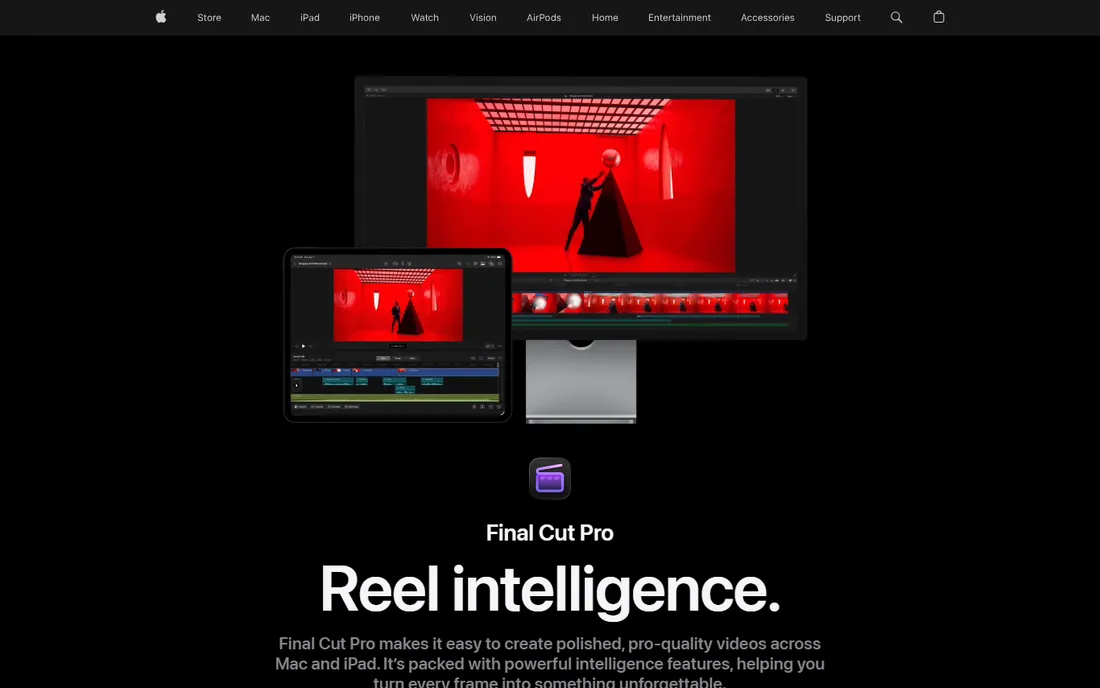
Final Cut Pro takes the opposite approach from Premiere: pay once, own it, and get updates without a subscription. Its built-in stabilization analyzes clips quickly, especially on Apple silicon, and the automatic rolling-shutter fix cleans up the wobble that phone and drone footage often shows. For Mac-based creators who shoot events, weddings, or YouTube content, the combination of speed and one-time pricing is compelling.
Apple also offers Final Cut Pro through the Apple Creator Studio subscription at $12.99 per month, but the standalone purchase at $299.99 remains available. The stabilizer itself is less tunable than Premiere's Warp Stabilizer or Resolve's tracker, with fewer knobs for edge cases. Most users will not miss them. If you do hit footage that resists the automatic fix, round-tripping through Gyroflow or Topaz is the usual answer.
What we like- One-time purchase with free updates
- Fast stabilization on Apple silicon
- Automatic rolling-shutter correction
Watch out for- Mac only
- Stabilization controls are simpler than Premiere's
Starting priceFree
Free planYes
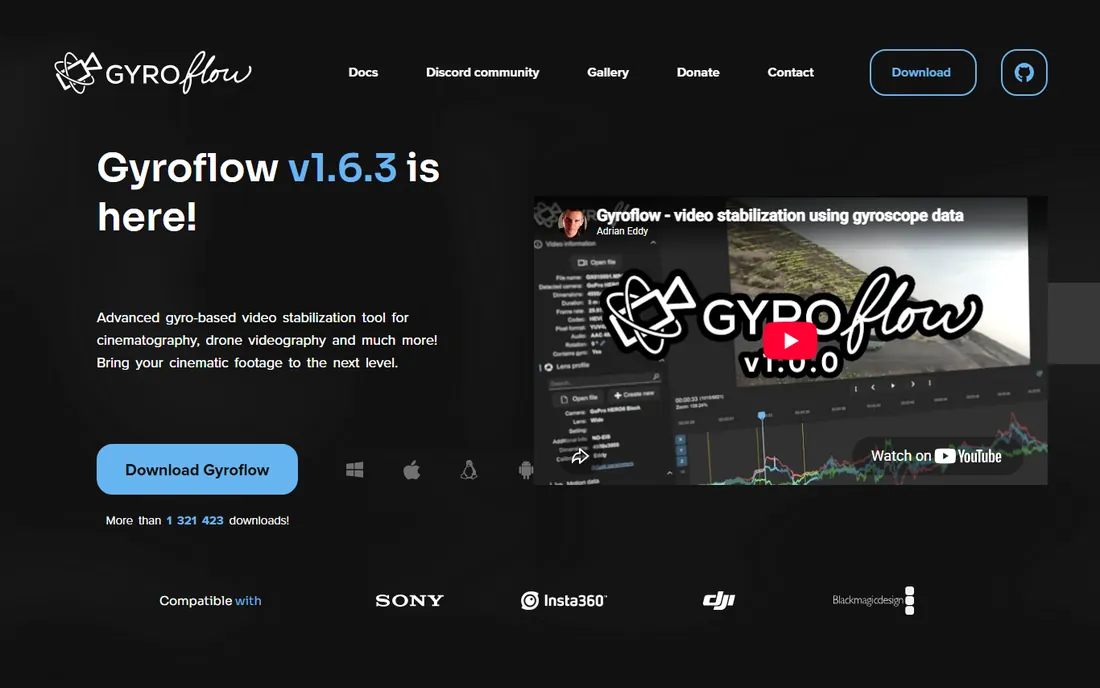
Gyroflow changed the game for action footage by stabilizing from the camera's motion sensors instead of analyzing pixels. When your GoPro, DJI drone, or Sony camera records gyro data alongside the video, Gyroflow reads it and cancels the shake with remarkable accuracy, including horizon leveling that pixel-based tools struggle to match. It is free, open source, and runs on Windows, Mac, Linux, and even mobile.
The limitation is fundamental: no gyro data, no gyro stabilization. Footage from a camera without motion sensors falls back to less accurate methods, and older cameras need manual calibration with a chart. There is also a learning curve around lens profiles and smoothing settings. But for FPV drone pilots and action sports shooters, Gyroflow routinely beats paid tools, and the plugin versions for DaVinci Resolve and Premiere keep it inside your editing workflow.
What we like- Uses real gyro data for accurate results
- Free and open source
- Supports GoPro, DJI, Sony, Insta360, and more
Watch out for- Needs gyro data in the file, so it cannot help arbitrary footage
- Setup takes some learning
Starting price$59 per month
Free planNo
Topaz Video AI is the heavy artillery option. Its stabilization model works alongside enhancement models that upscale resolution, remove noise, and sharpen detail, so a shaky 720p clip can come out smoother and cleaner in 4K. For archival footage, old YouTube rips, or client files shot on outdated gear, no other tool here does as much in one pass.
The price reflects that ambition: $59 per month for the video plan, with unlimited local rendering on your own hardware. There is no free tier, and processing is slow without a strong GPU. This is not the tool for fixing a slightly wobbly vlog, Premiere or Resolve does that free. It is the tool for rescuing footage that would otherwise be unusable, and for that specific job it earns its price.
What we like- Stabilization plus upscaling and denoising in one pass
- Strong results on old or compressed footage
- Unlimited local rendering
Watch out for- Expensive for occasional use
- Needs a powerful GPU for reasonable speed
Starting price$19.99 per month (billed monthly)
Free planYes
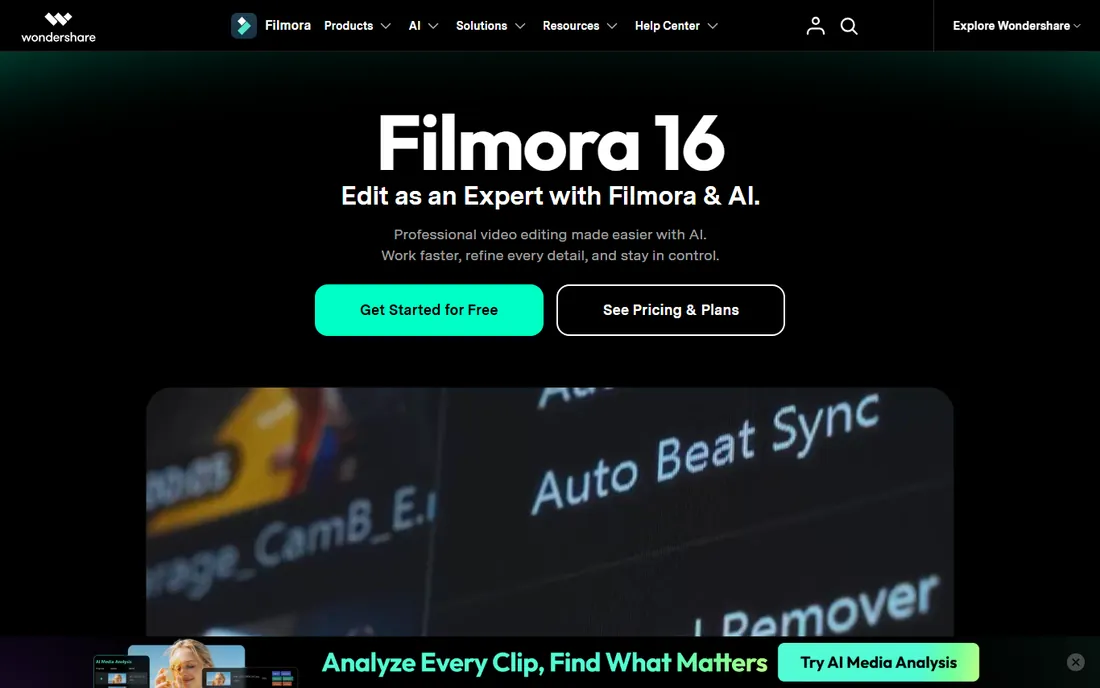
Filmora aims at creators who want results without a manual. Its stabilization is a slider, not a science project: drag it up, preview, export. The surrounding editor is genuinely beginner-friendly, with templates, auto-captions, and AI tools that speed up social video production. Annual plans run about $61.99 and a perpetual license about $89.99, which undercuts the pro editors substantially.
The trade-offs match the price. You get less fine control over the stabilization than Premiere or Resolve offer, and the free version watermarks exports. AI features run on credits that can add cost if you use them heavily. For TikTok creators, real-estate videographers, and small businesses fixing phone footage, Filmora's simplicity is the point, and the stabilization is good enough for the platforms where the video will live.
What we like- Simple stabilization slider inside an easy editor
- Affordable annual and perpetual plans
- Big template and effects library
Watch out for- Free exports carry a watermark
- Less control than pro stabilizers
Starting price$80 per year
Free planFree trial
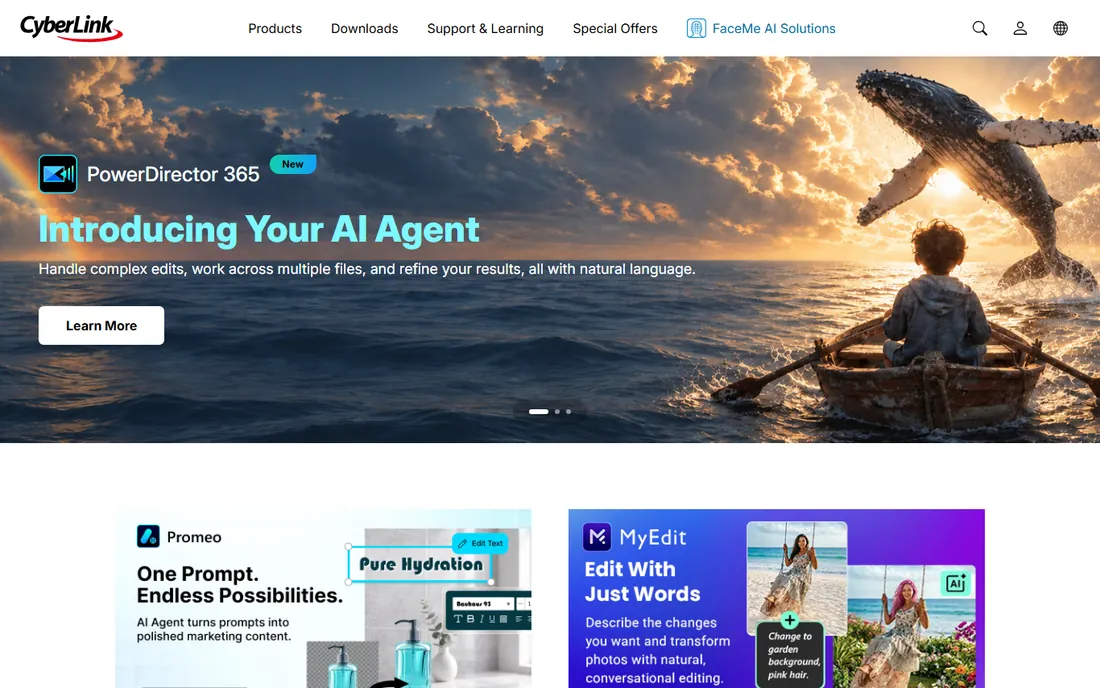
PowerDirector 365 has quietly become one of the best-value Windows editors, and its stabilization tools are part of the reason. The video stabilizer smooths handheld footage with adjustable strength, and the rolling-shutter correction handles the skew that phone footage shows during fast pans. At around $80 per year, often discounted, it costs a fraction of Premiere while covering the same core jobs.
The subscription model is the main complaint: the current version is subscription-only, with the older perpetual Ultimate edition discontinued for new buyers. The free trial watermarks output and blocks 4K. The interface packs in a lot, templates, stock media, AI effects, which some editors love and others find cluttered. For stabilization specifically, though, it punches above its price.
What we like- Solid stabilizer with rolling-shutter fix
- Subscription includes stock media and AI tools
- Faster than expected on mid-range PCs
Watch out for- Subscription only for the current version
- Interface can feel busy
#8
GoPro Player + ReelSteady
Best for: GoPro owners with shaky action footage
Visit gopro.com
Starting priceFree (ReelSteady in-app purchase $99.99 one-time)
Free planYes
If you shoot on a GoPro, this is the stabilization tool built for your footage. GoPro Player is a free desktop app for viewing and reframing GoPro video, and the the $99.99 one-time ReelSteady in-app purchase adds gyro-based stabilization tuned specifically for GoPro sensors. Because it reads the camera's own motion data, it produces smoother results than generic stabilizers on the same clips, and you see the stabilized result in real time before export.
The obvious limit is the camera lock-in. ReelSteady works with GoPro footage from the HERO5 generation onward, with specific shooting-mode requirements, and it does nothing for your phone or drone clips. The player itself is free, so trying it costs nothing. For action sports shooters already invested in GoPro, the $99.99 in-app purchase is one of the best stabilization values available.
What we like- Reads GoPro gyro data for the smoothest results on GoPro footage
- Real-time preview
- Batch export
Watch out for- Only works with GoPro cameras
- ReelSteady costs extra on top of the free player
#9
proDAD Mercalli
Best for: Editors using older or mid-range NLEs
Visit prodad.com
Starting price$299 one-time
Free planFree trial
proDAD Mercalli has been stabilizing video since before most of its competitors existed, and it shows in the results. The V6 standalone app analyzes footage with AI-assisted modes and corrects the full range of problems: shake, rotation, zoom wobble, and the CMOS skew that plagues action-cam footage. It also ships as a plugin for major editors, so it can live inside your existing timeline.
At $299 for the standalone version, it is a serious purchase for a single-purpose tool, and the interface has not kept pace with modern design trends. The buyers who still choose Mercalli are usually editors with established workflows in Vegas, Edius, or older Premiere versions, where Mercalli's specific correction profiles outperform the built-in stabilizer. New editors starting fresh will usually do better with Gyroflow free or Resolve's built-in tools.
What we like- Long track record on difficult footage
- Works as plugin or standalone
- Strong CMOS and rolling-shutter correction
Watch out for- Expensive for a single-purpose tool
- Interface feels dated
Starting price$23.99 one-time (Pro Pack 5)
Free planYes
Emulsio is the rare stabilization app built specifically for iPhone, iPad, and Mac, and it shows. All processing happens on-device using Apple's hardware, so there is no upload, no account, and no data collection. You get full control over stabilization strength, rolling-shutter correction, and border handling, with a split-screen preview that shows before and after side by side. Recent versions added AI slow motion and upscaling as well.
The free version watermarks exports, and removing it costs $23.99 as a one-time Pro Pack purchase, with an optional Pro Plan subscription for users who want every future major upgrade. The limitation is the platform: there is no Android or Windows version. For Apple-device shooters who film on phones, from real-estate walkthroughs to family videos, Emulsio is the most polished mobile-first stabilizer available.
What we like- Built for Apple devices with on-device processing
- Adjustable stabilization strength with live preview
- No account or tracking
Watch out for- Apple only
- Free exports carry a watermark
How we chose
We ranked tools on stabilization quality across footage types, control over the result, speed of processing, pricing fairness, and how well each fits a real buyer's workflow. We read vendor pricing pages and feature documentation, checked compatibility lists for camera support, and reviewed long-running user discussions about artifacts, render times, and export limits. We did not run lab tests on identical clips. The category has a reliable shortcut for that anyway: run your own worst clip through each tool's free tier or trial and compare the results yourself.
Software stabilization vs. gyro stabilization: know the difference
Most stabilizers work by analyzing pixels: they track points in the frame, guess how the camera moved, and warp the image to compensate. This works on any footage, but it struggles with motion blur, rolling shutter, and scenes with moving subjects. Gyro stabilization works from the camera's motion sensors instead, measuring the actual shake and canceling it precisely. The results are smoother, especially for action footage, but the method needs gyro data recorded with the video.
That split should guide your choice. If your footage comes from a GoPro, DJI drone, or Sony camera with gyro logging, start with Gyroflow or ReelSteady. If your footage comes from a phone, mirrorless camera, or unknown source, a pixel-based stabilizer in your editor is the right tool. Many professionals use both: gyro tools for action footage, editor stabilizers for everything else.
What to look for before you buy
Check the free option in your current editor first. Premiere, Resolve, and Final Cut all ship capable stabilizers, and most shaky footage never needs more. Pay for a dedicated tool only when the built-in result shows warping artifacts or cannot handle the motion.
Match the tool to the camera. Gyro-based tools need gyro data, GoPro tools need GoPro footage, and mobile apps need the right phone. Read the compatibility list before paying, especially for older camera models.
Then weigh subscription against one-time pricing honestly. A $59 per month tool costs over $700 a year, while a $299 one-time purchase breaks even in five months. If you stabilize footage weekly, subscriptions to tools you already use make sense. If you fix shaky clips a few times a year, free tools and one-time purchases win easily.
Finally, test with your worst footage, not your best. Stabilizers all look good on mild shake. The differences appear on walking shots, vehicle mounts, and low-light clips where the software has less information to work with.
Frequently asked questions
Should I stabilize in-camera or in post?
Do both when you can. In-camera stabilization gives the software a cleaner starting point, and post stabilization finishes the job. Turn off in-camera stabilization only when a tool specifically asks for it: ReelSteady and Gyroflow want the raw gyro data, which in-camera processing can destroy.
Why does stabilized footage sometimes look wobbly?
That wobble is usually rolling shutter, where the camera sensor reads the image line by line during fast motion. Pixel-based stabilizers can make it worse. Tools with dedicated rolling-shutter correction, like Gyroflow, Mercalli, and Final Cut Pro, handle it far better.
Does stabilization reduce video quality?
Yes, slightly. Stabilizers crop into the frame to hide the moving edges, which costs resolution, and heavy correction can soften details. Shoot at a higher resolution than your delivery format when possible, so the crop does not hurt. Gyro tools that fill borders with in-painted pixels lose less.
Can free software stabilize as well as paid?
Often, yes. Gyroflow beats most paid tools on gyro footage, and DaVinci Resolve's free stabilizer handles general footage well. Paid tools earn their price on edge cases: Topaz rescues unusable footage, Mercalli handles specific camera problems, and ReelSteady is tuned for GoPro sensors.
What is the best stabilizer for drone footage?
For DJI drones with gyro data, Gyroflow is the favorite among FPV pilots. For DJI footage without usable gyro data, DaVinci Resolve or Premiere handle it well. The key is matching the tool to whether your specific drone model logs motion data.
How long does stabilization take?
It depends on the tool and your hardware. Simple editor stabilizers analyze a clip in seconds to minutes. AI tools like Topaz can take much longer, sometimes slower than real time on modest GPUs. Gyroflow's GPU-accelerated processing is among the fastest for the quality it delivers.
Sources we checked (13)
- https://www.adobe.com/products/premiere.html
- https://josephnilo.com/blog/adobe-premiere-pro-cost/
- https://www.blackmagicdesign.com/products/davinciresolve
- https://www.apple.com/final-cut-pro/
- https://gyroflow.xyz/
- https://topazlabs.com/
- https://filmora.wondershare.com
- https://filmora.wondershare.com/store/buy-filmora-video-editor.html
- https://www.cyberlink.com
- https://www.techradar.com/reviews/cyberlink-powerdirector-365
- https://gopro.com/
- https://www.prodad.com
- https://creaceed.com/emulsio
Is your product missing or out of date?
We review this list regularly. Vendors can request a listing, send updated pricing or ask about featured placement.

Shihab Mia · Founder, Rankite
Shihab has spent more than a decade helping SaaS and e-commerce brands grow through search. He writes Rankite's software buying guides from pricing pages, documentation and public user reviews. More about Shihab.