How we make this list: we compare pricing pages, product documentation and public user reviews. Rankite is independent; if a vendor ever pays for a featured spot, that listing is clearly labeled Partner.
Key takeaways
- VideoScribe remains the dedicated whiteboard specialist, while Doodly bundles whiteboard tools with a full video-creation suite for $49 per month.
- simpleshow at $5.99 per month and Powtoon with a free plan are the cheapest ways to test whether whiteboard explainers work for your audience.
- Mango Animate is the only option here with a true one-time purchase, $99 for the Professional version, which beats subscriptions for occasional creators.
- Vyond at $99 per month is the most expensive pick, but it targets corporate training teams that need characters, translation, and brand control, not just a hand drawing on a board.
- Explaindio suits freelancers who sell videos to clients, since the license includes client work and the desktop app works offline.
Quick comparison
| Tool | Best for | Starting price | Free plan |
|---|
 VideoScribe VideoScribe | Teams that explain complex topics regularly | $43 per month (billed monthly) | Free trial (7 days) |
 Doodly Doodly | Marketers who want whiteboard plus more | $49 per month | Free trial (14 days) |
 Explaindio Explaindio | Freelancers producing client videos | $37 per month (billed monthly) | Free trial (14 days) |
 Powtoon Powtoon | Teams mixing whiteboard with other video styles | $15 per month (billed annually) | Yes |
 Vyond Vyond | Corporate training and HR teams | $99 per month (billed monthly) | Free trial |
 Animaker Animaker | Beginners who want the cheapest paid start | $19 per month (billed annually) | Yes |
 Renderforest Renderforest | Template-driven explainers with minimal effort | See website | Yes |
 Biteable Biteable | Business teams that want speed over craft | $29 per month | Free trial |
 Mango Animate Mango Animate | Buyers who refuse subscriptions | $99 one-time (Professional) | Yes |
 simpleshow simpleshow | Turning scripts into videos with minimal work | $5.99 per month (billed monthly) | Yes |
Is your product missing or out of date?
We review this list regularly. Vendors can request a listing, send updated pricing or ask about featured placement.
The best whiteboard animation software
Starting price$43 per month (billed monthly)
Free planFree trial (7 days)
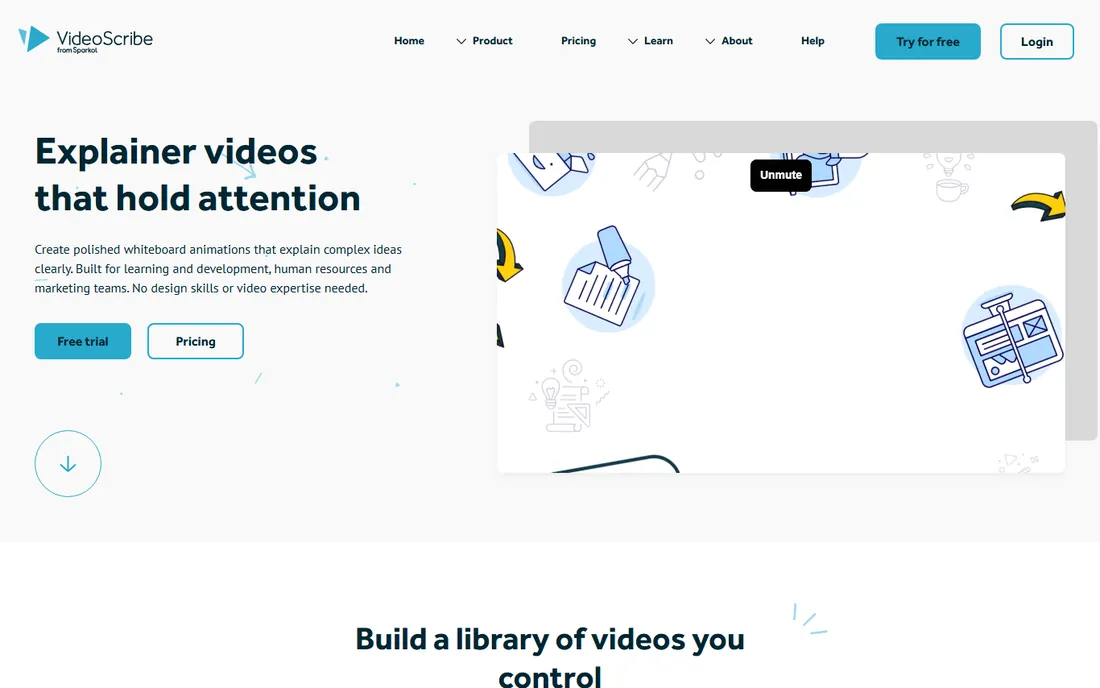
VideoScribe is the closest thing this category has to a standard. Where general video tools treat whiteboard as one template among many, VideoScribe is built around the hand-drawn explainer: pick from millions of hand-drawn images, choose from varied hand styles and pens, drop in a voiceover, and export. Learning and development teams like it because a training video built this way stays editable, so when the process changes you update the project instead of rebuilding it.
Pricing is straightforward but not cheap: $43 per month on monthly billing, or $185 per year, with a 7-day free trial. The annual plan cuts the effective monthly cost substantially, which matters for teams producing content year-round. The recurring complaint in reviews is render speed on longer projects, so keep videos tight. For companies that publish explainers monthly, the maintainable library argument justifies the cost.
What we like- Purpose-built for whiteboard animation with a huge hand-drawn library
- Projects stay editable for easy updates
- Browser and desktop apps
Watch out for- Pricey for solo creators
- Rendering can be slow on long videos
Starting price$49 per month
Free planFree trial (14 days)
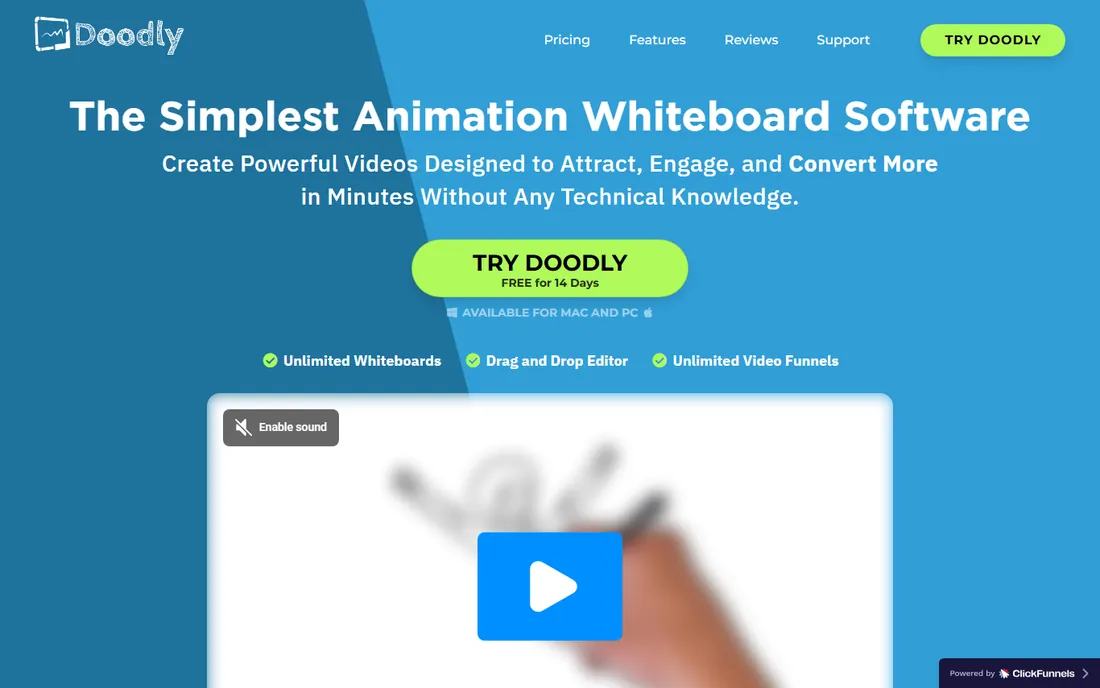
Doodly's pitch is simplicity: drag a doodle image onto the canvas and the software draws it for you, with a choice of hand types across ethnicities and ages. The Smart Draw feature goes further, letting you upload your own images and define custom draw paths, which is genuinely useful for branded explainers that stock art cannot cover. It installs on Mac and PC, exports up to 1080p, and includes royalty-free music.
Doodly now sells through Voomly Cloud at $49 per month after a 14-day free trial, which bundles Toonly for cartoon explainers, Talkia for AI voiceovers, People Builder for custom characters, and video hosting with 7TB of storage. If you will use the bundle, it is good value. If you only want whiteboard videos, you are paying for a suite. There is no free plan, only the trial, so budget-conscious solo creators should compare against VideoScribe and Mango Animate first.
What we like- Smart Draw turns your own images into drawable assets
- Bundled with Toonly, Talkia, and video hosting
- Unlimited videos
Watch out for- Sold as part of Voomly Cloud, so you pay for tools you may not use
- No free plan
Starting price$37 per month (billed monthly)
Free planFree trial (14 days)
Explaindio takes a different approach from the browser-first crowd: it is a desktop app for Windows and Mac that combines doodle sketch videos with 2D animation, 3D animation, and full-motion video editing. For a freelancer selling explainer videos to local businesses, that range matters, since clients ask for different styles and you do not want five subscriptions. The Business Edition license explicitly allows selling the videos you create, and the current offer includes an agency license for up to 5 users.
Pricing runs $37 per month after a 14-day trial, or $67 per year on the annual option, which is notably cheap for what it includes. The honest downside is polish: the app and its marketing feel like an earlier era of software, and the sales pages push upsells hard. But the output quality holds up, the 600 pre-made scenes and 500 doodle images give you plenty to start with, and offline desktop editing appeals to anyone tired of browser tabs.
What we like- Whiteboard plus 2D, 3D, and full-motion video in one app
- License covers selling videos to clients
- Desktop app works offline
Watch out for- Interface looks dated next to browser rivals
- Upsell-heavy sales pages
#4
Powtoon
Best for: Teams mixing whiteboard with other video styles
Visit powtoon.com
Starting price$15 per month (billed annually)
Free planYes
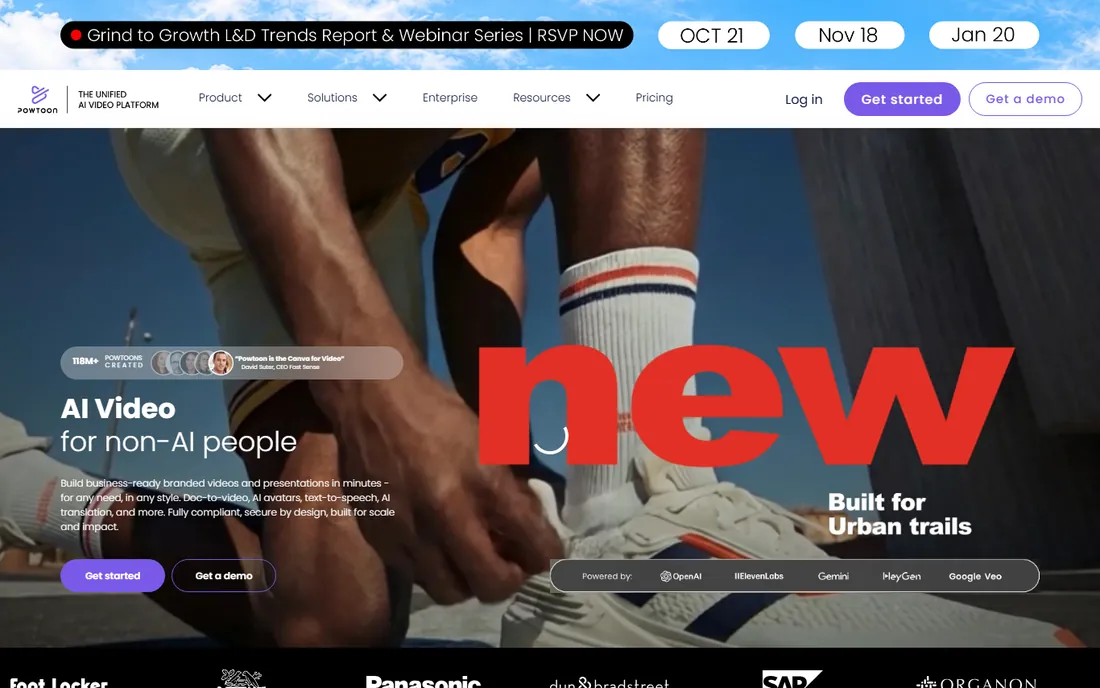
Powtoon is a general video platform that happens to include solid whiteboard templates, which makes it the right pick when whiteboard is one format in a larger content mix. A marketing team can produce a whiteboard explainer, a product demo, and a social ad in the same tool, with shared brand assets, character builders, and AI voiceovers. The free plan lets you test the workflow with watermarks before spending anything.
Paid plans start at $15 per month billed annually for Lite, with Pro at $40 and higher tiers beyond. The catch is that costs climb fast once you need branding-free exports and full AI features, so read the plan limits carefully. If whiteboard animation is your only need, a dedicated tool gives you more hand-drawn assets per dollar. If you need five video styles, Powtoon's breadth wins.
What we like- Free plan to start
- Whiteboard templates inside a broader video platform
- Strong brand-control features for teams
Watch out for- Whiteboard is one style among many, not the specialty
- Paid plans jump quickly for full features
Starting price$99 per month (billed monthly)
Free planFree trial
Vyond, formerly GoAnimate, is the enterprise pick in this list. It is priced for departments, not individuals: $99 per month on monthly billing, or $699 per year on the annual Starter plan, with Professional at $199 per month for team collaboration and larger asset libraries. What that buys is a character-driven animation studio with AI text-to-video, hundreds of voices, screen recording, and translation features that training teams at large companies actually use.
Whiteboard-style animation exists in Vyond's template library, but it is not the product's heart. Buy Vyond when your real need is a library of compliance training, onboarding, and internal communications videos with consistent branding. Buy a dedicated whiteboard tool when the hand-drawn look is the point. Mixing the two needs up is how companies overspend here.
What we like- Deep character and scene library for business scenarios
- Translation into 80+ languages
- Enterprise security and brand management
Watch out for- The most expensive tool here
- Whiteboard styles are secondary to character animation
Starting price$19 per month (billed annually)
Free planYes
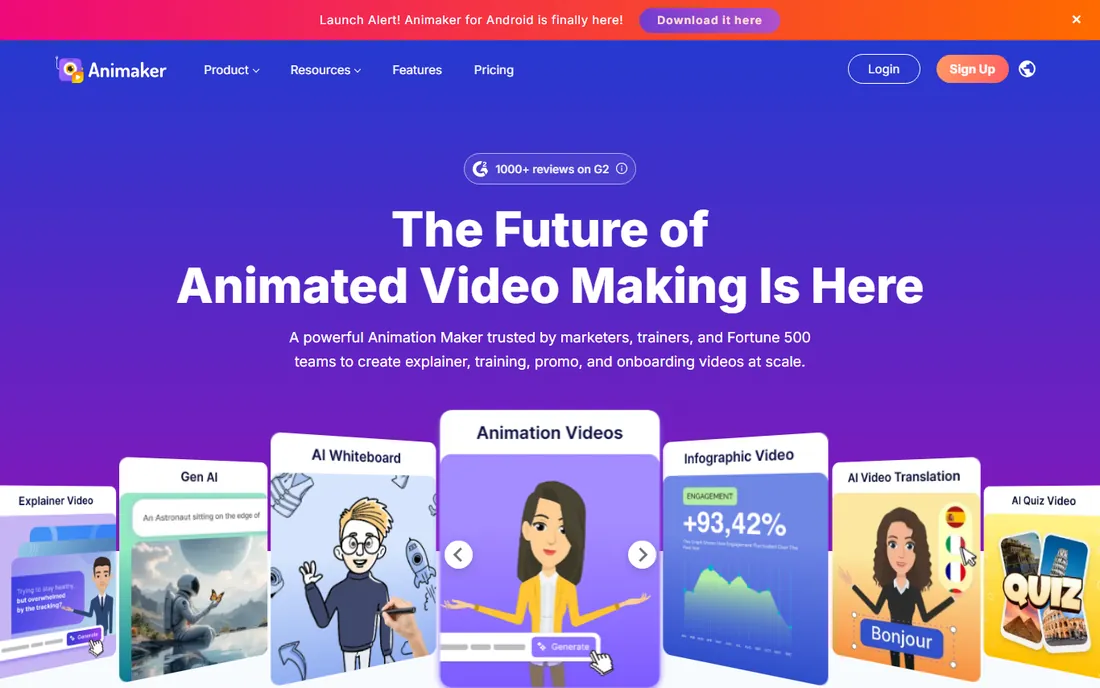
Animaker is the budget gateway to animated video. The free plan lets you build and export whiteboard explainers with watermarks, and paid tiers start around $19 per month on annual billing. For a student, a nonprofit, or a small business testing whether animated explainers pull their weight, that low entry cost matters more than any feature list. The platform covers whiteboard, 2D, infographic, and presentation styles, with a character builder and AI voiceovers in 130+ languages.
Read the license terms before publishing. Animaker's cheaper tiers restrict commercial use, and watermark-free commercial exports need the higher plans. The whiteboard templates are decent but not as deep as VideoScribe's or Doodly's libraries. Treat Animaker as the place to learn and validate, then graduate to a specialist when the videos start earning their keep.
What we like- Genuine free plan
- Whiteboard among many animation styles
- AI voiceovers and subtitles included
Watch out for- Free exports are watermarked
- Cheapest paid tiers limit commercial use
Starting priceSee website
Free planYes
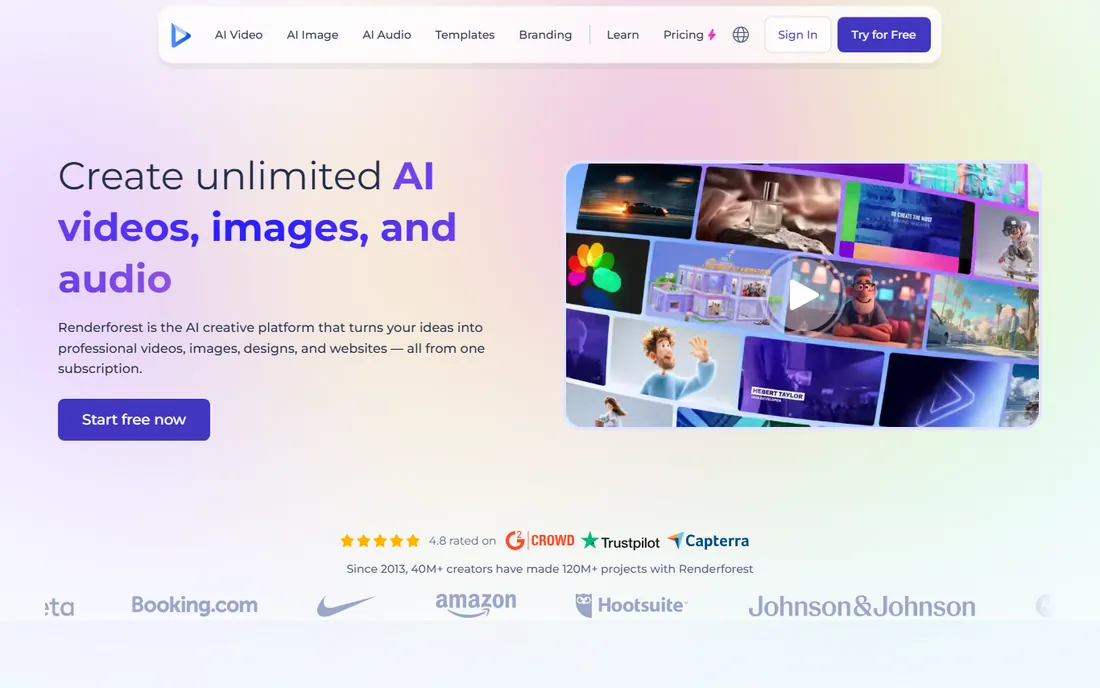
Renderforest is a template platform first and a whiteboard tool second. You pick a whiteboard explainer template, drop in your text and logo, and the platform assembles the video. For a small business owner who needs one decent explainer and has no interest in learning animation software, that guided path beats a blank canvas. The free plan covers basic templates, with watermarks and resolution limits on export.
The trade-off is creative control. You are customizing templates, not directing a drawing hand, so videos can feel similar to other Renderforest output. Paid plans remove watermarks and add HD and 4K exports, with pricing varying by export quality and video length, so check the current plans page for your use case. It is the fastest route to a finished whiteboard-style video, just not the most distinctive one.
What we like- Large template library beyond whiteboard
- Browser-based with no install
- Free plan for testing
Watch out for- Less control than dedicated whiteboard tools
- Free exports are watermarked at limited resolution
Starting price$29 per month
Free planFree trial
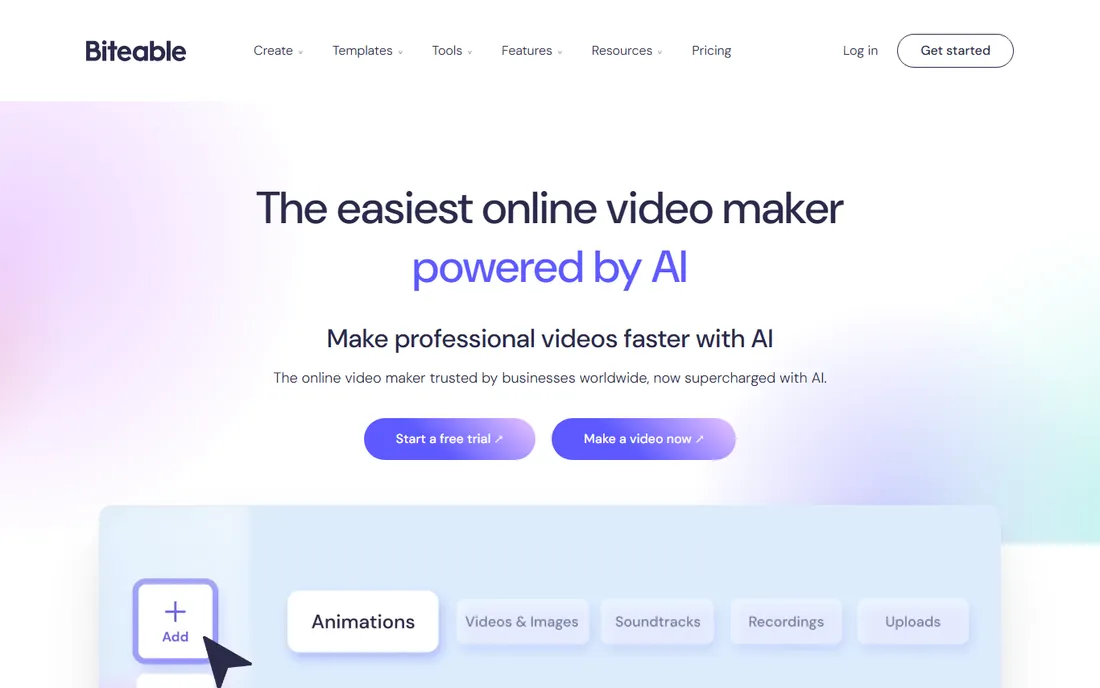
Biteable's strength is speed: paste a script, let the AI build a storyboard, pick an avatar and voice, and export. For internal communications, sales outreach, and social ads, that workflow beats hand-crafting every scene. Whiteboard-style templates exist in the library, though the catalog leans toward modern motion graphics and presenter formats rather than hand-drawn charm.
At $29 per month, it sits in the middle of this list's pricing, with a free trial to test the AI builder. The honest assessment: Biteable is here for buyers who want whiteboard as an occasional format inside a general business video tool. Dedicated whiteboard creators will find the hand-drawn options thin. Marketing teams producing varied video content weekly will find the speed worth it.
What we like- AI-assisted video building from scripts
- Clean modern templates
- Brand builder for consistent output
Watch out for- Whiteboard options are limited
- Aimed at general business video, not animation specialists
Starting price$99 one-time (Professional)
Free planYes
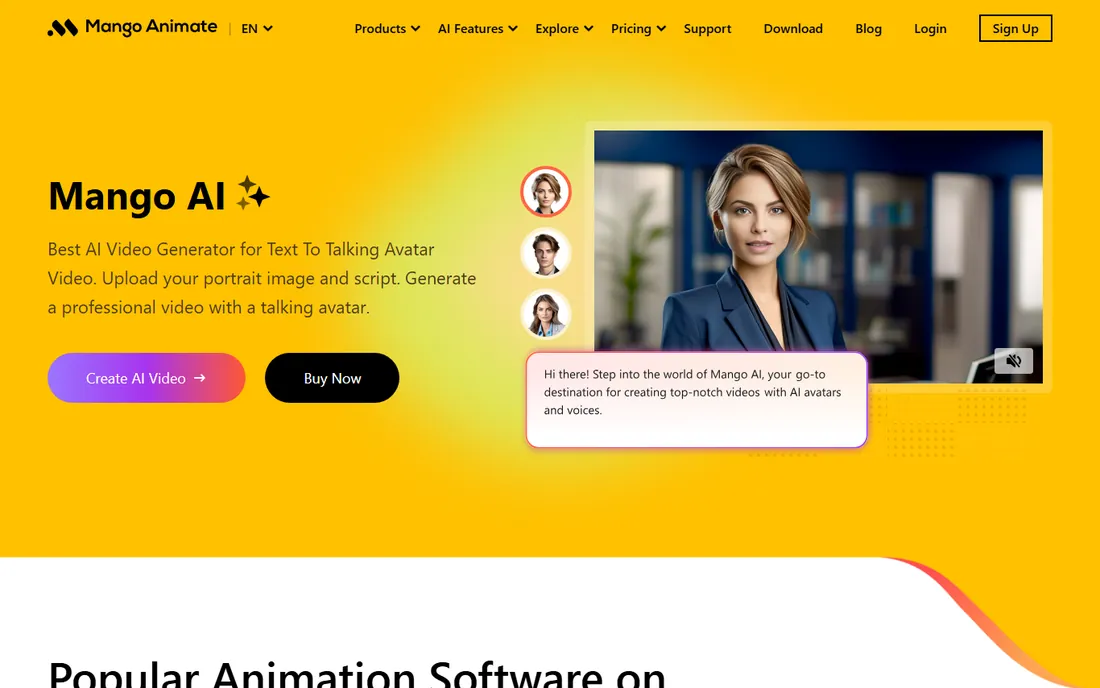
Mango Animate's Whiteboard Animation Maker is the standout for anyone tired of subscriptions. Pay $99 once for the Professional version, or $299 for Enterprise, and you own it. The software covers the whiteboard essentials: hand-drawing animations with dozens of hand and pen styles, SVG and image imports with an built-in editor, templates across education and marketing categories, and export to video or GIF.
The free version lets you create videos indefinitely with a watermark and 576p resolution, which is enough to learn the tool. The honest caveats: it is desktop software for Windows and Mac with a smaller user community than the big names, so tutorials and third-party assets are thinner. But for a teacher or small business producing a few explainers a year, one $99 payment beats every subscription on this list within three months.
What we like- One-time purchase with lifetime access
- Free version with watermark
- Hand-drawing effects with many hand and pen styles
Watch out for- Desktop software with a smaller community
- Free version caps resolution at 576p
Starting price$5.99 per month (billed monthly)
Free planYes
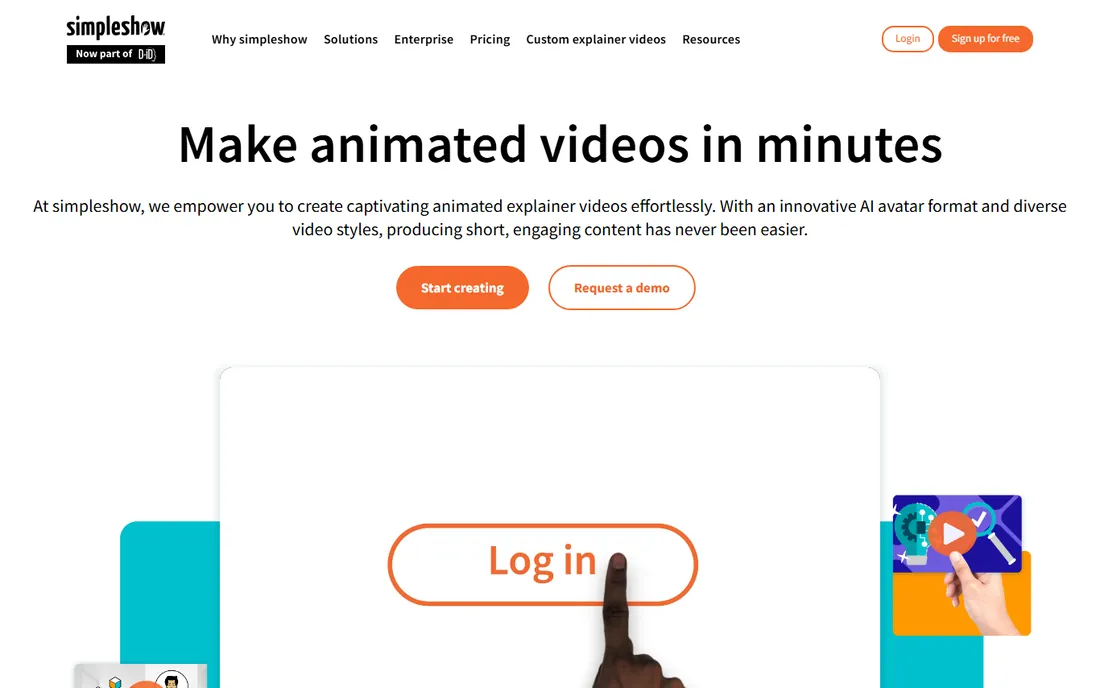
simpleshow, which absorbed mysimpleshow, takes the most automated approach: you write or paste a script, and the platform generates an illustrated explainer video with timed visuals and voiceover. For busy managers and educators, that automation is the product. The Fun plan at $5.99 per month is the cheapest paid entry on this list, and there is a free version plus a free education plan.
The price of that simplicity is control. You guide the script and pick from the platform's illustration styles, but you are not directing individual drawing animations the way VideoScribe or Doodly allow. Business and Pro tiers climb to $79 and $399 per month on annual billing for teams needing brand customization and volume. Buy simpleshow when you want finished explainers with minimum effort; buy a hands-on tool when the craft is the point.
What we like- Cheapest paid plan here
- Script-to-video automation does the heavy lifting
- Free version and free education plan
Watch out for- Less hands-on control over the animation
- Illustration style is fixed to the platform's look
How we chose
We compared tools on whiteboard-specific depth, meaning the hand library, draw-path control, and template quality, plus export options, pricing fairness, free trial or plan availability, and fit for real buyers from solo creators to corporate teams. We read vendor homepages and pricing pages, checked current plan details against recent reviews, and noted where products had been renamed or merged, like mysimpleshow into simpleshow and Doodly into Voomly Cloud. We did not produce test videos in each tool. The reliable test remains the same: use the free trial to build one real video on your actual topic before committing.
Whiteboard vs. cartoon vs. template explainers
Whiteboard animation means a hand visibly drawing the story as the narration plays. It works because viewers follow the drawing motion, which holds attention through dry material. Cartoon explainers use animated characters and scenes instead, which suits stories with people and emotions. Template explainers assemble pre-built scenes fastest but look the most generic.
Your topic should decide. Processes, timelines, and how-it-works explanations shine in whiteboard. Company culture stories and customer scenarios suit cartoon characters. Announcements and promos do fine with templates. Several tools here cover more than one style, which is convenient, but the specialists in each style still produce the best-looking results in that style.
What to check before you buy
Start with the free tier or trial and make one complete video, not just a test scene. Whiteboard tools differ most in the details: how natural the hand motion looks, whether you can import your own images as drawable assets, and how the voiceover syncs. A trial that only lets you preview is not enough.
Next, check the export terms. Watermarks, resolution caps, and monthly export limits hide in plan details. Doodly's trial and Mango Animate's free version both watermark, which is fine for testing and useless for publishing.
Then match the license to your use. Freelancers selling videos to clients need commercial rights, which Animaker's cheapest tiers do not include but Explaindio's license does. Teams need to check seat counts: Vyond prices per user, while VideoScribe and Doodly have team plans.
Finally, think about volume. A $99 one-time purchase beats a $49 monthly subscription in the third month if you only make a few videos a year. A $99 monthly subscription beats hiring an agency for a single video. Put your expected video count next to the price before you decide.
Frequently asked questions
Do I need drawing skills to use whiteboard animation software?
No. Every tool here draws for you. You pick images or type text, choose a hand style, and the software animates the drawing. The skill that matters is scripting: a clear, short script makes a better whiteboard video than any feature.
How long should a whiteboard explainer video be?
Aim for 60 to 90 seconds for marketing and up to 3 minutes for training. Whiteboard holds attention well, but every extra minute needs a stronger script. Most tools price or limit by video length, so shorter videos also cost less to produce.
Can I use my own logo and brand colors?
Yes, on paid plans. All the tools here support brand customization at some tier, though the depth varies. Vyond and Powtoon have the strongest brand controls for teams. Check that your plan includes custom fonts and colors before you build a library of videos.
Which tool is best for teachers?
simpleshow offers a free education plan, and Animaker's free tier works for classroom experiments. For a school producing regular lesson explainers, VideoScribe's education pricing and editable project library are worth a look. Mango Animate's one-time $99 purchase is the cheapest long-term option for a single classroom computer.
Can I sell videos I make with these tools?
Usually yes on paid plans, but check the license. Explaindio's Business Edition explicitly includes client work. Animaker restricts commercial use on its cheapest tiers. Vyond's Agency plan exists specifically for resellers. When in doubt, read the terms page, not the marketing page.
Do whiteboard videos still work in 2026?
They work for the right topics. Whiteboard is a clarity format, not a trend format: it excels at explaining processes, products, and ideas that need step-by-step understanding. For pure entertainment or brand emotion, cartoon or live video usually performs better. Match the format to the message.
Sources we checked (18)
- https://videoscribe.co/
- https://www.g2.com/products/videoscribe/reviews
- https://doodly.com/
- https://www.doodly.com/doodly-cloud-pricing-p
- https://explaindio.com/
- https://sales.scriptdio.com/explaindio/trial.html
- https://powtoon.com/
- https://www.powtoon.com/blog/veo-3-vs-sora/
- https://vyond.com/
- https://www.vyond.com/blog/best-ai-video-generators/
- https://animaker.com/
- https://www.ngram.com/blog/animaker-vs-vyond
- https://renderforest.com/
- https://biteable.com/
- https://mangoanimate.com/
- https://mangoanimate.com/store/app/wm
- https://www.mysimpleshow.com
- https://www.getapp.com.au/software/113369/mysimpleshow
Is your product missing or out of date?
We review this list regularly. Vendors can request a listing, send updated pricing or ask about featured placement.

Shihab Mia · Founder, Rankite
Shihab has spent more than a decade helping SaaS and e-commerce brands grow through search. He writes Rankite's software buying guides from pricing pages, documentation and public user reviews. More about Shihab.