How we make this list: we compare pricing pages, product documentation and public user reviews. Ratings come from G2, Capterra or Trustpilot, with the date we checked them.
Key takeaways
- Trello is the simplest free Asana alternative, with boards that anyone learns in minutes.
- ClickUp's free tier is the most generous for teams that want many features without paying.
- Notion suits teams that want docs, wikis, and tasks in one free workspace.
- Monday.com's free tier is limited to a small team, so check seat limits before choosing it.
- Free tiers differ most on automation, guests, storage, and reporting, so test your real workflow before committing.
Quick comparison
Is your product missing or out of date?
We review this list regularly. Vendors can request a listing, send updated pricing or ask about featured placement.
The best Asana alternatives free

#1Trello
Best for: Simple boards4.4/5 on
G2 (14,064 reviews, checked Oct 2026)
Visit trello.com
Starting priceFree
Free planYes
Trello is the simplest free alternative to Asana. Its board, list, and card model needs almost no training, and the free tier covers unlimited cards and members, with up to 10 boards per workspace. For a small team tracking tasks visually, Trello gets running in an afternoon.
The free tier's limits show on larger work: no timeline view, limited automation runs, and basic reporting. Paid Standard and Premium plans add those features, starting around $5 and $10 per user per month. Trello suits small teams and personal projects where visual simplicity matters more than reporting depth.
What we like- Easiest board interface to learn
- Free tier covers unlimited cards
- Power-Ups add features
Watch out for- No timeline or advanced reporting on free tier
- Limited automation runs
- Large projects outgrow boards

#2ClickUp
Best for: Generous free tier4.6/5 on
G2 (14,878 reviews, checked Oct 2026)
Visit clickup.com
Starting priceFree
Free planYes
ClickUp's free tier is the most generous on this list, with unlimited tasks and members, collaborative docs, and multiple views, including list, board, and calendar. Teams that want Asana's breadth without paying will find ClickUp's free plan covers most daily project work.
The breadth is also the learning curve: new users can feel overwhelmed by the options, and some advanced features, such as goals, portfolios, and advanced automations, need paid plans starting around $7 per user per month. For a team willing to spend a day configuring, ClickUp's free tier is the best value here.
What we like- Most features included free
- Unlimited tasks and members
- Many views including list, board, and calendar
Watch out for- Interface can overwhelm new users
- Some advanced features need paid plans
- Performance varies on large workspaces
#3Notion
Best for: Docs plus tasks4.6/5 on
G2 (13,834 reviews, checked Oct 2026)
Visit notion.so
Starting priceFree
Free planYes
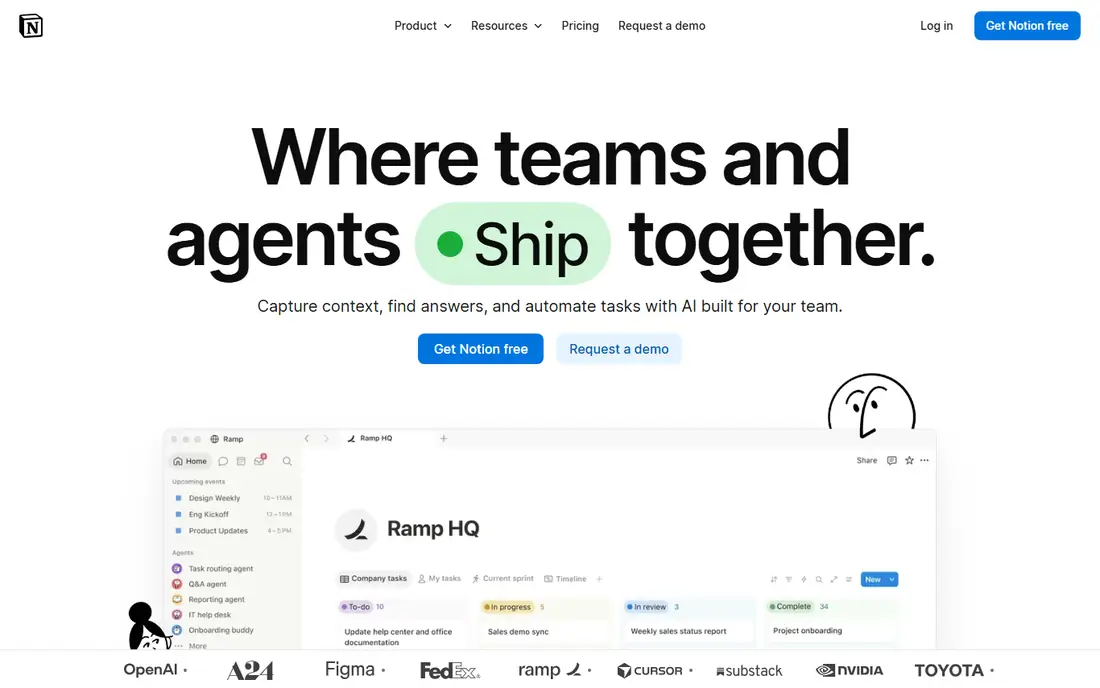
Notion combines documents, wikis, and task databases in one free workspace, which suits teams that want project notes and tasks together rather than in separate tools. The free plan covers unlimited pages and blocks for individuals, with shared workspaces for small teams, and paid Plus plans start around $10 per user per month.
Notion's project features are less structured than Asana's, with no native workload view on lower tiers, and offline use is limited. It suits knowledge-heavy teams that value flexible docs over strict project controls, and it pairs well with a dedicated tracker when reporting needs grow.
What we like- Docs, wikis, and databases in one workspace
- Flexible task views
- Generous free plan for individuals
Watch out for- Project features are less structured than Asana
- Offline use is limited
- Large team plans cost more

#4Monday.com
Best for: Visual workflows4.7/5 on
G2 (17,182 reviews, checked Oct 2026)
Visit monday.com
Starting priceFree
Free planYes
Monday.com's visual boards, dashboards, and automations make project status easy to read at a glance, and its customization suits teams with varied workflows. The free tier exists, but it is limited to a small team and a basic feature set, so larger teams move quickly to paid plans.
Paid Basic plans start around $12 per seat per month, and costs scale with seats, which makes Monday.com one of the pricier options here for bigger teams. It suits small teams that want visual workflows and are willing to pay when they grow, rather than teams that need a large free tier.
What we like- Highly visual boards and dashboards
- Strong automation and integrations
- Easy to customize
Watch out for- Free tier limited to a small team
- Paid plans start around $12 per seat per month
- Costs scale fast with seats

#5Todoist
Best for: Personal task lists4.5/5 on
G2 (832 reviews, checked Oct 2026)
Visit todoist.com
Starting priceFree
Free planYes
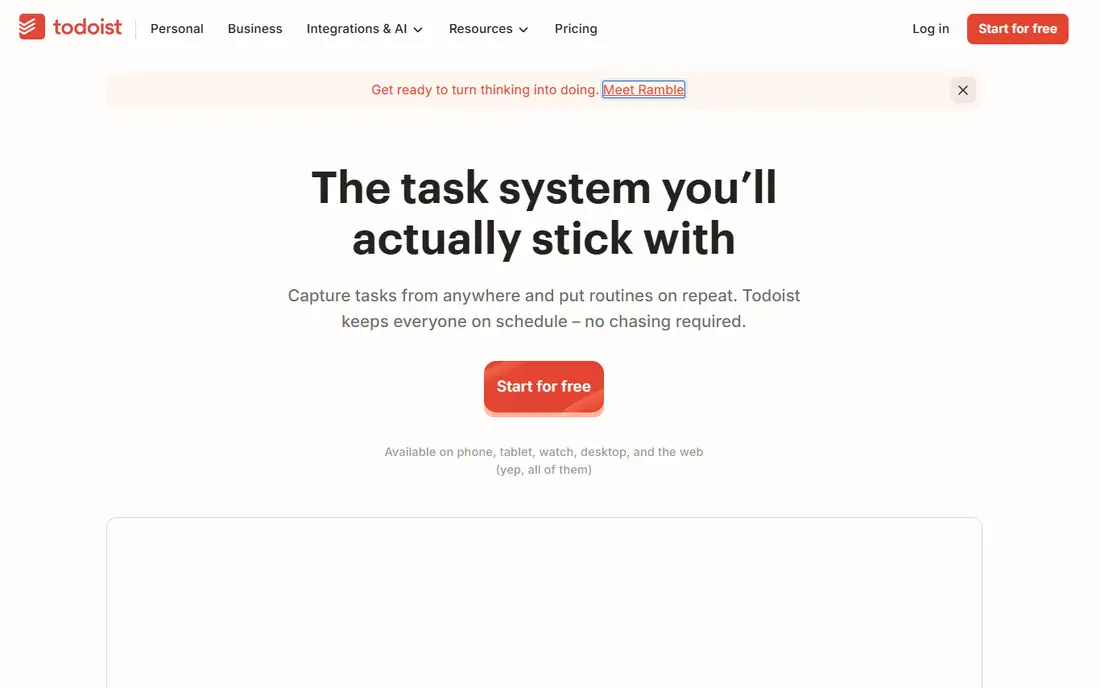
Todoist is the personal task pick. Its fast capture, natural language dates, and clean lists make it the best free tool for individuals managing their own work, with apps on every platform and a free tier that covers core task management.
It is not a full project tool: boards, timelines, and team workload features are limited or paid, with Pro starting around $4 per user per month. Todoist suits individuals and very small teams who need personal organization, and it pairs with Trello or ClickUp when team project tracking is also needed.
What we like- Fast and clean task capture
- Natural language dates
- Works everywhere
Watch out for- Not a full project management tool
- No board or timeline on free tier
- Team features need Pro

#6Wrike
Best for: Team task management4.2/5 on
G2 (4,540 reviews, checked Oct 2026)
Visit wrike.com
Starting priceFree
Free planYes
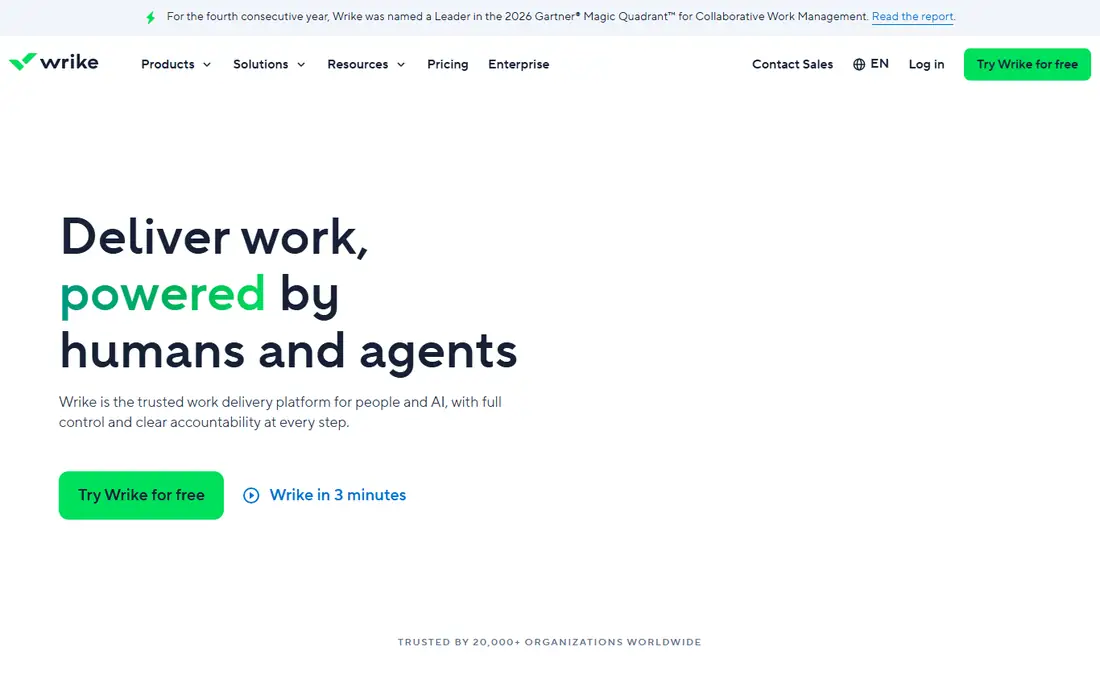
Wrike's free tier offers structured task management with team collaboration, request forms, and basic views, which suits teams that want more structure than Trello without paying. Its task hierarchy and approval features reflect its enterprise roots.
The interface feels heavier than Trello or ClickUp, and advanced reporting, dashboards, and integrations need paid Team plans starting around $10 per user per month. Wrike suits teams that expect to grow into enterprise features and want a free tier that already feels structured.
What we like- Structured task and project views
- Team collaboration on free tier
- Request forms
Watch out for- Interface feels enterprise-heavy
- Advanced reporting needs paid plans
- Free tier limits storage and integrations

#7Zoho Projects
Best for: Small team projects4.4/5 on
G2 (570 reviews, checked Oct 2026)
Visit zoho.com
Starting priceFree
Free planYes
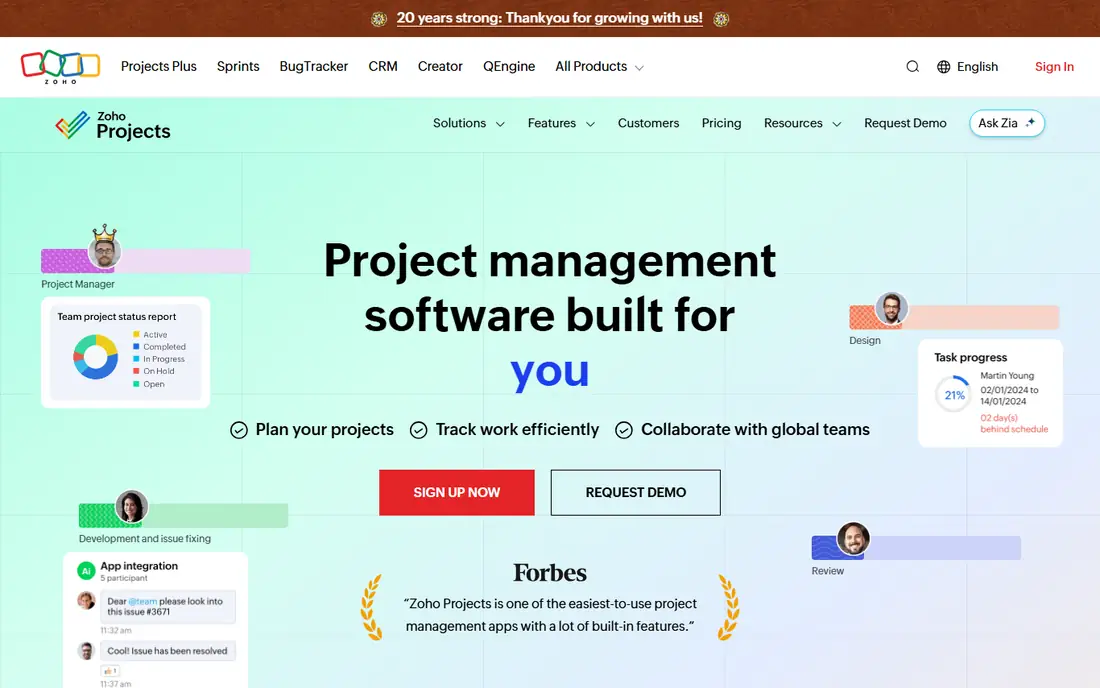
Zoho Projects' free tier covers up to 3 users and 2 projects, with Gantt charts, timesheets, and task management included, which suits very small teams and freelancers. Integration with the wider Zoho ecosystem, including CRM and invoicing, adds value for businesses already using Zoho tools.
The free limits are tight: 3 users and 2 projects, with paid Premium plans starting around $4 per user per month for larger teams. The interface feels dated beside ClickUp or Monday.com. Zoho Projects suits small teams inside the Zoho world, or freelancers managing a couple of projects for free.
What we like- Free tier for up to 3 users
- Gantt charts and timesheets
- Zoho ecosystem integrations
Watch out for- Free tier limited to 3 users and 2 projects
- Interface is dated
- Paid plans needed for larger teams

#8Freedcamp
Best for: Free unlimited basics4.5/5 on
G2 (159 reviews, checked Oct 2026)
Visit freedcamp.com
Starting priceFree
Free planYes
Freedcamp's free tier is unusually generous: unlimited projects, tasks, and storage, with calendars, discussions, and file sharing included. For a team that wants the basics without counting seats or projects, Freedcamp's free plan is the simplest deal here.
Advanced features are thinner than ClickUp's, the integration ecosystem is smaller, and extras such as CRM and invoicing sit on paid plans. Freedcamp suits teams that want unlimited basic project tracking for free and do not need advanced reporting or automation.
What we like- Free tier with unlimited projects, tasks, and storage
- Calendar and discussions included
- Simple interface
Watch out for- Fewer advanced features than ClickUp
- Smaller ecosystem
- Paid plans needed for extras like CRM and invoicing

#9Teamwork
Best for: Client project work4.4/5 on
G2 (1,214 reviews, checked Oct 2026)
Visit teamwork.com
Starting priceFree
Free planYes
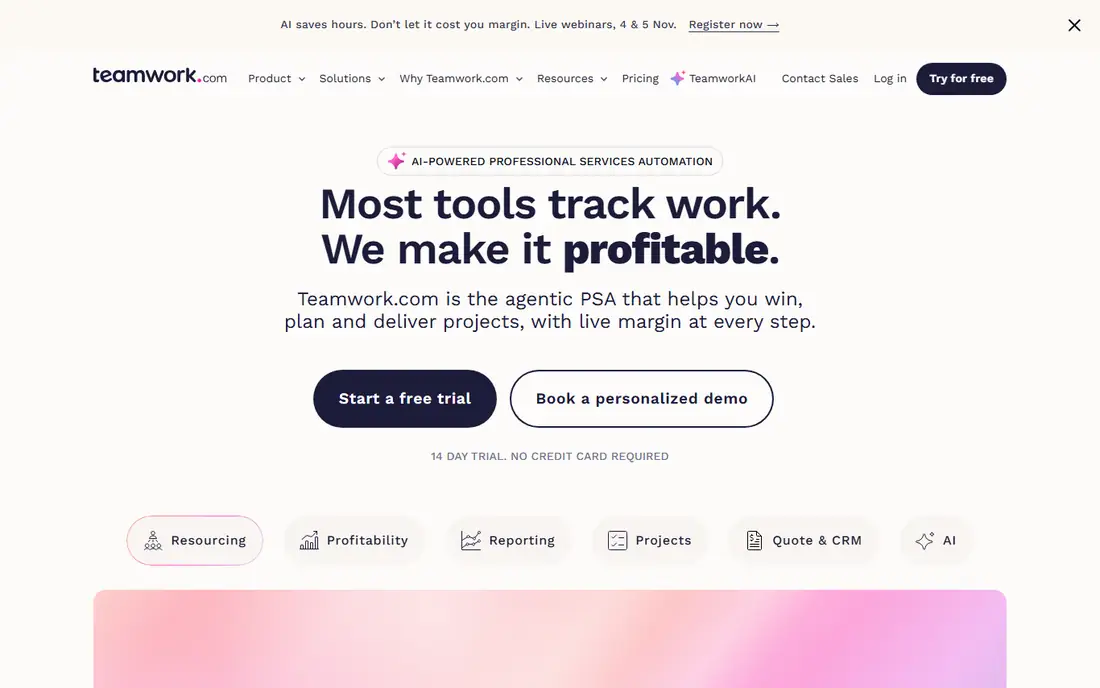
Teamwork is built for client work, with project structures, time tracking, and client access that suit agencies and freelancers billing by the hour. Its free tier covers small teams with 5 users and 2 projects, which is enough to test client workflows before paying.
Paid Starter plans start higher than some rivals, and the interface takes a session to learn. Teamwork suits agencies and freelancers who manage client projects and need time tracking built in, rather than general teams that only need task lists.
What we like- Client-friendly project structure
- Time tracking
- Free tier for small teams
Watch out for- Free tier limited to 5 users and 2 projects
- Paid plans start higher than rivals
- Interface takes learning
How we chose
We compared project management tools with a genuinely free tier, excluding trials that expire and tools without task management. Pricing figures come from each vendor's own pricing page, checked in October 2026, and where free limits apply we state them plainly. We weighed free-tier generosity, ease of use, views and reporting, automation, and how painful the upgrade path is when a team outgrows free.
Test the free tier with real work
Free tiers advertise unlimited tasks but limit the features that matter: automation runs, guest access, storage, and reporting. Before committing a team, run a real project through the free tier for two weeks, including guests and a report, and note every point where you hit a paywall.
Plan the upgrade before you need it
A free tool that charges steeply at 6 users costs more than a pricier tool that scales gently. Check the first paid tier's price and seat model now, so growth does not force a painful migration later.
Running a team on free tiers
Free tiers work best when the team agrees on conventions early. Decide how tasks are named, what each status means, and who owns triage, before the workspace grows messy. A free tool with clear conventions beats a paid tool with none, because the confusion that kills small-team projects is rarely about features. It is about nobody knowing which board is current, or what "in progress" actually means.
Guests and permissions are the usual free-tier pinch point. Some tools limit guest access or hide it behind paid plans, which matters when clients or contractors need visibility. Test guest access with a real external collaborator during your trial period, and confirm that comments, attachments, and status changes work for guests the way your workflow needs.
Finally, watch the automation and integration limits. Free tiers often cap automation runs per month, which is fine for a team that automates a few status changes, but painful for a team that routes every task through rules. Count your automations before committing, and keep manual fallbacks for the ones that matter most, so a capped month never stalls real work.
Frequently asked questions
What is the best free Asana alternative?
ClickUp, for the most generous free tier, with Trello as the simplest option and Notion as the best docs-plus-tasks choice. The right pick depends on whether you value features, simplicity, or documentation.
Is there a truly free project management tool?
Yes. ClickUp, Trello, Notion, and Freedcamp all offer permanent free tiers. Freedcamp's free tier is the most unlimited on basics, while ClickUp's covers the most features.
Can I manage a team on a free plan?
Yes, for small teams. ClickUp and Trello support unlimited members free, while Zoho Projects caps free teams at 3 users and Teamwork at 5. Check member and project limits before choosing.
Does Monday.com have a free plan?
Yes, but it is limited to a small team with basic features. Larger teams need paid plans starting around $12 per seat per month, so Monday.com suits small teams that plan to pay as they grow.
How do I migrate from Asana for free?
Export your Asana projects as CSV, then import them into Trello, ClickUp, or Notion, all of which offer import tools. Test one project first to check that custom fields and attachments carry over correctly.
Sources we checked (9)
- https://trello.com
- https://clickup.com
- https://www.notion.so
- https://monday.com
- https://todoist.com
- https://www.wrike.com
- https://www.zoho.com/projects
- https://freedcamp.com
- https://www.teamwork.com
Is your product missing or out of date?
We review this list regularly. Vendors can request a listing, send updated pricing or ask about featured placement.

Shihab Mia · Founder, Rankite
Shihab has 5+ years in B2B and SaaS SEO. He writes Rankite's software buying guides from pricing pages, documentation and public user reviews. More about Shihab.