How we make this list: we compare pricing pages, product documentation and public user reviews. Rankite is independent; if a vendor ever pays for a featured spot, that listing is clearly labeled Partner.
Key takeaways
- ClickUp's free tier is the most generous in the business, which makes it the default answer for teams that want real features without paying.
- Trello is the simplest free option and still the fastest way to get a small team organized this afternoon.
- Asana's free tier covers genuine project work for small teams, with the cleanest task management experience of the bunch.
- Every free plan has a tripwire: user limits, project caps or missing views. Check the specific limit that will hit your team first.
Quick comparison
| Tool | Best for | Starting price | Free plan |
|---|
 ClickUp ClickUp | Teams wanting maximum free features | See website | Yes |
 Trello Trello | Simple visual task boards | See website | Yes |
 Asana Asana | Clean structured task management | See website | Yes |
 Monday.com Monday.com | Visual teams wanting flexibility | See website | Free tier |
 Notion Notion | Teams combining docs and projects | See website | Yes |
 Wrike Wrike | Structured team collaboration | See website | Yes |
 Teamwork Teamwork | Agencies and client work | See website | Yes |
 Zoho Projects Zoho Projects | Teams in the Zoho ecosystem | See website | Yes |
 Airtable Airtable | Spreadsheet lovers managing projects | See website | Yes |
 Bitrix24 Bitrix24 | Free CRM plus project management | See website | Yes |
Is your product missing or out of date?
We review this list regularly. Vendors can request a listing, send updated pricing or ask about featured placement.
The best free project management software
Starting priceSee website
Free planYes
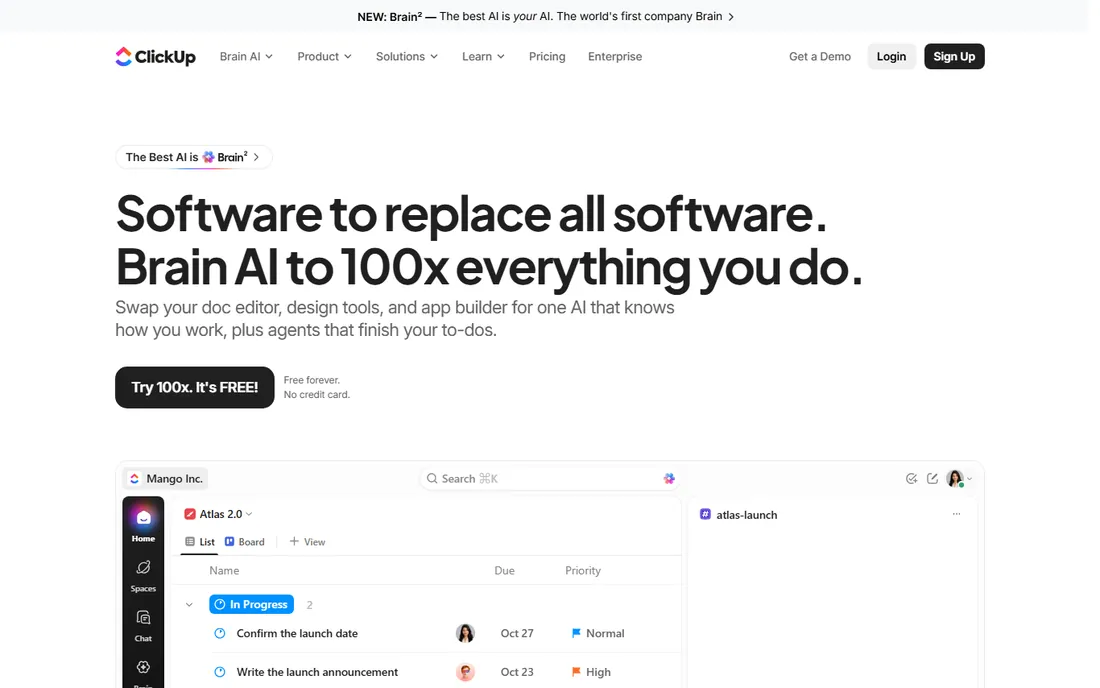
ClickUp's free plan is almost suspiciously generous: unlimited tasks, unlimited members, and most views included. Small teams get docs, goals, time tracking and automations without paying anything. It is the answer when someone asks for the most software for zero dollars.
The generosity has a cost: the interface packs in so much that new users get lost. Teams should start with one view and expand deliberately. But if your team will actually use the features, no free tier competes.
What we like- Extremely generous free tier
- Unlimited tasks and members
- Multiple views included
Watch out for- Feature sprawl can overwhelm
- Performance can lag on huge workspaces
Starting priceSee website
Free planYes
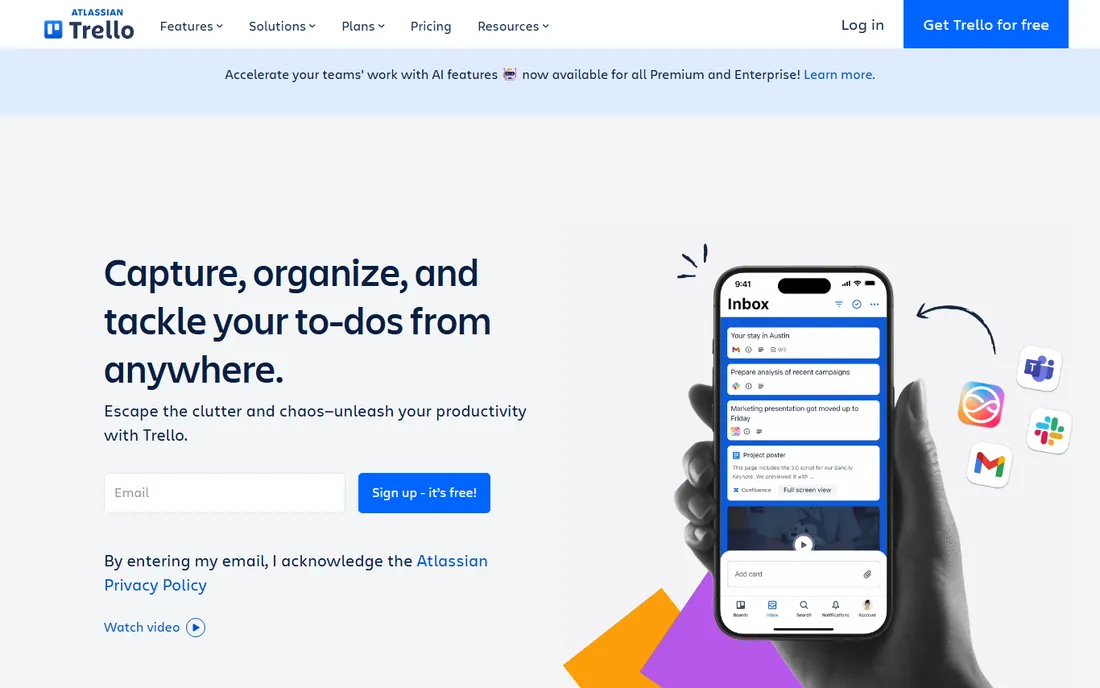
Trello invented the kanban board most teams copy, and its simplicity remains its strength. A new team can be organized in an afternoon: boards, lists, cards, done. The free tier allows unlimited cards and generous Power-Ups, covering most small-team needs.
Complex projects with dependencies, timelines and reporting outgrow it. But many teams never need that complexity. For straightforward task tracking, Trello's free tier is all most small groups will ever use.
What we like- Easiest to learn
- Free tier covers unlimited cards
- Huge template gallery
Watch out for- Limited for complex projects
- Advanced features need paid tiers
Starting priceSee website
Free planYes
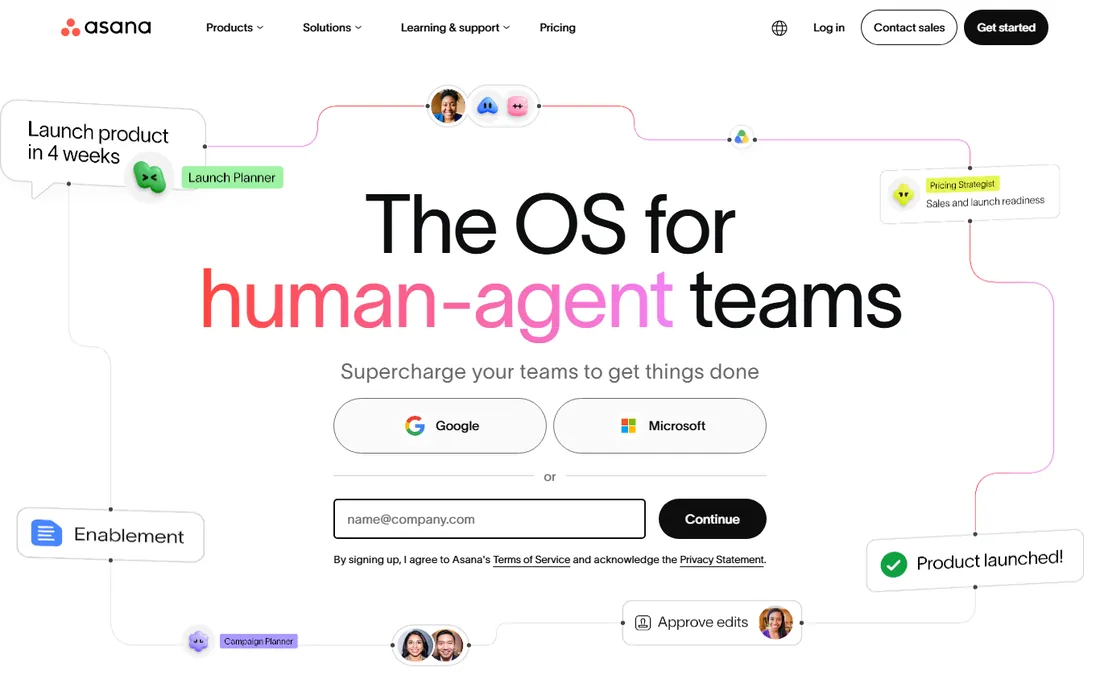
Asana's free tier gives small teams genuinely good project management: unlimited tasks, projects and messages with list, board and calendar views. The task experience, subtasks, dependencies, custom fields on paid tiers, is the most polished in the category.
The free plan caps collaborators, and the timeline and advanced reporting sit behind paywalls. Growing teams hit those limits. But for small teams that value clarity over feature count, Asana's free tier is excellent.
What we like- Best-in-class task UX
- Free tier covers real projects
- Good mobile apps
Watch out for- Free tier limits team size
- Timeline view needs paid plans
Starting priceSee website
Free planFree tier
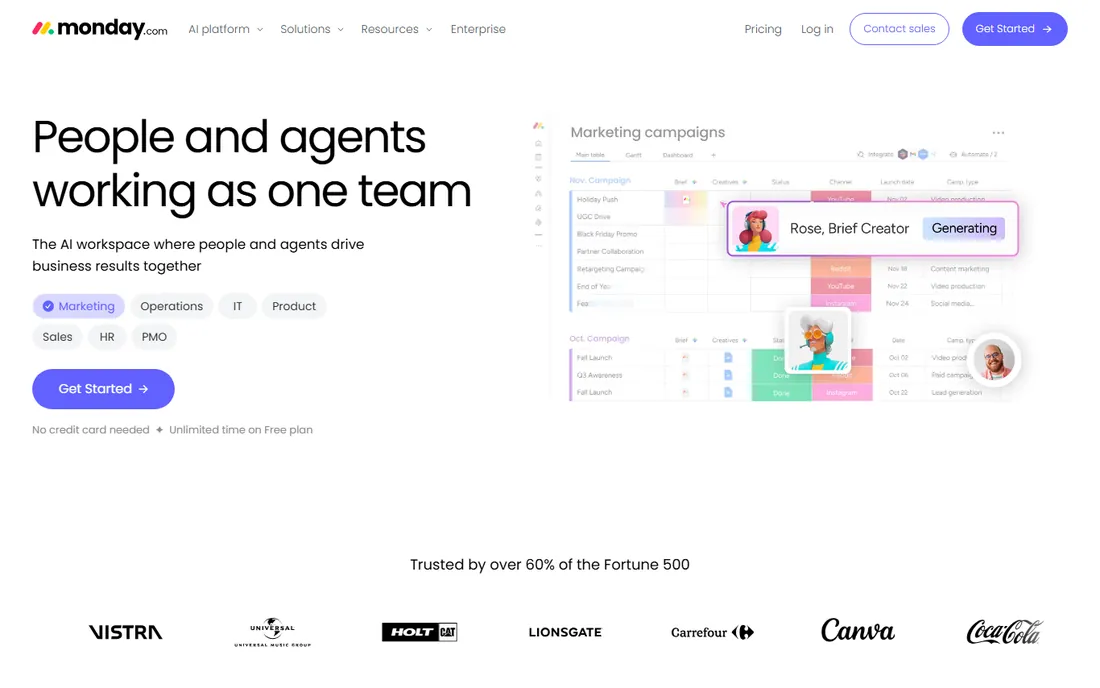
Monday.com's free tier targets individuals rather than teams, which limits its use for collaboration. But the platform itself is among the most visual and flexible: colorful boards, easy automations and templates for every workflow. Solo users get a capable free workspace.
Teams need paid plans, and costs climb with seats. Evaluate Monday free as a personal tool; budget for the team upgrade if the whole group adopts it.
What we like- Highly visual and customizable
- Free tier for individuals
- Good templates
Watch out for- Free tier is limited to individuals
- Pricing scales steeply
Starting priceSee website
Free planYes
Notion's free plan gives individuals unlimited pages and blocks, which covers personal project management completely. Teams get a shared workspace where documentation and task tracking live together, eliminating the docs-versus-tasks split.
As pure project management it is lighter: no native time tracking, basic reporting, and databases need setup. Teams that think in documents will love it; teams that need Gantt charts and resource management should look elsewhere.
What we like- Generous free tier for individuals
- Docs, wikis and tasks in one
- Huge template ecosystem
Watch out for- Project management is lighter than dedicated tools
- Can get messy without discipline
Starting priceSee website
Free planYes
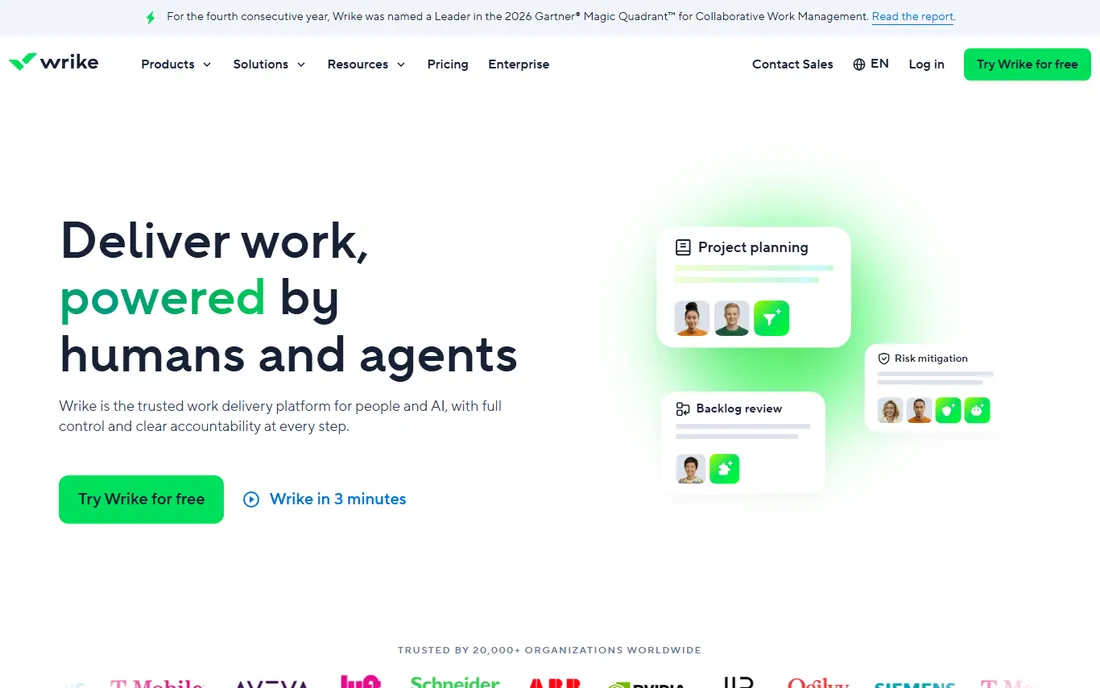
Wrike's free plan allows unlimited users, which is rare and valuable for larger groups testing the waters. Task management includes folders, subtasks and decent collaboration, with a structure that suits organized teams.
The interface feels more corporate than delightful, and the free tier restricts storage and integrations. But for teams that need structure across many people without paying, Wrike's free tier is a serious option.
What we like- Free tier for unlimited users
- Good task hierarchy
- Solid for cross-team work
Watch out for- Interface feels corporate
- Free tier limits storage and integrations
Starting priceSee website
Free planYes
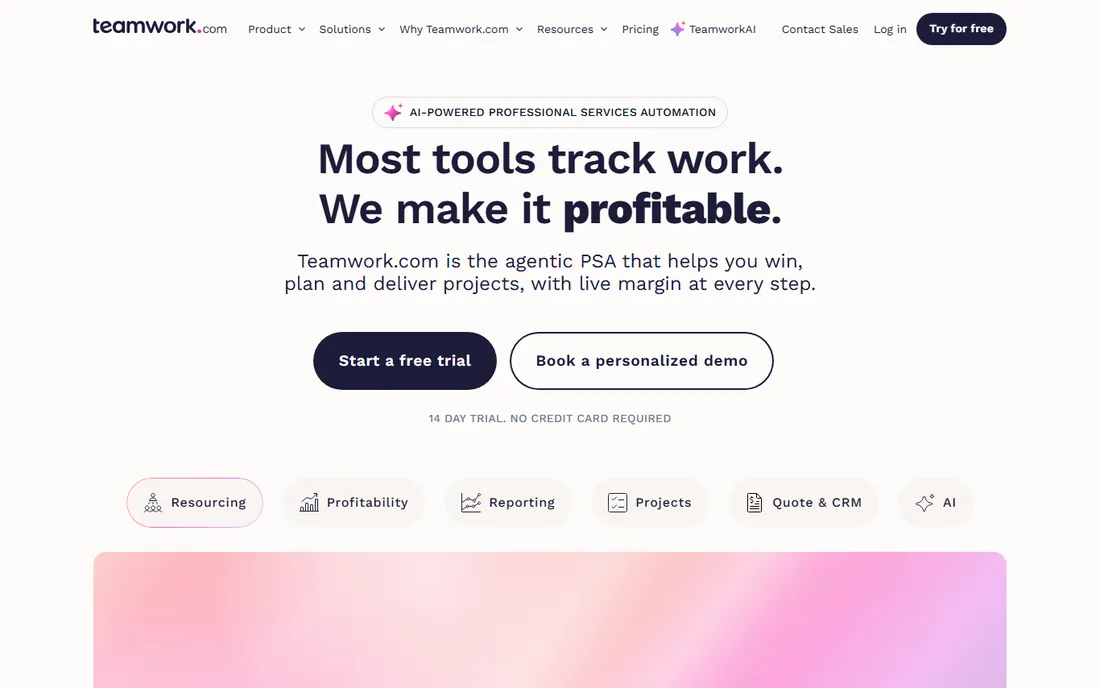
Teamwork's free tier covers small teams with projects, tasks, milestones and time tracking, built around client work. Agencies get project templates, workload views and client-facing features that generic tools lack.
The smaller user base means fewer integrations and community resources. But for small agencies and client-service teams, the free tier's client-project focus beats generic alternatives.
What we like- Free tier for small teams
- Built for client projects
- Time tracking included
Watch out for- Less known means fewer integrations
- Interface is functional
Starting priceSee website
Free planYes
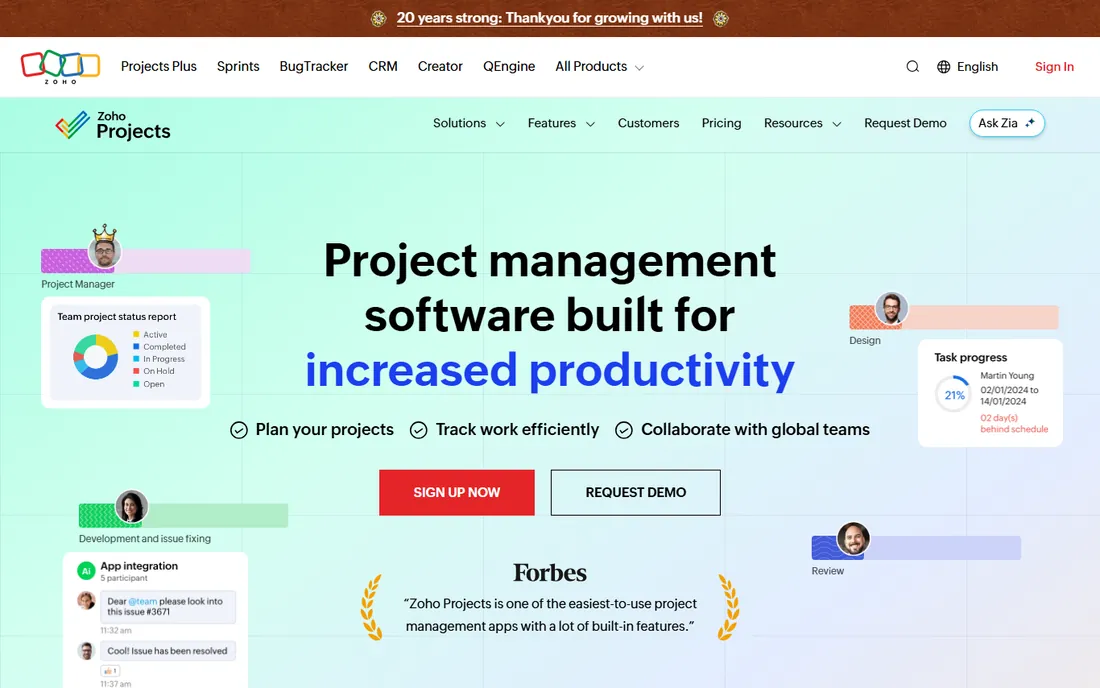
Zoho Projects offers a free tier with tasks, milestones, Gantt charts and timesheets for small teams. Businesses already on Zoho get natural integration with CRM, email and accounting. The feature set at the free level is respectable.
Standalone, it competes less well against ClickUp or Asana on experience. But Zoho shops should use it: the integration value outweighs any interface gap.
What we like- Free tier for small teams
- Integrates with Zoho suite
- Gantt charts included
Watch out for- Best value only with other Zoho apps
- Interface is dated
Starting priceSee website
Free planYes
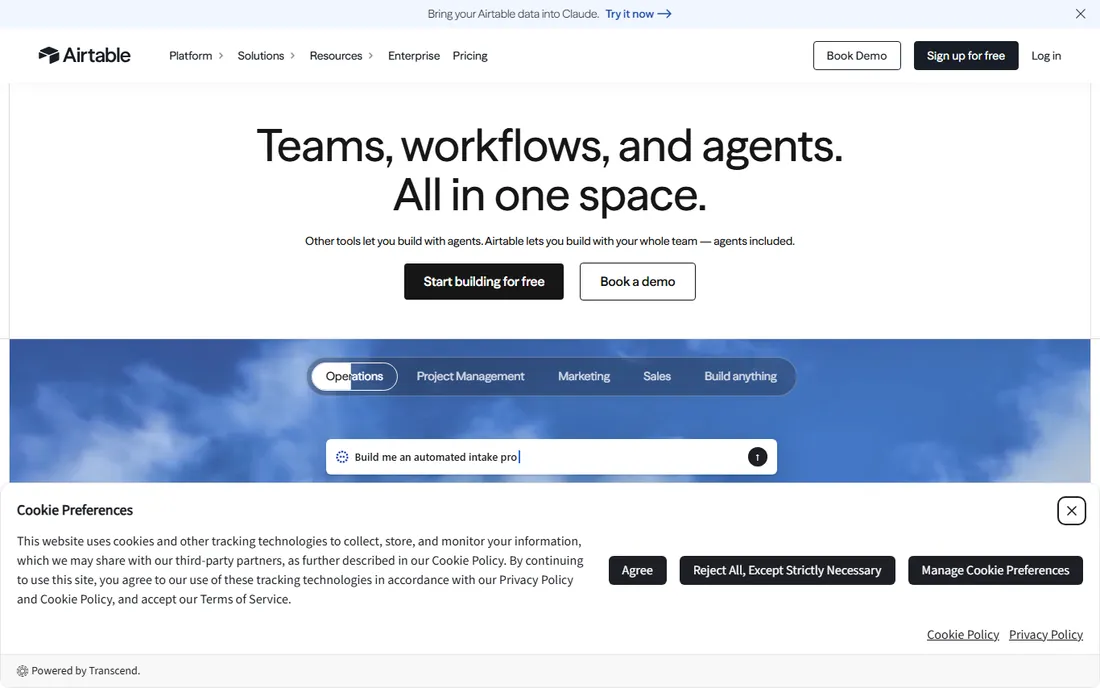
Airtable is a spreadsheet with superpowers: grid views, kanban, calendar and gallery views over the same data, with automations and integrations. Project trackers built in Airtable feel natural to spreadsheet users and the free tier covers meaningful usage.
It is not a purpose-built project manager: dependencies, workload management and portfolios need workarounds. But teams that think in tables will build exactly the tracker they want, free.
What we like- Familiar spreadsheet interface with database power
- Generous free tier
- Great views
Watch out for- Not a traditional project manager
- Record limits on free tier
Starting priceSee website
Free planYes
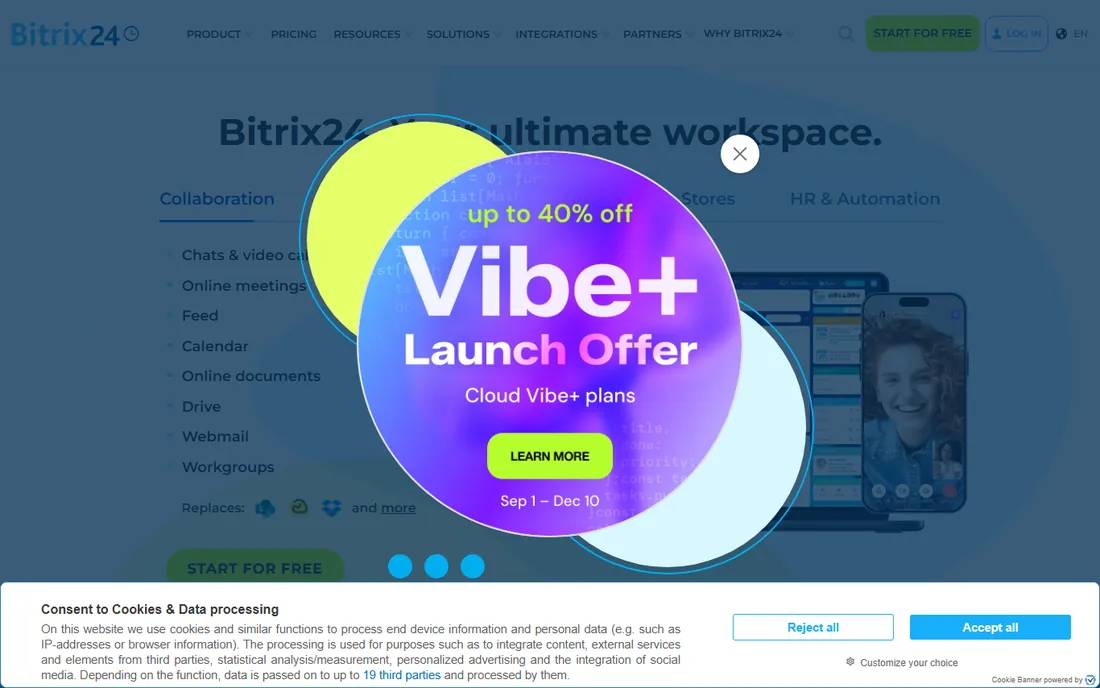
Bitrix24's free tier is remarkable: unlimited users with CRM, project management, chat, video calls and document storage. Small businesses get an entire collaboration suite free. Nothing else bundles this much at zero cost.
The interface tries to show everything at once, and new users drown. But teams willing to learn it get a free platform that replaces four paid tools. For budget-strapped small businesses, that trade is worth it.
What we like- Very generous free tier
- CRM, projects, chat and video in one
- Unlimited users free
Watch out for- Interface is cluttered
- The breadth overwhelms new users
Reading the fine print on free tiers
Free plans differ in what they limit, and the limit that matters depends on your team. ClickUp limits features by tier but not users; Asana limits collaborators; Airtable limits records; Monday limits free to individuals. Before committing, identify your growth vector: headcount, project count or data volume.
Also check what happens at the boundary. Some tools read-only your extra data when you exceed limits; others block new work but keep old work accessible. And confirm the free tier is permanent, not a trial: several "free" offers in this space quietly expire.
How we chose
We compared free tiers on genuine usability: user limits, feature restrictions, project caps and whether a real team can work indefinitely without paying. We verified each vendor's homepage and current free-tier terms, reviewed user feedback on G2, Capterra and productivity communities, and weighted honest free value over marketing claims. We did not run teams on every platform.
The software choice matters less than adoption. Start with one real project, not a demo workspace: migrate the team's actual current work into the tool and run it there for two weeks. Abstract trials die; real work sticks.
Keep the structure minimal at first. One project, a handful of columns or lists, and clear ownership per task. Teams fail when the enthusiastic organizer builds a cathedral of custom fields nobody understands. You can add sophistication later, once the basic habit of updating tasks is solid.
Make updating frictionless. Connect the tool to where work already happens: email integrations, mobile apps for field updates, calendar sync for deadlines. Every extra step between doing the work and recording it is a reason the record goes stale.
Assign one owner for the system. Not an administrator who configures, but someone who cares whether tasks are current and nudges when they are not. Tools do not create accountability; people do. The best project software with no owner becomes an expensive archive within a quarter.
Finally, review together weekly. A 15-minute standup looking at the actual board surfaces blockers, stale tasks and overloaded people. The meeting is the habit that keeps the tool honest.
The classic failure is over-structuring on day one. An enthusiastic organizer builds twenty custom fields, five views and a complex hierarchy before the team has entered a single task. Nobody understands it, nobody updates it, and the tool dies within a month. Start embarrassingly simple and add structure only when the team asks for it.
Second is the parallel systems problem. If half the team tracks work in the tool and half in chat messages and email, you have two sources of truth and therefore none. Pick one system, migrate fully, and retire the old channels for task tracking. The transition week is uncomfortable; the alternative is permanent confusion.
Third is ignoring the free tier limits until they bite. Discovering mid-project that you have hit the user cap or the storage limit creates an emergency upgrade decision. Read the limits when you start, forecast your growth, and plan the paid upgrade or the migration before you are forced into it.
Finally, no one owning the system. Free tools do not come with an administrator, so teams assume nobody needs to care. Assign the role explicitly: someone who keeps projects current, archives the finished ones and trains new members. The tool is free; the ownership still costs attention.
Frequently asked questions
What is the best completely free project management tool?
ClickUp's free tier offers the most features, Trello the simplest experience, and Bitrix24 the broadest bundle. The best depends on whether you value features, simplicity or breadth.
Are free tiers really free forever?
The tools listed here offer permanent free tiers, not trials. Limits apply, but the free plans do not expire. Always verify current terms, since vendors adjust free tiers periodically.
When should we upgrade to paid?
When you hit a real limit: too many users, missing views (timeline, workload), needed integrations or automations, or admin controls. Upgrade for a specific need, not speculatively.
Can free tools handle client work?
Teamwork, Asana and ClickUp handle client projects on free tiers reasonably. Agencies with many clients usually upgrade for client-specific features, permissions and reporting.
Is Notion a real project management tool?
It is a flexible workspace that can manage projects, not a dedicated project manager. Teams combining documentation and light task tracking do well; teams needing resource management and timelines should use a dedicated tool.
How do we migrate from spreadsheets?
Import your task list, set up one project as a pilot, and run it alongside the spreadsheet for two weeks. Migrate fully once the team trusts the new system. Most tools offer CSV import and templates.
Sources we checked (10)
- https://clickup.com/
- https://trello.com/
- https://asana.com/
- https://monday.com/
- https://www.notion.so/
- https://www.wrike.com/
- https://www.teamwork.com/
- https://www.zoho.com/projects/
- https://www.airtable.com/
- https://www.bitrix24.com/
Is your product missing or out of date?
We review this list regularly. Vendors can request a listing, send updated pricing or ask about featured placement.

Shihab Mia · Founder, Rankite
Shihab has spent more than a decade helping SaaS and e-commerce brands grow through search. He writes Rankite's software buying guides from pricing pages, documentation and public user reviews. More about Shihab.