How we make this list: we compare pricing pages, product documentation and public user reviews. Ratings come from G2, Capterra or Trustpilot, with the date we checked them.
Key takeaways
- Maze and Lyssna give small teams the fastest route to unmoderated results, with free plans for early work.
- Lookback is the strongest pick here for live moderated interviews, with observers able to join sessions in real time.
- UXtweak and Optimal Workshop cover information architecture work, such as card sorting and tree testing, that many simpler tools skip.
- Participant costs often matter more than subscription prices, so check panel fees and incentive rules before you commit.
- Dscout fits longer research, such as diary studies, while Userbrain and Useberry suit quick, one-off usability checks.
Quick comparison
| Tool | Best for | Starting price | Free plan |
|---|
 Maze Maze | Rapid prototype testing | $99 per user/month (billed annually) | Yes |
 Lyssna Lyssna | Fast unmoderated tests | $166 per user/month (billed annually) | Yes |
 Lookback Lookback | Live moderated interviews | $25 per user/month (billed annually) | No |
 UXtweak UXtweak | All-in-one research methods | See website | Yes |
 Optimal Workshop Optimal Workshop | Information architecture testing | $199 per user/month (billed annually) | No |
 Userbrain Userbrain | Quick unmoderated video tests | $49 per user/month (billed annually) | No |
 PlaybookUX PlaybookUX | Mixed-method research in one place | See website | No |
 Useberry Useberry | Prototype and website testing | See website | Yes |
 Dscout Dscout | Diary studies and longitudinal research | See website | No |
Is your product missing or out of date?
We review this list regularly. Vendors can request a listing, send updated pricing or ask about featured placement.
The best UserTesting alternatives for every research need
#1Maze
Best for: Rapid prototype testing4.4/5 on
G2 (27 reviews, checked Oct 2026)
Visit maze.co
Starting price$99 per user/month (billed annually)
Free planYes
Maze works best when a design team needs answers before development starts. You can import a Figma prototype, set tasks, and share a link with testers or use the Maze panel. Results arrive as task success rates, misclicks, and paths through the prototype, which makes it easier to show a stakeholder exactly where users got stuck. The tool also supports surveys, card sorting, and five-second tests, so a single study can mix quantitative checks with open feedback.
The trade-off is depth. Maze gives clear numbers on what happened, but it gives less room for follow-up questions than a live interview. Teams that need to understand why a user hesitated will often pair Maze with a moderated tool such as Lookback. For prototype validation on a tight schedule, though, Maze is hard to beat, and the free plan lets a small team run basic tests before paying.
What we like- Direct Figma integration
- Fast unmoderated test setup
- Built-in participant panel
Watch out for- Moderated research is thinner than in interview-first tools
- Panel costs add to the subscription
#2Lyssna
Best for: Fast unmoderated tests4.4/5 on
G2 (189 reviews, checked Oct 2026)
Visit lyssna.com
Starting price$166 per user/month (billed annually)
Free planYes
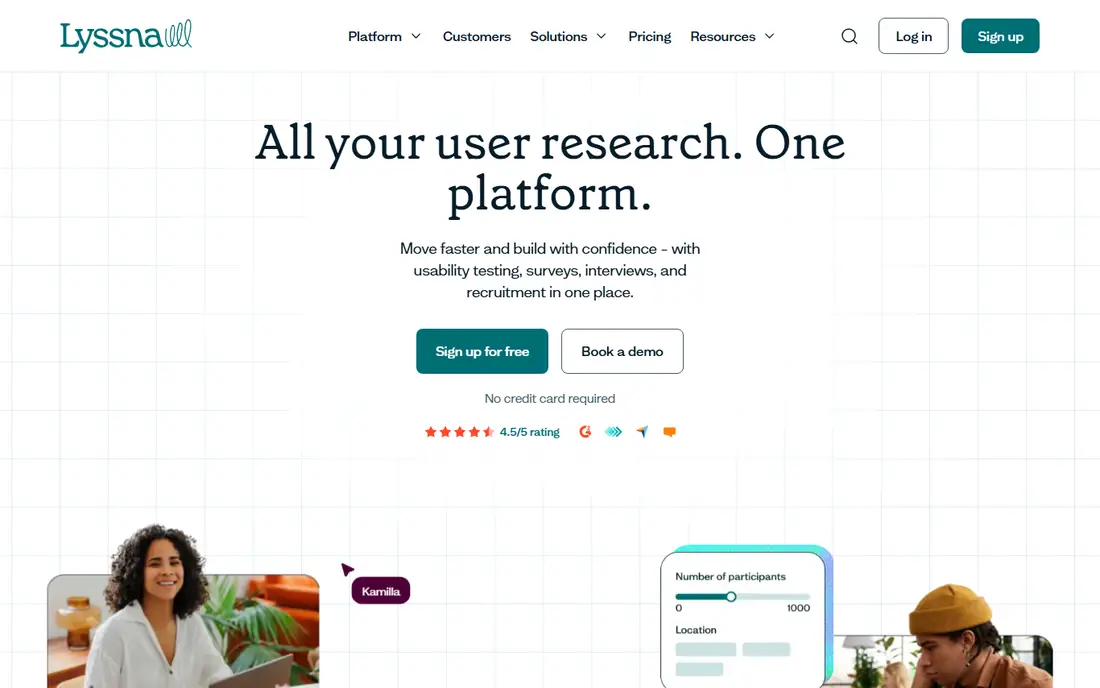
Lyssna, formerly UsabilityHub, covers first-click tests, five-second tests, preference tests, card sorts, surveys, and recorded usability tests. That breadth matters for teams that run many small studies rather than one large project. A marketer can test two headlines in the morning and a product designer can run a navigation test in the afternoon, all from the same account. Panel recruitment is included as an option, and self-recruitment through a shared link keeps costs down when you already have users to invite.
The free plan is genuinely useful for trying methods and running small tests. Paid plans raise response limits and add team controls, but a solo researcher may find the Growth price high compared with pay-as-you-go tools. Lyssna still earns its place here because it removes the need to buy separate tools for quick tests and preference checks.
What we like- Wide method mix in one account
- Free plan for small studies
- Panel recruitment built in
Watch out for- Growth pricing is steep for solo researchers
- Advanced analysis stays simpler than enterprise suites
#3Lookback
Best for: Live moderated interviews4.3/5 on
G2 (21 reviews, checked Oct 2026)
Visit lookback.com
Starting price$25 per user/month (billed annually)
Free planNo
Lookback is built around conversations. A researcher runs a live video session while teammates watch as silent observers, take timestamped notes, and flag moments for later clips. That setup changes how teams use research, because a product manager can watch a real user struggle with a checkout flow instead of reading a summary of it later. Recordings, transcripts, and highlights then feed into a shared repository for future reference.
Lookback also supports unmoderated studies, where participants complete tasks on their own while the tool records screen and voice. Pricing starts low for freelancers, but team plans rise quickly, and participant incentives are a separate cost to plan for. If your main need is interviews and live observation, Lookback is the most focused option in this list.
What we like- Live observer mode for stakeholders
- Strong session recording and notes
- Moderated and unmoderated studies
Watch out for- No free plan
- Panel recruitment depends on integrations and own sourcing
Starting priceSee website
Free planYes
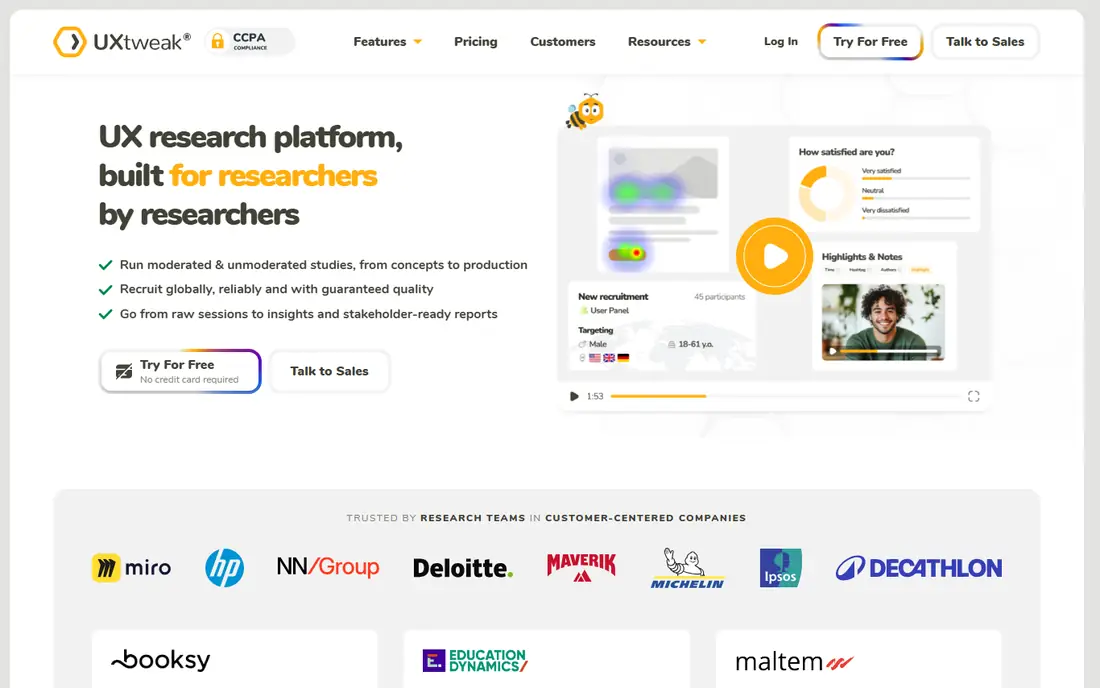
UXtweak suits teams that want one subscription for many methods. It offers website and mobile usability testing, prototype testing, card sorting, tree testing, surveys, preference tests, and session recording. That range means a team can test navigation structure one week and run a moderated interview the next without switching vendors. Recruitment from its panel covers many countries, and onsite recruiting can turn site visitors into participants.
The breadth is also the drawback. New users face more menus and settings than they would in a single-purpose tool, so allow time for setup on the first study. The free starter plan helps here, since you can learn the core methods before paying. For research teams that run varied studies each month, UXtweak gives strong value for the price.
What we like- Tree testing, card sorting, and session recording in one suite
- Free starter plan
- Participant panel in many countries
Watch out for- Interface packs in many tools, so first setup takes time
- Pricing pages list several plan tiers to compare
Starting price$199 per user/month (billed annually)
Free planNo
Optimal Workshop has spent years on one problem: whether users can find things. Its card sorting tool shows how people group content, and its tree testing tool measures whether they can locate items in a proposed navigation structure. Those results are concrete, with success rates and paths that a content team can act on before a redesign. Prototype testing, surveys, and interviews round out the suite, and the panel reaches many countries.
Teams that mainly need video usability tests may find Optimal Workshop heavier than needed. Its strength shows when navigation, labeling, or content organization is the question, such as before a site restructure or a help center rebuild. Budget matters too, since the starter plan is priced for teams rather than casual users.
What we like- Leading card sorting and tree testing tools
- Large participant panel
- Clear quantitative IA reports
Watch out for- Less suited to video-based usability testing alone
- Entry price is high for small teams
#6Userbrain
Best for: Quick unmoderated video tests4.5/5 on
G2 (35 reviews, checked Oct 2026)
Visit userbrain.com
Starting price$49 per user/month (billed annually)
Free planNo
Userbrain keeps unmoderated testing simple. You write tasks, add a website or prototype link, and participants record their screen and voice as they think aloud. Most tests complete within 24 hours, according to the vendor, which suits teams that test every week and need a steady flow of video feedback. Automated reports summarize findings and let you clip key moments to share with colleagues.
The narrow focus is a feature and a limit. Userbrain does not try to cover surveys, card sorts, or diary studies, so teams with varied methods will need another tool for those jobs. For a product team that mainly asks, can people complete this flow, Userbrain is direct, affordable at the entry tier, and easy to repeat.
What we like- Results often arrive within a day
- Simple test setup
- Automated reports with clips
Watch out for- No free plan
- Moderated interviews are not the focus
Starting priceSee website
Free planNo
PlaybookUX aims to replace several research tools with one account. It supports unmoderated video tests, moderated interviews, surveys, card sorting, tree testing, five-second tests, and preference tests, plus a repository for storing and tagging insights. Its panel covers millions of participants, and studies often fill within hours. Unlimited seats on some plans make it easier for a whole product organization to view and reuse research.
The main caution is pricing. Public pages do not list a simple starter price, so you need a quote or a pay-as-you-go estimate before budgeting. Teams that use only one or two methods may also find the breadth unnecessary. For research teams that run mixed studies every month, though, PlaybookUX reduces tool switching and keeps findings in one searchable place.
What we like- Moderated, unmoderated, surveys, card sorts, and tree tests in one platform
- Large participant panel
- Research repository
Watch out for- Pricing is not fully transparent on the public site
- Smaller teams may pay for methods they rarely use
Starting priceSee website
Free planYes
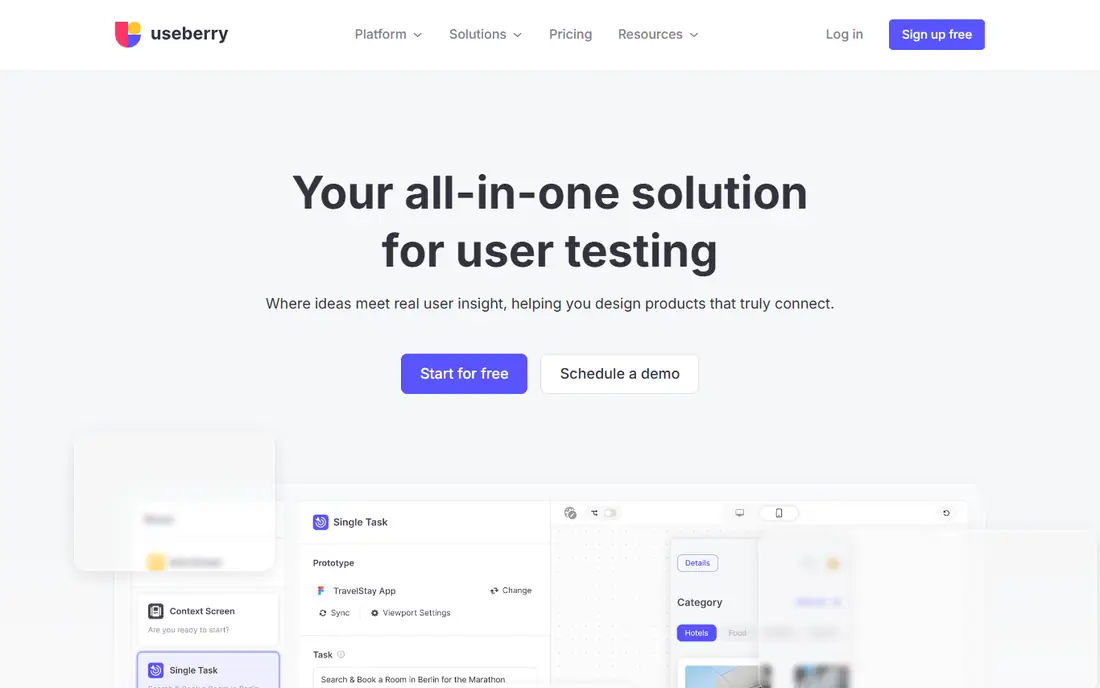
Useberry is a practical choice for design teams that live in Figma. You can import a prototype, set tasks, and watch recordings of how testers move through screens, with heatmaps and click data to back up the video. It also tests live websites, either through a link or a snippet, and supports card sorting, tree testing, and surveys. Self-recruitment is free through a link, and a global participant pool is available when you need fresh testers.
Useberry added live interviews, but teams that run interviews every day may still prefer Lookback for observer tools and scheduling depth. For prototype validation and website usability work, Useberry is strong, and the free plan makes it easy to try a real study before paying. Check panel costs separately, since they depend on audience and study length.
What we like- Strong Figma and ProtoPie imports
- Live website testing
- Free plan to start
Watch out for- Moderated interview features are newer and less deep
- Panel pricing varies by study
Starting priceSee website
Free planNo
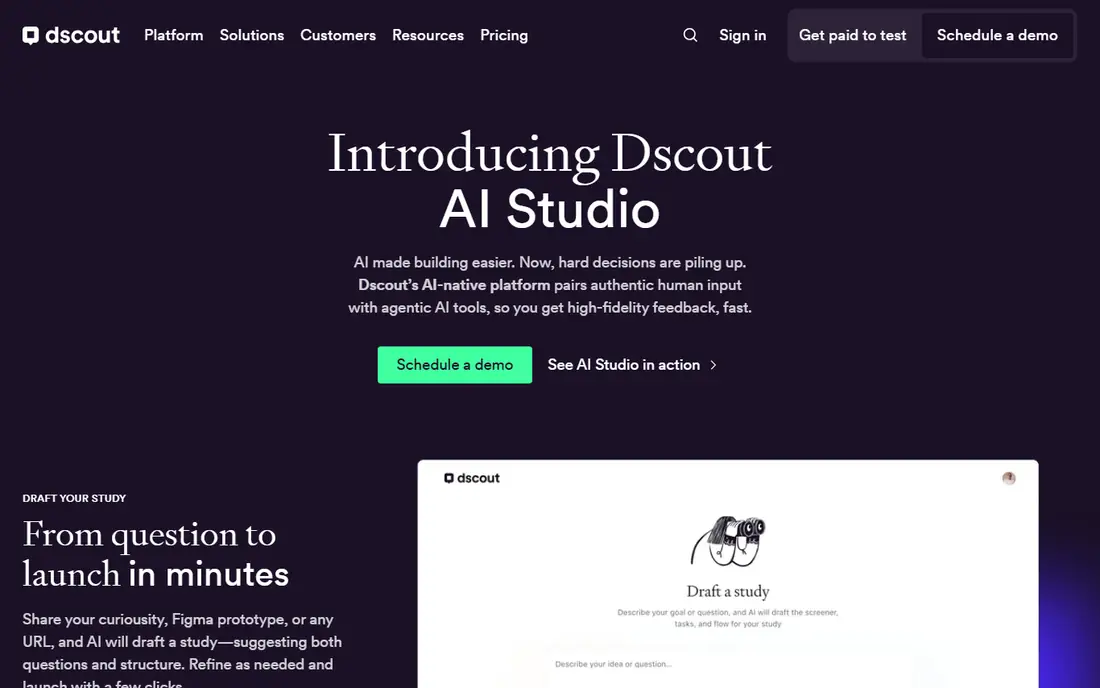
Dscout stands apart because it studies behavior over time. Diary studies let participants record video, photos, and answers over days or weeks, which reveals habits and context that a single lab-style test misses. It also supports live interviews, unmoderated tests, and surveys, with AI-assisted summaries and theme detection to speed up analysis of large qualitative datasets.
That power comes with enterprise-style pricing. Dscout does not publish a starter price, so small teams should request a quote early and compare total cost, including incentives, against simpler tools. If your research question spans weeks, such as how people use a budgeting app in daily life, Dscout is the best fit in this list. For a one-off prototype check, a cheaper tool will do the job faster.
What we like- Diary studies and in-context mobile capture
- Strong qualitative analysis tools
- Large participant pool
Watch out for- Custom pricing only
- Overkill for a single quick usability test
How we chose
We compared vendor pricing pages, documentation, and public reviews on G2, Capterra, and Reddit, and we checked that each tool still offers the methods it claims. We favored tools with a clear fit for user testing, meaning video or task-based feedback from real participants, over general analytics tools that only watch behavior. We also weighed method range, panel access, free plans, and suitability for small teams against enterprise-only platforms, and we dropped tools whose homepages no longer supported new sign-ups.
Choosing the right UserTesting alternative
Start with the research question, not the feature list
A prototype question needs Maze or Useberry. A navigation question needs Optimal Workshop or UXtweak. An interview question needs Lookback. A behavior-over-time question needs Dscout. Matching the tool to the question first prevents paying for a large suite when a focused tool answers the question better.
Count participant costs, not just the subscription
Panel recruitment and incentives can exceed the monthly fee, especially for niche audiences or moderated sessions. Ask each vendor what a typical study costs with participants included, and compare that total across tools. Self-recruitment through your own users or a shared link is the cheapest route when your audience is reachable.
Run one real study before you commit
Use a free plan or trial to run a study with your own prototype or site, not a demo project. Check how long setup takes, how fast participants arrive, and whether the report gives your team a decision. If the report only produces clips with no task data, or numbers with no context, the tool may not fit your workflow.
Frequently asked questions
What is the cheapest UserTesting alternative?
Lookback starts at a low monthly price for freelancers, and Userbrain offers an affordable entry tier for unmoderated tests. Lyssna, Maze, UXtweak, and Useberry all offer free plans for small studies. The cheapest total cost depends on participant fees, so compare a full study price, not just the subscription.
Can I use my own participants with these tools?
Yes. Maze, Lyssna, Lookback, UXtweak, Useberry, and PlaybookUX all support self-recruitment through shareable links. This avoids panel fees and lets you test with real customers. Some tools still charge for platform use on self-recruited studies, so check the plan limits first.
Do I need a participant panel?
You need a panel when you lack access to your target audience, need a specific demographic, or want fast recruitment. If you have an email list, a customer community, or site traffic to recruit from, self-recruitment often gives better participants at lower cost. Panels help most for broad consumer audiences and niche professional groups.
Which tool is best for prototype testing?
Maze and Useberry are the strongest prototype choices here, thanks to direct design tool imports and task-based testing. UXtweak and PlaybookUX also handle prototypes well, with a wider method mix. Choose Maze for speed and Useberry when you also want live website testing in the same account.
Is UserTesting itself still worth considering?
UserTesting remains a strong enterprise option with a large panel and deep methods. Its pricing is custom and typically higher than the tools in this list, which is why many small and mid-size teams switch. If you run research at scale and need enterprise controls, request a quote and compare it against PlaybookUX and Dscout.
How long does a typical unmoderated test take?
Setup often takes under an hour once tasks are written. Participant responses can arrive within hours on tools with large panels, such as Userbrain, Maze, and PlaybookUX. Analysis time depends on study size, but automated transcripts and summaries now cut that work sharply compared with manual review.
Sources we checked (9)
- https://maze.co/pricing
- https://www.lyssna.com/pricing
- https://www.lookback.com/pricing
- https://www.uxtweak.com/pricing
- https://www.optimalworkshop.com/pricing
- https://www.userbrain.com/pricing
- https://www.playbookux.com/pricing
- https://www.useberry.com/pricing
- https://www.dscout.com/pricing
Is your product missing or out of date?
We review this list regularly. Vendors can request a listing, send updated pricing or ask about featured placement.

Shihab Mia · Founder, Rankite
Shihab has 5+ years in B2B and SaaS SEO. He writes Rankite's software buying guides from pricing pages, documentation and public user reviews. More about Shihab.