How we make this list: we compare pricing pages, product documentation and public user reviews. Ratings come from G2, Capterra or Trustpilot, with the date we checked them.
Key takeaways
- The best software for managing projects for most SMB teams: Asana ($10.99/user/month annual, Starter), ClickUp ($7/user/month annual, Unlimited) and Zoho Projects ($5/user/month monthly, Premium) all publish prices and offer free plans.
- Trello ($5/user/month annual, Standard) is the simplest Kanban option, and Wrike (Team at $10/user/month annual) fits larger teams that need custom workflows and portfolio reporting.
- Smartsheet (Pro at $9/member/month annual) is the spreadsheet-first pick for Gantt-driven teams, but it has no free plan since 2025.
- Basecamp charges flat: $299/month for unlimited users on Pro Unlimited billed annually, which beats per-seat pricing once you pass about 20 seats.
Quick comparison
| Tool | Best for | Starting price | Free plan |
|---|
 Asana Asana | Growing teams that want task tracking plus portfolios and goals | $10.99/user/month billed annually ($13.49 monthly, Starter) | Yes (Personal plan, 2-user cap) |
 Monday.com Monday.com | Teams that want a visual, board-first workspace | See website (vendor pricing page is JavaScript-rendered, no figures visible) | Yes (free plan; 14-day Pro trial; 3-user minimum on paid plans) |
 ClickUp ClickUp | Teams that want tasks, docs, chat and goals in one workspace | $7/user/month billed annually ($10 monthly, Unlimited) | Yes (Free Forever, $0) |
 Trello Trello | Small teams that want simple Kanban boards | $5/user/month billed annually ($6 monthly, Standard) | Yes ($0) |
 Smartsheet Smartsheet | Spreadsheet-first teams running Gantt plans | $9/member/month billed annually ($12 monthly, Pro) | No (free plan discontinued in 2025; 30-day free trial) |
 Wrike Wrike | Larger teams that need configurable workflows and reporting | $10/user/month billed annually (Team) | Yes ($0) |
 Basecamp Basecamp | Teams that want one simple tool for a flat fee | $299/month unlimited users billed annually ($349 monthly, Pro Unlimited) | No (30-day free trial) |
 Teamwork Teamwork | Agencies and client-services firms that bill by the hour | $10.99/user/month billed annually (Deliver) | Yes (free plan, up to 5 users) |
 Zoho Projects Zoho Projects | Budget-conscious teams already using Zoho apps | $5/user/month monthly ($4 billed annually, Premium) | Yes (free plan: 3 users, 2 projects) |
 Notion Notion | Teams that want docs, wikis and light project tracking in one place | $10/member/month billed annually ($12 monthly, Plus) | Yes |
Is your product missing or out of date?
We review this list regularly. Vendors can request a listing, send updated pricing or ask about featured placement.
The best software for managing projects
The best project management tool is the one your team actually opens on Monday morning. Most teams do not fail for lack of features; they fail because nobody updates the board, the dates drift, and the tool becomes a graveyard of abandoned tasks. So the right question is not which platform has the most views. It is which one your team will keep current at your headcount and your budget.
These ten cover the real market: per-seat workhorses like Asana and ClickUp, a flat-fee outsider in Basecamp, Kanban simplicity in Trello, spreadsheet-first Smartsheet, enterprise-grade Wrike, agency-focused Teamwork, budget Zoho Projects, and Notion for teams that live in docs. Every price below comes from the vendor's own pricing page, verified in October 2026.
#1
Asana
Best for: Growing teams that want task tracking plus portfolios and goals
Visit asana.com
Starting price$10.99/user/month billed annually ($13.49 monthly, Starter)
Free planYes (Personal plan, 2-user cap)
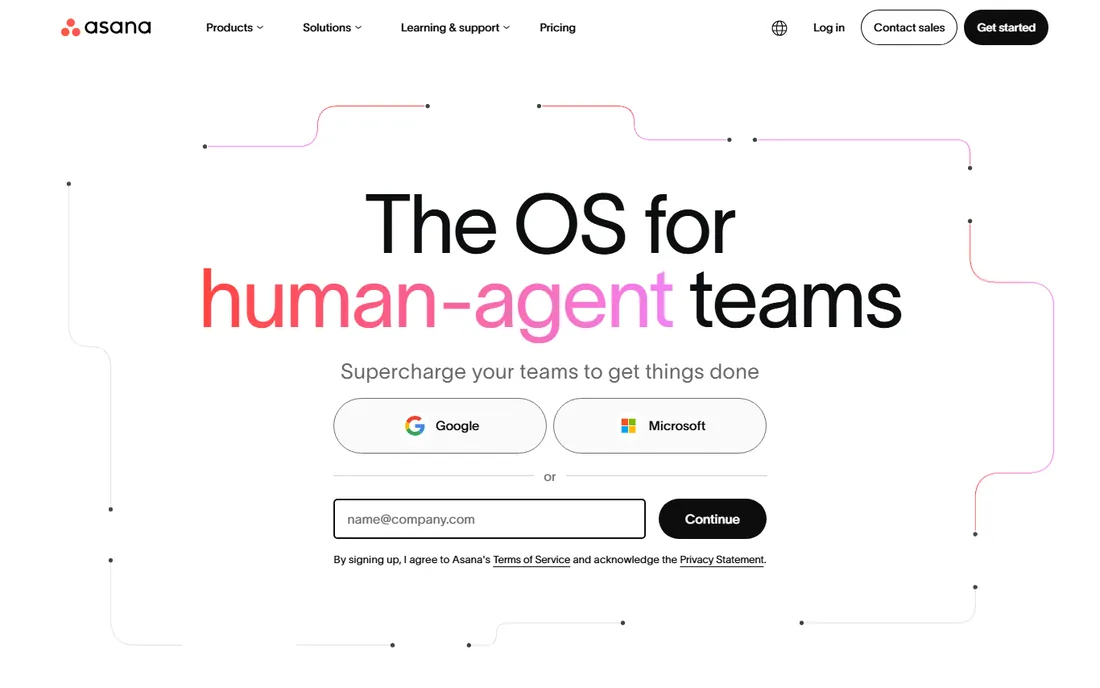
Asana has been the default project management pick for growing teams for a decade, and the reason is structure. Starter covers list, board and timeline views plus forms and basic automations, enough for a team of ten to run weekly sprints without touching anything advanced. Step up to Advanced and you get portfolios, goals and workload management, which is where Asana starts looking like a real portfolio tool.
The pricing has two catches worth noting. The free plan tops out at two users, so it is a trial in practice for any real team. And per-user prices climb fast: a 20-person team on Advanced pays about $500 per month billed annually. If your projects stay simple, the lower tiers do the job. If you want reporting and workload views, price the Advanced tier from day one.
What we like- Goals, portfolios and workload views on higher tiers
- Timeline view and forms on Starter
- Strong automation rules and a large integration catalog
Watch out for- The free Personal plan is capped at two users
- Reporting and workload features sit on Advanced at $24.99/user/month
#2
Monday.com
Best for: Teams that want a visual, board-first workspace
Visit monday.com
Starting priceSee website (vendor pricing page is JavaScript-rendered, no figures visible)
Free planYes (free plan; 14-day Pro trial; 3-user minimum on paid plans)
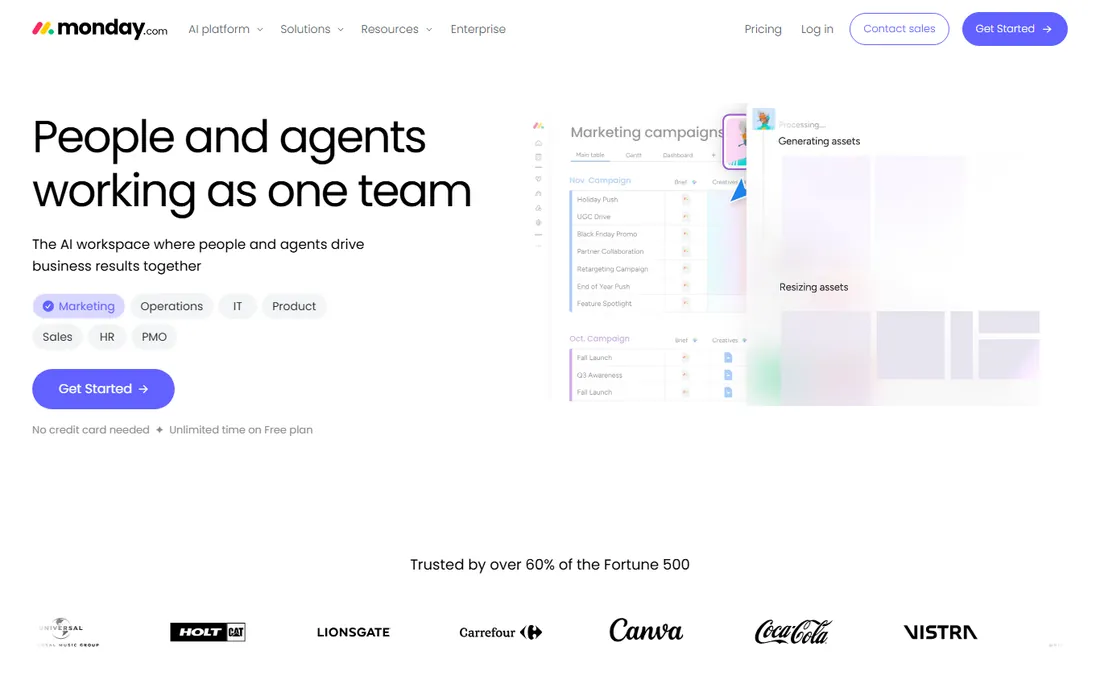
Monday.com sells on looks and onboarding speed. Boards are colorful, templates cover everything from marketing calendars to client onboarding, and the automations builder is visual enough for non-technical teams. It is the tool companies pick when they want something the whole office can open without training.
The honest trade-off is transparency. The vendor's pricing page confirms a free plan, a 14-day Pro trial, an 18 percent annual discount and a 3-user minimum on paid plans, but no dollar figures render in the browser. That 3-seat minimum matters: small teams price three seats regardless of headcount. Ask for the written price before comparing it against per-user alternatives like ClickUp.
What we like- Highly visual dashboards and board views
- Large template library and app marketplace
- Free plan available for individuals
Watch out for- No published prices visible on the pricing page, so buyers must contact sales
- 3-user minimum means solo users pay for three seats
#3
ClickUp
Best for: Teams that want tasks, docs, chat and goals in one workspace
Visit clickup.com
Starting price$7/user/month billed annually ($10 monthly, Unlimited)
Free planYes (Free Forever, $0)
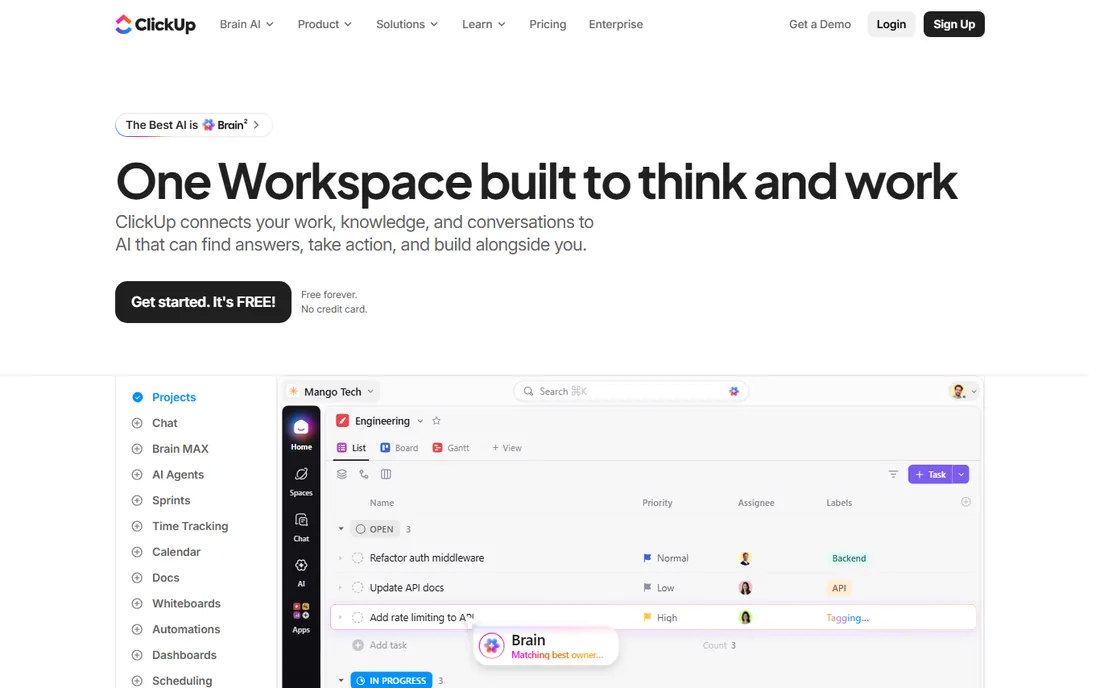
ClickUp's pitch is consolidation: tasks, docs, chat, whiteboards and goals in one workspace so teams can cancel two or three other subscriptions. The Free Forever plan is genuinely usable, and Unlimited at $7 per user per month billed annually undercuts every other paid entry here. Views are everywhere, with Gantt, calendar, timeline and mind map alongside list and board.
The catch is cognitive load. ClickUp exposes an enormous number of settings, and small teams often spend weeks simplifying it. Reporting worth reading sits on Business at $12 per user per month annual. For teams that want one hub and can invest in setup, the price-to-feature ratio is hard to beat. For teams that want simple, Trello costs less in time.
What we like- Very generous Free Forever plan
- Unlimited is the cheapest entry price here at $7 per user annual
- Views include list, board, Gantt, calendar and mind maps
Watch out for- Feature depth can overwhelm small teams
- Business at $12/user/month annual is needed for advanced automations and reporting
Starting price$5/user/month billed annually ($6 monthly, Standard)
Free planYes ($0)
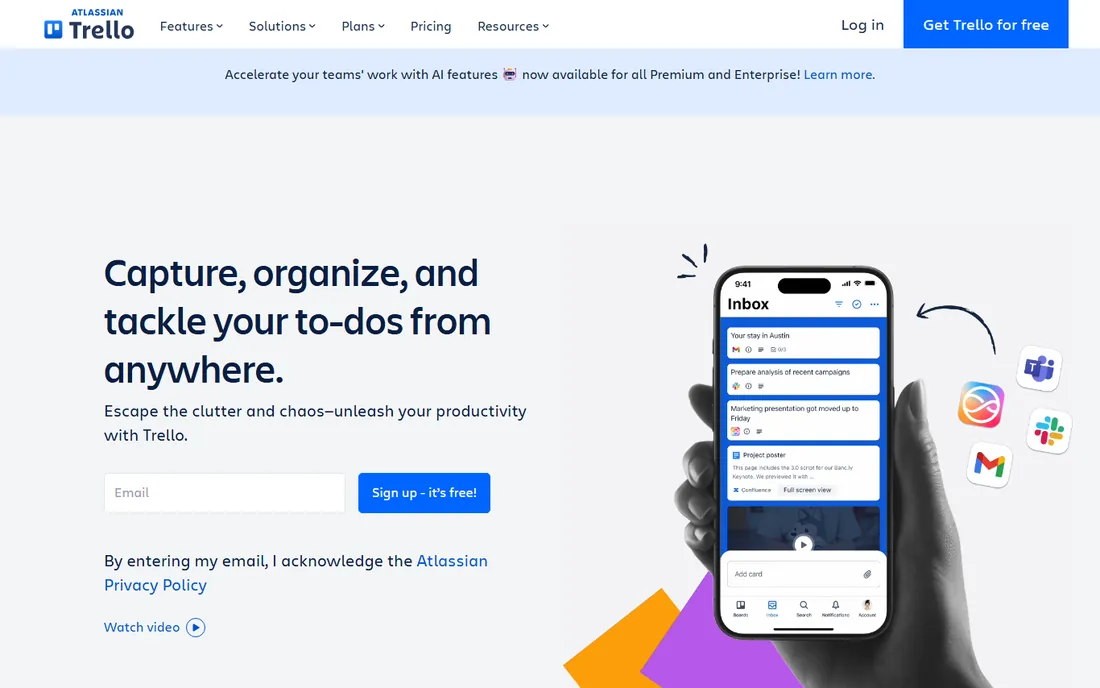
Trello is still the simplest way to get a team tracking work on a board. Cards, lists, drag and drop: a new hire needs about five minutes of explanation. Standard at $5 per user per month billed annually adds unlimited boards, advanced checklists and saved searches. Premium at $10 per user per month adds dashboards, timeline view and admin controls.
Nobody buys Trello for reporting. Workload views and cross-board analytics are thin even on Premium, and the Enterprise tier at $17.50 per user per month with a 50-seat minimum prices out small companies. For a team of five running client projects on a visual board, the free plan is often enough. For portfolio reporting, look at Asana or Wrike.
What we like- The easiest board tool to learn on this list
- Power-Ups extend boards with calendar, Gantt and integrations
- Free plan covers unlimited cards
Watch out for- Limited reporting and workload views even on paid plans
- Premium at $10/user/month annual is needed for dashboards and advanced checklists
Starting price$9/member/month billed annually ($12 monthly, Pro)
Free planNo (free plan discontinued in 2025; 30-day free trial)
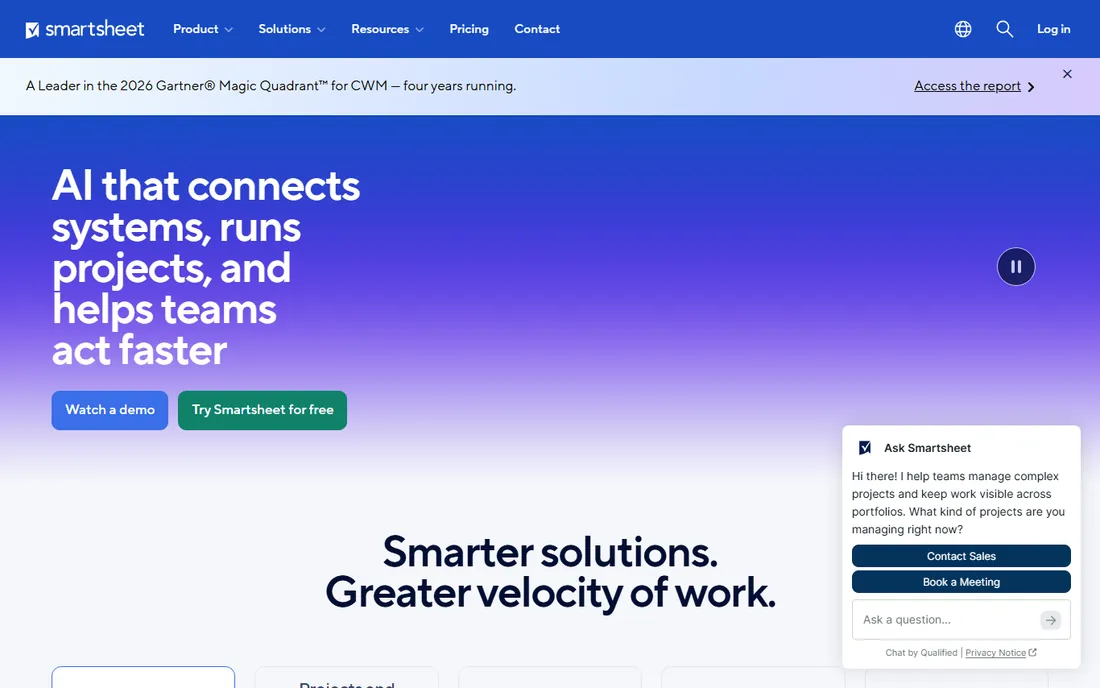
Smartsheet fits teams that already think in spreadsheets. Every plan is a grid with rows, formulas and reports, and Pro at $9 per member per month billed annually includes Gantt view, dependencies, critical path and auto-scheduling for up to 10 members. The Excel and MS Project imports are the smoothest here, which matters for teams migrating off legacy tools.
The 2025 pricing change is the big caveat: Smartsheet killed its free plan, so there is no free tier to fall back on. And the member model is strict: viewers are free but contributors who edit need paid seats, with Business at $19 per member per month billed annually adding baselines, workload tracking and unlimited members. Teams that hand-edit big sheets should price the Business tier, not Pro.
What we like- Familiar spreadsheet grid with formulas and cross-sheet references
- Pro includes Gantt, dependencies and critical path
- Strong Excel and MS Project imports
Watch out for- No free plan at all
- Pro caps at 10 members, so growing teams must move to Business at $19/member/month annual
#6
Wrike
Best for: Larger teams that need configurable workflows and reporting
Visit wrike.com
Starting price$10/user/month billed annually (Team)
Free planYes ($0)
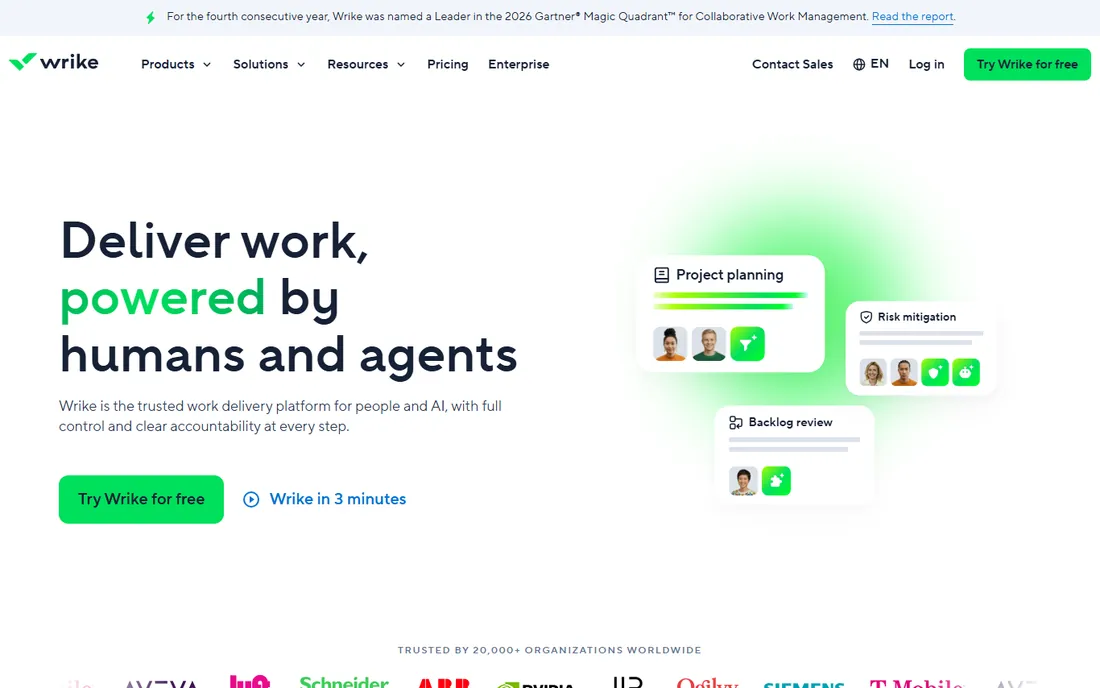
Wrike is the operations-grade pick for teams with real process complexity. Custom workflows with stage gates, request forms with intake queues, proofing and approvals for creative teams, dashboards that roll up across projects: it is built for organizations where "just add a task" is not enough. Team at $10 per user per month billed annually covers the core, with a free plan for tiny teams.
The honest trade-off is ownership. Wrike needs an admin to configure it, and reviewers consistently say the platform rewards teams that invest in setup and punishes those that do not. Business at $25 per user per month billed annually adds resource management, advanced reporting and integrations depth. Under ten people, Asana or ClickUp will feel lighter. Over fifty, Wrike earns its keep.
What we like- Deeply configurable workflows, custom fields and dashboards
- Request forms, approvals and proofing built in
- Resource management and time tracking on higher tiers
Watch out for- Can demand real administration to set up well
- Advanced reporting and resource planning sit on Business at $25/user/month annual
Starting price$299/month unlimited users billed annually ($349 monthly, Pro Unlimited)
Free planNo (30-day free trial)
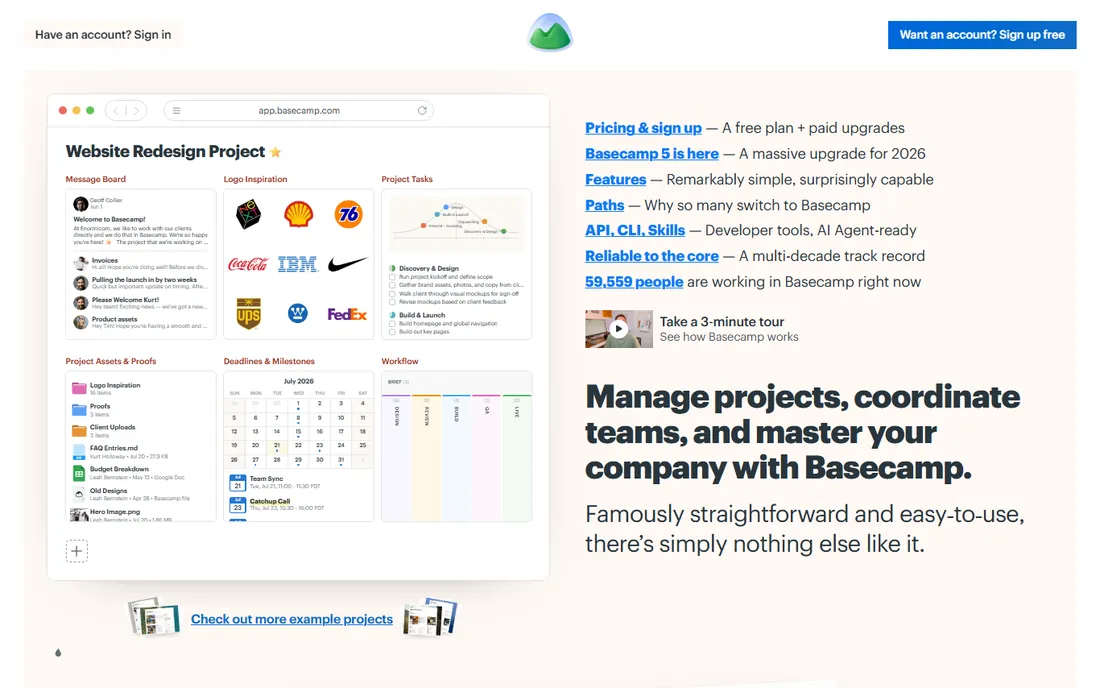
Basecamp is the deliberate outsider. There is one tool with everything included, and Pro Unlimited costs $299 per month billed annually no matter how many people use it. Message boards, to-dos, schedules, file storage, group chat: it is designed for teams that want communication and task tracking in one place without configuring anything.
That simplicity has a ceiling. There are no Gantt charts, no workload views, no custom workflows, and no real reporting. Teams that plan with dependencies and baselines will hit the wall fast. But do the math: a 25-person team on Asana Advanced costs about $625 per month billed annually; on Basecamp Pro Unlimited it is $299. For service businesses that mainly need shared context, that gap is the whole story.
What we like- Flat pricing means the 21st user is free
- No per-seat math, no tiers of features
- Everything included (message boards, schedules, file storage)
Watch out for- No Gantt charts, workload views or advanced reporting
- Plus at $15/user/month suits small teams but caps the flat-fee advantage
#8
Teamwork
Best for: Agencies and client-services firms that bill by the hour
Visit teamwork.com
Starting price$10.99/user/month billed annually (Deliver)
Free planYes (free plan, up to 5 users)
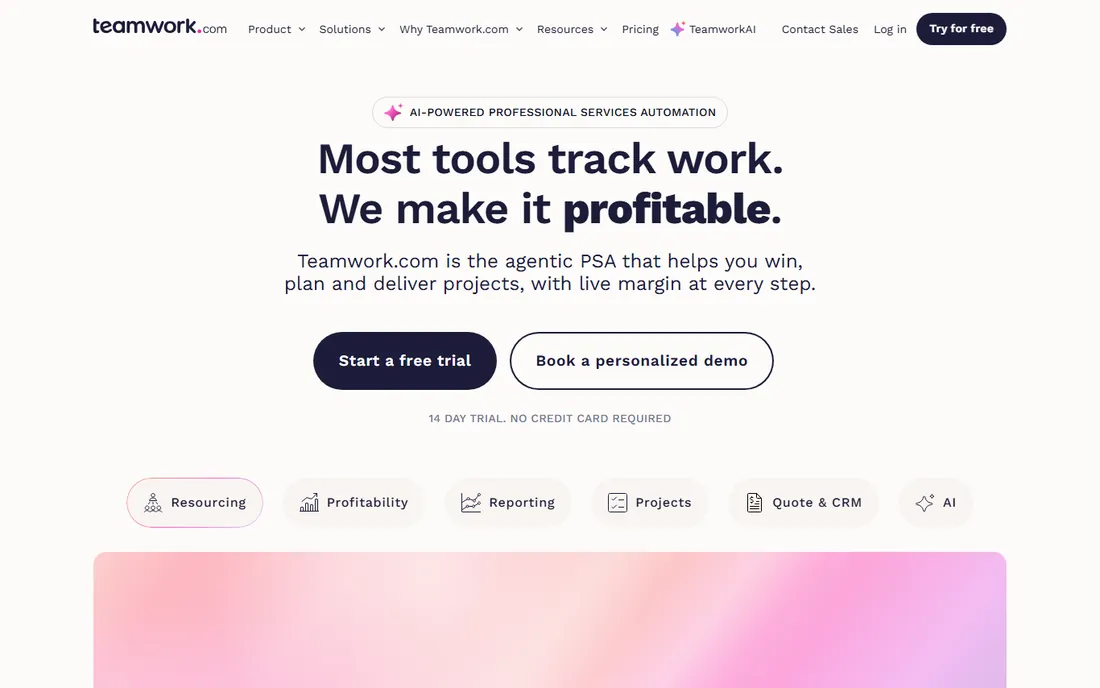
Teamwork is the one tool here designed around client work rather than internal tasks. Time tracking, billable time, retainers, project budgets and invoicing live alongside the task boards, so agencies can see margin per client without bolting on other tools. Deliver at $10.99 per user per month billed annually covers projects and time tracking; Grow at $19.99 adds workload and capacity management.
Internal teams get less for the money. The board and list views are solid but not as customizable as Monday.com or ClickUp, and there is little reason to choose Teamwork if you never invoice a client. For agencies, consultancies and firms that run retainers, it replaces the patchwork of a task tool plus a time tracker plus a billing tool.
What we like- Built for client work: time tracking, billable rates, invoicing and workload
- Grow at $19.99/user/month annual adds capacity planning and advanced budgeting
Watch out for- Task views are less flexible than Asana or ClickUp
- Pricing per user still stacks up for large internal teams
#9
Zoho Projects
Best for: Budget-conscious teams already using Zoho apps
Visit zoho.com
Starting price$5/user/month monthly ($4 billed annually, Premium)
Free planYes (free plan: 3 users, 2 projects)
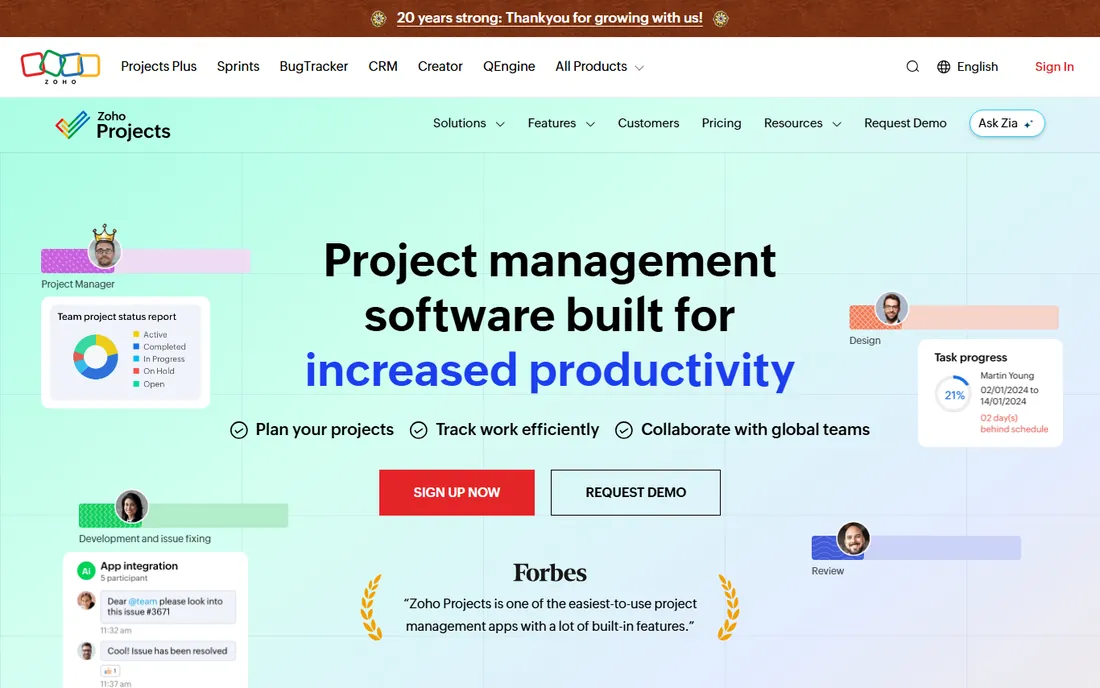
Zoho Projects wins on price and loses on polish. Premium at $5 per user per month monthly ($4 billed annually) undercuts everything else on this list, and the free plan covers 3 users and 2 projects, enough for a freelancer or micro-team. Timesheets, Gantt charts, issue tracking and automation are all in. The Zoho Invoice integration turns timesheets into invoices without a third tool.
The interface shows its age next to Asana or Monday.com, and adoption can stall if the team has tasted modern tools. Enterprise at $10 per user per month monthly adds portfolios, global Gantt and custom fields. For teams already paying for Zoho One or Zoho Books, the bundle math makes this nearly free. For everyone else, it is the value pick with a learning curve.
What we like- The cheapest paid tier here
- Timesheets and invoicing connect to Zoho Invoice
- Free plan is genuinely usable for tiny teams
Watch out for- Interface feels dated next to Asana and Monday.com
- Enterprise at $10/user/month monthly is needed for portfolios and custom fields
#10
Notion
Best for: Teams that want docs, wikis and light project tracking in one place
Visit notion.so
Starting price$10/member/month billed annually ($12 monthly, Plus)
Free planYes
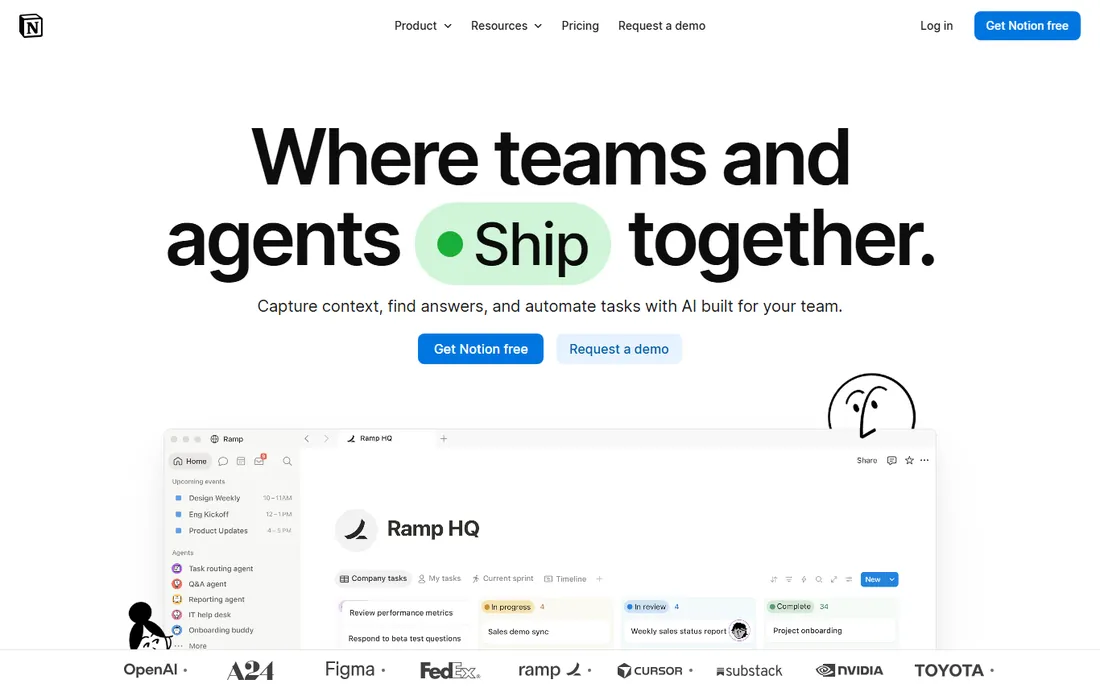
Notion is a workspace first and a project tool second. Pages, wikis, databases and simple kanban boards live in one flexible system that teams shape into their own operating manual. For teams that manage work through docs, meeting notes and lightweight boards, Plus at $10 per member per month billed annually is all they need.
Do not buy Notion as project management software in the traditional sense. There is no real Gantt, no workload management, no baselines and no portfolio reporting. Teams that need those things build brittle workarounds and eventually migrate. Buy it when the deliverable is knowledge and the projects are simple; buy Asana or Wrike when the schedule is the product.
What we like- Pages, databases, wikis and project boards in one flexible workspace
- Generous free plan
- Plus adds unlimited file uploads and version history
Watch out for- Not a real project tool for Gantt, workload or baselines
- Teams that outgrow the database model must migrate elsewhere
Per-seat pricing: why the real bill is bigger than the sticker
Per-seat tools quote you the price of one seat, then multiply it by everyone who touches a task. A 15-person team on Asana Starter pays about $165 per month billed annually; on ClickUp Unlimited it is $105; on Wrike Team it is $150. Add two or three part-time collaborators and the numbers climb again. Always model your real headcount, not your core team.
The free tiers exist partly to soften this, but they differ wildly. ClickUp's Free Forever is genuinely generous, Teamwork gives you 5 free users, Zoho gives 3 users and 2 projects, and Asana caps at 2. Smartsheet and Basecamp have no free plan at all. If your team sits between 5 and 15 people, the free tier rarely covers everyone, so price the first paid tier from the start.
Two more lines to check before signing. First, minimum seats: Monday.com enforces a 3-user minimum on paid plans, and Trello Enterprise needs 50 seats. Second, the annual-versus-monthly gap: ClickUp charges $10 per user monthly versus $7 annual, a 43 percent jump, and most vendors on this list price 20 to 30 percent higher month-to-month. Run the annual number when comparing.
Start with the shape of your work, not the feature list. If your team runs client projects with billable hours, Teamwork or Wrike fit because time and money live with the tasks. If your work is marketing campaigns and launches, Asana or Monday.com give you timelines and portfolios that read well in status meetings. If everything is simple task lists, Trello or Notion are enough, and anything bigger will go stale.
Next, count the people who will edit, not the people who will look. Most tools charge for editors and let viewers look free, but the definitions vary: Smartsheet's member model charges anyone who edits shared items, which surprises teams with lots of contributors. Basecamp's flat fee flips the math entirely and rewards big teams.
Finally, be honest about administration. Wrike and Smartsheet reward a dedicated owner who configures workflows and reports; without one they rot. Trello, Basecamp and Notion survive neglect better because there is less to break. Pick the tool your busiest manager will maintain, not the one the demo looked best in.
How we chose
We started with the search terms buyers use: project management software, best software for managing projects, project management tools and task management software. For each candidate we opened the vendor's own homepage, copied the website URL from the browser address bar, and checked the current prices and free tiers on the vendor's own pricing page. Where prices were not visible on the vendor's page, we wrote "See website" rather than repeating third-party estimates. We mixed category leaders with smaller and niche vendors, and compared features, pricing transparency, plan limits and team-size fit. We did not run hands-on trials; everything above comes from vendor documentation and publicly listed pricing.
Frequently asked questions
What is the best software for managing projects for a small team?
For 5 to 15 people, ClickUp ($7/user/month annual on Unlimited) and Asana ($10.99/user/month annual on Starter) are the safest picks, both with free plans for testing. If the work is simple Kanban, Trello's free plan often covers it. Basecamp's $299/month flat fee starts to win around 20 users.
How much does project management software cost?
Expect $5 to $25 per user per month on paid plans. The cheapest entry prices here: Zoho Projects Premium ($4/user/month annual), ClickUp Unlimited ($7/user/month annual), Smartsheet Pro ($9/member/month annual) and Trello Standard ($5/user/month annual). Basecamp charges a flat $299/month for unlimited users on Pro Unlimited billed annually.
Which project management tools have a free plan?
ClickUp, Trello, Wrike, Notion, Teamwork, Zoho Projects and Monday.com all offer free tiers with limits. Asana's free Personal plan caps at 2 users. Smartsheet discontinued its free plan in 2025, and Basecamp offers only a 30-day trial.
Asana vs Monday.com: which is better?
Asana publishes its prices and offers portfolios, goals and workload views at higher tiers. Monday.com is more visual and template-driven, but its pricing page shows no dollar figures and paid plans require a 3-user minimum. If price transparency matters, Asana wins; if visual onboarding matters, Monday.com is worth the sales call.
Do I need Gantt charts or are Kanban boards enough?
Simple task work runs fine on Kanban (Trello, Notion). Gantt charts, dependencies and baselines matter when deadlines are linked and slipping one task moves the rest: Asana, Wrike, Smartsheet and Zoho Projects handle that. Buy the Gantt tool when missed dates have real costs, not before.
Can I switch project tools later without losing data?
Yes, most tools import from competitors: Smartsheet imports Excel and MS Project cleanly, and Wrike, Asana and ClickUp all import CSV and Trello boards. The cost is retraining the team, not the data. Pick with a one-year horizon, not a five-year one.
Sources we checked (10)
- https://asana.com/
- https://monday.com/
- https://clickup.com/
- https://trello.com/
- https://www.smartsheet.com
- https://wrike.com/
- https://basecamp.com
- https://www.teamwork.com/
- https://www.zoho.com/projects/
- https://notion.so/
Is your product missing or out of date?
We review this list regularly. Vendors can request a listing, send updated pricing or ask about featured placement.

Shihab Mia · Founder, Rankite
Shihab has 5+ years in B2B and SaaS SEO. He writes Rankite's software buying guides from pricing pages, documentation and public user reviews. More about Shihab.