How we make this list: we compare pricing pages, product documentation and public user reviews. Rankite is independent; if a vendor ever pays for a featured spot, that listing is clearly labeled Partner.
Key takeaways
- The cheapest entry points for multi-project work: ClickUp ($7/user/month Unlimited), Smartsheet ($9/member/month Pro) and monday.com ($9/seat/month Basic), all with published annual prices.
- Zoho Projects ($4/user/month Premium) is the budget pick for teams already in the Zoho ecosystem, with a free plan for 3 users and 2 projects.
- Asana ($10.99/user/month Starter) and Notion ($10/member/month Plus) sit at the top of this list on price; both include usable free plans for very small teams.
- Teamwork ($9.99/user/month Basics) is built around client work, while Wrike ($10/user/month Team) targets teams that need structured intake and reporting across projects.
The best project management software for multiple projects
Running one project is a to-do list. Running five at once is a coordination problem: deadlines collide, the same people are booked on three teams, and status updates turn into a weekly scavenger hunt. The best project management software for multiple projects solves this with a layer above individual tasks: portfolio views, cross-project dashboards and workload reports that show every project at once.
These eight tools all handle more than one project without workarounds. Prices range from $4 to $10.99 per user per month on annual billing, and six of the eight offer free plans. What separates them is how they roll projects up: some give you a true portfolio layer, others rely on dashboards you assemble yourself.

#1
monday.com
Best for: Teams that want visual portfolio-style dashboards across many projects
Visit monday.com
Starting price$9/seat/month (Basic plan, billed annually)
Free planYes (Free, up to 2 seats)
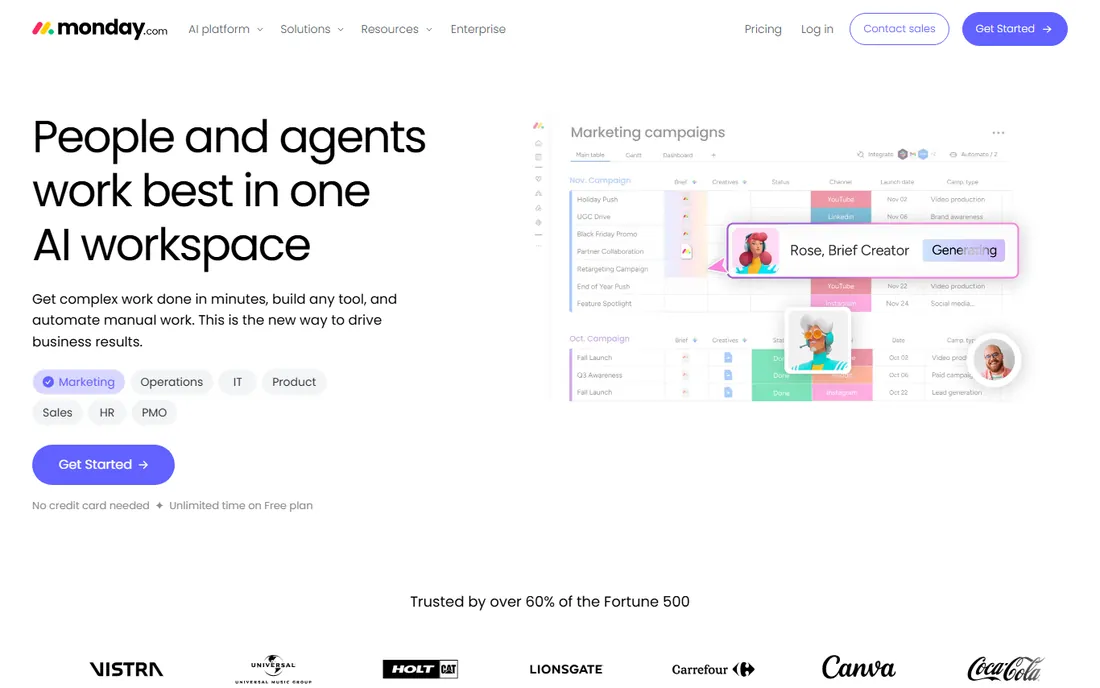
monday.com earns its place on this list through its dashboards. Each project lives on its own board, and dashboard views pull tasks, timelines and owners from many boards into a single screen, which is the core of multi-project management. The Basic plan at $9 per seat per month covers unlimited boards and viewers, so small teams can run several projects without paying for features they will not touch.
The honest catch is the price curve. Portfolios and the more advanced reporting sit on higher tiers, and per-seat pricing means a 25-person team pays more than $200 per month before add-ons. The free plan caps at 2 seats, so it works for a trial, not a team. If your projects are visual and your managers think in boards, monday.com fits; if you need deep portfolio reporting on a budget, compare Wrike or Smartsheet first.
What we like- Visual boards with multi-board dashboards that roll several projects into one view
- Large template library for common project types
- Broad integration catalog
Watch out for- Costs climb quickly as you add seats and higher tiers
- Reporting depth on the entry plan is limited

#2
Wrike
Best for: Teams that need structured intake and cross-project reporting
Visit wrike.com
Starting price$10/user/month (Team plan, billed annually, 2 to 15 users)
Free planYes
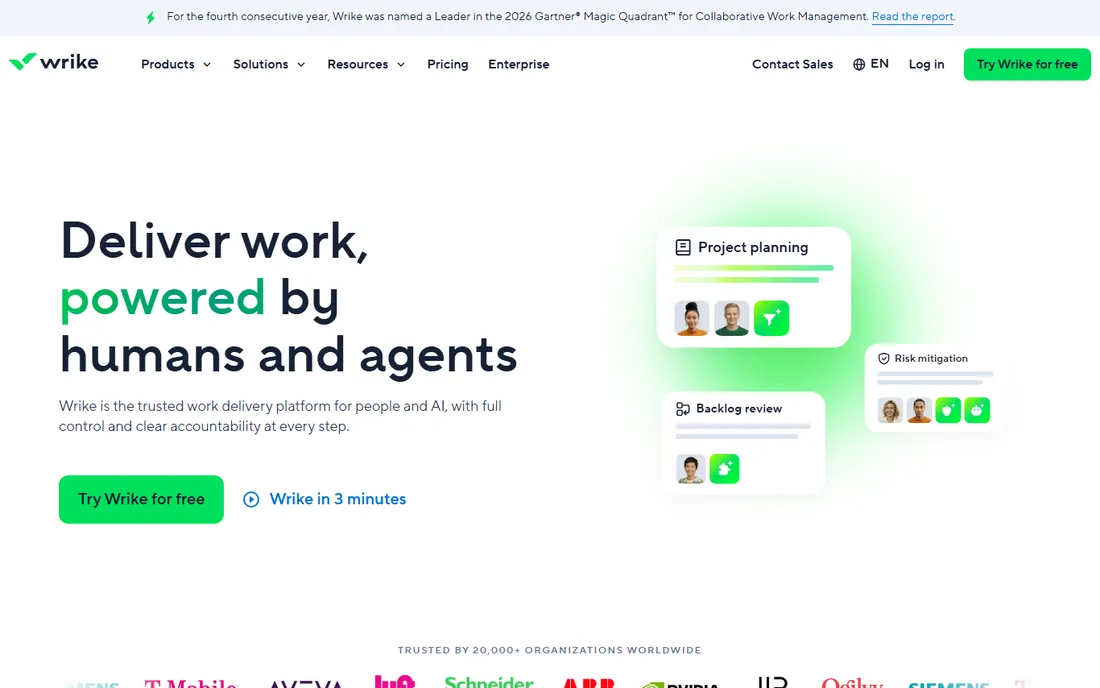
Wrike is built for organizations where projects arrive through a process: request forms capture the work, blueprints templatize it, and dashboards show every active project in one place. At $10 per user per month on the Team plan, it is priced near the top of this list, but the plan includes Gantt charts, shareable dashboards and integrations that cheaper plans elsewhere leave out.
The limit to watch is the 15-user cap on Team; once you pass it, you move to Business with custom pricing. The free plan handles basic task management but not the cross-project reporting that makes Wrike worth buying. For marketing, creative and operations teams running many concurrent projects with formal intake, Wrike's structure pays off. For loose, self-organizing teams, it can feel heavy.
What we like- Cross-project dashboards with workload views
- Request forms that turn intake into structured tasks
- Strong approval and proofing workflows
Watch out for- The Team plan caps at 15 users, so growing teams must move up
- The interface has a learning curve for casual users

#3
Smartsheet
Best for: Teams that think in spreadsheets and manage project portfolios
Visit smartsheet.com
Starting price$9/member/month (Pro plan, billed annually, up to 10 members)
Free planNo (30-day free trial; the free plan was discontinued in 2025)
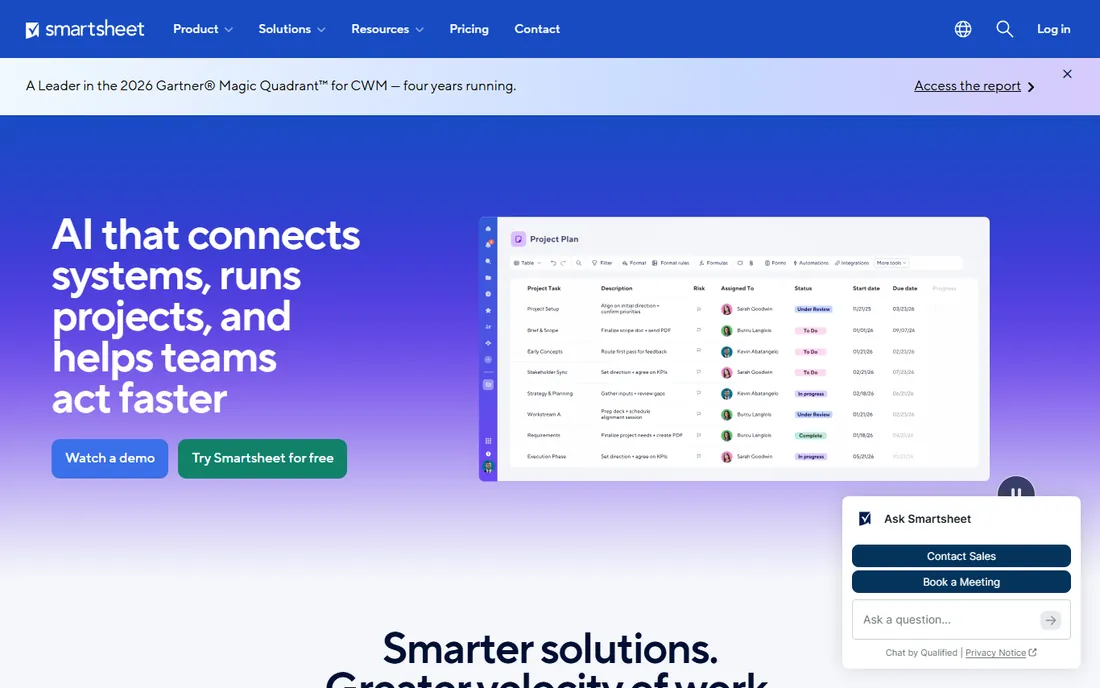
Smartsheet is the bridge between Excel and project management software. Each project is a sheet, and dashboards plus reports combine sheets into portfolio views that executives actually read. At $9 per member per month on Pro, it matches monday.com on price while offering deeper reporting formulas for teams comfortable with spreadsheet logic.
The catch is the licensing model: everyone who touches the system counts as a member, including light collaborators, which inflates the bill on multi-project teams. There is no permanent free tier, only a 30-day trial. For PMO-style teams that live in spreadsheets and need consistent reporting across dozens of projects, Smartsheet is the most natural fit on this list.
What we like- Familiar spreadsheet interface with Gantt, card and calendar views on the same data
- Portfolio-level rollups across sheets
- Strong automation rules
Watch out for- No free plan, only a trial
- Per-member pricing means collaborators cost as much as owners

#4
ClickUp
Best for: Teams that want one workspace for every project, doc and goal
Visit clickup.com
Starting price$7/user/month (Unlimited plan, billed annually)
Free planYes (Free Forever plan)
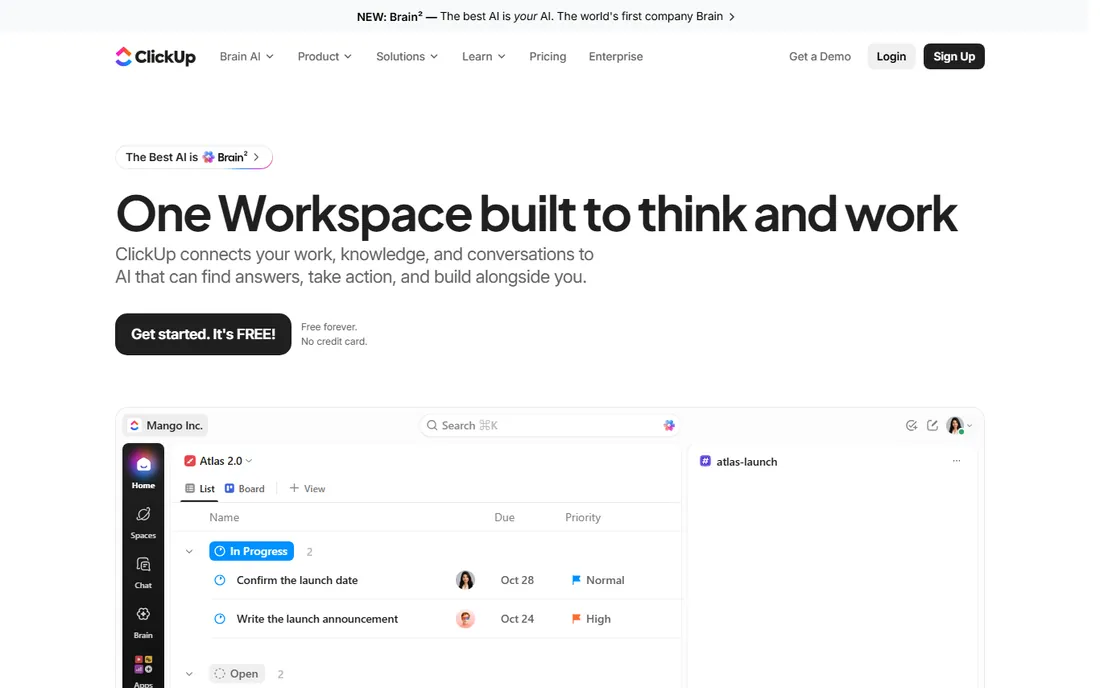
ClickUp's pitch is consolidation: tasks, docs, goals, time tracking and chat live in one workspace, so running ten projects does not mean ten tools. The Unlimited plan at $7 per user per month undercuts every other paid option here while including Gantt charts, custom fields and integrations. The free plan is genuinely usable for small teams testing multi-project workflows.
The trade-off is complexity. ClickUp exposes so many settings that teams spend weeks configuring it, and admins need to govern the workspace or it sprawls. For cost-conscious teams that want one platform to standardize on, it is the value pick. For teams that want to be productive on day one, Asana or Teamwork onboard faster.
What we like- The lowest paid price on this list with generous features on Unlimited
- Goals, docs, whiteboards and chat in one workspace
- Highly customizable views
Watch out for- The sheer number of features overwhelms new users
- Performance can lag in very large workspaces

#5
Asana
Best for: Teams that want a clean, fast way to track many projects at once
Visit asana.com
Starting price$10.99/user/month (Starter plan, billed annually)
Free planYes (Personal plan, up to 2 users)
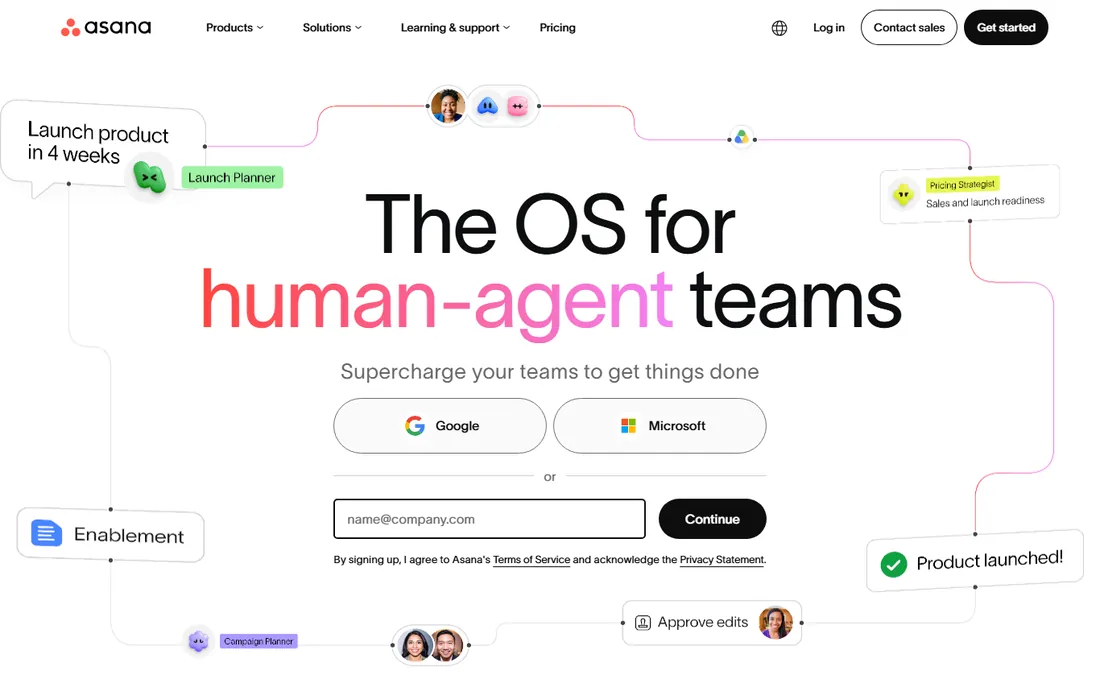
Asana is the most refined task manager here, and its paid plans add the multi-project layer that matters: portfolios group related projects, and the workload view shows who is overbooked across all of them. At $10.99 per user per month on Starter, it is the priciest entry point on this list, but teams get timelines, custom fields and 250-plus integrations.
The free Personal plan is limited to 2 users, so it suits freelancers more than teams. Asana's weakness is depth: it is less of a spreadsheet or database than Smartsheet or Notion, so heavy custom reporting needs workarounds. For teams that value speed and clarity over configurability, Asana is the easiest multi-project setup to roll out.
What we like- Portfolios and workload views give a true multi-project layer on paid plans
- Fast, polished interface with low training overhead
- Strong template gallery
Watch out for- The highest starter price on this list
- Portfolio features require paid tiers, not the free plan

#6
Teamwork
Best for: Agencies and client-services teams juggling many client projects
Visit teamwork.com
Starting price$9.99/user/month (Basics plan, billed annually)
Free planYes (Free, up to 5 users)
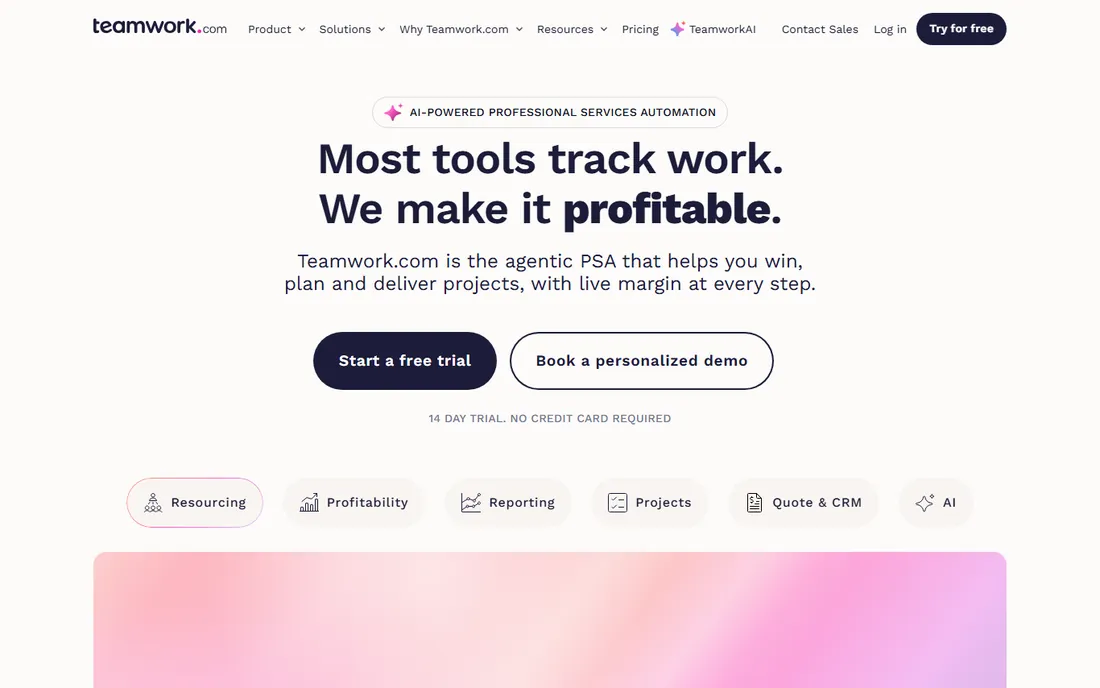
Teamwork is the only tool here designed around agencies: every project can have its own client permissions, billable rates and budget tracking, which matters when "multiple projects" means multiple clients. The project list view with health indicators gives managers a quick read across the whole book of business. At $9.99 per user per month, Basics is mid-pack on price.
The free plan covers 5 users, which is enough for a small shop to run real client work. The limitation is fit: product teams and engineering orgs will find the client-service framing awkward, and resource management across projects improves on the higher tiers. For agencies, consultancies and freelancers with teams, it is the most purpose-built option here.
What we like- Built for client work with per-project billing, retainers and client permissions
- Portfolio-style project overview
- Generous 5-user free plan
Watch out for- Less suited to internal product or engineering workflows
- Advanced resource scheduling sits on higher tiers

#7
Zoho Projects
Best for: Budget-conscious teams already using Zoho apps
Visit zoho.com
Starting price$4/user/month (Premium plan, billed annually)
Free planYes (Free, 3 users and 2 projects)
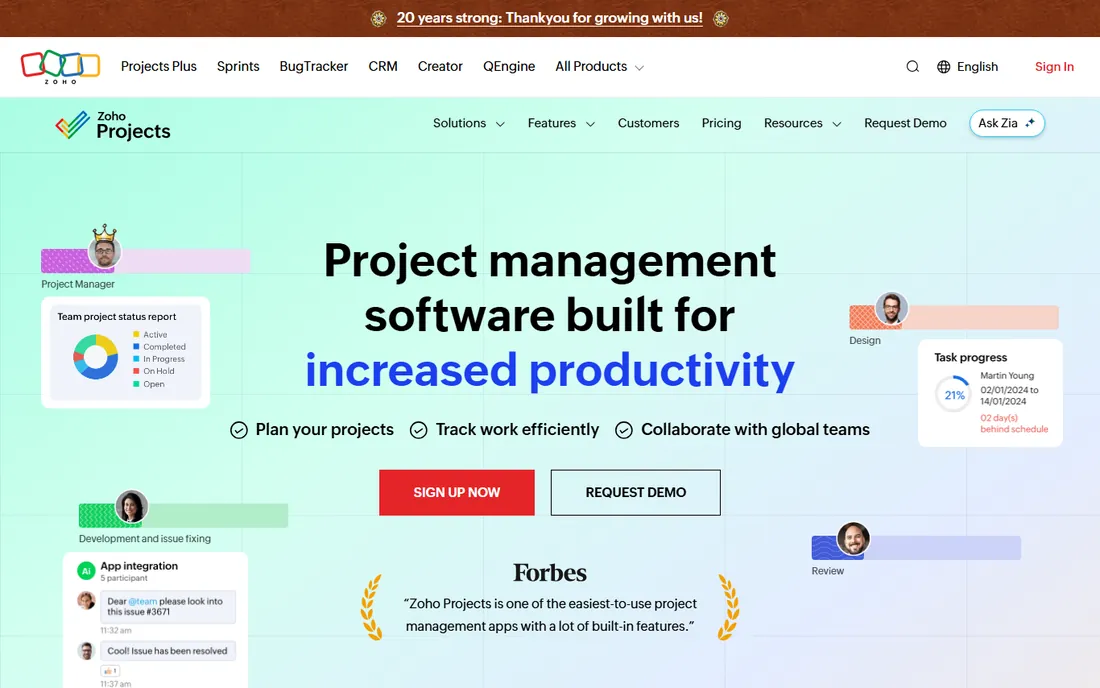
Zoho Projects wins on price: $4 per user per month is less than half the next cheapest paid plan, and the free tier covers 3 users and 2 projects. For businesses already running Zoho CRM or Zoho Books, projects connect to customer records and invoices without integrations, which is a real advantage for small firms managing client work alongside operations.
The compromise is polish and portfolio depth. Cross-project reporting exists but is less sophisticated than Wrike or Smartsheet, and the interface shows its age. For Zoho shops and budget buyers who need solid multi-project basics without the per-seat shock, it is the rational pick. For everyone else, the savings come with a usability cost.
What we like- The lowest paid price on this list by far
- Native integration with the Zoho suite (CRM, Books, Desk)
- Blueprint automation for repeatable project workflows
Watch out for- The interface feels dated next to monday.com or Asana
- Cross-project portfolio views are less developed

#8
Notion
Best for: Teams that want projects, docs and wikis in one flexible database
Visit notion.com
Starting price$10/member/month (Plus plan, billed annually)
Free planYes
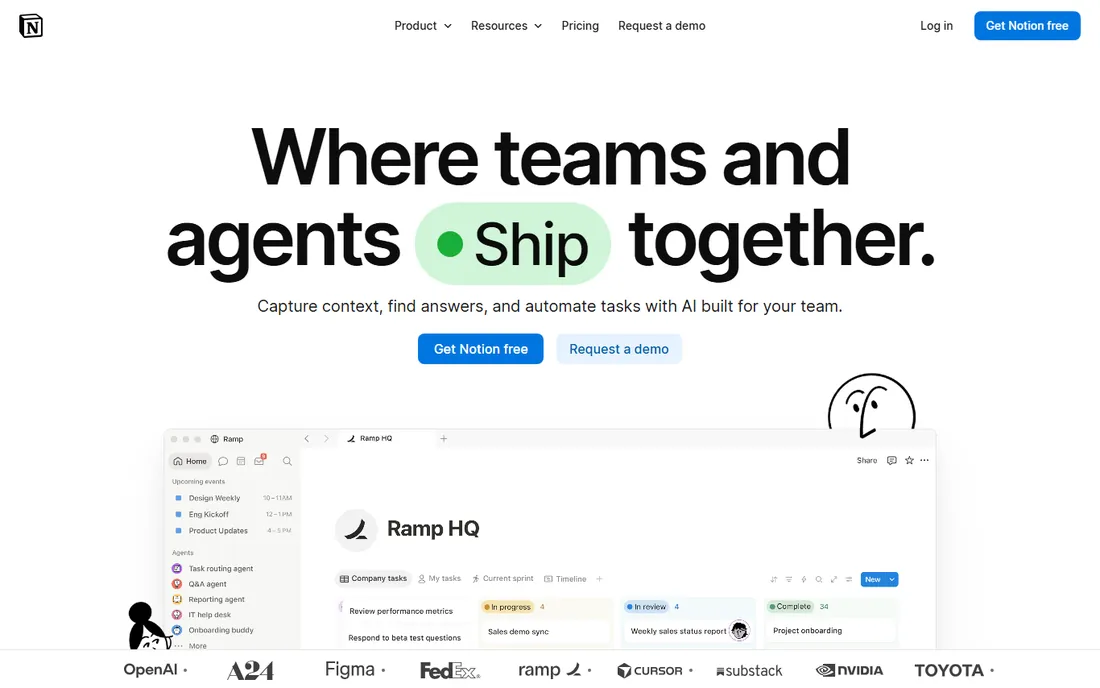
Notion is a database that you turn into project management software. Related databases let a task link to its project, its spec doc and its meeting notes, which is powerful for knowledge-heavy teams running many projects. The Plus plan at $10 per member per month adds unlimited file uploads and longer version history; the free plan is generous for trying the system.
The honest catch is that Notion is not project management software out of the box. There is no workload view, no native resource allocation, and building a portfolio dashboard takes real setup effort. Teams that invest in templates get a wiki-plus-PM hybrid nothing else offers; teams that want structure on day one should pick Asana or monday.com instead.
What we like- Databases link projects, tasks, meeting notes and docs in one system
- Extremely flexible views (board, timeline, calendar, gallery)
- Generous free plan for individuals
Watch out for- Requires significant setup to work as project management software
- No native workload management or built-in portfolio reporting
Quick comparison
| Tool | Best for | Starting price | Free plan |
|---|
| monday.com | Teams that want visual portfolio-style dashboards across many projects | $9/seat/month (Basic plan, billed annually) | Yes (Free, up to 2 seats) |
| Wrike | Teams that need structured intake and cross-project reporting | $10/user/month (Team plan, billed annually, 2 to 15 users) | Yes |
| Smartsheet | Teams that think in spreadsheets and manage project portfolios | $9/member/month (Pro plan, billed annually, up to 10 members) | No (30-day free trial; the free plan was discontinued in 2025) |
| ClickUp | Teams that want one workspace for every project, doc and goal | $7/user/month (Unlimited plan, billed annually) | Yes (Free Forever plan) |
| Asana | Teams that want a clean, fast way to track many projects at once | $10.99/user/month (Starter plan, billed annually) | Yes (Personal plan, up to 2 users) |
| Teamwork | Agencies and client-services teams juggling many client projects | $9.99/user/month (Basics plan, billed annually) | Yes (Free, up to 5 users) |
| Zoho Projects | Budget-conscious teams already using Zoho apps | $4/user/month (Premium plan, billed annually) | Yes (Free, 3 users and 2 projects) |
| Notion | Teams that want projects, docs and wikis in one flexible database | $10/member/month (Plus plan, billed annually) | Yes |
Is your product missing or out of date?
We review this list regularly. Vendors can request a listing, send updated pricing or ask about featured placement.
A single-project tool tracks tasks. A multi-project tool answers three questions no task list can: which projects are at risk right now, who is overbooked across all of them, and where the budget stands in total. That is the buying test. Look for a portfolio or dashboard layer that aggregates status across projects without manual rollups, a workload view that sums assignments per person across every project, and reporting that cuts by project, owner and date range.
Second, check how work enters the system. Teams running many projects drown in intake: Wrike's request forms, monday.com's forms and Smartsheet's automation rules turn scattered requests into structured projects. Third, consider permissions. Client work needs per-project access control (Teamwork's strength); internal teams need departments to see their own projects without seeing everything. Finally, count the real seats. Per-user pricing multiplies across projects, so a $10.99 plan for 25 people is $275 per month before any add-on. Price the team you will have in a year, not the team you have today.
The per-user math at 10, 25 and 50 seats
Annual billing prices on this list run from $4 to $10.99 per user per month, and the ranking changes with headcount. For 10 users: Zoho Projects costs $40 per month, ClickUp $70, monday.com and Smartsheet $90 each, Teamwork about $100, Wrike $100, Notion $100 and Asana $110. At 25 users the spread widens: Zoho Projects $100, ClickUp $175, monday.com and Smartsheet $225, Teamwork $250, Wrike $250 (at the Team cap), Notion $250 and Asana $275.
At 50 users, Wrike's Team plan no longer applies (15-user cap), so growing Wrike teams move to higher tiers. Zoho Projects stays cheapest at $200 per month; Asana reaches $550. Two caveats: Smartsheet counts every collaborator as a paid member, so its real cost often exceeds the sticker price, and most vendors discount annual plans further at higher seat counts through sales. The math that matters is total monthly cost at your headcount in 12 months, including the collaborators you forgot to count.
How we chose
We started with the categories buyers search: project management software for multiple projects, portfolio project management and agency project management software. For each candidate we opened the vendor's own pricing page, checked prices against public reviews on G2 and Capterra and practitioner discussion on Reddit, and compared portfolio views, cross-project reporting, workload management and price. Where a price could not be verified on the vendor's page we wrote "See website" rather than guessing.
Frequently asked questions
How is multi-project management software different from regular project management software?
Regular PM software tracks tasks inside one project. Multi-project software adds a layer above: portfolio views that aggregate status across projects, workload views that show each person's assignments everywhere, and reporting that cuts across projects. If you run more than three projects at once, you need that layer.
Can I manage multiple projects on a free plan?
Partly. ClickUp, Wrike, Teamwork, Notion and monday.com all offer free plans, but portfolio features, advanced dashboards and workload views are usually paid. Free plans work for two or three small projects; beyond that, expect to pay for the rollup layer.
What is a portfolio view?
A portfolio is a group of projects shown together with shared status, dates and owners. Asana, Wrike and Smartsheet offer native portfolios; monday.com, ClickUp and Notion achieve the same effect through dashboards or linked databases. The point is one screen for every project instead of one screen per project.
Which tool is best for agencies managing client projects?
Teamwork, because it was built for client work: per-project permissions, billable rates and budget tracking per client. monday.com and ClickUp also work well for agencies that prefer visual boards. Wrike suits agencies with formal intake processes.
How much does multi-project software cost for a team of 10?
From $40 per month (Zoho Projects Premium) to $110 per month (Asana Starter) on annual billing, before add-ons. ClickUp at $70 is the value pick among the mainstream options. Remember that collaborators often need paid seats, so count everyone who will log in.
Should I pick one tool for all projects or let teams choose?
Standardize on one. Multiple tools mean status lives in several places, which defeats the purpose of multi-project software. Pick the tool that fits your most complex project type; simpler projects can use lighter configurations of the same platform.
Sources we checked (10)
- https://monday.com/pricing/
- https://www.wrike.com/pricing/
- https://www.smartsheet.com/pricing
- https://clickup.com/pricing
- https://asana.com/pricing
- https://www.teamwork.com/pricing/
- https://www.zoho.com/projects/pricing/
- https://www.notion.com/pricing
- https://www.g2.com/categories/project-management
- https://www.capterra.com/project-management-software/
Is your product missing or out of date?
We review this list regularly. Vendors can request a listing, send updated pricing or ask about featured placement.

Shihab Mia · Founder, Rankite
Shihab has spent more than a decade helping SaaS and e-commerce brands grow through search. He writes Rankite's software buying guides from pricing pages, documentation and public user reviews. More about Shihab.