How we make this list: we compare pricing pages, product documentation and public user reviews. Ratings come from G2, Capterra or Trustpilot, with the date we checked them.
Key takeaways
- Trello, Todoist, and MeisterTask are the simplest free options for individuals and small teams that want boards and lists without a learning curve.
- Asana, Wrike, and Notion offer deeper free plans: real projects, timelines, and docs that small teams can run on for a long time.
- Freedcamp is the standout for full-featured free project management, including invoicing and CRM tools at no cost.
- nTask bundles meetings, risks, and time tracking into an all-in-one free tier few competitors match.
- Every free plan has limits: users, storage, or features, so check what the paid upgrade costs before you commit your team's data.
Quick comparison
| Tool | Best for | Starting price | Free plan |
|---|
 Trello Trello | Simple visual boards for teams and solo users | See website | Yes |
 Asana Asana | Structured team projects with real depth | See website | Yes |
 Notion Notion | Docs, wikis, and projects in one workspace | See website | Yes |
 Wrike Wrike | Teams needing Gantt charts on a free plan | See website | Yes |
 Todoist Todoist | Personal and small-team task management | See website | Yes |
 MeisterTask MeisterTask | Clean Kanban with mind-mapping roots | See website | Yes |
 Freedcamp Freedcamp | Full-featured project suite that is actually free | See website | Yes |
 nTask nTask | All-in-one projects with meetings and risk tracking | See website | Yes |
Is your product missing or out of date?
We review this list regularly. Vendors can request a listing, send updated pricing or ask about featured placement.
The best free project manager software
The project lives in four places: a spreadsheet you maintain, emails nobody reads twice, a group chat that scrolls away, and the version in your head. By Wednesday you cannot remember which one is current. A free project manager cannot fix every habit, but it can at least give your team one place where the work actually is, and for most small teams, that is the whole battle.
Free does not mean toy anymore. The tools below run real projects for free: boards, tasks, timelines, docs, and team collaboration. The differences are in depth, limits, and where the free plan ends. These eight are the ones worth your team's time.
#1
Trello
Best for: Simple visual boards for teams and solo users
Visit trello.com
Starting priceSee website
Free planYes
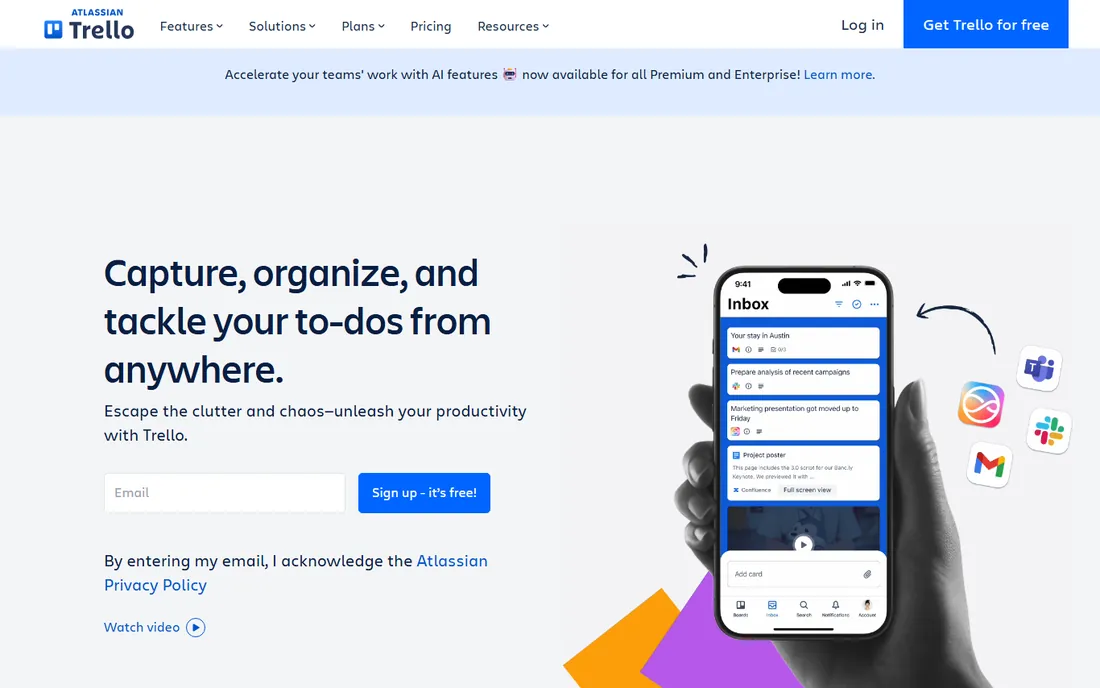
Trello is the tool most people picture when they hear "free project management," and the reason is the onboarding: there is no setup, no training, no manual. You sign up, create a board, and drag cards from To Do to Done. The Kanban model is intuitive enough that non-technical teams adopt it in an afternoon, and the free plan includes unlimited boards, which many competitors restrict. Atlassian's ownership means deep integrations with Jira, Confluence, and Slack when teams grow into them.
The honest catch is depth. Trello is a board, not a project management suite: Gantt charts, time tracking, and advanced reporting live in paid tiers or third-party Power-Ups. It fits individuals, freelancers, and small teams that want to organize work visually today with zero learning curve, not enterprises modeling complex dependencies.
What we like- The fastest onboarding in project management: sign up, make a board, done
- Unlimited boards on the free plan
- Huge template and integration library
Watch out for- Advanced PM features like Gantt and time tracking need paid tiers or integrations
- Free-plan storage limits can pinch file-heavy teams
Starting priceSee website
Free planYes
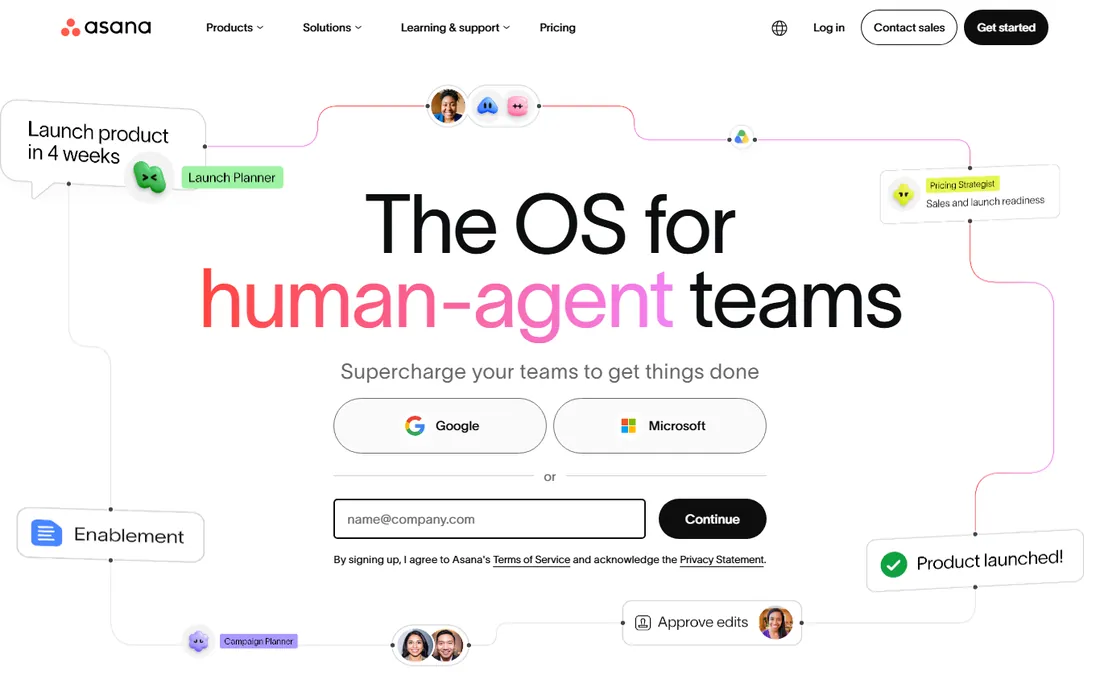
Asana's free plan is the one that embarrasses competitors: millions of free organizations use it across 190 countries because it genuinely runs team projects. List, board, calendar, and timeline views, goals, project templates, and integrations come free, which covers everything a small team needs to plan and track work properly. The platform has evolved into AI-assisted work management with the Work Graph and AI Teammates, but even without those, the free tier is a complete project manager.
The catch is that Asana keeps moving features upward: timeline limits, automation, and advanced reporting are paid territory, and the paid tiers are priced for companies, not hobbyists. It fits small teams that want real project structure for free and are comfortable growing into a paid plan if the team scales.
What we like- The most capable free tier in the category: lists, boards, timelines, and goals
- 170,000-plus organizations run on it
- Strong templates and integrations
Watch out for- The free plan's feature set is narrower than it used to be
- The full power reveals itself on paid tiers
#3
Notion
Best for: Docs, wikis, and projects in one workspace
Visit notion.so
Starting priceSee website
Free planYes
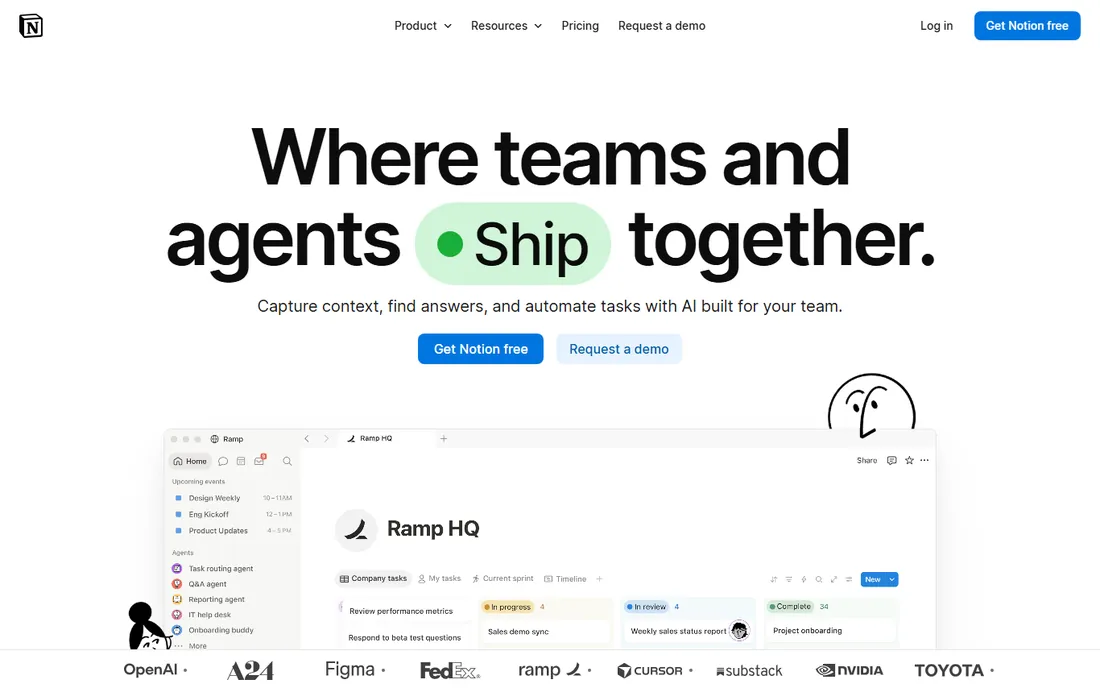
Notion is the free project manager for people who also need a wiki, a docs system, and a knowledge base: one workspace where the project plan, the meeting notes, and the task tracker live together. Databases with board, timeline, and calendar views give you genuine project management, while the free plan is generous for individuals and small teams getting started. The template ecosystem means you can clone a complete project system in minutes instead of building one.
The catch is architectural: Notion is a docs tool with project views, not a purpose-built PM, so it lacks native Gantt depth, resource management, and the workflow muscle of Asana or Wrike. It fits teams that want their knowledge and their projects in one place and are willing to build their own system from databases and templates.
What we like- One workspace for documents, databases, and project tracking
- Free plan covers individuals generously
- 100 million users and enormous template ecosystem
Watch out for- Project views are database-based rather than native PM
- Performance can lag on very large workspaces
#4
Wrike
Best for: Teams needing Gantt charts on a free plan
Visit wrike.com
Starting priceSee website
Free planYes
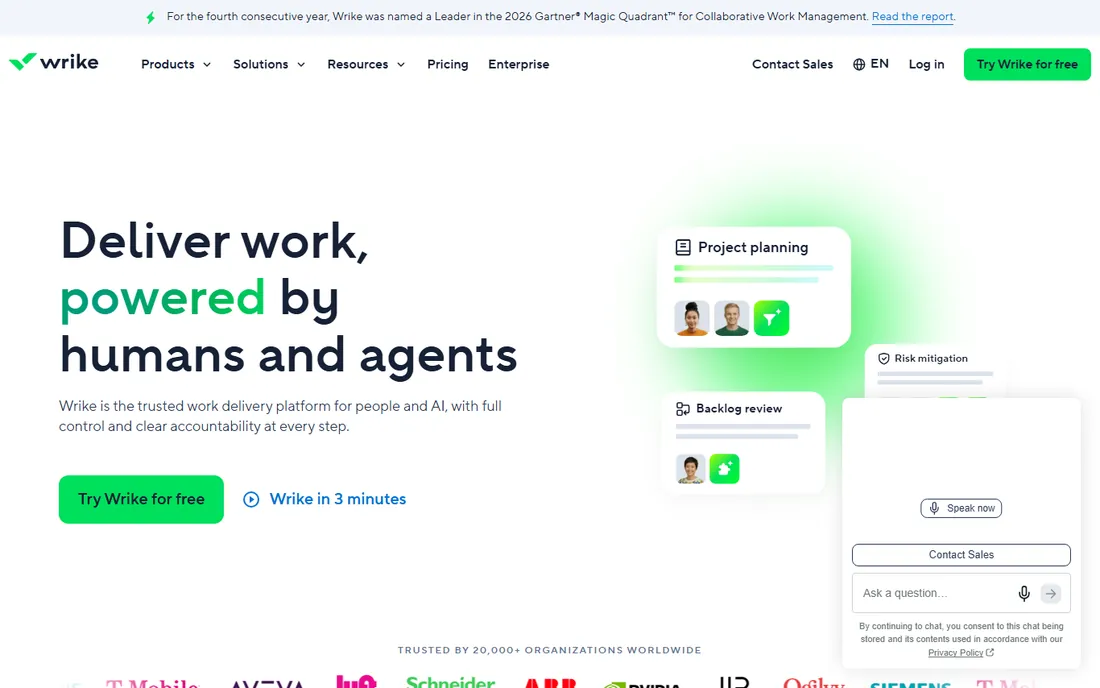
Wrike's free plan is notable for what it includes: Gantt charts, task management, and board views at no cost, which puts genuine project planning in reach of teams that cannot pay. The platform's heritage is enterprise work management, so the feature model is serious: dependencies, request forms, time tracking, and integrations with over 400 apps. Two decades of development show in the depth, and the AI layer now handles routine work like summaries and risk prediction.
The catch is the learning curve. Wrike's interface carries its enterprise DNA, and small teams can find it heavier than Trello or Todoist for simple work. It fits teams that need real project planning, Gantt charts included, on a free budget, and that will grow into the structure rather than fight it.
What we like- Free plan includes Gantt charts and task management, rare at this price
- Enterprise-grade security heritage
- 20,000-plus organizations and 400-plus integrations
Watch out for- Interface is dense and takes longer to learn
- The free plan's limits push growing teams to paid tiers fast
Starting priceSee website
Free planYes
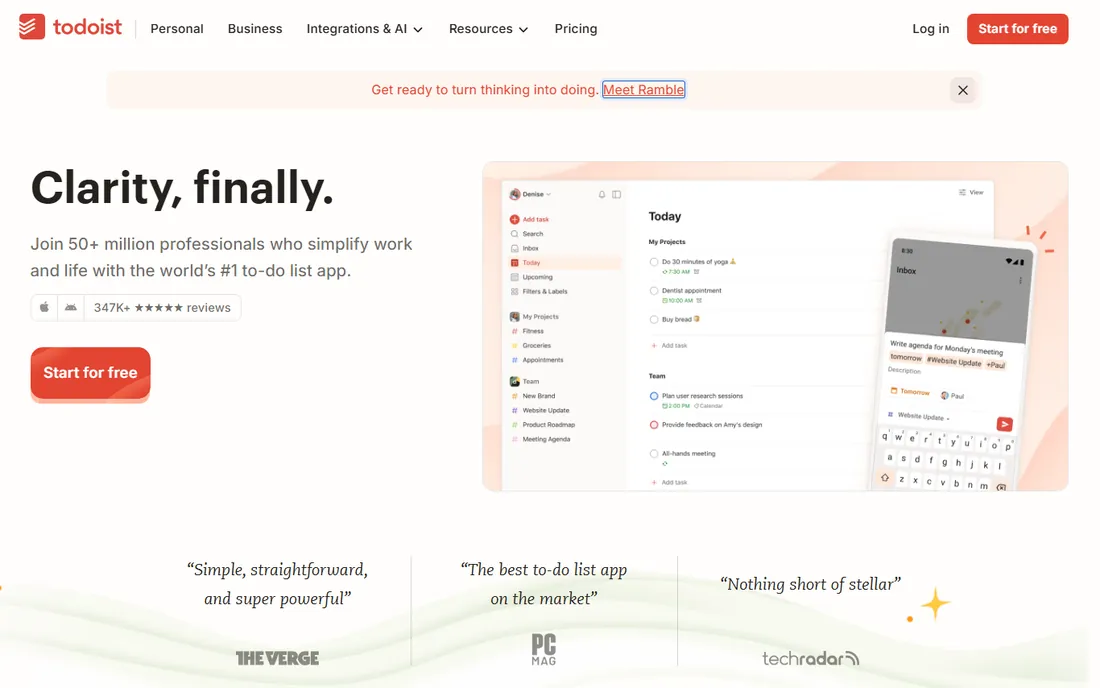
Todoist is the to-do list that grew into team software without losing its soul: capture a task in plain language ("invoice client every Friday"), and it schedules itself. The free plan works on every device, phone, watch, desktop, browser, which matters more than any feature list for personal productivity. Teams get shared projects, task assignment, and comments, and the AI features now help break down scattered tasks into action plans. Doist has been building it for nearly two decades as a bootstrapped, remote-first company, and the polish shows.
The catch is scope: Todoist is a task manager first. If you need Gantt charts, resource planning, or portfolio views, this is the wrong tool. It fits individuals and small teams that want the best free task list available, with enough team features to coordinate simple projects without ceremony.
What we like- The best task manager for personal productivity, free on every device
- Natural-language task entry is genuinely fast
- 50 million users and 347,000-plus five-star reviews
Watch out for- Project features are lightweight compared to true PM tools
- Boards and advanced views are paid-tier territory
Starting priceSee website
Free planYes
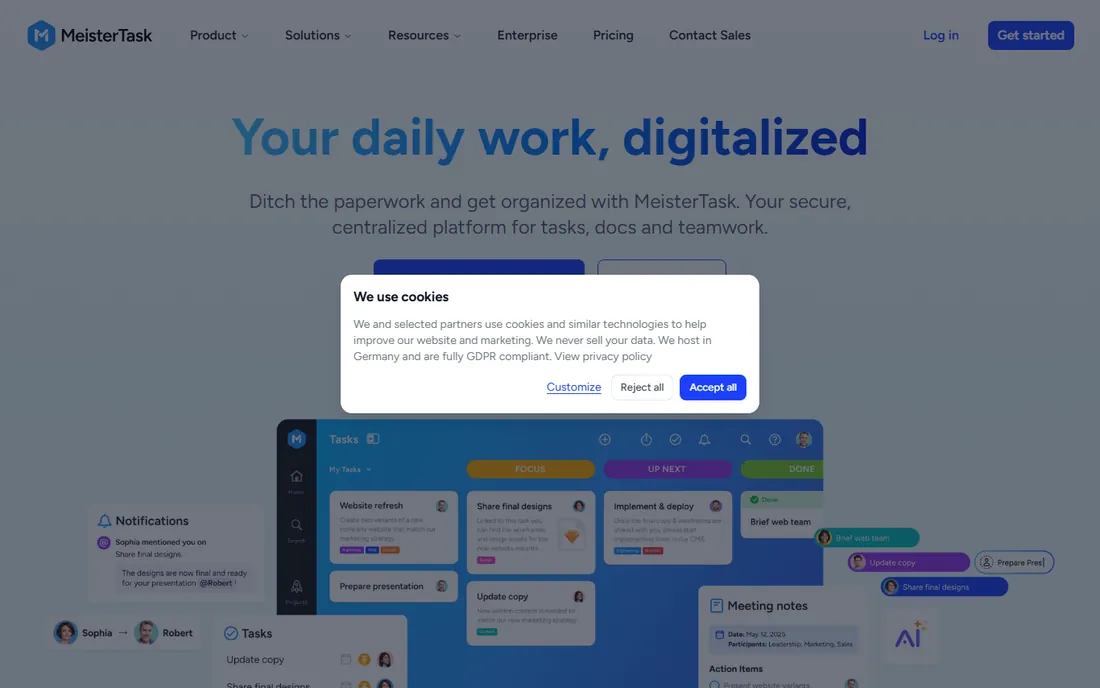
MeisterTask is the European answer to Trello: elegant Kanban boards, painless onboarding, and a design that teams actually enjoy looking at. The free basic account covers up to three of your own projects with unlimited participation in others, which is enough for small teams to evaluate properly. The standout is the MindMeister integration, which turns brainstorming mind maps directly into actionable project boards, a workflow no competitor matches. Hosting in Germany with GDPR compliance, ISO 27001 certification, and SOC 2 data centers makes it the privacy-conscious pick.
The catch is the project cap on the free tier and the enterprise focus of the paid plans. MeisterTask fits teams that want beautiful, simple Kanban with strong privacy credentials, especially European companies and teams already using MindMeister for planning.
What we like- Beautiful, intuitive Kanban boards with a free basic account
- Deep MindMeister integration for brainstorm-to-project workflows
- German hosting with GDPR and ISO 27001 compliance
Watch out for- The free basic plan is limited to a few projects
- Advanced features like timelines and subtasks need paid tiers
Starting priceSee website
Free planYes

Freedcamp's pitch is the simplest in this list: free project management, full stop. The free tier covers tasks, calendars, discussions, milestones, time tracking, and file management, and the platform goes further than any other free tool here, adding invoicing, a simple CRM, and password management to the same free workspace. For freelancers and tiny agencies, that is a business operating system at zero cost. The a la carte model means you can add premium modules only where you need them.
The catch is scale and polish. Freedcamp is a small Santa Barbara company, and the interface and mobile experience show it next to Atlassian or Asana. Support is thinner, and the ecosystem of integrations is modest. It fits freelancers, solopreneurs, and tiny teams that want the most free functionality per dollar, and that value substance over design.
What we like- Core project management is genuinely free, not a trial
- Includes invoicing, CRM, calendars, and time tracking at no cost
- White-label options for client work
Watch out for- Smaller company with a less polished interface
- Advanced features and integrations are paid add-ons
Starting priceSee website
Free planYes
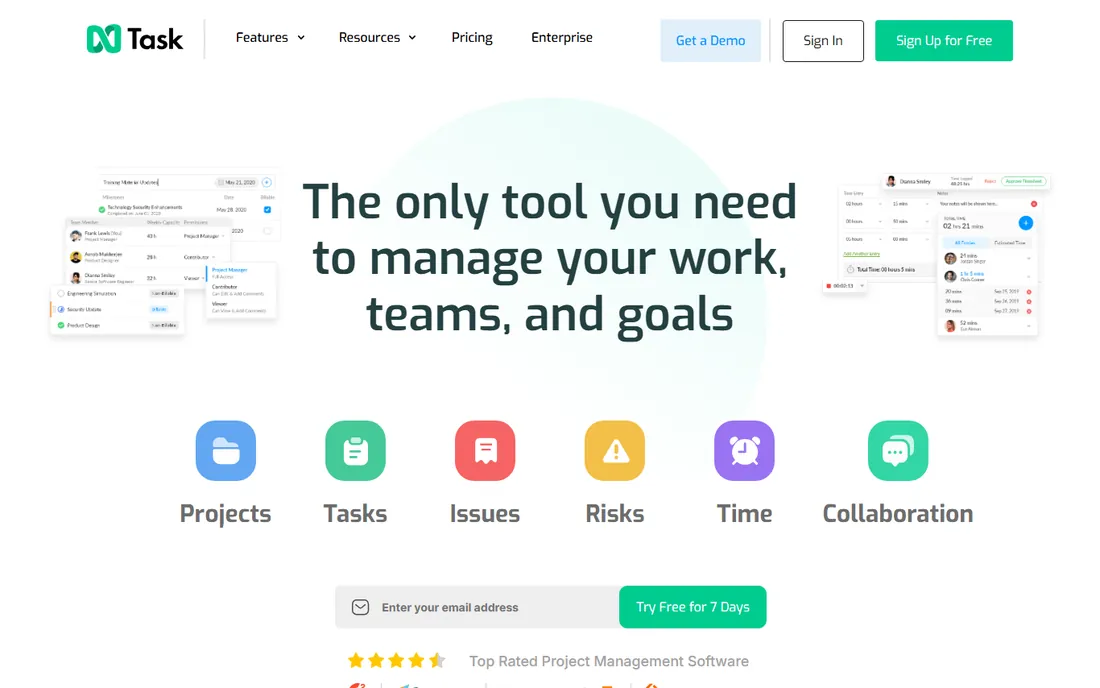
nTask is the all-in-one dark horse: where other free tools give you boards and stop, nTask adds meeting management with agendas and minutes, risk tracking with mitigation plans, issue tracking, time tracking, and resource allocation. That is an unusual amount of project management for a free tier, and it makes the tool interesting for teams that run formal projects but cannot justify enterprise prices. The platform is web-based with mobile apps and 1,000-plus integrations via Zapier.
The catch is vendor maturity. nTask is a small Texas company, roughly ten employees, with a fraction of the user base and review volume of the leaders, which matters for long-term confidence. It fits small teams that want the broadest free feature set in one tool, meetings and risks included, and that are comfortable with a younger vendor.
What we like- Free tier bundles tasks, Kanban, Gantt, meetings, time tracking, and risk management
- Built-in meeting agendas and minutes
- HIPAA, GDPR, and PCI-DSS compliance options
Watch out for- Younger, smaller vendor with a modest user base
- Interface and integrations are less mature than the leaders
How we chose
We started with the free project management tools that appear most consistently in 2026 buyer discussions, G2 and Capterra free-software rankings, and community recommendations on Reddit and productivity forums, then narrowed to eight with genuinely usable free tiers rather than time-limited trials. For each tool we opened the vendor's own homepage and checked the free plan's actual scope, read vendor pricing pages where limits are published, and reviewed public user feedback on G2, Capterra, and review sites. Prices change often in this category, so starting prices are marked See website unless a vendor page confirms them. We did not run hands-on trials; our assessments come from vendor materials and verified public sources.
Free plans are designed to convert you: read the limits first
Every free plan in this list is a funnel into a paid tier, and the honest ones tell you exactly where the walls are. Before your team invests weeks of data and habit into any tool, check these four limits.
User and project caps
MeisterTask limits free users to three own projects. Asana and Wrike limit free-team features in ways that surface as teams grow. Freedcamp and Trello are more generous here. Know the cap that will hit you first.
Storage and attachments
Trello's free plan restricts attachment size, which matters the moment your team shares design files or videos. If your projects are file-heavy, this is the limit that forces the upgrade, not users.
Feature gates
Timelines, Gantt charts, automations, and advanced reporting are the classic gates: free for basics, paid for the views managers actually want. Wrike is the exception that includes Gantt free. Match the gates to your real workflow, not the marketing page.
The exit cost
Free tools hold your project history. Before committing, check export options and whether your data survives if you downgrade. A free plan you cannot leave is a paid plan in disguise.
When free stops being enough
There is a predictable moment when the free plan becomes the bottleneck: the team grows past the user cap, the client asks for a Gantt chart you cannot produce, or you need automations to stop doing status updates by hand. When it arrives, the right move is usually to upgrade the tool your team already uses rather than migrate to a new free one, because migration costs dwarf subscription costs. Budget the upgrade in advance: most of these tools price paid tiers per user per month, and a ten-person team on a mid-tier plan typically runs a few hundred dollars a month. The free plan bought you time to learn what you actually need; spend it on the right tier, not the cheapest one.
Frequently asked questions
Is free project management software really free?
Yes, with limits. The tools here offer permanent free tiers, not trials, funded by users who upgrade to paid plans. Expect caps on users, projects, storage, or advanced features. They are genuinely usable for small teams; they are designed to convert you when you grow, which is a fair trade as long as you know the limits going in.
Which free project manager is best for a small team?
Asana and Wrike offer the deepest free plans for structured team work, Trello and MeisterTask are the simplest to adopt, and Freedcamp gives you the most free functionality overall. The best choice depends on your workflow: visual boards point to Trello or MeisterTask, structured projects to Asana or Wrike, and docs-heavy work to Notion.
Can I run client work on a free plan?
Mostly yes, with caveats. Freedcamp even offers white-label options for client-facing work. The bigger question is professionalism: client portals, custom branding, and advanced reporting are usually paid features. For freelancers starting out, the free tiers are fine; for agencies with demanding clients, budget a paid tier.
What are the hidden costs of free project management tools?
The subscription is free; the costs are time and lock-in. Migrating projects between tools takes days, integrations you rely on may require paid tiers, and the team habits you build around one tool are expensive to rebuild. The real price of a free tool is the switching cost if you outgrow it.
Do free plans include mobile apps?
Yes, all eight tools here offer mobile apps on their free plans. Mobile quality varies: Todoist and Trello are excellent on phones, while denser tools like Wrike and Freedcamp are better experienced on desktop. If your team works from phones, test the mobile app during your trial period, not after.
How do these free tools make money?
Paid upgrades. Individuals and small teams use the free tier; growing companies pay per user for advanced features, more storage, admin controls, and support. Some, like Freedcamp, also sell premium modules a la carte. The model aligns your interests with theirs: the free tier has to be good enough that you stay.
Sources we checked (10)
- https://trello.com/
- https://asana.com
- https://notion.so/
- https://www.wrike.com
- https://todoist.com
- https://meistertask.com
- https://freedcamp.com/
- https://ntaskmanager.com/
- https://en.wikipedia.org/wiki/Todoist
- https://slashdot.org/software/comparison/Done-Tucan-Software-vs-nTask/
Is your product missing or out of date?
We review this list regularly. Vendors can request a listing, send updated pricing or ask about featured placement.

Shihab Mia · Founder, Rankite
Shihab has 5+ years in B2B and SaaS SEO. He writes Rankite's software buying guides from pricing pages, documentation and public user reviews. More about Shihab.