How we make this list: we compare pricing pages, product documentation and public user reviews. Rankite is independent; if a vendor ever pays for a featured spot, that listing is clearly labeled Partner.
Key takeaways
- Every tool here has a genuinely free tier: Jira, ClickUp, Linear, YouTrack and Trello offer free cloud plans, while Redmine, Taiga and OpenProject are free open-source software you host yourself.
- GitHub Issues costs nothing extra if your code already lives on GitHub, which makes it the default for open-source projects and small dev teams.
- Free plans limit seats, issues or features: Jira's free plan suits small teams, Linear's caps at 250 issues and 2 teams, and Trello's free tier is the most basic.
- Teams that outgrow free cloud plans usually face a choice: pay per user, or self-host Redmine, Taiga or OpenProject and pay with server time instead.
Quick comparison
| Tool | Best for | Starting price | Free plan |
|---|
 Jira Jira | Teams that want the industry-standard issue tracker without paying at first | See website (Free, Standard, Premium and Enterprise plans) | Yes (free plan for small teams) |
 ClickUp ClickUp | Teams that want issues, docs, chat and goals in one free workspace | See website (Free Forever plan; paid plans available) | Yes (Free Forever plan, no credit card required) |
 Linear Linear | Product and engineering teams that value speed and clean issue workflows | See website (paid plans; free plan includes 250 issues and 2 teams) | Yes (free plan: 250 issues, 2 teams) |
 YouTrack YouTrack | Development teams, especially shops already using JetBrains IDEs | See website (free tier available; paid plans for more users) | Yes (free tier available) |
 Trello Trello | Non-technical teams and anyone who wants the simplest possible issue board | See website (free plan; paid plans add features) | Yes (free plan) |
 Redmine Redmine | Technical teams that want a free, self-hosted tracker they fully control | $0 (open source, GPL licensed) | Yes (free forever, self-hosted) |
 Taiga Taiga | Agile teams that want free, open-source Scrum and Kanban | $0 (open source) | Yes (free forever, self-hosted) |
 OpenProject OpenProject | Teams that want a free, self-hosted Jira alternative with Gantt planning | $0 (open source Community edition) | Yes (Community edition free forever) |
 GitHub Issues GitHub Issues | Development teams whose code already lives on GitHub | $0 with GitHub Free (paid Team and Enterprise plans available) | Yes (included with GitHub's free plan) |
Is your product missing or out of date?
We review this list regularly. Vendors can request a listing, send updated pricing or ask about featured placement.
The best free issue tracking software
You do not need a budget to track bugs well. Some of the most-used issue trackers in the world cost nothing for small teams, and three of the best are open-source projects you can run on your own server forever. The trick is knowing what "free" actually includes, because every free plan draws its lines somewhere: seats, issue counts, automation runs, or the features that make a tracker pleasant instead of merely functional.
These nine cover the full spectrum. Five are cloud products with permanent free tiers from real companies. Three are open-source tools with no paywall at all. One comes free with the platform your code probably already lives on. Pick by team size, technical comfort and how you work, not by the logo.
#1
Jira
Best for: Teams that want the industry-standard issue tracker without paying at first
Visit atlassian.com
Starting priceSee website (Free, Standard, Premium and Enterprise plans)
Free planYes (free plan for small teams)
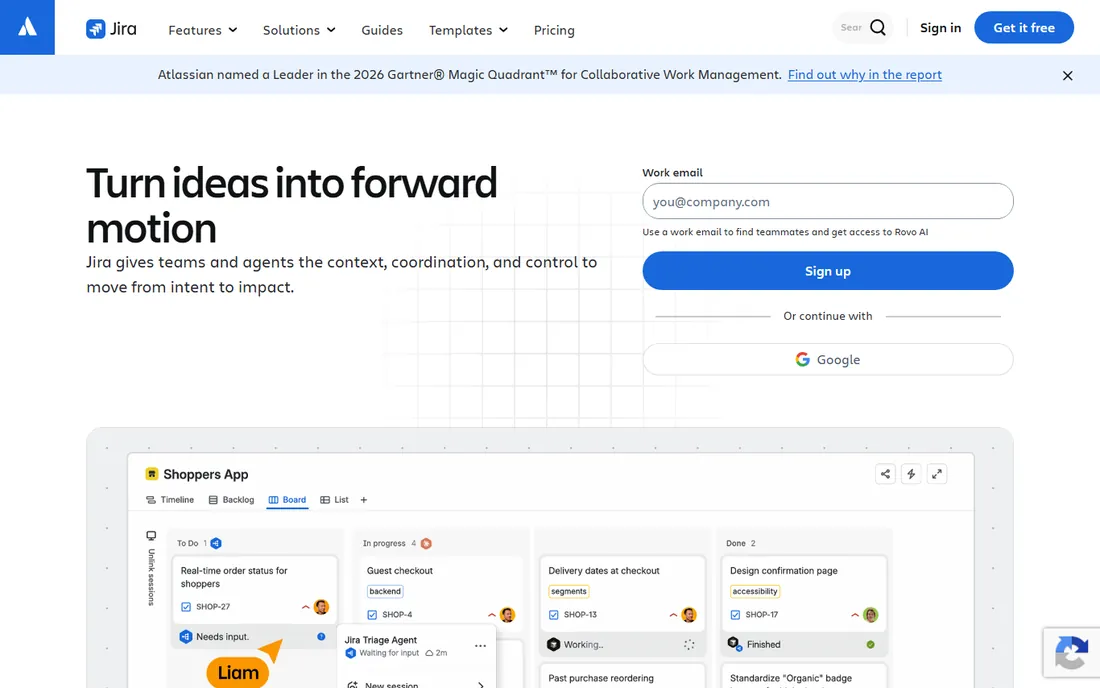
Jira is the default answer in software teams for a reason: it handles everything from a three-person bug list to a thousand-person program with custom workflows, permissions and reporting. The free plan covers small teams with the real product, not a demo, and Atlassian's pricing page lists Free alongside Standard, Premium and Enterprise, so the upgrade path is clear when you grow.
The honest catch is that Jira's power is also its tax. Setting up workflows, schemes and automations takes real admin time, and teams that just need a shared bug list often find it heavy. Start here if your team already knows Jira or expects to grow into it. If you want something lighter today, keep reading.
What we like- The tracker's tracker: deep customization, workflows, agile boards and a huge integration marketplace
- Free plan includes the core issue tracking teams actually need
- AI agents for planning and tracking built into every plan
Watch out for- Free plan user limits mean growing teams hit the paywall
- Configuration depth becomes administrative overhead for very small teams
#2
ClickUp
Best for: Teams that want issues, docs, chat and goals in one free workspace
Visit clickup.com
Starting priceSee website (Free Forever plan; paid plans available)
Free planYes (Free Forever plan, no credit card required)
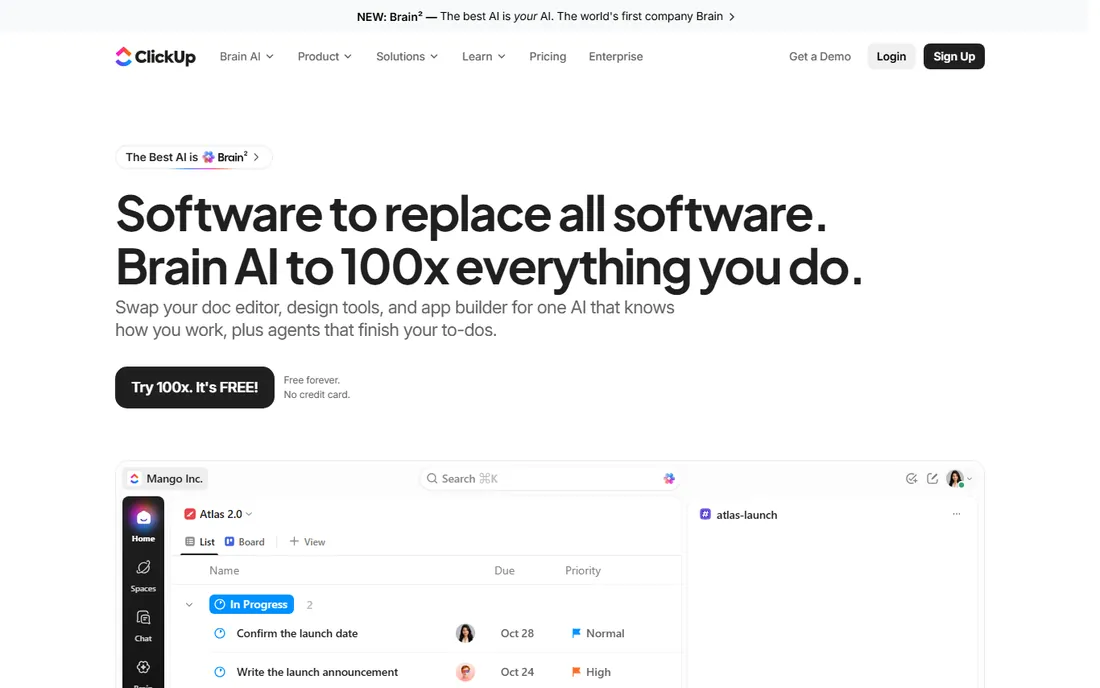
ClickUp's pitch is consolidation: instead of paying for a tracker, a docs tool and a chat app, you get one workspace where issues sit next to everything else. The Free Forever plan is the real product with real limits, not a trial, and the homepage states plainly that no credit card is required. For a small team that wants one login for all of its work, the free tier goes further here than almost anywhere else.
The tradeoff is focus. ClickUp does many things well and few things as crisply as a dedicated tracker like Linear. Teams that live in issues all day sometimes find the interface busy. But if your team also needs docs and project views and you want it all free, this is the strongest all-in-one free plan on the list.
What we like- Free Forever plan with no credit card required, per the homepage
- Issues live alongside docs, whiteboards, chat and time tracking, so fewer tools to buy
- Generous free tier compared with most competitors
Watch out for- The everything-app approach can feel cluttered next to focused trackers
- Advanced automations and AI features sit on paid plans
#3
Linear
Best for: Product and engineering teams that value speed and clean issue workflows
Visit linear.app
Starting priceSee website (paid plans; free plan includes 250 issues and 2 teams)
Free planYes (free plan: 250 issues, 2 teams)
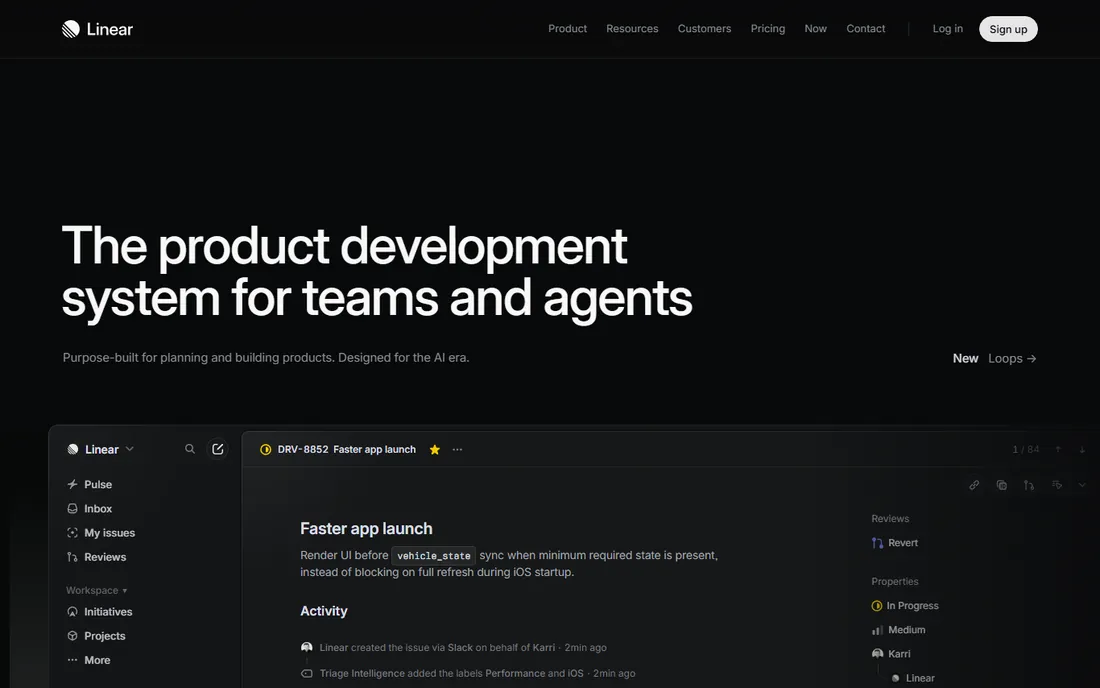
Linear is the tracker engineers pick when they get a choice. Everything is fast: keyboard shortcuts for every action, instant search, cycles and triage workflows that match how modern product teams actually work. The pricing page confirms a free plan with 250 issues and 2 teams, which is honest and clear.
The catch is the ceiling. Two hundred fifty issues sounds like plenty until a busy team burns through it, and the free tier is clearly designed to convert growing teams to paid. For a small product team or a side project, though, the free plan is the most pleasant issue tracking experience available at any price.
What we like- The fastest, most polished issue interface in this category
- Free plan confirmed on the pricing page at 250 issues and 2 teams
- Keyboard-first design that engineers genuinely enjoy using
Watch out for- The free plan's 250-issue cap is the tightest limit here
- Fewer built-in project views than ClickUp or Jira
#4
YouTrack
Best for: Development teams, especially shops already using JetBrains IDEs
Visit jetbrains.com
Starting priceSee website (free tier available; paid plans for more users)
Free planYes (free tier available)
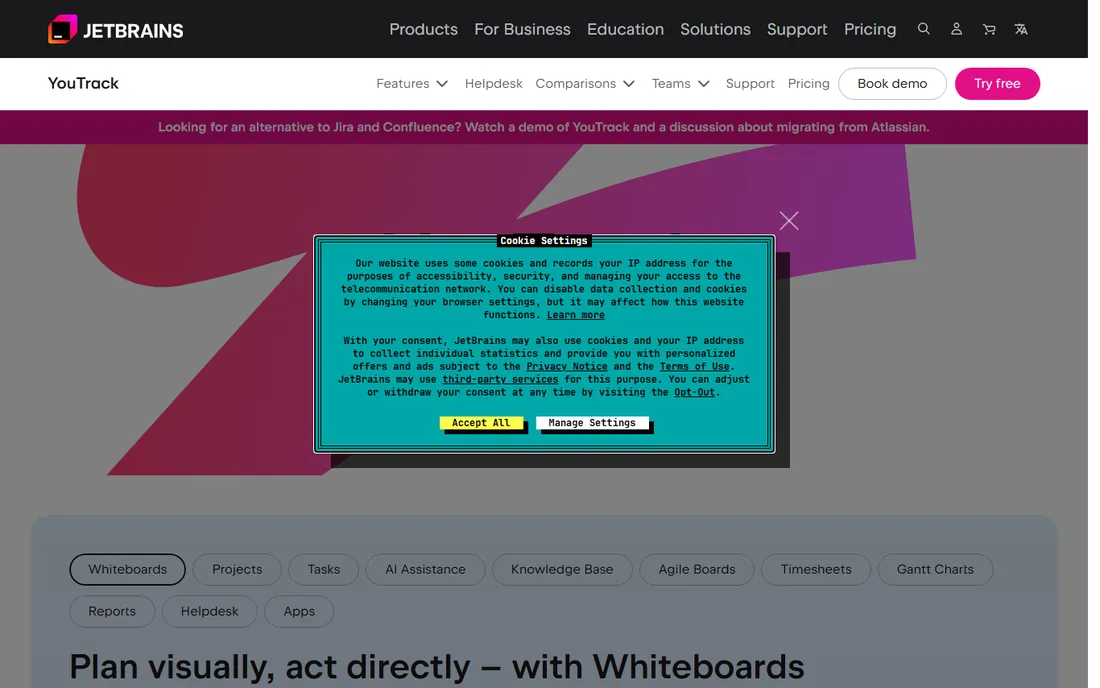
YouTrack is JetBrains' answer to Jira, and it shows the company's developer-tool DNA: keyboard-centric, customizable with its own workflow language, and deeply integrated with the IDEs many developers already use. Agile boards, Scrum and Kanban views, time tracking and reporting all come standard, and a free tier covers small teams.
The honest limitation is ecosystem. Jira's marketplace has an integration for everything; YouTrack's is smaller, and community answers are thinner. But the product itself is strong, the free tier is real, and teams that live in JetBrains IDEs will feel at home immediately. It deserves more attention than it gets.
What we like- Agile boards, custom workflows and time tracking in one tool
- Natural fit for teams on IntelliJ, PyCharm and other JetBrains IDEs
- Free tier for small teams with a clear paid path
Watch out for- Smaller community and integration ecosystem than Jira
- The interface assumes comfort with JetBrains-style tooling
#5
Trello
Best for: Non-technical teams and anyone who wants the simplest possible issue board
Visit trello.com
Starting priceSee website (free plan; paid plans add features)
Free planYes (free plan)
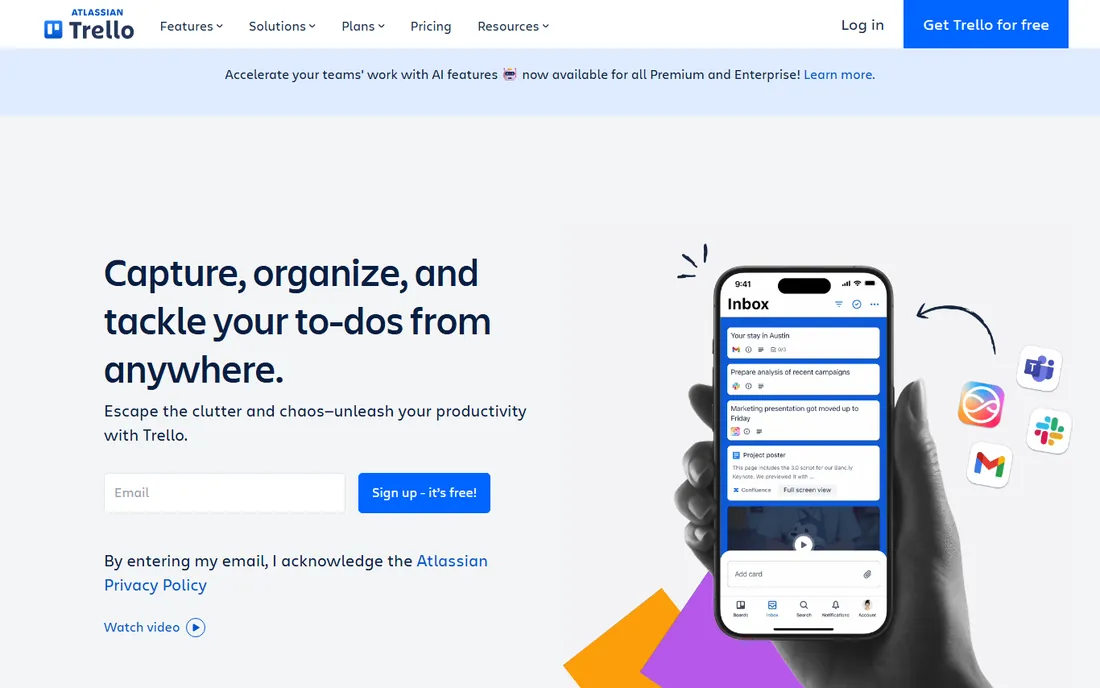
Trello is where issue tracking starts for most non-developers. A board is a board: lists for backlog, doing and done, cards you drag between them, checklists and attachments on each card. The free plan is genuinely useful, and for support queues, content pipelines and small bug lists it is often all a team needs.
Do not expect it to grow into Jira. There is no meaningful issue hierarchy, reporting is thin, and automation is limited on the free tier. Trello is the right answer when the team is small, the workflow is simple, and ease beats power. When the cards start needing custom fields and dependencies, migrate to something built for engineering.
What we like- The easiest tracker here to learn: sign up, make a board, drag cards
- Free plan covers unlimited cards with the core board experience
- Huge template gallery and Power-Ups for common workflows
Watch out for- Too simple for complex engineering workflows: no real issue hierarchy, weak reporting, limited automation on free
- Atlassian clearly positions paid Jira above it
#6
Redmine
Best for: Technical teams that want a free, self-hosted tracker they fully control
Visit redmine.org
Starting price$0 (open source, GPL licensed)
Free planYes (free forever, self-hosted)
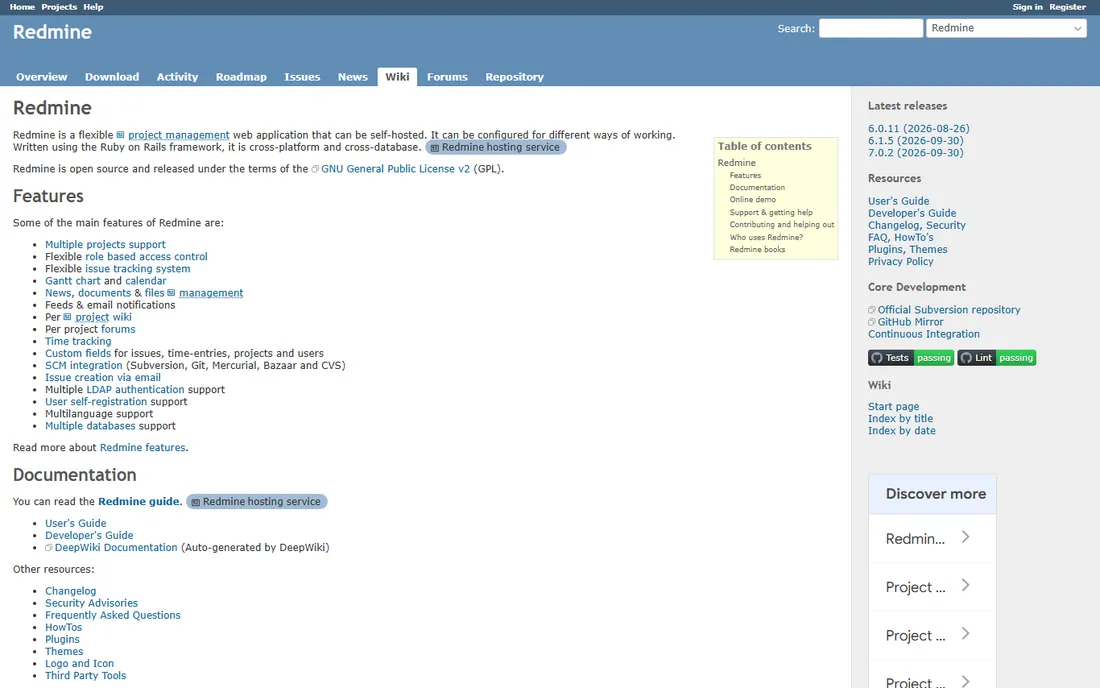
Redmine is the veteran of open-source issue tracking. It is free in the strongest sense: no tiers, no seat counts, no upsell, just the software under the GPL since 2006. Multi-project management, role-based permissions, Gantt charts, calendars, wikis, forums, time tracking and version-control integration all ship with it, and community plugins extend it further.
The price is your own time. You install it, back it up and keep it running, which is trivial for a team with DevOps skills and a real chore for one without. The interface will not win design awards. But for teams that want data sovereignty and zero subscription cost forever, Redmine remains the rational choice two decades on.
What we like- Completely free with no user limits, no feature gates and no vendor
- Mature and stable, in use since 2006 with a large plugin ecosystem
- Multi-project support, Gantt charts, wikis and time tracking built in
Watch out for- You host and maintain it yourself, which needs a server and some Ruby on Rails comfort
- The interface looks dated next to modern cloud tools
#7
Taiga
Best for: Agile teams that want free, open-source Scrum and Kanban
Visit taiga.io
Starting price$0 (open source)
Free planYes (free forever, self-hosted)
Taiga proves open source does not have to look dated. It is a free, self-hosted agile platform with proper Scrum support (backlog grooming, sprint planning, burndown charts) and Kanban boards, plus an issue tracker that connects bugs to user stories and Epics. The homepage calls it the free and open-source project management tool, and means it.
Like Redmine, you run it yourself, though the setup is friendlier than its reputation suggests. The tradeoff versus Redmine is maturity of plugins against modernity of interface. Agile teams that want Scrum done right without paying per user should try Taiga before signing anything.
What we like- Free and open source with a modern, friendly interface rare in this corner
- Purpose-built for agile: Scrum backlogs, sprints, Kanban boards and Epics
- Issue tracking integrated with user stories rather than bolted on
Watch out for- Self-hosting needs technical setup
- The ecosystem of integrations is smaller than Jira's or GitHub's
#8
OpenProject
Best for: Teams that want a free, self-hosted Jira alternative with Gantt planning
Visit openproject.org
Starting price$0 (open source Community edition)
Free planYes (Community edition free forever)
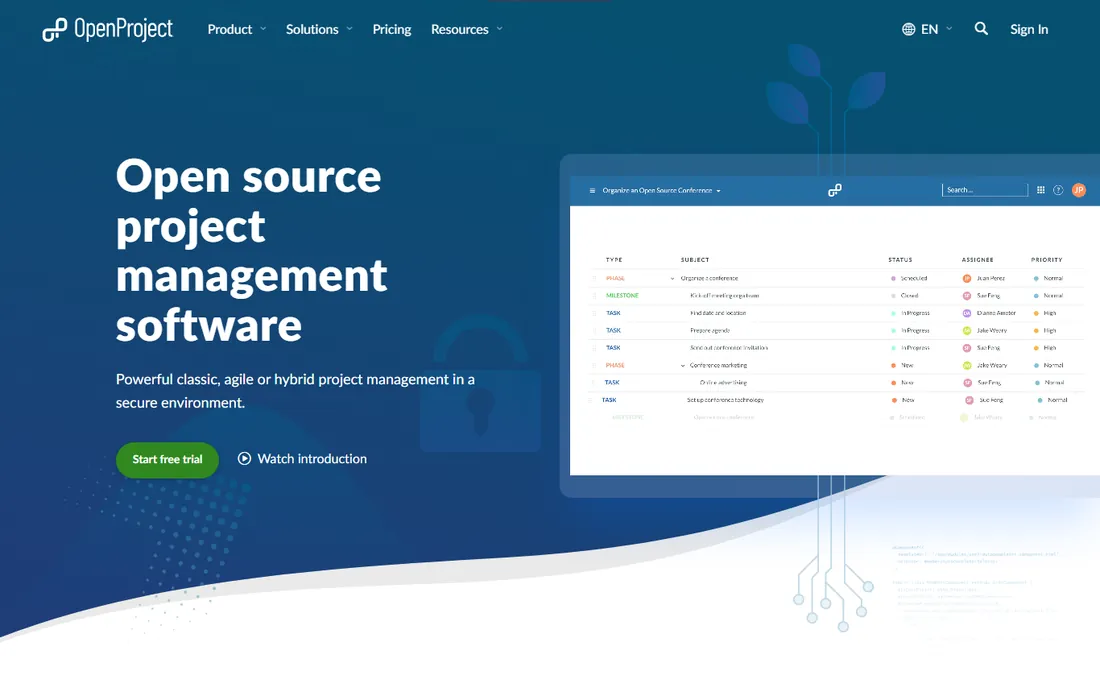
OpenProject is the open-source answer for teams that priced Jira and flinched. Its Community edition is free forever with no user limit, covering work packages (its name for issues), Gantt charts, agile boards, calendars, time tracking and document management. The vendor develops in public under the GPL, and the project ships regular releases with a large contributor base.
The catch is the usual open-source tradeoff plus a freemium edge: you host it, and the shiniest features sit in paid Enterprise editions. For straightforward issue tracking and project planning, the Community edition is complete. Teams leaving Atlassian's cloud will find the migration path deliberately smooth.
What we like- The closest free equivalent to Jira's breadth: work packages, Gantt charts, agile boards, time tracking and wikis
- Community edition is free forever with no user limit, per the vendor
- Strong European open-source community and regular releases
Watch out for- Self-hosted setup needs Linux or Mac comfort
- Some advanced features are reserved for the paid Enterprise editions
#9
GitHub Issues
Best for: Development teams whose code already lives on GitHub
Visit github.com
Starting price$0 with GitHub Free (paid Team and Enterprise plans available)
Free planYes (included with GitHub's free plan)

GitHub Issues is the issue tracker you already have. If your repository is on GitHub, your bug list, feature requests and pull requests share one interface, one notification stream and one search. Labels, milestones, assignees, project boards and issue templates cover most teams' needs, and for public repositories the free plan is unlimited.
The limitation is depth. There are no custom workflows, no time tracking and no portfolio reporting, and product managers who do not live in GitHub tend to resist it. But for engineering-led teams, especially open-source projects, the integration with code is worth more than any feature checklist. Check it before buying anything.
What we like- Zero new tool to adopt: issues live next to the code, pull requests and actions
- Free with GitHub Free for unlimited collaborators on public repos
- Project boards, labels, milestones and automation included
Watch out for- Weaker as a standalone tracker: no real custom workflows, thin reporting, and non-developers often bounce off it
- Private-repo limits apply on the free plan
What the free plans actually limit
Free never means unlimited, and the limits shape which tool fits. Jira's free plan caps users, which is fine for a team of five and a wall for a team of fifty. Linear caps issues at 250 and teams at 2, which suits a focused product squad and starves a busy support queue. ClickUp's Free Forever is the most generous of the cloud options but gates automations and AI. Trello's free tier is deliberately simple to nudge upgrades.
The open-source tools have no such limits because there is no vendor metering you: Redmine, Taiga and OpenProject are free for any team size. Their limit is operational: someone has to install, update and back up the server. GitHub Issues sits in between, free within GitHub's own plan limits. Before committing, list your actual constraints: headcount now and in a year, issues per month, and whether anyone on the team can run a server. Match the limit to the constraint and the choice makes itself.
Self-hosted vs. cloud: the real tradeoff
Cloud free plans (Jira, ClickUp, Linear, YouTrack, Trello) buy you zero maintenance: sign up and track issues in minutes, with mobile apps, uptime and backups handled. You pay with limits and with your data living on someone else's servers, plus the eventual per-user bill when you grow.
Self-hosted tools (Redmine, Taiga, OpenProject) flip the deal: no limits, no per-user fees and full data control, in exchange for your team's sysadmin time. For a team with DevOps skills, a small VPS runs any of these for a few dollars a month total. For a team without those skills, the "free" software gets expensive in weekends.
The pragmatic middle is GitHub Issues for code-adjacent work plus a cloud tracker for everything else. Most small teams end up hybrid without planning to. Choose the hosting model your team can actually sustain, because a tracker nobody maintains, cloud or self-hosted, becomes a graveyard within a quarter.
How we chose
We started with the searches buyers run: free issue tracking software, free bug tracker, and open-source issue tracking. For each candidate we opened the vendor's own homepage and, where available, the pricing page, confirming a genuinely free tier exists today (not a trial, not a discontinued plan). We checked public reviews on G2 and Capterra and practitioner discussion on Reddit for how the free tiers actually behave. Prices and plan limits come only from vendor pages; where a vendor page did not state a number, we wrote "See website" instead of repeating third-party claims.
Frequently asked questions
Is Jira really free?
Yes, for small teams. Atlassian's pricing page lists a Free plan alongside Standard, Premium and Enterprise, and the Jira homepage offers free signup with no credit card. The free plan caps users, so growing teams move to paid tiers. It is the real product, not a time-limited trial.
What is the best free issue tracker for a solo developer?
GitHub Issues if your code is on GitHub, since it is already there and free. Linear's free plan if you want the nicest interface and stay under 250 issues. Redmine or Taiga if you want your data on your own server and never want to think about limits again.
Can free issue tracking software handle agile sprints?
Yes. Jira, YouTrack, Taiga and OpenProject all support Scrum boards, sprints and backlogs on their free tiers. Linear handles cycles on its free plan too. Trello can fake sprints with lists but lacks real sprint mechanics. For serious Scrum at zero cost, Taiga and OpenProject are the strongest free options.
Should I self-host or use the cloud?
Use the cloud if nobody on your team wants to run servers: Jira, ClickUp, Linear, YouTrack and Trello are minutes to set up. Self-host Redmine, Taiga or OpenProject if you have the skills and want no user limits, no fees and full data control. A small VPS costs less per month than two SaaS seats.
When should a team start paying for issue tracking?
When a free limit starts shaping your process instead of serving it: capping users, archiving issues to stay under a count, or losing hours to missing automation. Also consider paying when uptime and support become business-critical, since free tiers owe you neither. Until then, the tools on this list are production-ready at zero cost.
Can I migrate from one tracker to another later?
Usually yes, and most of these tools expect it. Jira, GitHub, Trello and the open-source tools all have importers, and OpenProject explicitly courts Jira migrants. Export your data regularly regardless of which tool you pick, so a future migration is a project, not a crisis.
Sources we checked (9)
- https://www.atlassian.com/software/jira
- https://clickup.com/
- https://linear.app/
- https://www.jetbrains.com/youtrack/
- https://trello.com/
- https://redmine.org
- https://taiga.io/
- https://www.openproject.org
- https://github.com/
Is your product missing or out of date?
We review this list regularly. Vendors can request a listing, send updated pricing or ask about featured placement.

Shihab Mia · Founder, Rankite
Shihab has spent more than a decade helping SaaS and e-commerce brands grow through search. He writes Rankite's software buying guides from pricing pages, documentation and public user reviews. More about Shihab.