How we make this list: we compare pricing pages, product documentation and public user reviews. Rankite is independent; if a vendor ever pays for a featured spot, that listing is clearly labeled Partner.
Key takeaways
- ClickUp ($7 a user a month annual) is the best value: the most features per dollar, with a genuinely usable free plan.
- Asana ($10.99 a user a month annual) is the easiest for teams to adopt; monday.com ($9 a seat, 3-seat minimum) is the most visual.
- Trello ($5 a user a month) is the cheapest real team tool; Notion ($10 a user a month) is best when docs and tasks must live together.
- Basecamp's $299-a-month unlimited plan is the best deal for teams over 20.
Quick comparison
| Tool | Best for | Starting price | Free plan |
|---|
 ClickUp ClickUp | the best value for teams | $7 per user per month, billed annually (Unlimited) | Yes |
 Asana Asana | the easiest team adoption | $10.99 per user per month, billed annually (Starter) | Yes (2 users) |
 monday.com monday.com | the most visual boards | $9 per seat per month, billed annually (Basic) | Yes (2 users) |
 Trello Trello | the cheapest real team tool | $5 per user per month, billed annually (Standard) | Yes |
 Notion Notion | docs and tasks in one workspace | $10 per user per month, billed annually (Plus) | Yes |
 Wrike Wrike | structured project work | $10 per user per month, billed annually (Team) | Yes |
 Smartsheet Smartsheet | spreadsheet-native teams | $9 per user per month (Pro) | Free trial (30 days) |
 Basecamp Basecamp | flat pricing for large teams | $15 per user per month (Plus) | No |
 Todoist Todoist | simple shared task lists | $4 per month, billed annually (Pro) | Yes |
Is your product missing or out of date?
We review this list regularly. Vendors can request a listing, send updated pricing or ask about featured placement.
The best task management app for teams
Starting price$7 per user per month, billed annually (Unlimited)
Free planYes
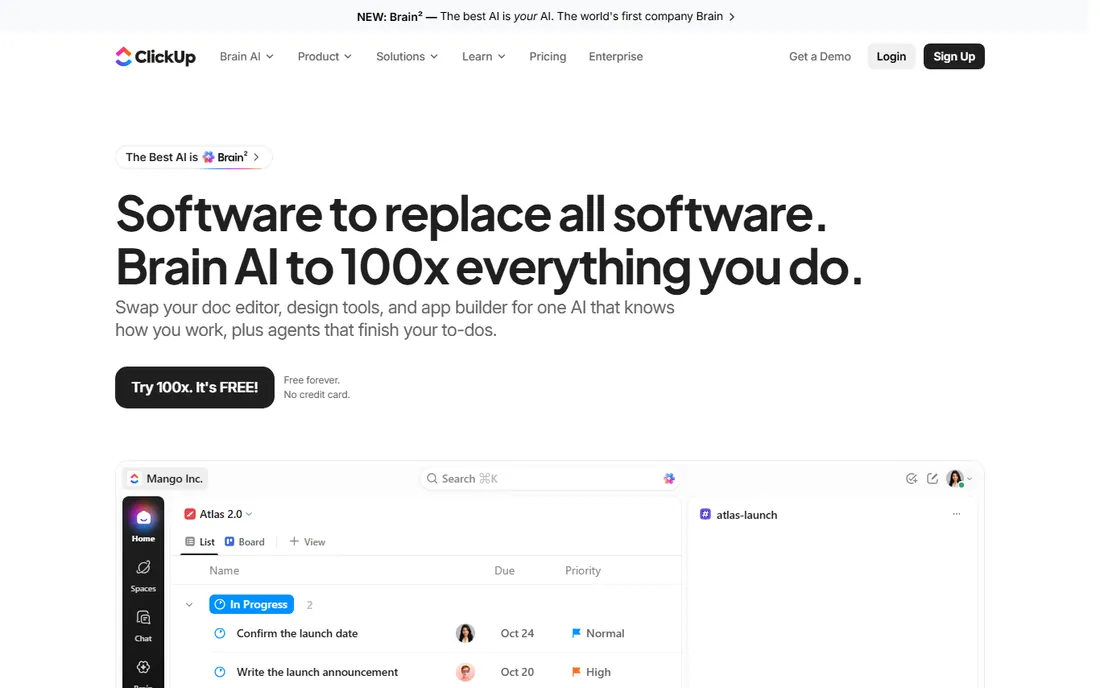
ClickUp's Unlimited plan at $7 a user a month billed annually ($10 monthly) delivers what rivals charge twice for: unlimited storage, Gantt charts, custom fields, native time tracking, integrations and 1,000 automation runs a month. Business at $12 adds dashboards, workload and 5,000 automations. The Free Forever plan covers unlimited tasks and members, which no competitor matches.
The honest catch is complexity. ClickUp ships so many features that teams without a dedicated owner end up with messy workspaces. Turn off what you do not use, appoint an admin, and it is the best task management app for teams on pure value. Skip it if nobody will own the setup.
What we like- Most features per dollar
- Genuinely usable free plan with unlimited members
- Every view imaginable
Watch out for- Overwhelming interface
- Setup needs an owner
- AI features cost extra
Starting price$10.99 per user per month, billed annually (Starter)
Free planYes (2 users)
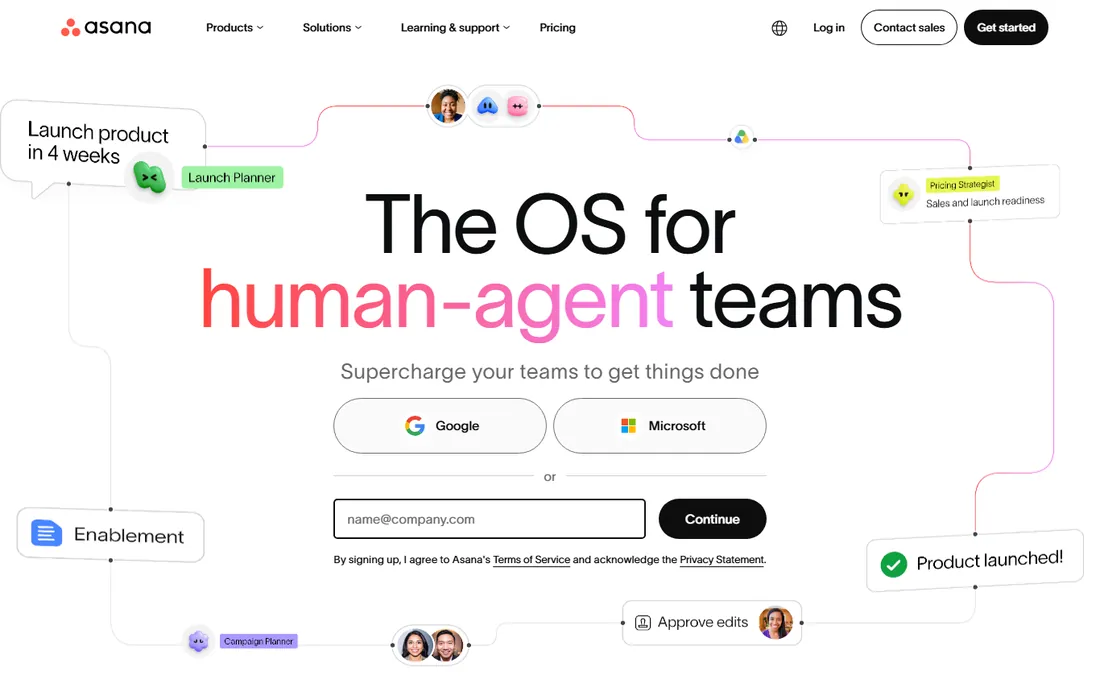
Asana is the tool teams actually open: the interface needs no training, one assignee per task makes ownership unambiguous, and timelines, forms and automation rules cover most team workflows without configuration. Starter is $10.99 a user a month billed annually ($13.49 monthly); Advanced at $24.99 adds portfolios, goals and workload.
Watch the free plan: Personal is capped at two users, so a team of three has no free option at all. Unlimited free guests soften the bill for client collaboration. For the team that keeps dropping things and needs structure that is hard to ignore, Asana is the best task management app for teams on adoption alone.
What we like- Clearest interface in the category
- One assignee per task enforces ownership
- Unlimited free guests on paid plans
Watch out for- Free plan capped at 2 users
- $10.99 a seat adds up
- Advanced reporting sits on higher tiers
Starting price$9 per seat per month, billed annually (Basic)
Free planYes (2 users)
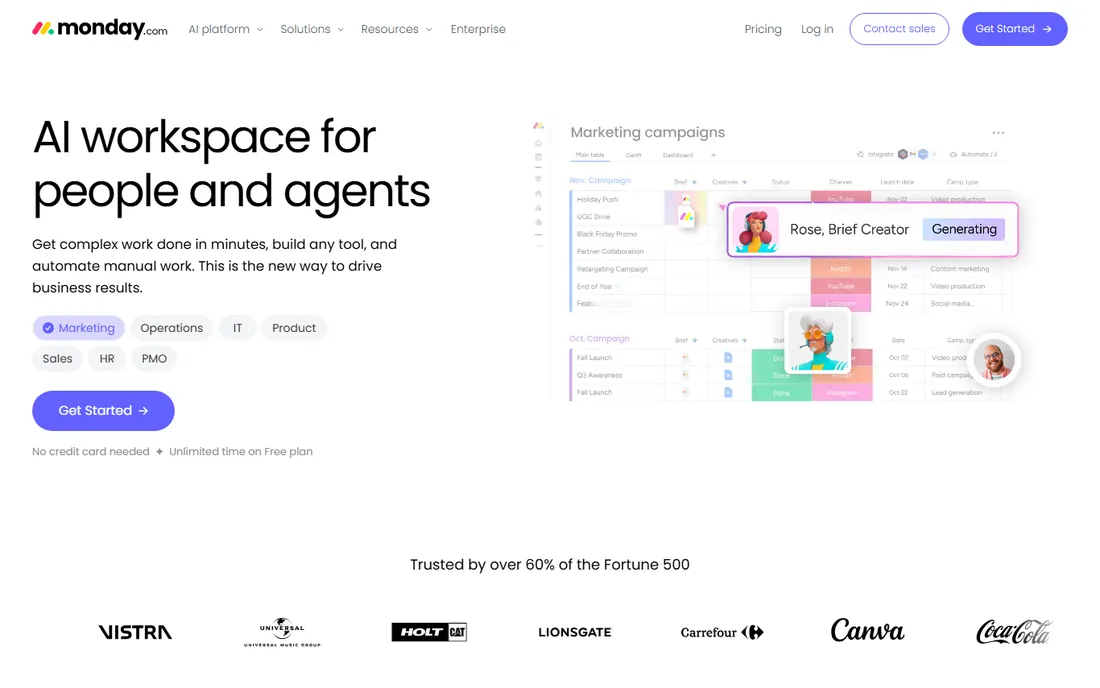
monday.com is the most visual of the big three: color-coded statuses, drag-and-drop boards and multi-view flexibility (kanban for the team, Gantt for the PM, dashboards for execs) from one dataset. Basic is $9 a seat a month billed annually, Standard $12, Pro $19.
Two pricing gotchas: every paid plan requires a minimum of 3 seats (Basic's real floor is $27 a month), and Basic ships with no automations or integrations, making Standard the effective entry point. For the non-technical team that wants to see its work, monday.com is the prettiest path. Budget for Standard, not Basic.
What we like- Beautiful color-coded boards
- Non-technical teams build workflows in an afternoon
- 200+ templates
Watch out for- 3-seat minimum on all paid plans
- Basic lacks automations and integrations
- Seat buckets force overpaying
Starting price$5 per user per month, billed annually (Standard)
Free planYes
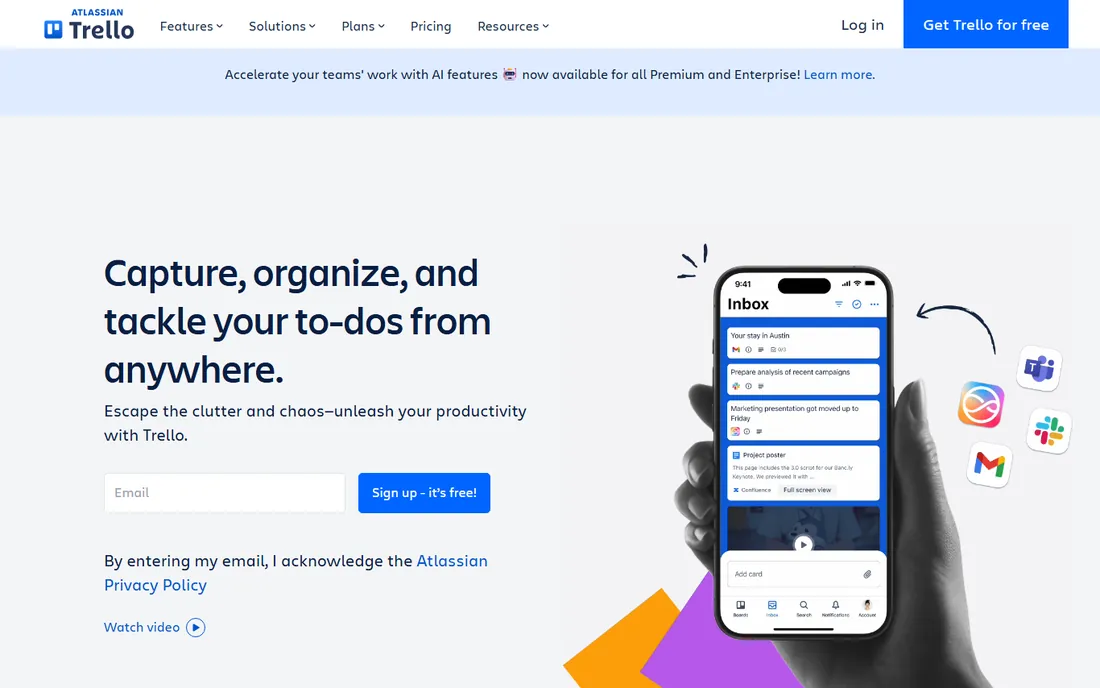
Trello is kanban and nothing else, which is exactly its appeal. Standard at $5 a user a month billed annually removes board caps and adds advanced checklists; it is the cheapest way to scale a pure board workflow across a business. The free plan covers the basics well.
You pay for space, not features: timeline, calendar and team-wide views need Premium, and reporting is thin at any tier. For the team whose entire process fits on boards, Trello is the best task management app for teams on simplicity and price. If your work needs dependencies and portfolios, look at Asana.
What we like- Cheapest paid tier here
- Dead simple kanban
- Free plan is genuinely useful
Watch out for- Thin beyond boards
- Timeline and calendar need Premium
- Weak reporting
Starting price$10 per user per month, billed annually (Plus)
Free planYes
Notion is where documentation and task tracking merge: project pages, task databases, meeting notes and wikis in one workspace that teams genuinely enjoy. Plus is $10 a user a month billed annually ($12 monthly); Business at $20 adds full AI and SSO.
As a task manager it is softer than the dedicated tools: no native time tracking, and task views are database views rather than purpose-built workflows. The free plan's block cap kicks in once a workspace has two or more members. For the team whose bottleneck is scattered knowledge rather than missed deadlines, Notion is the best task management app for teams. For deadline-driven work, pair it with something stricter.
What we like- Tasks, docs, wikis and databases in one
- Flexible building blocks
- Guests free on every plan
Watch out for- Weak as a pure task manager
- No native time tracking
- Block caps on free team workspaces
Starting price$10 per user per month, billed annually (Team)
Free planYes
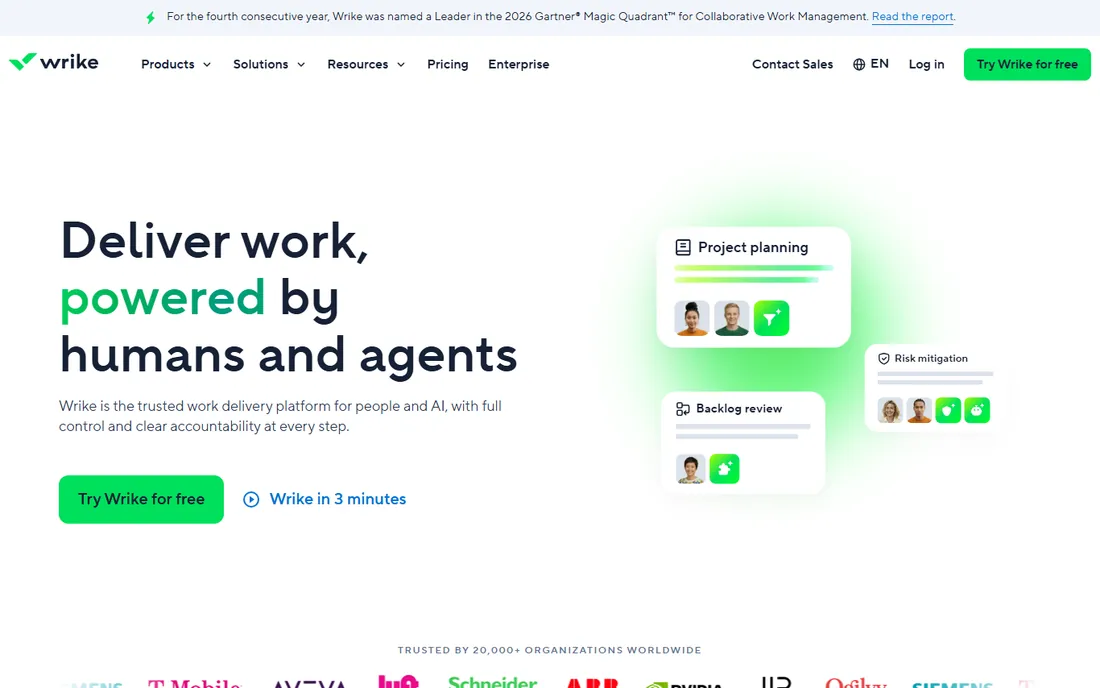
Wrike sits between Asana and the enterprise tools: structured project management with interactive Gantt charts, custom workflows, dashboards and cross-tagging. Team is $10 a user a month billed annually for 2 to 15 users; Business at $25 adds resource management, approvals and reporting for 5 to 200 users.
The free plan covers unlimited users for basic task management, which is generous. The interface feels corporate and complex setups need real configuration. For the team running cross-functional projects with dependencies and reporting needs, Wrike is the structured middle ground between Asana's simplicity and Smartsheet's spreadsheet heritage.
What we like- Strong Gantt and dependencies
- Good for cross-functional projects
- Free plan for unlimited users
Watch out for- Learning curve for complex setups
- Business at $25 is a big jump
- Interface feels corporate
Starting price$9 per user per month (Pro)
Free planFree trial (30 days)
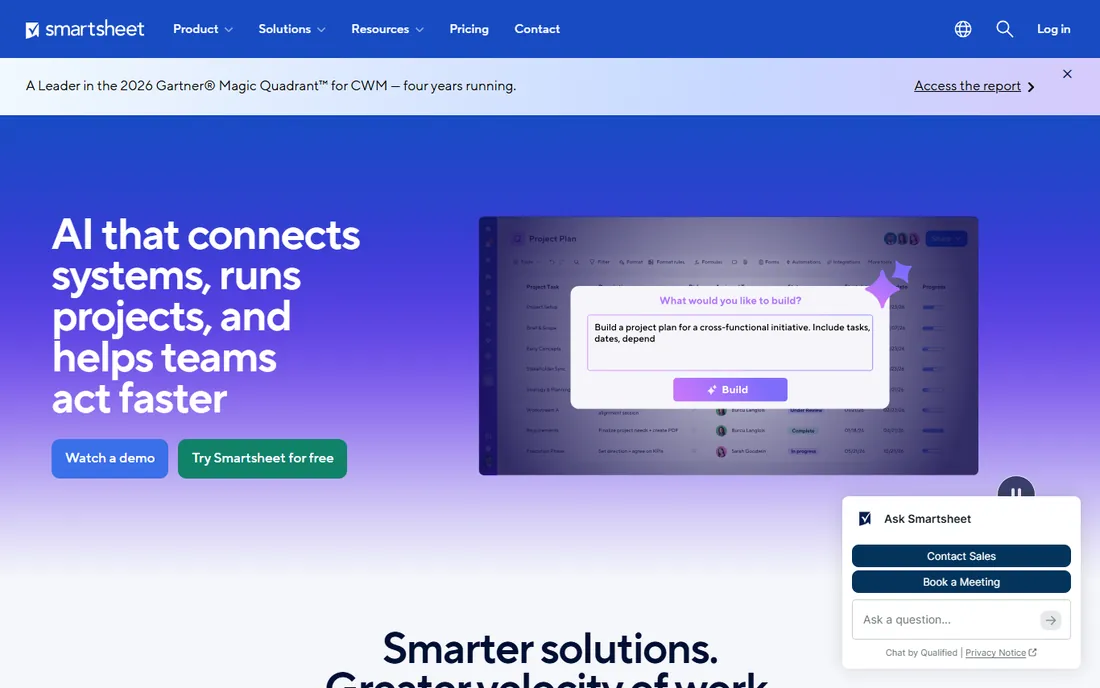
Smartsheet is project management for people who think in spreadsheets: grid views with formulas, plus Gantt, board and calendar views on top. Pro at $9 a user a month includes unlimited viewers (viewers do not need paid seats), 250 automations a month and the core views. Business at $19 adds timeline views and 1TB storage.
There is no free plan, only a 30-day trial. The unlimited-viewer model makes it cheap for organizations where many people watch and few edit. For the operations or finance team that lives in Excel, Smartsheet is the best task management app for teams. For everyone else, Asana is friendlier.
What we like- Familiar spreadsheet interface
- Gantt, grid, board and calendar views
- 250 automations a month on Pro
Watch out for- No free plan
- Per-seat cost with unlimited viewers model
- Less intuitive than Asana for non-spreadsheet people
Starting price$15 per user per month (Plus)
Free planNo
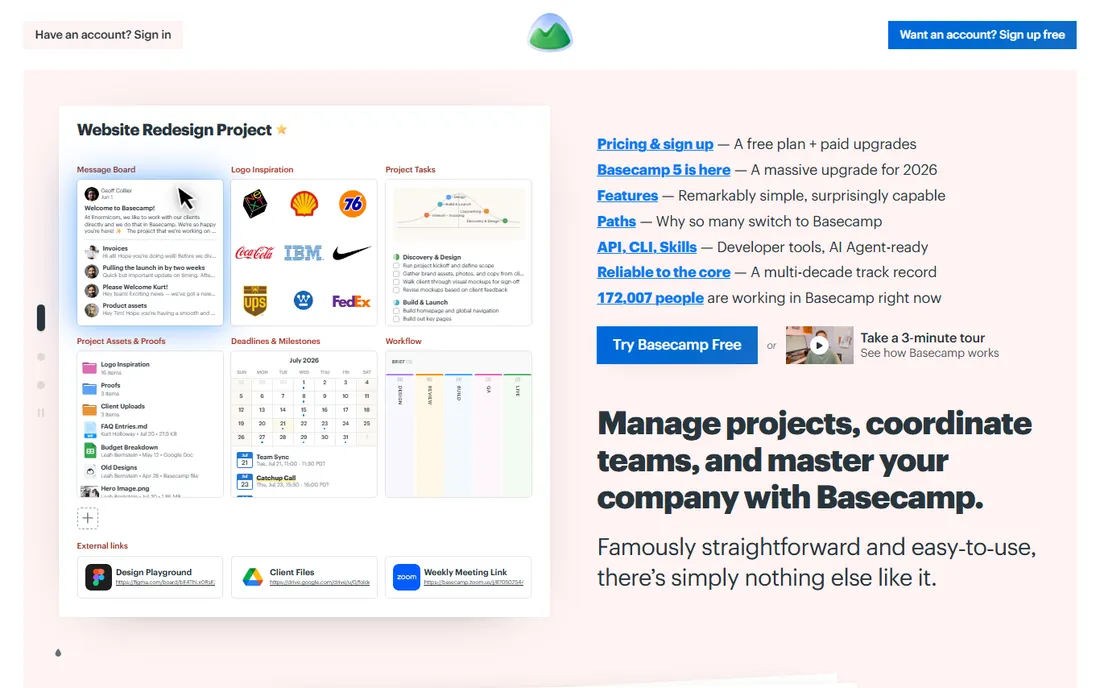
Basecamp's pricing is the story: Plus at $15 a user a month, or Pro Unlimited at $299 a month for unlimited users. A 30-person team pays $299 instead of $450; a 100-person team pays $299 instead of $1,500. The breakeven against per-seat pricing is around 20 users.
The product is deliberately opinionated: tasks, message boards, chat, docs and scheduling in one calm package, with less configurability than rivals. For the large team tired of per-seat bills that grow with every hire, Basecamp's flat pricing is the best task management app for teams on economics. Small teams should look at Trello or ClickUp instead.
What we like- $299-a-month unlimited plan
- All-in-one (tasks, chat, docs, scheduling)
- Opinionated simplicity
Watch out for- No free plan
- Per-user plan is expensive
- Opinionated means less configurable
Starting price$4 per month, billed annually (Pro)
Free planYes
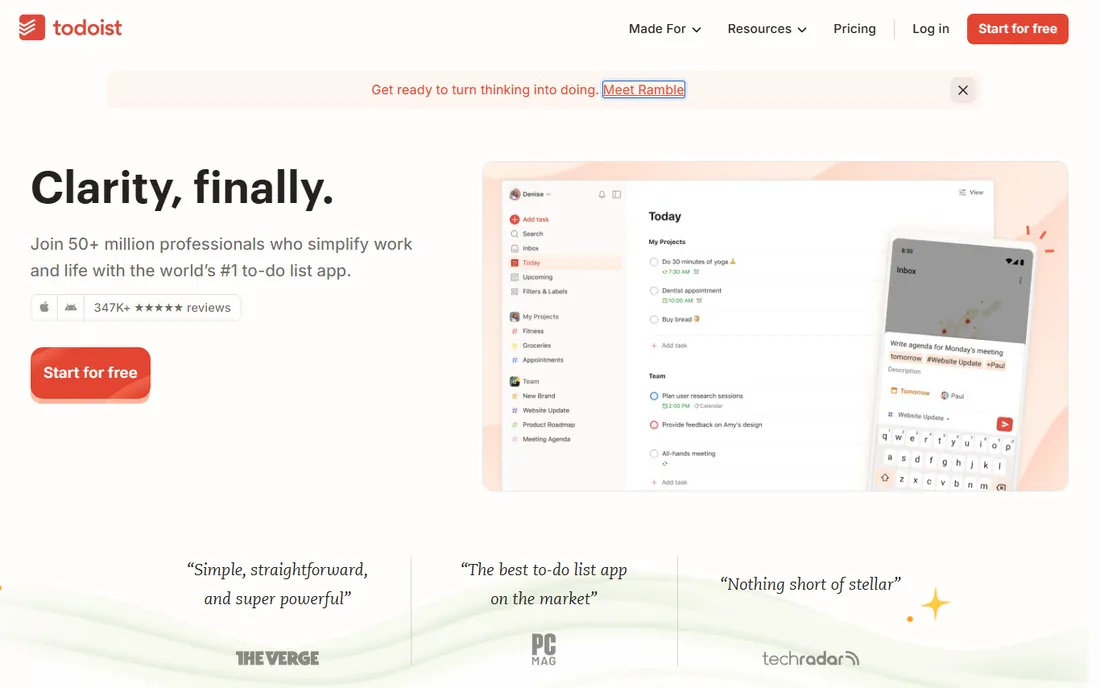
Todoist is the best pure to-do app ever made: natural-language task entry ("every Friday at 9am"), projects, labels, filters and karma gamification. Pro is $4 a month billed annually; Business adds team features per user.
It is not project management software. There are no meaningful timelines, boards, dependencies or reporting. For the team whose need is genuinely "a shared list of who does what by when," Todoist is the best task management app for teams on speed and simplicity. The moment you need project structure, graduate to Asana or ClickUp.
What we like- Fastest task capture anywhere
- Natural language input
- Cheap and reliable
Watch out for- Not a project management tool
- Weak collaboration features
- No timelines or boards worth using
How we chose
We researched vendor documentation and pricing pages in October 2026, comparing free plans, entry paid tiers and the real cost for a 10-person team. We used only vendor-published prices. We did not run live team projects.
The free plan audit: what teams actually get for $0
Free plans in this category are marketing, not charity, and they differ wildly. ClickUp's Free Forever is the real deal: unlimited tasks and members. Trello's free plan is genuinely useful for small boards. Notion's free plan caps blocks once a workspace has two members. Asana and monday.com cap free at two users, which makes them personal tools, not team tools.
Before you fall in love with a free trial, check three things: the user cap, the feature gates that matter to you (timelines, automations, guests), and what happens to your data when the trial ends. The cheapest tool is the one whose free plan you never outgrow. The most expensive is the one whose free plan ends the week your team finally adopts it.
Per-seat math for a 10-person team
Sticker prices lie by omission, so here is the annual bill for ten people on each tool's entry paid tier: ClickUp $840, Trello $600, Smartsheet $1,080, Asana $1,319, Notion $1,200, Wrike $1,200, monday.com $1,080 (but the 3-seat minimum and Standard reality push it higher), Todoist $480 (but it is not really a team PM tool), Basecamp $1,800 on per-user or $3,588 on unlimited (which only wins past 20 users).
Then add the gotchas: monday.com's seat buckets, Asana's two-user free cap forcing everyone to paid, ClickUp's AI add-ons, Notion's AI now requiring Business. The tool that wins is rarely the cheapest sticker; it is the one whose pricing model matches how your team actually grows.
Frequently asked questions
What is the best task management app for teams?
ClickUp is the best value ($7 a user a month), Asana is the easiest to adopt ($10.99), monday.com is the most visual ($9 a seat), and Trello is the cheapest ($5). The right one depends on your team's size and structure needs.
How much does team task management software cost?
Entry paid tiers run $5 to $11 per user per month billed annually. For a 10-person team, expect $600 to $1,320 a year on entry tiers. Basecamp's $299-a-month unlimited plan wins for teams over 20.
Which task management app has the best free plan?
ClickUp's Free Forever plan (unlimited tasks and members) is the best free plan in the category. Trello's free plan is also genuinely useful. Asana and monday.com cap free at two users.
Is Asana or monday.com better for teams?
Asana is better for teams that need structured task ownership and easy adoption. monday.com is better for visual teams that want colorful boards and flexible views. Asana's free plan is tighter; monday.com's paid plans have a 3-seat minimum.
Do I need paid task management software?
Not always. ClickUp and Trello free plans cover many small teams. You need paid when you hit user caps, need timelines and automations, or want guest access and reporting.
What is the simplest task management app for a small team?
Trello for pure simplicity, Todoist for shared lists. Both are cheap and fast. Graduate to Asana or ClickUp when you need dependencies, timelines and real project structure.
Sources we checked (9)
- https://asana.com
- https://monday.com
- https://clickup.com
- https://trello.com
- https://www.notion.so
- https://www.wrike.com
- https://www.smartsheet.com
- https://basecamp.com
- https://www.todoist.com
Is your product missing or out of date?
We review this list regularly. Vendors can request a listing, send updated pricing or ask about featured placement.

Shihab Mia · Founder, Rankite
Shihab has spent more than a decade helping SaaS and e-commerce brands grow through search. He writes Rankite's software buying guides from pricing pages, documentation and public user reviews. More about Shihab.