How we make this list: we compare pricing pages, product documentation and public user reviews. Rankite is independent; if a vendor ever pays for a featured spot, that listing is clearly labeled Partner.
Key takeaways
- ClickUp gives the most features per dollar at $7 per user per month, but its flexibility means someone has to own the setup or it turns into clutter.
- Asana is the most polished traditional tracker at $10.99 per user per month, though its free plan now caps at two users, which rules it out for whole teams.
- Linear is the fastest tool here for software teams at $8 per user per month, with a free tier covering 250 issues.
- Trello remains the simplest board at $5 per user per month, ideal when your whole plan fits on one board.
- Basecamp's flat $299 per month Pro Unlimited beats every per-seat plan once your team passes about twenty people.
Quick comparison
| Tool | Best for | Starting price | Free plan |
|---|
 ClickUp ClickUp | All-in-one value | $7 per user/month (billed annually) | Yes |
 Asana Asana | Polished task coordination | $10.99 per user/month (billed annually) | Yes (2 users) |
 Monday.com Monday.com | Visual, ops-heavy teams | $9 per user/month (billed annually) | Yes |
 Linear Linear | Software and product teams | $8 per user/month (billed annually) | Yes (250 issues) |
 Trello Trello | Simple kanban boards | $5 per user/month (billed annually) | Yes (10 collaborators) |
 Notion Notion | Docs plus tasks in one place | $10 per user/month (billed annually) | Yes |
 Wrike Wrike | High-volume enterprise projects | $10 per user/month (billed annually) | Yes |
 Basecamp Basecamp | Flat-price simplicity | $15 per user/month or $299 per month flat (Pro Unlimited) | Free trial (30 days) |
Is your product missing or out of date?
We review this list regularly. Vendors can request a listing, send updated pricing or ask about featured placement.
8 project tracker apps worth your shortlist
Starting price$7 per user/month (billed annually)
Free planYes
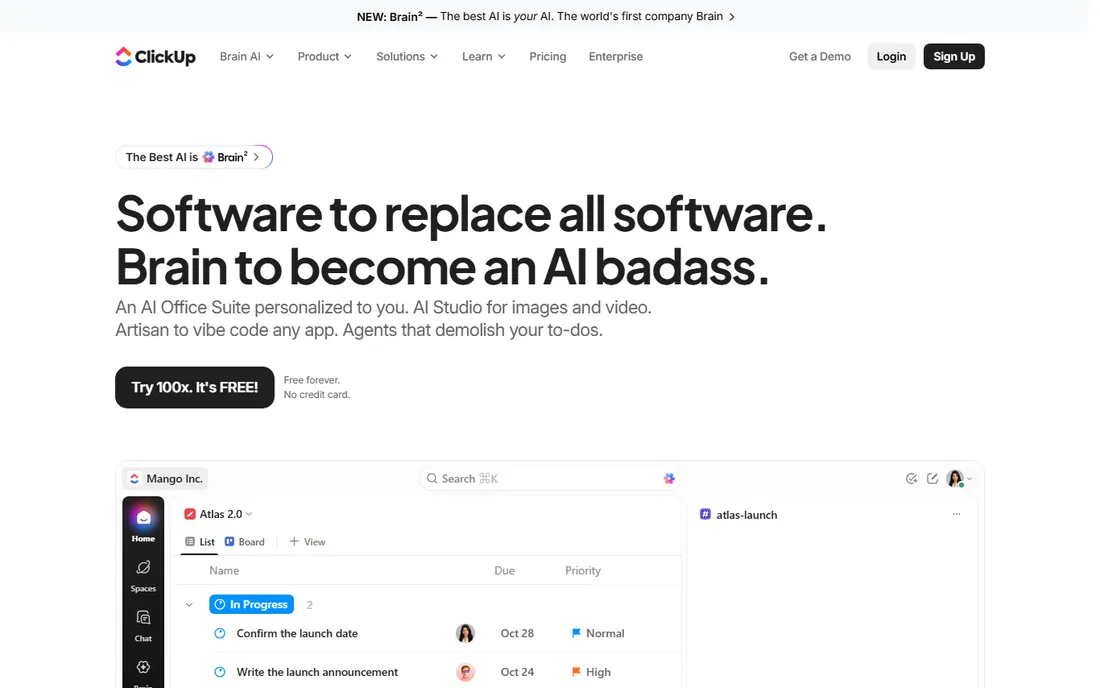
ClickUp is the value pick that tries to replace four tools at once. The Unlimited plan at $7 per user per month includes Gantt charts, custom fields, dashboards, native time tracking, and guest access, a bundle that costs two to three times more elsewhere. The Free Forever plan is genuinely usable too, with unlimited tasks and members, though storage is capped at 60 MB.
The catch is discipline. ClickUp lets you build almost anything, which means teams build everything, and workspaces turn into mazes of half-used views. Assign one person to own the setup and keep it clean. Also note the AI pricing: Brain AI runs about $9 per user per month on top, so factor that in if AI summaries are part of your plan. For small teams that want one workspace for tasks, docs, and goals, the math is hard to beat.
What we like- Most features per dollar in the category
- Free Forever plan with unlimited tasks and members
- Docs, whiteboards, sprints, and time tracking in one app
Watch out for- Setup flexibility becomes clutter without an owner
- Automations are capped on lower tiers
- AI features cost extra per seat
Starting price$10.99 per user/month (billed annually)
Free planYes (2 users)
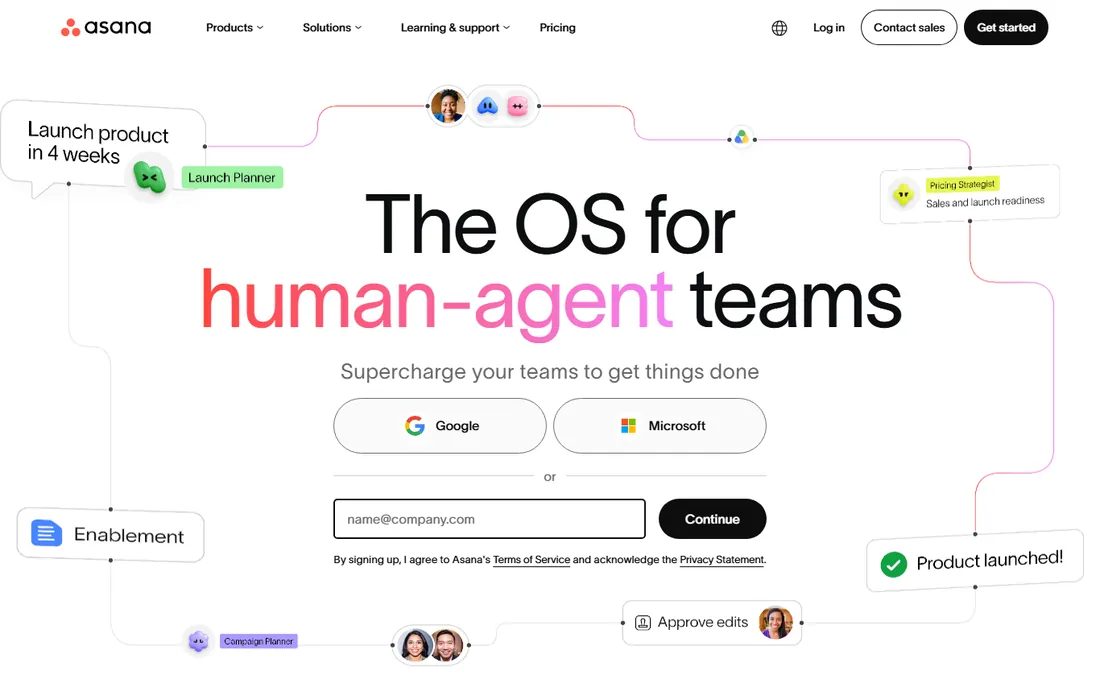
Asana is the tracker teams actually adopt. The interface is calm, the structure is predictable, and the Starter plan at $10.99 per user per month covers timelines, Gantt, custom fields, forms, dashboards, and unlimited automations. Unlimited free guests make client collaboration genuinely cheap, since clients do not consume paid seats.
The pricing has sharp edges. The free Personal plan is limited to two users, so a team of three has no free option. Features many teams assume are standard, like portfolios, goals, and native time tracking, sit on the Advanced tier at $24.99 per user per month. And above five people, seats come in brackets, so a team of six pays for ten. Asana suits cross-functional teams of ten to 150 people who want structure. Tiny teams should start with Trello instead.
What we like- The cleanest UX of any traditional tracker
- Timeline and Gantt on the Starter plan
- Unlimited free guests for client collaboration
Watch out for- Free plan caps at two users
- Portfolios, goals, and time tracking need the $24.99 Advanced tier
- Seats sell in brackets above five users
Starting price$9 per user/month (billed annually)
Free planYes
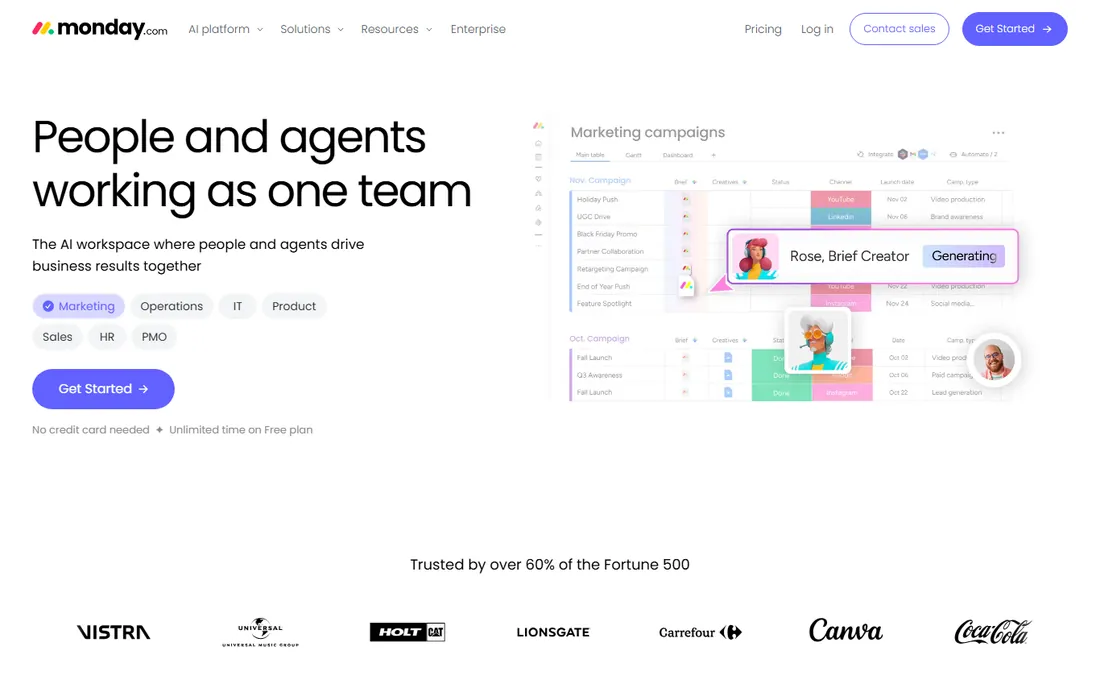
Monday.com wins with teams that think in colors and columns rather than task lists. Marketing, operations, and creative teams tend to adopt it faster than Asana or ClickUp because the boards are visual and the customization does not require a project manager's mindset. The Basic plan starts at $9 per user per month, with a free plan for up to two users and a 14-day Pro trial.
Read the fine print before budgeting. Paid plans have a three-user minimum, and the features that make Monday powerful, timelines and automations, only appear on the Standard tier at $12 per seat per month. Annual billing is paid upfront in one installment. For ops-heavy, non-technical teams, it is the most pleasant tracker here. For engineering teams, Linear will feel faster.
What we like- Colorful visual boards non-technical teams enjoy
- Strong workflow customization
- 14-day Pro trial plus a free plan
Watch out for- Three-user minimum on paid plans
- Timelines and automations start on the $12 Standard tier
- Costs rise fast with add-ons
Starting price$8 per user/month (billed annually)
Free planYes (250 issues)
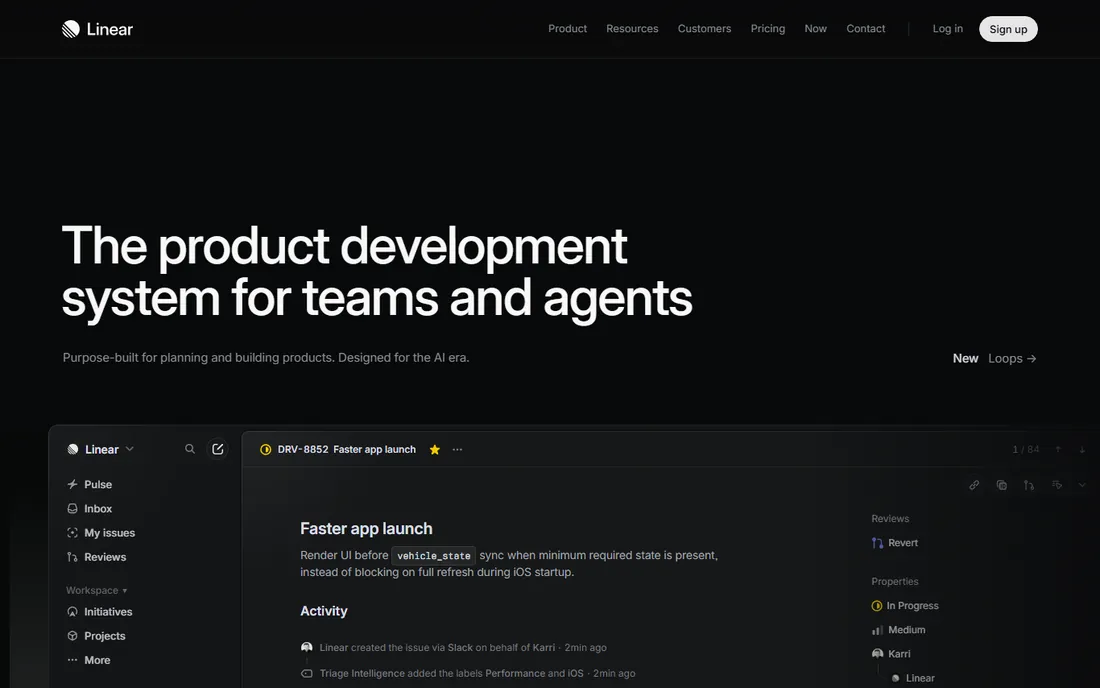
Linear is the tracker software teams switch to when Jira feels like paperwork. Everything is fast: keyboard shortcuts for nearly every action, instant search, and a triage workflow that keeps backlogs honest. The Standard plan at $8 per user per month undercuts most rivals, and the free tier handles 250 issues, enough for a small product team to run for months.
The tradeoff is philosophy. Linear is opinionated, which is why it is fast, but marketing or operations teams will find it rigid compared with Monday or Notion. If your whole company runs on it, non-engineers may grumble. But for engineering-first teams, the combination of speed, sensible defaults, and a fair price is unmatched. Past Series B, teams that need formal agile reporting sometimes graduate to Jira; until then, Linear is the default.
What we like- Keyboard-first speed engineers love
- Opinionated workflows that need no configuration
- Free tier covers 250 issues
Watch out for- Opinionated means less flexible for non-software work
- Fewer views than ClickUp or Monday
- Integrations are developer-centric
Starting price$5 per user/month (billed annually)
Free planYes (10 collaborators)
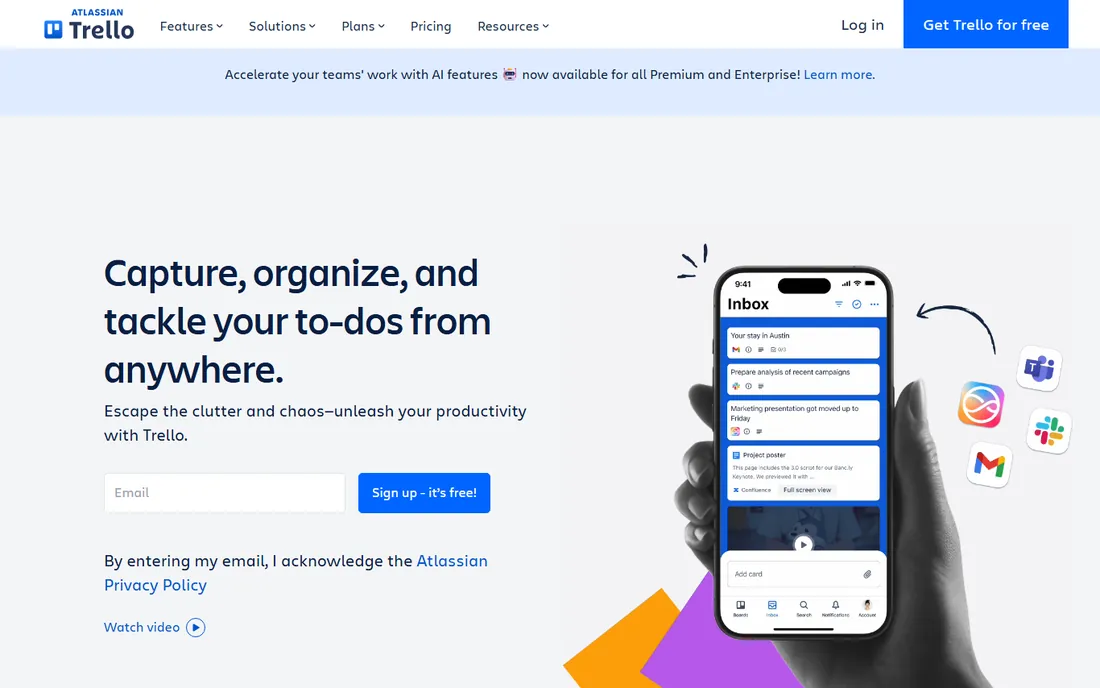
Trello is the whiteboard that became software, and it is still the fastest way to get a team tracking work. The free plan covers up to 10 collaborators per workspace, and the Standard plan at $5 per user per month adds unlimited boards, card mirroring, and more automation. For a small squad whose entire plan fits on one board, nothing else is this frictionless.
The honest limit is complexity. Trello handles dependencies, timelines, and cross-project reporting poorly compared with everything else on this list. Teams that start with Trello often migrate to Asana or ClickUp within a year or two as their work gets more structured. That is not a failure; it is the product doing its job. Start here if your process is simple, and move when the board stops being enough.
What we like- The simplest board here
- Free plan covers 10 collaborators
- Standard at $5 is the cheapest paid tier in the category
Watch out for- Weak for dependencies and reporting
- Power users outgrow it fast
- Premium features feel thin next to rivals
Starting price$10 per user/month (billed annually)
Free planYes
Notion is the best team project management app for teams that live in documents. If your work is specs, meeting notes, and wikis with tasks attached, keeping it all in Notion removes an entire category of tool-switching. The Plus plan at $10 per user per month adds unlimited blocks, file uploads, and version history, and the free plan is generous for individuals.
Do not mistake it for a full tracker. Notion lacks real reporting, workload management, and sprint discipline; teams that need velocity tracking or resource planning pair it with Linear or Asana. The free plan also limits blocks once two or more members join a workspace. For doc-first teams under about 30 people, it is excellent. Beyond that, treat it as the wiki layer and run execution somewhere else.
What we like- Wikis, docs, and tasks in one workspace
- Linked databases build exactly the views you need
- Generous free tier for individuals
Watch out for- Not a real project tracker past 30 people
- Reporting and sprint enforcement are weak
- Guests are limited to page-level access
Starting price$10 per user/month (billed annually)
Free planYes
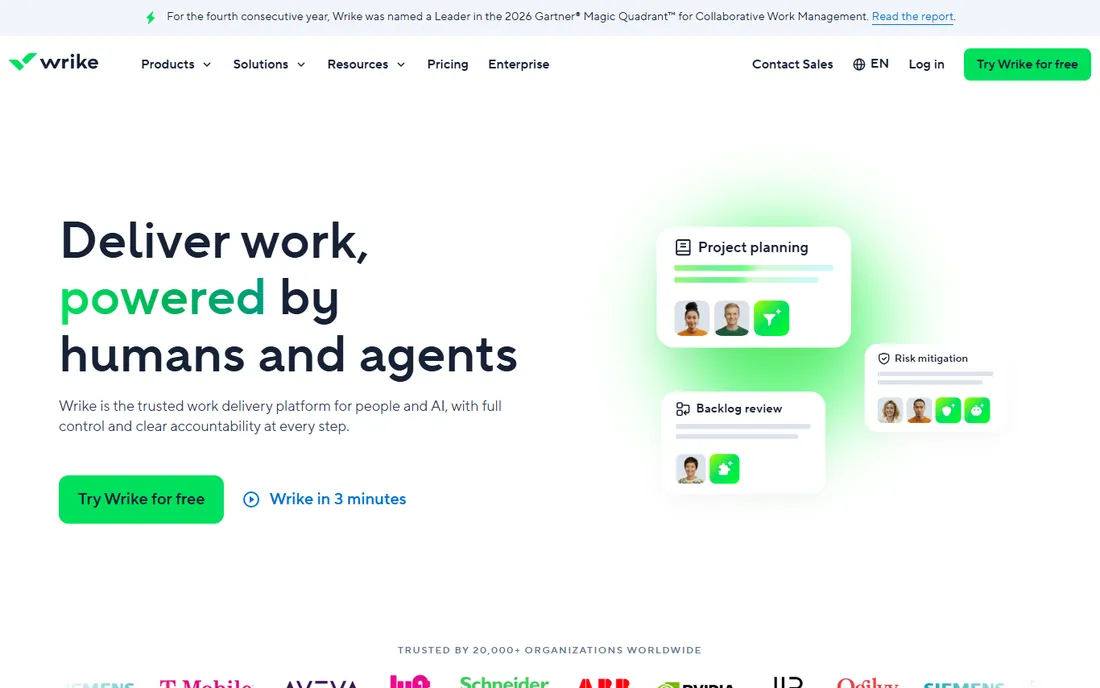
Wrike is built for organizations where projects number in the hundreds and resource planning is the job. The Team plan at $10 per user per month includes Gantt charts, dashboards, and integrations, with higher tiers adding resource management, approvals, and advanced analytics. Marketing and professional services teams with heavy campaign volume get real value from its workload views.
The tradeoff is weight. Wrike feels like enterprise software in a way Asana and Monday do not, and onboarding takes longer. Small teams will find it overpowered; it earns its keep when you need portfolio-level visibility across departments. If your projects are complex but your team is small, ClickUp's Business tier at $12 gives you similar power with less ceremony.
What we like- Strong resource management and workload views
- Handles complex, high-volume portfolios
- Good approval workflows
Watch out for- Interface feels enterprise-dense
- Setup takes longer than rivals
- Pricing climbs on higher tiers
Starting price$15 per user/month or $299 per month flat (Pro Unlimited)
Free planFree trial (30 days)
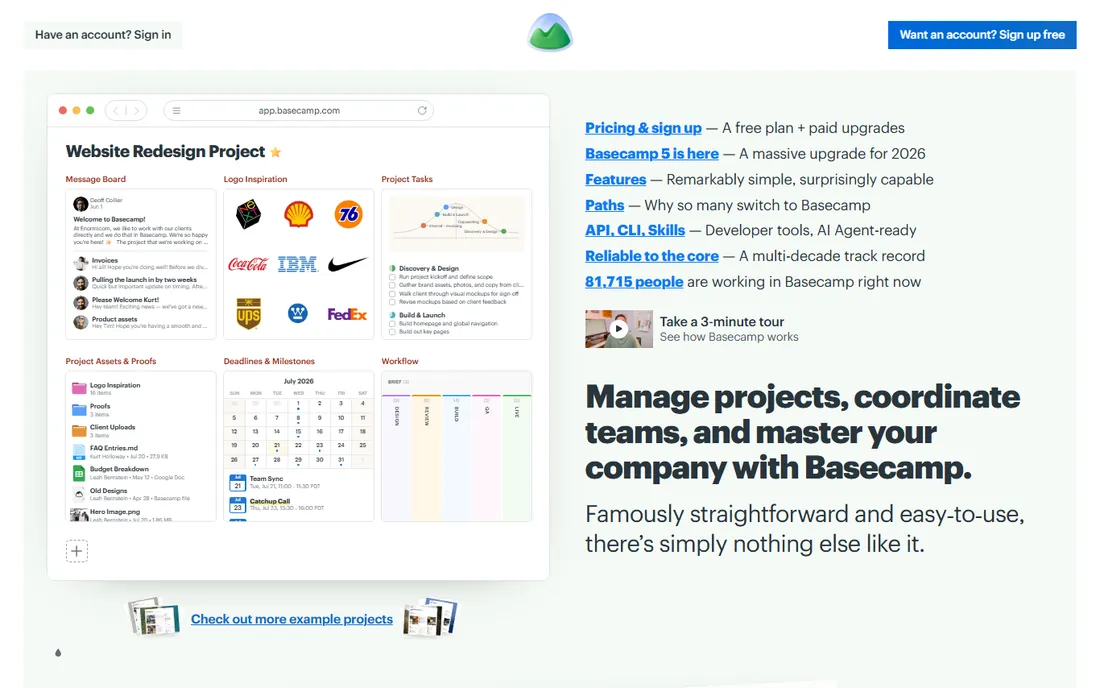
Basecamp is the contrarian pick, and the pricing is the argument. Pro Unlimited at $299 per month flat covers unlimited users and projects, which beats every per-seat plan on this list once a team passes about twenty people. The $15 per user per month option exists for smaller teams. There is no free plan, just a 30-day trial.
The product is deliberately opinionated: message boards, to-dos, schedules, and file storage, with little customization. Teams that want simplicity love it; teams that want Gantt charts and custom fields bounce off it. Basecamp suits agencies and small companies that want one calm place for client work without per-seat anxiety. If your projects need real dependencies and portfolios, look at Asana or Wrike instead.
What we like- Flat $299 per month covers unlimited users
- Opinionated simplicity teams actually follow
- No per-seat math at renewal
Watch out for- No free plan, only a 30-day trial
- Fewer views and less customization
- Can feel too simple for complex portfolios
How we chose
We started from vendor pricing pages and plan documentation, then cross-checked against public reviews on G2, Capterra, and Reddit, plus recent hands-on comparisons from October 2026. Pricing and free-plan details above come from the vendors' own published pages, checked in October 2026. Where a vendor page did not render prices in text, we confirmed figures against multiple current sources quoting the vendor page. We weighted ease of adoption, fit for different team types and sizes, view and automation depth, and honest per-seat cost. We did not run hands-on tests; this is a research comparison, not a lab review.
Picking the right tracker for how your team actually works
Match the tool to your team's shape, not to a feature checklist. Engineering-first teams should shortlist Linear first and ClickUp second; the speed difference is something developers feel daily. Cross-functional teams of ten to 150 doing marketing, operations, and client work will adopt Asana or Monday fastest, with Asana winning on structure and Monday on visual appeal.
Team size changes the math. Under ten people, Trello or ClickUp's free tier may be all you ever need. Between ten and thirty, per-seat pricing is fine and Asana or ClickUp usually win. Past twenty, run the numbers on Basecamp's $299 flat plan against per-seat totals; the flat price often wins by a wide margin. And if your team lives in documents, Notion can carry you to about 30 people before you need a dedicated tracker alongside it.
Run a real pilot before committing. Give two finalists the same real project for two weeks, with the people who will actually use the tool daily. The winner is the one with tasks updated without nagging, not the one with the longest feature list. Check the pricing traps below during the pilot so the renewal does not surprise you.
The pricing traps to check before you commit
Per-seat pricing has fine print everywhere. Asana sells seats in brackets above five users, so a team of six pays for ten. Monday has a three-user minimum and charges annual plans upfront. Notion charges per member and syncs seat counts at renewal, so removed members do not credit you mid-cycle. Trello's free plan caps at ten collaborators, which sounds generous until contractors and clients join.
Watch what the entry tier excludes. Timelines and automations start on Monday's Standard tier, not Basic. Portfolios, goals, and time tracking need Asana's Advanced tier at $24.99, not Starter. ClickUp's AI is a separate per-seat add-on. Map the features you will actually use in month three to the tier that includes them, then price that tier, not the cheapest one on the page.
Frequently asked questions
What is the best project tracker app for a small team?
For teams under ten, ClickUp or Trello usually win. Trello is simplest if your work fits on boards; ClickUp gives you far more features at $7 per user per month if you can assign someone to keep the workspace tidy. Asana is the better pick once you need timelines and structured reporting and can justify $10.99 per seat.
Is there a good free project tracker app?
Yes. ClickUp's Free Forever plan covers unlimited tasks and members, Trello's free plan covers ten collaborators, and Linear's free tier covers 250 issues. Asana's free plan is the tightest here at two users, and Basecamp has no free plan at all. Free tiers work for pilots and tiny teams; growing teams should budget for paid seats.
Which is better for software teams, Jira or Linear?
Linear is faster and simpler, and most teams under fifty engineers prefer it. Jira wins for large organizations running formal Scrum or SAFe with compliance needs. Many startups run Linear until growth forces the Jira conversation, often past Series B.
How much should a team expect to pay per user?
Entry paid tiers run $5 to $12 per user per month on annual billing: Trello at $5, ClickUp at $7, Linear at $8, Monday at $9, and Asana, Notion, and Wrike at $10 to $10.99. Budget for the tier you will actually need in six months, not the cheapest tier, and check seat minimums and billing brackets.
Can Notion replace a project management tool?
For doc-first teams under about 30 people, often yes. Notion handles tasks, databases, and wikis in one workspace. It falls short on reporting, workload management, and sprint enforcement, so teams that need those pair Notion with Linear or Asana rather than replacing them.
When does Basecamp's flat pricing beat per-seat plans?
At $299 per month flat for unlimited users, Basecamp beats per-seat pricing once a team passes roughly twenty people. A 25-person team would pay around $125 to $275 per month on per-seat plans at list prices, so run your own headcount against the flat rate before deciding.
Sources we checked (8)
- https://asana.com/pricing
- https://monday.com/pricing
- https://trello.com/pricing
- https://www.notion.so/pricing
- https://www.zenpilot.com/blog/clickup-vs-airtable/
- https://www.techrepublic.com/article/project-management-software/
- https://www.itechguides.com/best/project-tracking-software/
- https://digitallab247.com/blog/best-project-management-tools/
Is your product missing or out of date?
We review this list regularly. Vendors can request a listing, send updated pricing or ask about featured placement.

Shihab Mia · Founder, Rankite
Shihab has spent more than a decade helping SaaS and e-commerce brands grow through search. He writes Rankite's software buying guides from pricing pages, documentation and public user reviews. More about Shihab.