How we make this list: we compare pricing pages, product documentation and public user reviews. Rankite is independent; if a vendor ever pays for a featured spot, that listing is clearly labeled Partner.
Key takeaways
- ClickUp at $7 a user a month offers the most features per dollar, with a free plan that covers unlimited members.
- monday.com at $9 a user a month is the visual pick: color-coded boards that non-technical teams adopt quickly.
- Asana at $10.99 suits teams that need structured timelines and cross-team coordination more than customization.
- Trello at $5 a user a month remains the simplest best app for tasks for small groups that just need kanban done well.
- Basecamp skips per-user pricing entirely, which makes it the value pick for large teams and client-facing work.
Quick comparison
| Tool | Best for | Starting price | Free plan |
|---|
 monday.com monday.com | visual boards for non-technical teams | $9 per user/month (billed annually) | Yes |
 Asana Asana | structured timelines and cross-team work | $10.99 per user/month (billed annually) | Yes |
 ClickUp ClickUp | most features per dollar | $7 per user/month (billed annually) | Yes |
 Trello Trello | simple kanban for small groups | $5 per user/month (billed annually) | Yes |
 Notion Notion | tasks plus docs and wikis in one place | $10 per user/month (billed annually) | Yes |
 Smartsheet Smartsheet | spreadsheet-style planning for operations teams | $9 per user/month (billed annually) | Yes |
 Wrike Wrike | approval workflows and marketing teams | $10 per user/month (billed annually) | Yes |
 Airtable Airtable | database-driven custom workflows | $20 per user/month (billed annually) | Yes |
 Basecamp Basecamp | flat pricing for large teams and client work | See website | Yes |
 Teamwork.com Teamwork.com | agencies managing client projects | $9.99 per user/month (billed annually) | Yes |
Is your product missing or out of date?
We review this list regularly. Vendors can request a listing, send updated pricing or ask about featured placement.
The best work management software
US workers spend 61% of their time on "work about work", meetings and status checks and hunting for information, and believe they could save a whole working day each week if processes were improved (Asana Anatomy of Work Index, based on 13,000+ knowledge workers). That is the problem work management software exists to solve: fewer status meetings, one place where tasks live, and a shared view of who is doing what.
The category is crowded because "managing work" means different things to different teams. A freelancer needs the best app for tasks that opens fast and stays out of the way. A marketing team needs campaigns, approvals, and asset reviews in one pipeline. An operations team might think in spreadsheets, not kanban boards. The ten tools below span that range, from dead-simple task boards to database-driven platforms.
Every tool here offers a free plan, which makes this the easiest category on our site to try before buying. The real cost differences show up in seat rules, automation limits, and which features sit on higher tiers.
Starting price$9 per user/month (billed annually)
Free planYes
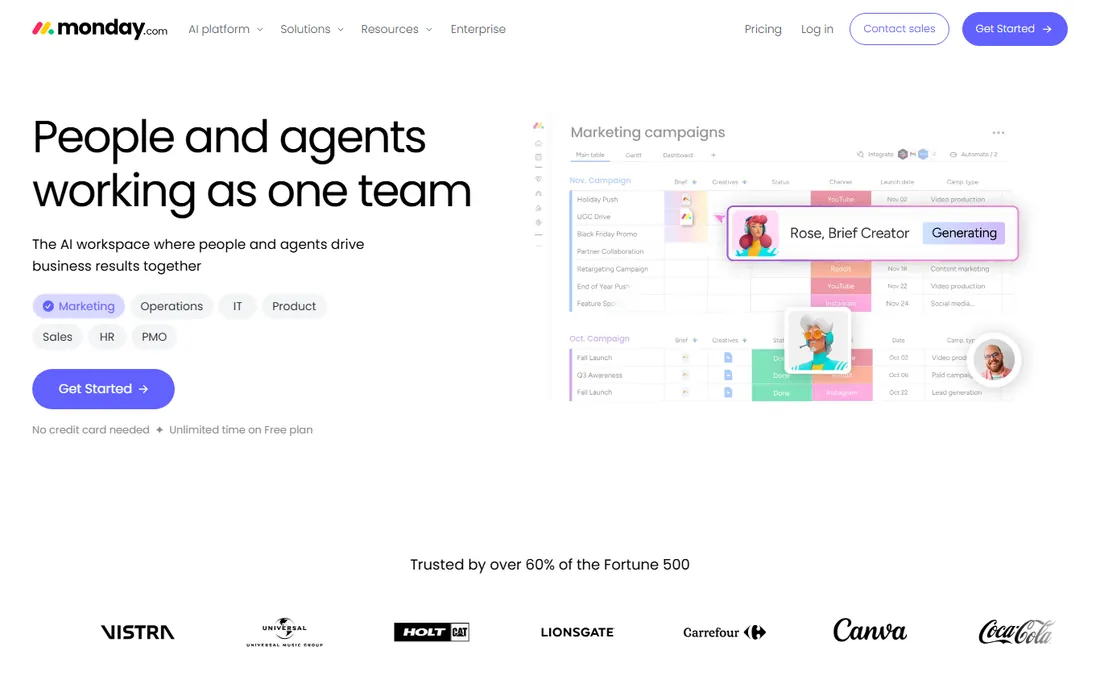
monday.com wins on approachability. Boards are color-coded, visual, and readable by people who have never used project software, which is why marketing, HR, and operations teams adopt it faster than more technical tools. Templates for campaign tracking, hiring pipelines, and content calendars mean most teams start from something close to what they need.
The Basic plan at $9 a user a month covers the core boards and views. Two catches matter. Seats are sold with a three-user minimum, so a two-person team pays for three. And meaningful automation and integrations sit on the Standard and Pro tiers, which is where the real monthly cost lands for active teams. monday.com is the best workplace management software for companies where adoption by non-technical staff matters more than power-user features.
What we like- Boards anyone can read at a glance
- Strong templates for common workflows
- Broad integration library
Watch out for- Seats sold in minimums that punish tiny teams
- Costs climb fast on higher tiers
Starting price$10.99 per user/month (billed annually)
Free planYes
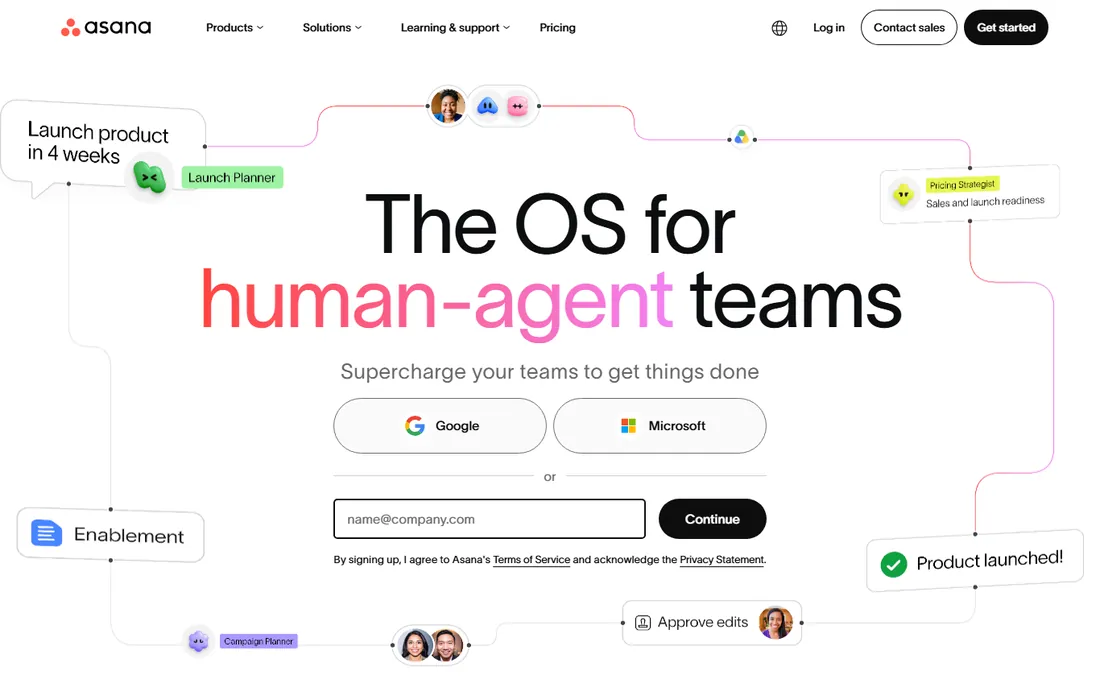
Asana is the structured choice. Where monday.com leans visual and ClickUp leans configurable, Asana leans organized: tasks with clear ownership, dependencies that actually work in timeline view, and portfolios that let managers see across projects. Teams that run on deadlines and handoffs tend to do well here.
The Starter plan at $10.99 a user a month adds timeline, calendar, and automation basics. Note the free plan change: it now covers only two users, so even small teams hit the paywall quickly. Asana fits teams that value clarity over flexibility. If your team wants to redesign every workflow from scratch, ClickUp or Airtable will frustrate you less.
What we like- Timeline and calendar views that handle dependencies well
- Portfolios for cross-team visibility
- Mature mobile apps
Watch out for- Free plan now limited to two users
- Customization lags ClickUp and monday.com
Starting price$7 per user/month (billed annually)
Free planYes
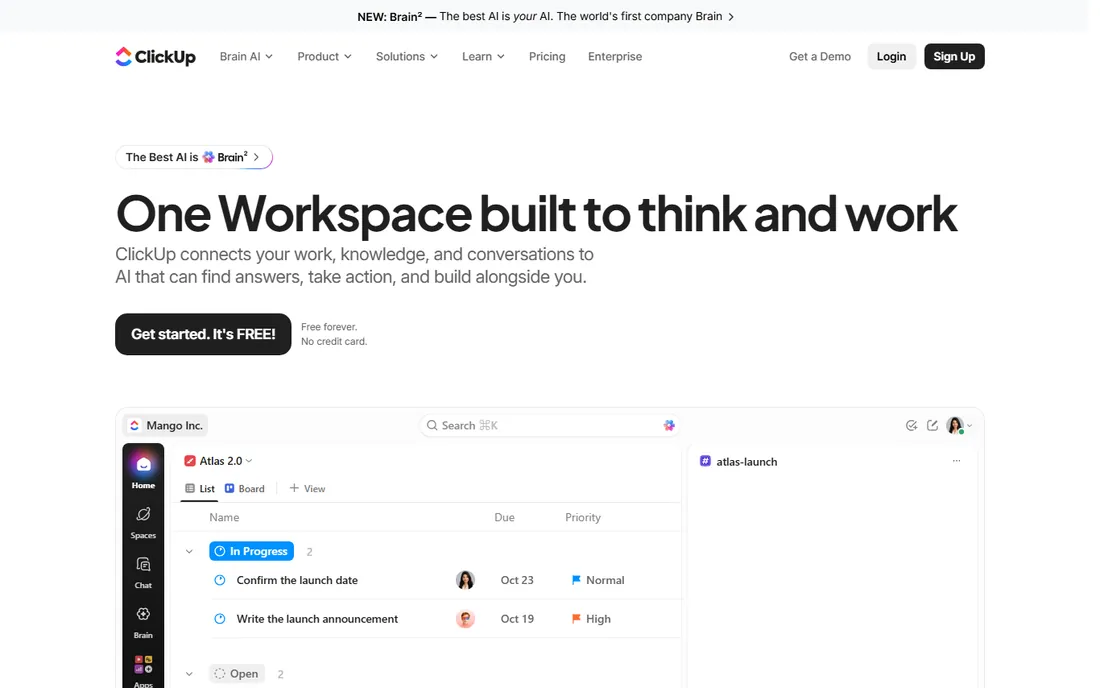
ClickUp's pitch is simple: everything, cheap. The free plan covers unlimited members with unlimited tasks, which no competitor matches. The $7 Unlimited tier adds unlimited storage, integrations, and dashboards. Docs, goals, time tracking, and whiteboards come built in, so teams stop paying for four separate tools.
The honest catch is complexity. New users face a wall of views, custom fields, and settings, and teams without an internal champion often use 20% of the product. Performance on very large workspaces draws complaints. But for the best task management tool that scales from a free startup stack to a real operations platform without switching products, ClickUp is hard to beat on value.
What we like- Free plan covers unlimited members
- Huge feature set including docs, goals, and time tracking
- Cheapest paid tier here
Watch out for- Feature density overwhelms new users
- Performance can lag on massive workspaces
Starting price$5 per user/month (billed annually)
Free planYes
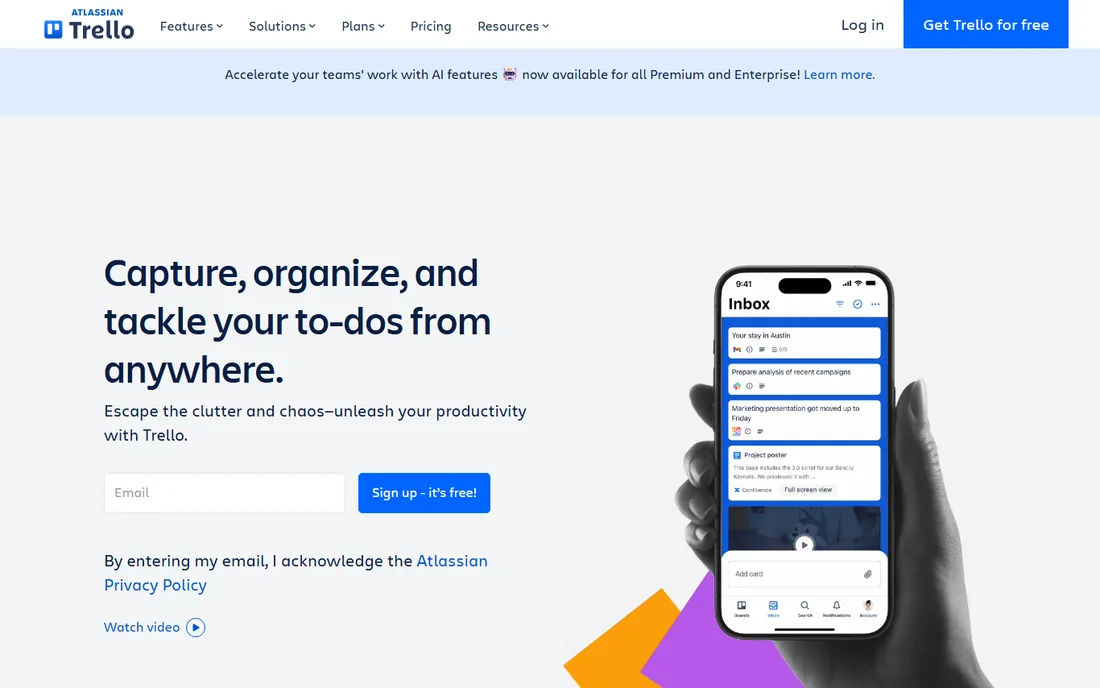
Trello is kanban and little else, and that focus is its strength. A new user understands boards, lists, and cards in minutes. The free plan covers the core experience, and the $5 Standard tier adds unlimited boards, advanced checklists, and more automation. Power-Ups extend it with calendar views, time tracking, and integrations.
It is not a project management platform in the monday.com sense. Dependencies, workload views, and portfolio reporting are thin or absent. Teams that outgrow Trello usually graduate to Asana or ClickUp. But as the best app for tasks for freelancers, tiny teams, and anyone who wants a shared to-do board without a learning curve, Trello remains the default recommendation.
What we like- Fastest to learn on this list
- Generous free plan
- Huge Power-Up ecosystem
Watch out for- Weak for complex dependencies and reporting
- Per-board limits on free plan
Starting price$10 per user/month (billed annually)
Free planYes
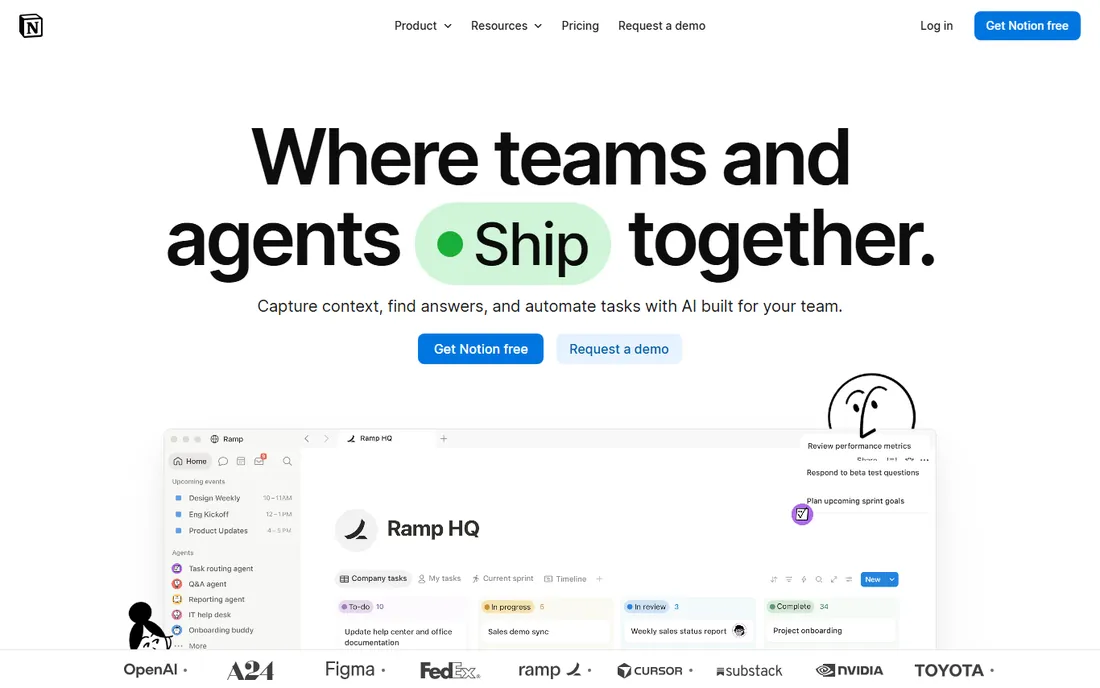
Notion is where documentation-first teams manage work. Tasks live next to meeting notes, wikis, and project docs in linked databases, so context never sits in a separate tool. The Plus plan at $10 a user a month adds unlimited file uploads and longer version history. The free plan is genuinely useful for individuals and tiny teams.
As pure task software, Notion trails Asana and ClickUp: dependencies, workload management, and timeline views are basic. Its advantage is consolidation. Teams that currently pay for a wiki plus a task tool can often replace both with Notion. Knowledge workers and startups love it; operations teams with complex scheduling usually need more.
What we like- Docs, wikis, and tasks in one workspace
- Flexible databases
- Generous free plan for individuals
Watch out for- Task-specific features lag dedicated tools
- Can get slow and messy at scale
Starting price$9 per user/month (billed annually)
Free planYes
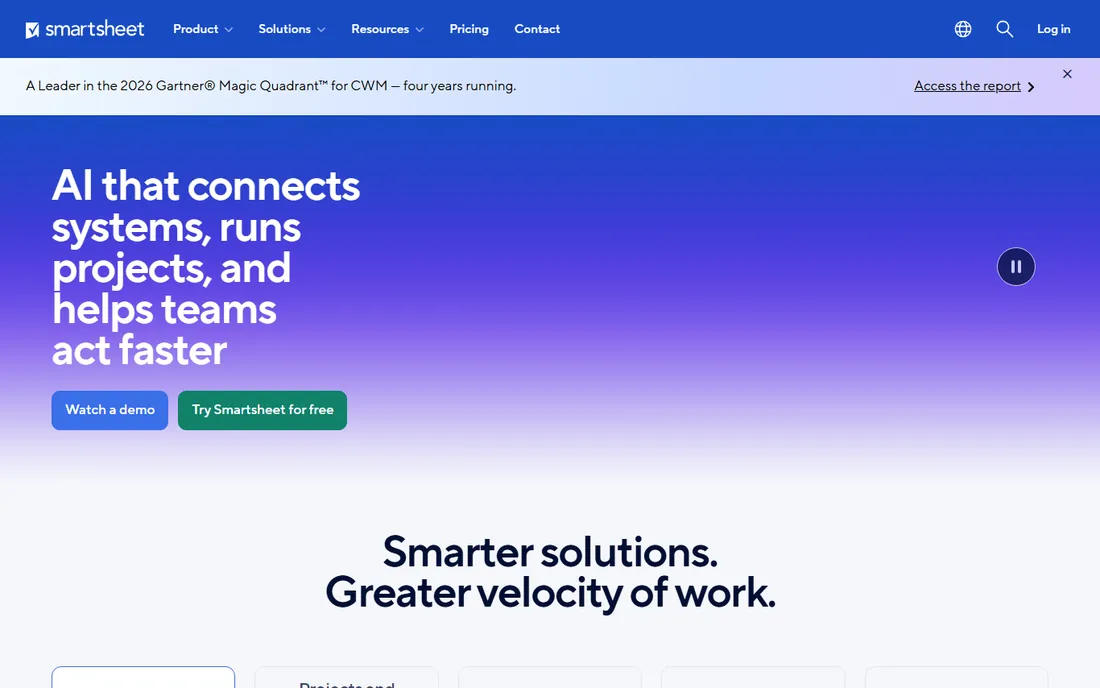
Smartsheet speaks spreadsheet, which makes it the comfortable choice for operations, construction, and IT teams that already think in rows and columns. The grid supports formulas, dependencies, and Gantt charts, and dashboards roll up across sheets for executive views. The Pro plan starts at $9 a user a month.
The pricing model has a quiet advantage: only editors need paid seats, so viewers and collaborators cost nothing. That changes the math for large organizations. The tradeoff is modernity. Smartsheet feels like a powerful spreadsheet rather than a modern work app, and teams coming from Trello or Notion may find it stiff. For process-heavy operations work, though, the grid is exactly right.
What we like- Familiar grid interface
- Strong Gantt and reporting
- Only editors need paid seats
Watch out for- Less intuitive than kanban tools
- Dated feel next to monday.com
Starting price$10 per user/month (billed annually)
Free planYes
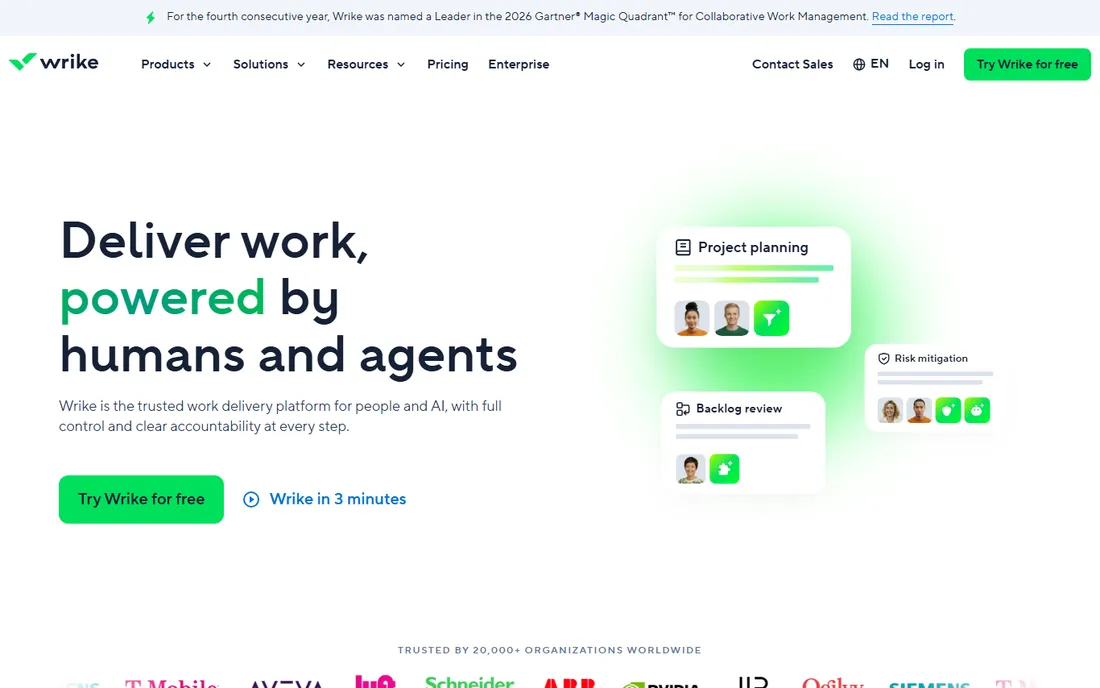
Wrike's home ground is marketing and creative teams with review cycles. Approval workflows, document proofing, and dynamic request forms handle the intake-to-delivery pipeline that generic task tools fumble. The Team plan at $10 a user a month covers the core collaboration features, with Business adding the heavier automation and reporting.
Seat packaging is the annoyance: plans historically sell in groups, which makes odd-sized teams pay for empty seats. The interface packs in a lot and takes longer to learn than Asana. But for teams where work means assets moving through review stages, Wrike's purpose-built workflow beats configuring a generic board to do the same job.
What we like- Strong approval and proofing workflows
- Dynamic request forms
- Good for creative teams
Watch out for- Seats sold in groups that complicate small teams
- Steeper learning curve than Asana
Starting price$20 per user/month (billed annually)
Free planYes
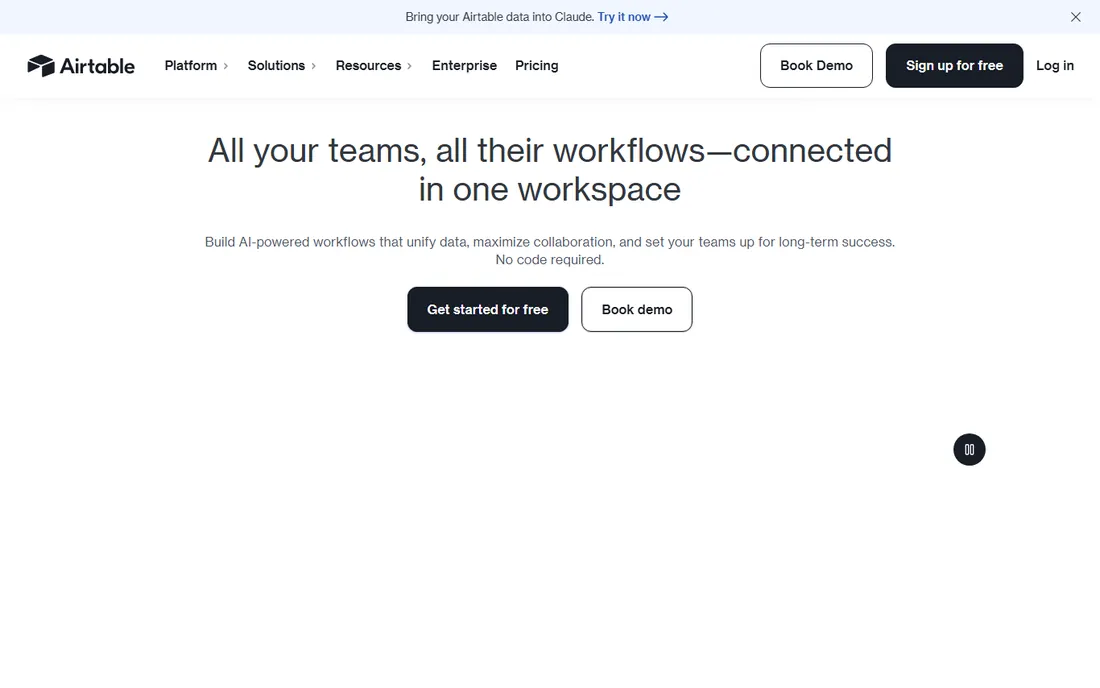
Airtable is a database that looks like a spreadsheet and acts like an app builder. Teams build custom workflows: content pipelines with linked assets, product catalogs with vendor tracking, hiring trackers with interview stages. The Interface Designer creates custom front-ends for different roles without code. The Team plan at $20 a user a month is the real starting point for collaborative use.
That flexibility costs more than any tool here and demands more setup thinking. Nobody should buy Airtable for a simple to-do list; Trello does that for free. It earns its price when the work is data-shaped and no template quite fits. Product, operations, and marketing ops teams with someone who enjoys building systems get the most from it.
What we like- Most flexible data model here
- Interfaces for custom views
- Strong automation
Watch out for- Highest starting price on this list
- Overkill for simple task lists
Starting priceSee website
Free planYes
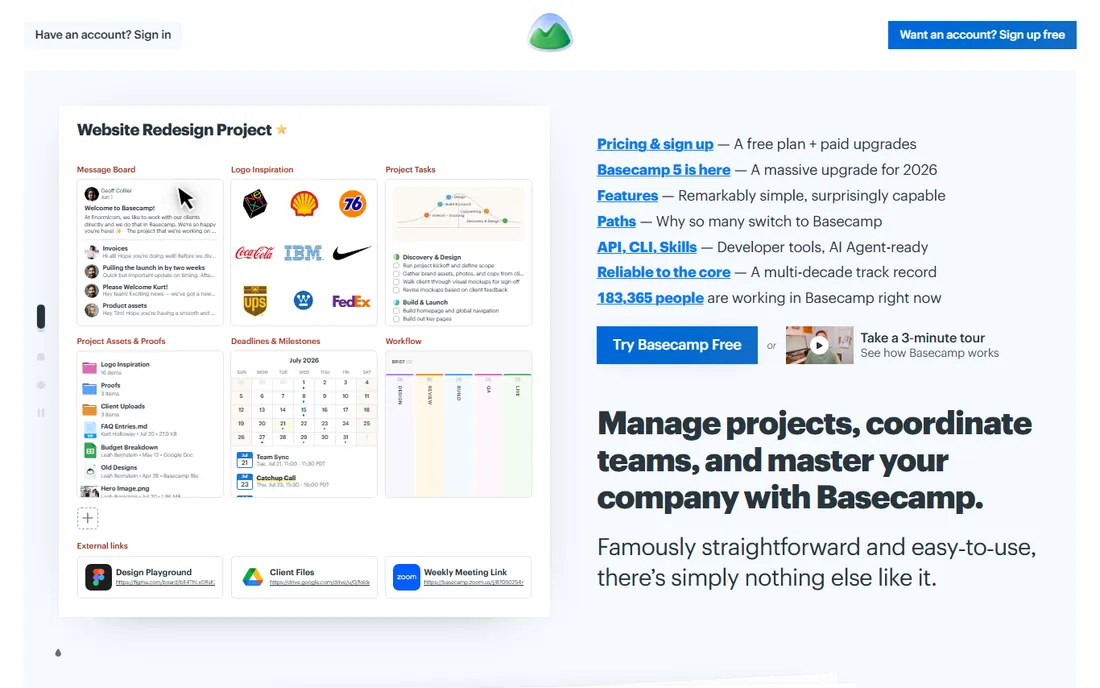
Basecamp rejects the per-user model that defines this category. Paid packages charge flat rates with unlimited users, which makes it dramatically cheaper than per-seat tools once a team passes fifteen or twenty people. Message boards, to-dos, card tables, chat, scheduling, and docs come bundled, so client projects run in one place without extra tools.
The simplicity is deliberate and polarizing. There are no Gantt charts, workload views, or complex automations. Lower tiers cap active projects, so busy agencies need the higher packages. But for the best project management app free question, Basecamp's free plan covers a full project with up to five users, and for companies tired of seat-counting, the flat pricing is the whole pitch.
What we like- No per-user fees on paid packages
- All-in-one with chat, docs, and scheduling
- Famously simple
Watch out for- Fewer views and automations than rivals
- Project limits on lower tiers
Starting price$9.99 per user/month (billed annually)
Free planYes
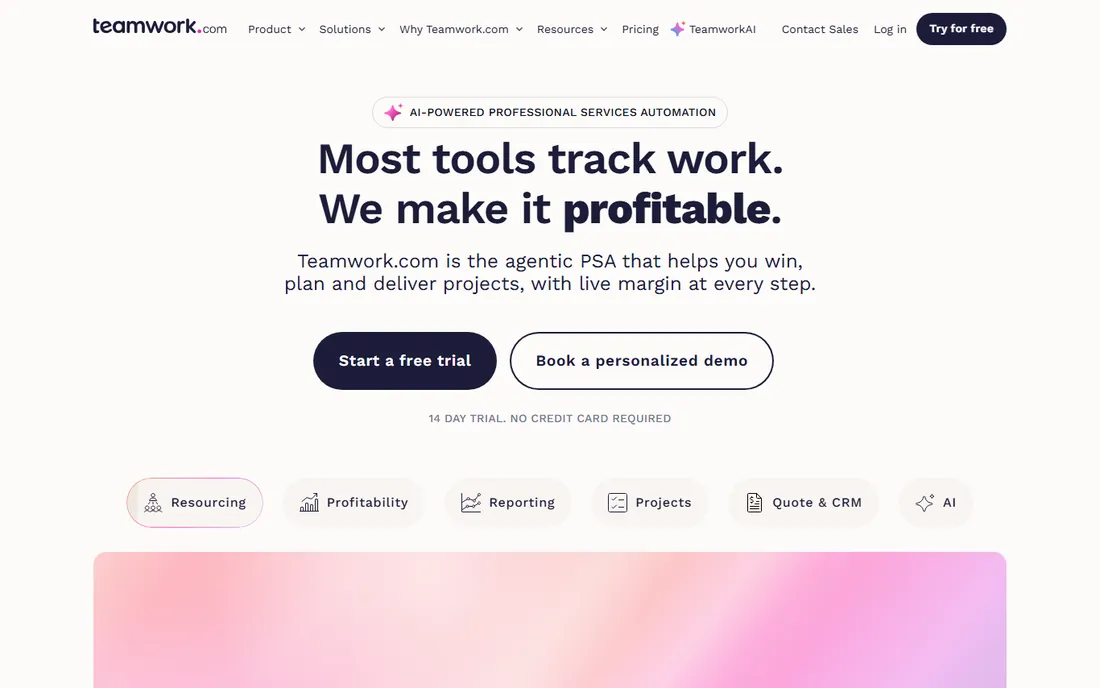
Teamwork.com is built for agencies and client-services firms. Projects track against budgets, time entries feed profitability reports, and workload views show who is overallocated across clients. The Grow plan at $9.99 a user a month covers the project management core, with higher tiers adding the financial depth agencies need.
That agency focus is the differentiator. Generic tools track tasks; Teamwork.com tracks whether the client work makes money. The tradeoff is ecosystem: fewer integrations and templates than the bigger names, and an interface that shows its feature density. Agencies billing by the hour should evaluate it against Harvest-plus-Asana combos before deciding.
What we like- Built for client work with billable time tracking
- Workload and profitability views
- Good free plan
Watch out for- Less known means fewer integrations
- Interface busier than Asana
How we built this shortlist
We compared work management tools using vendor pricing pages, feature documentation, and review data from G2, Capterra, and productivity publications. We weighted task management depth, views and reporting, automation limits, free plan generosity, pricing transparency, and fit for team size and technical comfort. We did not run hands-on trials, so workflow details come from documentation and verified user reviews rather than our own use.
What to check before you commit
Start with how your team actually works, not the feature matrix. A team that lives in chat and email will not adopt a tool that demands rigid process. Run a two-week trial with a real project, not a demo workspace, and watch whether people open it voluntarily. Adoption beats features every time in this category.
Read the seat rules before comparing prices. monday.com sells seats with minimums, Wrike packages them in groups, Smartsheet charges only editors, and Basecamp charges nothing per user. A $9 tool can cost more than a $12 tool once your real headcount, including viewers and occasional collaborators, is modeled. Price the team you have, not the team in the pricing example.
Check what the free plan actually allows. Free tiers differ enormously: ClickUp covers unlimited members, Asana now stops at two users, and Trello limits boards. If you searched for the best project management app free with the intent to stay free, map your team size and project count against each free plan's limits before investing setup time.
Automation limits are the quiet paywall. Most tools gate the number of monthly automation runs by tier, and active teams hit those caps fast. Ask each vendor for the automation allowance on the tier you would buy and compare it against how many rules your workflow needs. This is where "cheap" tools get expensive.
Ask about data export and exit terms. Task history, comments, and files represent months of institutional knowledge. Confirm you can export everything in usable formats, not just CSV dumps of task titles. Annual contracts with no exit flexibility are common, so negotiate a trial-to-annual path rather than committing on day one.
The free plan trap: when free stops being enough
Free plans in this category are genuinely useful, which creates a specific trap: teams build critical workflows on a free tier, then discover the limits exactly when the work matters most. The pattern is predictable. A startup runs on ClickUp or Trello free for a year, hires quickly, and hits automation caps, storage limits, or guest restrictions during their busiest quarter.
The defense is knowing each tool's paywall triggers before you commit. Count the triggers that apply to you: team size caps, automation run limits, storage ceilings, guest and viewer restrictions, and feature gates on views like Gantt or workload. Then estimate when your growth hits each one. A tool whose paywall arrives at ten users costs you a migration at the worst possible time if you plan to be at fifteen by year end.
None of this means avoiding free plans. It means choosing the free plan whose paid tiers you can live with. The cheapest long-term tool is usually the one you never have to migrate away from.
Frequently asked questions
What is the difference between work management and project management software?
Project management software focuses on delivering defined projects with deadlines and dependencies. Work management is broader: it covers ongoing tasks, requests, and collaboration alongside projects. Most tools on this list do both, but Asana and Smartsheet lean project while Trello and Notion lean work.
Which work management tool has the best free plan?
ClickUp's free plan covers unlimited members with unlimited tasks, which is the most generous here. Trello and Notion also offer strong free tiers. Asana's free plan is now limited to two users, so it works for individuals but not teams.
How much does work management software cost?
Paid plans in 2026 start at $5 a user a month for Trello, $7 for ClickUp, $9 for monday.com and Smartsheet, around $10 for Asana, Notion, and Wrike, and $20 for Airtable. Basecamp uses flat pricing instead of per-user fees. Annual billing is typically 15 to 20 percent cheaper than monthly.
Can work management software replace email and chat?
It reduces them but rarely replaces them. Tools like Basecamp and ClickUp bundle chat and docs to consolidate communication, but most teams keep a separate chat tool. The realistic goal is moving task-related discussion into the task itself so decisions stop getting lost in inboxes.
Which tool is best for agencies?
Teamwork.com is purpose-built for agencies with billable time tracking and profitability views. Basecamp's flat pricing suits agencies with large client teams. Wrike fits creative agencies with heavy review cycles. The right pick depends on whether you bill hours, run retainers, or deliver fixed-scope projects.
Is monday.com or Asana better?
monday.com suits visual thinkers and non-technical teams that want customizable boards. Asana suits teams that want structured timelines, dependencies, and cross-project portfolios with less setup. Try both with a real project: the one your team opens without prompting is the right answer.
Sources we checked (6)
- https://www.flozic.ai/blog/alternatives/asana-alternatives
- http://www.techrepublic.com/article/task-management-software/
- https://www.goodfirms.co/workflow-management-software/blog/best-monday-alternatives-for-small-teams
- https://www.basecamp.com/pricing
- https://competitors.app/competitors/task-management-tools/click-up-alternatives/
- https://www.worktime.com/blog/employee-monitoring/time-management-statistics
Is your product missing or out of date?
We review this list regularly. Vendors can request a listing, send updated pricing or ask about featured placement.

Shihab Mia · Founder, Rankite
Shihab has spent more than a decade helping SaaS and e-commerce brands grow through search. He writes Rankite's software buying guides from pricing pages, documentation and public user reviews. More about Shihab.