How we make this list: we compare pricing pages, product documentation and public user reviews. Ratings come from G2, Capterra or Trustpilot, with the date we checked them.
Direct answer
GSAP is the top pick for most teams that need timelines, scroll effects and SVG motion beyond hand written CSS keyframes. It suits marketing sites and product pages that need precise control. React teams that want layout and exit animations in components should look at Motion instead.
Key takeaways
- Marketing teams should start with GSAP, which is free for all users on the vendor pricing page checked on 2026-11-28.
- React teams should shortlist Motion, a free MIT library with layout, gesture and scroll features for React, Vue and JavaScript.
- Designers who ship vector icons should check LottieFiles, with Individual at $19.99 per user per month before any promotion.
- Small product teams that need state driven animation should check Rive, with Cadet at $17 per seat per month on monthly billing.
- Developers who only animate lists should try AutoAnimate first, a free MIT utility that animates added, removed and moved children.
Quick comparison
| Tool | Best for | Starting price | Free plan |
|---|
 GSAP | Timelines, scroll effects and SVG motion | Free | Full library free for all users |
 Motion | React layout, gesture and exit animation | Free | Core library free under MIT |
 Anime.js | Lightweight DOM, SVG and text motion | Free | Full library free under MIT |
 LottieFiles | Vector animation files, editing and hosting | $19.99 per user per month, Individual plan | Free preview, testing and sharing with basic edits |
 Rive | Interactive animation with states and data | $17 per seat per month, Cadet plan | Free plan with splash screen on runtime exports |
 React Spring | Spring physics motion in React apps | Free | Full library free under MIT |
 AutoAnimate | Automatic motion for changing lists | Free | Full library free under MIT |
 Theatre.js | Visual keyframing for complex scenes | Free | Core free under Apache-2.0, studio under AGPL-3.0 |
 Mo.js | Bursts, swirls and shape effects | Free | Full library free under MIT |
 Barba.js | Animated transitions between website pages | Free | Full library free under MIT |
Is your product missing or out of date?
We review this list regularly. Vendors can request a listing, send updated pricing or ask about featured placement.
The best alternatives to css animations
Hand written CSS keyframes work well for simple fades and loops, but they get hard to manage when motion depends on scroll position, user input, layout changes or data. The tools below replace or extend that work with timelines, springs, state machines, visual editors or automatic list motion. This list ranks general purpose libraries first, then tools for vector files, interactive scenes and page transitions. Prices and license notes come from vendor pages and official project pages checked on 2026-11-28. Each entry states who should skip the tool, because a library that fits one stack can add needless weight to another.
#1
GSAP
Best for: Timelines, scroll effects and SVG motion
Visit gsap.com
Starting priceFree
Free planFull library free for all users
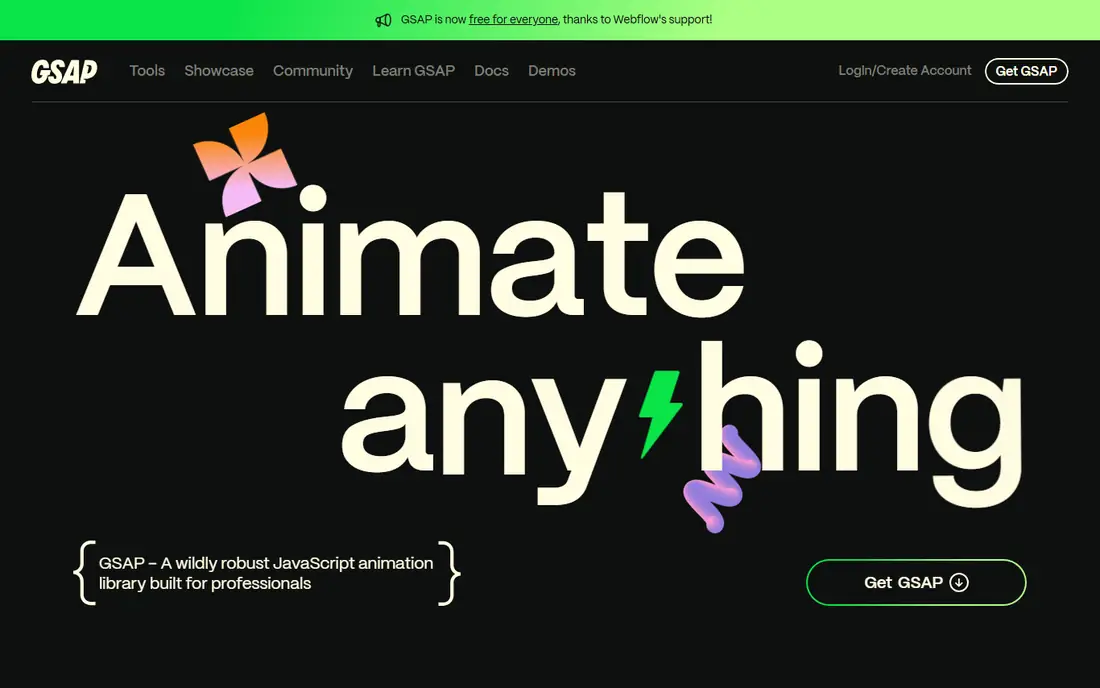
GSAP is a JavaScript animation library for building timelines that sequence tweens across DOM elements, SVG, canvas and plain objects. It suits teams that need scroll linked scenes, staggered entrances, text effects or motion that must pause, reverse and seek to a time. CSS keyframes cannot easily coordinate those steps across many elements with shared timing. GSAP gives code level control over easing, delays, callbacks and playback, so a designer and a developer can tune one scene without rewriting many keyframe rules. It works in plain JavaScript sites and inside frameworks, which helps when a marketing page and an app share motion patterns.
The catch is the learning curve and the license terms. GSAP is free, but it is not MIT open source, so teams with a strict open source policy should read the standard license first. Pick GSAP when timing control matters more than bundle simplicity. Look elsewhere if you only need one fade on hover, because plain CSS will do that job with less code and no added script weight.
What we like- Timeline control for sequenced motion
- ScrollTrigger and other plugins included
- Works with DOM, SVG and canvas targets
Watch out for- Imperative API takes time to learn
- License is a standard no charge license, not MIT
Starting priceFree
Free planCore library free under MIT
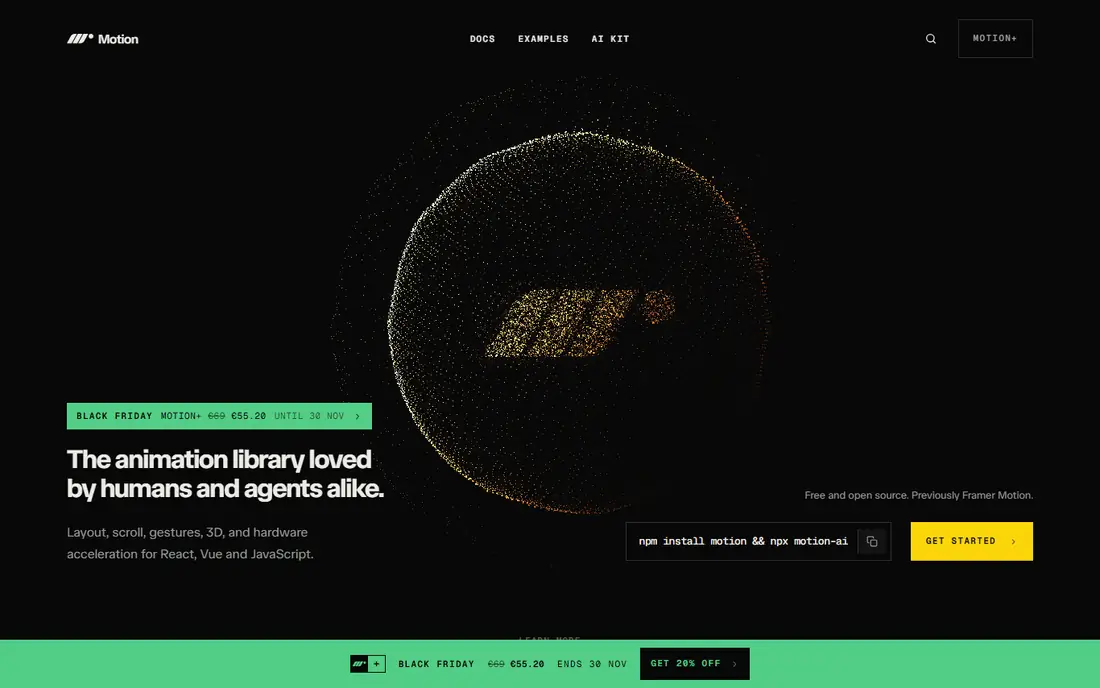
Motion, previously called Framer Motion, is an animation library for React, Vue and JavaScript. It suits product teams that animate components as they mount, unmount, change size or move between layouts. CSS keyframes struggle with exit motion because an element usually leaves the DOM before a CSS exit can finish. Motion keeps that element alive until the exit ends. It also links values to scroll progress, adds drag with momentum, and uses spring physics for motion that reacts when a target changes mid flight. The vendor site states the library is free and open source, with a mini animate function for small jobs.
The catch is fit and scope. Motion shines inside component based apps, but a static site with two hover effects gains little from it. The core library is free under MIT, while Motion+ adds paid examples and components. Pick Motion for React interfaces with layout shifts and gestures. Skip it if your site has no component state to animate, because CSS transitions will cover simple hover and focus changes.
What we like- Layout and shared element animation
- Gesture support for press, hover and drag
- Exit animation with AnimatePresence
Watch out for- Best features need framework integration work
- Optional Motion+ extras cost extra
Starting priceFree
Free planFull library free under MIT
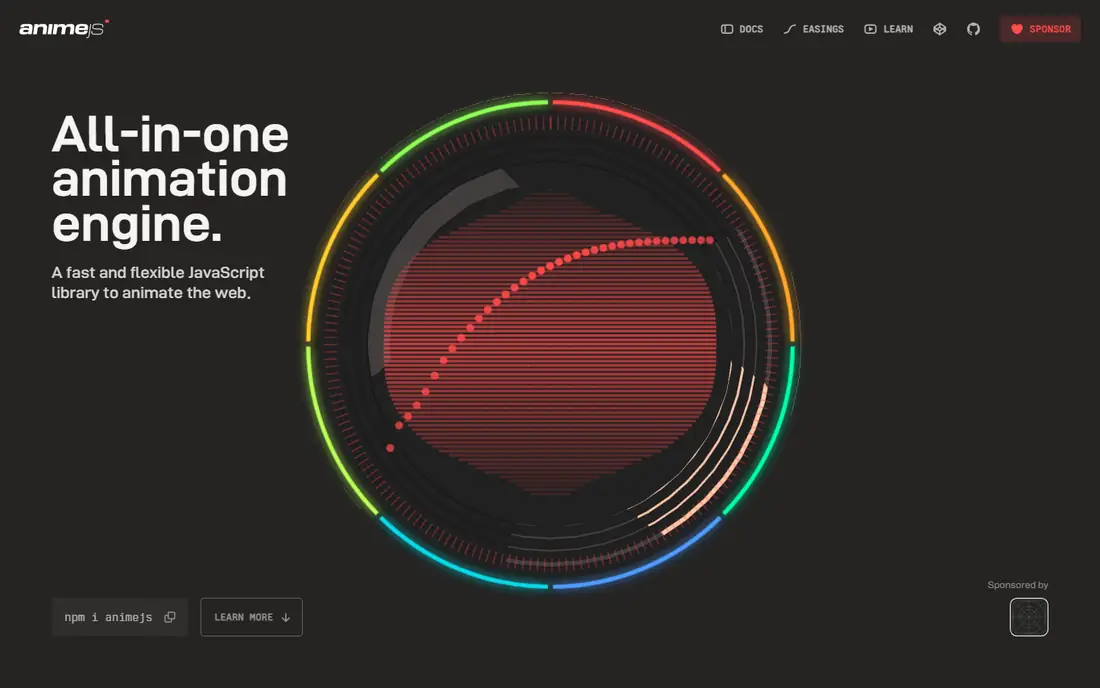
Anime.js is a JavaScript animation library for CSS properties, SVG, DOM attributes and JavaScript objects. It suits developers who want a compact engine for staggered lists, line drawing, counters and timed sequences without adopting a large platform. Version 4 uses named imports such as animate and stagger, and the docs cover timelines, scroll observation, dragging and text splitting. That makes it a direct step up from CSS keyframes when a page needs many elements to move in a pattern with shared easing. It fits marketing pages, dashboards and small interactive widgets where the team writes its own components.
The catch is scope and migration. Anime.js covers core tweening well, but GSAP offers a wider plugin set for scroll scenes and SVG morphing. Teams moving from version 3 must update code for the version 4 API. Pick Anime.js when you want MIT terms and a lean engine. Skip it if you need a visual editor or a React layout system, because those jobs point to Theatre.js, Rive or Motion.
What we like- Small modular imports in version 4
- Stagger, timeline and SVG helpers
- Works without a framework
Watch out for- Fewer ready made plugins than GSAP
- Version 4 changed the API from version 3
Starting price$19.99 per user per month, Individual plan
Free planFree preview, testing and sharing with basic edits
LottieFiles is a platform for creating, editing, testing and shipping Lottie animations, which are vector animation files that play in web and mobile apps. It suits designers and marketers who need icons, loaders, empty state art and short loops that scale without blur. CSS keyframes can move a shape, but they cannot easily reproduce a detailed vector scene authored in a design tool. LottieFiles adds file optimization, hosting, embeds and team review, with plugins that connect design tools to handoff. The vendor pricing page lists Individual at $19.99 per user per month and Team at $24.99 per user per month, with a Black Friday price shown during this check.
The catch is cost and job fit. Paid seats add up for a large team, and a Lottie file will not animate your layout, gestures or scroll position. Pick LottieFiles when the motion lives inside an illustration or icon. Skip it if your problem is component transitions, because Motion or GSAP fits that work better and keeps motion tied to live page state.
What we like- Editor and Creator tools for Lottie files
- Hosting and CDN options for embeds
- Plugins for Figma and After Effects workflows
Watch out for- Paid plans charge per user
- Vector files do not replace layout animation
#5
Rive
Best for: Interactive animation with states and data
Visit rive.app
Starting price$17 per seat per month, Cadet plan
Free planFree plan with splash screen on runtime exports
Rive is an editor and runtime system for interactive animation that responds to input, states and data. It suits product teams that need a character, icon or onboarding scene to change when a user taps, hovers or reaches a new step. CSS keyframes play a fixed sequence, while a Rive file can hold states and transitions that code triggers at runtime. The vendor pricing docs list a Free plan at $0, Cadet at $17 per seat per month on monthly billing or $108 per seat per year on annual billing, and Voyager at $49 per seat per month. Cadet removes the splash screen and allows unlimited files for up to three seats.
The catch is workflow and plan limits. Your team must author in Rive and ship runtime files, which is a bigger change than adding a tween library. Free exports carry a splash screen, so production use usually needs a paid seat. Pick Rive for state driven product motion that reacts to taps, hovers and app data. Skip it for simple page fades that CSS can finish in one rule.
What we like- State machines for interactive scenes
- Editor plus runtime files for apps and web
- Data binding and scripting support
Watch out for- Free exports show a Rive splash screen
- Larger companies may need Enterprise terms
Starting priceFree
Free planFull library free under MIT
React Spring is a React animation library built on spring physics instead of fixed durations. It suits interfaces where motion should feel continuous when a user interrupts it, such as drag panels, cards, menus and gesture driven controls. A spring follows a target with mass, tension and friction, so the value keeps velocity when the target moves again. CSS keyframes restart from set points and cannot carry that velocity in the same way. React Spring provides hooks such as useSpring and useSprings, plus interpolation for turning one value into transforms, colors or other outputs. It also supports targets beyond the DOM, including three dimensional scenes.
The catch is tuning. Springs have no set duration, so matching a brand rule such as a 300 millisecond transition takes trial and adjustment. The API also asks developers to think in physics terms. Pick React Spring when interrupted motion must stay fluid. Skip it if your design system requires exact timed keyframes on every element, because a duration based tool will match those rules with less tuning.
What we like- Springs carry velocity when interrupted
- Hooks for single and grouped values
- Targets for web and three dimensional scenes
Watch out for- Spring timing is harder to match to exact durations
- React only, so plain sites gain little
Starting priceFree
Free planFull library free under MIT
AutoAnimate is a small utility from the FormKit team that adds motion when children of a parent element are added, removed or moved in the DOM. It suits lists, grids, accordions, toasts and validation messages where items appear and disappear often. Writing CSS for each case means tracking enter and exit classes and measuring layout changes by hand. AutoAnimate handles that work with one function call and zero configuration by default, with options for duration and easing when a team needs them. The official site lists support for React, Vue, Preact, Solid, Svelte, Angular and Marko, plus plain JavaScript use.
The catch is narrow scope. AutoAnimate does one job well, but it will not build scroll scenes, gestures or keyframed illustrations. The docs also note that some flex layouts need explicit widths for clean resizing. Pick AutoAnimate to fix jumpy lists fast. Skip it as your only library if your site needs timelines or interactive scenes, because those cases need GSAP, Motion or Rive instead.
What we like- One function call on a parent element
- Animates added, removed and moved children
- Bindings for React, Vue and other frameworks
Watch out for- Only covers enter, exit and move motion
- Flex layouts with grow sizing can need fixes
Starting priceFree
Free planCore free under Apache-2.0, studio under AGPL-3.0
Theatre.js is an animation library with a visual studio for keyframing complex scenes in the browser. It suits teams that choreograph camera moves, product tours or layered scenes where a timeline editor helps more than code alone. CSS keyframes hide timing in text rules, while Theatre.js lets a maker scrub a sequence, edit curves and export state that the core runtime plays in production. The project splits packages so the studio runs during development and the core ships to users. Official project pages state the core uses Apache-2.0 and the studio uses AGPL-3.0, so shipping only the core keeps the production bundle under Apache-2.0 terms.
The catch is maintenance risk. The public docs list version 0.7.0 from August 2023 as the latest release on the releases page, and the project states that version 1.0 development moved to a private repository for a time. Pick Theatre.js only after checking that status fits your support needs. Skip it if you need frequent public releases, because a quiet public record raises support risk for a client project with a fixed launch date.
What we like- Visual sequence editor for keyframes
- Works with DOM and three dimensional scenes
- Core runtime ships without the studio
Watch out for- Public releases have been quiet since 2024
- Studio license needs care in team policy
Starting priceFree
Free planFull library free under MIT
Mo.js, published as @mojs/core, is a motion graphics library for effects such as bursts, swirls, shapes and staggered particles. It suits landing pages, icon animations and playful micro interactions where a click should trigger a ring, spark or shape change. CSS keyframes can scale a dot, but building a burst with many particles and eased paths takes long custom code. Mo.js provides components for HTML targets, shapes and bursts, plus a timeline for chaining effects. The project describes itself as fast, retina ready, modular and open source, and the repository lists MIT terms. It installs through npm or a CDN script for quick tests.
The catch is guidance and scope. The repository notes that docs are light on internals and point readers to tutorials and showcases, so new users may search more than with GSAP. Mo.js also focuses on effects rather than layout or scroll systems. Pick Mo.js for decorative bursts and shape motion. Skip it if you need app wide component animation, because layout, exit and gesture work calls for Motion or React Spring instead.
What we like- Built in Shape, Swirl, Burst and Stagger parts
- Declarative API for motion graphics
- Works as a module or CDN script
Watch out for- Docs lean on tutorials and examples
- Narrower scope than GSAP or Motion
Starting priceFree
Free planFull library free under MIT
Barba.js is a library for smooth transitions between pages on a multi page website. It suits portfolio, agency and editorial sites that want a wipe, fade or slide when a visitor moves from one page to the next without a full reload feel. CSS alone cannot coordinate fetching the next page, removing the old container and entering the new one with shared timing. Barba.js intercepts navigation, swaps containers and runs leave and enter hooks, with rules that choose a transition by namespace or route. The official GitHub page lists MIT terms and describes the core as 7kb minified and compressed. Teams often pair it with GSAP or CSS classes for the actual visual move.
The catch is side effects. Because Barba.js swaps content without a normal load, teams must handle analytics page views, scroll position, focus and third party scripts through hooks. Pick Barba.js when page change motion is the main problem. Skip it for in page component animation, where Motion or AutoAnimate fits better and avoids the extra navigation hooks that Barba.js requires.
What we like- Leave and enter hooks for page swaps
- Rules pick transitions by route
- Small core described as 7kb compressed
Watch out for- Page swaps need analytics and focus care
- Only solves navigation transitions
Should you replace CSS animations with a library or keep CSS?
Keep CSS when motion is simple, fixed and tied to hover, focus or a loop, because CSS adds no JavaScript cost and works when scripts fail. Replace CSS when timing depends on scroll, data, gestures, layout changes or exit states, because those cases need runtime values that keyframes cannot read. A practical split is to keep CSS for button hovers and loaders, then add one library for the hard cases. For example, a product site can keep CSS fades, use GSAP for a scroll story, and use AutoAnimate for a changing list. That mix limits bundle weight. Check each added library against your performance budget, reduced motion needs and framework. One well chosen library beats three overlapping ones. Write the split down for your team so new pages reuse the same tool for the same job. That habit keeps motion consistent, limits duplicate code and makes reduced motion checks easier to repeat on each release.
Which library is best for React projects?
Motion is the best starting point for most React projects because it handles layout changes, exit animation, gestures and scroll linked values in one API. React Spring fits better when spring physics is the main model, such as drag surfaces that must keep velocity when interrupted. AutoAnimate fits React lists that only need enter, exit and move motion with almost no code. Choose by the motion type, not by habit. If your components change size and position across views, start with Motion. If your motion must land on exact durations from a design system, test both Motion and CSS transitions before you commit.
How much do alternatives to CSS animations cost?
Most code libraries in this list cost $0. GSAP is free for all users, and Motion, Anime.js, React Spring, AutoAnimate, Mo.js and Barba.js state free MIT terms on official pages. Theatre.js states Apache-2.0 for its core. Paid cost appears in platform tools. LottieFiles lists Individual at $19.99 per user per month and Team at $24.99 per user per month. Rive lists Cadet at $17 per seat per month on monthly billing. Budget for seats, hosting and team review features, not just the runtime file.
When should you use Lottie or Rive instead of a tween library?
Use LottieFiles or Rive when the animation is an authored asset, such as an icon, illustration or character, rather than a change in page layout. A tween library moves DOM elements that already exist in your markup. Lottie and Rive ship a file that carries its own shapes and timing, which helps when a designer owns the motion. Rive adds states and data binding for interactive scenes. LottieFiles adds editing, hosting and library access for vector files. If your problem is a menu opening or a card moving, a tween library is the right tool.
Frequently asked questions
What is the best alternative to CSS animations for a marketing site?
GSAP is the best starting point for a marketing site that needs scroll scenes, staggered entrances and SVG motion. It is free for all users on the vendor pricing page. Use Anime.js instead if you want a smaller MIT engine for DOM and SVG tweens without the wider GSAP plugin set.
Is GSAP free for commercial use in 2026?
Yes. The GSAP pricing page states GSAP is now 100% free for all users, thanks to Webflow support. Read the standard license before you ship, because free does not mean MIT. Teams with an open source only policy should confirm that the license fits their rules.
Can I use Motion without React?
Yes. Motion provides packages for React, JavaScript and Vue. The vendor site describes layout, scroll, gesture and spring features across those platforms. React users get component features such as AnimatePresence for exit animation. Plain JavaScript users can start with the animate function for DOM and SVG targets.
Do I need a library for simple hover effects?
No. CSS transitions handle hover color, scale and opacity changes with no added JavaScript. Add a library when motion needs scroll input, layout measurement, exit timing or shared timelines. That split keeps simple pages fast and reserves library weight for cases CSS cannot manage cleanly.
How do I handle reduced motion with these tools?
Respect the prefers-reduced-motion setting in your own code and design. Shorten or remove nonessential movement, keep state changes clear without travel, and test keyboard focus during transitions. Libraries give control over timing and playback, but your team must set the policy. CSS media queries can still gate simple effects.
What to look for before you buy
First, name the motion job in plain words, such as scroll story, list change, exit animation or page transition, because each job points to a different tool. Second, check framework fit, since React tools help component apps while plain libraries suit static sites. Third, read the license on the official page, because free can mean MIT, Apache-2.0 or a standard no charge license. Fourth, count total cost by seats and hosting, using figures such as Rive Cadet at $17 per seat per month or LottieFiles Individual at $19.99 per user per month. Fifth, test reduced motion, keyboard focus and mobile performance before you roll the tool across a full site.
How we chose
We built this list from tools that replace hand written CSS keyframes for web animation, then checked each official homepage and pricing or license page on 2026-11-28. We kept tools with working official sites and clear terms, and we excluded tools that appear merged into another product or no longer maintained. Prices come from vendor pages, and free claims state the license named by the project. We did not claim hands on testing, ratings or review counts. Strengths and weaknesses point to vendor features, docs and license terms.
Sources we checked (11)
- https://gsap.com/pricing/
- https://motion.dev/
- https://animejs.com/documentation/getting-started/
- https://lottiefiles.com/pricing?via=top_nav
- https://rive.app/docs/account-admin/pricing
- https://www.react-spring.dev/docs/components/use-spring
- https://auto-animate.formkit.com/
- https://www.theatrejs.com/docs/0.5/releases
- https://github.com/mojs/mojs
- https://barba.js.org/docs/plugins/css/
- https://github.com/barbajs/barba
Is your product missing or out of date?
We review this list regularly. Vendors can request a listing, send updated pricing or ask about featured placement.

Shihab Mia · Founder, Rankite
Shihab has 5+ years in B2B and SaaS SEO. He writes Rankite's software buying guides from pricing pages, documentation and public user reviews. More about Shihab.