How we make this list: we compare pricing pages, product documentation and public user reviews. Ratings come from G2, Capterra or Trustpilot, with the date we checked them.
Key takeaways
- Google Veo 3.1 leads on realism and native audio, with dialogue, sound effects, and ambience generated in the same clip.
- Runway and Luma Dream Machine suit creators who want control over camera, character, and editing, not just a prompt box.
- Kling offers the lowest entry price among the cinematic tools, with daily free credits for regular short clips.
- Synthesia and Adobe Firefly serve different jobs: Synthesia for training and business videos with avatars, Firefly for brand-safe work inside Adobe tools.
Quick comparison
| Tool | Best for | Starting price | Free plan |
|---|
 Google Veo Google Veo | Cinematic realism with native audio | $19.99 per month | Yes |
 Runway Runway | Professional control and editing | $12 per month (billed annually) | Yes |
 Kling Kling | Value for realistic motion | $6.99 per month | Yes |
 Pika Pika | Fast social clips and effects | $8 per month | Yes |
 Luma Dream Machine Luma Dream Machine | Photoreal clips with camera control | $9.99 per month | Yes |
 Hailuo AI Hailuo AI | Low cost motion and stylized clips | $10 per month | Yes |
 Adobe Firefly Adobe Firefly | Brand-safe video inside Adobe workflows | $10 per month | Yes |
 Synthesia Synthesia | Avatar training and business videos | $18 per month | Free trial |
Is your product missing or out of date?
We review this list regularly. Vendors can request a listing, send updated pricing or ask about featured placement.
Starting price$19.99 per month
Free planYes
Veo 3.1 is the tool to try first when realism matters most. A prompt can describe a scene, a camera move, and spoken dialogue, and Veo generates the picture and the sound together, which removes the usual step of adding voice and effects in an editor. That matters for ads, product films, and short narratives, where mismatched audio breaks the effect at once.
Access runs through Google products rather than a single Veo site. The Gemini app and Flow filmmaking tool are the usual entry points, with Google AI Pro around $19.99 per month and Ultra around $250 per month for higher limits. Free access exists but is limited. Veo suits creators who will pay for quality and who need audio built in. For quick social tests, a cheaper credit tool may be enough.
What we like- Strong realism and prompt following
- Native dialogue, sound effects, and ambience
- Available through Gemini, Flow, and Google AI Studio
Watch out for- Credits burn fast at scale
- Higher tiers needed for 4K and higher limits
#2Runway
Best for: Professional control and editing4.1/5 on
G2 (105 reviews, checked Oct 2026)
Visit runwayml.com
Starting price$12 per month (billed annually)
Free planYes
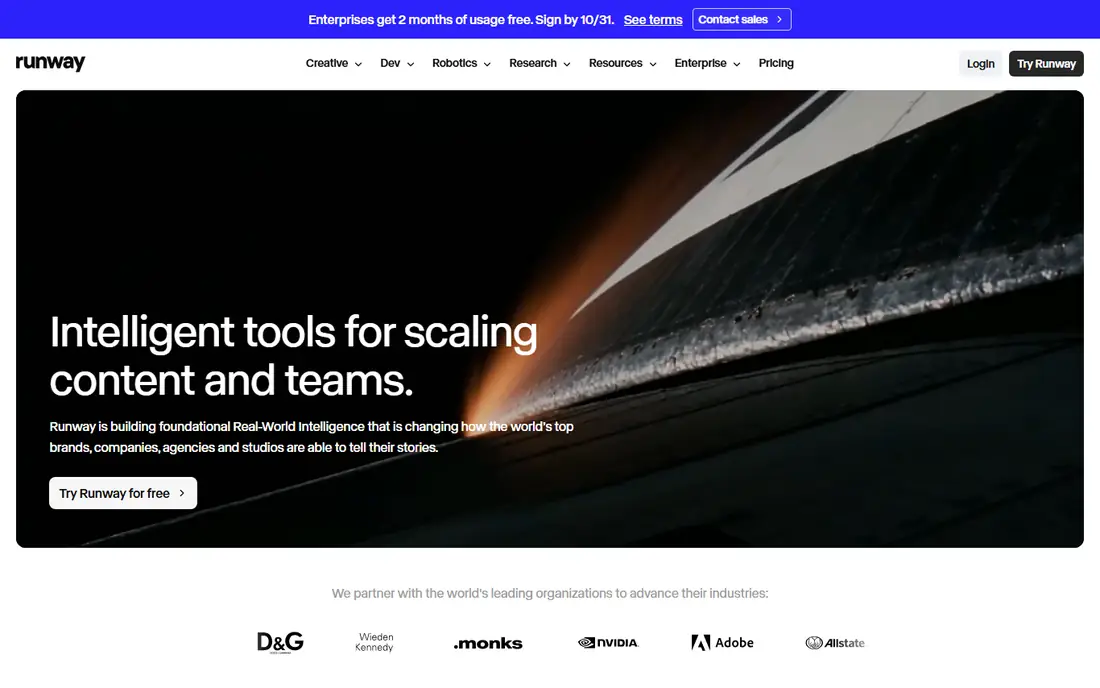
Runway is the professional choice in this list. Its Gen-4 models let a creator hold a character or style steady across shots, direct motion with a brush, and edit the result in the same workspace. That control is what separates Runway from a simple text-to-video box: a filmmaker can plan a sequence, keep a subject consistent, and adjust a shot without starting over.
Pricing starts at about $12 per month when billed annually, with 125 free credits to try the platform. The limit is clip length and credit use. Long scenes need chaining or editing, and high-resolution or long generations use credits fast. Runway fits creators and small studios who value control and editing. Casual users may find Kling or Pika simpler and cheaper.
What we like- Gen-4 models with character and style control
- Full editing suite in the same platform
- Motion brush and reference tools
Watch out for- Clips are short, usually under 30 seconds
- Credit math takes time to learn
Starting price$6.99 per month
Free planYes
Kling is the value pick for cinematic work. It handles human motion, expressive faces, and lip sync well, and its standard plan starts at about $6.99 per month. Free users receive daily credits, enough for one or two short clips a day, which makes it a good way to learn prompt craft without paying first. Longer videos are possible by extending clips, a useful trick for short films and ads.
The main friction is credits. Different models, lengths, and quality settings use different amounts, so a creator should test a standard setting and stick to it for budgeting. Kling suits social creators, small agencies, and filmmakers who want strong motion at a low entry price. Teams that need simple, predictable billing may prefer a flat plan tool.
What we like- Strong human motion and lip sync
- Daily free credits
- Longer clips through extensions
Watch out for- Credit system can be confusing
- Interface and support vary by region
Starting price$8 per month
Free planYes
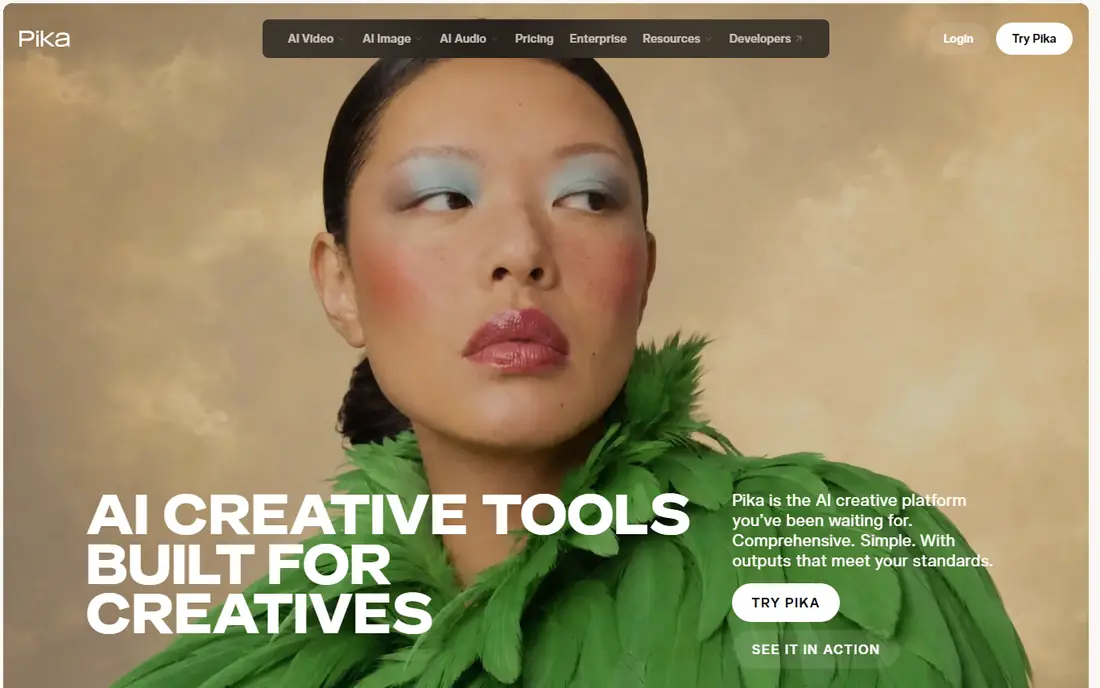
Pika is the quick tool in this list. It turns a prompt or an image into a short clip fast, with effects and presets that suit social feeds. That speed matters when a creator needs many variants for testing, or when a trend moves in a day. The interface stays simple, so a beginner can get a usable clip without learning camera language or editing.
The trade-off is depth. Pika clips are shorter and less detailed than Veo or Runway outputs, and complex scenes with several characters can lose coherence. Paid plans start at about $8 per month. Pika fits social creators, marketers, and beginners. Filmmakers who need long, consistent scenes should look at Veo, Runway, or Kling instead.
What we like- Simple interface
- Fast generations
- Fun effects and social formats
Watch out for- Shorter clips than cinematic tools
- Less control for complex scenes
Starting price$9.99 per month
Free planYes
Luma Dream Machine, now built around its Ray models, aims for photoreal, cinematic clips. Camera controls let a creator set a path, a push-in, or a pan, rather than hoping the model guesses the move. Image-to-video with subject references helps keep a product or character steady across shots, which is useful for brand work and short films.
Free use is limited and often watermarked, so serious work needs a paid plan from about $9.99 per month. Higher tiers add credits and resolution. Luma suits creators who care about camera craft and visual quality, and who will use the tool often enough to justify a subscription. For avatar or training videos, Synthesia is a better fit.
What we like- Cinematic, photoreal output
- Camera path controls
- Image-to-video with subject references
Watch out for- Free exports are watermarked in many cases
- Paid tiers rise fast for heavy use
Starting price$10 per month
Free planYes

Hailuo AI, from MiniMax, is a low-cost option that punches above its price for motion. It handles character animation, stylized scenes, and social clips well, and its daily free credits let a creator test it without paying. Paid plans start at about $10 per month, which keeps it in reach for individual creators and small teams.
The limits are polish and language. Hailuo excels at lively, stylized motion, but it is less consistent than Veo or Runway for photoreal brand films. Some users also find the English interface less smooth than the Chinese original. Hailuo fits creators who want a cheap, daily-use video tool for social and character work, not a replacement for a high-end film pipeline.
What we like- Low entry price
- Strong motion for stylized and character clips
- Daily free credits
Watch out for- English interface and support can be uneven
- Output style suits social more than high-end film
#7Adobe Firefly
Best for: Brand-safe video inside Adobe workflows4.4/5 on
G2 (373 reviews, checked Oct 2026)
Visit firefly.adobe.com
Starting price$10 per month
Free planYes
Adobe Firefly is the brand-safe choice. Adobe positions Firefly as trained on licensed and public domain content, which matters for companies that worry about rights in client work. Video generation sits alongside image, audio, and design tools, and results can move into Express, Photoshop, or Premiere workflows without a format fight.
Video quality is solid for marketing clips, social cuts, and product visuals, but Firefly does not yet match Veo on realism or Runway on fine control. Paid plans start at about $10 per month, with credits shared across Firefly tools. Firefly suits marketing teams already in Adobe, and brands that need a clear rights story. Pure filmmakers will likely prefer Veo or Runway for hero shots.
What we like- Commercially safe training approach for brands
- Works with Adobe Express and Creative Cloud
- Video plus image and audio tools in one place
Watch out for- Video length and control lag behind Veo and Runway
- Credits are shared across Adobe tools
#8Synthesia
Best for: Avatar training and business videos4.6/5 on
G2 (2,804 reviews, checked Oct 2026)
Visit synthesia.io
Starting price$18 per month
Free planFree trial
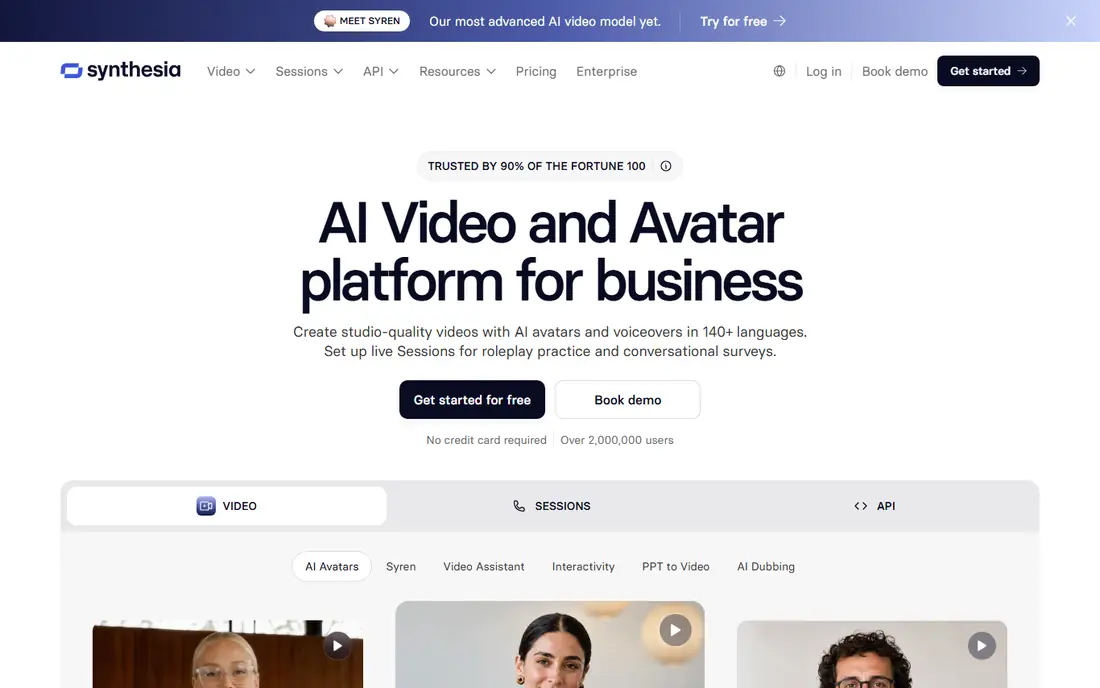
Synthesia does a different job from the rest of this list. Instead of generating a cinematic scene from a prompt, it turns a script into a presenter-led video with an AI avatar and voiceover. That workflow suits training, onboarding, compliance, product explainers, and internal updates, where a clear presenter matters more than a film look. Translation into many languages makes one script serve a global team.
Paid plans start at about $18 per month, with a free trial rather than a permanent free plan. Synthesia is not the tool for short films or social effects, and its avatars can feel formal for casual content. For business video at scale, though, it saves the cost and scheduling of a shoot, and updates are as simple as editing text.
What we like- Realistic avatars and voiceovers in many languages
- Easy script-to-video workflow
- Templates for training and internal communications
Watch out for- Not a cinematic text-to-video tool
- Avatar videos can feel formal for social content
How we chose
We compared vendor pricing pages, product documentation, and public reviews, focusing on tools that were available and actively supported in 2026. A tool earned a place when it generated video from text, images, or a script, with a clear pricing page and a usable free tier or trial. We left out Sora, because OpenAI ended consumer access in April 2026, so it is not a current option for most readers. Prices shown are starting prices where a vendor publishes a clear figure, and See website is used where pricing varies by plan or region. Credit systems change often, so check the pricing page before buying a plan for a large project.
Start with the end use, not the model name. A social clip, a training video, a product ad, and a short film need different tools. Social work favors speed and low cost, so Pika, Kling, or Hailuo will do. Training work favors avatars and translation, so Synthesia wins. Brand film work favors realism and audio, so Veo leads, with Runway close for control.
Test with the same prompt on two tools
Credits are the real cost in this category, and a model that looks cheap per month can be costly per finished clip. Run the same prompt, at the same length and quality, on two tools, and count how many generations it takes to get a usable result. The tool that needs fewer retries is often cheaper in practice, even if its monthly price is higher.
Plan for length and audio early
Most AI video tools generate short clips, often 5 to 16 seconds, and longer work needs extensions or editing. Decide before you buy whether you need native audio, lip sync, or a voiceover, because that choice rules out several tools at once. Veo generates audio natively. Kling and Hailuo offer audio options in some modes. Synthesia is built around voice. Firefly and Runway need a separate audio step for many projects.
Check rights, watermarks, and commercial use
Free tiers often watermark exports or limit commercial use. Paid plans usually remove watermarks and allow commercial work, but terms differ. If a video will run as a paid ad or a client deliverable, confirm commercial use on the plan you buy, and keep a record of the license terms. For brands, Firefly's rights approach is a reason to pay more for less cinematic output.
Frequently asked questions
Which AI video generator is best overall in 2026?
Google Veo 3.1 is the strongest all-round choice for realism and native audio, accessed through Gemini and Flow. Runway is better for professional control and editing, and Kling is better for value. The best overall tool depends on whether you need realism, control, or low cost.
Is there a free AI video generator that is actually useful?
Yes. Kling, Runway, Pika, Luma, and Hailuo all offer free credits or a free tier, enough for short test clips and learning. Free exports are often watermarked or limited in resolution, so paid plans are needed for client or ad work.
How long can AI video generators make a video?
Most single generations run 5 to 16 seconds. Longer videos are made by extending clips, chaining scenes, or editing several generations together in a video editor. Kling and some other tools support extensions to reach a minute or more, with quality varying by scene.
Do AI video generators include sound?
Some do, and some do not. Veo generates dialogue, sound effects, and ambience natively. Synthesia generates voiceovers for avatar videos. Other tools may need a separate voice, music, or effects step in an editor, so check audio support before you buy.
Can I use AI generated video for commercial work?
In most cases, paid plans allow commercial use, while free plans may limit it. Check the terms for the plan you buy, especially for ads and client work. Brands with strict rights needs should consider Adobe Firefly, which is positioned as commercially safe.
Why was Sora left out of this list?
Sora consumer access ended in April 2026, according to current reporting, so it is not a current option for most readers searching for a video tool. The tools in this list cover its main uses, from cinematic generation with Veo to social clips with Pika and Kling.
Sources we checked (8)
- https://deepmind.google/models/veo/
- https://runwayml.com/pricing
- https://klingai.com/pricing
- https://pika.art/pricing
- https://lumalabs.ai/pricing
- https://hailuoai.com/pricing
- https://firefly.adobe.com/pricing
- https://www.synthesia.io/pricing
Is your product missing or out of date?
We review this list regularly. Vendors can request a listing, send updated pricing or ask about featured placement.

Shihab Mia · Founder, Rankite
Shihab has 5+ years in B2B and SaaS SEO. He writes Rankite's software buying guides from pricing pages, documentation and public user reviews. More about Shihab.