How we make this list: we compare pricing pages, product documentation and public user reviews. Rankite is independent; if a vendor ever pays for a featured spot, that listing is clearly labeled Partner.
Key takeaways
- CapCut and Kapwing are the best free starting points for quick social video edits.
- Descript edits video like a text document, ideal for talking-head content and podcasts.
- Opus Clip at $19 a month turns long videos into short clips automatically with virality scoring.
- Runway is the pick for AI effects like object removal; InVideo and Pictory generate videos from text.
Quick edits are the unglamorous bulk of video work: trimming silences, adding captions, cutting a two-minute clip out of a forty-minute recording, turning a blog post into a video. Nobody needs a Hollywood timeline for that, and the old desktop editors are too slow for the volume social demands. These eight AI tools handle the fast jobs: edit by text, auto-cut silences, generate captions, and repurpose long content into shorts in minutes.
Starting priceFree
Free planYes
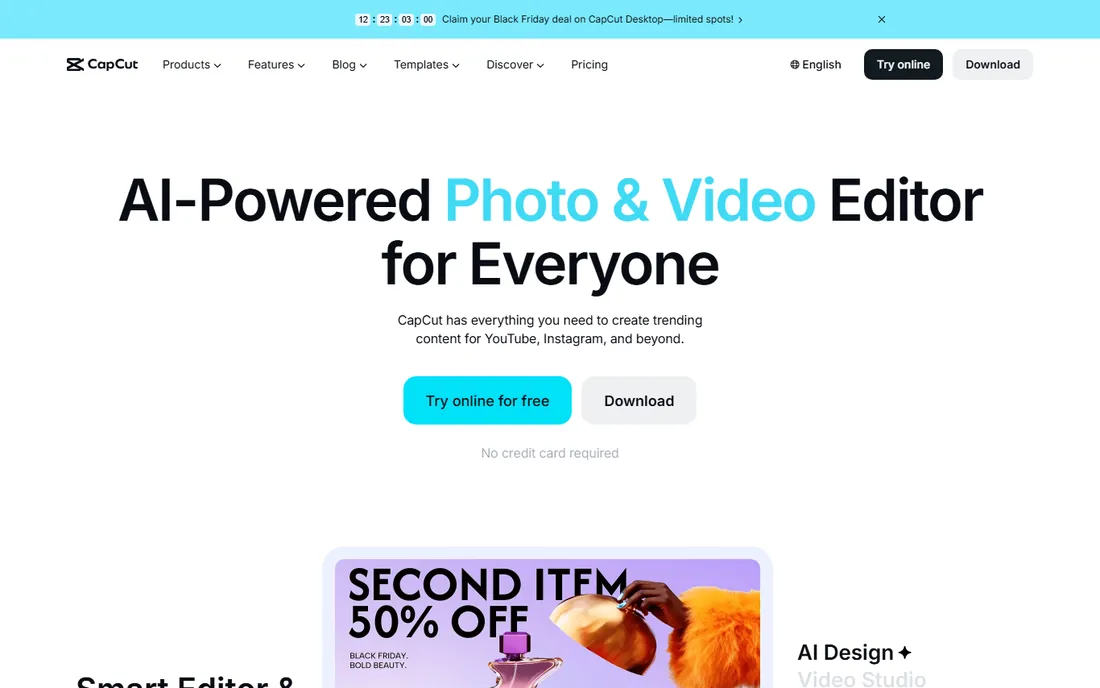
CapCut remains the fastest free way to turn raw footage into a finished social video. Auto-captions with animated word-by-word effects, one-tap templates, background removal and a huge effects library cover 90 percent of what short-form video needs. It runs on desktop, mobile and web.
The free tier is genuinely capable, though some exports carry watermarks and premium effects sit behind Pro. For quick edits at volume, nothing free is faster. Teams at companies that restrict ByteDance products should check policy first; everyone else should start here.
What we like- Strong free editor
- Auto-captions with animated effects
- Templates and trending effects
Watch out for- Pro features cost extra
- Watermark on some free exports
- Owned by ByteDance, restricted at some companies
Starting price~$15/month
Free planYes
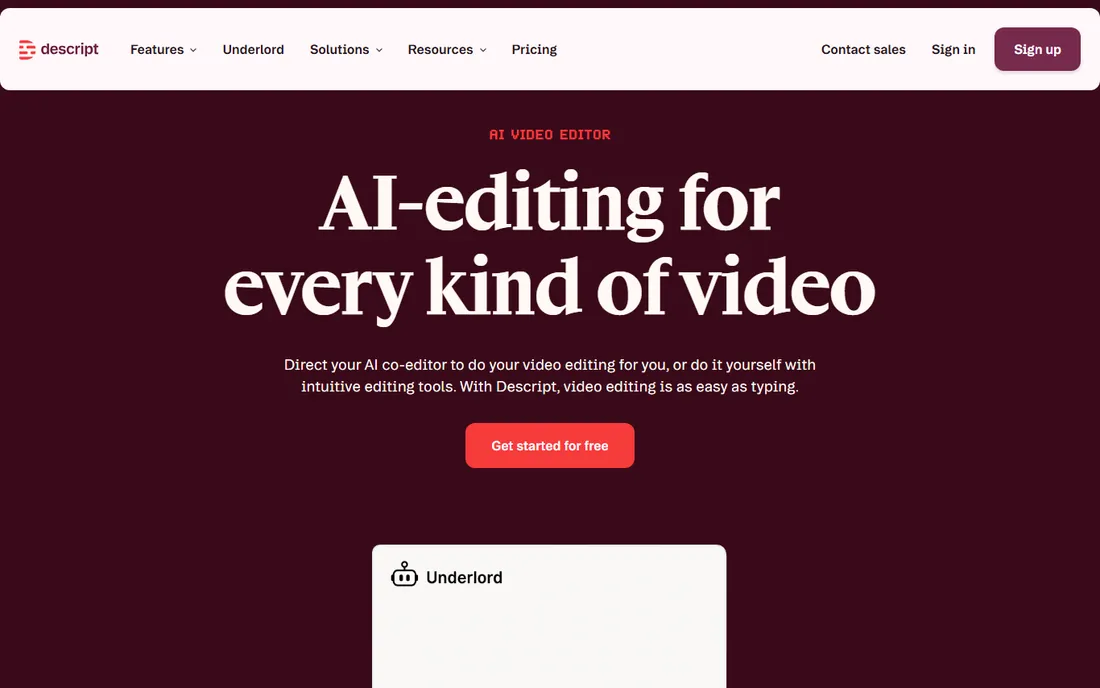
Descript's trick is simple and transformative: it transcribes your video, and you edit the transcript. Delete a sentence of text and the video cut follows. For talking-head videos, podcasts and online courses, that is an order of magnitude faster than a timeline. Overdub clones your voice to fix flubbed words without re-recording.
The free plan covers light use; paid plans start around $15 a month. It is not the tool for cinematic B-roll work, but for spoken content, no other editor touches its speed. If your videos are mostly you talking, Descript is the answer.
What we like- Text-based editing is radically fast
- Overdub voice cloning fixes mistakes
- Great for podcasts and courses
Watch out for- Less suited to cinematic editing
- Transcription errors need checking
- Paid plans for serious use

#3
Opus Clip
Best for: turning long videos into viral shorts
Visit opus.pro
Starting price$19/month
Free planYes
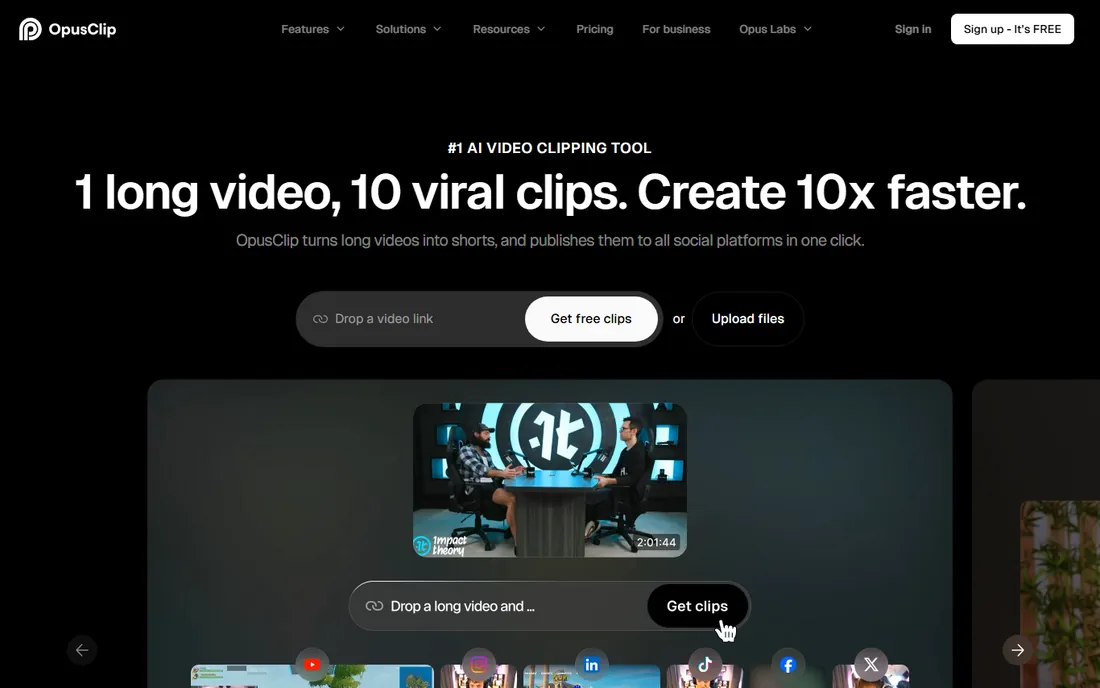
Opus Clip does one job well: feed it a long video, and it returns short clips with captions, reframed for vertical, scored for viral potential. For podcasters, streamers and course creators sitting on hours of content, it turns an archive into weeks of shorts with minimal effort.
Plans start at $19 a month with a free tier for trying it out. The AI's picks are genuinely good at finding punchy moments, though you will still curate. If your content strategy needs a clip pipeline, Opus Clip is the most focused tool for it.
What we like- AI finds the best moments automatically
- Virality scoring ranks clips
- Auto-captions and reframing included
Watch out for- Quality depends on the source material
- $19 a month adds up for casual users
- Creative control is limited
Starting price~$15/month
Free planYes

Runway is where AI video editing gets serious: remove objects from footage, extend scenes generatively, and create video from text prompts. For quick edits, its value is in the impossible fixes: the boom mic in frame, the logo that needs blurring, the background that needs replacing. The free tier lets you experiment; paid plans start around $15 a month on a credit system.
Watch the credits, since generative features consume them fast. For simple trim-and-caption work, CapCut is cheaper and faster. But when an edit needs something no traditional tool can do, Runway is the one.
What we like- Object removal and inpainting in video
- Text-to-video generation
- Professional-grade AI effects
Watch out for- Credit-based pricing can surprise
- Learning curve for advanced features
- Overkill for simple cuts
Starting price~$19/month
Free planYes

Pictory converts written content into video: paste a blog post or script, and it builds a narrated video with stock footage, captions and music. For content teams repurposing articles into YouTube or social videos, it compresses a day of production into an hour.
Plans start around $19 a month with a free trial. The output has a recognizable stock-footage aesthetic, so it suits informational content better than brand storytelling. As a repurposing engine for text-first teams, it earns its keep.
What we like- Blog-to-video conversion
- Script-to-video with stock footage
- Automatic captions and summaries
Watch out for- Stock-footage look can feel generic
- Limited creative control
- Subscription needed for real volume
Starting price$25/month
Free planYes
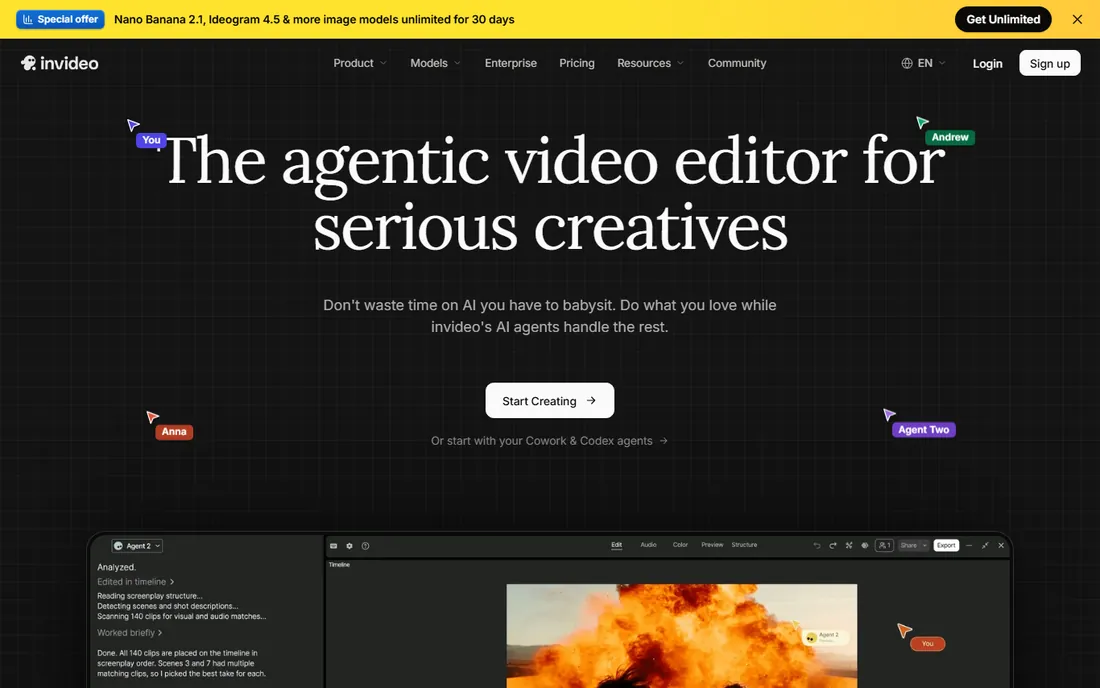
InVideo's AI turns a text prompt or script into a complete video with narration, stock footage and captions, aimed squarely at faceless YouTube and social content. The template library is large, and the workflow from idea to published video is genuinely fast.
The $25-a-month entry is higher than some rivals, and AI-generated videos need review before publishing. It is a production tool for content operations, not a casual editor. For teams running high-volume video content, the throughput justifies the price.
What we like- Script-to-video AI generation
- Large template and stock library
- Good for YouTube automation-style content
Watch out for- $25 a month entry
- AI output needs human review
- Faceless videos face platform scrutiny
Starting priceFree
Free planYes
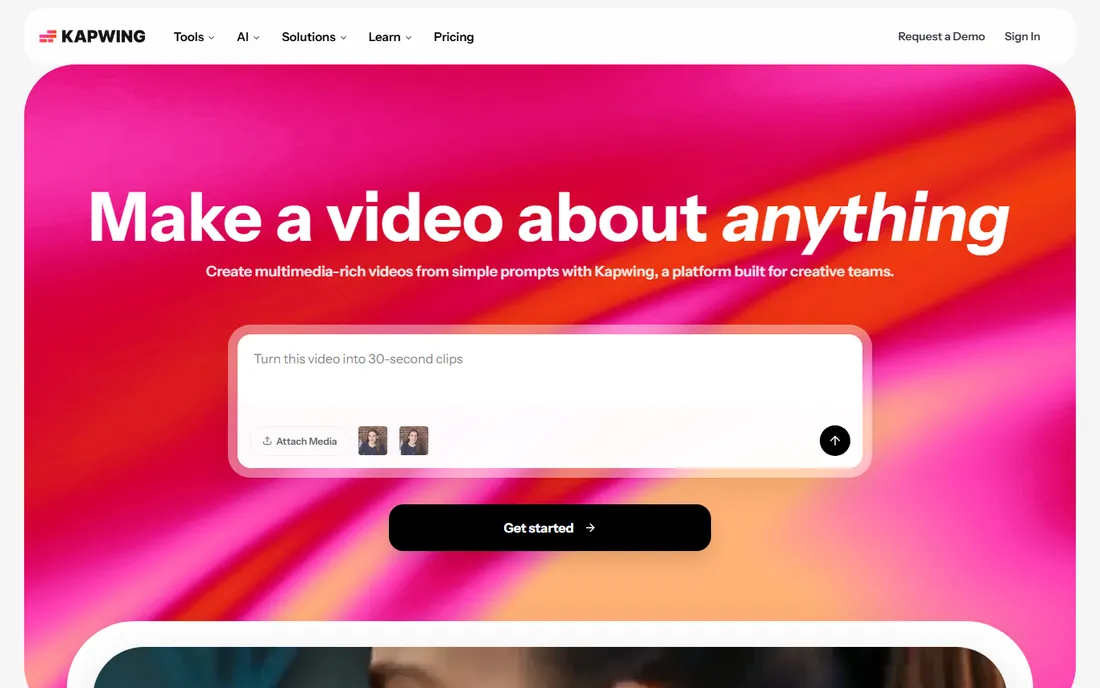
Kapwing is the browser editor for teams: no install, shareable project links, and commenting for feedback rounds. It handles the quick jobs well, trimming clips, adding subtitles, resizing for platforms, and meme-style edits, with AI tools for auto-captioning and background removal.
Free exports carry watermarks, and paid plans remove them with faster processing. For distributed teams doing quick turnaround edits with review cycles, Kapwing's collaboration beats desktop tools. For solo creators, CapCut's free tier is stronger.
What we like- No install, works in the browser
- Collaboration and commenting built in
- Fast for memes, clips and subtitles
Watch out for- Free exports have watermarks
- Processing can be slow on long videos
- Advanced features need paid plans
Starting price~$15/month
Free planYes

Wisecut automates the most tedious edit in existence: cutting silences, filler words and pauses from talking videos. Upload a recording and it returns a tightened cut with captions, background music and reframing, all chosen by AI. For course creators, coaches and webinar producers, it removes hours of timeline scrubbing.
Plans start around $15 a month with a free tier. It is purpose-built for spoken content, so cinematic projects should look elsewhere. For the specific job of making talking videos watchable fast, Wisecut is the most automated option here.
What we like- Auto-removes silences and pauses
- Auto-captions and reframing
- Storyboard-based editing
Watch out for- Best for talking-head content
- Music and pacing choices are automated
- Smaller ecosystem
Match the tool to the content type. Talking-head videos belong in Descript or Wisecut. Long content needing clips belongs in Opus Clip. Social-first quick edits belong in CapCut or Kapwing. Text that needs to become video belongs in Pictory or InVideo. Special effects belong in Runway. The category looks crowded until you sort by job; then the choice is usually obvious.
Start free and measure time saved. CapCut, Kapwing, Descript and Runway all have free tiers that cover real work. Time yourself doing a typical edit in your current tool, then in the AI alternative. The subscription math is simple: if it saves two hours a month, it pays for itself at any of these prices.
Watch for watermarks and credit systems. Free tiers that watermark exports are fine for drafts but not for publishing. Credit-based pricing like Runway's can spike with heavy generative use. Know which model your tool uses before you build a workflow on it.
One more consideration: pick tools your whole workflow can share. If an editor, a captioner and a clip tool all live in separate subscriptions, the monthly total creeps past the price of one good all-rounder. Audit your stack quarterly and cut the tools whose jobs another subscription already covers.
Frequently asked questions
What is the best free AI video editor for quick edits?
CapCut has the strongest free tier for social video editing with auto-captions and effects. Kapwing is the best free browser-based option for collaborative quick edits. Descript's free plan suits talking-head content. All three handle real publishing work without paying.
Can AI edit my videos automatically?
For specific jobs, yes. Wisecut removes silences automatically, Opus Clip extracts clips from long videos, Descript lets you edit via transcript, and Pictory turns scripts into finished videos. Fully automatic editing of creative projects is still human-led, but the tedious parts are increasingly automated.
Which tool is best for turning long videos into shorts?
Opus Clip, purpose-built for long-to-short repurposing with virality scoring. Alternatives include Vizard AI and Munch, but Opus Clip's clip quality and captioning make it the default recommendation for podcasters and streamers.
Do I need to install software for AI video editing?
Not necessarily. Kapwing, Pictory, InVideo, Runway and Opus Clip all run in the browser. CapCut and Descript offer desktop apps alongside web versions. Browser-based tools are best for quick edits and collaboration; desktop apps suit heavier projects.
How much does AI video editing software cost?
Free tiers cover CapCut, Kapwing, Descript, Runway, Opus Clip, Pictory, InVideo and Wisecut for light use. Paid plans run roughly $12 to $25 a month for individuals, with Opus Clip at $19 and InVideo at $25. Enterprise and team plans cost more.
Quick comparison
| Tool | Best for | Starting price | Free plan |
|---|
 CapCut CapCut | fast social video edits with auto-captions | Free | Yes |
 Descript Descript | editing talking-head video like a document | ~$15/month | Yes |
| Opus Clip | turning long videos into viral shorts | $19/month | Yes |
 Runway Runway | AI effects and generative video editing | ~$15/month | Yes |
 Pictory Pictory | turning text content into video | ~$19/month | Yes |
 InVideo InVideo | text-to-video for faceless content | $25/month | Yes |
 Kapwing Kapwing | quick browser-based collaborative edits | Free | Yes |
 Wisecut Wisecut | automatic editing of talking videos | ~$15/month | Yes |
Is your product missing or out of date?
We review this list regularly. Vendors can request a listing, send updated pricing or ask about featured placement.
Sources we checked (10)
- https://www.capcut.com
- https://descript.com
- https://runwayml.com
- https://opus.pro
- https://pictory.ai
- https://invideo.io
- https://kapwing.com
- https://wisecut.video
- https://github.com/mynameisshineee/transcribo/blob/HEAD/ai-for-video-editing.text.md
- https://github.com/fpy5627/awesome-ai-video-generation
Is your product missing or out of date?
We review this list regularly. Vendors can request a listing, send updated pricing or ask about featured placement.

Shihab Mia · Founder, Rankite
Shihab has spent more than a decade helping SaaS and e-commerce brands grow through search. He writes Rankite's software buying guides from pricing pages, documentation and public user reviews. More about Shihab.