How we make this list: we compare pricing pages, product documentation and public user reviews. Rankite is independent; if a vendor ever pays for a featured spot, that listing is clearly labeled Partner.
Key takeaways
- DVDStyler is the best free DVD creator software for authored discs with real menus, chapters and subtitles, and it costs nothing.
- If you also need video conversion and editing in one program, Wondershare UniConverter and Any Video Converter cover the whole workflow.
- VSO ConvertXtoDVD remains the simplest path from a folder of video files to a disc that plays in a standalone player.
- Freemake and BurnAware handle the free tier well, but watch their installers for optional bundled software and choose custom setup.
- Almost every tool here is Windows-only, so Mac users should check platform support before downloading anything.
DVDs were supposed to be dead by now. Then your client asks for wedding videos on disc, a church wants sermon DVDs for members without internet, or your parents want the family archive in a format their player understands. Streaming did not kill the disc; it just pushed it into specific jobs where a physical copy still makes sense. The best DVD making software turns a folder of video files into a disc with menus, chapters and subtitles that plays in any standard DVD player.
Quick comparison
Is your product missing or out of date?
We review this list regularly. Vendors can request a listing, send updated pricing or ask about featured placement.
The best DVD making software
Starting priceFree
Free planYes
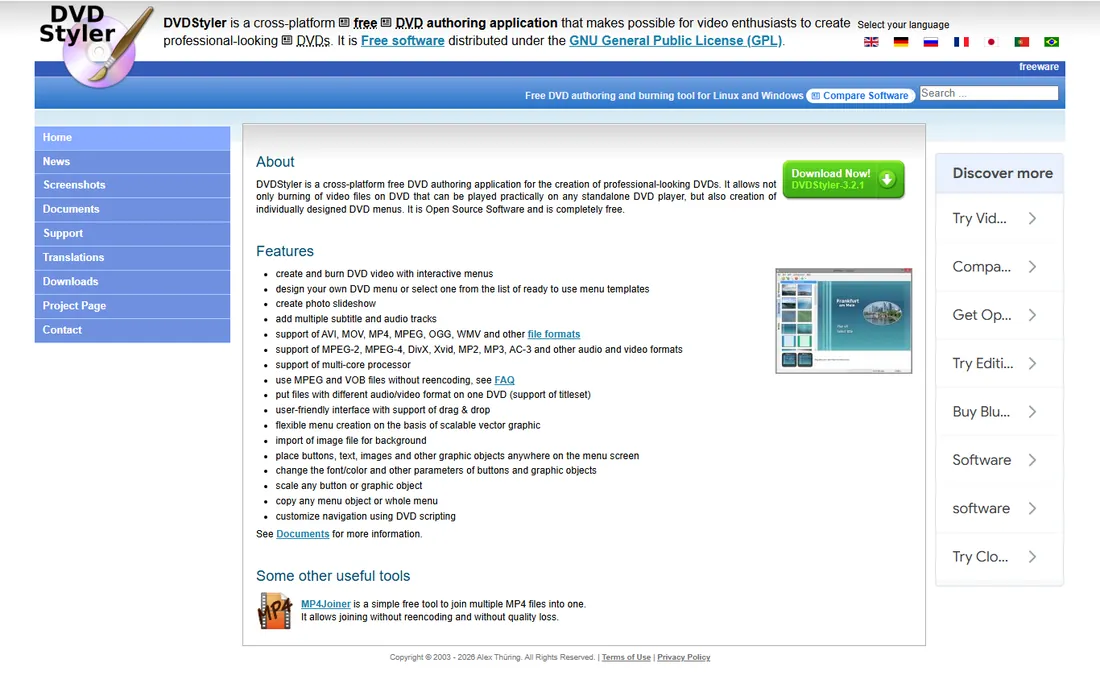
The free option here is not a stripped-down teaser. DVDStyler authors proper DVD-Video discs with interactive menus, buttons, chapter points and subtitles, the same structure commercial discs use. You can drag in AVI, MP4, MOV, MPEG and other files, design a menu from a template or from scratch with scalable vector graphics, and burn a disc that plays on a standalone player. It runs on Windows, macOS and Linux, which is rare in this category.
The honest trade-off is polish and pace. Development moves slowly, and the interface shows its age next to commercial tools. The adware criticism from older versions (2.8.x era) has not resurfaced in newer releases, and clean copies are available through FossHub, but you should still pick the custom install path and decline anything extra. For a free, legitimate DVD creator with genuine authoring features, nothing else touches it.
What we like- Completely free and open source under the GPL
- Real interactive menu design with templates or custom layouts
- Multiple audio tracks, subtitles and photo slideshows
Watch out for- Interface looks dated
- Latest release is from 2021
- Some past Windows installers bundled optional software, so choose custom install
Starting priceSee website
Free planFree trial
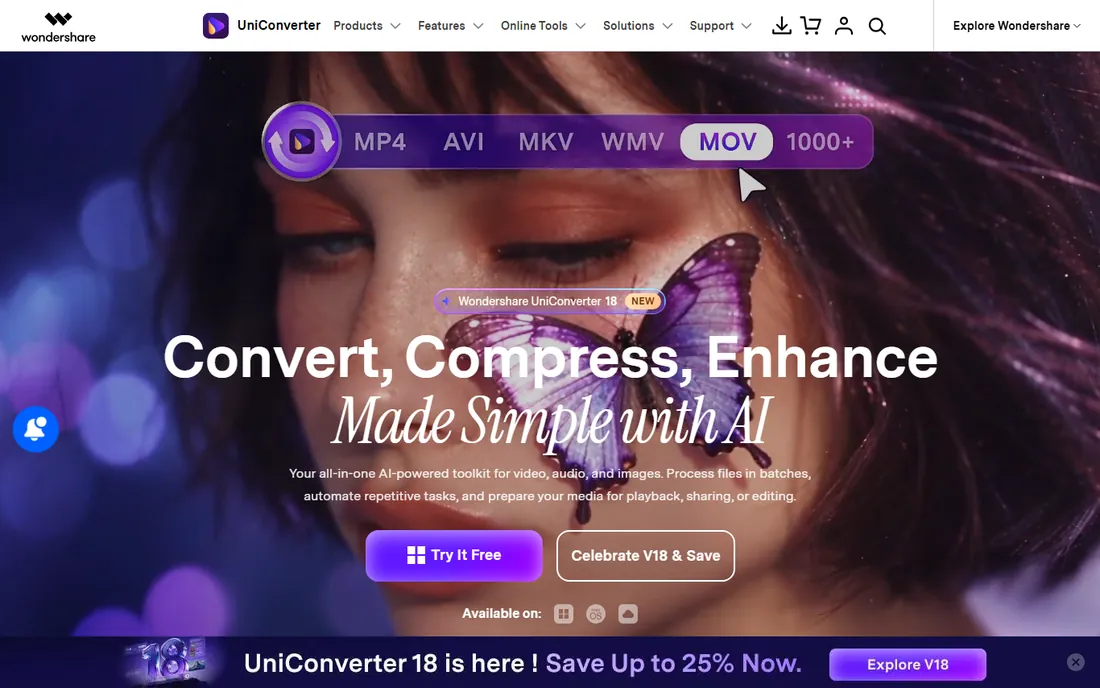
Some buyers do not want a DVD-only tool; they want one program that converts, trims, and burns. UniConverter is built for exactly that buyer. You can pull in a video, convert it to the right format, do basic edits, then burn it to DVD or Blu-ray with a menu, all without leaving the application. Wondershare has positioned it as a video toolkit for years, and the DVD burner is one module among many.
That breadth is also the catch. If you only burn discs occasionally, you are paying for a converter, a compressor, a screen recorder and other modules you may never open. The trial watermarks output, so evaluate the workflow rather than the finished disc. For households and small offices that regularly move video between formats and discs, the convenience justifies the price. For pure DVD authoring, a dedicated tool does more for less.
What we like- Burns DVDs and Blu-ray discs from the same app
- Built-in video converter, editor and screen recorder
- Straightforward guided workflow
Watch out for- Subscription pricing adds up
- Trial output carries a watermark
- Frequent upsells inside the app
Starting priceFree
Free planYes
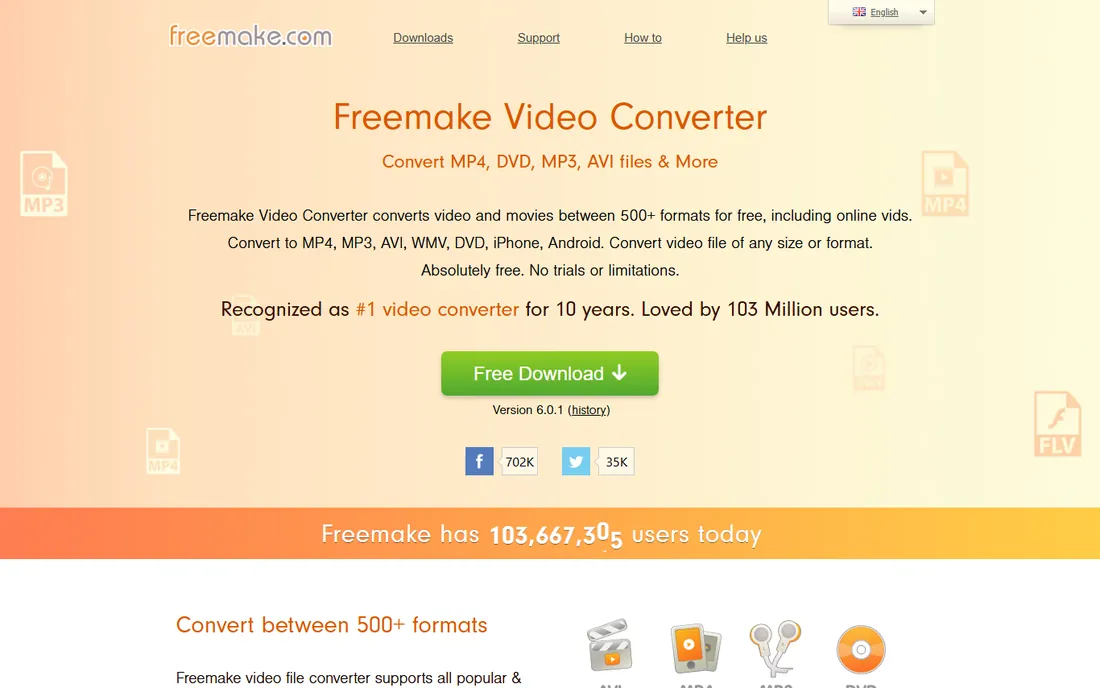
Freemake built its reputation on a simple promise: convert anything to anything for free, including to DVD. Drop in your files, pick the DVD output, choose a basic menu style, and burn. For the common job of turning downloaded or recorded videos into a playable disc, it is one of the fastest free paths available, and format support is genuinely broad.
Two warnings come with the recommendation. The installer has a history of offering extra software, so always choose the custom installation and uncheck what you do not want. And the free version nudges you toward a paid upgrade that removes limitations like watermarks on some outputs. If you can tolerate the upsell screens and install carefully, the core DVD burning works well for zero cost.
What we like- Free to download and use
- Supports over 500 input formats
- Burns to DVD and Blu-ray with basic menus
Watch out for- Installer offers optional bundled software, choose custom setup
- Free version pushes premium upgrades
- Windows only
Starting priceSee website
Free planFree trial
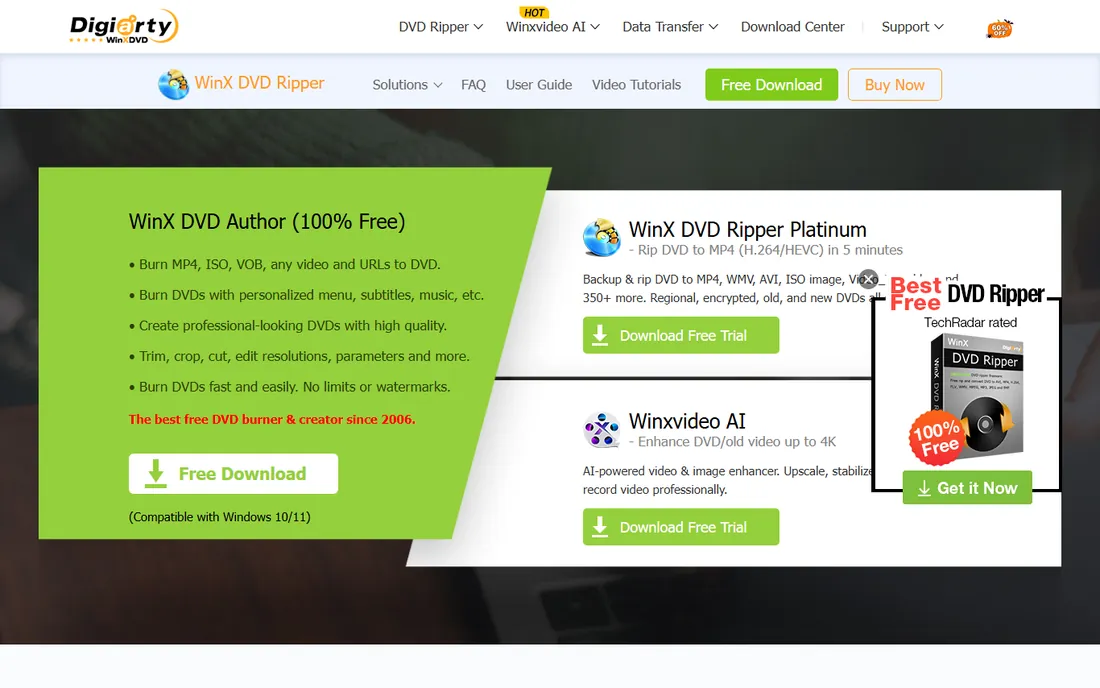
WinX DVD Author takes the intimidation out of disc menus. A wizard walks you from video files to a finished DVD with a title menu, chapter menus, background music and subtitles, and the whole process can run in about an hour for a full disc. It handles the scruffy formats older cameras produced, which matters for anyone digitizing archives: RM, RMVB, ASF and DivX files that modern tools sometimes refuse.
The product shows its age in the interface, and Digiarty's site will try to sell you the rest of the catalog. The trial lets you test the workflow before paying. It is a solid pick for the specific buyer who wants authored DVDs with menus but finds DVDStyler's open-source interface confusing. Just know you are buying into a Windows-only world with little prospect of a Mac version.
What we like- Wizard guides you through menu creation
- Fast encoding engine
- Accepts a wide range of input formats including older ones
Watch out for- Windows only
- Interface feels frozen in time
- Lives inside Digiarty's upsell-heavy product family
Starting priceSee website
Free planFree trial
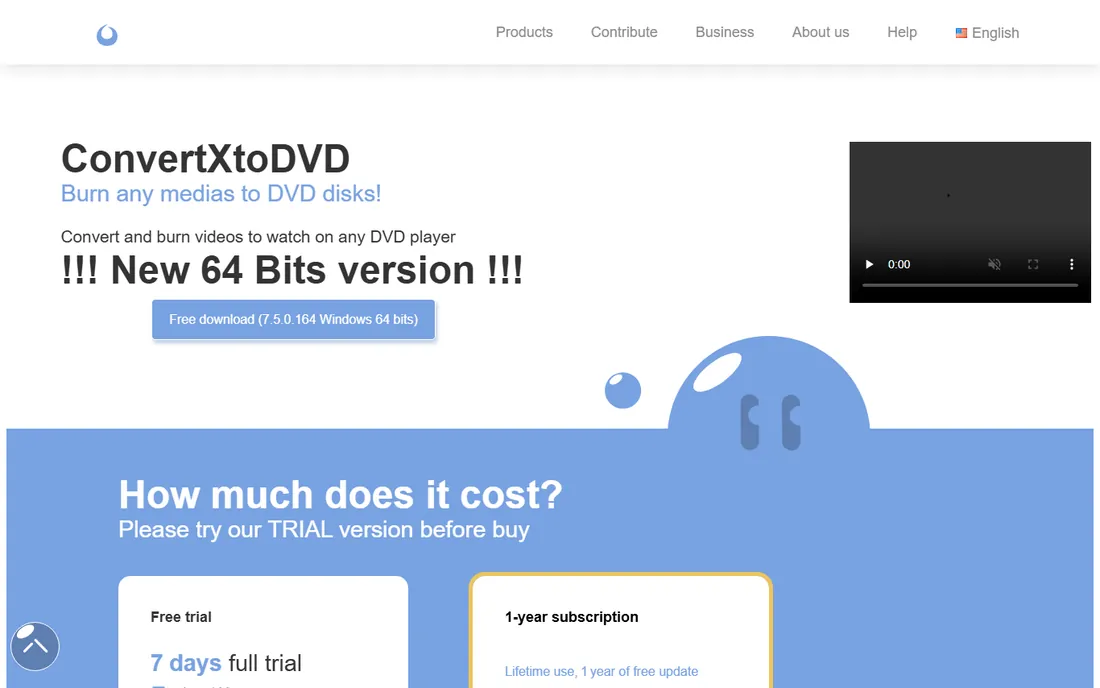
For the single most common DVD job, converting video files into a disc that just plays, ConvertXtoDVD has been the reference tool for years. Version 7 added a live preview so you can see menu changes, subtitle timing and image quality before the long encode runs, which removes the old burn-and-hope anxiety. It handles NTSC and PAL, widescreen and fullscreen, subtitles in SRT and other formats, and chapter creation with a preview window.
The trial is genuinely useful for learning the program but watermarks the output, so your evaluation discs are not keepers. Pricing has historically been a one-time license rather than a subscription, which suits occasional burners. The main limitation is ambition: if you want deep menu scripting or Blu-ray authoring, look elsewhere. For video-to-DVD conversion done right, it remains hard to beat.
What we like- Live preview shows edits before converting
- Solid menu templates with background video and audio
- Multi-core and hardware decoding support
Watch out for- Trial output carries a watermark
- Windows only
- Interface has not kept up with modern design
Starting priceFree
Free planYes
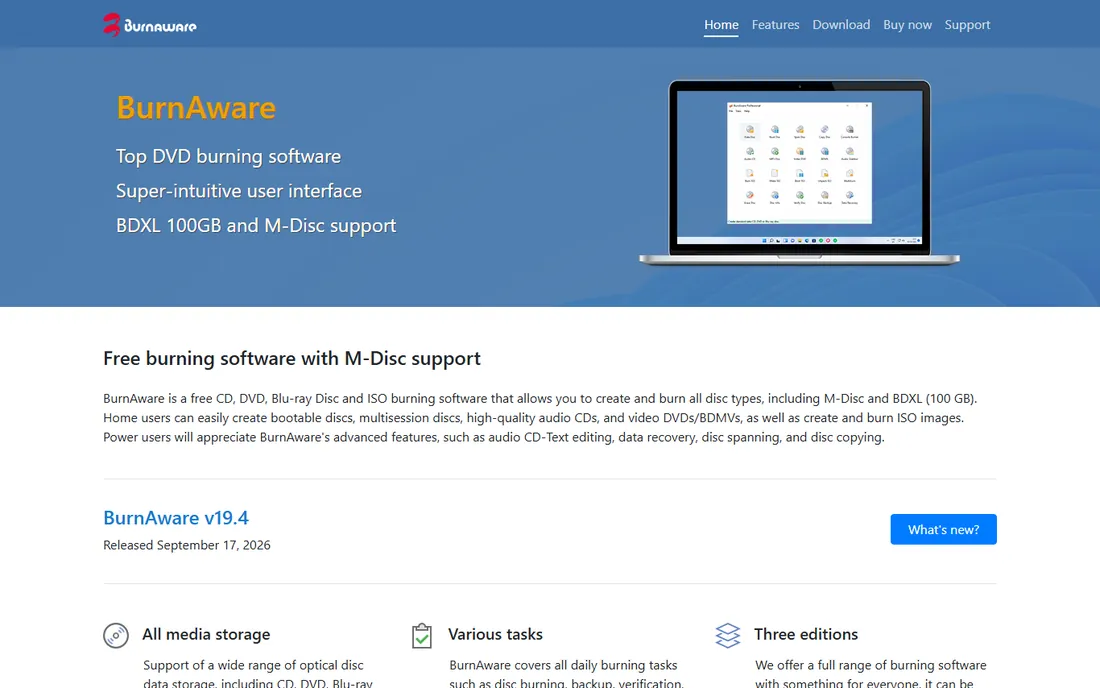
Not every disc job needs menus and chapters. Sometimes you need to burn files to a DVD, make an ISO, copy a disc, or create an audio CD, and you want it done in two minutes. BurnAware Free handles all of that with one of the smallest footprints in the category, and it barely touches your CPU while burning, so you can keep working. Paid Premium and Professional tiers add features like DVD-Video authoring extras and commercial use rights.
Be clear about what you are buying, though. BurnAware is a burning utility first and a DVD-Video authoring tool second. If your goal is a polished disc with animated menus, DVDStyler or ConvertXtoDVD serve you better. If your goal is reliable, no-drama disc burning with ISO and disc-copy utilities thrown in, the free edition is one of the best values on this list.
What we like- Free edition covers everyday burning
- Tiny installer with very low CPU use while burning
- Clean, simple interface
Watch out for- Advanced DVD-Video menu features sit in paid tiers
- Windows only
- Data-disc focused rather than a full authoring suite

#7
Ashampoo Burning Studio
Best for: all-round disc projects with slideshows
Visit ashampoo.com
Starting priceSee website
Free planFree trial
Ashampoo Burning Studio aims to be the one disc program a household needs. Beyond burning data, audio and video discs, it builds photo slideshows with transitions and background music, creates and burns disc images, and handles backups with password protection across multiple volumes. The interface is friendlier than most competitors, which matters for the family archivist who burns discs a few times a year.
Pricing follows Ashampoo's familiar pattern of frequent discounts and versioned releases, so never pay the sticker price without checking for a sale. A trial is available for evaluation. The trade-off is focus: it does many disc jobs competently without being the best at DVD-Video authoring specifically. Buyers who mainly want authored movie discs with custom menus will get more from a dedicated authoring tool.
What we like- Slideshow creator with over 140 transition effects
- Backup and disc image tools included
- Polished, approachable interface
Watch out for- Windows only
- Version numbering across editions is confusing
- Installer and app promote other Ashampoo products
Starting priceFree
Free planYes
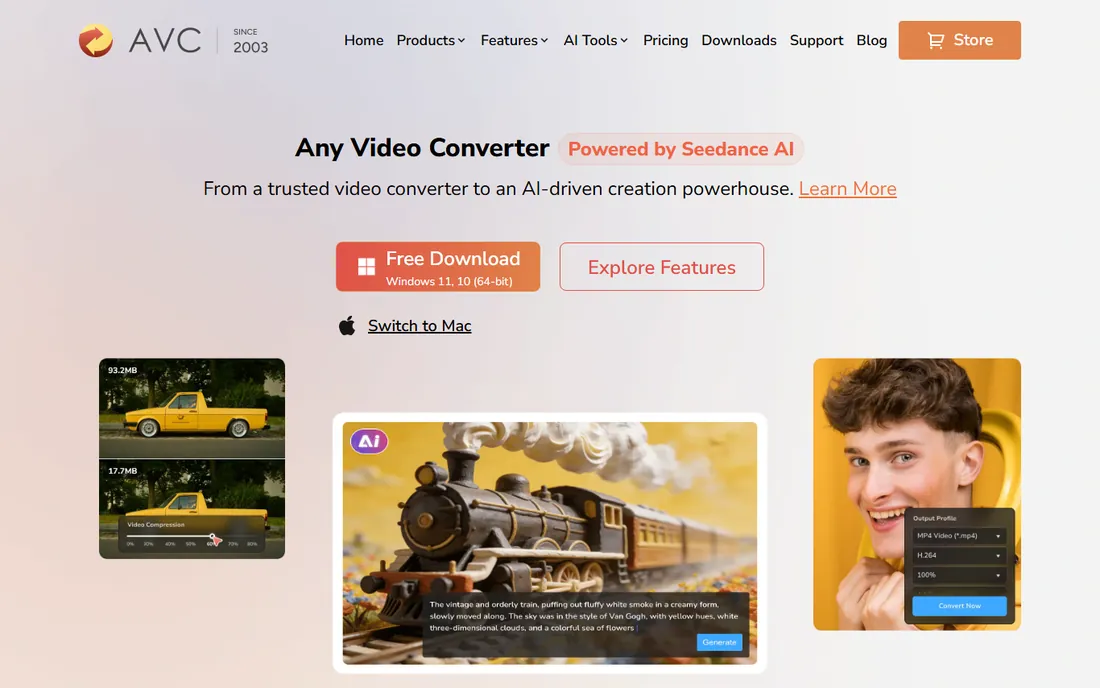
Any Video Converter from Anvsoft is another free-first toolkit where DVD burning is one feature among many. The free version converts between formats, downloads online videos, trims and merges clips, extracts audio, and burns video to DVD or AVCHD discs. For a buyer who wants one free download that handles the whole journey from online video to physical disc, it covers more ground than single-purpose burners.
The cost of free here is attention. The installer and the interface both push optional software and the paid Ultimate edition, so install carefully and ignore the noise. DVD menu options are basic compared with DVDStyler or ConvertXtoDVD. Treat it as a capable free converter with usable DVD burning attached, not as a dedicated authoring suite, and it earns its place.
What we like- Free version converts and burns
- Burns to DVD and AVCHD discs
- Downloads online video and extracts audio
Watch out for- Installer bundles optional offers, use custom install
- Interface is busy with upsells
- Mac version lags behind Windows
What to check before you buy
First, decide whether you need authoring or just burning. Authoring means menus, chapters and subtitles on a DVD-Video disc that plays in a standalone player; DVDStyler, ConvertXtoDVD, WinX DVD Author and UniConverter do this. Burning means writing files, ISOs or simple video to disc; BurnAware and Ashampoo cover it. Buying an authoring tool for data backups, or a burning utility for wedding DVDs with menus, wastes money either way.
Second, check your format pipeline. If your source files are MP4s from a phone, almost everything works. If you are digitizing old camcorder tapes or odd formats like RMVB, confirm the tool accepts them before you commit; WinX and ConvertXtoDVD are strongest with legacy formats. Also confirm NTSC versus PAL if your discs will play on older televisions in a specific region.
Third, verify the platform. This category is overwhelmingly Windows-only. DVDStyler is the notable exception with macOS and Linux builds, and Any Video Converter has a Mac version. If you work on a Mac, your shortlist is basically those two plus whatever runs in a virtual machine, which is a poor experience for disc burning.
Free versus paid in this category
DVD software pricing is a minefield of trials, watermarks and bundled offers, so read carefully. Truly free tools here are DVDStyler (open source, no catch beyond an old interface) and the free editions of Freemake, BurnAware and Any Video Converter. The free editions work, but expect upsell screens and, in some cases, watermarks or feature limits.
Paid tools generally use one-time licenses rather than subscriptions, which fits a job you do occasionally. Trials are common but often watermark the output, which makes them fine for learning and useless for producing a keeper disc. Before paying, confirm the license covers the features you need: DVD-Video menu authoring, for example, sometimes sits in a higher tier than basic burning.
One practical rule: never pay full price on day one. Ashampoo, Wondershare and Digiarty all run frequent discounts, and prices on their own sites move around. Download the trial, complete a real project, check the burned disc in an actual player, then buy during a sale if the tool earned it.
Frequently asked questions
Do I still need DVD making software in 2026?
For specific jobs, yes. Wedding videographers, churches, schools and families archiving footage still need physical discs for people without reliable internet or with older players. If your audience streams everything, you do not need it. Match the tool to the audience, not to nostalgia.
What is the difference between DVD authoring and DVD burning?
Authoring creates a DVD-Video disc with menus, chapters and subtitles that plays in standalone DVD players. Burning writes files, disc images or video to a disc, which a computer can read but a living-room player may not play as a movie. For a disc that behaves like a commercial movie, you need authoring software.
Can I burn a DVD on Windows 11 without extra software?
Windows 11 can burn data discs natively, but it cannot author DVD-Video discs with menus. For a playable movie DVD with chapters and menus, you need one of the tools on this list. You will also need a DVD burner drive, which most modern laptops no longer include, so factor in an external USB drive.
Why does my burned DVD not play in my DVD player?
The usual causes are a data disc instead of a DVD-Video disc, the wrong TV standard (NTSC versus PAL), or low-quality blank media. Author the project as DVD-Video in your software, match the region standard, and burn at a moderate speed on reputable blank discs. Testing in the actual player before duplicating saves wasted discs.
Is free DVD software safe to install?
The reputable free tools are safe if you download from the official site and choose custom installation. DVDStyler, Freemake, BurnAware and Any Video Converter have all faced criticism at some point for optional bundled software in their installers, so decline anything extra during setup. Never download DVD software from random mirror sites.
How long does it take to burn a DVD?
Encoding a full-length movie to DVD-Video typically takes 30 to 90 minutes depending on your CPU, the source format and the software's encoder. The actual burn adds another 10 to 20 minutes. Tools with hardware acceleration, like ConvertXtoDVD, cut the encoding stage noticeably on supported graphics cards.
How we chose
We focused on a concrete buyer: someone who needs to produce playable DVDs in 2026, whether for clients, a congregation, or family archives. We checked each vendor's current product pages and documentation, read user discussion on forums and review sites, and weighted real DVD-Video authoring capability over generic burning features. We excluded discontinued products and tools that only rip or copy discs without creating them. We did not test the software hands-on, and no vendor paid for placement.
Sources we checked (8)
- https://www.dvdstyler.org/en
- https://uniconverter.wondershare.com/
- https://www.freemake.com/free_video_converter/
- http://www.winxdvd.com/dvd-author/index.html
- http://www.vso-software.fr/products/convert_x_to_dvd/
- https://www.burnaware.com/
- https://www.ashampoo.com/
- https://www.any-video-converter.com/
Is your product missing or out of date?
We review this list regularly. Vendors can request a listing, send updated pricing or ask about featured placement.

Shihab Mia · Founder, Rankite
Shihab has spent more than a decade helping SaaS and e-commerce brands grow through search. He writes Rankite's software buying guides from pricing pages, documentation and public user reviews. More about Shihab.
 DVDStyler
 Wondershare UniConverter
 Freemake Video Converter
 WinX DVD Author
 VSO ConvertXtoDVD
 BurnAware
 Any Video Converter