How we make this list: we compare pricing pages, product documentation and public user reviews. Rankite is independent; if a vendor ever pays for a featured spot, that listing is clearly labeled Partner.
Key takeaways
- Topaz Video AI remains the quality benchmark for serious restoration work, now subscription-only at $299 per year for the Personal plan.
- HitPaw VikPea and AVCLabs Video Enhancer AI are the friendliest picks for non-technical creators, with guided models and monthly plans under $45.
- If upscaling is one job among many, VideoProc Converter AI and Winxvideo AI bundle it with conversion, compression and editing for $34.95 per year.
- DaVinci Resolve is the only genuinely free option worth using, with Super Scale built into the free version for basic upscaling inside a real editor.
Quick comparison
| Tool | Best for | Starting price | Free plan |
|---|
 Topaz Video AI Topaz Video AI | Professional restoration and archival work | $299 per year (Personal) | Free trial (exports are watermarked) |
 HitPaw VikPea HitPaw VikPea | One-click enhancement for creators | $43.19 per month | Free trial (preview only, no exports) |
 AVCLabs Video Enhancer AI AVCLabs Video Enhancer AI | Affordable upscaling with a lifetime option | $39.95 per month | Free trial (watermarked, 30-second export cap) |
 UniFab Video Upscaler AI UniFab Video Upscaler AI | Upscaling up to 16K on Windows and Mac | $99.99 per year | Free trial (3 watermark-free uses) |
 Nero AI Video Upscaler Nero AI Video Upscaler | Simple 4K and 8K upscaling on Windows | $84.95 per year | Free trial (7 days, no credit card, no watermark) |
 VideoProc Converter AI VideoProc Converter AI | Upscaling plus conversion and editing | $34.95 per year (3 PCs) | Free trial (limited export length and AI runs) |
 Winxvideo AI Winxvideo AI | Fast GPU-accelerated upscaling | $34.95 per year (3 PCs) | Free trial (limited AI exports and 5-minute caps) |
 Pixop Pixop | Pay-per-use cloud enhancement | About $0.10 per second of processed video | Free trial (limited features) |
 DaVinci Resolve DaVinci Resolve | Free upscaling inside a full editor | Free (Studio version $295 one-time) | Yes |
Is your product missing or out of date?
We review this list regularly. Vendors can request a listing, send updated pricing or ask about featured placement.
The best video upscaling software
Starting price$299 per year (Personal)
Free planFree trial (exports are watermarked)
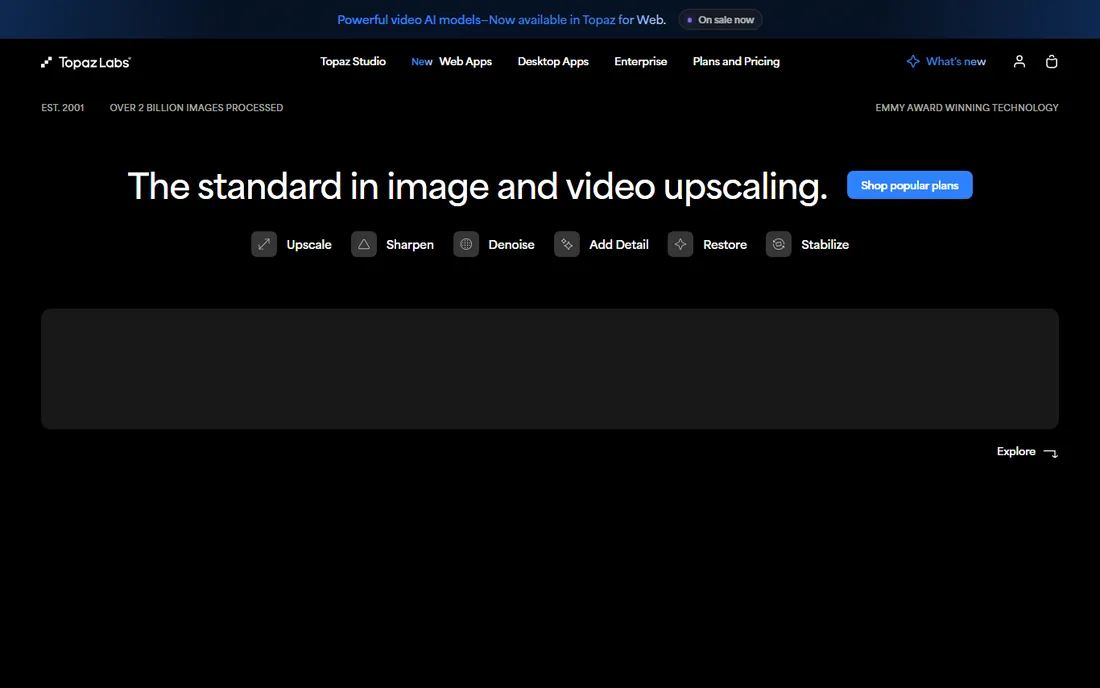
Topaz Video AI is the tool editors name first when a project actually matters. Its model library covers the hard cases: noisy low-light footage, soft faces, interlaced old video, and clips that need frame-rate conversion on top of upscaling. The Proteus, Iris and Rhea models each target different damage, and the newer Starlight models push quality further at the cost of much longer renders.
The honest catch is the business model change. In October 2025 Topaz retired perpetual licenses, so new buyers rent access at $299 per year for Personal or $699 for Pro, and stopping payment ends access entirely. Cloud rendering for the newest generative models also burns credits on top of the subscription. For a working editor with a stack of client footage, the quality justifies it. For a one-off project, the monthly route or a cheaper tool makes more sense.
What we like- Deepest set of AI models on the market
- Excellent face and detail recovery
- Strong frame interpolation and stabilization
Watch out for- Subscription-only since late 2025, no more perpetual license
- Demands a powerful GPU for reasonable render times
Starting price$43.19 per month
Free planFree trial (preview only, no exports)
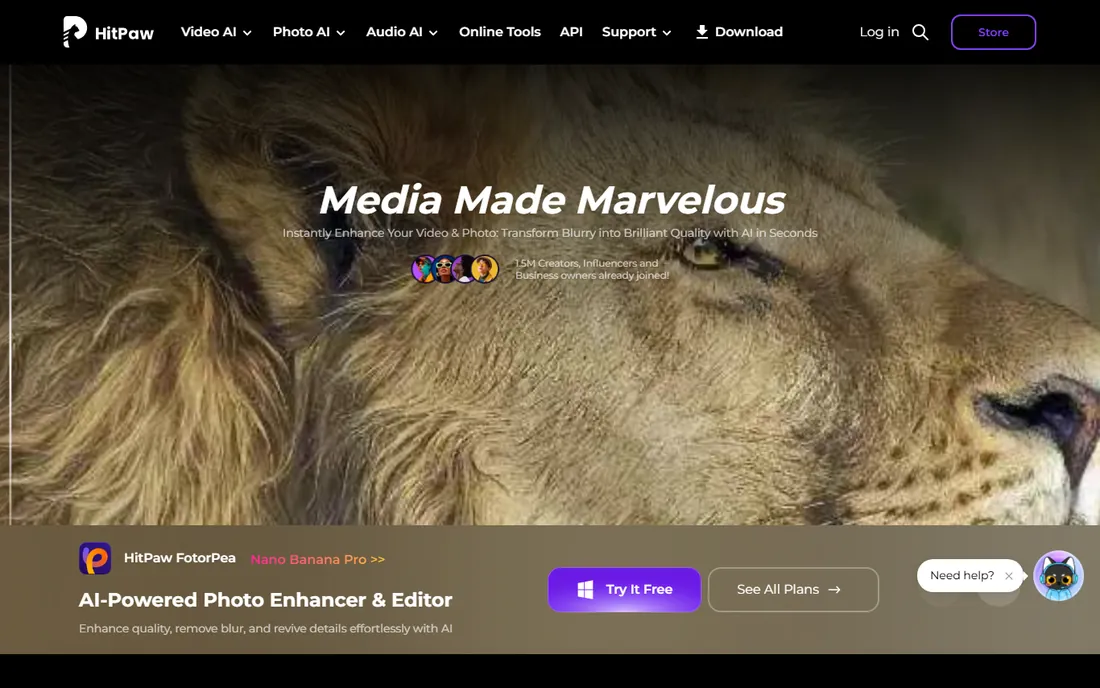
HitPaw VikPea takes the opposite approach: pick a model, press start, done. Instead of exposing dozens of parameters, it ships task-specific models for portraits, noise, animation and old film, plus tools for colorization, stabilization and frame interpolation in the same window. Creators who receive imperfect footage, wedding videographers digitizing tapes, and sellers polishing product clips all fit the target audience.
The pricing structure rewards commitment. Month to month costs $43.19, the annual plan drops to $99.99 per year, and a perpetual license runs $350.39 with updates limited to the current major version. The trial lets you preview results on your own footage but not export them, so budget a month of testing before you rely on it for a deadline.
What we like- Very approachable interface with scene-specific models
- Upscales to 8K
- Includes extras like background removal and SDR to HDR
Watch out for- Monthly plan is pricey next to annual competitors
- Generative video features consume extra credits
#3
AVCLabs Video Enhancer AI
Best for: Affordable upscaling with a lifetime option
Visit avclabs.com
Starting price$39.95 per month
Free planFree trial (watermarked, 30-second export cap)
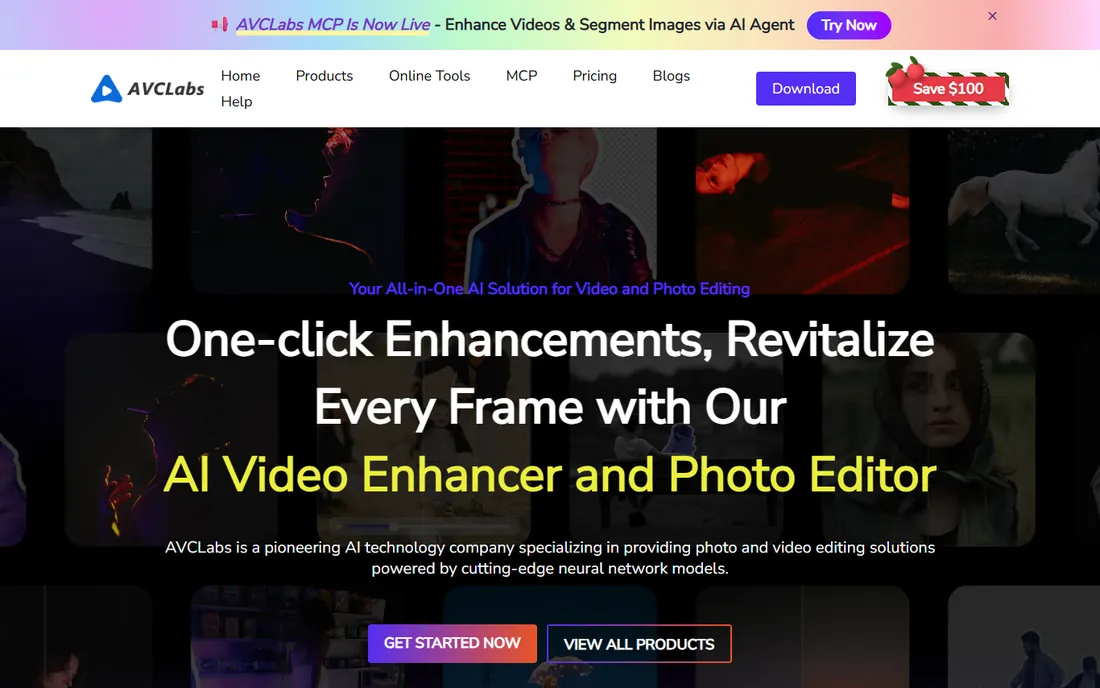
AVCLabs sits in the gap between Topaz pricing and free tools that disappoint. The upscaler reaches 4x resolution with multi-frame models, and the face refinement feature specifically targets blurry faces in old home video. It also bundles colorization, deinterlacing and blur tools, so one purchase covers several restoration jobs. Batch processing helps when an archive contains dozens of clips.
Where AVCLabs wins is the lifetime plan, often discounted to around $199.90, which includes all current models and free updates. The subscription tiers auto-renew with a short money-back window, so mark your calendar if you buy monthly for a single project. Realistic hardware expectations matter here: without a dedicated NVIDIA card, 4K upscales take a long time.
What we like- Flexible monthly, annual and lifetime plans
- Dedicated face refinement model
- Pause and resume long renders
Watch out for- Slower than rivals on mid-range hardware
- The interface exposes many settings that can overwhelm beginners
#4
UniFab Video Upscaler AI
Best for: Upscaling up to 16K on Windows and Mac
Visit unifab.ai
Starting price$99.99 per year
Free planFree trial (3 watermark-free uses)
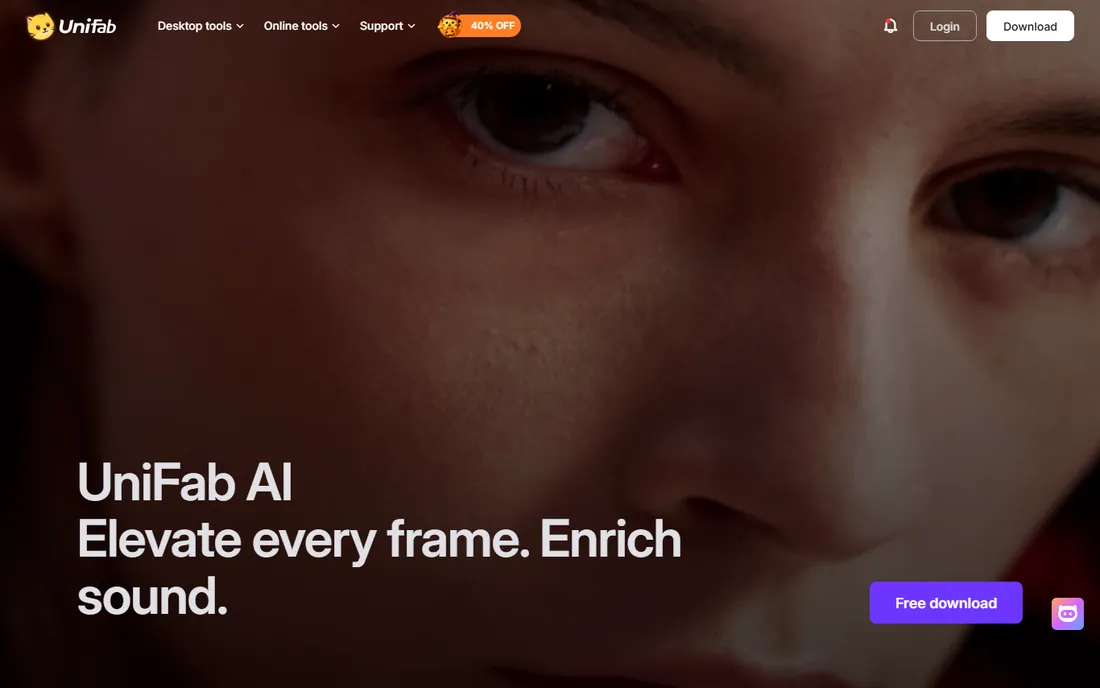
If you buy DVDs and Blu-rays, you already know the company behind UniFab. It grew out of the DVDFab line, and the upscaler fits the same audience: people with large personal media libraries who want old discs and downloads to look better on modern screens. The headline feature is a 16K local output ceiling, far above the 4K or 8K limits of most rivals, though few viewers will ever need it.
Pricing is sold per module or as bundles: the Video Upscaler AI runs about $99.99 per year or $139.99 lifetime, while the All-In-One suite bundles 14 plus tools. The trial is unusually generous, three full watermark-free uses, so you can judge quality on your own files before paying. Check exactly which module a price covers before checkout, because the product names overlap.
What we like- Local upscaling up to 16K, the highest ceiling here
- Works on Windows and Mac
- Cloud fallback when your GPU is weak
Watch out for- Product naming and bundling is confusing
- Standalone quality reviews are mixed on fine detail
#5
Nero AI Video Upscaler
Best for: Simple 4K and 8K upscaling on Windows
Visit ai.nero.com
Starting price$84.95 per year
Free planFree trial (7 days, no credit card, no watermark)
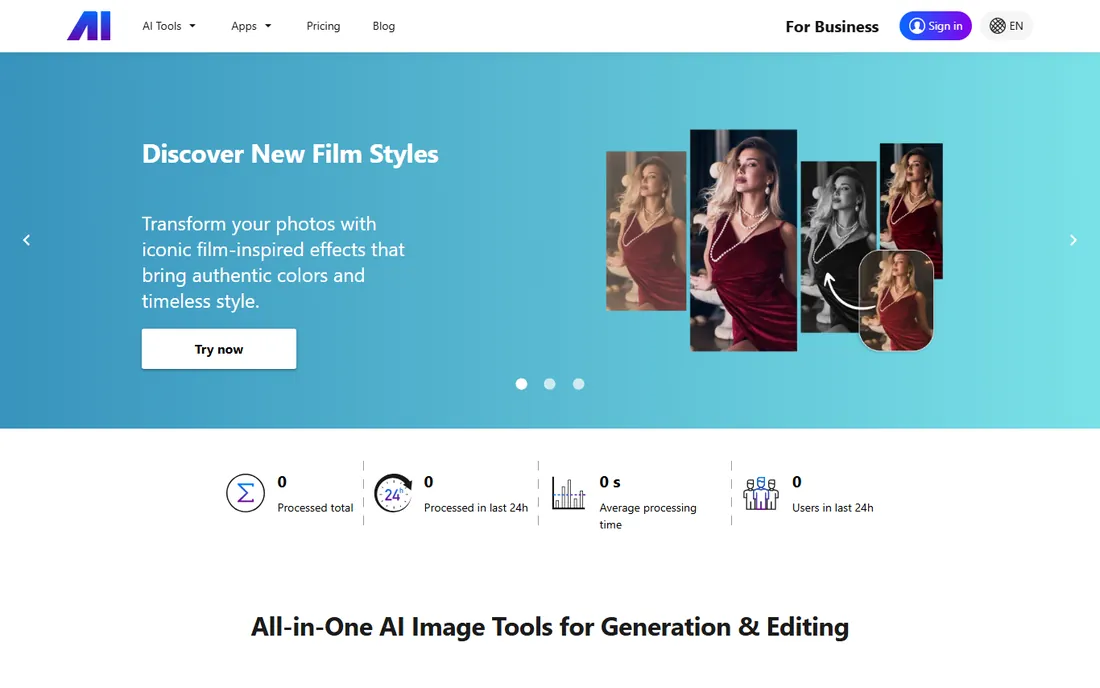
The Nero name goes back decades, and its AI upscaler keeps the same practical streak. It does one thing, resolution enhancement up to 8K, with six focused models including animation and face enhancement, plus frame interpolation that reaches 120fps. There is no timeline to learn and no stack of unrelated features competing for attention.
The trial is the most generous on this list: seven days, no credit card, and exports without a watermark, so you can finish a real short project before spending anything. The standard price is $84.95 per year for one PC. The limitation is scope. If you also need conversion, compression or editing, you will buy a second tool, while cheaper all-in-one options bundle those jobs.
What we like- Generous no-card trial with watermark-free exports
- Dedicated animation model
- Frame interpolation up to 120fps
Watch out for- Windows only
- Narrower toolset than all-in-one rivals
Starting price$34.95 per year (3 PCs)
Free planFree trial (limited export length and AI runs)
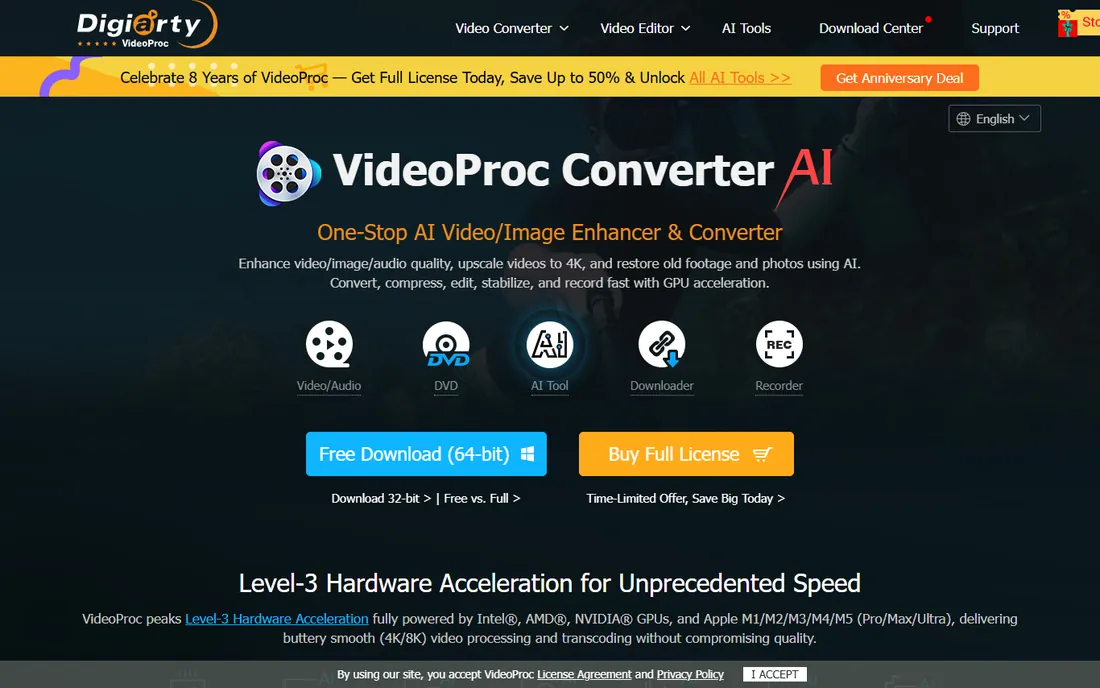
VideoProc Converter AI is the pick when upscaling is one job among many. Its AI Super Resolution upscales to 4K alongside frame interpolation, stabilization and face restoration, and the same app converts between hundreds of formats, compresses oversized files, trims clips and records screens. For a creator who also needs to shrink a 4K drone file for upload, that combination is hard to beat at the price.
The Premium 365 plan costs $34.95 per year and covers three computers, with lifetime licenses around $54.95 for one PC. Be honest about the trade: independent tests rate its upscaling as good but not class-leading, and the free trial caps export length. Buy it for the bundle value, and treat upscaling as a strong bonus rather than the headline.
What we like- Full media toolkit, conversion, compression, editing, recording and downloading
- Strong GPU acceleration
- Low price
Watch out for- Upscaling quality trails the dedicated leaders
- The interface packs in a lot, which can feel busy
Starting price$34.95 per year (3 PCs)
Free planFree trial (limited AI exports and 5-minute caps)
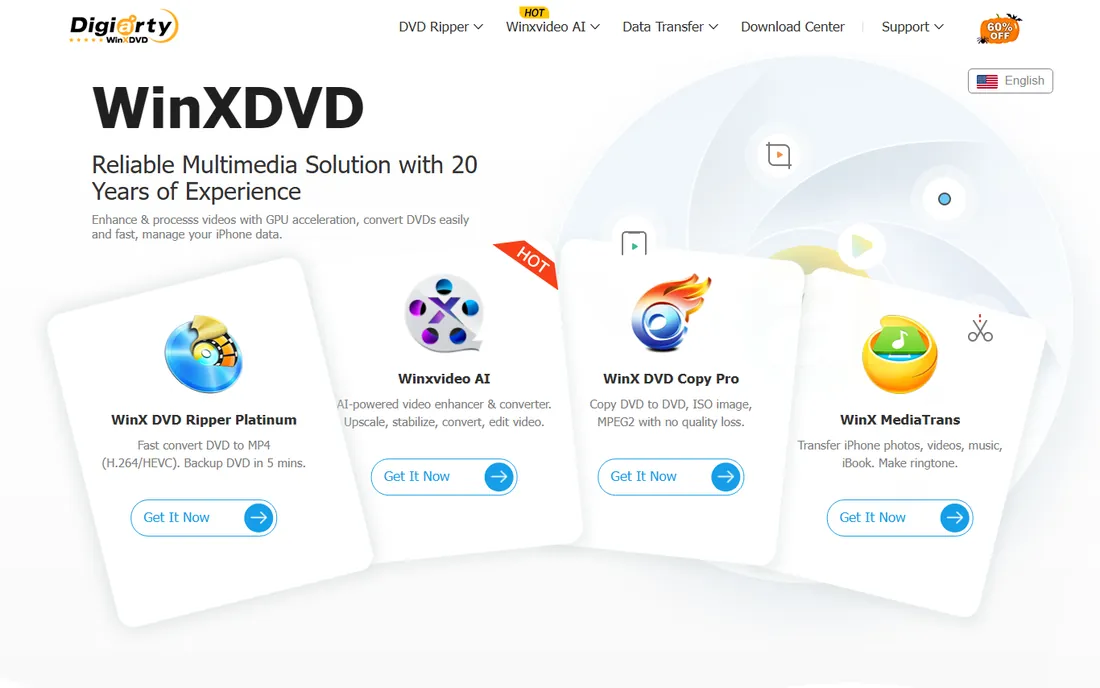
Winxvideo AI comes from the same company as VideoProc, with speed as its pitch. Level-3 hardware acceleration across NVIDIA, AMD and Intel keeps renders moving on hardware that would choke Topaz, and the Super Resolution models handle everyday footage, phone clips, screen recordings and downloads, with natural-looking results. It also converts, compresses and records, so it can replace two or three utilities at once.
Pricing mirrors VideoProc: $34.95 for the first year on three PCs, $54.95 for a lifetime license on one. The honest limits are a Windows-only build, no cloud fallback for weak machines, and quality that falls short on severely degraded sources where Topaz or AVCLabs earn their keep. For clean-ish footage on a mid-range PC, it is one of the fastest ways to get to 4K.
What we like- Fast rendering with deep GPU acceleration
- Lifetime license is cheap
- Includes conversion, compression and screen recording
Watch out for- Windows only
- Weaker on badly damaged sources
- No cloud rendering option
Starting priceAbout $0.10 per second of processed video
Free planFree trial (limited features)
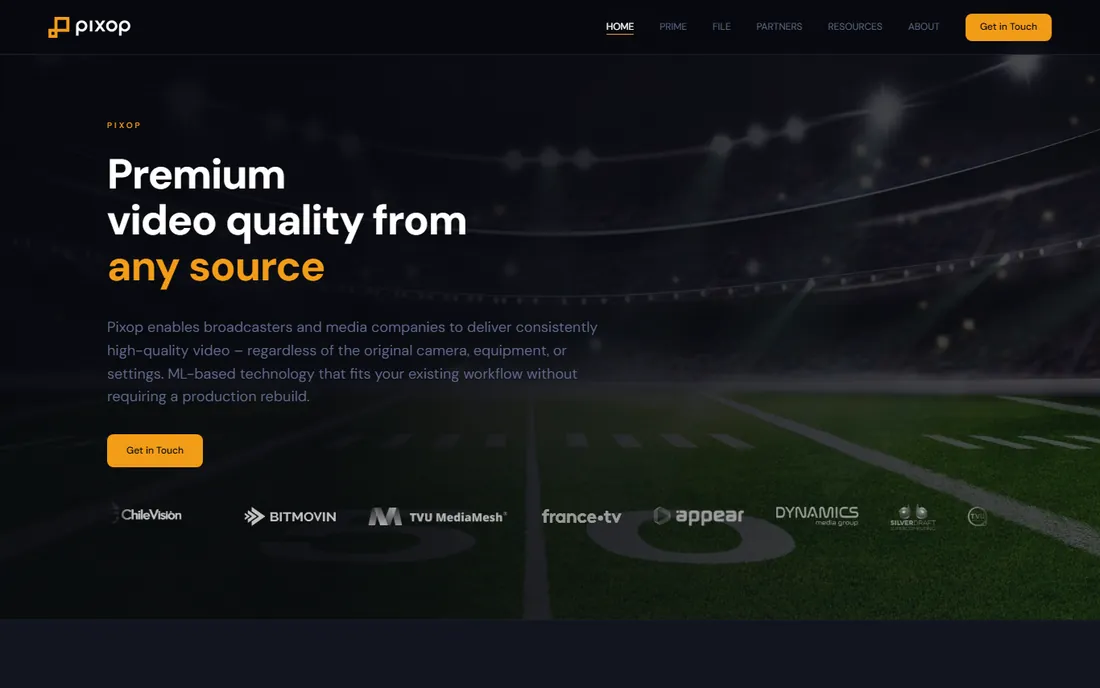
Pixop does not sell software the way the rest of this list does. It is a cloud platform: you upload footage, its machine-learning pipeline handles deinterlacing, denoising, super-resolution and frame-rate conversion, and you download the result. That removes the biggest barrier in this category, the expensive GPU, and puts broadcast-grade processing within reach of anyone with a browser.
The pricing is usage-based, roughly $0.10 per processed second on the starter tier, with volume plans for 40 or 100 minutes of footage. A five-minute clip costs a few dozen dollars, which beats buying a $300 subscription for a single archive project but loses badly if you upscale weekly. Pixop also licenses its pipeline to broadcasters and offers an API, which explains the enterprise-leaning support and documentation.
What we like- No software to install and no GPU to buy
- Broadcast-grade pipeline with 8K output
- Pay only for what you process
Watch out for- Costs add up fast on long footage
- Aimed at media companies, so small creators get less hand-holding
Starting priceFree (Studio version $295 one-time)
Free planYes
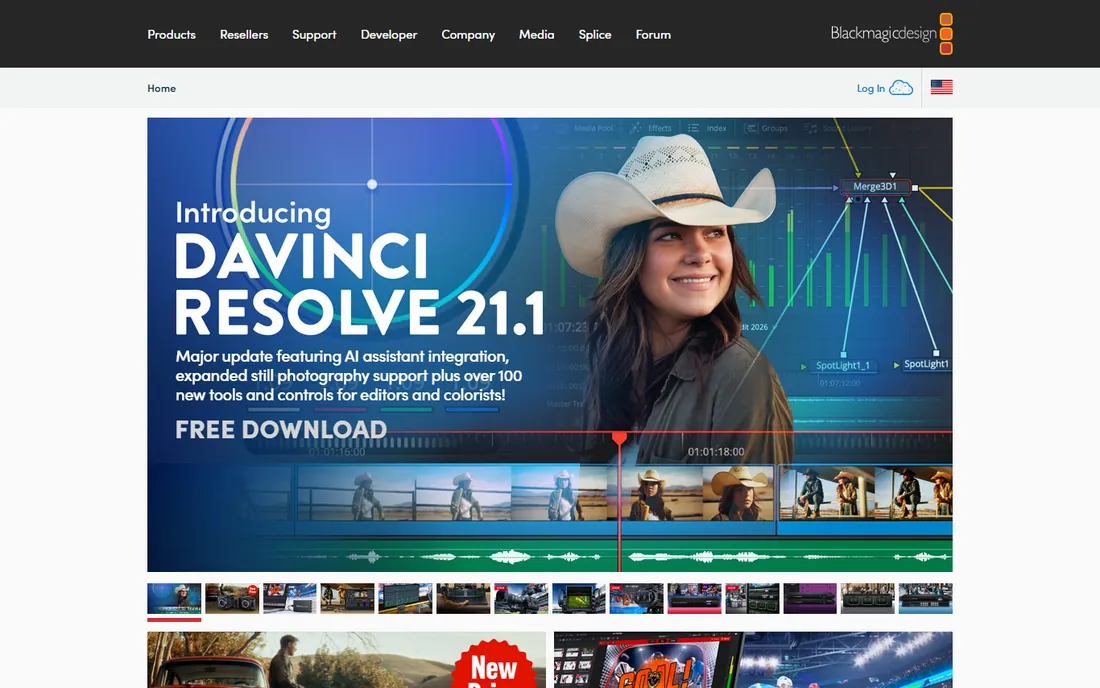
The free option is not a toy. DaVinci Resolve is a professional editor used on real productions, and its free version includes Super Scale, which upscales footage to 2x or 4x with noticeably better results than a plain resize. If you already edit in Resolve, upscaling a soft clip is a right-click away, with no extra purchase and no export watermark.
Set expectations correctly. Super Scale is a solid traditional upscaler, not a generative AI model, so it will not invent detail or rescue faces the way Topaz or AVCLabs attempt to. The Studio version at $295 one-time adds neural-engine features, but the free tier covers the upscaling use case on its own. For creators on a zero budget, this is where to start before spending on anything above.
What we like- Completely free with no watermark
- Super Scale upscaling built in
- A complete professional editor and color suite
Watch out for- Upscaling quality is basic next to dedicated AI tools
- The full app has a real learning curve
How we chose
We compared pricing pages, feature lists and documentation from each vendor, plus public user reviews on G2, Capterra, Trustpilot and Reddit, and independent test reports from tech publications. Every price above reflects a 2026 snapshot from the vendor or a current third-party pricing breakdown, and every tool is a real, currently sold product. We did not install or benchmark these tools ourselves, so quality judgments rest on documented features, published test results and the consensus of working editors.
Old family footage and archives
Grain, interlacing and soft faces are the problems, and face-aware models matter most. Topaz Video AI and AVCLabs both ship dedicated face recovery, while HitPaw VikPea packages the same ideas in a simpler interface. If the archive is large, AVCLabs lifetime pricing or HitPaw annual pricing beats paying per minute in the cloud.
Creator and social content
Phone clips, screen recordings and compressed downloads usually need moderate cleanup, not miracles. Winxvideo AI and VideoProc Converter AI handle this tier well and cheaply, and DaVinci Resolve covers it free inside an editor. Save the expensive tools for footage that earns money.
Professional and broadcast work
When a client pays for the result, quality per frame and output ceiling decide. Topaz leads on model depth, UniFab on maximum resolution, and Pixop on cloud processing without local hardware. Check export format support before committing, since some pipelines need ProRes or DNxHR rather than H.264.
One-off projects
A single wedding video or a short archive job does not justify a $300 subscription. Pixop charges by the processed second, Nero offers a watermark-free seven-day trial, and UniFab gives three watermark-free trial uses. Run the trial on your actual footage and judge the export, not the preview window.
Cloud credits or local rendering: where the real bill lands
The sticker price is only half the cost of modern upscaling. Most desktop tools render on your GPU for free once you have paid, but they need a strong card, ideally a recent NVIDIA GPU, to finish 4K work in reasonable time. Budget hardware means overnight renders or worse, and that time has a cost.
The newest generative models increasingly run in the cloud on credits, and credits burn fast. Topaz includes a monthly credit allotment and sells more at about $0.10 each, while HitPaw charges credits for its generative features too. Before you buy, estimate your monthly minutes of footage, check how many credits each minute consumes, and compare that against a flat tool like VideoProc. Heavy months can double the effective price of a subscription.
Frequently asked questions
What is the best video upscaling software overall?
For most buyers who want the highest quality, Topaz Video AI is the benchmark, with the deepest AI model library and the strongest results on damaged footage. It costs $299 per year and needs a powerful GPU. Buyers who want simpler software at a lower price should look at HitPaw VikPea or AVCLabs first.
Is there a free video upscaling software without a watermark?
DaVinci Resolve is the best free option. Its free version includes Super Scale upscaling with no watermark, inside a complete professional editor. The quality is a step below dedicated AI upscalers, but the price is zero and the exports are clean.
Can upscaling software really turn 480p into 4K?
It can produce a 4K file from 480p source, and modern AI models make it look much better than a plain resize. What it cannot do is recover detail that was never recorded. Faces get plausible reconstruction rather than true recovery, and heavy compression artifacts sometimes get sharpened instead of removed. Judge tools on your own footage, not on marketing samples.
How much GPU power do I need for AI upscaling?
A dedicated NVIDIA GPU with at least 6GB of VRAM is the practical minimum for 1080p work, and 4K upscaling runs far better on recent RTX cards. Without a discrete GPU, renders slow to a crawl on most desktop tools. If your machine is weak, use a cloud option like Pixop instead of buying software that will frustrate you.
Monthly plan or lifetime license?
Buy monthly or use a trial for a single project, since you can cancel when the work is done. Choose a lifetime license only if you upscale regularly across many months, because AI models improve yearly and a frozen version ages. AVCLabs, HitPaw, UniFab, VideoProc and Winxvideo all sell lifetime options; Topaz no longer does.
Sources we checked (14)
- https://topazlabs.com
- https://www.hitpaw.com
- https://www.avclabs.com
- https://unifab.ai
- https://ai.nero.com
- https://www.videoproc.com
- https://www.winxdvd.com
- https://pixop.com
- https://www.blackmagicdesign.com
- https://www.g2.com/products/videoproc-converter/pricing
- https://unifab.ai/resource/topaz-video-ai-review
- https://www.therundown.ai/tools/nero-ai-video-upscaler
- https://www.videoproc.com/video-editor/winxvideo-ai-review.htm
- https://pcai.nero.com/blog/avclabs-video-enhancer-ai-review
Is your product missing or out of date?
We review this list regularly. Vendors can request a listing, send updated pricing or ask about featured placement.

Shihab Mia · Founder, Rankite
Shihab has spent more than a decade helping SaaS and e-commerce brands grow through search. He writes Rankite's software buying guides from pricing pages, documentation and public user reviews. More about Shihab.